Phone Coloring Pages
 By:
Jennifer Thoa - Content Editor & Designer
Updated:
By:
Jennifer Thoa - Content Editor & Designer
Updated:
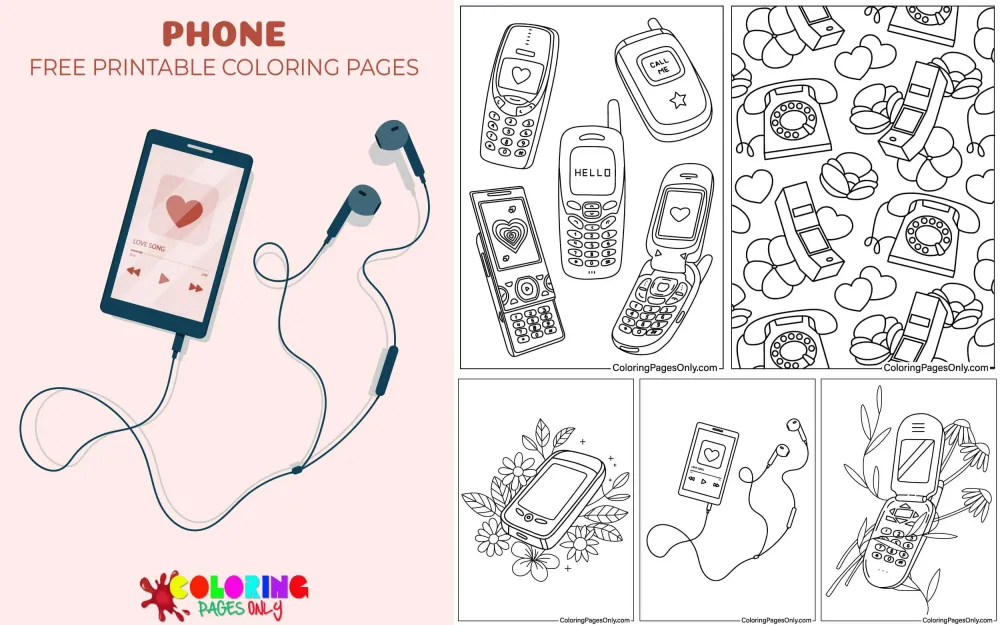
Phone coloring pages: 40 printable PDF designs spanning classic vintage phones, modern smartphones, and plenty of cute, character-driven phone illustrations. Each page can be downloaded as a PDF to print or colored online in the browser.
The device behind these pages has a much shorter history than it might seem. The first handheld mobile phone call was placed on April 3, 1973, by Motorola engineer Martin Cooper, standing on a New York City street corner and calling a rival researcher at Bell Labs to prove it could be done. It took another decade for that technology to reach regular consumers: the first commercially available mobile phone, the Motorola DynaTAC 8000X, went on sale in 1983 for just under $4,000, weighed about two and a half pounds, and offered only 30 minutes of talk time on a 10-hour charge, earning it the nickname “the Brick.” Text messaging came even later. The first SMS text message was sent on December 3, 1992, by an engineer testing the new system, and it simply read “Merry Christmas”; that message later sold at auction as an NFT in 2021 for $150,000. The touchscreen smartphone familiar today didn’t arrive until Apple’s first iPhone in 2007, less than 20 years ago.
With 40 pages split between vintage styles, modern smartphones, and cute character illustrations, the set works as a quick single-page project and as a small visual timeline of how much the phone has changed.
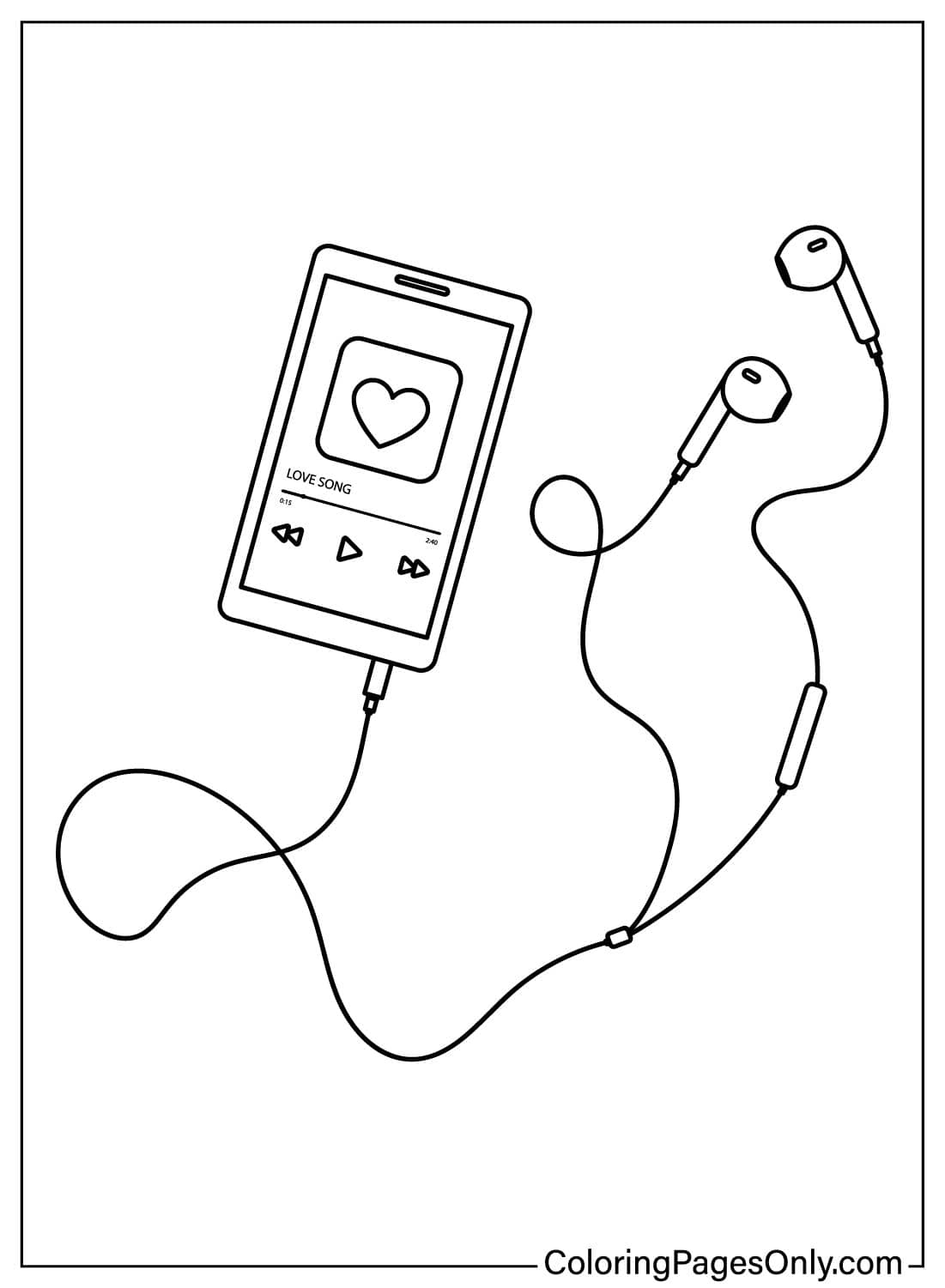
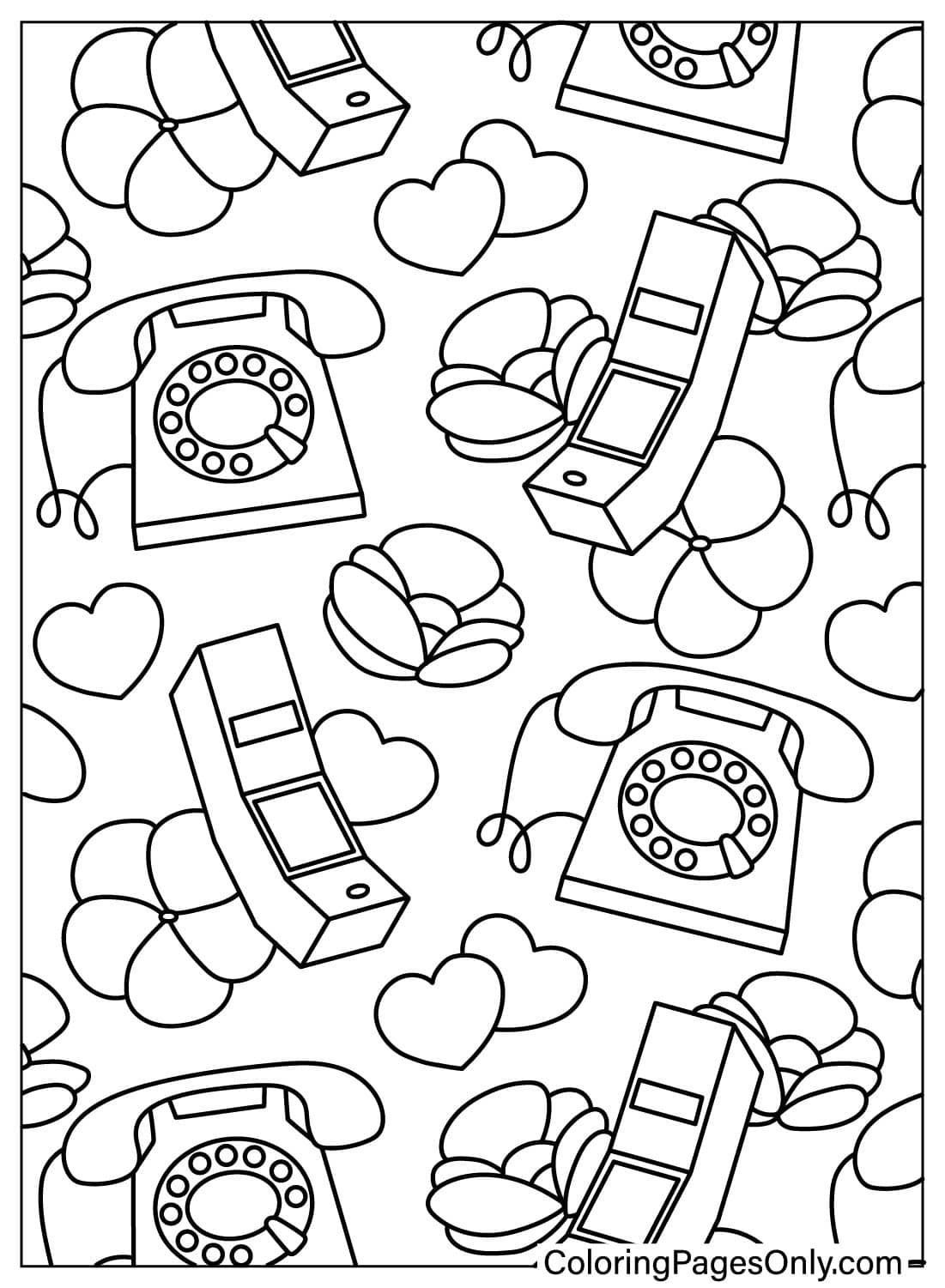
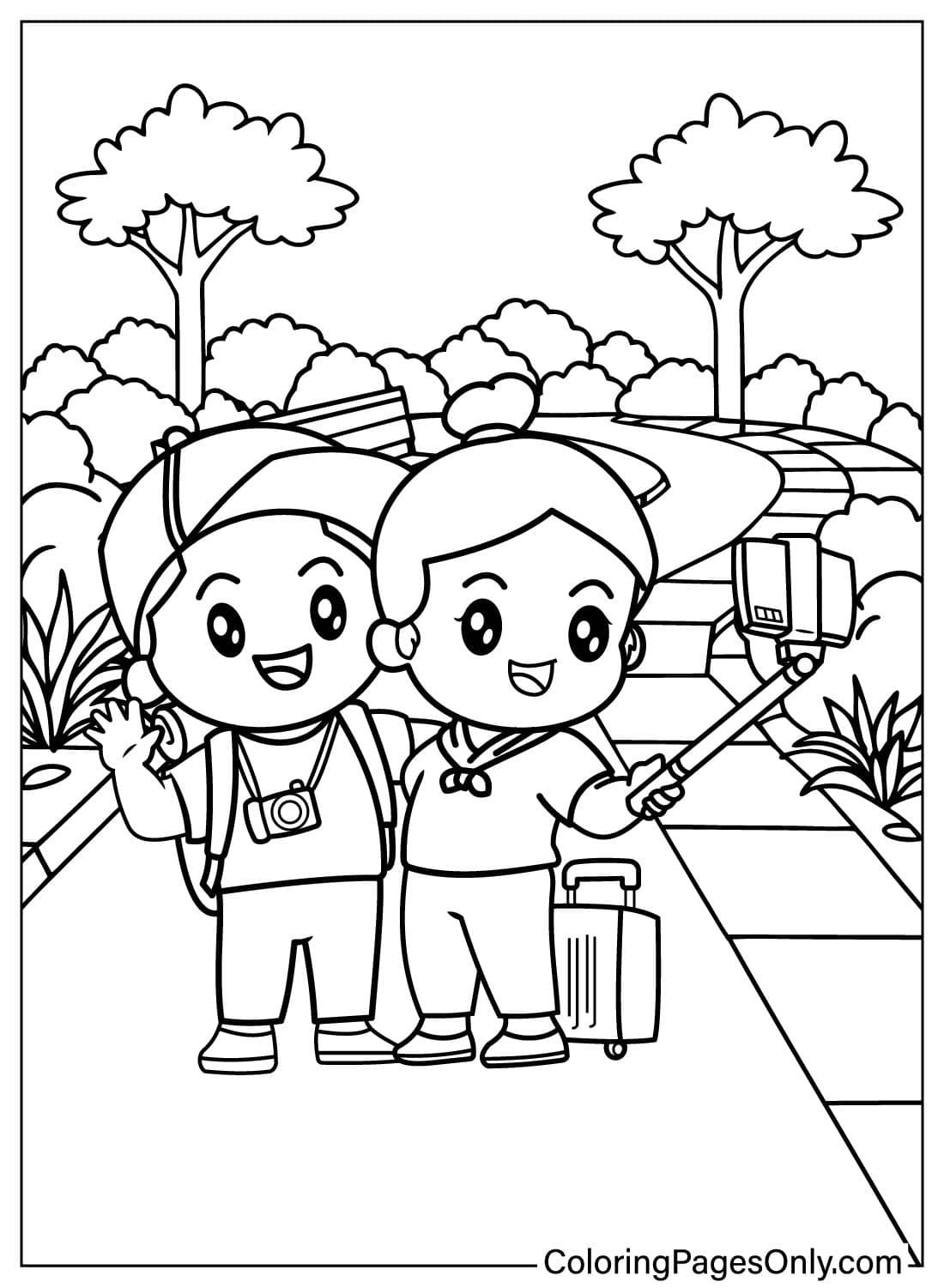
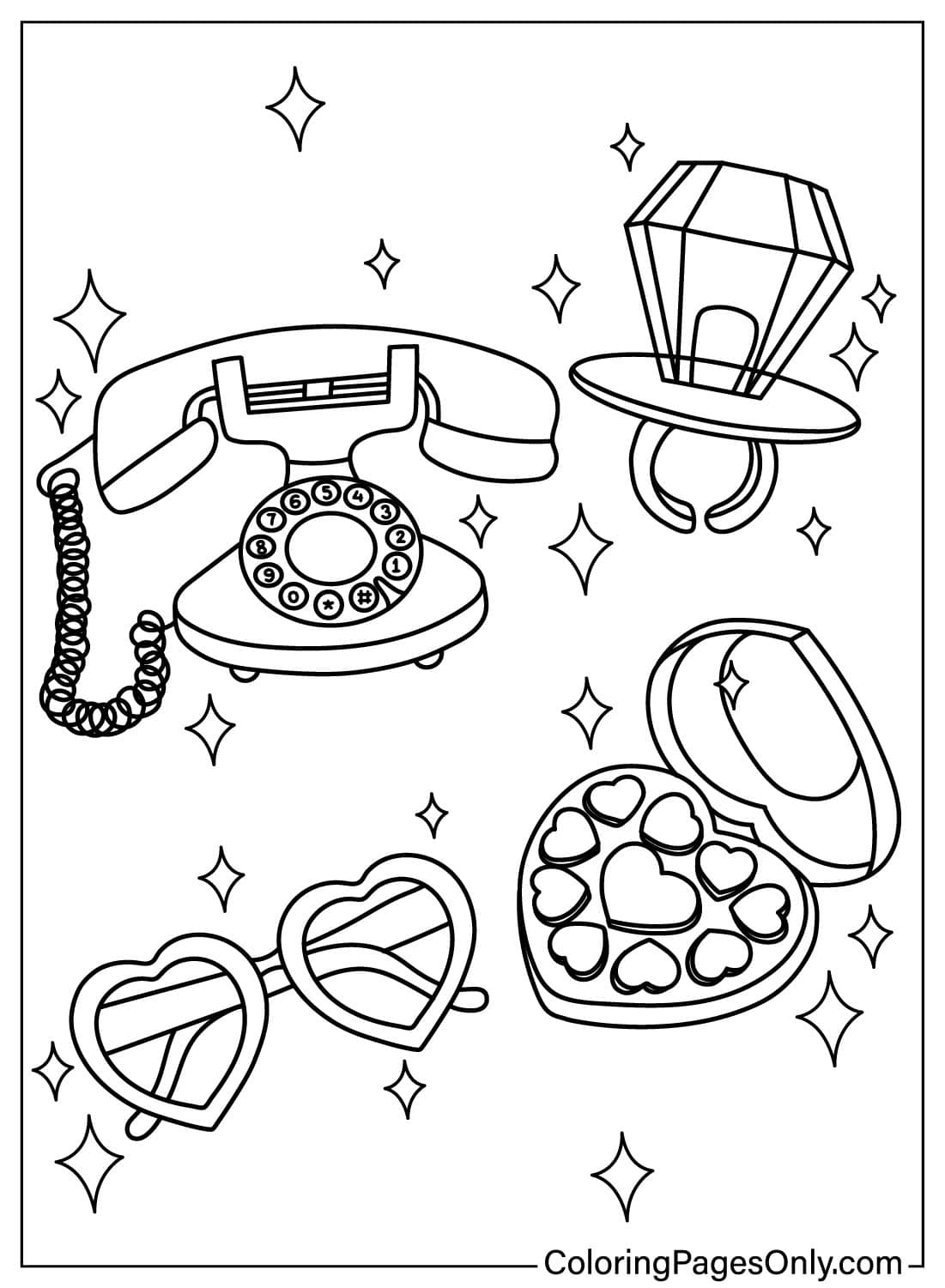
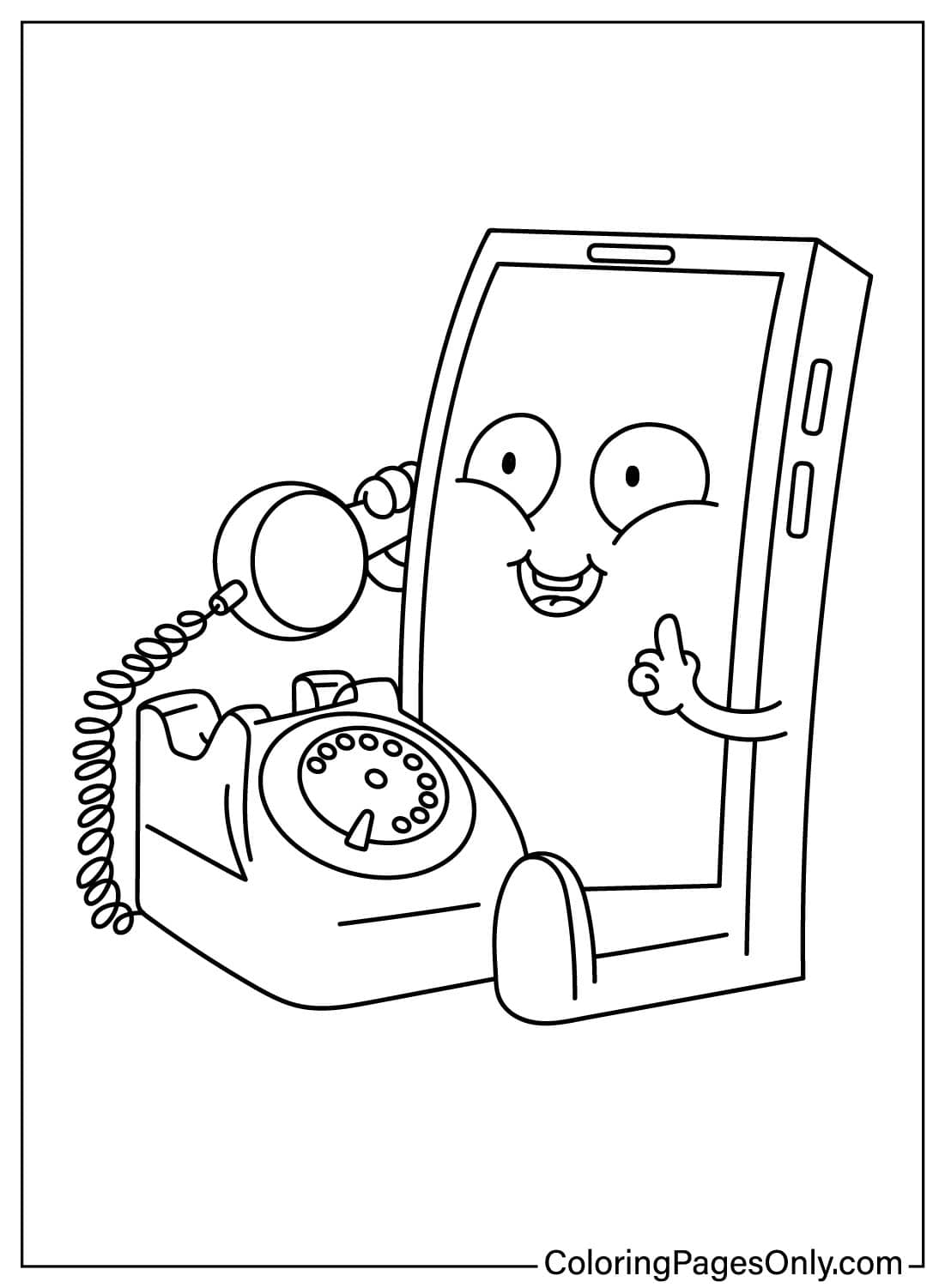
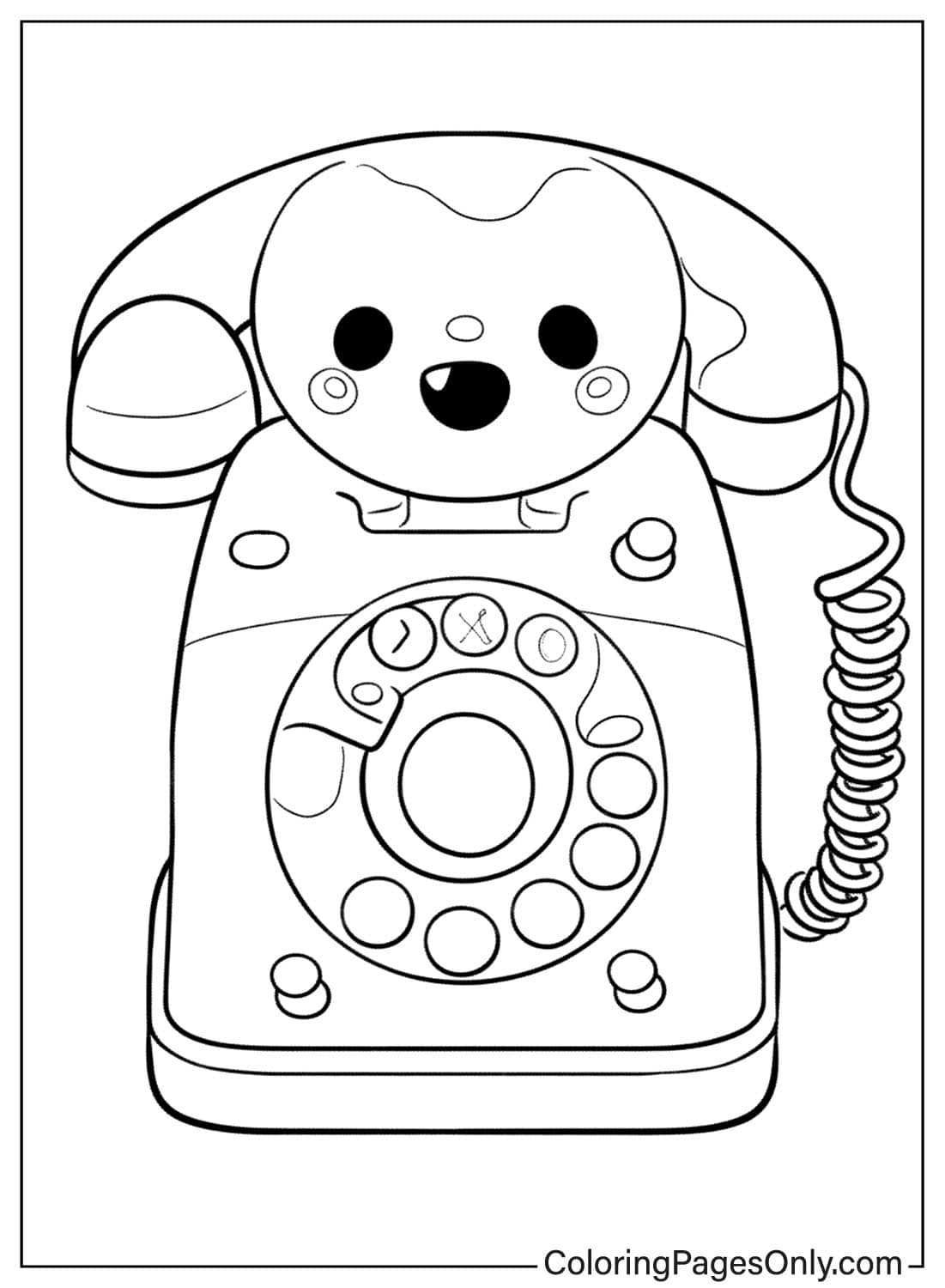
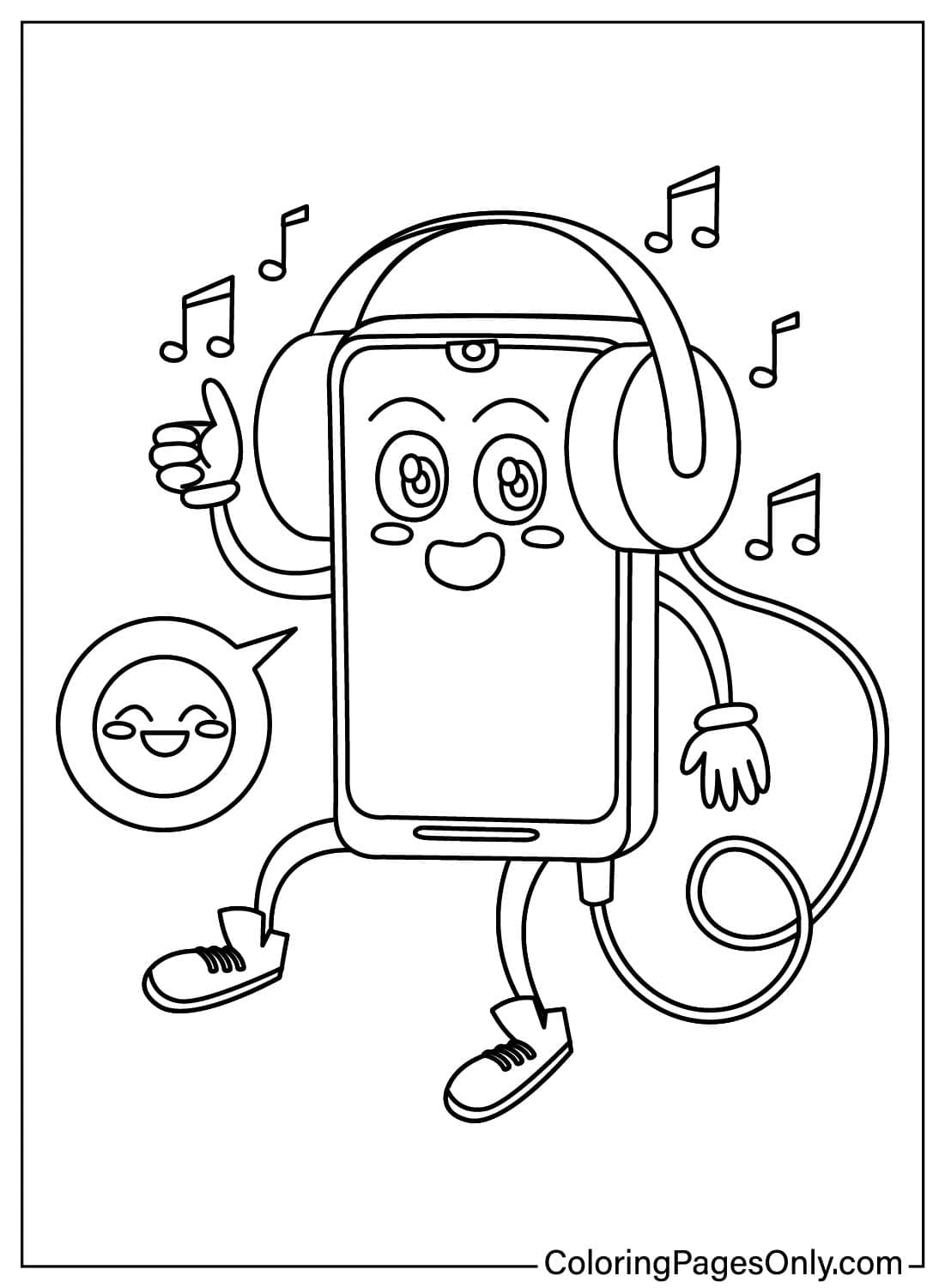
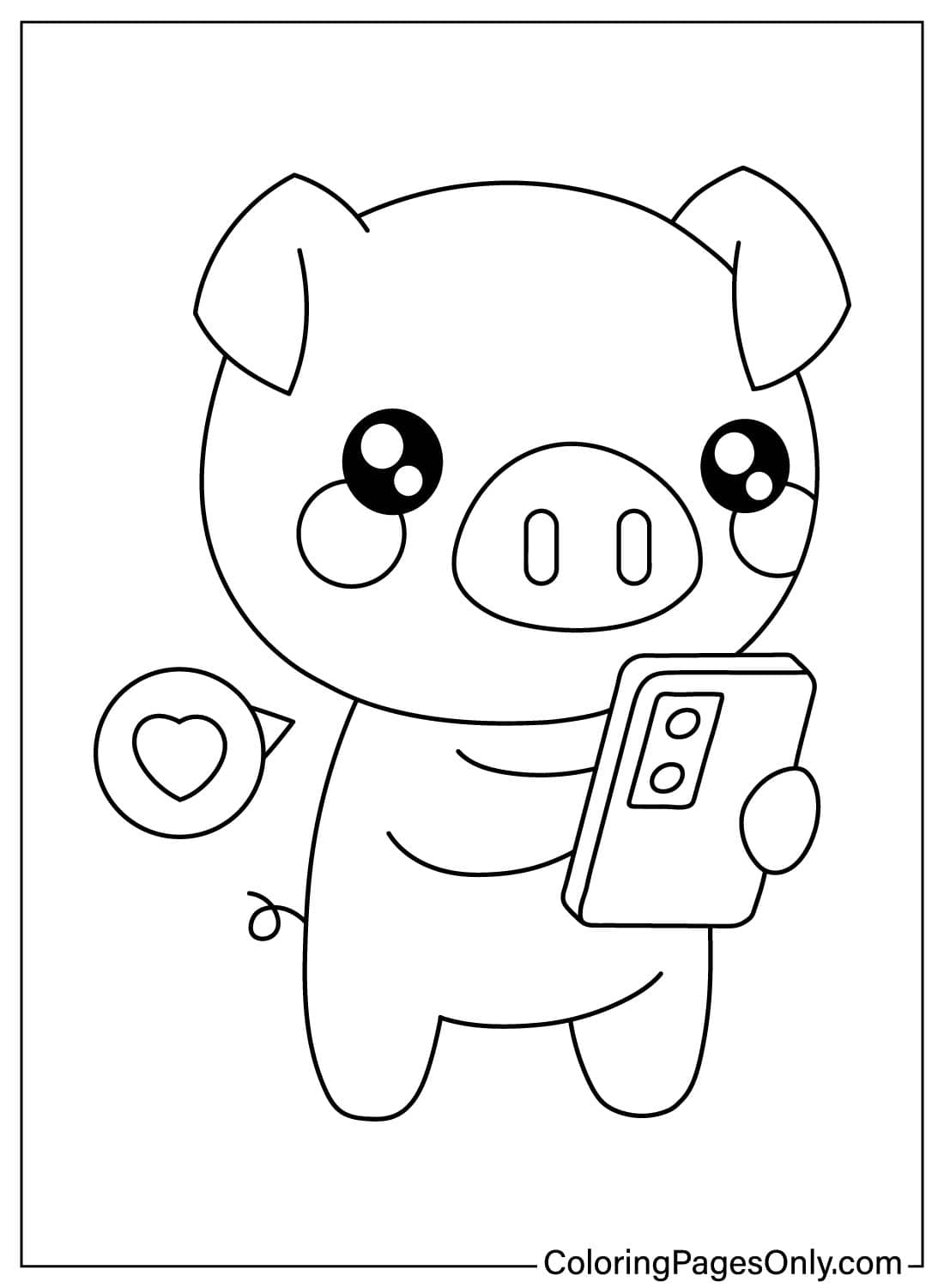
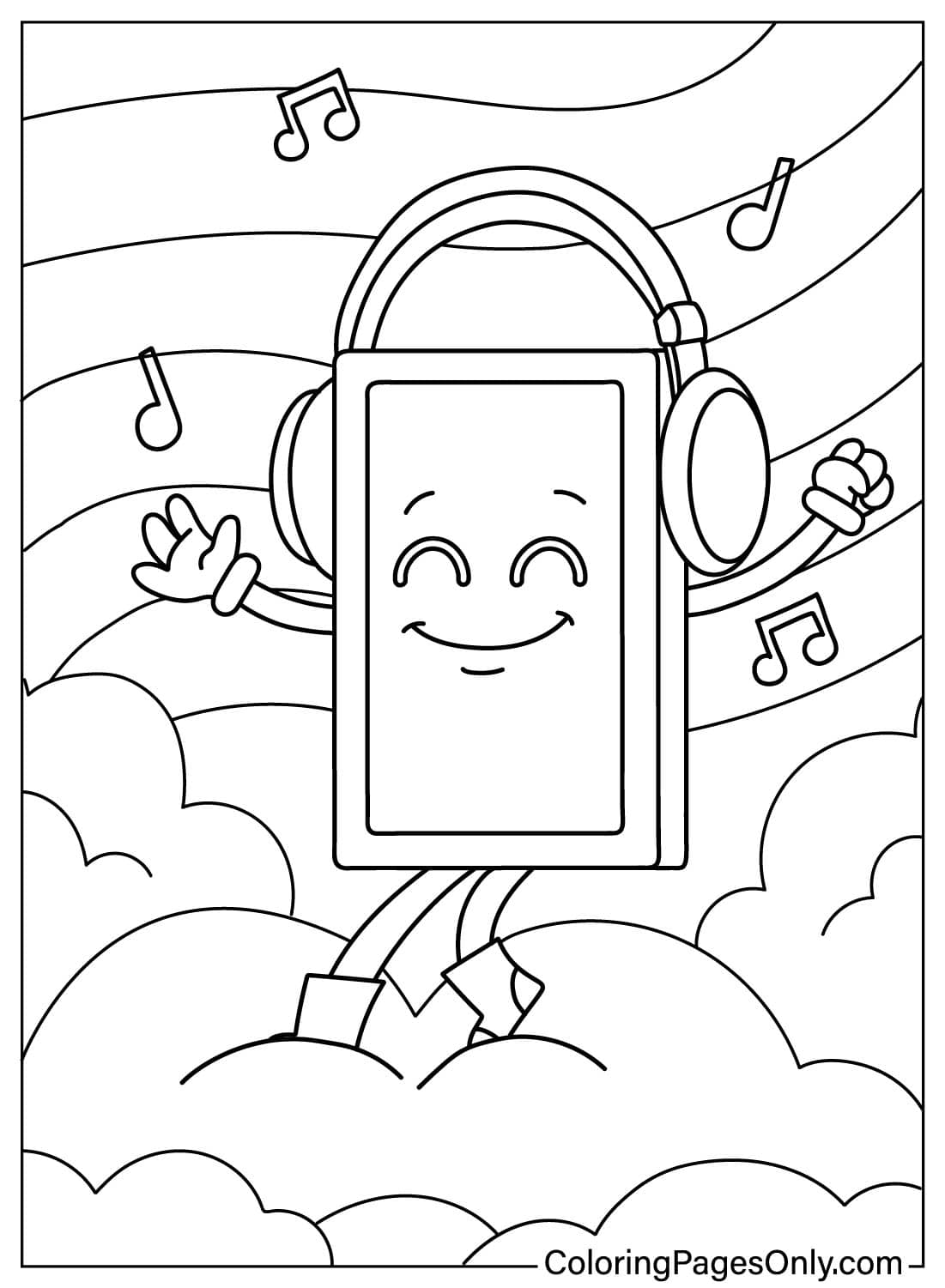
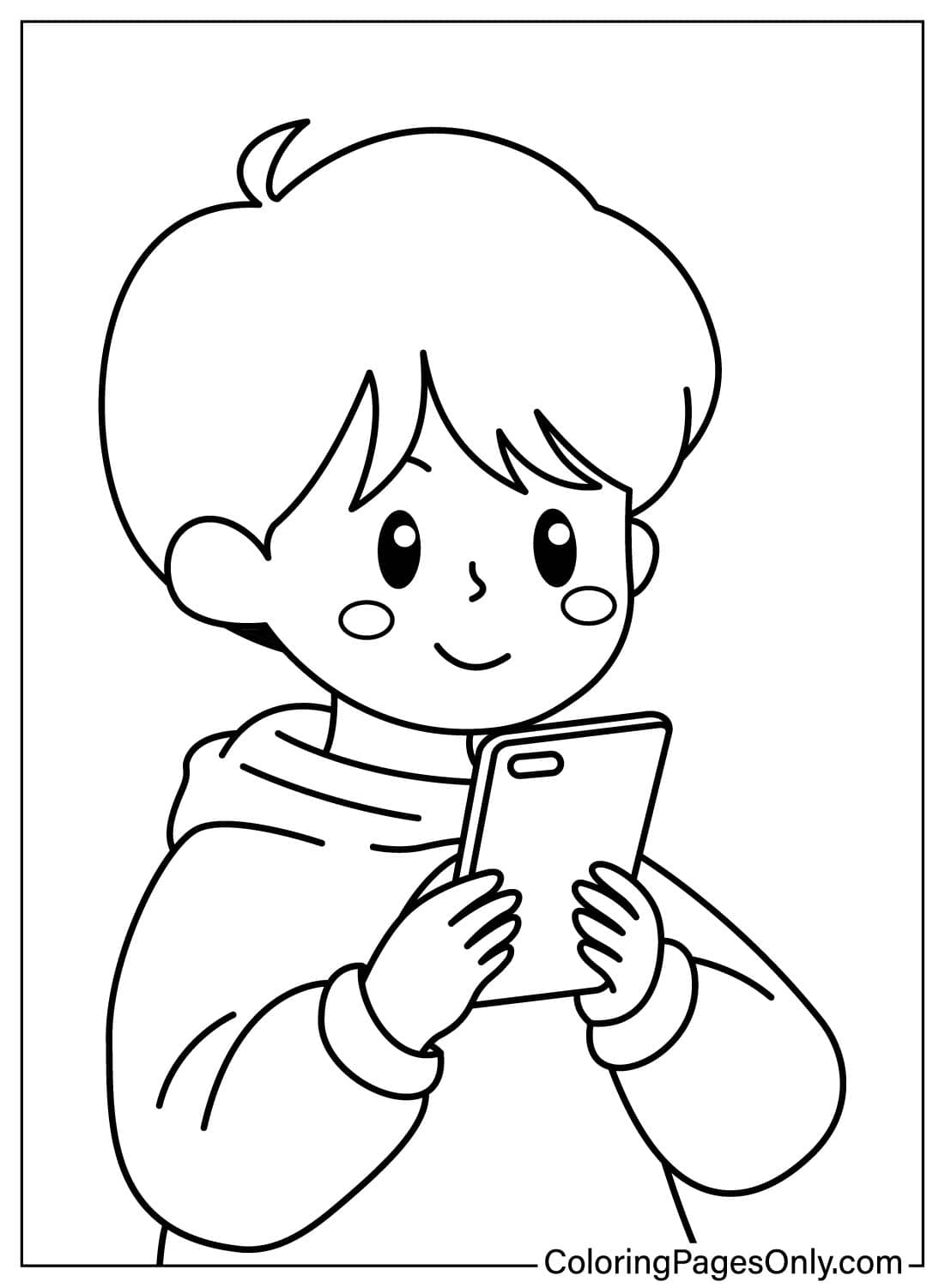
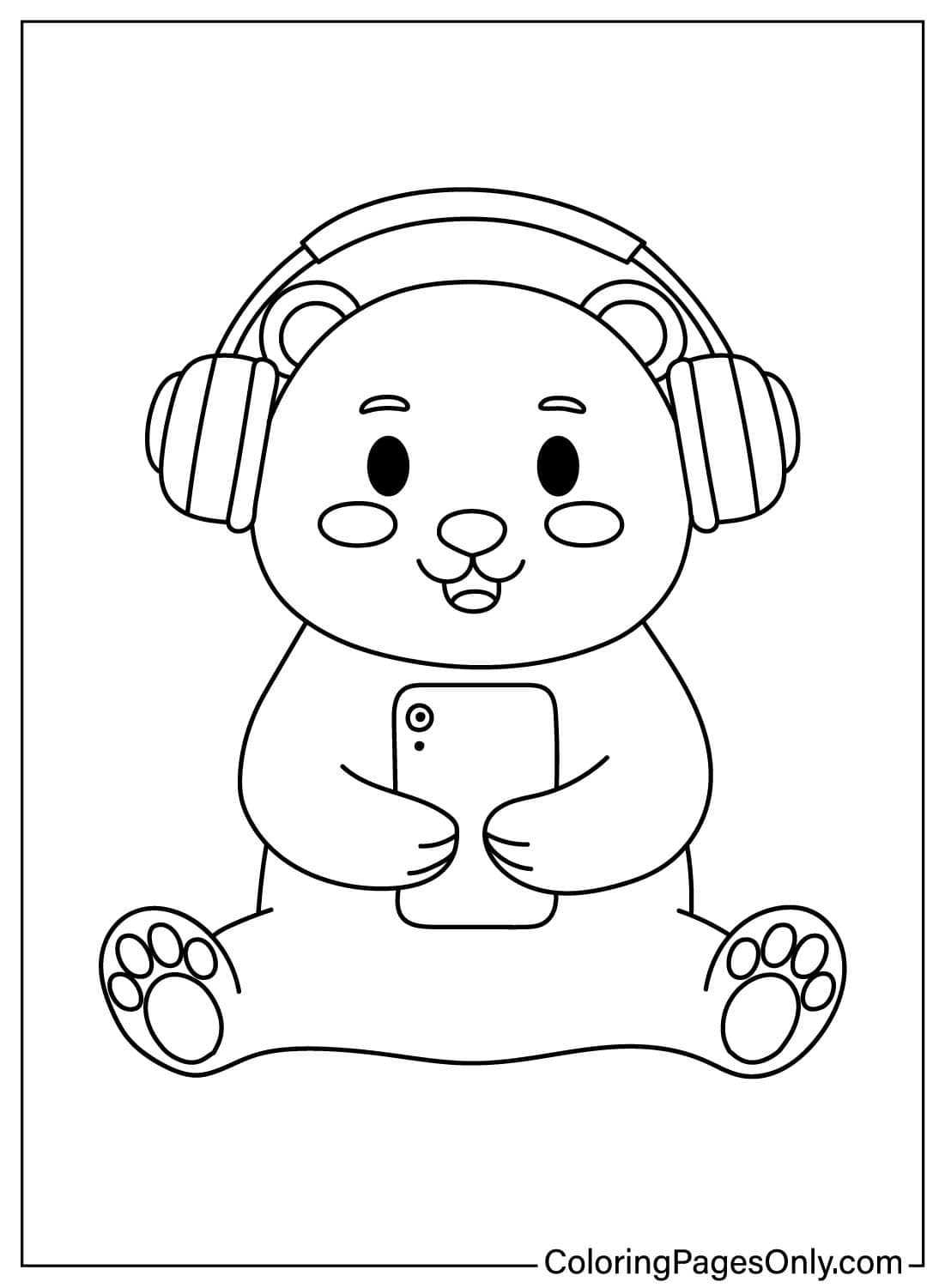
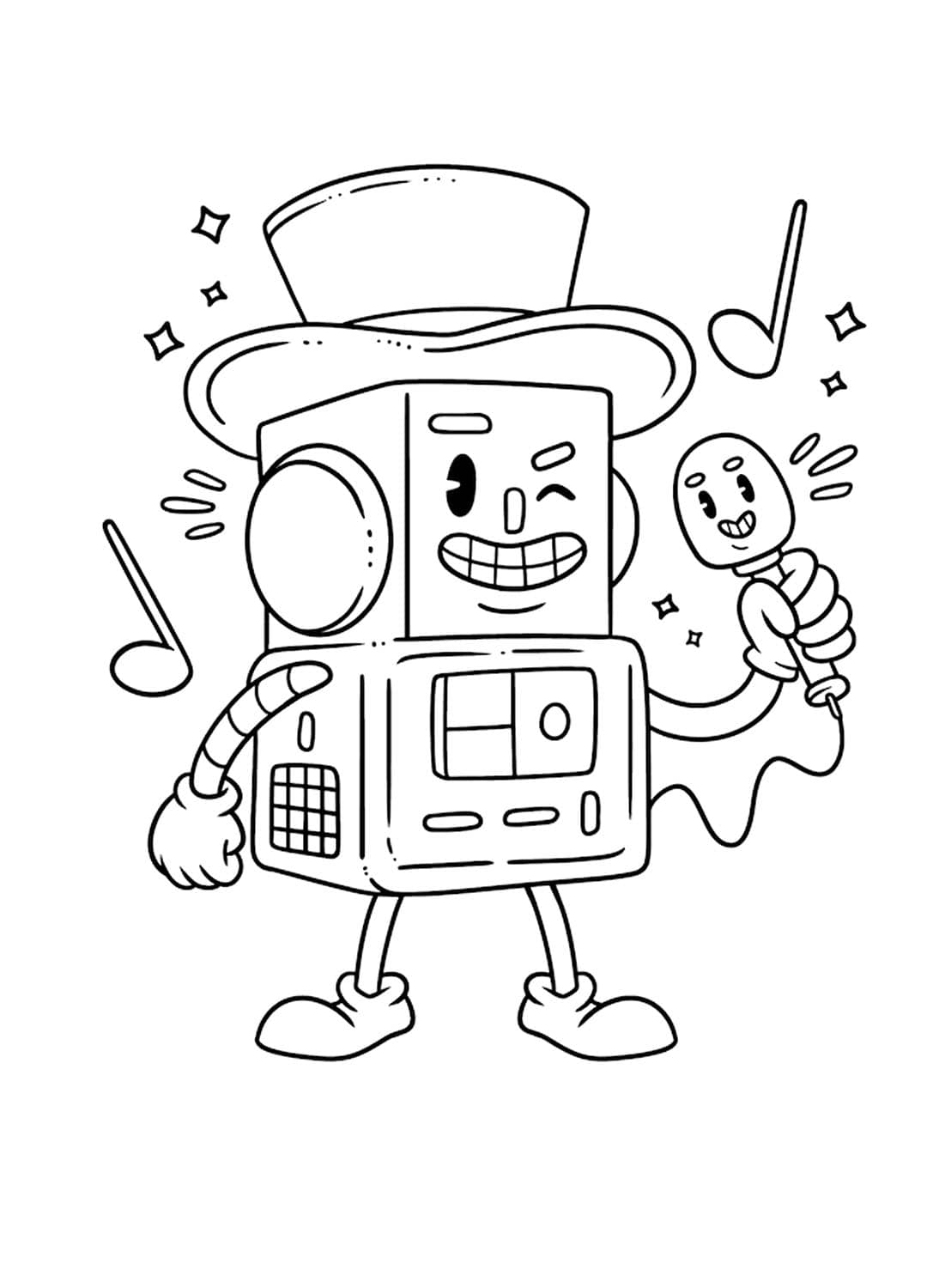
What Is Inside This Collection
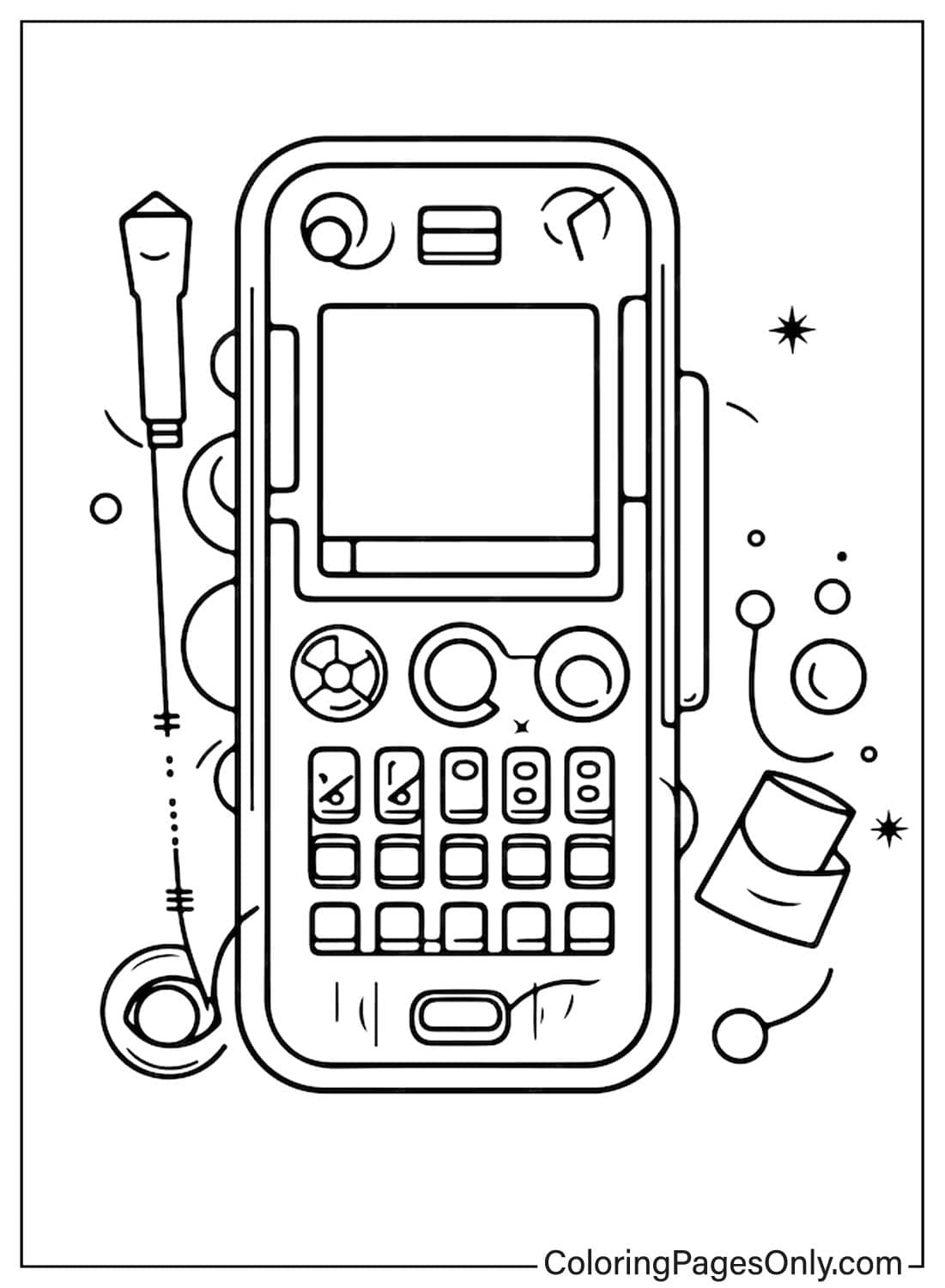
This collection groups its 40 pages by style, since a vintage phone, a modern smartphone, and a cute cartoon phone each call for a different coloring approach.
Classic and Vintage Phones
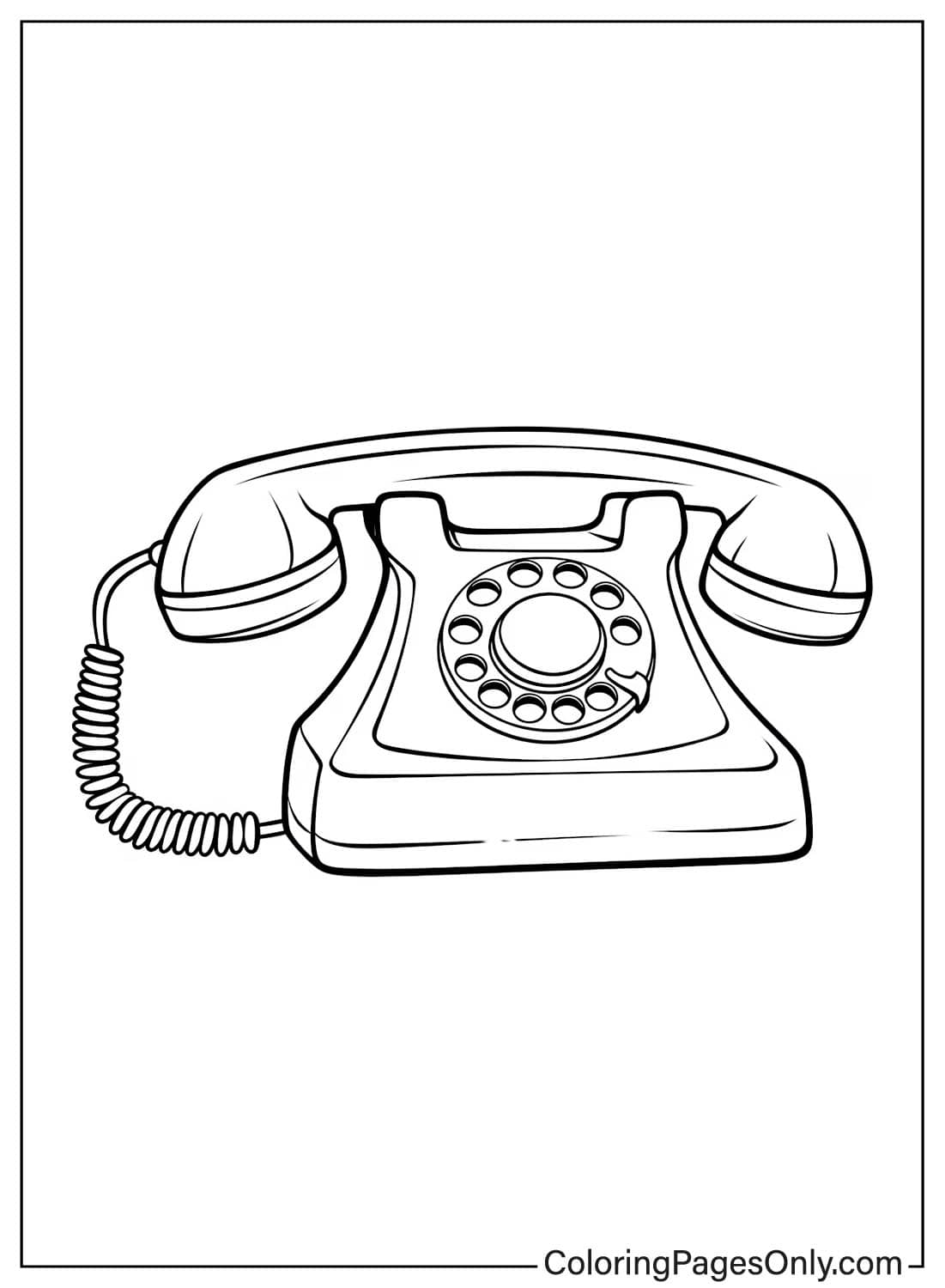
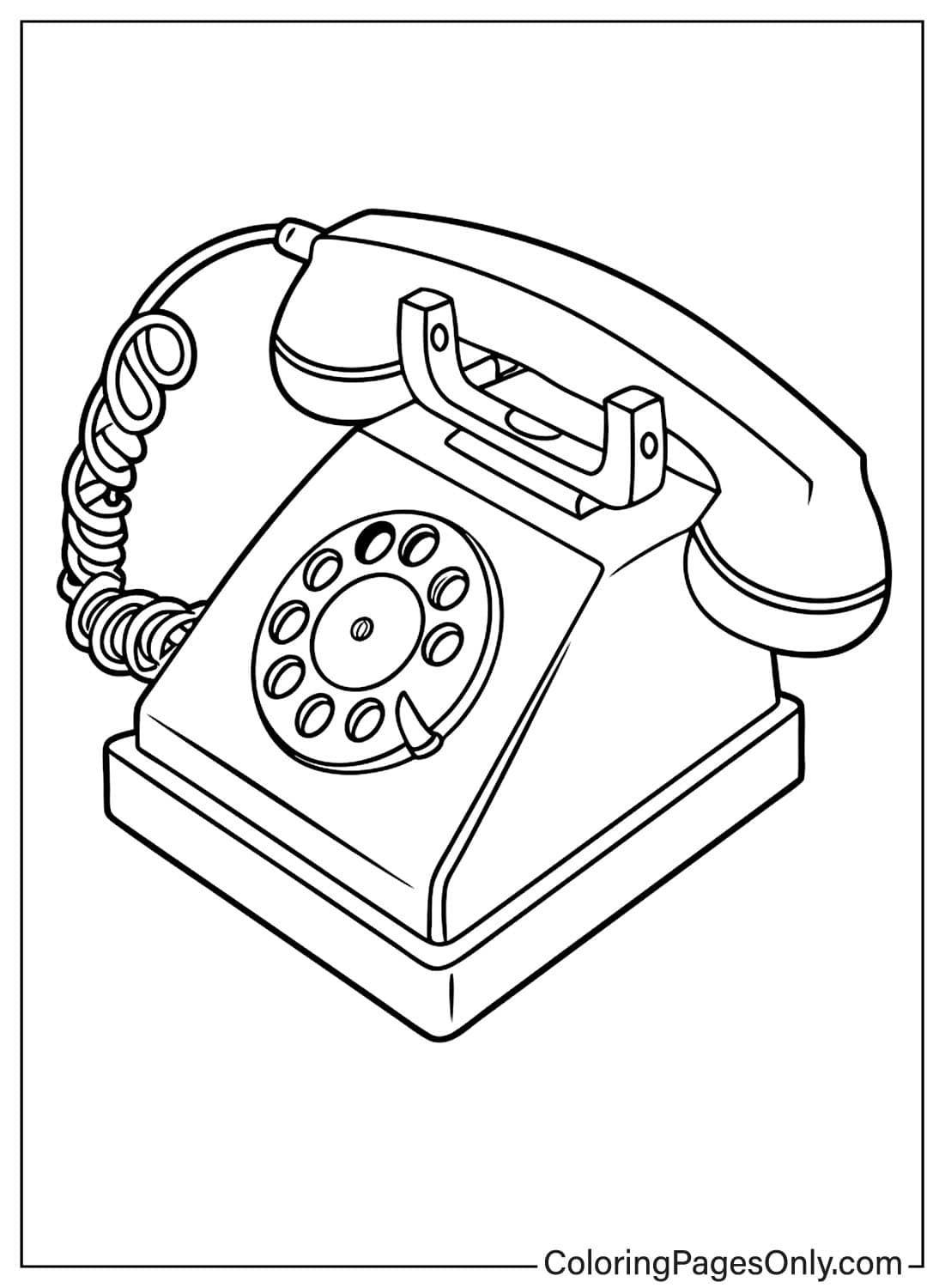
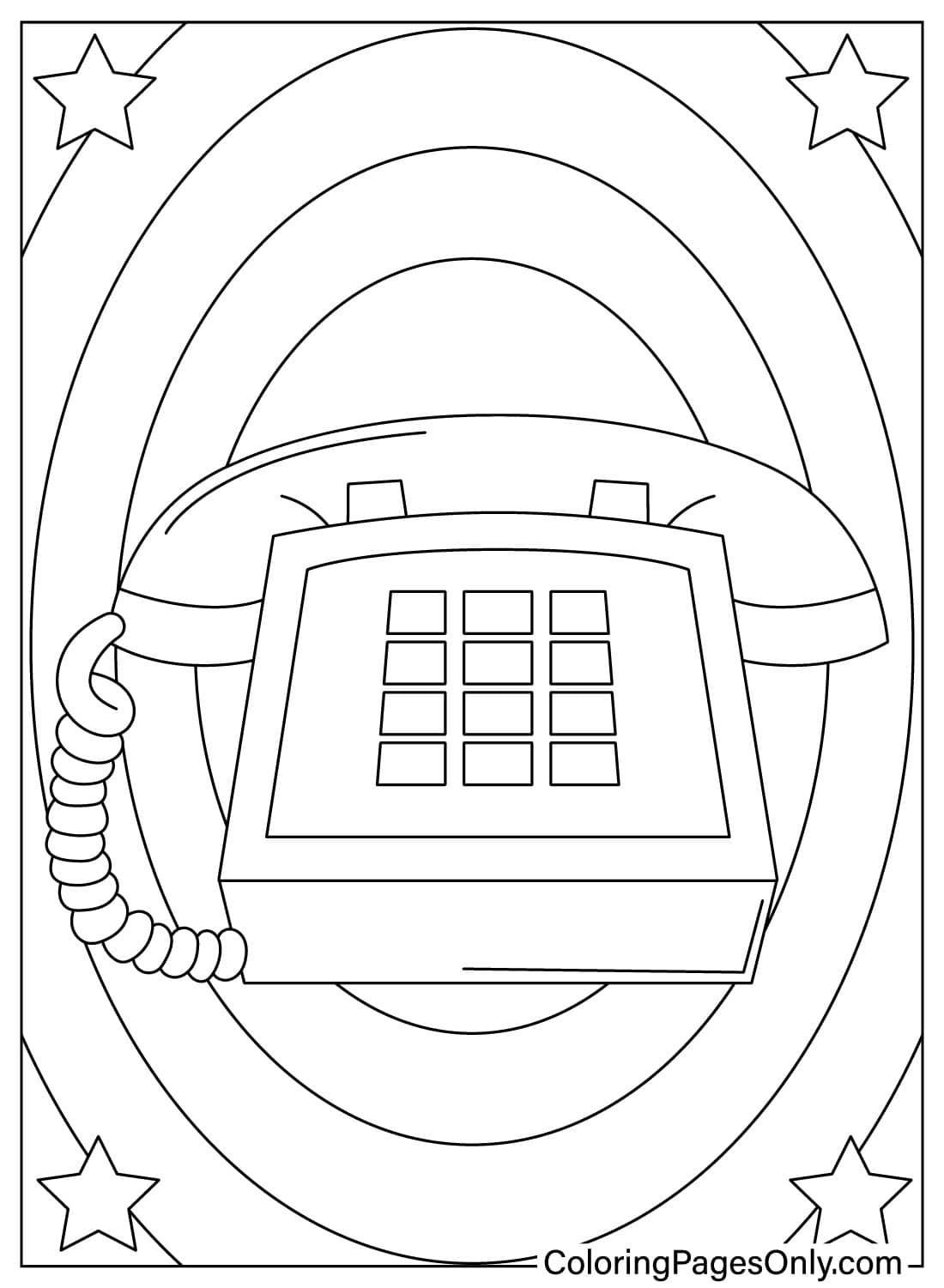
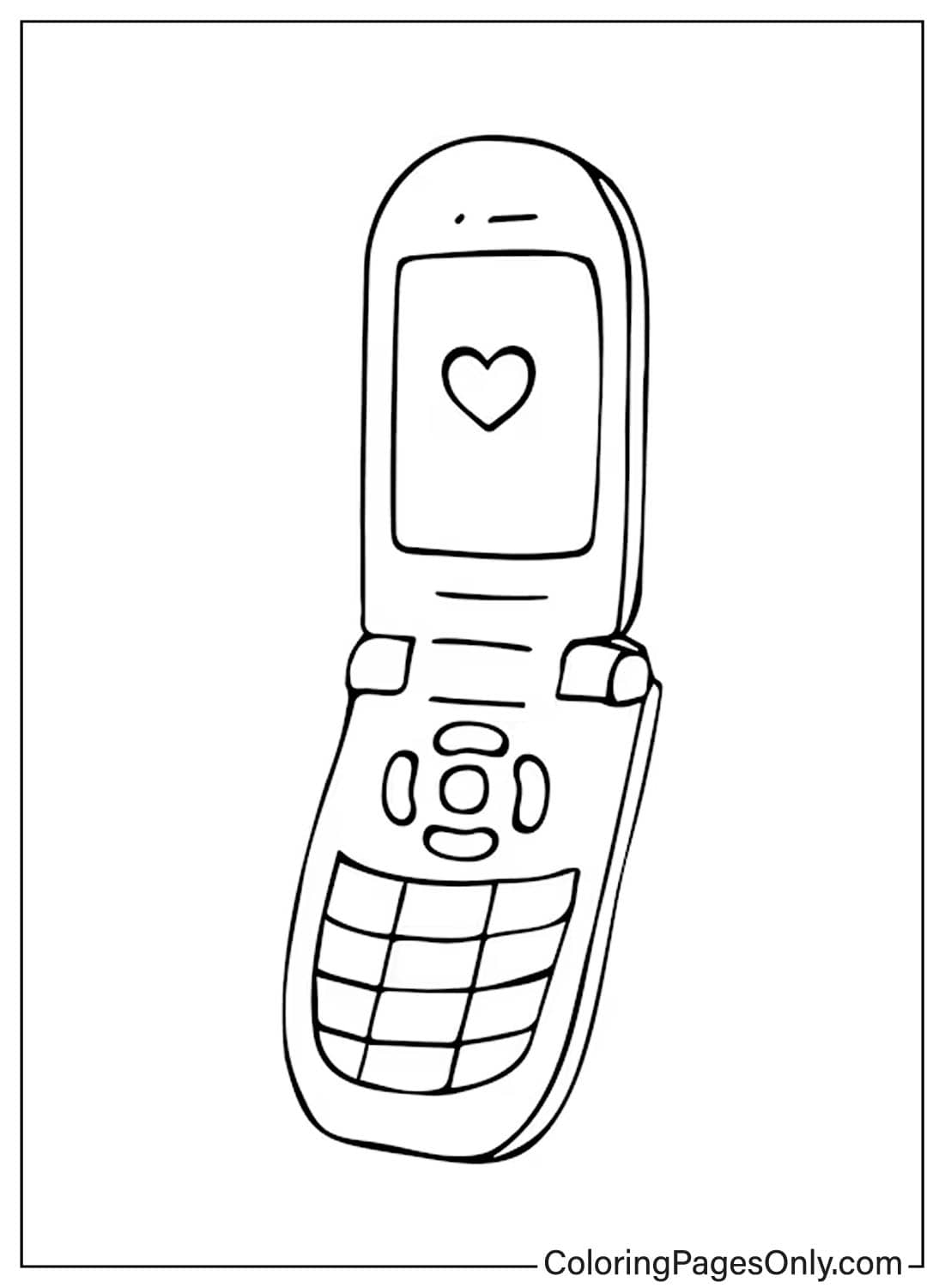
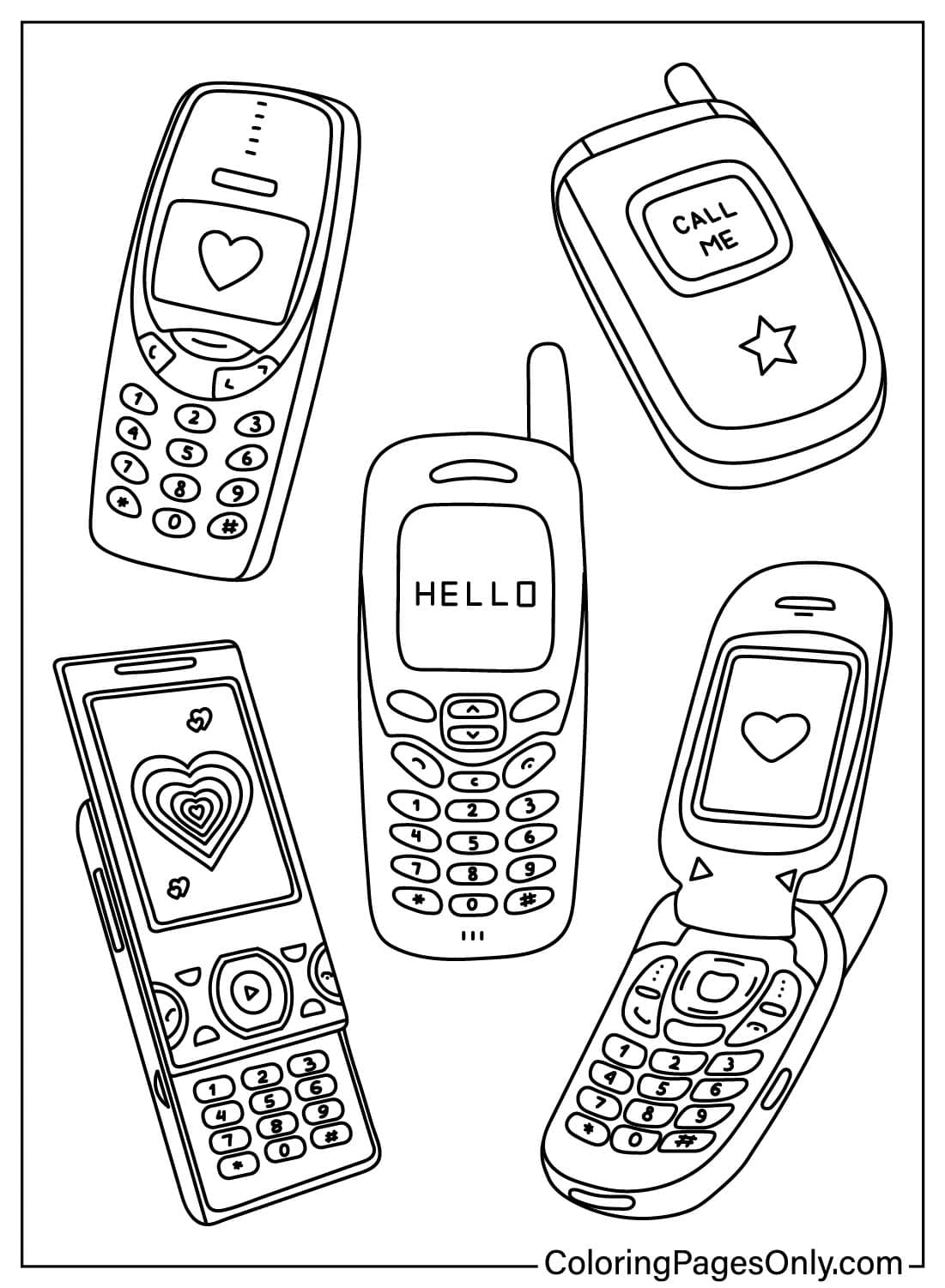
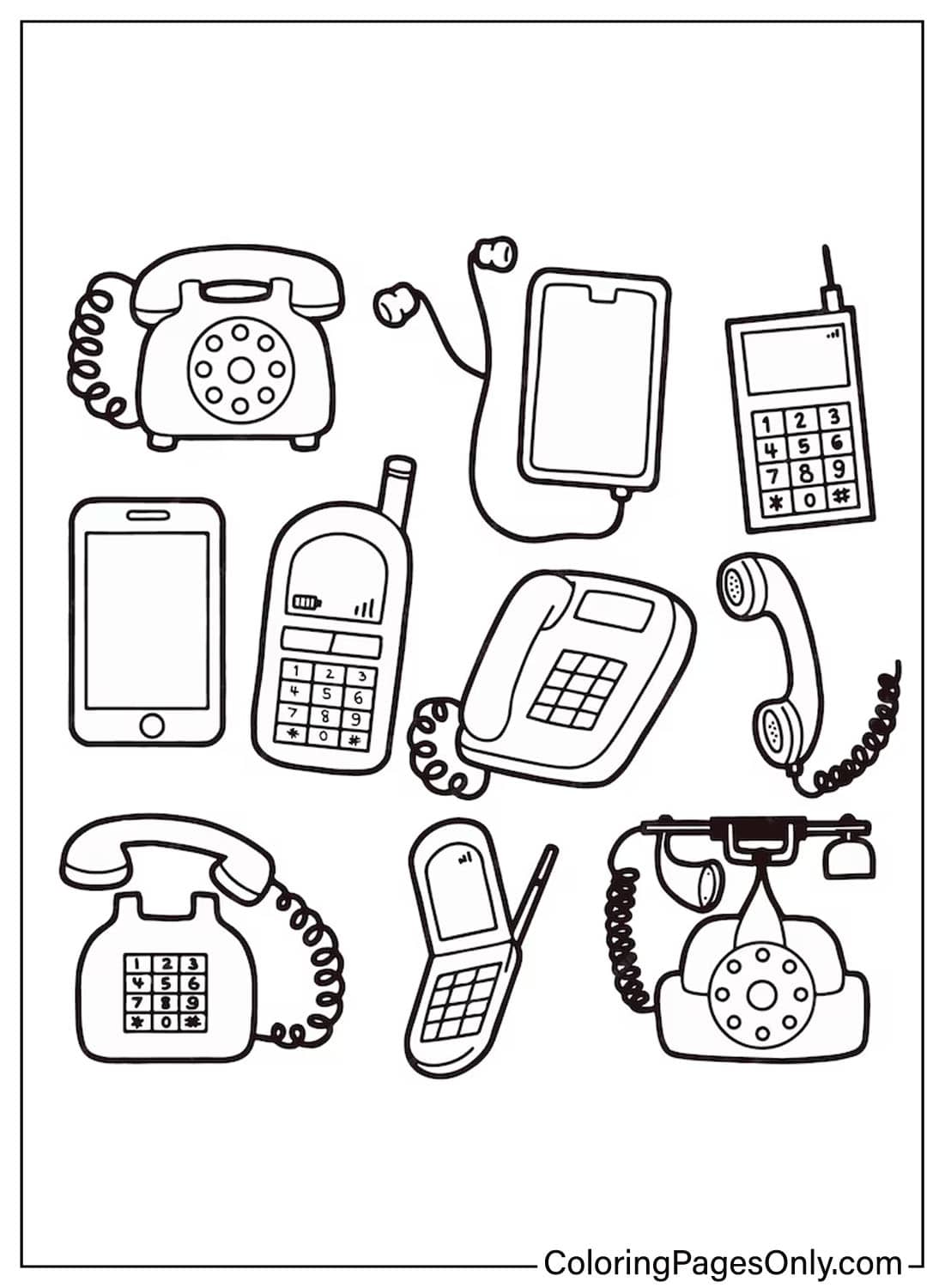
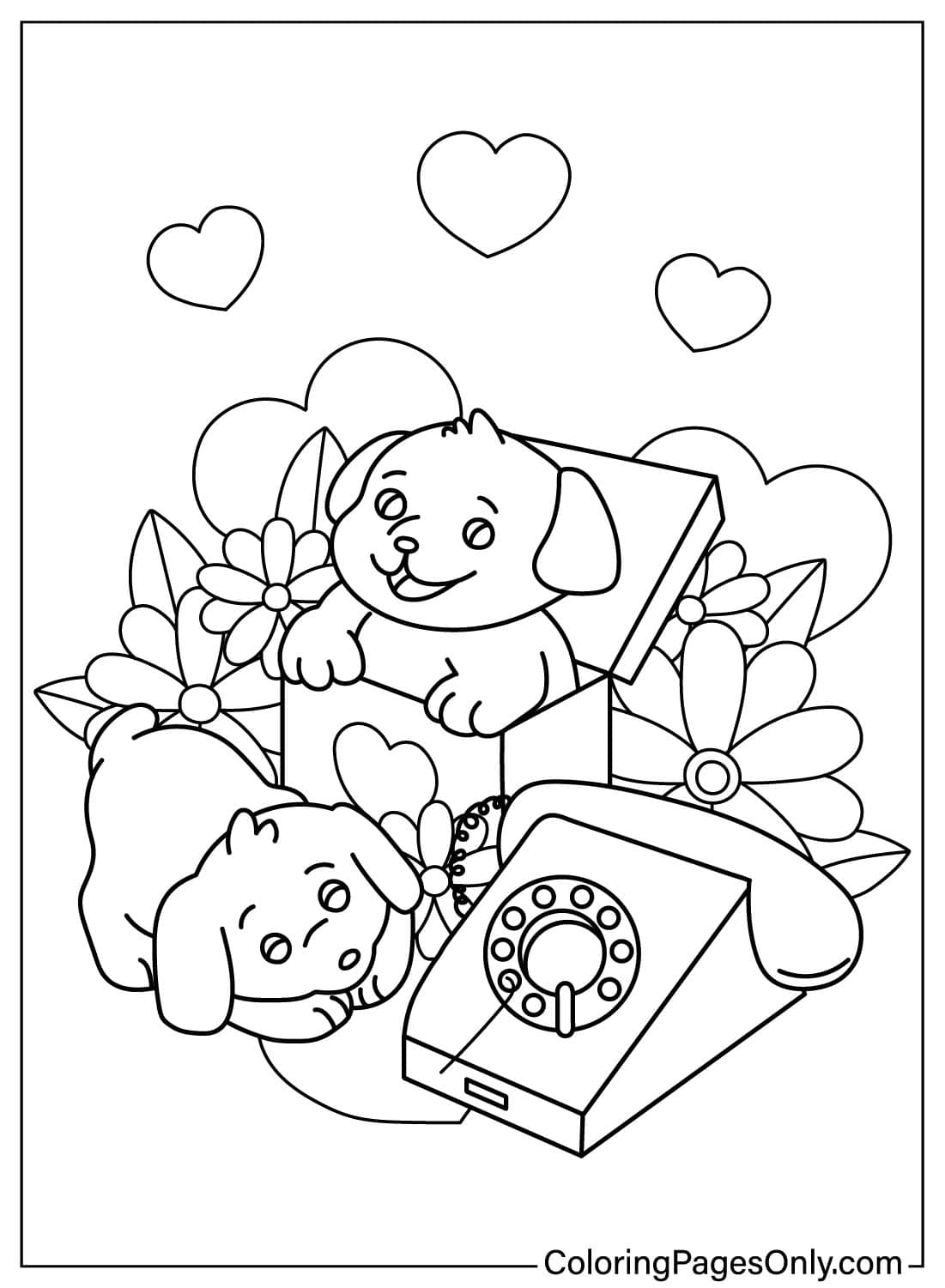
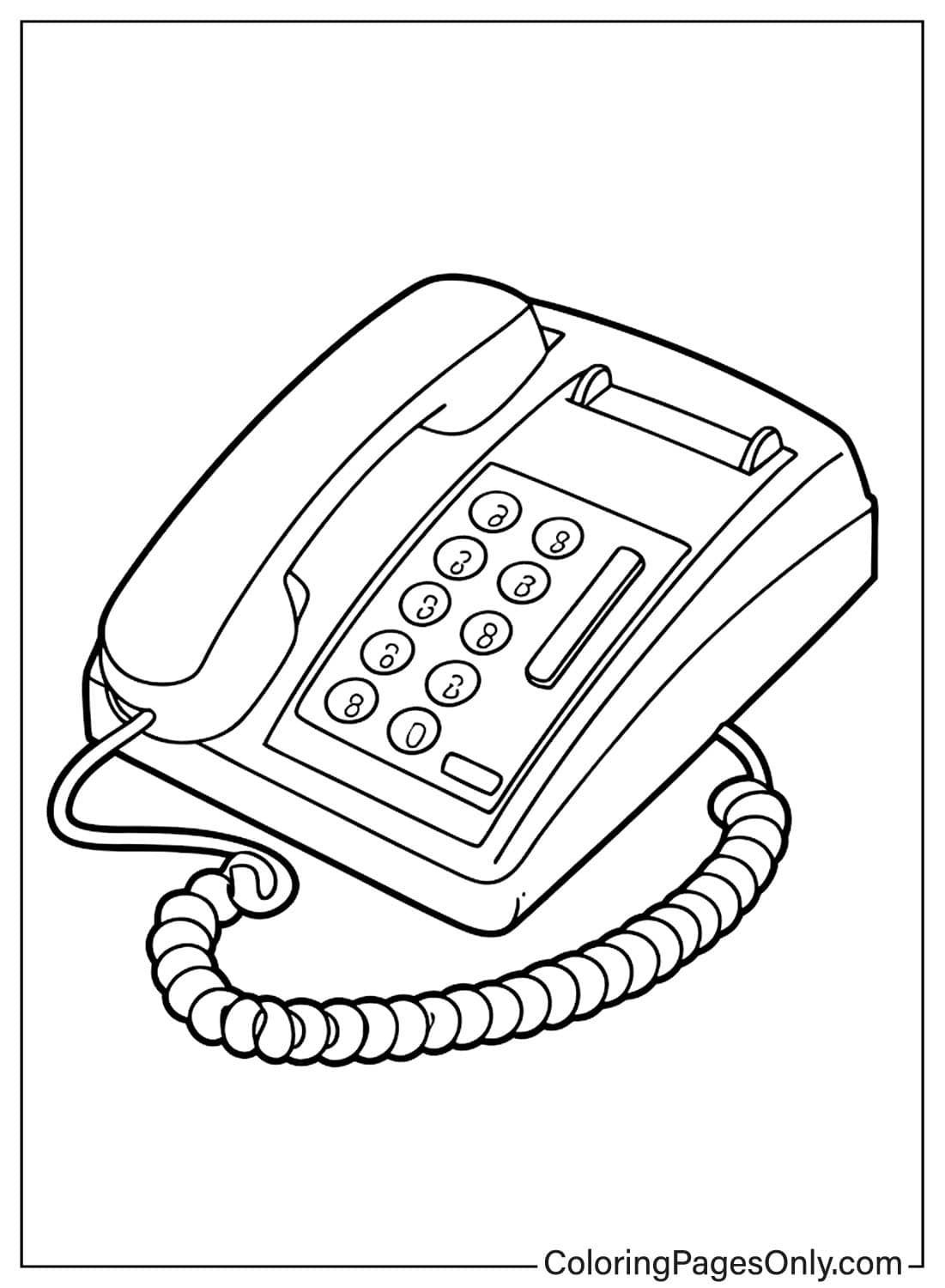
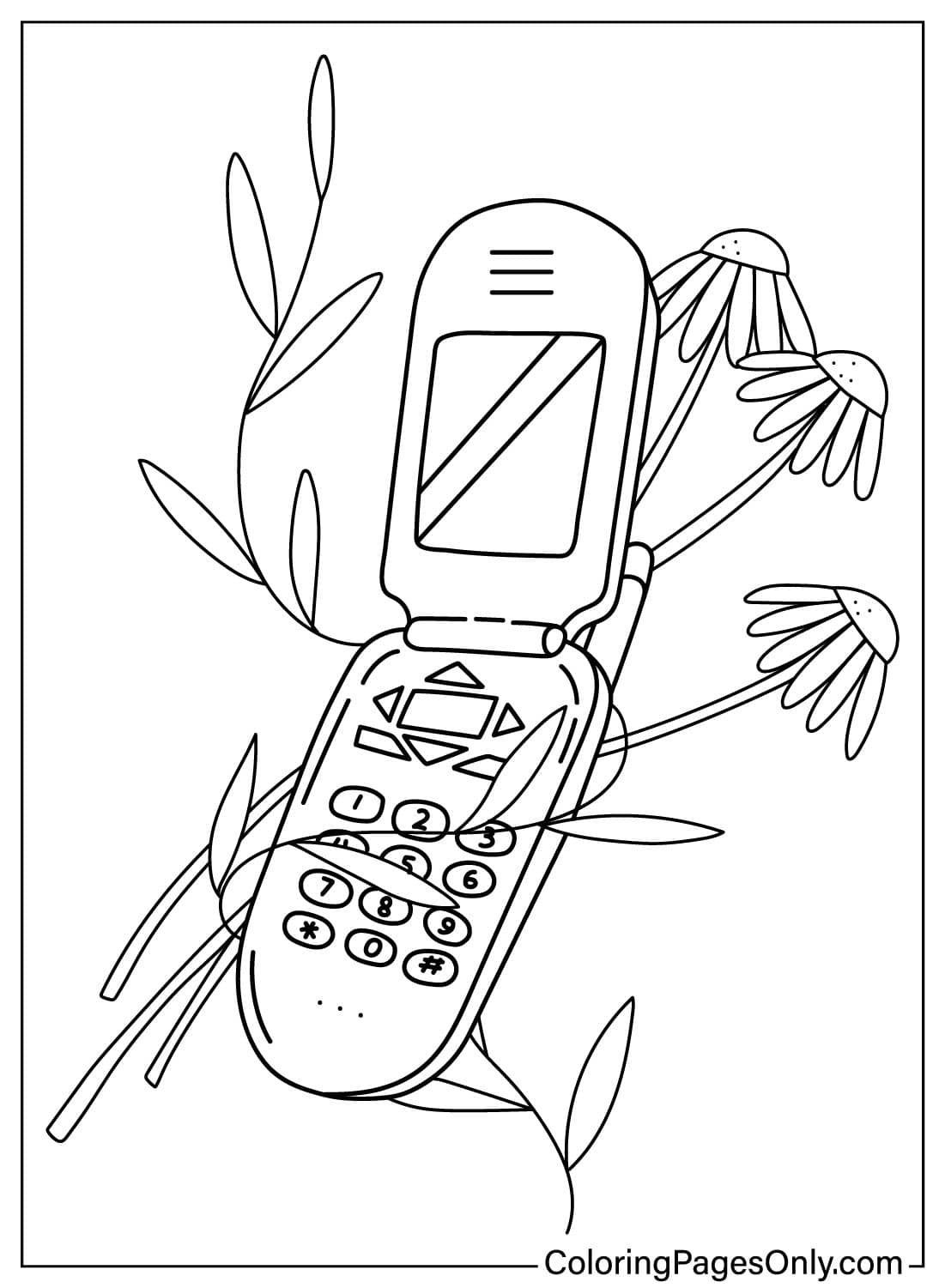
Five pages look back at older phone styles: rotary and classic handset shapes, rather than a modern touchscreen. Vintage phones ran in solid, often muted colors, beige, black, or a deep red, so a single flat classic color reads more accurately here than the bright multicolor look suited to a modern smartphone page.
Modern Smartphones
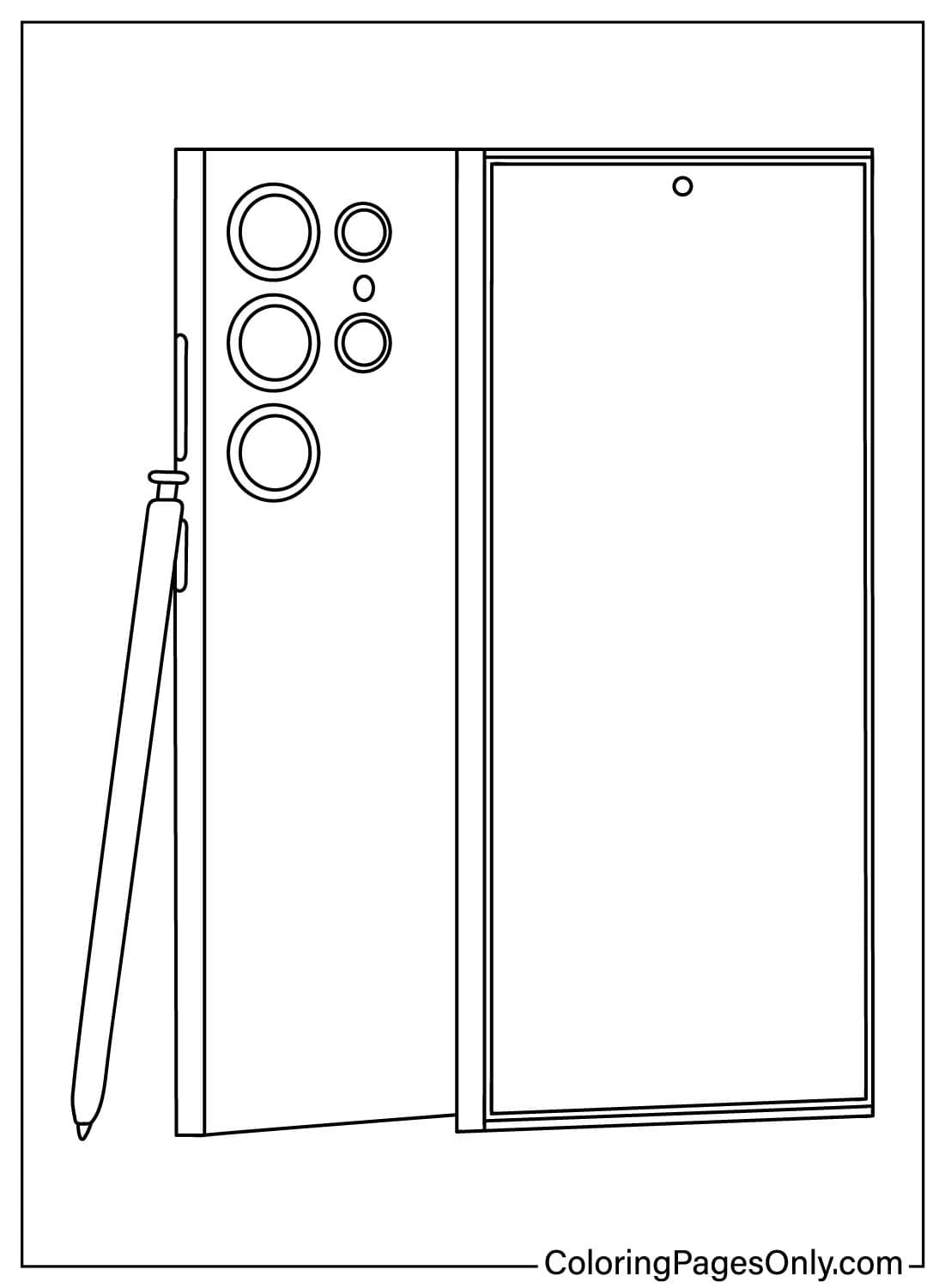
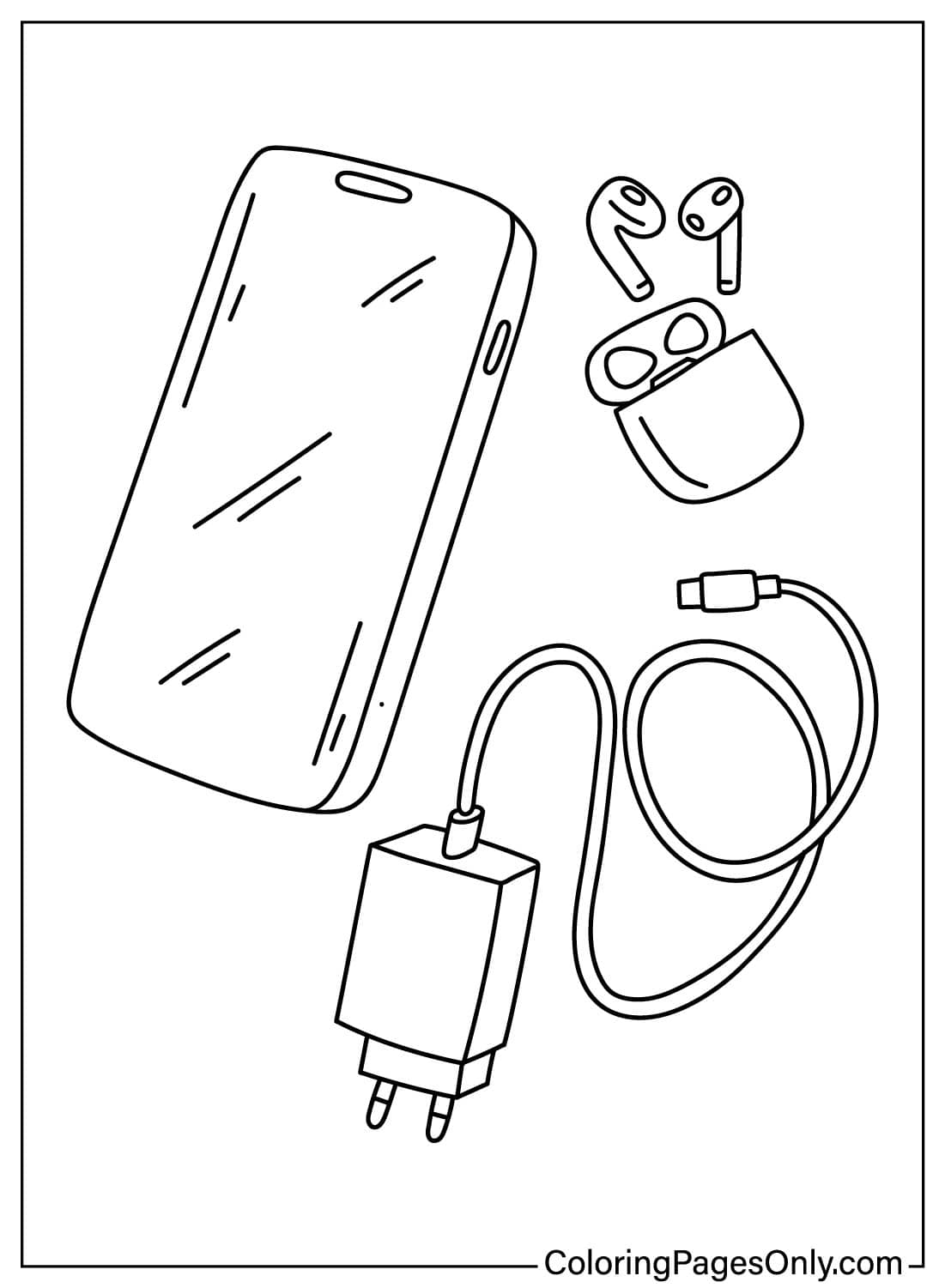
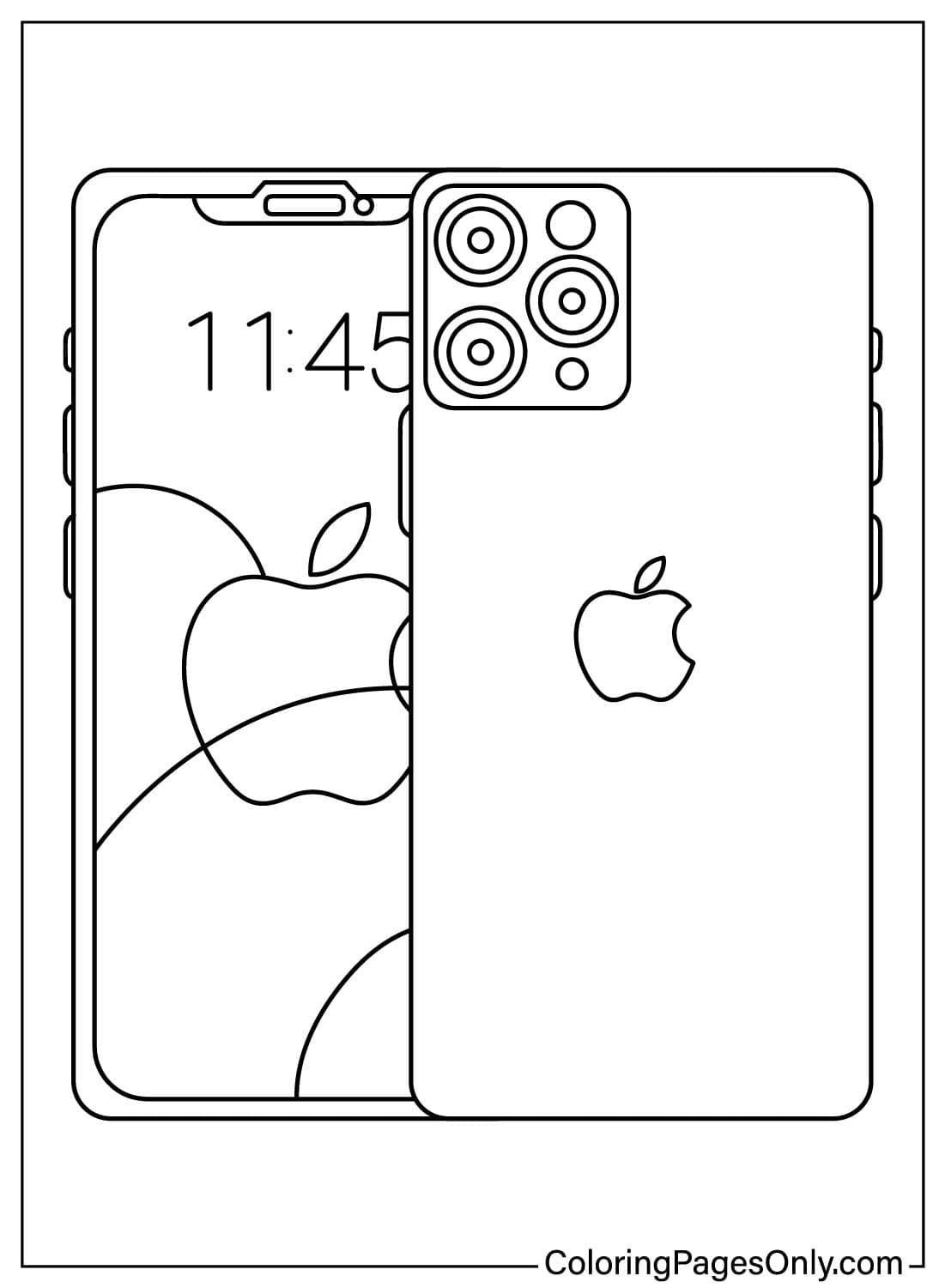
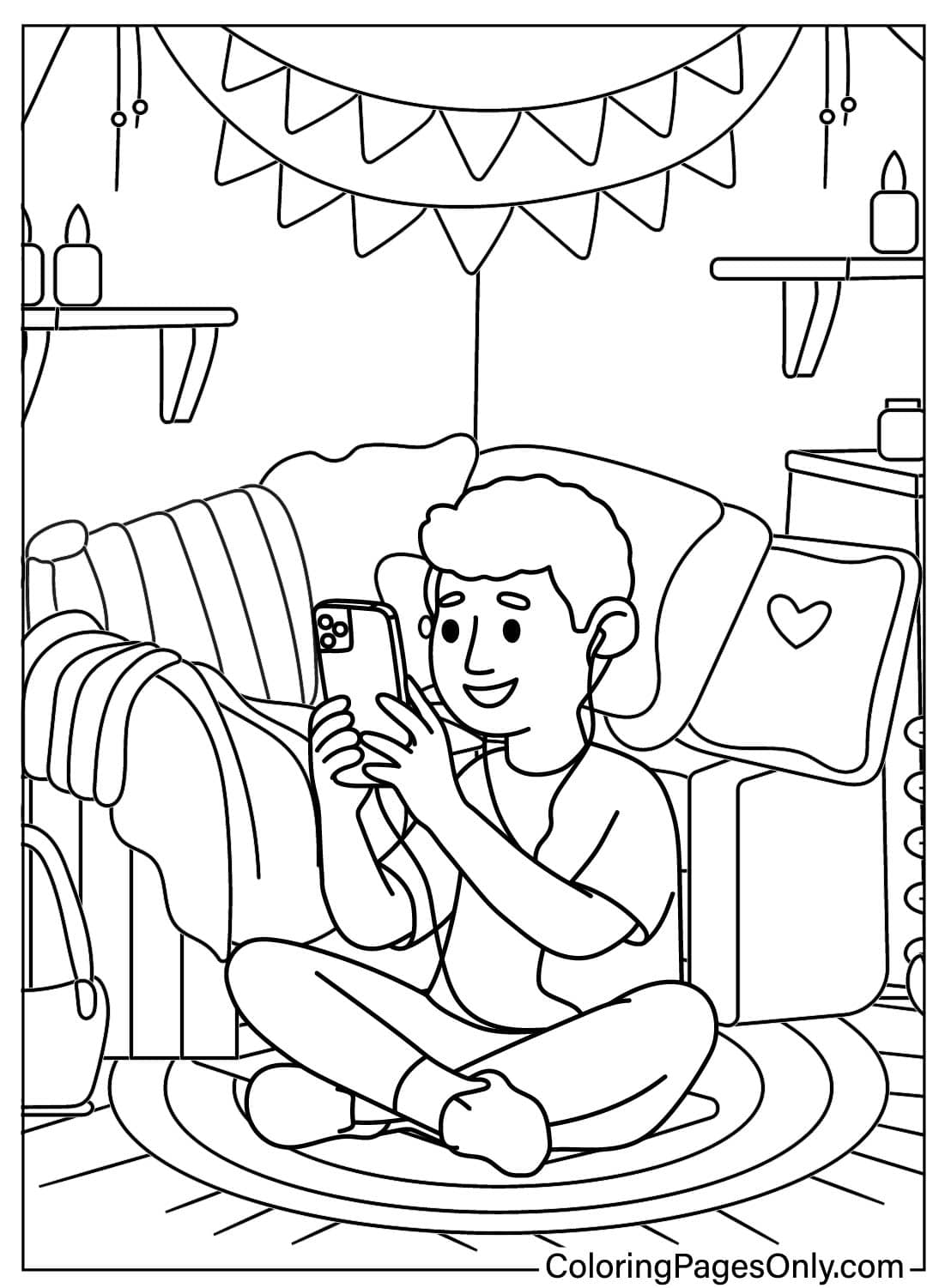
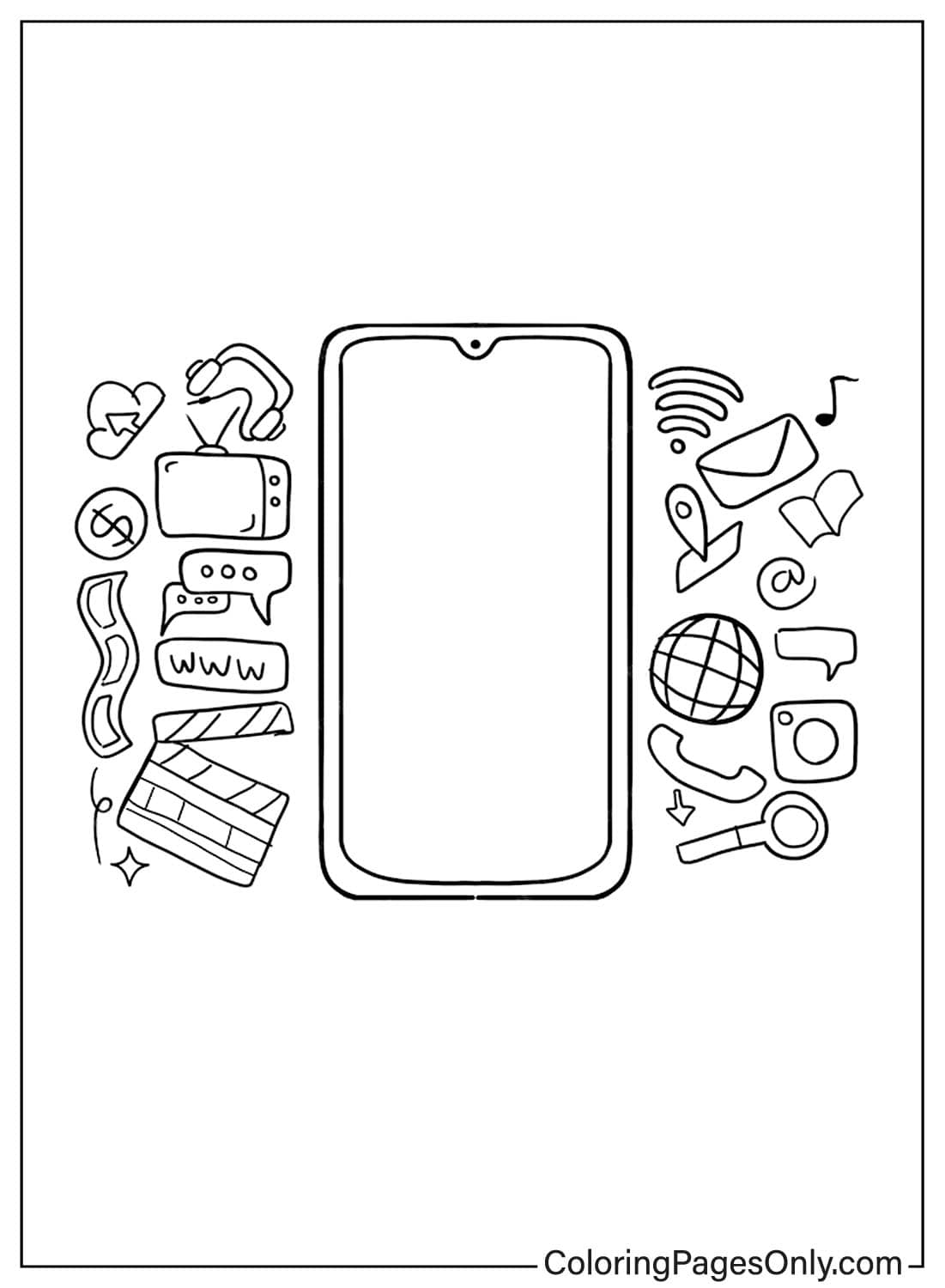
Seven pages focus on a modern touchscreen smartphone, including a couple of pages that reference the iPhone by name. The screen is the real focal point on these pages, so filling it with a simple app grid, a few colored squares in a grid pattern, gives the page more detail than leaving the screen blank or plain black.
Cute Characters and People Using Phones
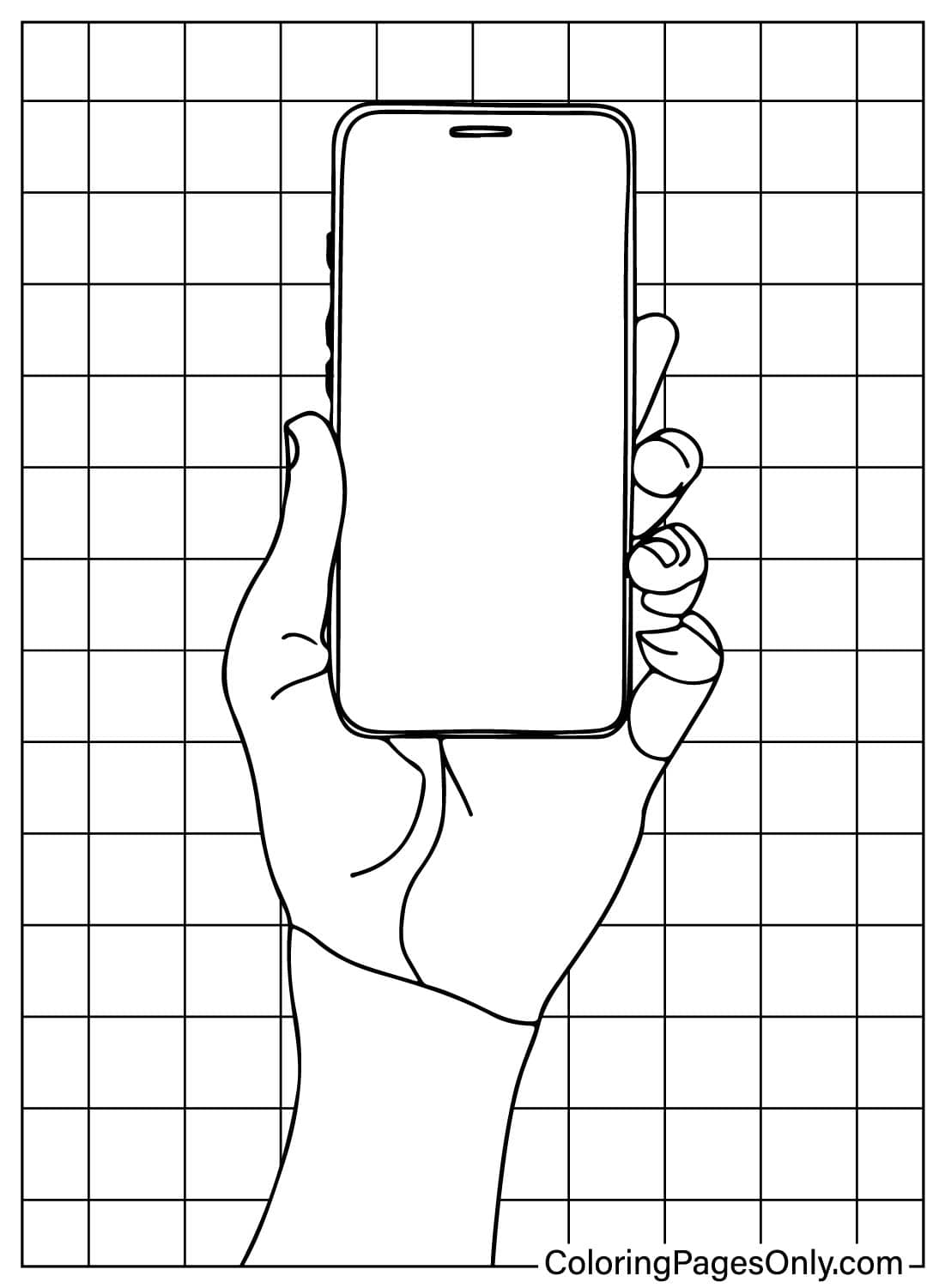
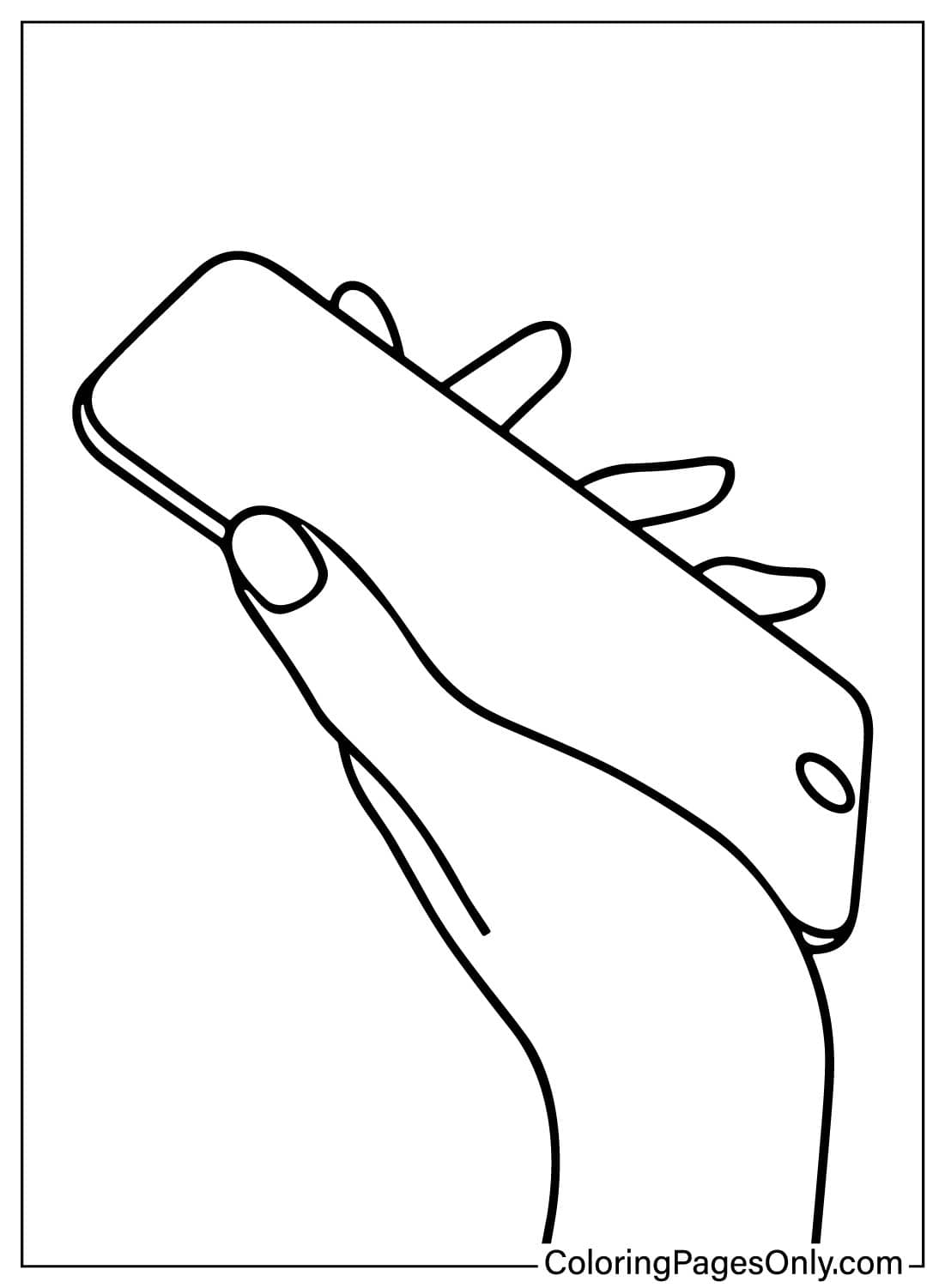
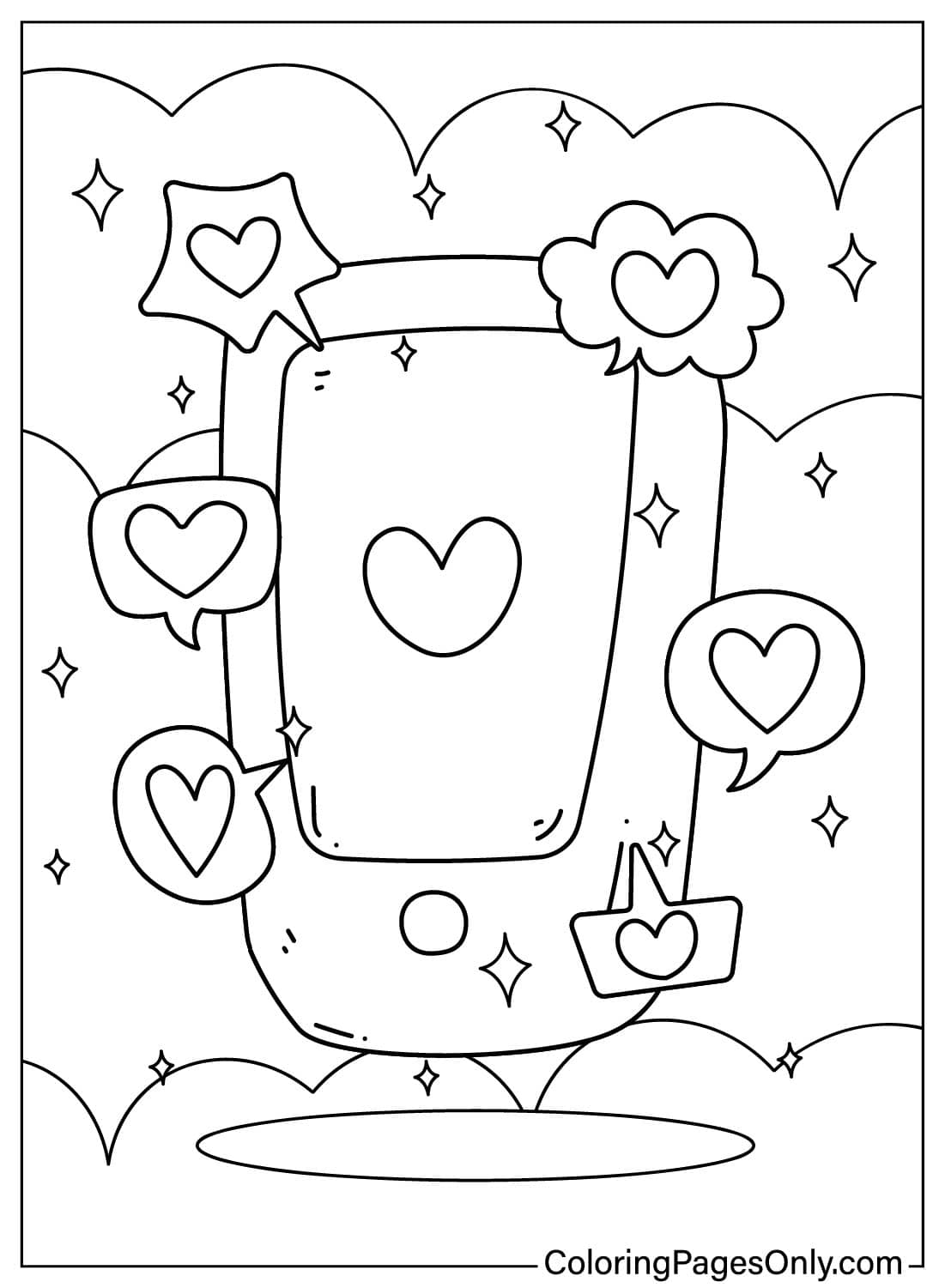
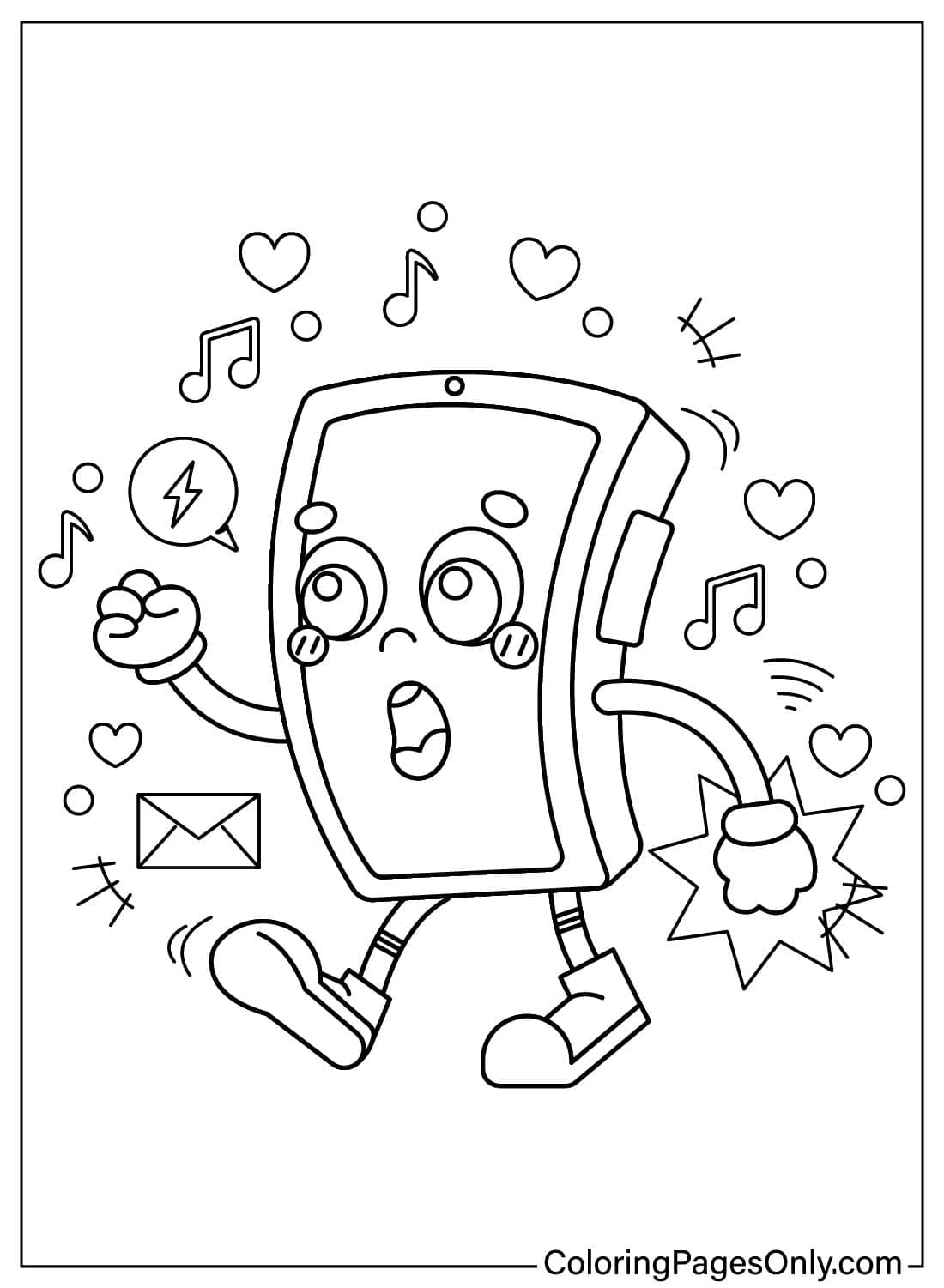
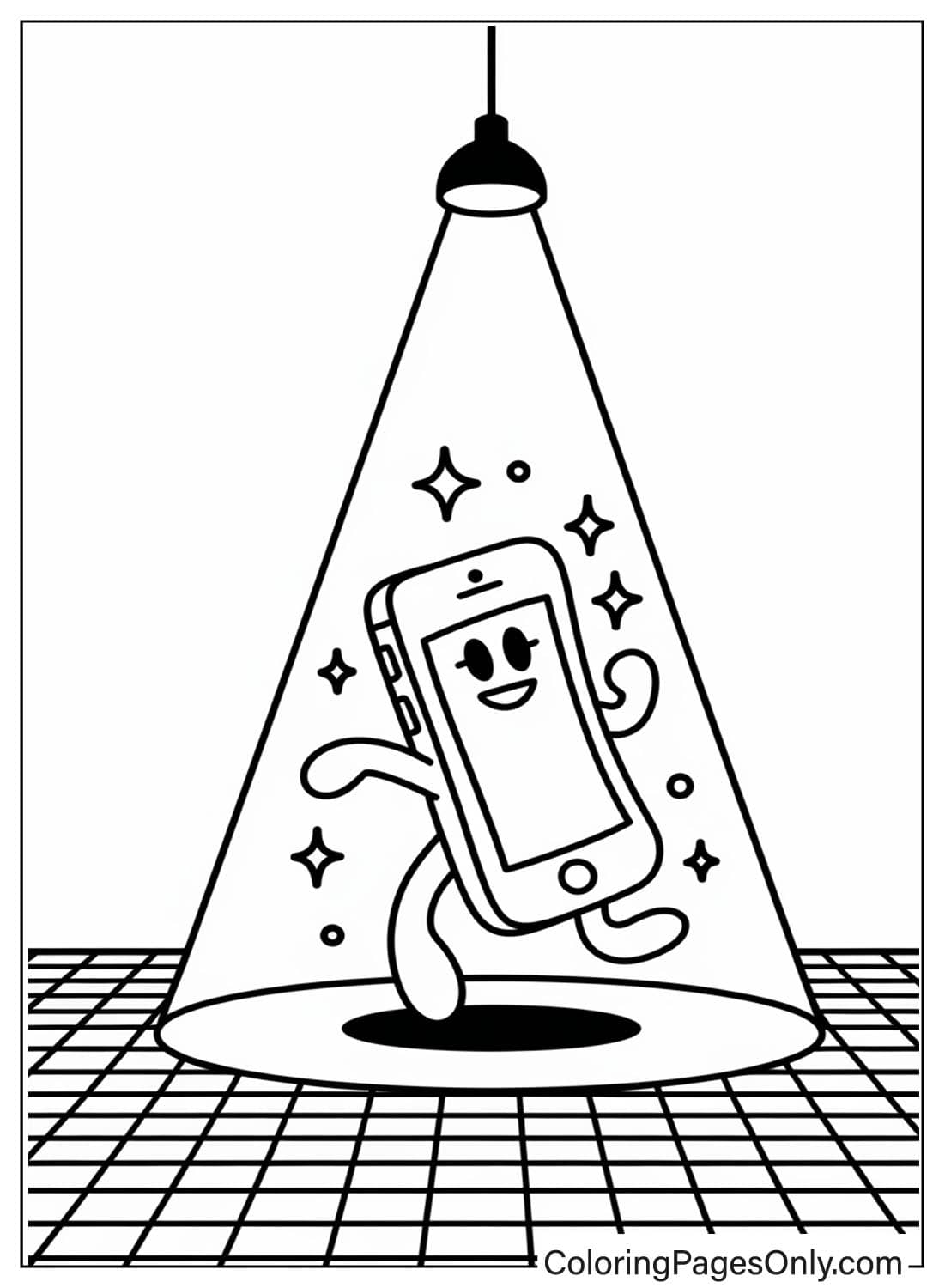
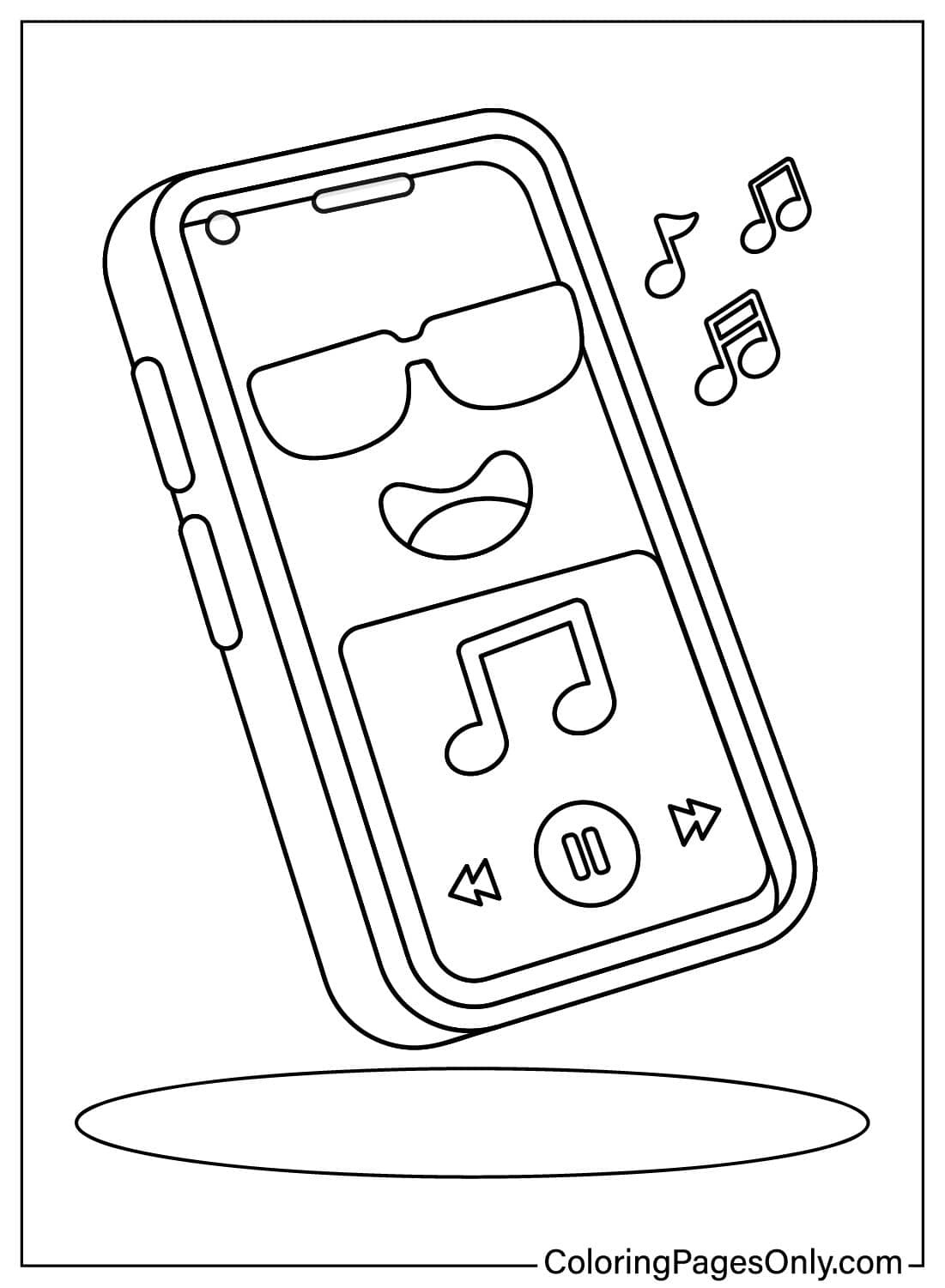
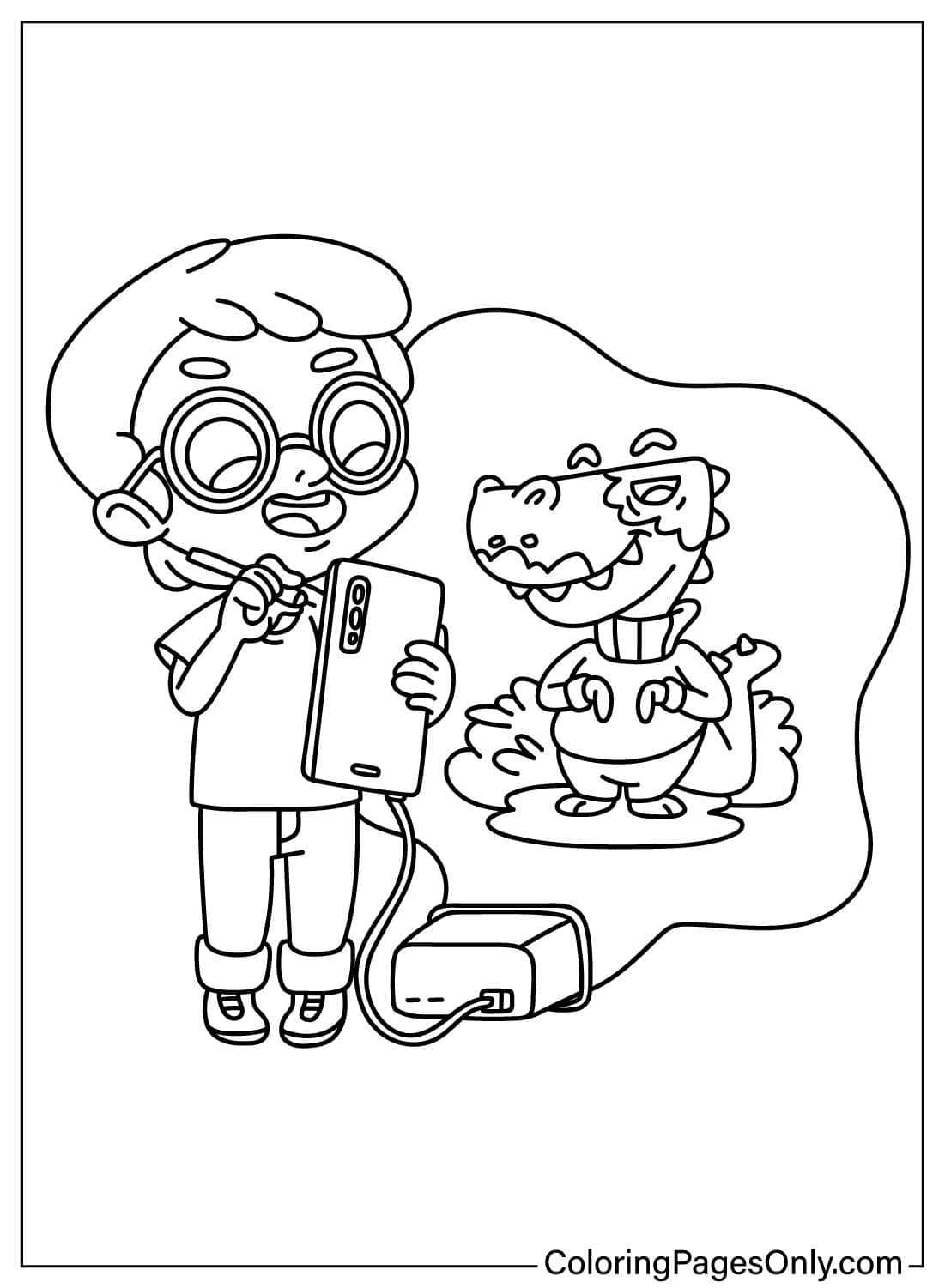
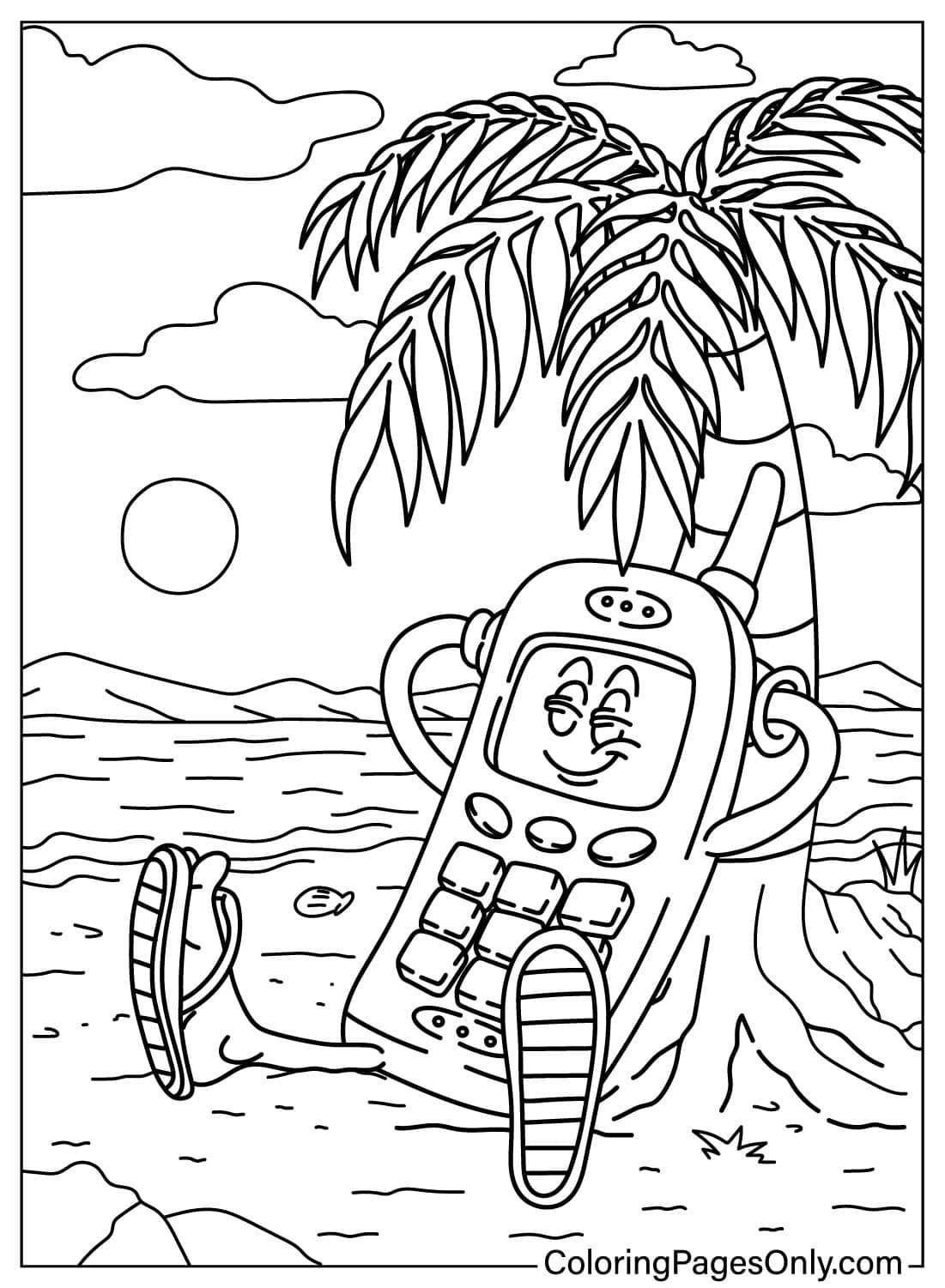
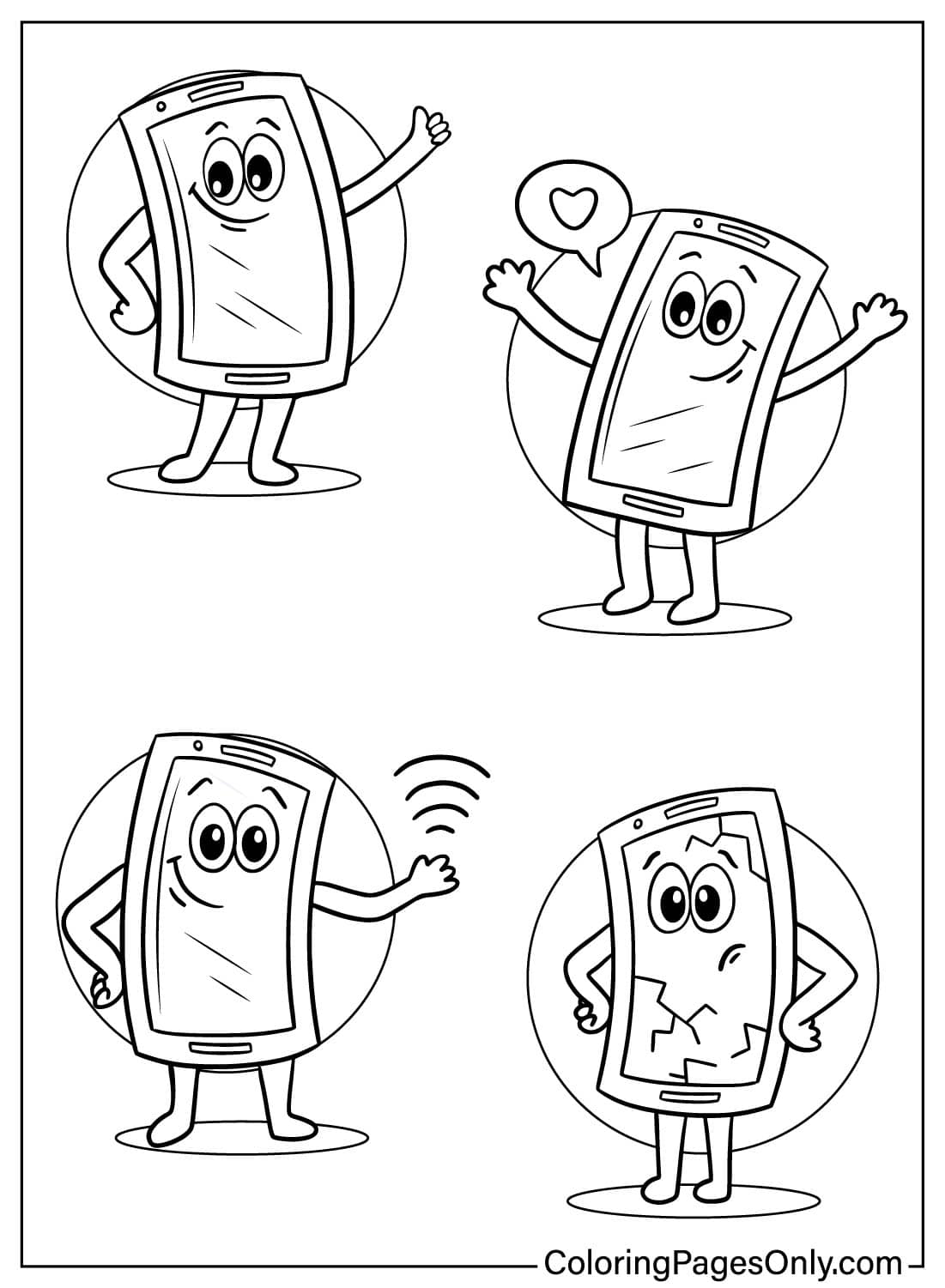
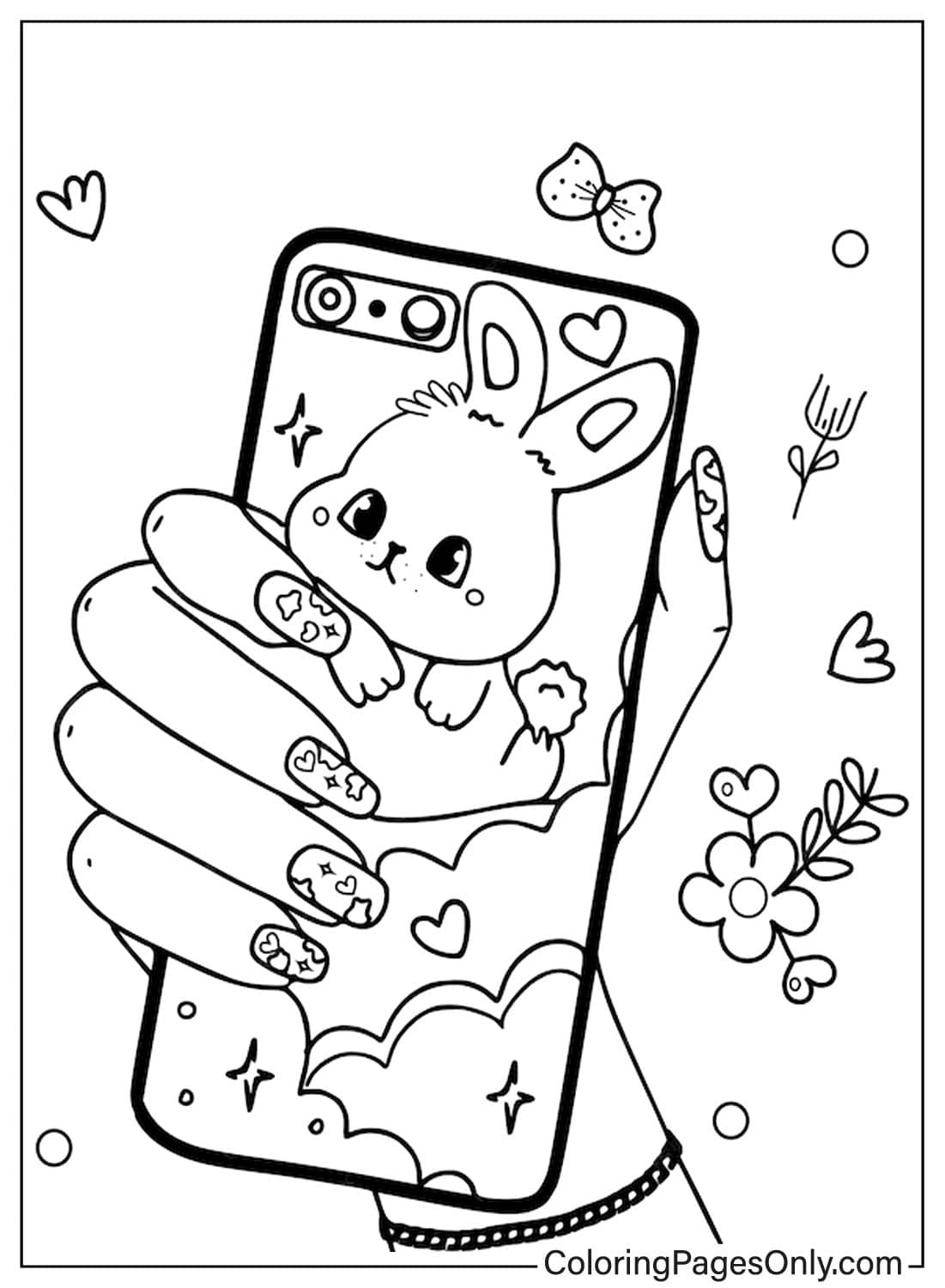
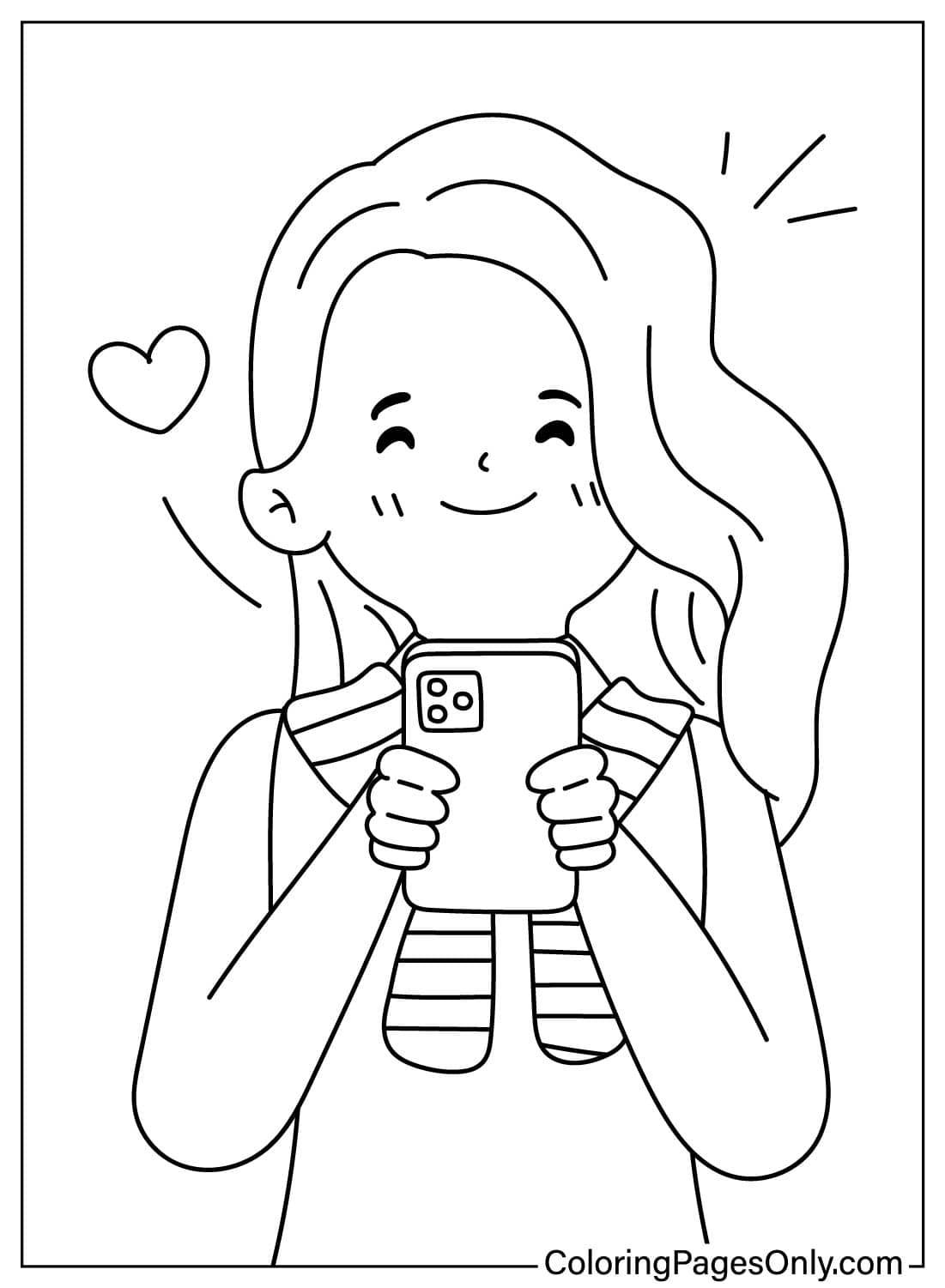
Eighteen pages show a phone with personality or in use: cartoon phones with faces, a phone dancing, a puppy or pig playing with one, and kids or a happy girl holding their own. These pages can take bright, playful colors freely, since the goal is charm and character rather than an accurate device.
Simple and Solo Portraits
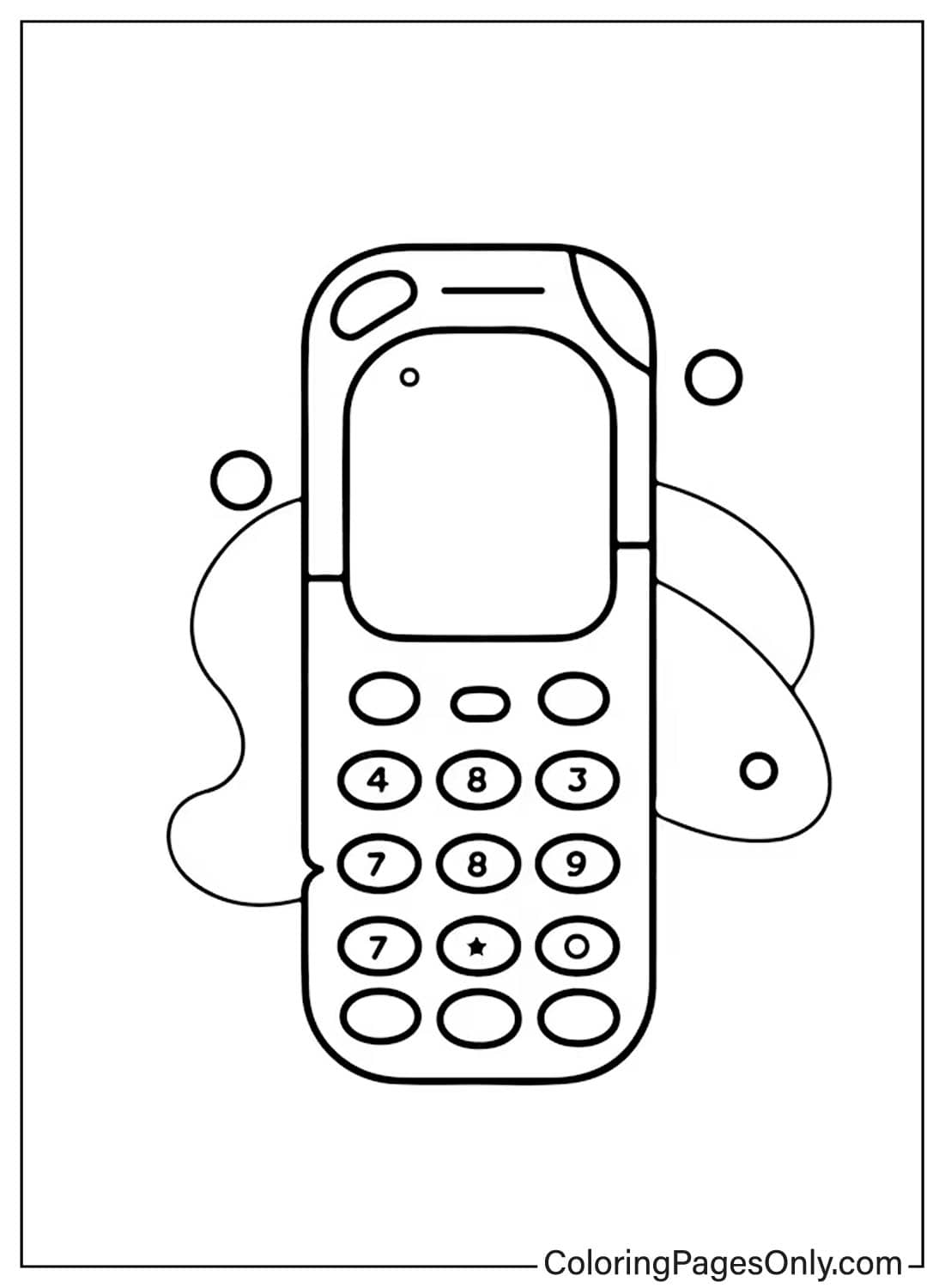
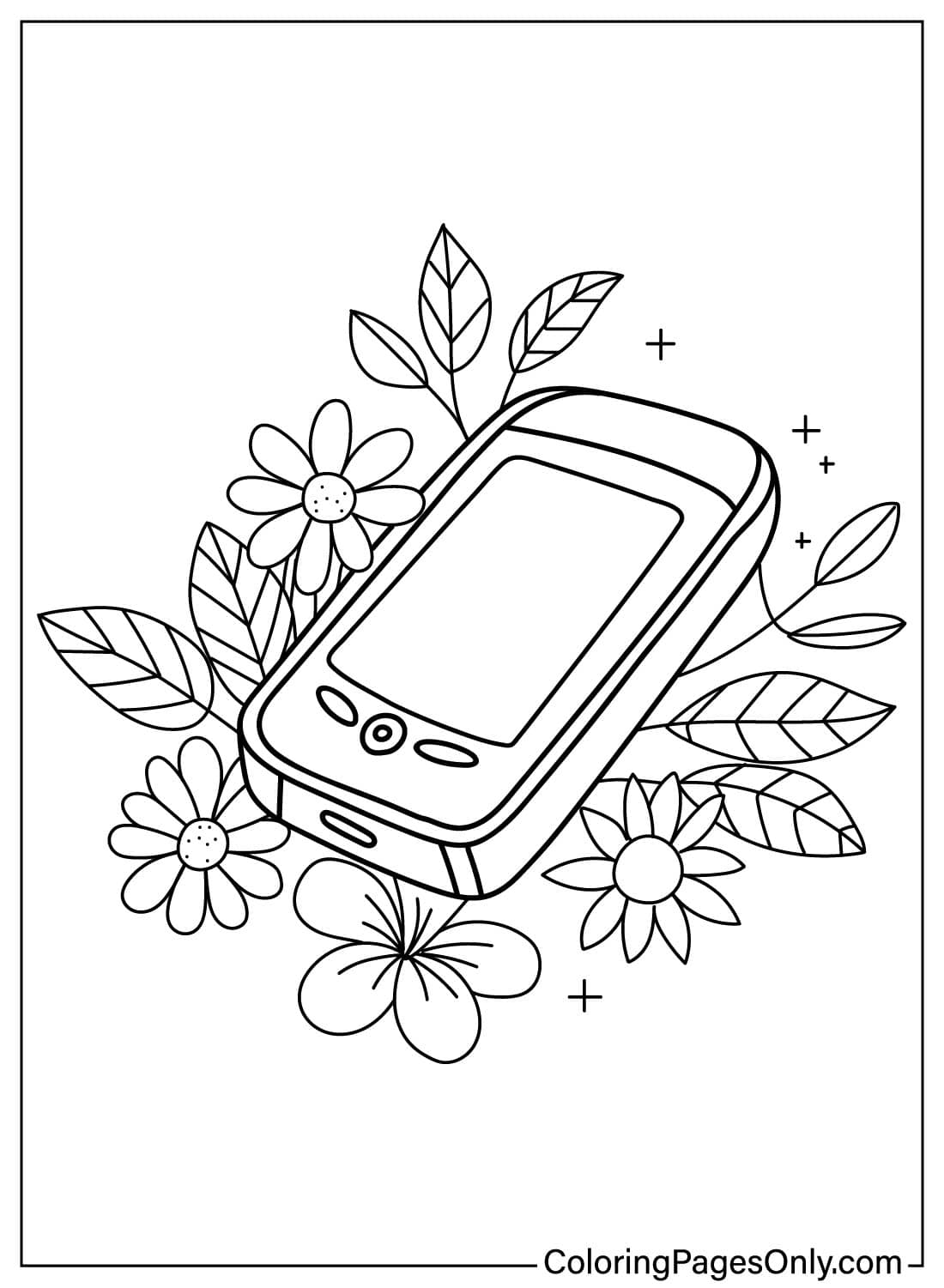
Ten pages keep to a plain, solo phone outline without a specific style or scene attached. These work well as a quick, simple page for a younger colorist, and they’re also a good place to experiment with a phone case design, since the body of the phone is the whole page.
What Phone Coloring Pages Do
Screens and buttons reward a careful hand. A phone’s grid of small app icons or buttons takes steadier, more deliberate coloring than a plain shape would, and the American Academy of Pediatrics names exactly this kind of structured coloring, done between ages 2 and 7, as a clear path to fine motor skill development. The simpler solo outlines offer an easier version of that same practice before a detailed smartphone screen.
A “modern” object that keeps changing. Since the phone shown on a vintage-style page and the phone shown on a smartphone page are barely 50 years apart, coloring both side by side is a concrete way to see how quickly a piece of everyday technology can completely change shape.
Calm through repetition. A 2005 Art Therapy Journal study found a measurable drop in anxiety after coloring sessions built around a defined structure. A repeating grid of app icons or buttons is about as structured as a coloring page gets.
A screen worth designing. Since a blank phone screen is really just an empty rectangle waiting for content, filling it with an invented app layout, wallpaper, or message is a small, low-pressure design exercise, not just a coloring one.
How to Color Phone Coloring Pages Well
- Vintage and classic phones: Use Beige, Black, or Maroon in one solid, flat tone, since older phones rarely used bright multicolor plastic.
- Modern smartphones: Use Silver, Black, or Sky Blue for the body, with a colorful app-icon grid on the screen rather than leaving it blank.
- Phone case or back panel: This is the one part of a modern phone page that can take a bright, personal color or pattern, since real phone cases come in every color imaginable.
- Cute cartoon phones: Bright, cheerful colors work well here, Sunglow or Carnation Pink, since these pages are about personality rather than realism.
- Screens showing a call, message, or app: Keep the screen a slightly different shade of white or gray than the phone’s body, so the screen reads as a distinct, lit-up surface.
- Scenes with a person or animal holding the phone: Color the phone itself in a neutral tone so it doesn’t compete with the main character for attention.
5 Creative Craft Ideas With Phone Coloring Pages
1. Phone Timeline Poster. Color a vintage phone and a modern smartphone, then arrange them side by side with dates written underneath. It’s a quick, visual way to show how much phones have changed in a short amount of time.
2. Design Your Own App. Color a blank phone screen, then draw and label a made-up app icon grid on it. It turns a coloring page into a small design exercise.
3. Phone Fact Cards. Color a few of the pages, then write one real fact, like the story behind the first text message, on the back of each card. A small stack makes a simple, reusable set for a technology-themed lesson.
4. Photo Booth Prop. Color a large phone page, cut it out, and use it as a fun handheld prop for photos. It’s a quick way to turn a finished coloring page into something usable.
5. Phone Bookmark Set. Color a few small phone portraits, cut them into narrow bookmark strips, and cover each with clear contact paper. A set featuring a mix of styles makes a fun, low-cost gift.
Frequently Asked Questions
What are Phone coloring pages?
Phone coloring pages are free printable and browser-colorable designs of phones, from vintage styles to modern smartphones and cute cartoon versions. This collection has 40 pages, available as PDF downloads or through the online coloring tool.
When was the first cell phone call made?
The first handheld mobile phone call was made on April 3, 1973, by Motorola engineer Martin Cooper, who called a rival researcher at Bell Labs to demonstrate the new technology.
When did smartphones become widely available?
The first commercially available mobile phone, the Motorola DynaTAC 8000X, went on sale in 1983. Touchscreen smartphones, as they’re known today, didn’t become widespread until after Apple released the first iPhone in 2007.
What was the first text message ever sent?
The first SMS text message was sent on December 3, 1992, and read “Merry Christmas.” That original message was later sold at auction as an NFT in 2021 for $150,000.
Why was the first commercial mobile phone nicknamed “the Brick”?
The Motorola DynaTAC 8000X earned the nickname “the Brick” because of its size and weight, about two and a half pounds, along with a battery that lasted only 30 minutes of talk time on a 10-hour charge.
When was the first iPhone released?
Apple’s first iPhone was announced in January 2007 and released to the public in June 2007, introducing the touchscreen, app-based design that defined modern smartphones.
Are Phone coloring pages suitable for young children?
Yes, with the right page. The simple solo outlines and cute cartoon pages suit younger children, while the detailed smartphone screens suit older kids who want more of a challenge.
Are the iPhone-labeled pages official Apple designs?
No. The pages labeled with the name iPhone are fan-made coloring sheets for personal, non-commercial use and are not affiliated with, licensed by, or endorsed by Apple.
Start Coloring
Download any design by clicking it. No account, email, or payment is required to color or print. Every page opens in the online coloring tool for on-screen use or downloads as a full-resolution PDF for printing. Share a finished phone page using the Facebook or Pinterest buttons at the top of the page.