The tool accepts uploaded images in addition to the built-in library. Black line art on a white background produces the clearest results when coloring.

Color right on your screen - no printer, no downloads, no sign-up needed!
Pick any page from our library or upload your own image and start coloring in seconds. Works on phone, tablet, and desktop!
Recently colored images
The online coloring tool on ColoringPagesOnly.com runs in the browser with no download or account required. It works on phone, tablet, and desktop and gives access to 100,000+ coloring pages in the site's catalog, as well as the option to upload a custom image.

Start coloring instantly - no waiting, no setup
Upload your own photos or drawings to color
Works perfectly on phones, tablets, and laptops
Save your artwork or print it when you're done
Undo mistakes and zoom in for the tiny details
100% free - no account, no subscription, ever
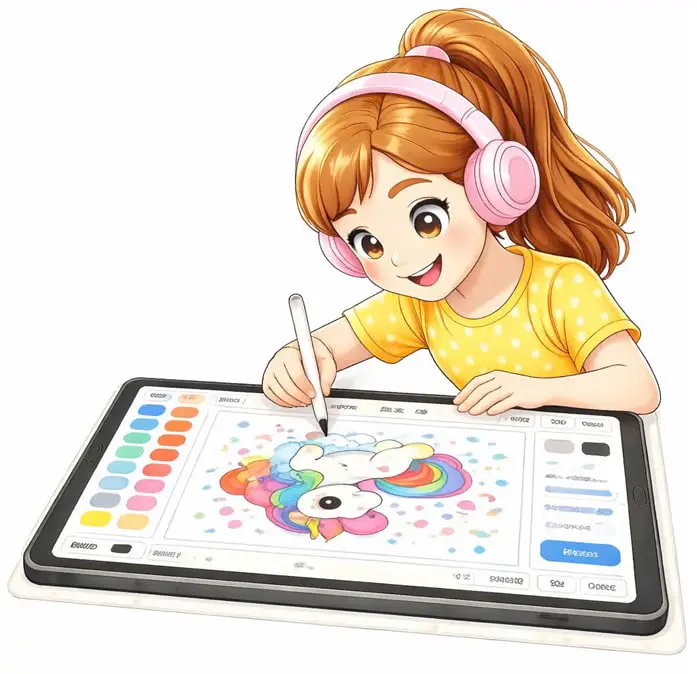
Online coloring loads a coloring page directly in the browser. A color palette and set of tools appear alongside the image - select a color, pick a tool, and tap or click any area to apply it. No crayons, markers, or printers are needed.
The tool works on any touch screen or mouse-based device. Children can use a finger or a stylus on a tablet; on a desktop, a mouse works the same way. Finished artwork can be downloaded to the device or printed directly from the browser.
Online coloring is especially great for:
No account or setup is required. Sessions start immediately after clicking any page's online coloring button.
Many users enjoy sharing finished coloring pages at home, in classrooms, or during group activities as a fun way to celebrate creativity together.
 Pick any coloring page from the library below - or upload your own image!
 Choose your colors from the palette(custom colors available too!)
 Use Fill for big areas, Brush for details, Eraser when you change your mind
 Save your artwork to your device or print it straight from the browser - done!
Have a favorite photo - a pet, a family picture, a drawing your child made? Click Convert Photo to Coloring Page and the tool generates a line-art outline automatically, ready to color immediately.
The conversion runs entirely in your browser using edge detection, and the original photo is not uploaded. Save keeps the finished picture in this browser for up to 24 hours, while Download saves it to your device. Nothing is uploaded to the site's server. Processing is nearly instant for most images; larger files may take a few seconds depending on your device.
Not sure which photo to use? Read how to turn a photo into a coloring page.
For the clearest results, use a photo with good contrast and sharp detail - a well-lit subject against a simple background converts best. Supported formats: JPG, PNG, and WebP, up to 10 MB and 4000 x 4000 pixels per file.
Unlike the Upload option below (for images that are already line art), Convert Photo to Coloring Page works with any regular photo - no tracing or pre-editing needed.
The tool accepts uploaded images in addition to the built-in library. Black line art on a white background produces the clearest results when coloring.

After uploading, the image loads into the coloring canvas, and the standard tool palette becomes available for it.

Common uses include coloring children's own drawings, personalizing school worksheets, and creating custom artwork. After coloring, the finished image can be downloaded or printed.
 Cartoons (18,319 Pages)
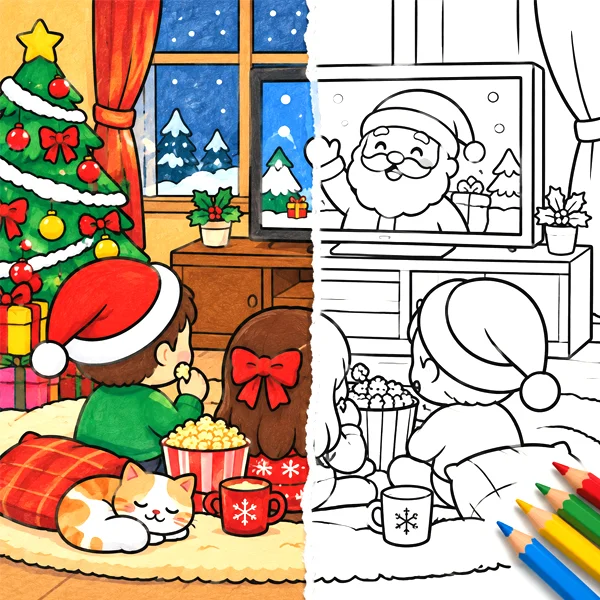 Holidays (6,979 Pages)
 Disney (5,029 Pages)
 Educational (2,145 Pages)
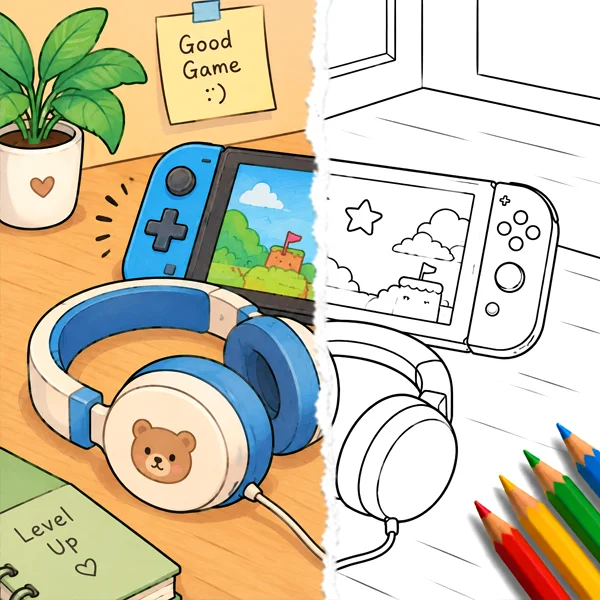 Games (4,817 Pages)
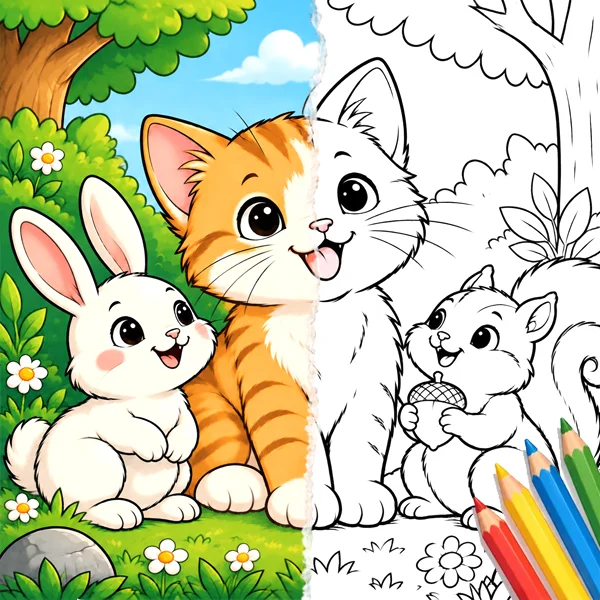 Animals (10,204 Pages)
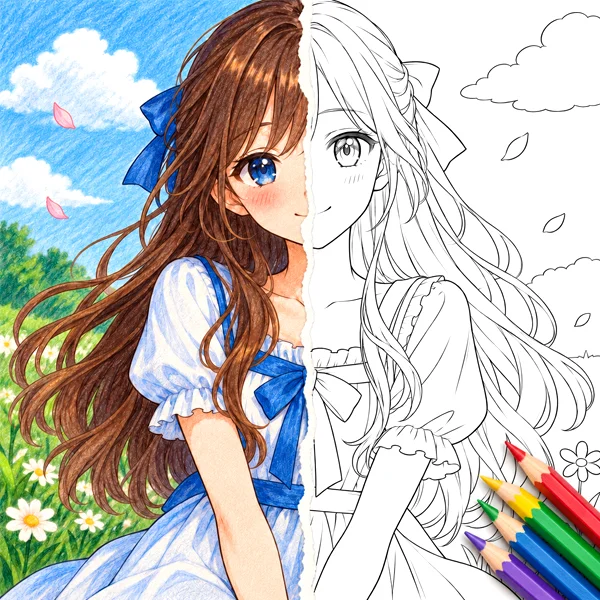 Anime (6,573 Pages)
 TV Show and Films (3,622 Pages)
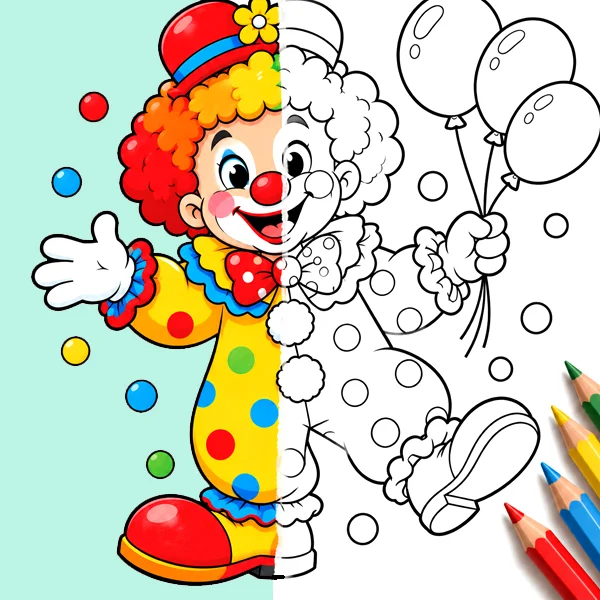 Miscellaneous (3,226 Pages)
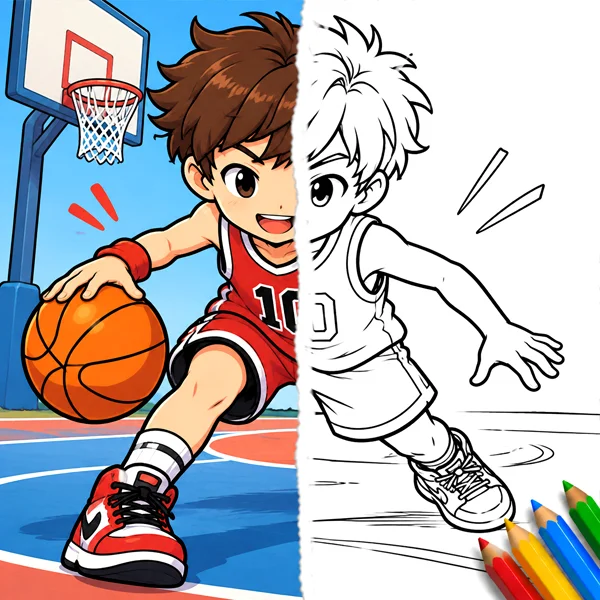 Sports (2,525 Pages)
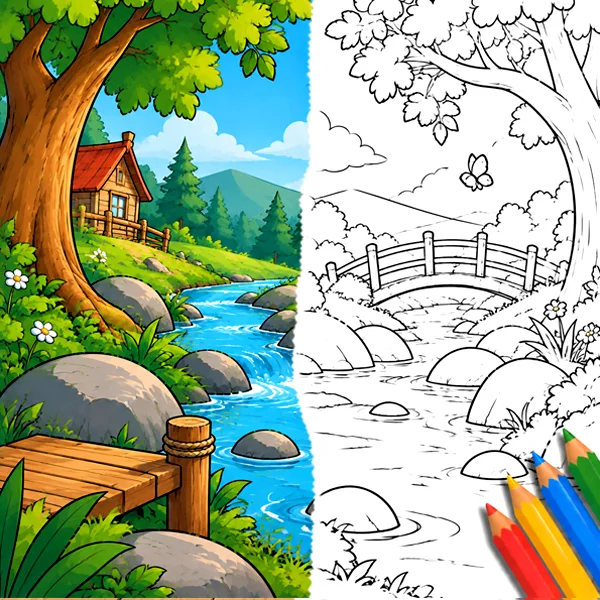 Nature & Seasons (2,370 Pages)
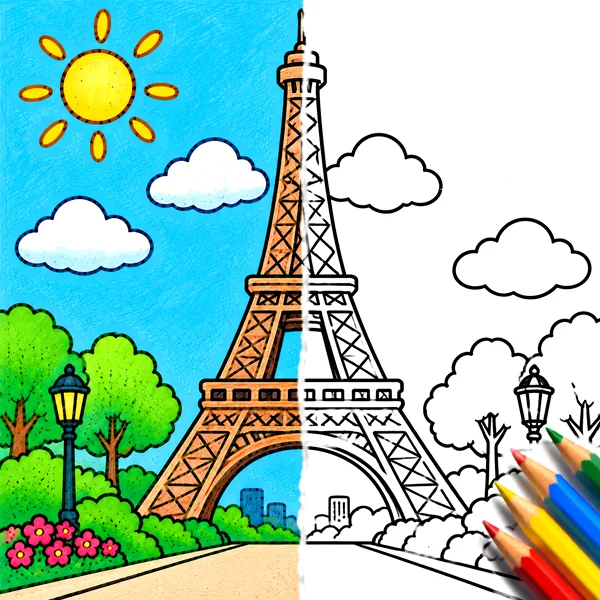 Arts & Culture (1,635 Pages)
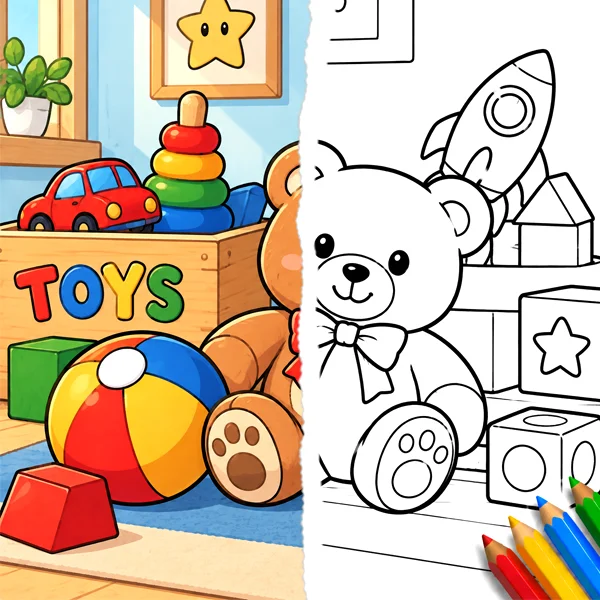 Toys and Dolls (2,135 Pages)
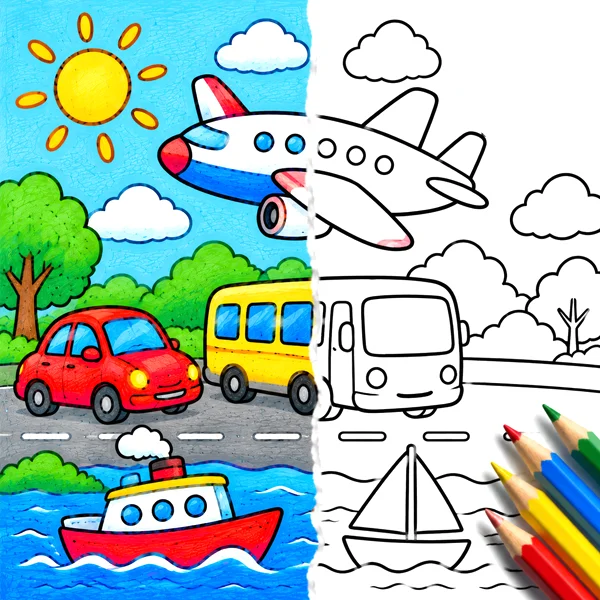 Transport (2,608 Pages)
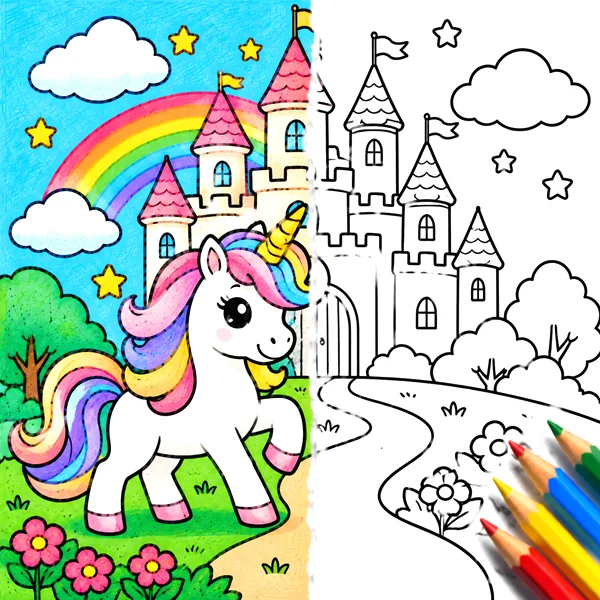 Fantasy and Mythology (2,097 Pages)
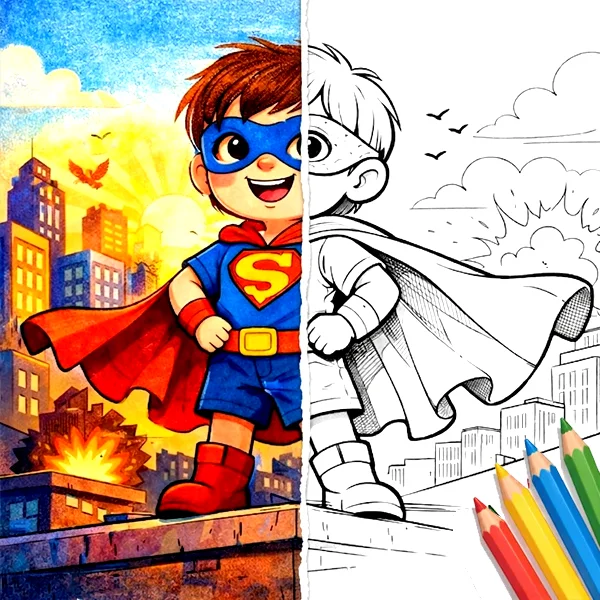 Superhero (1,085 Pages)
 Kids - Fun
Fun, easy coloring anytime
Kids - Fun
Fun, easy coloring anytime
 ParentsA creative break at home
 TeachersQuick classroom activities
 AdultsRelax and unwind
Our goal is to make online coloring accessible, safe, and enjoyable for everyone.

100% free online coloring

No sign-up required

Safe for kids and families

No downloads or software needed