Digital Windows Coloring Pages
 By:
Jennifer Thoa - Content Editor & Designer
Updated:
By:
Jennifer Thoa - Content Editor & Designer
Updated:
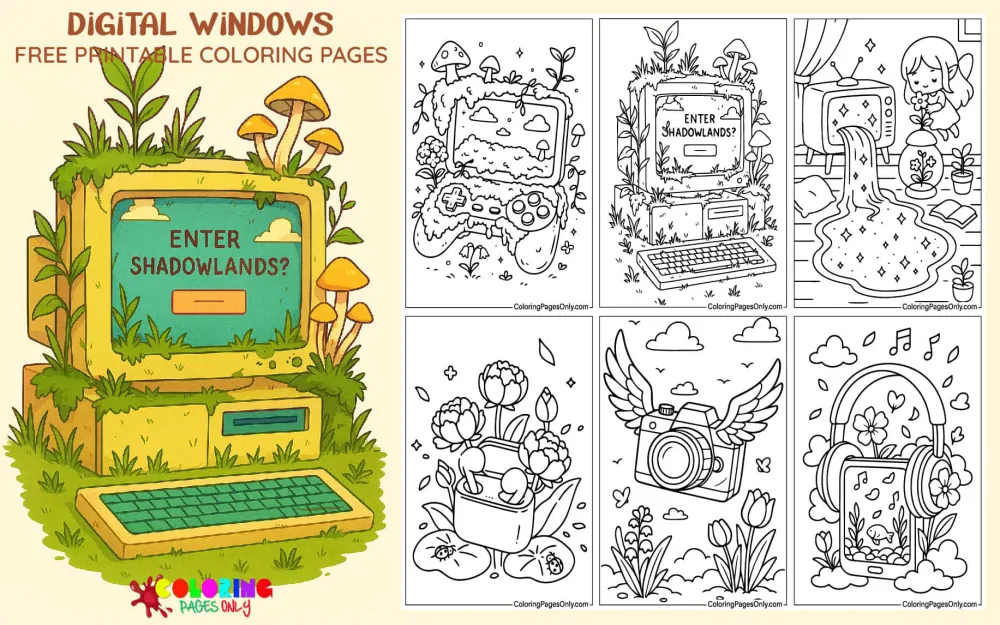
Free Digital Windows Coloring Pages: 35 printable PDF designs of everyday tech devices reimagined as portals into fantasy scenes. Whether it’s printed as a PDF or filled in online, every page here is free and skips the account step entirely.
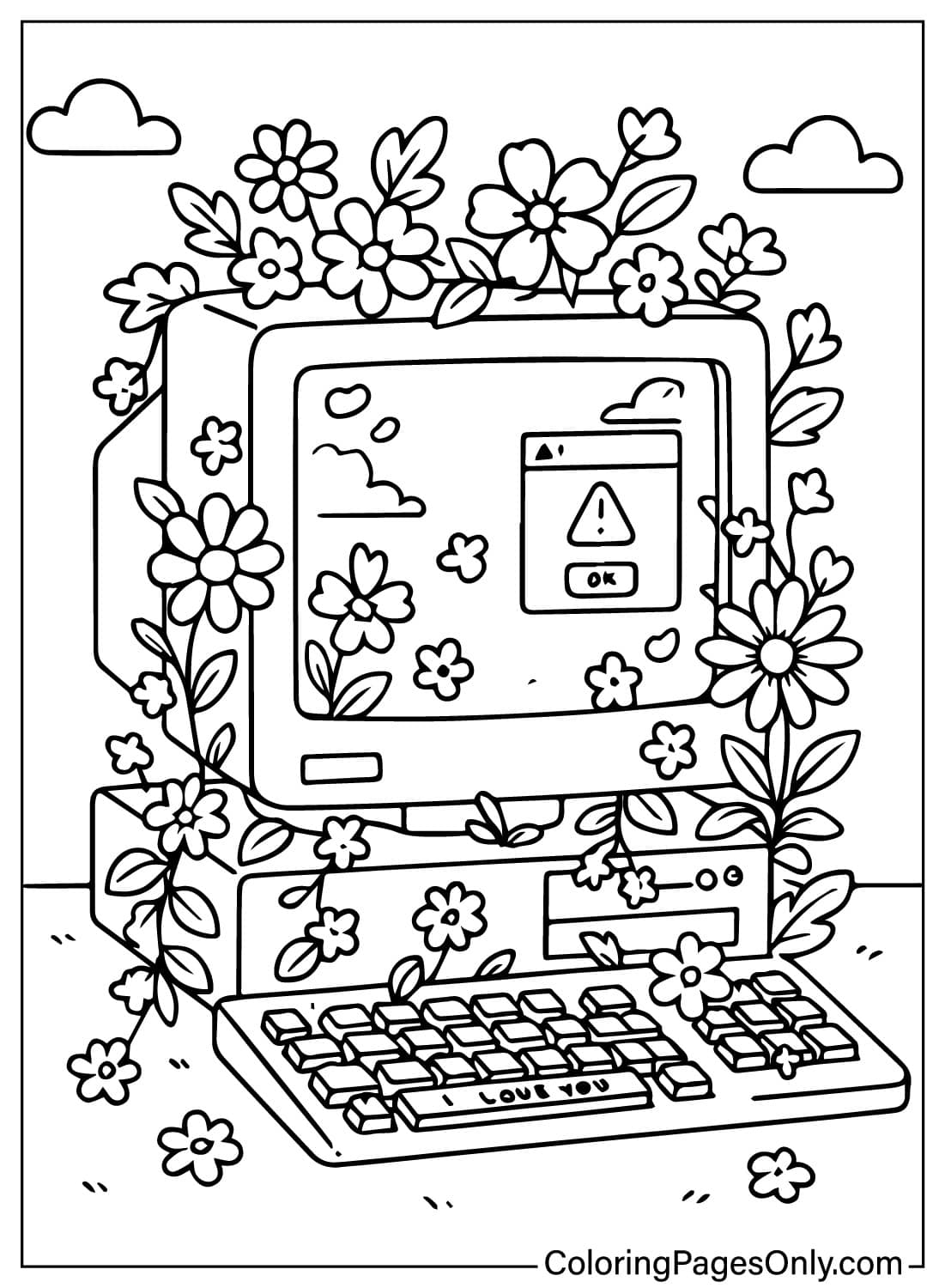
This is an original collection built around one central idea: a TV, phone, camera, or game console that opens into something else entirely, a garden growing through a keyboard, an aquarium glowing on a screen, a fairy perched on a camera lens. Retro tech, old telephones, tube TVs, and flip phones appear almost as often as anything modern, giving the set a nostalgic edge alongside its fantasy elements.
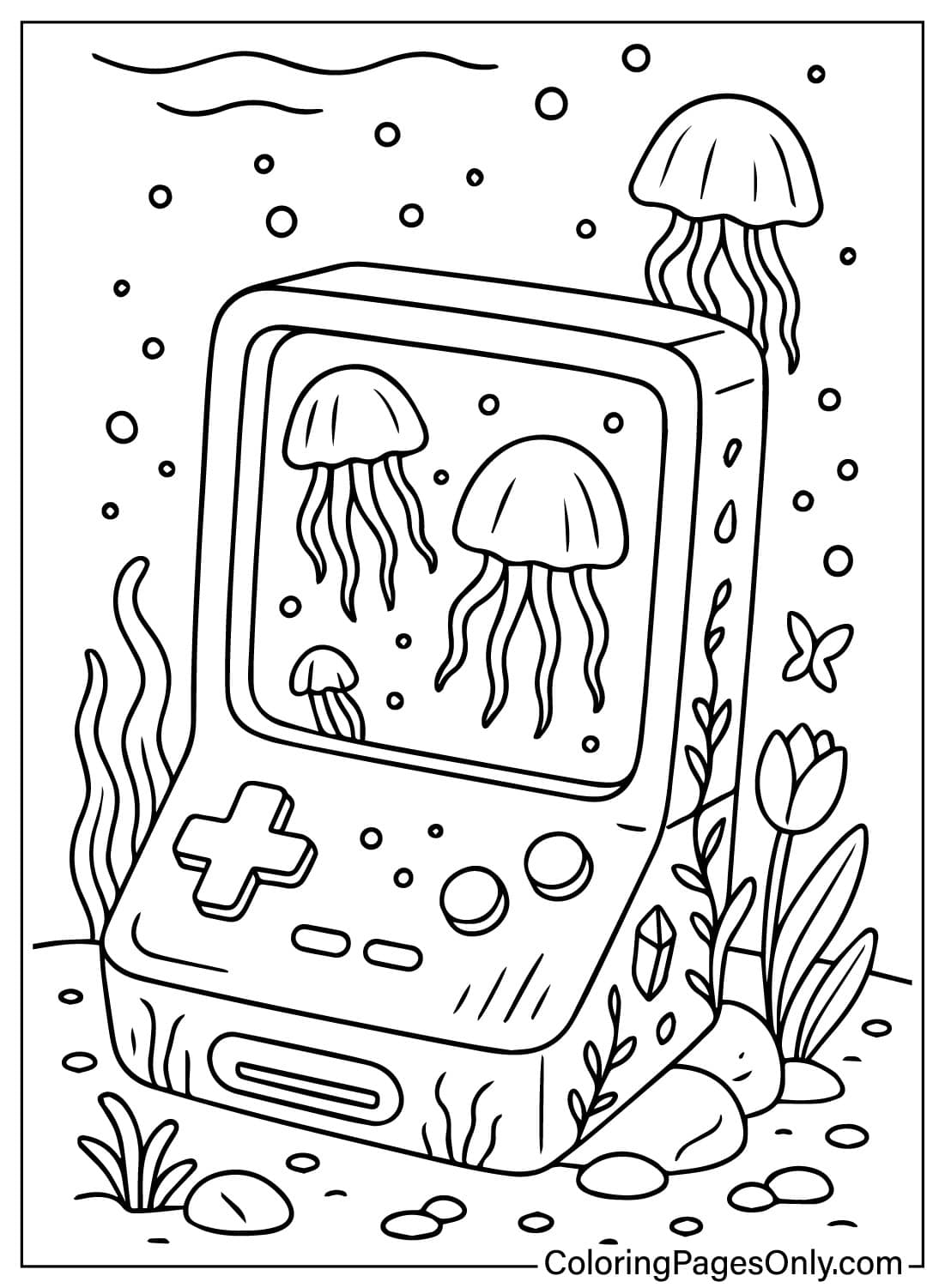
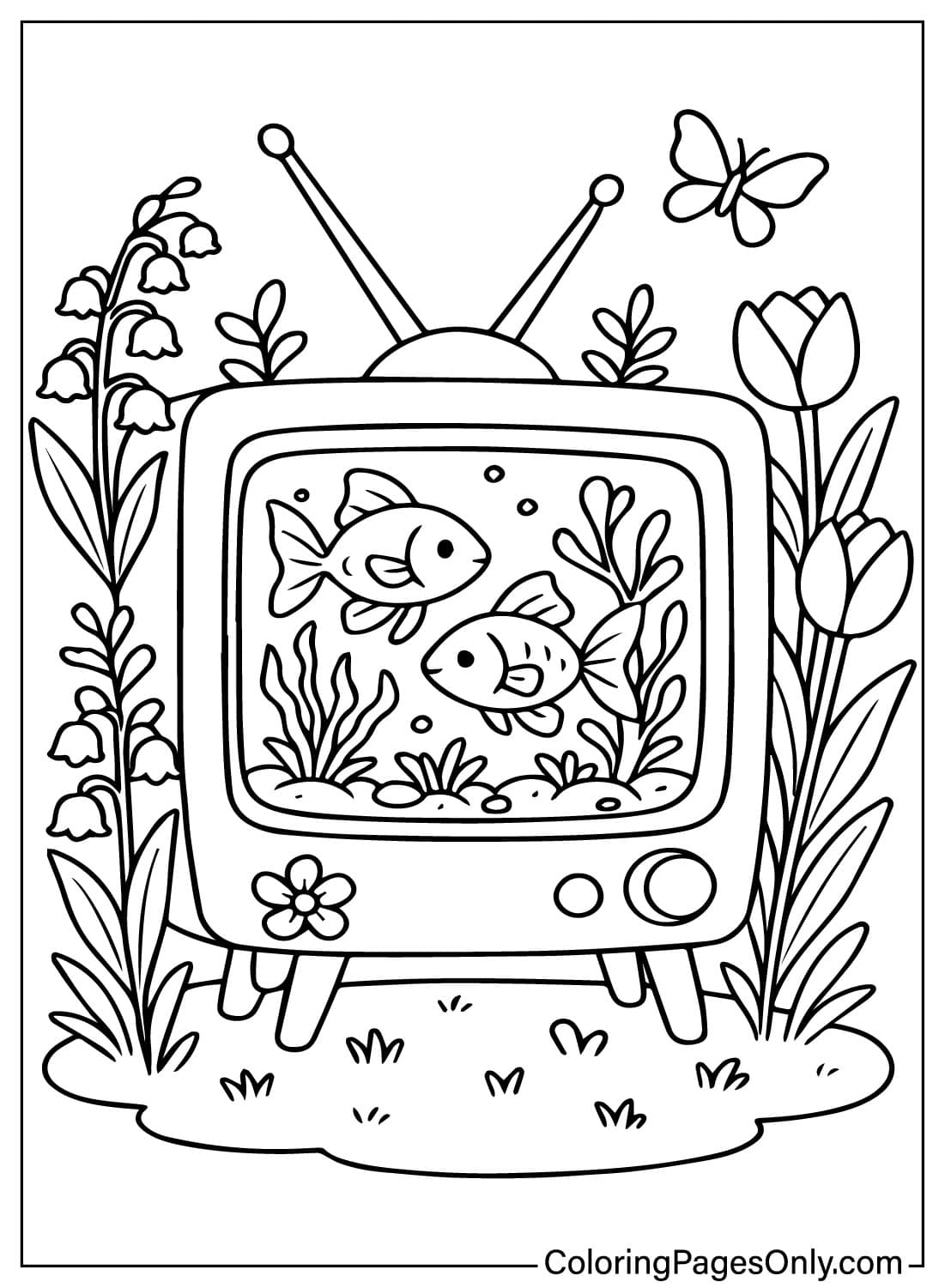
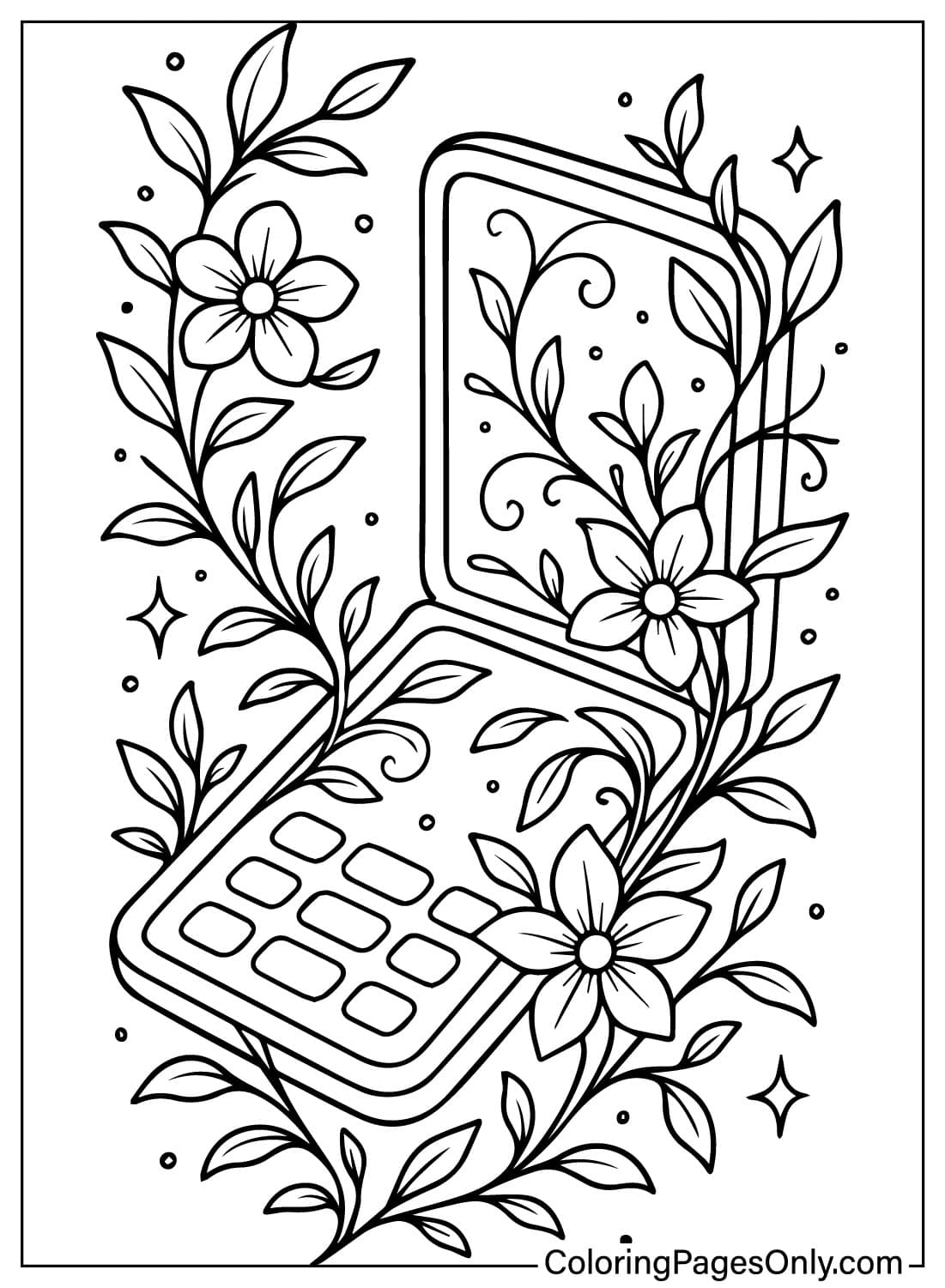
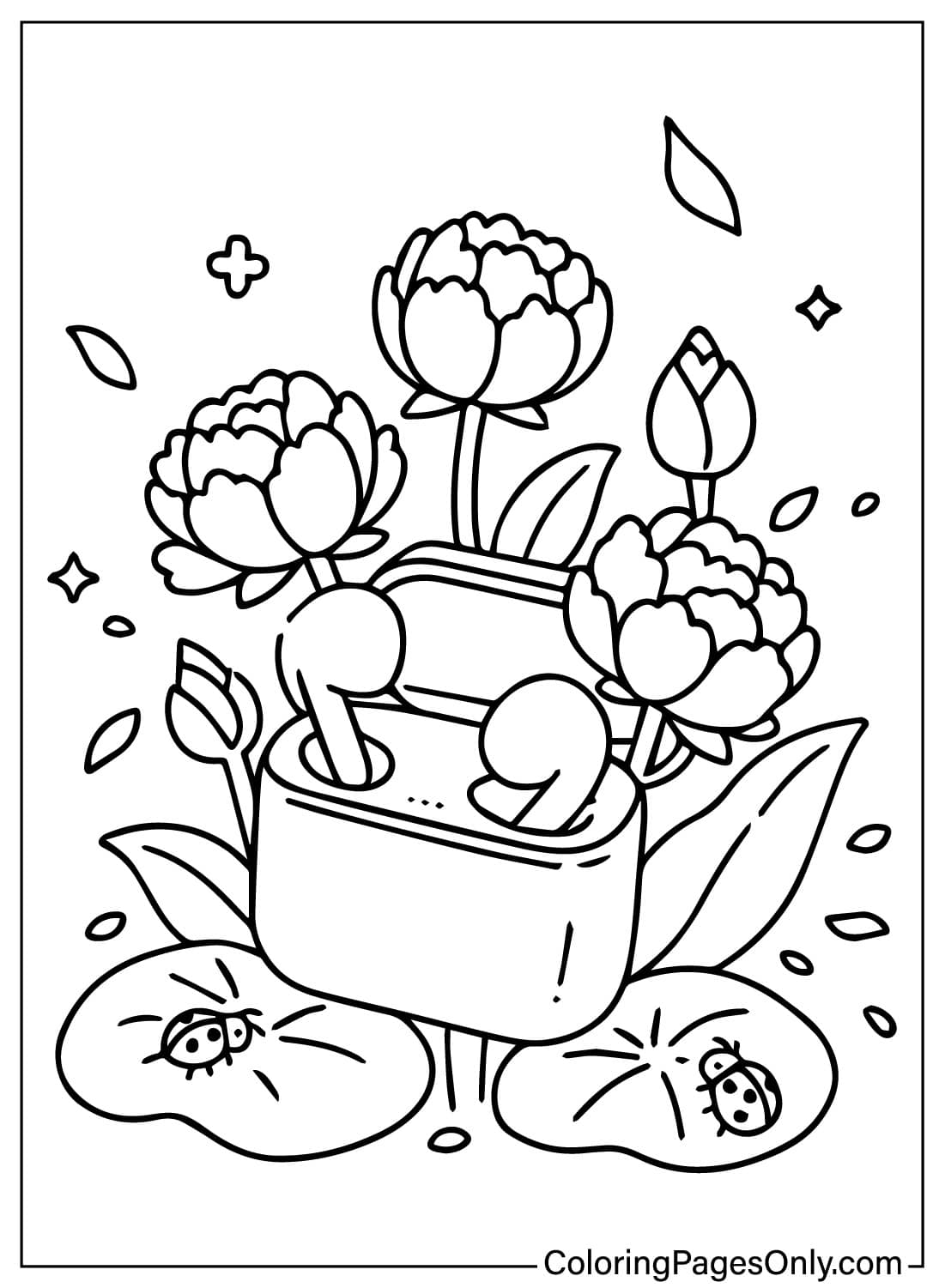
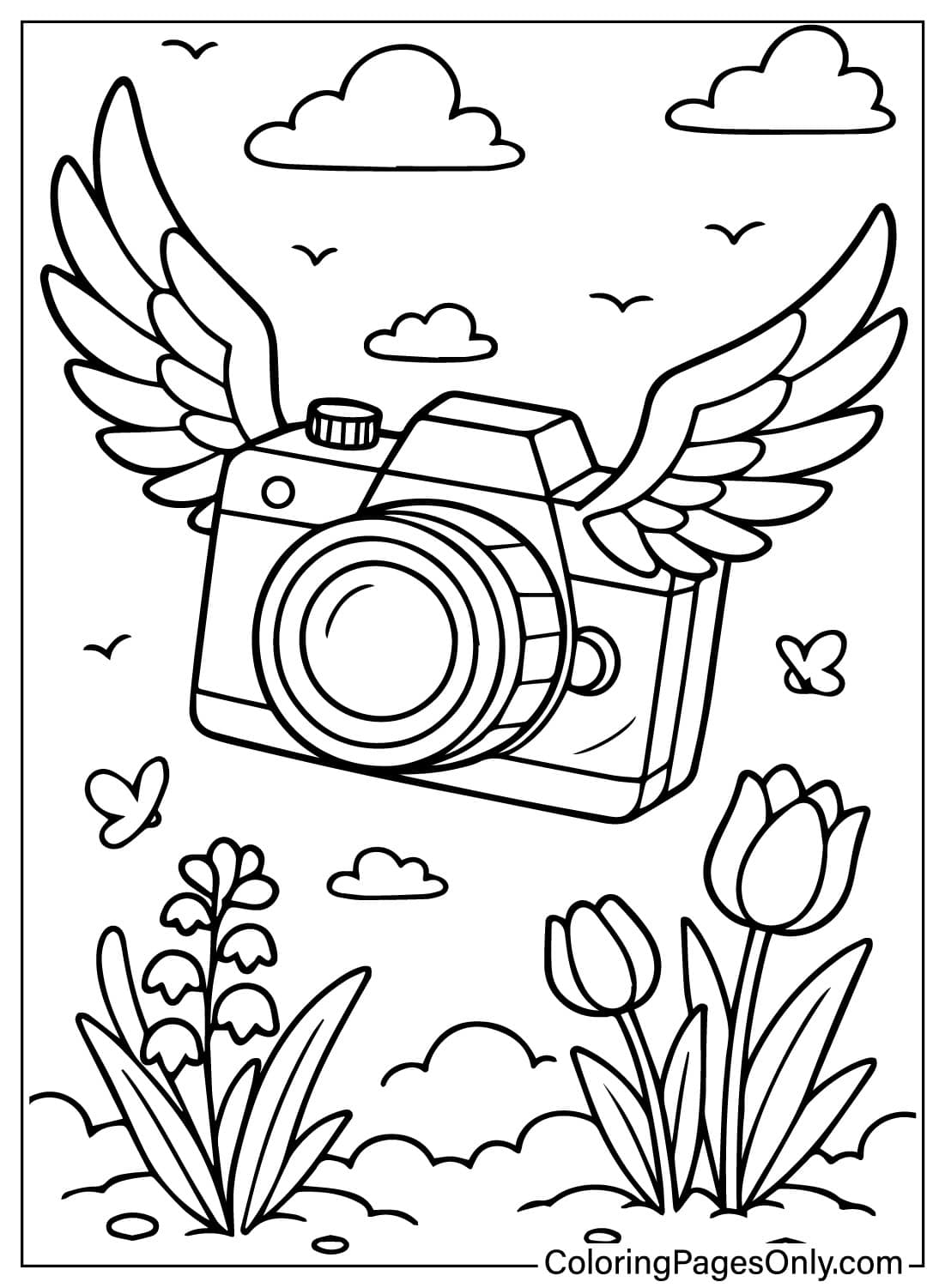
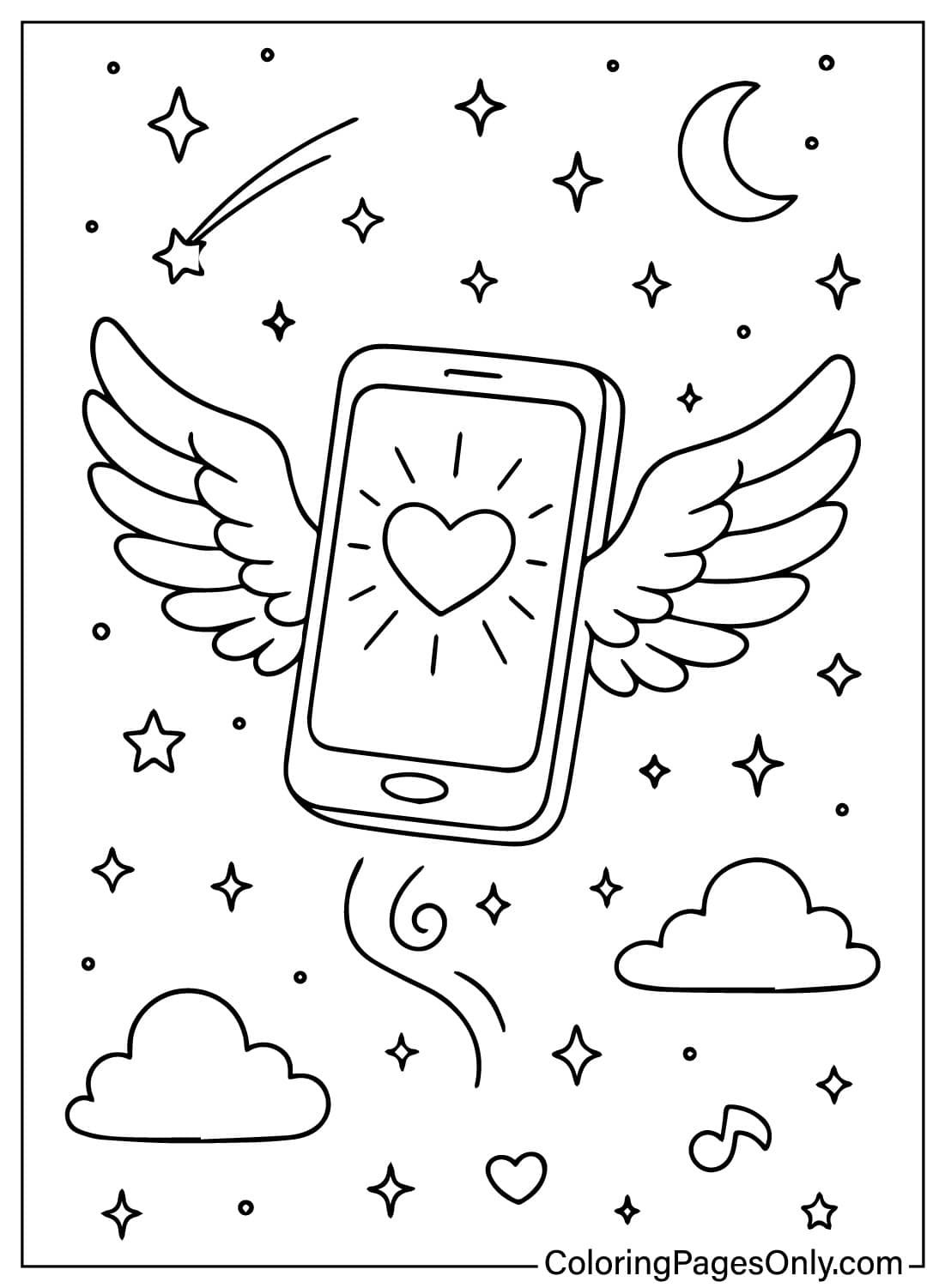
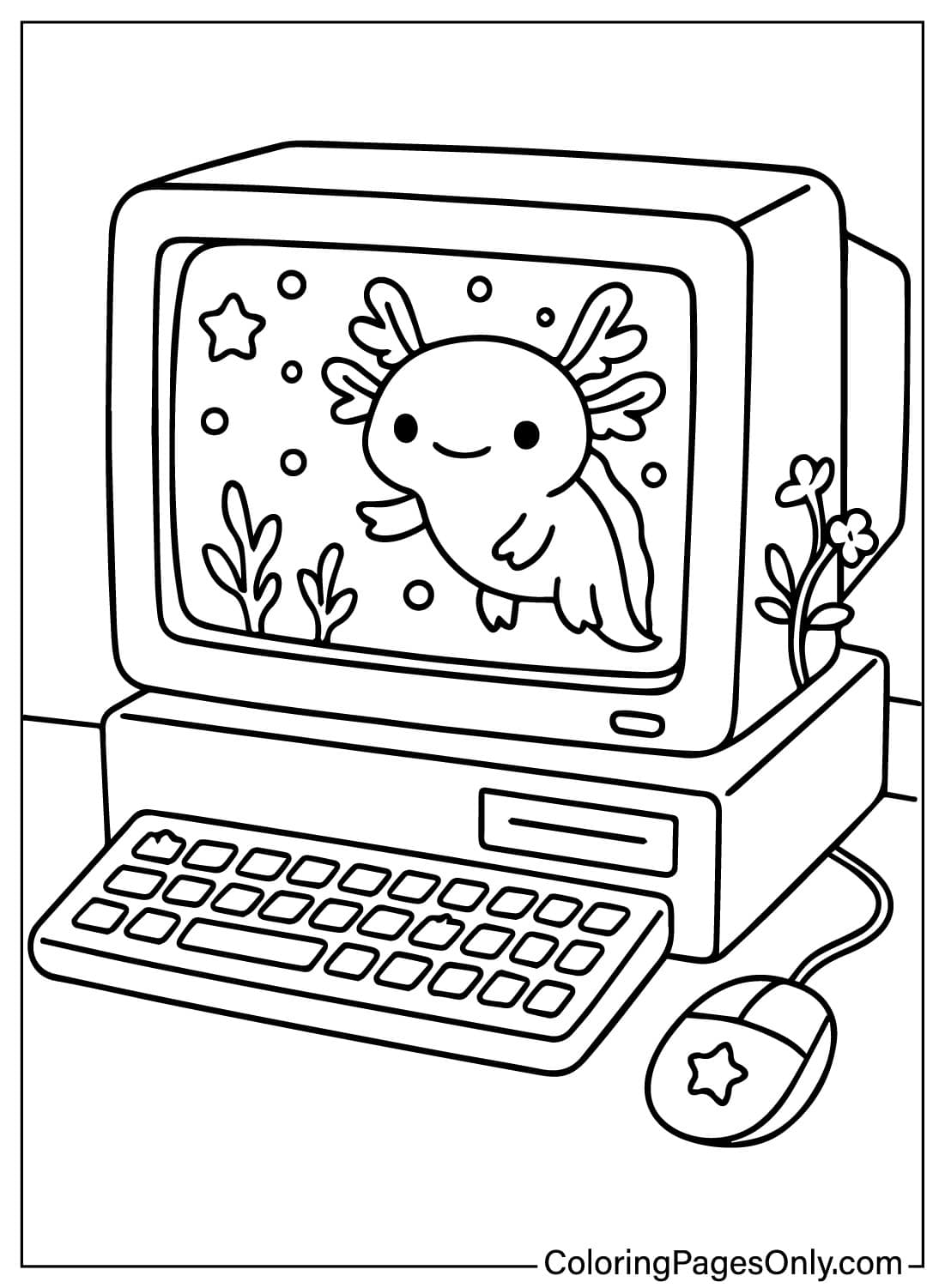
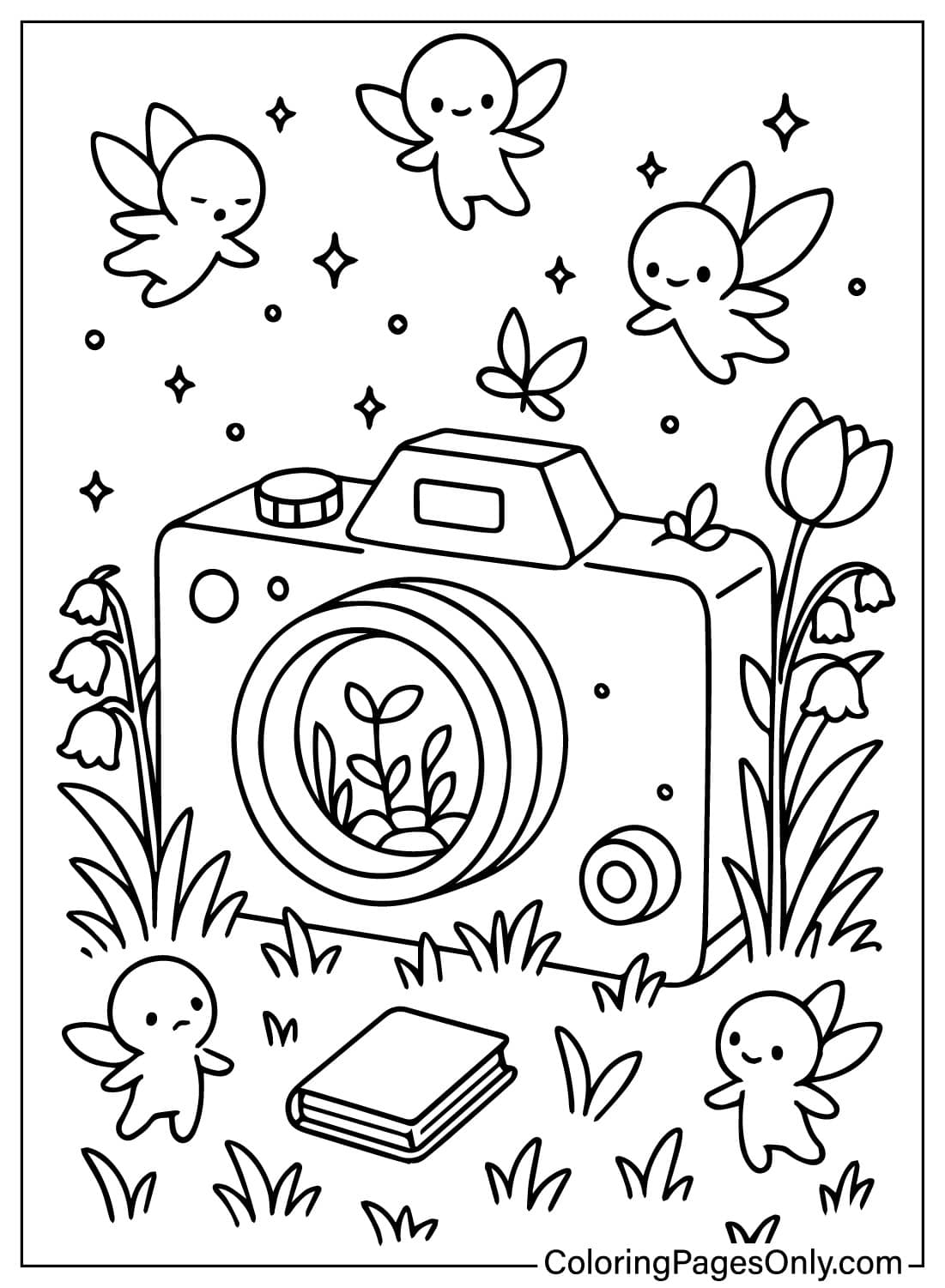
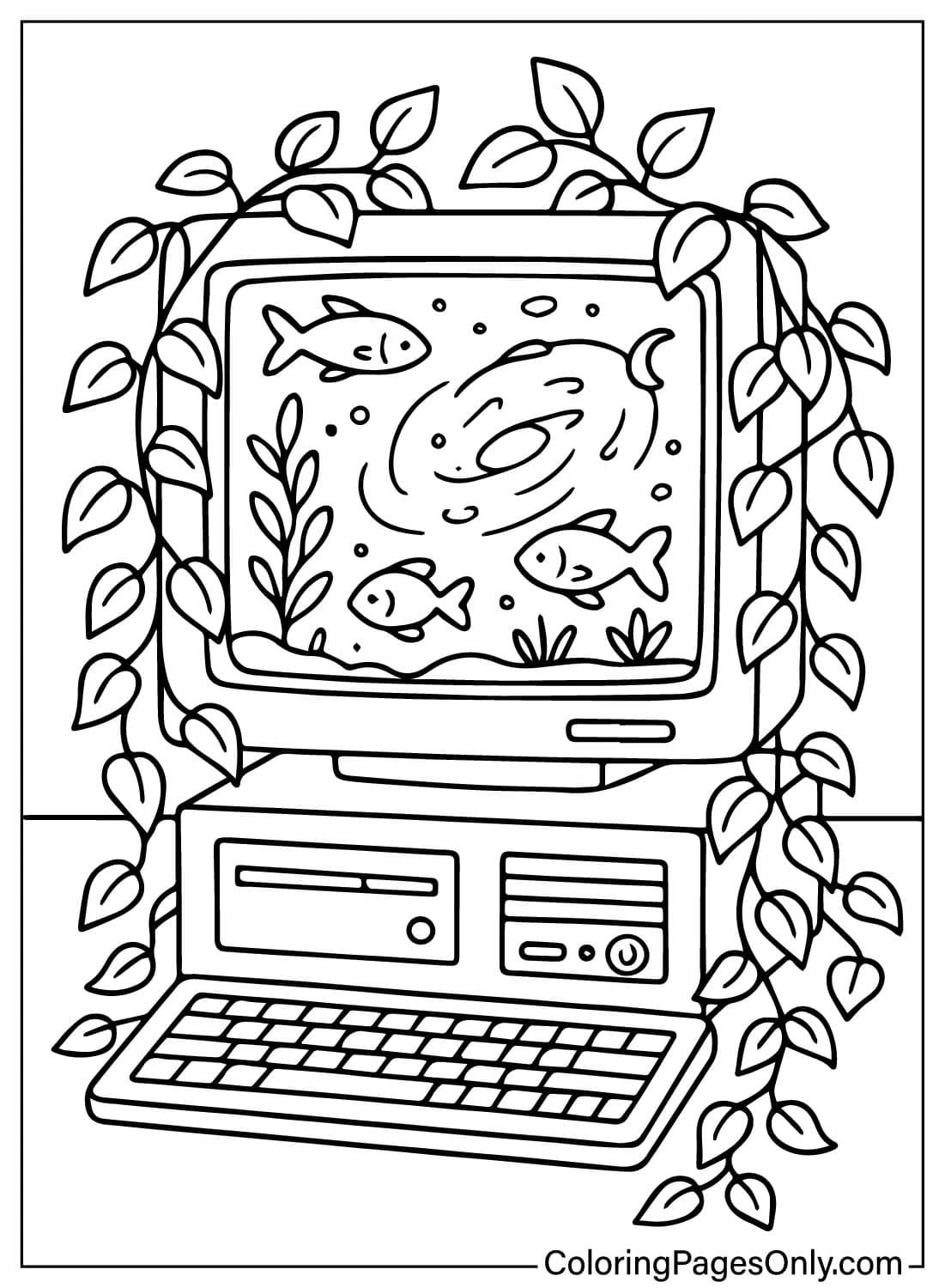
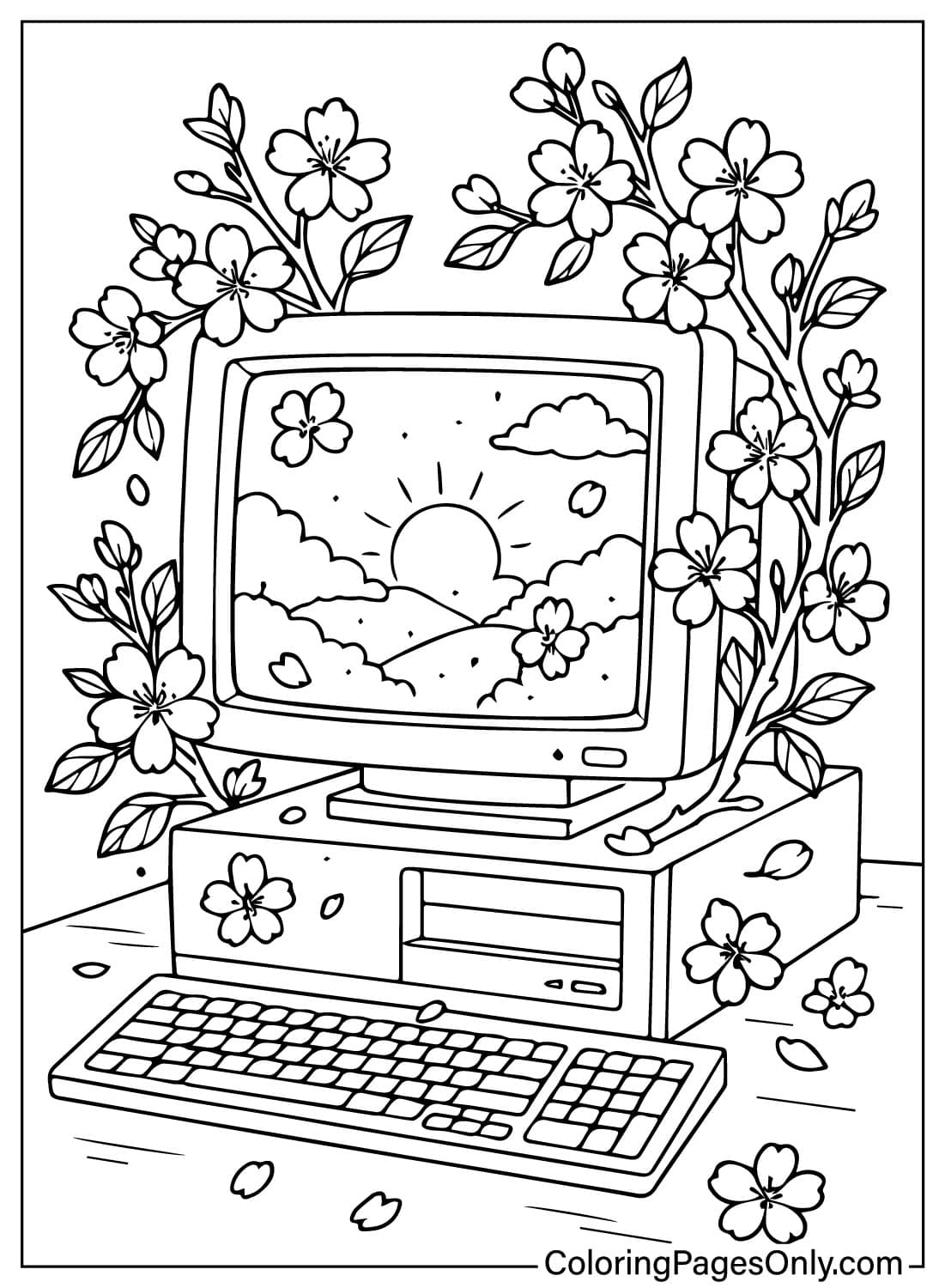
The 35 pages sort into five groups: nature slowly overtaking a device, underwater and cosmic screen scenes, fairies and winged devices, cozy rooms built around a screen, and fantasy gadgets paired with sound or crystal detail. Because each device becomes its own small world, the coloring choices shift considerably from page to page.
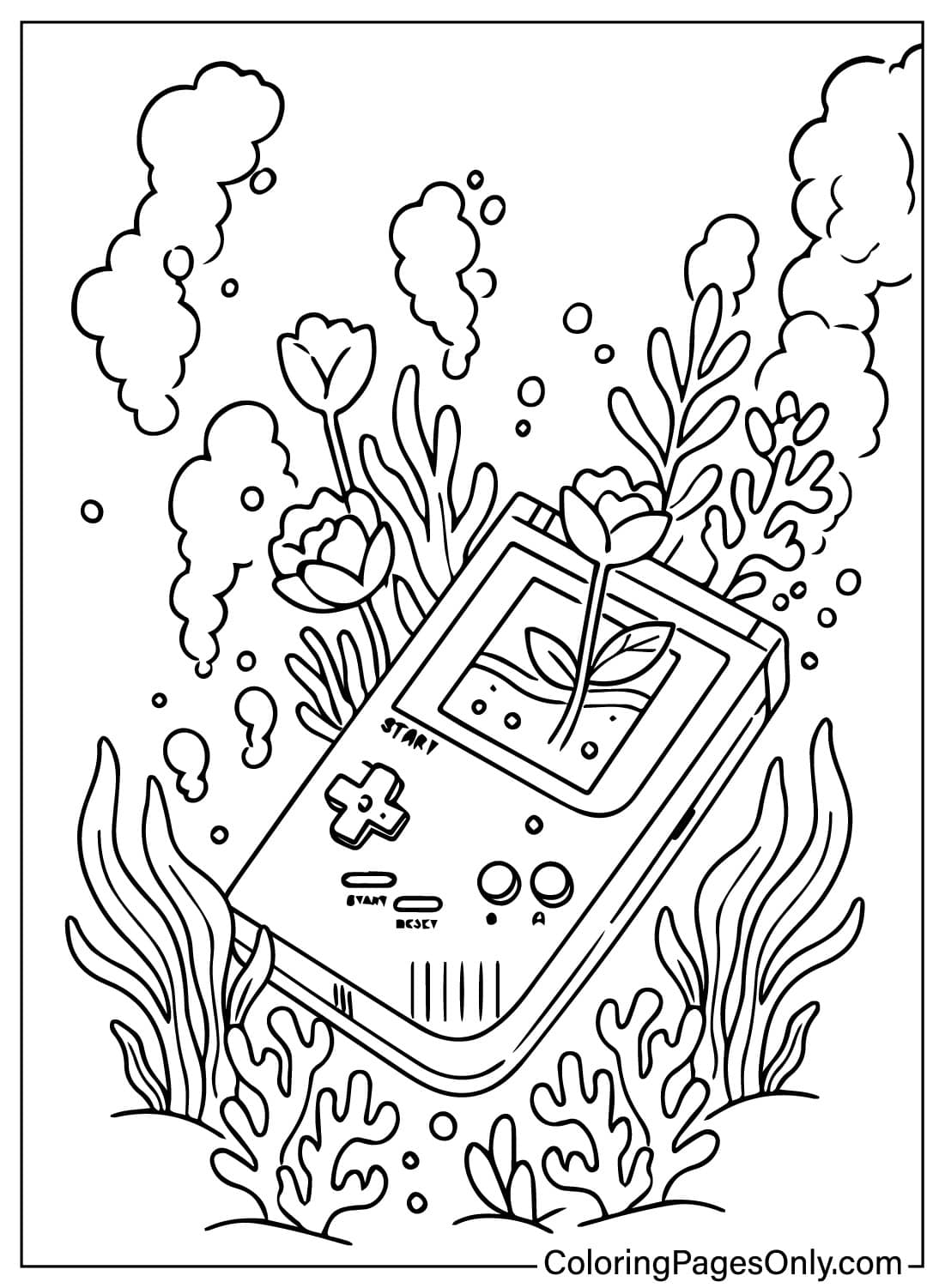
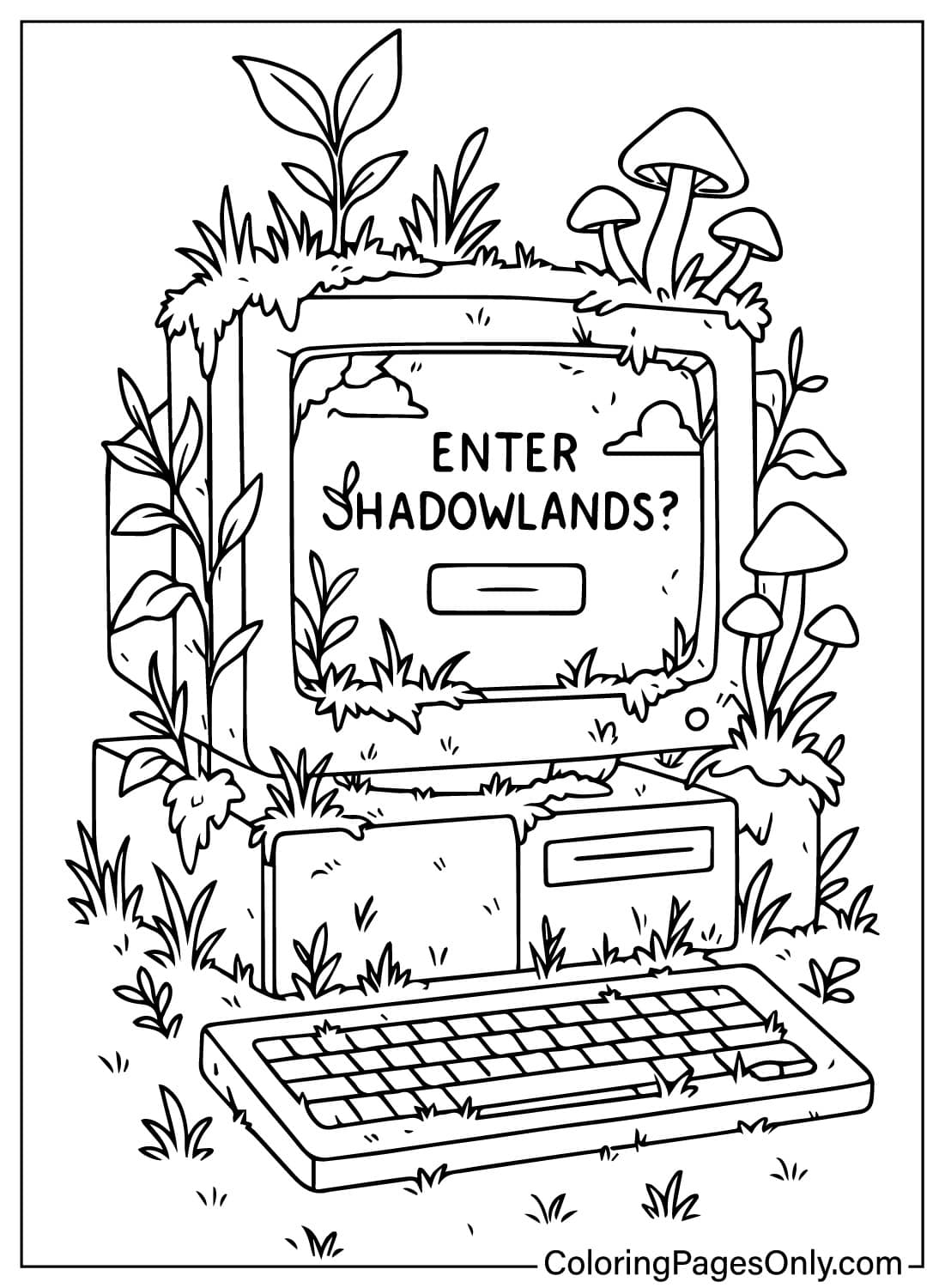
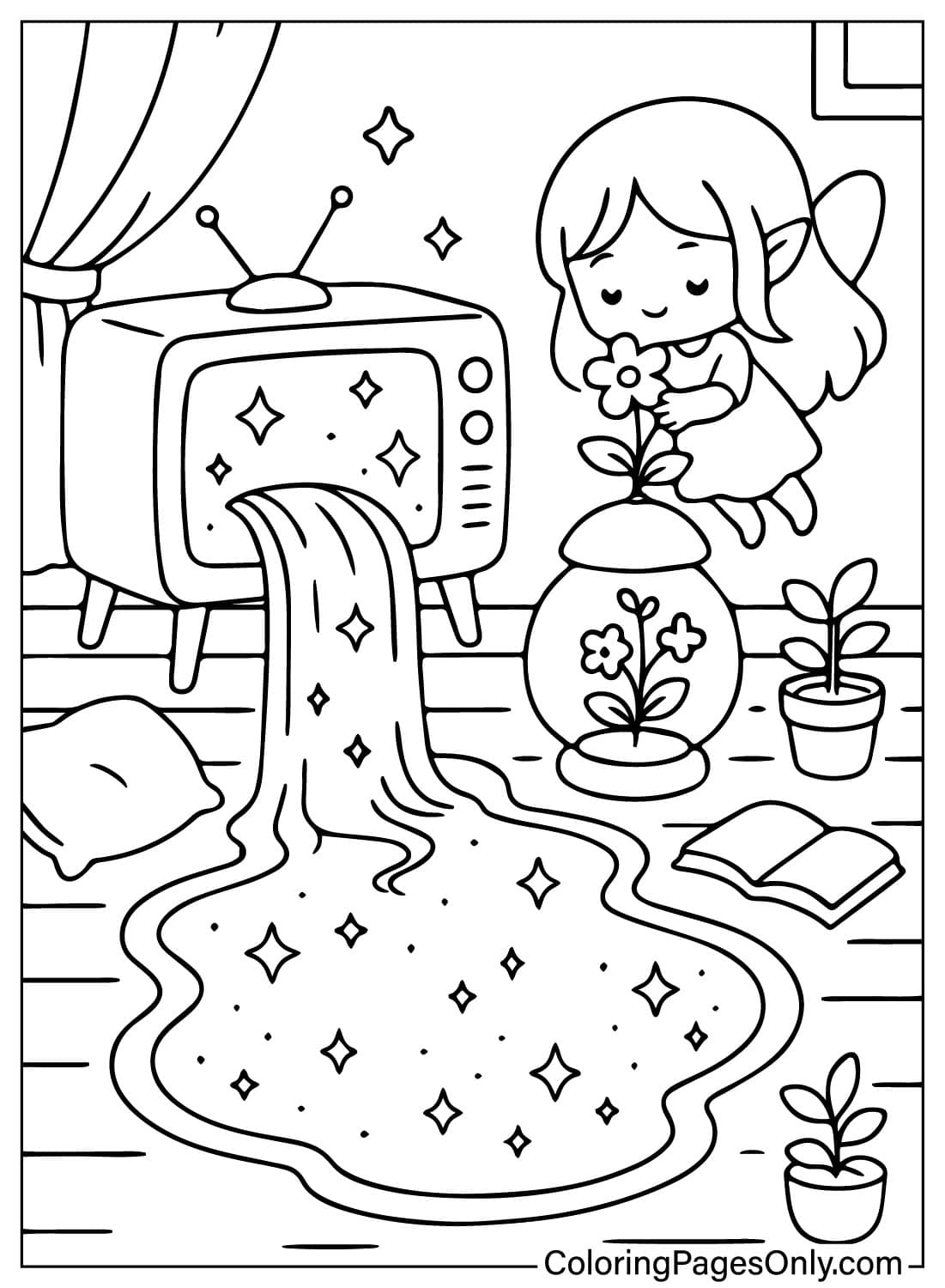
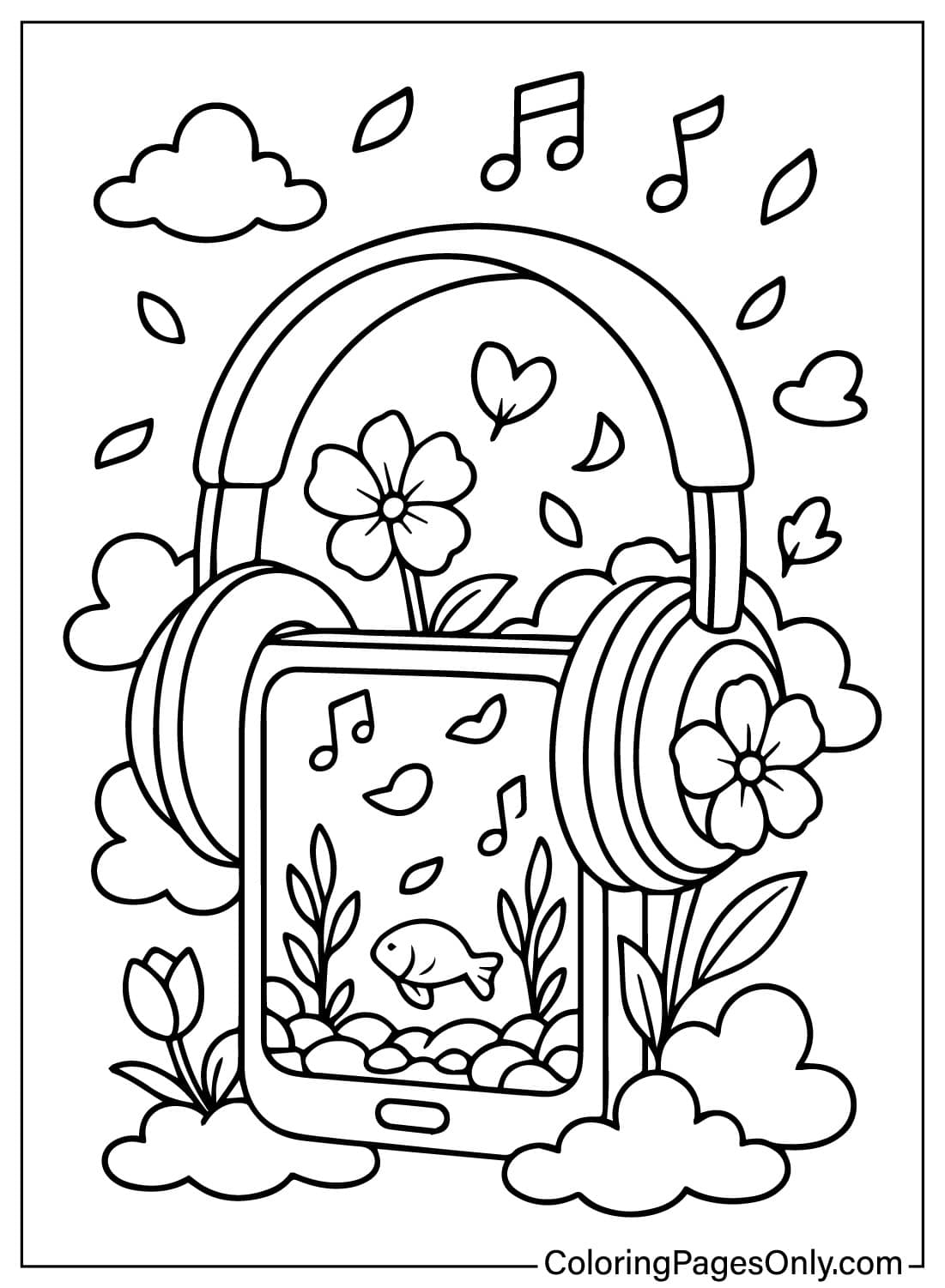
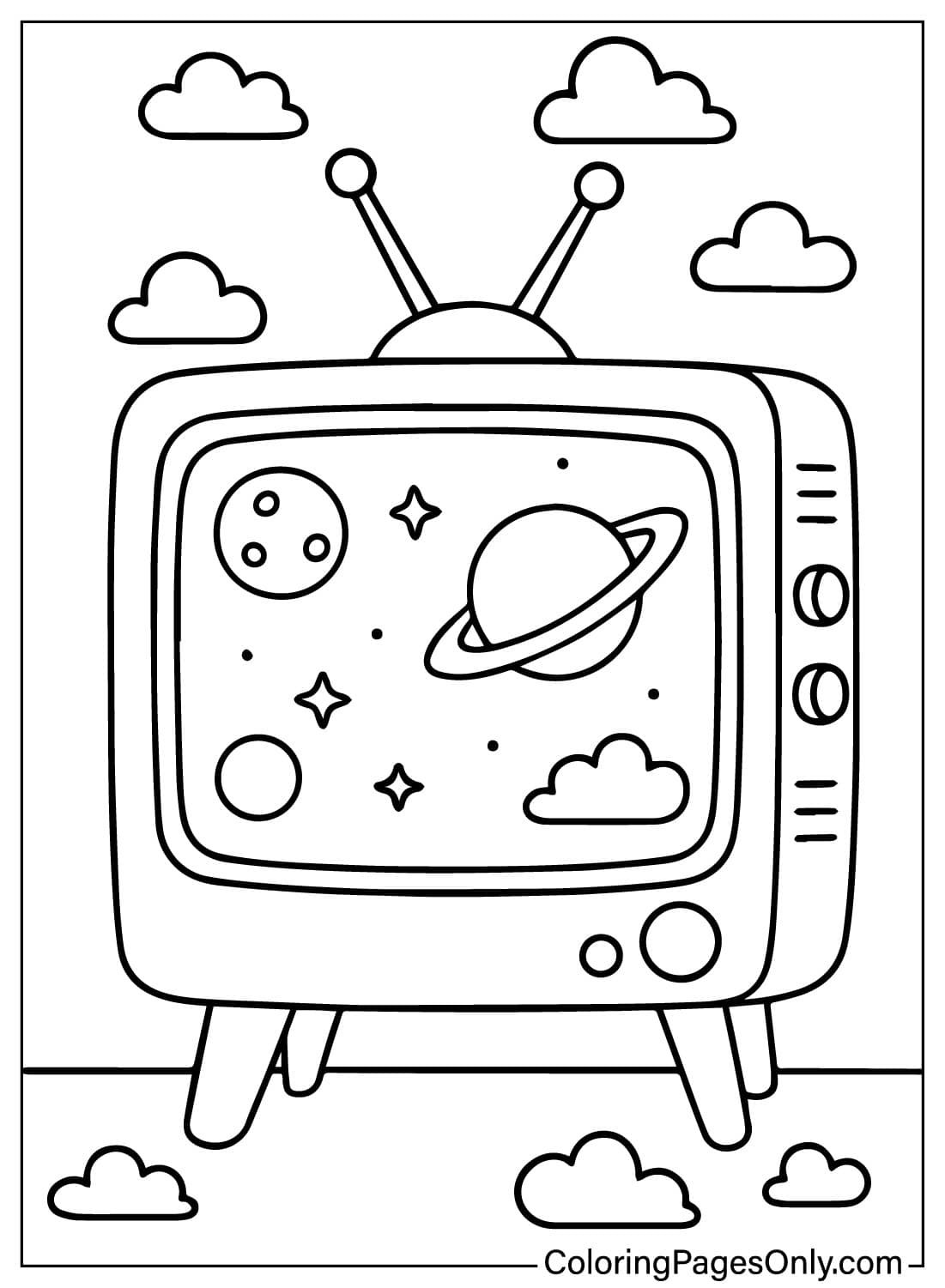
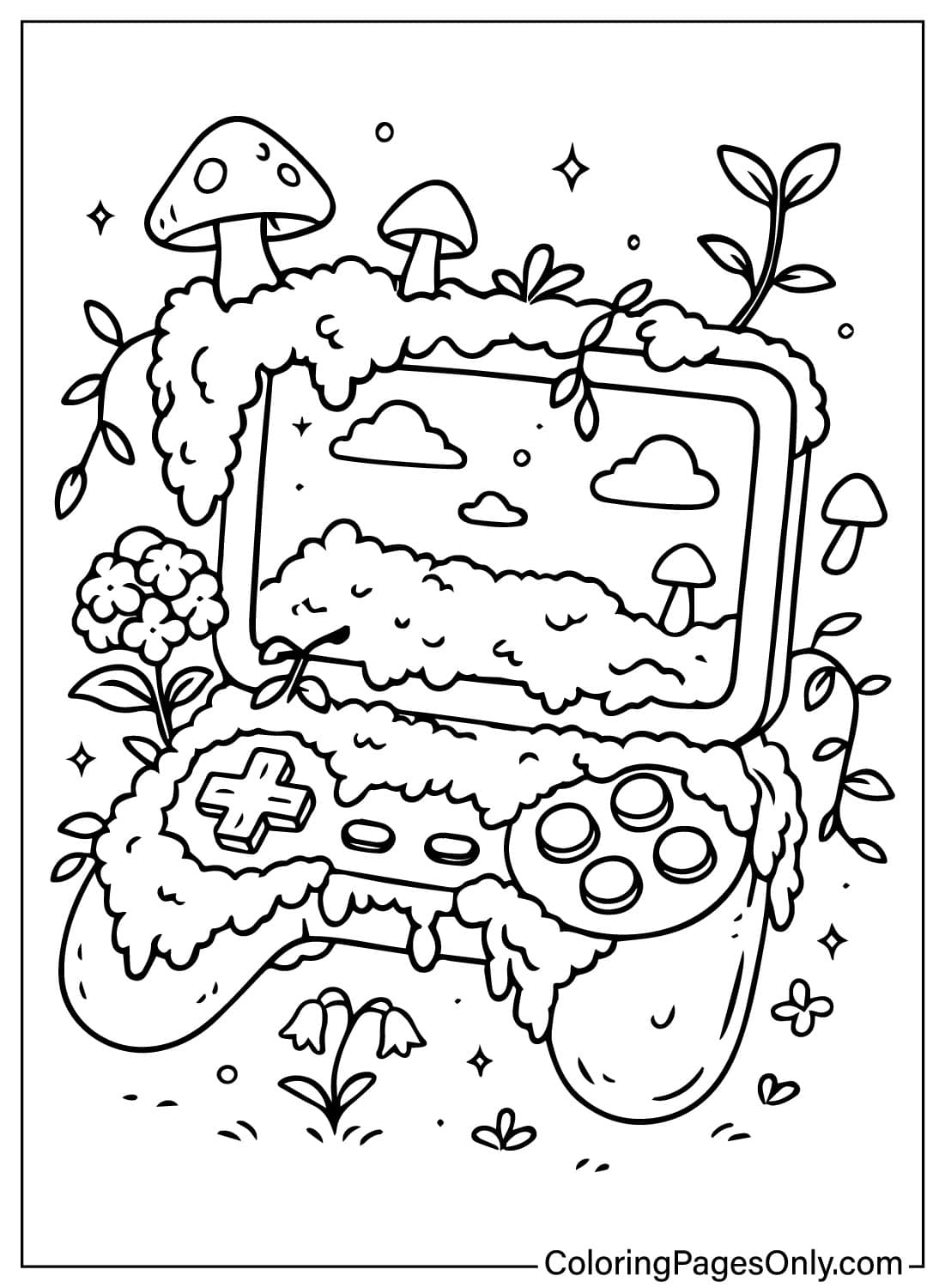
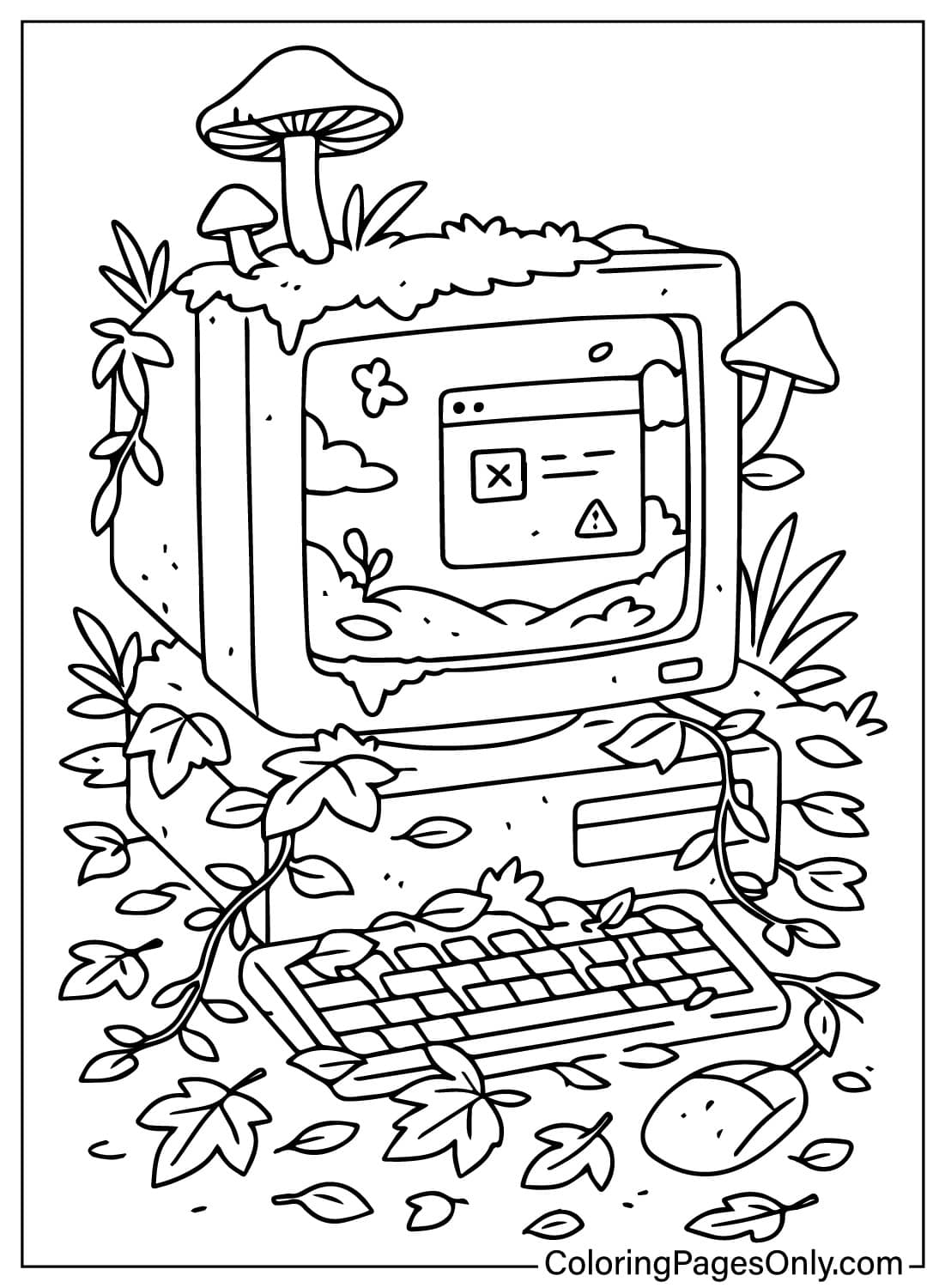
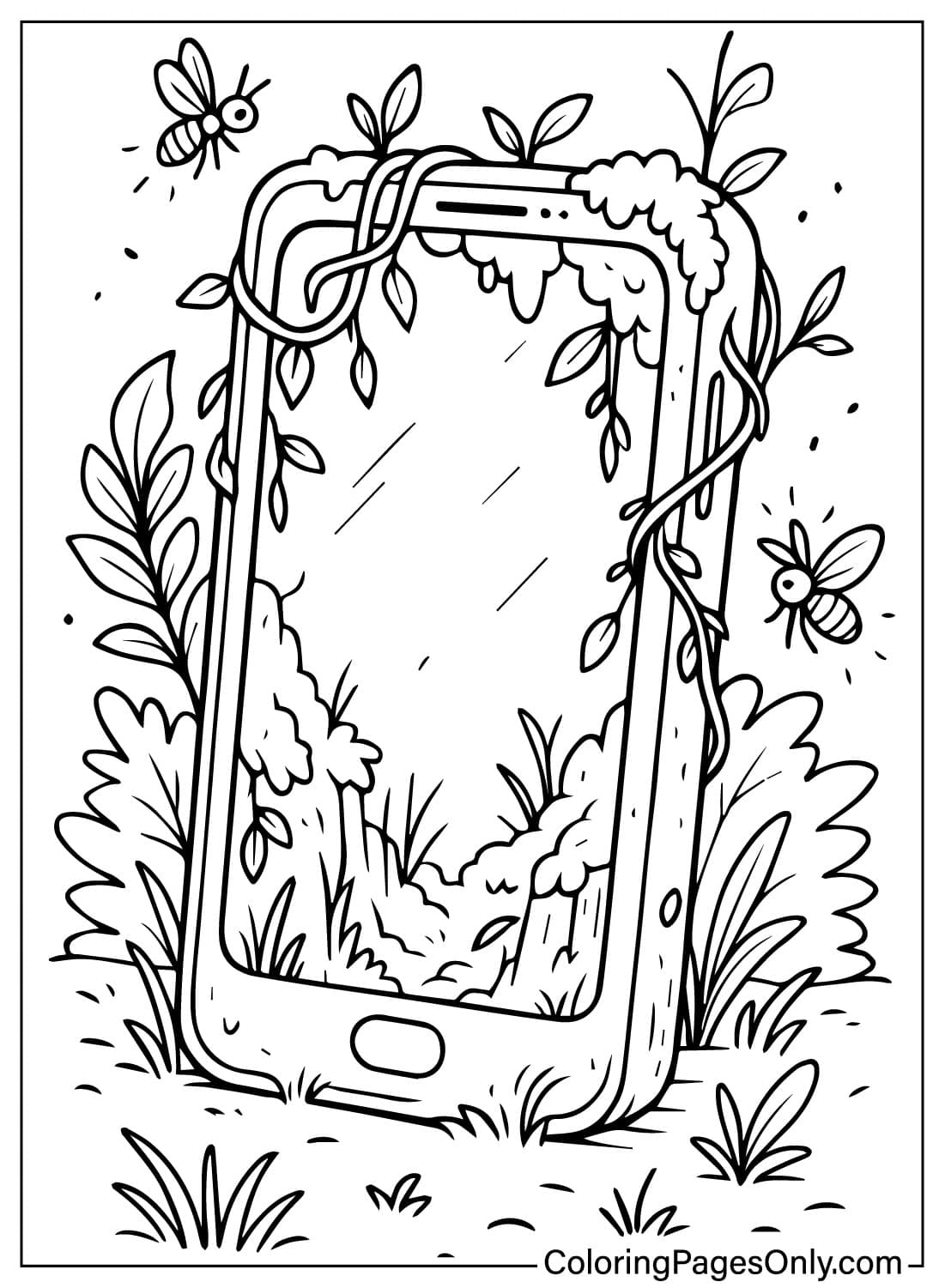
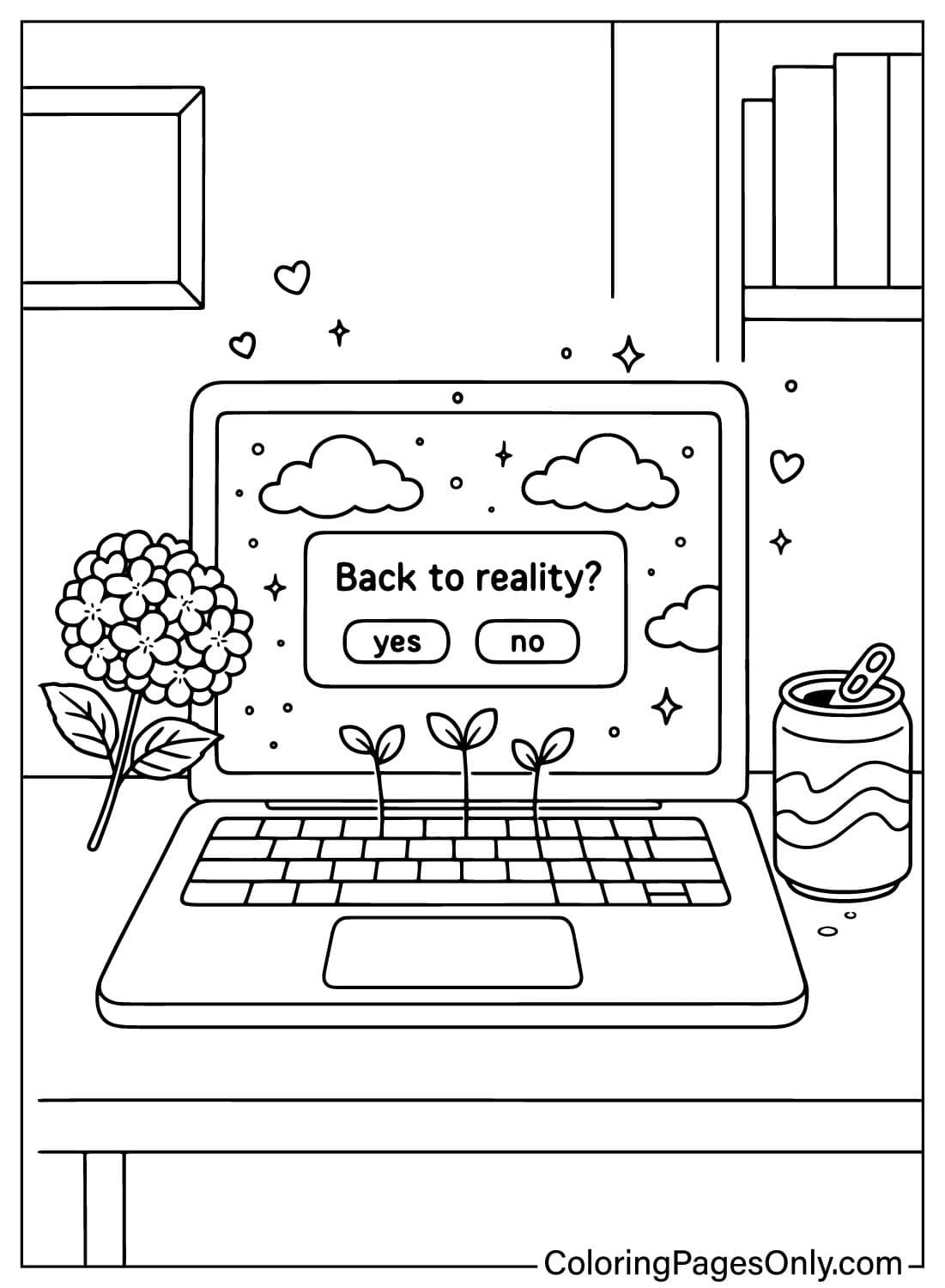
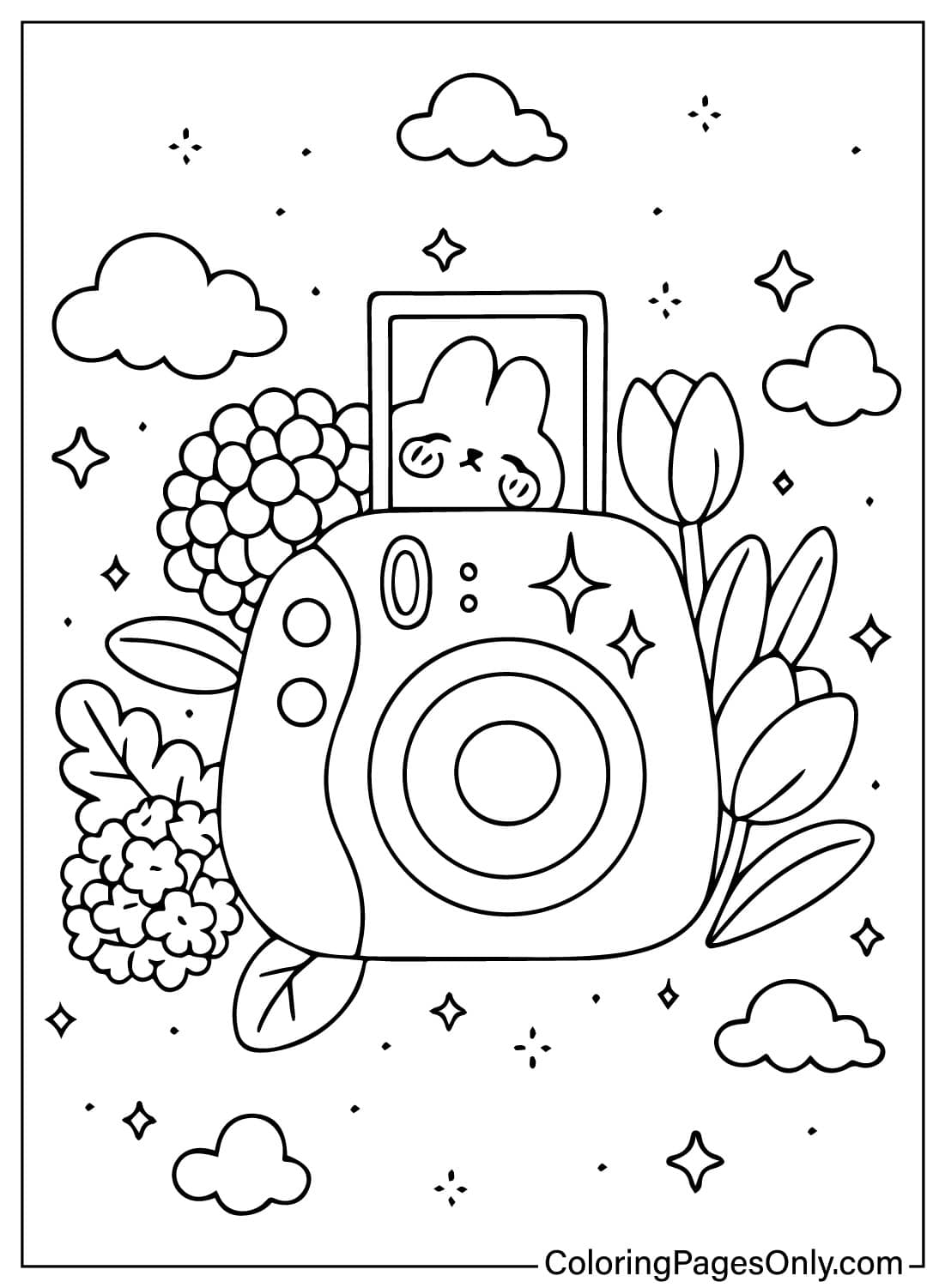
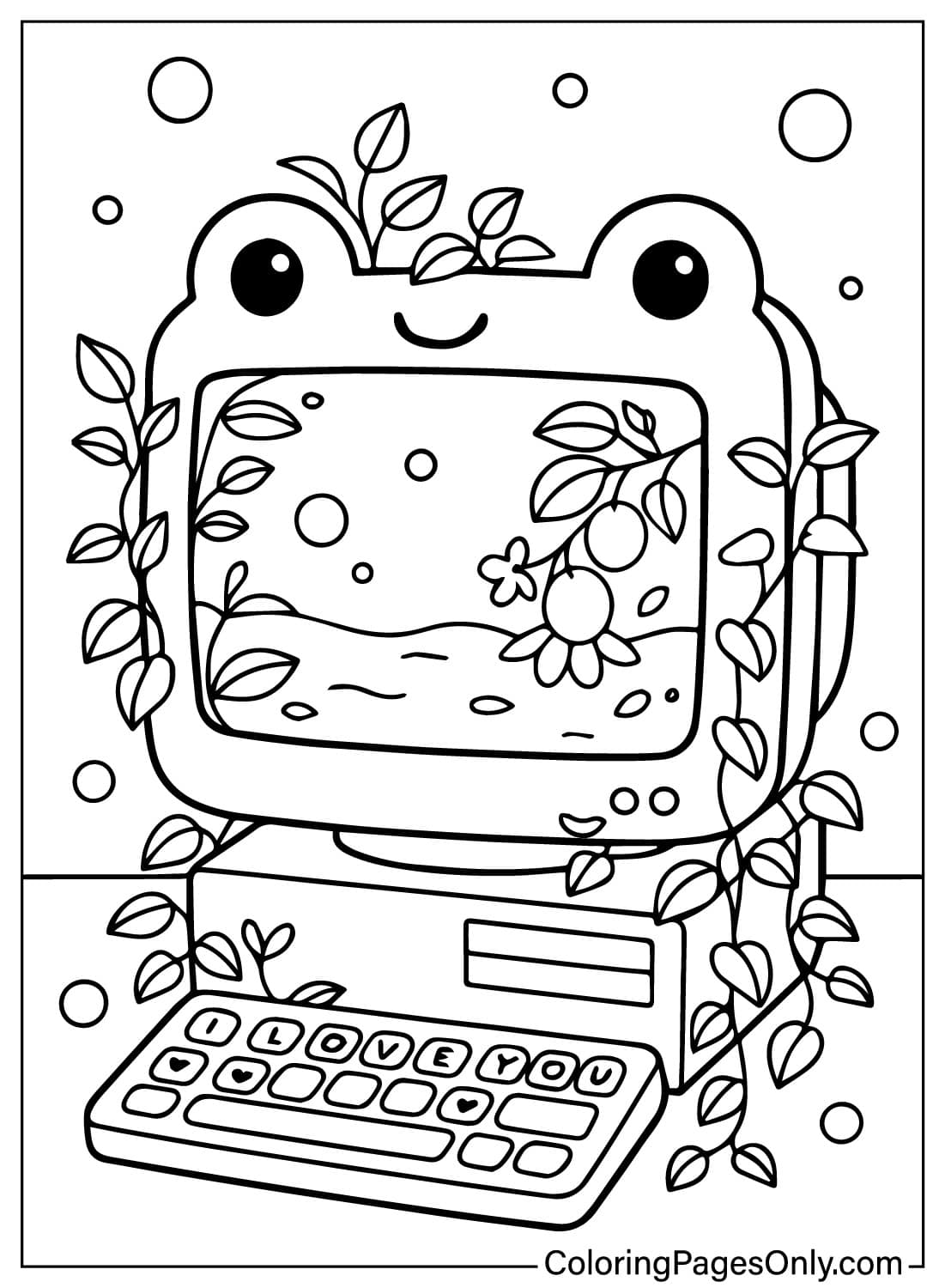
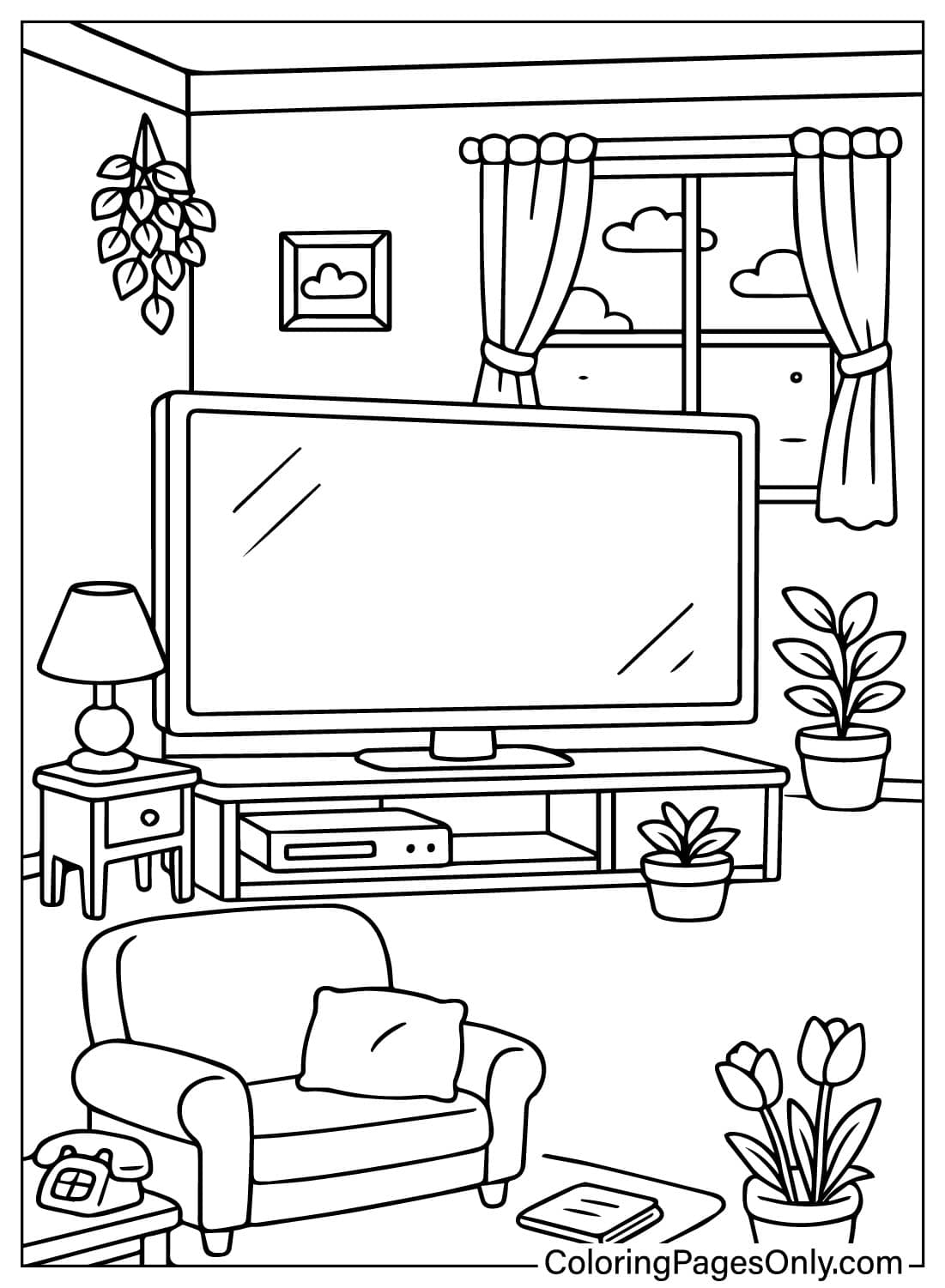
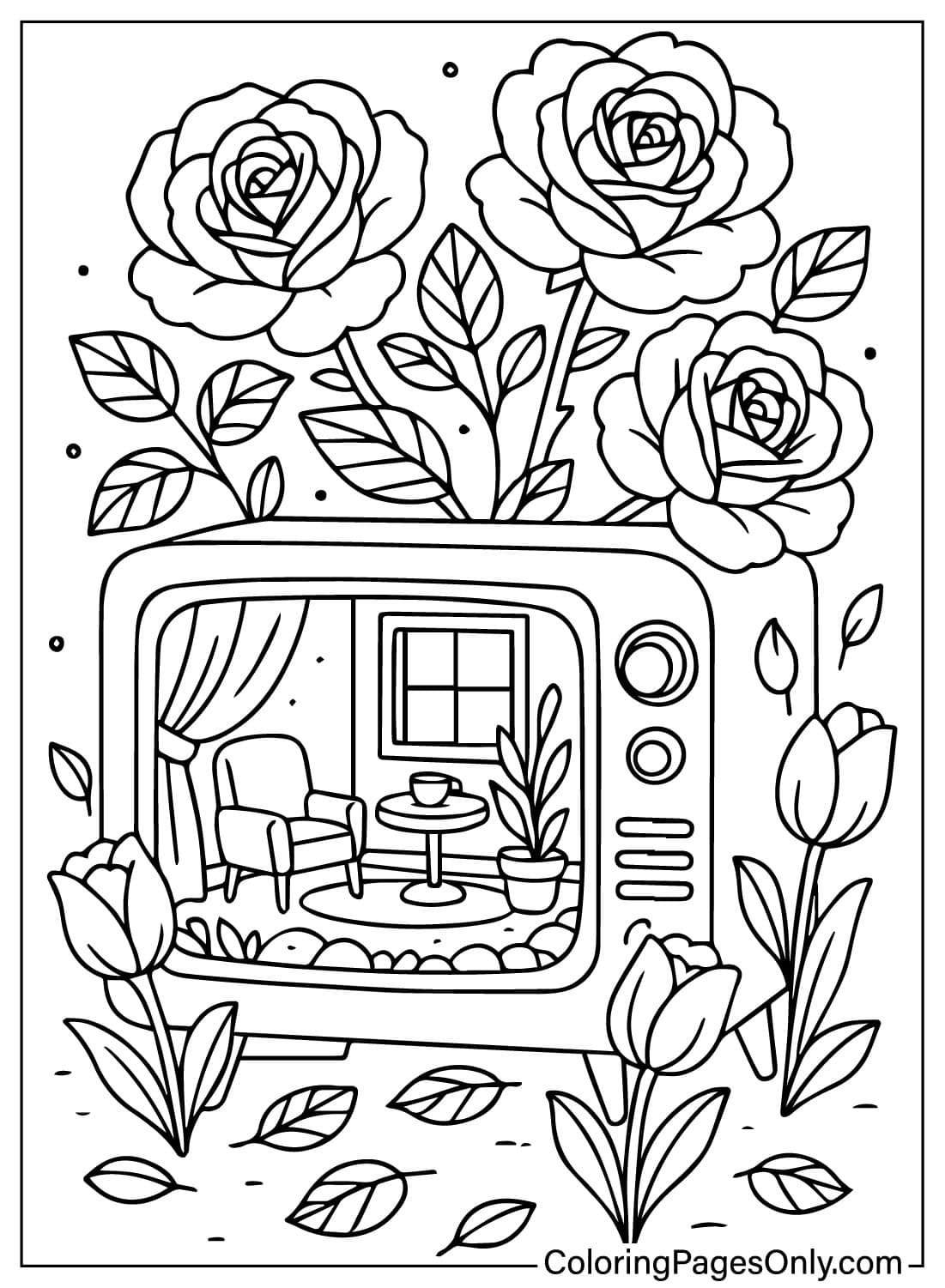
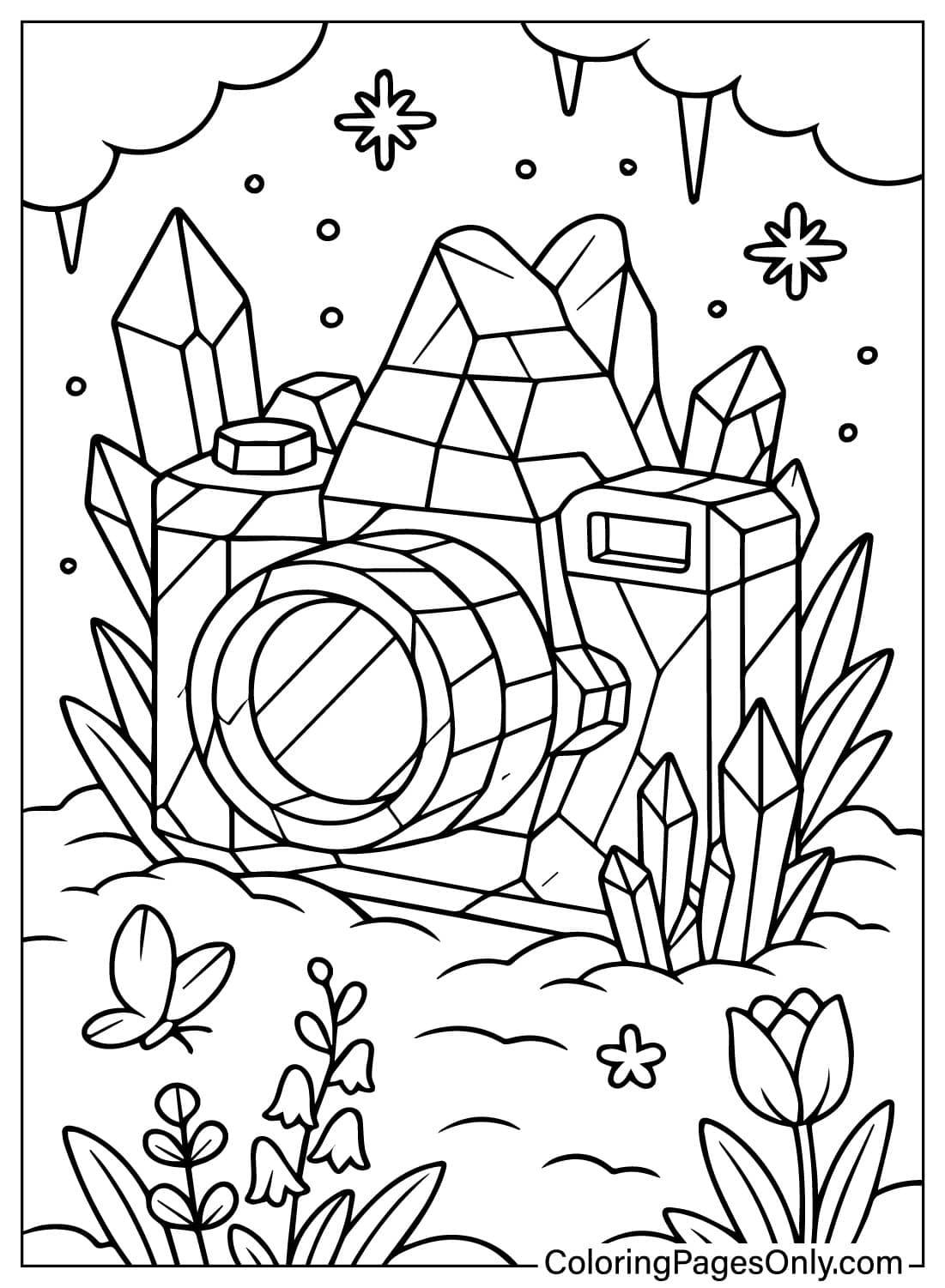
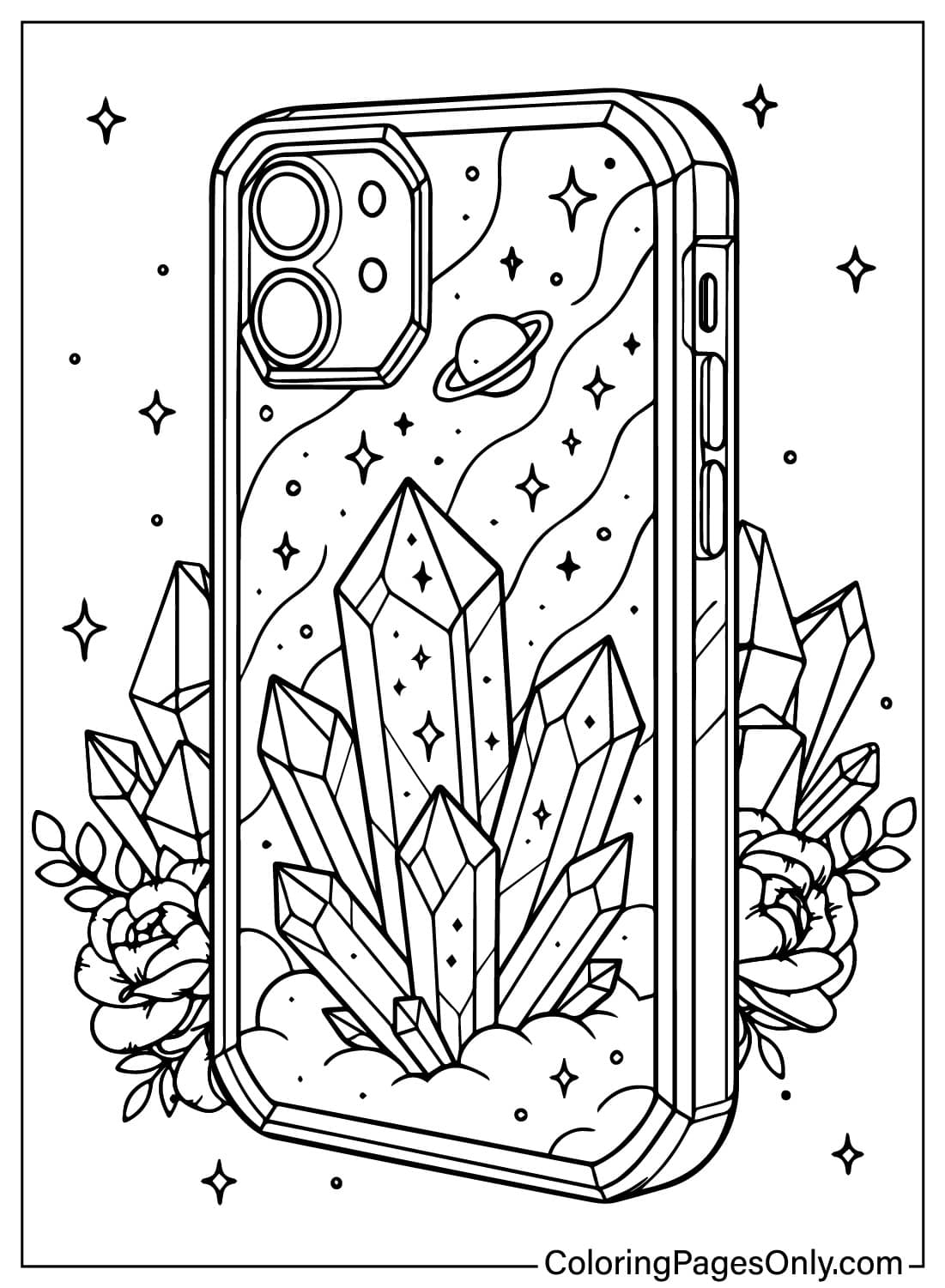
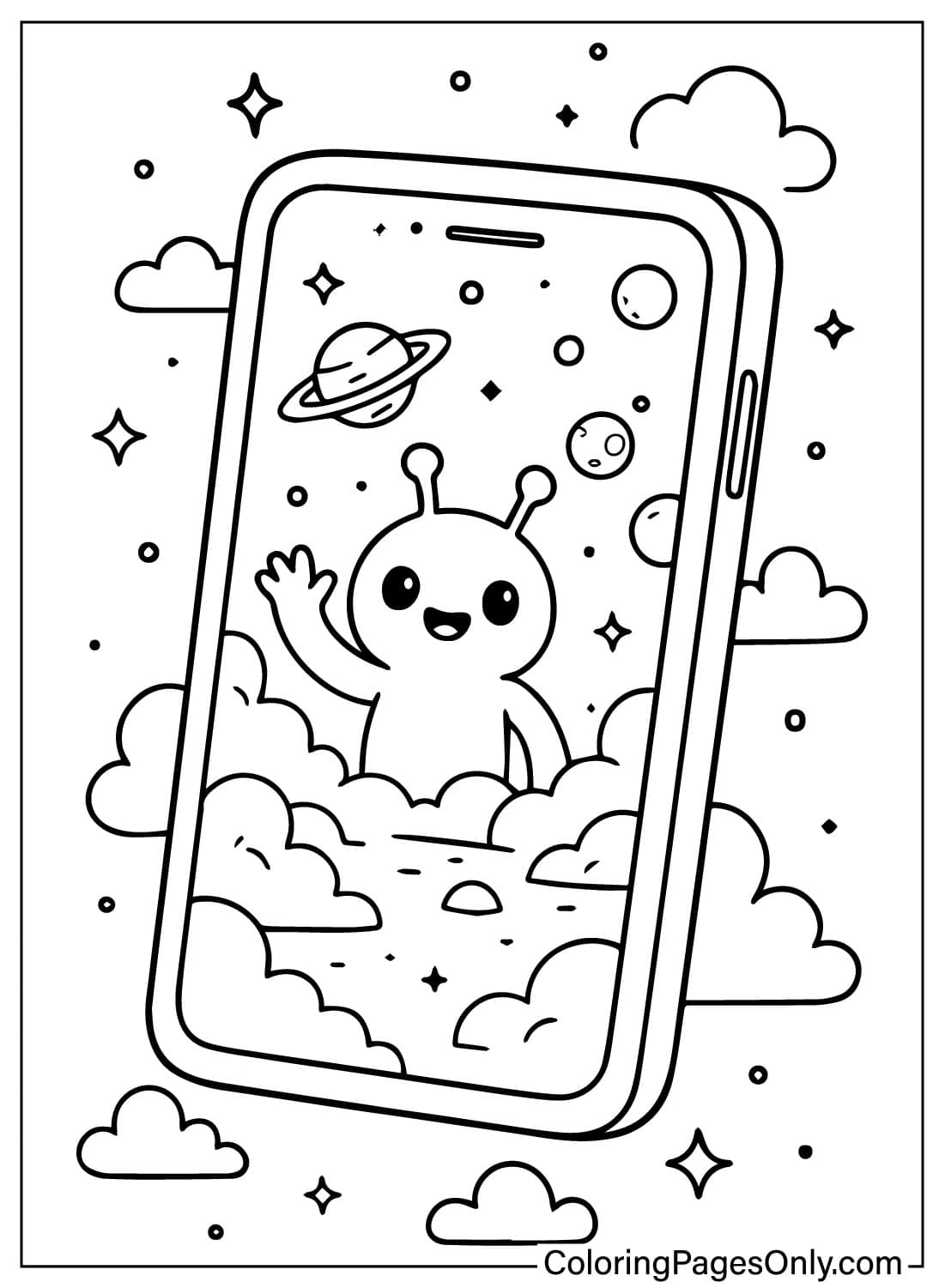
What Is Inside This Collection
One idea repeats across all 35 pages: a device that opens into somewhere else, and the five groups here sort by what kind of somewhere else each one leads to.
Nature-Overtaken Devices
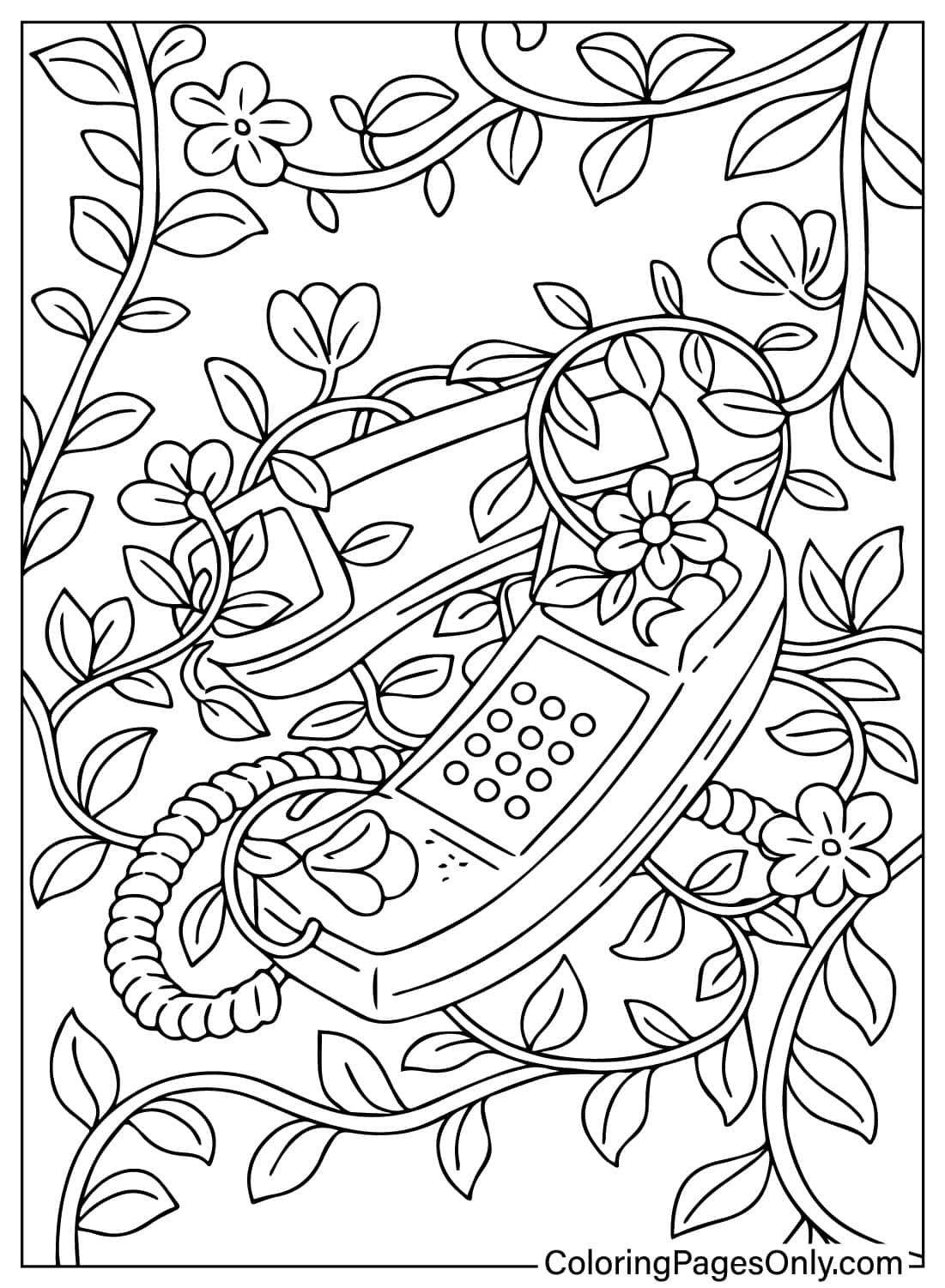
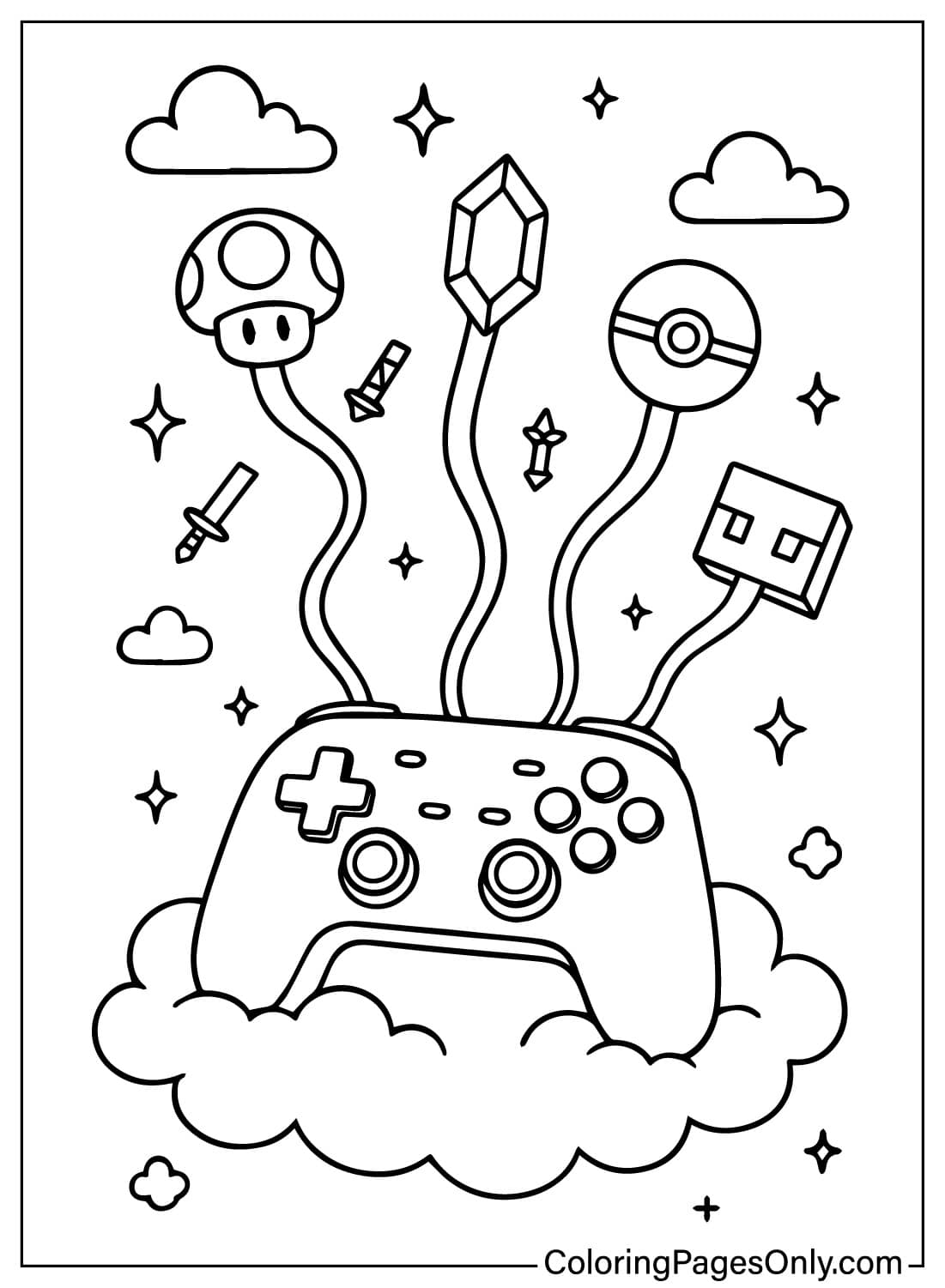
The largest group shows plants, flowers, and vines slowly reclaiming old technology: a moss-covered game controller, a computer sprouting flowers on its keys, a telephone wrapped in vines. Coloring suggestion: keep the device itself in a muted, weathered gray or tan to suggest age, and let the greenery carry all the saturated color so the contrast between old tech and living plant feels deliberate.
Underwater and Cosmic Screens
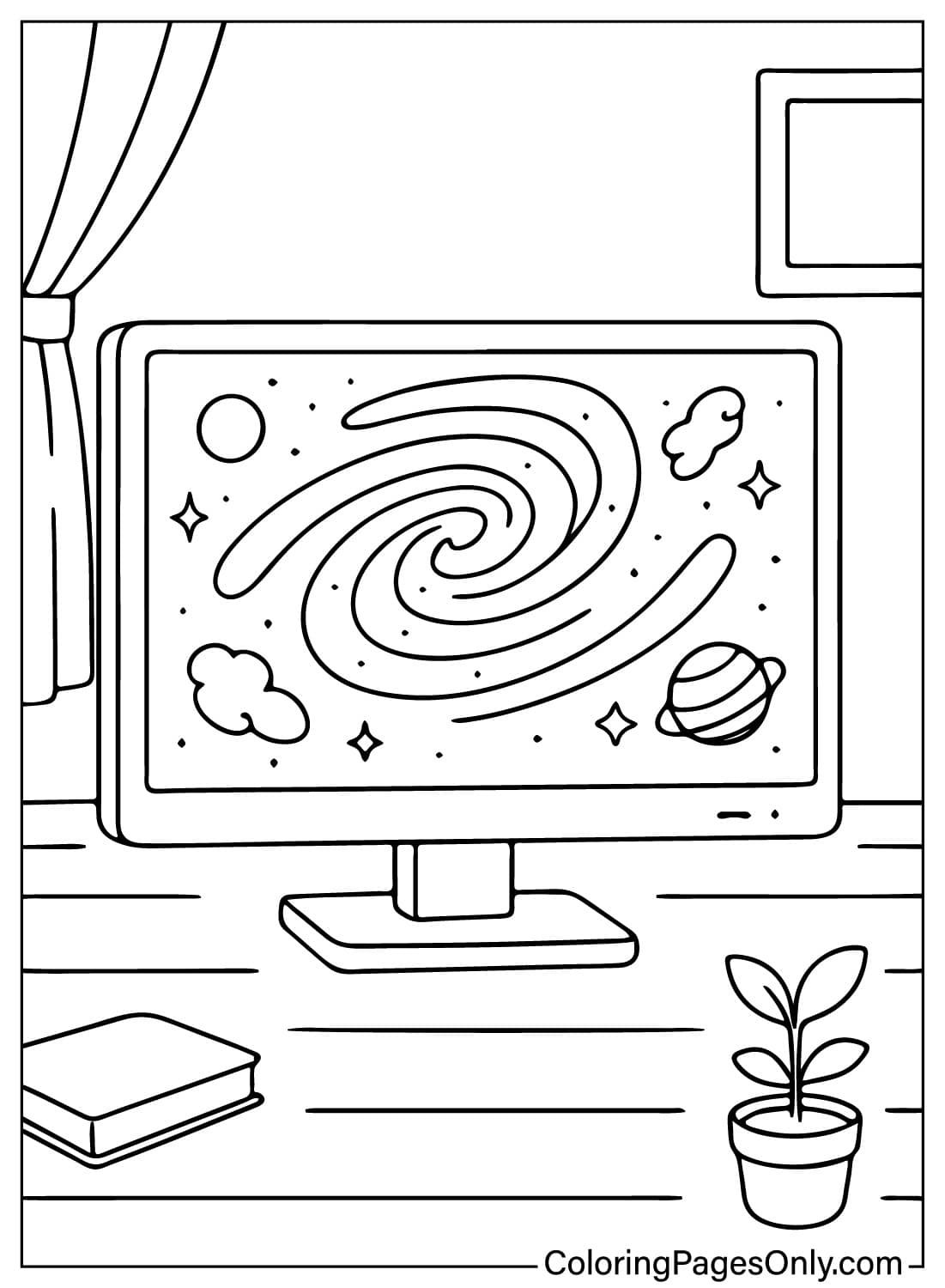
This group turns a screen into a window onto somewhere else entirely: an aquarium, outer space, a swirling galaxy, or an alien waving hello. Coloring suggestion: keep the device’s outer shell realistic and neutral, then go fully saturated and otherworldly inside the screen itself, deep blues for underwater scenes, purples and blacks for space, so the screen reads as a genuine portal rather than a flat drawing.
Fairies and Winged Magic
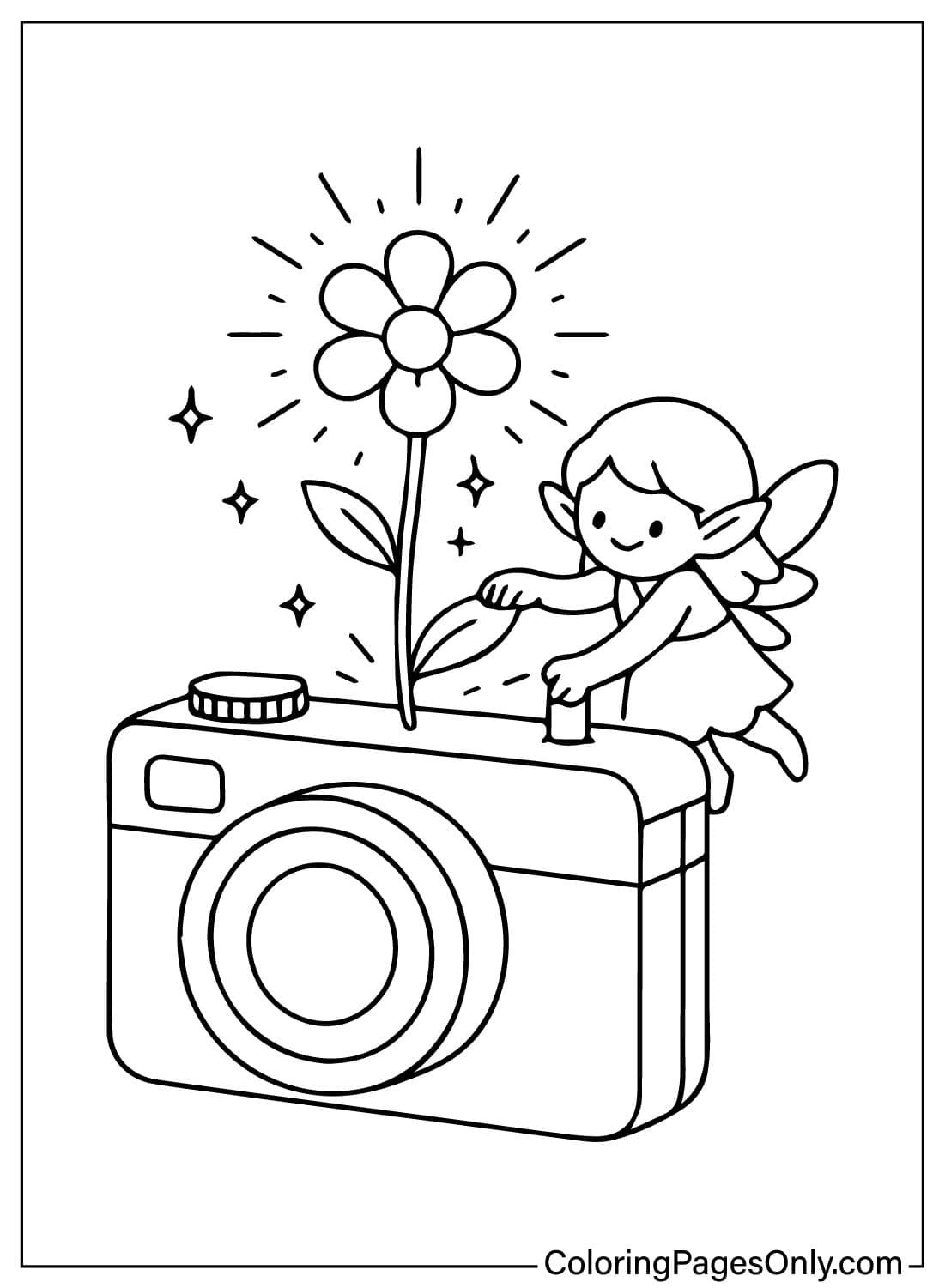
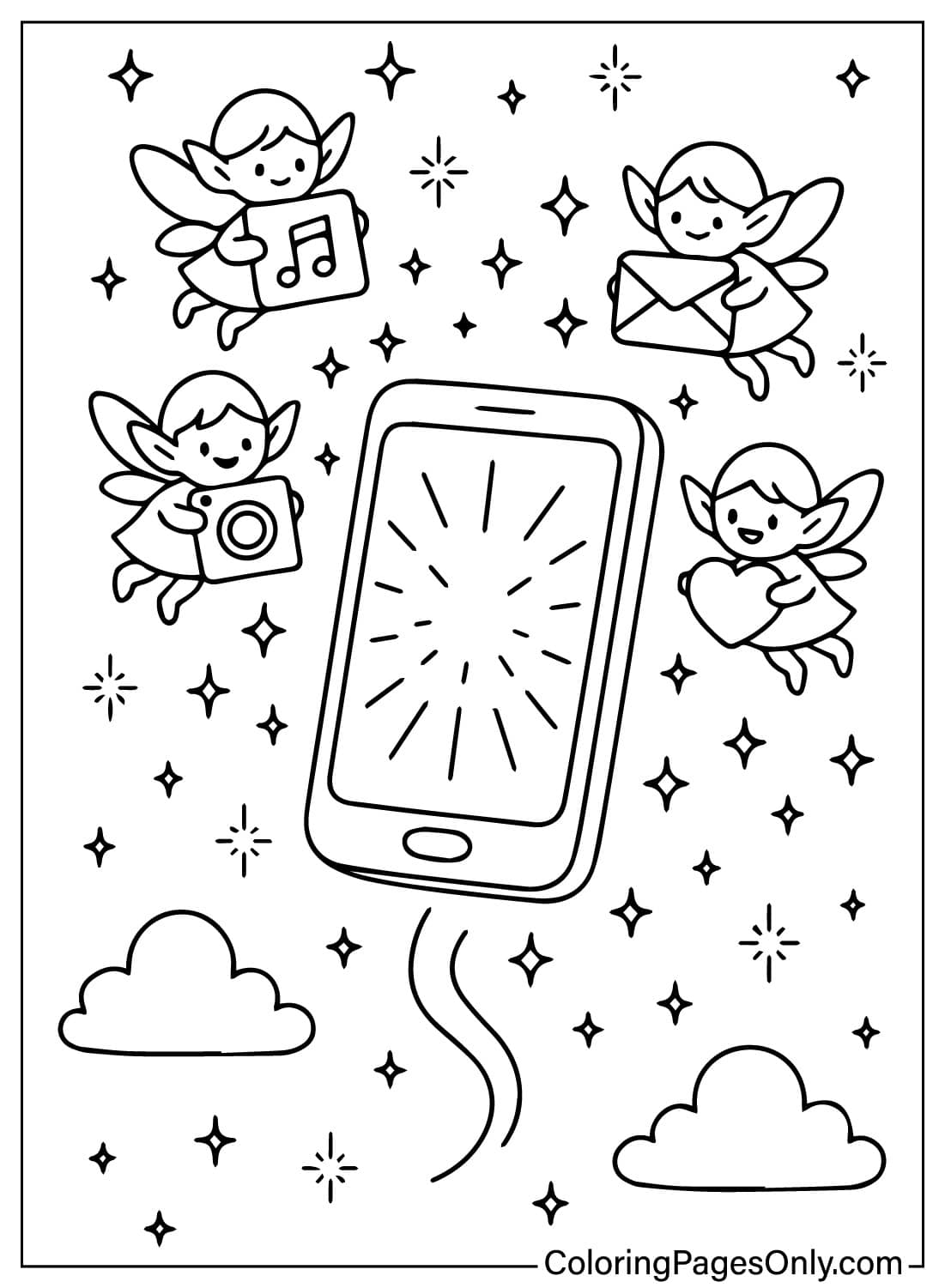
Small fairies and winged devices appear throughout this group, a camera with a fairy perched on the lens, a phone sprouting wings and flying through clouds. Coloring suggestion: give fairy wings a translucent, layered look with two or three light shades rather than one flat color, and keep the device underneath grounded in a realistic tone so the fairy element reads as the added magic rather than blending in.
Cozy Rooms and Companions
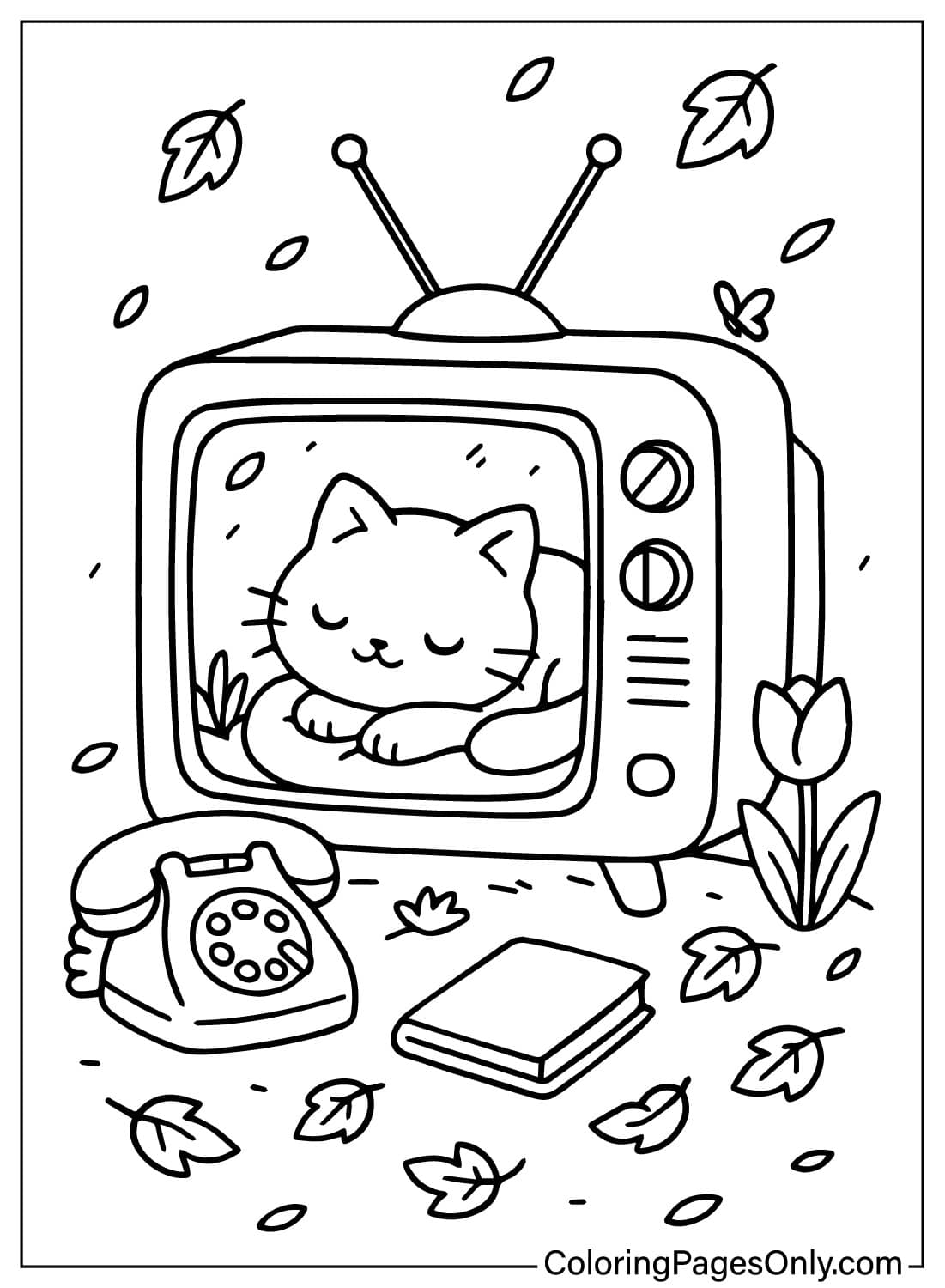
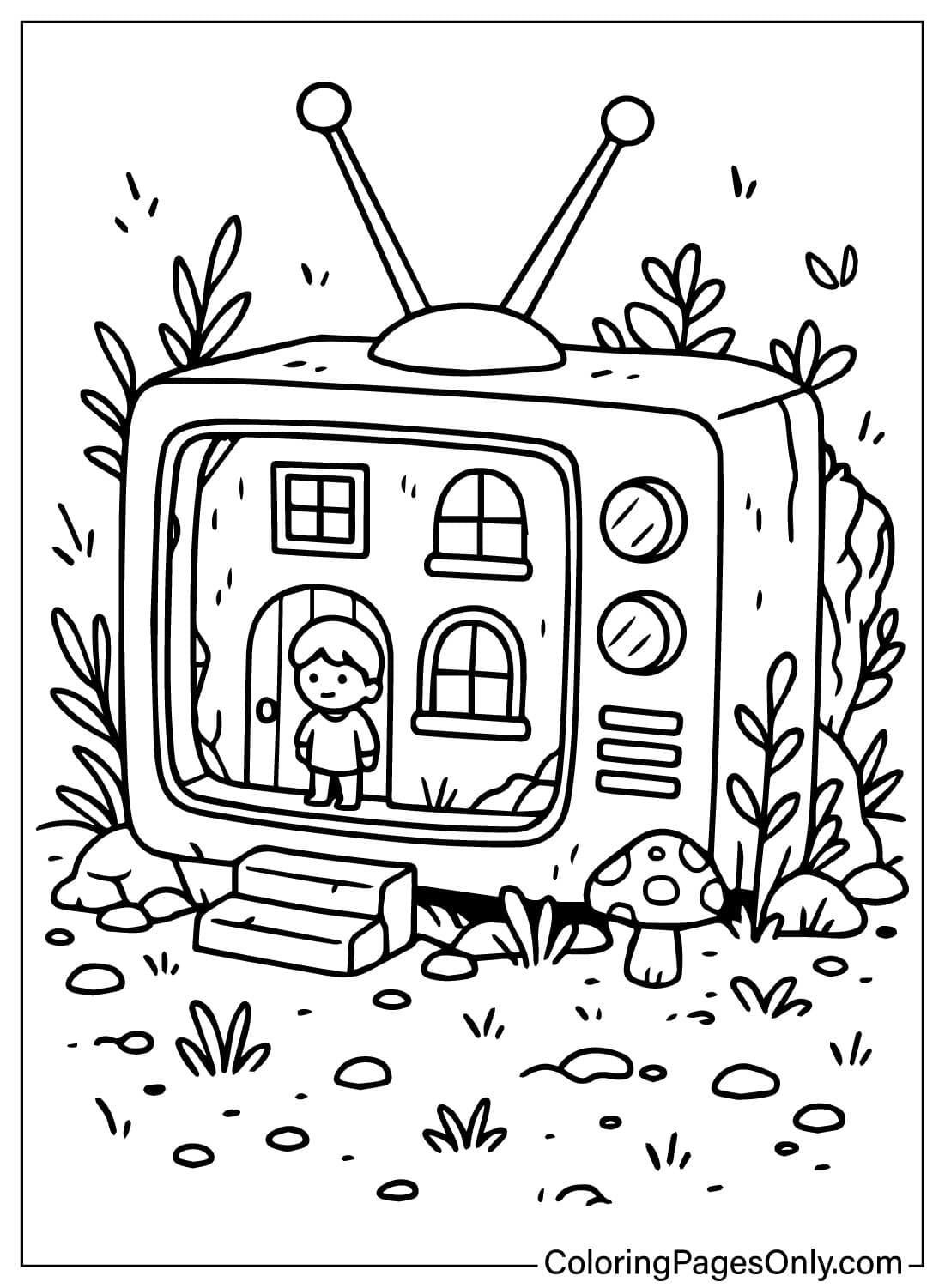
These pages step back to a wider scene: a sleeping cat curled inside an old TV, a tiny house glimpsed through a screen, a full, cozy living room built around a television. Coloring suggestion: use warm, soft interior tones, tan, muted orange, soft brown, throughout this group, since these pages are built for comfort rather than the bolder fantasy palette used elsewhere.
Fantasy Gadgets and Sound
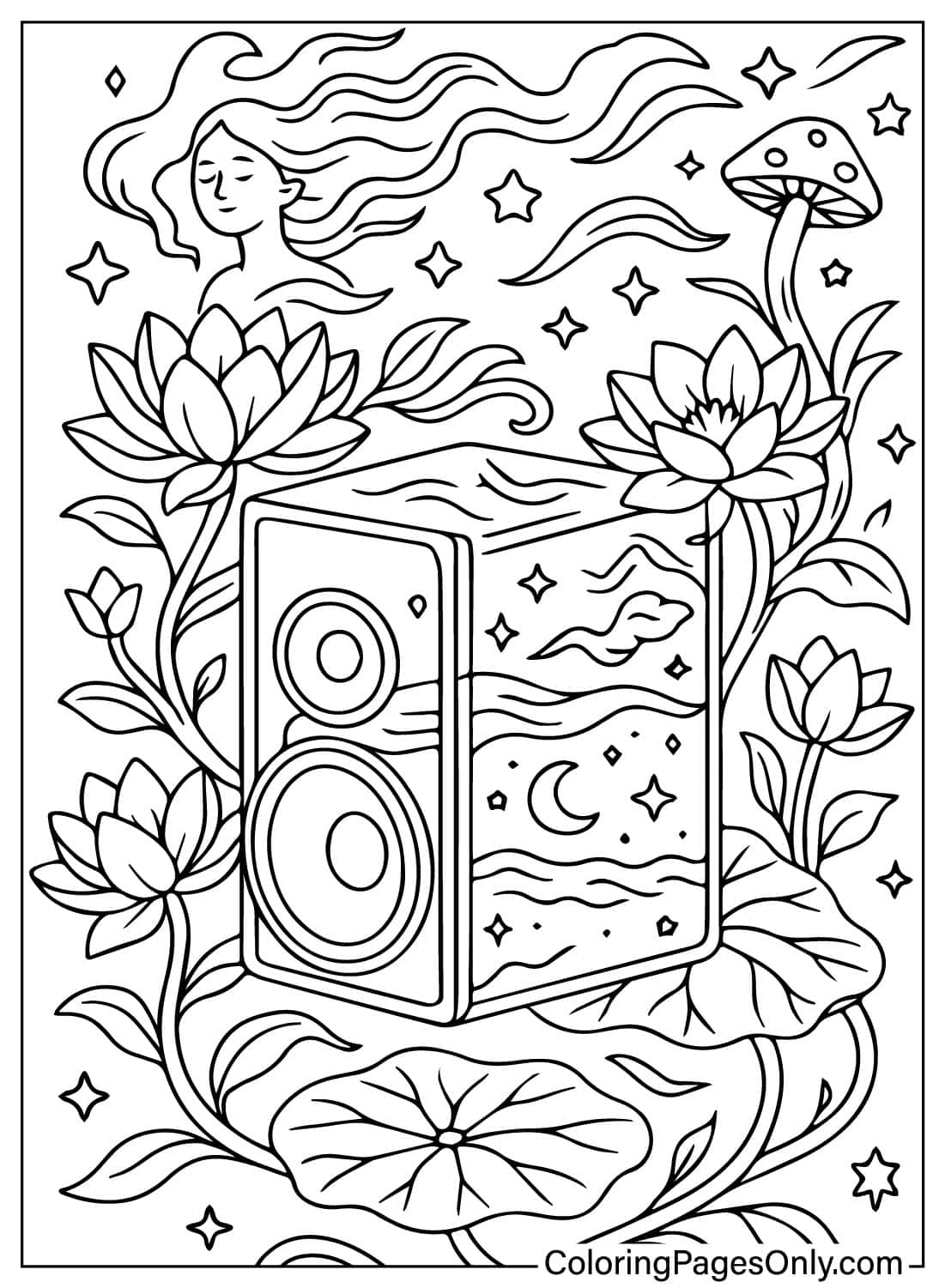
A smaller group focuses on gadgets rebuilt from crystal or paired with music and sound, a crystal camera, a speaker surrounded by lotus flowers, and a dreamy laptop with sprouts on the keyboard. Coloring suggestion: use jewel tones, amethyst purple, deep teal, on the crystal-themed pages specifically, reserving that palette for this group so it stays visually distinct from the plant-covered devices elsewhere.
What Digital Windows Coloring Pages Do
Two kinds of line control on one page. Each page pairs a device’s straight edges and right angles with an organic element, a vine, a wing, a wisp of smoke, asking a child to switch between two different kinds of line control on the same page, which the American Academy of Pediatrics counts among the fine motor benefits of varied, structured coloring in children ages two through seven.
Old tech and new tech side by side. A rotary phone, a tube TV, and a flip phone sit alongside a smartphone and wireless earbuds across this collection, which gives a parent or grandparent a device they recognize from their own past right next to one a child uses every day, a small, built-in point of connection between generations.
A quiet kind of transformation. Watching a device get quietly reclaimed by moss or flowers is a small, recurring visual of technology slowing down rather than demanding attention, and coloring that transformation by hand echoes the same unhurried, structured activity a 2005 Art Therapy Journal study linked to reduced anxiety.
A screen that isn’t asking for anything. Unlike an actual phone or TV screen, the ones on this page don’t notify, autoplay, or scroll; whatever appears inside is fixed until a child decides what color it becomes, a quieter kind of screen time than the device it’s modeled on.
How to Color Digital Windows Pages Well
- Device bodies: keep the device itself, the phone case, the TV shell, the camera body, in a realistic material color, Crayola Gray, Black, or Silver, so it reads as recognizable tech before any fantasy element is added.
- Overgrown plant details: layer two or three greens, Forest Green, Yellow Green, Fern, across vines and leaves rather than one flat green, since plant life is the most detailed part of this group.
- Underwater and space screens: commit fully to a deep, saturated background inside the screen, Navy or Midnight Blue for space, Turquoise for underwater scenes, so the screen content reads as a real portal rather than a pale imitation of the device around it.
- Fairy wings: Use two or three light, layered shades, pale pink over pale yellow, for instance, to suggest translucency rather than filling wings in with one solid color.
- Cozy room scenes: stick to warm, soft tones throughout, Tan, Melon, Burnt Sienna, since these pages are built for comfort rather than the bolder palette used on the fantasy-heavy pages.
- Crystal and gem details: use jewel tones like Amethyst or Sea Green with a small white highlight to suggest a reflective, faceted surface, rather than a flat, single-color crystal shape.
5 Creative Craft Ideas With Digital Windows Coloring Pages
1. Screen Story Cards
Color a few pages and write a one-sentence story on the back of each, imagining what’s really happening inside that device’s screen.
2. Old vs. New Tech Match-Up
Color one retro device page and one modern device page, then talk through what’s changed between the two.
3. Framed Digital Window
Color a favorite page, trim it to fit a small picture frame, and display it like a tiny window into another world.
4. Nature-Reclaimed Diorama
Color one of the overgrown device pages, cut it out, and stand it up inside a small box with paper leaves or moss for a miniature reclaimed-tech scene.
5. Fairy Messenger Mobile
Color a couple of the fairy pages, cut them out, and hang them from a stick or hanger to make a simple fairy-themed mobile.
Frequently Asked Questions
What are Digital Windows coloring pages?
A free set of 35 printable designs showing everyday tech devices, phones, TVs, cameras, and game consoles, reimagined as portals into fantasy scenes. Every page downloads as a PDF or opens in the online coloring tool without an account.
Is this collection based on a specific show or franchise?
No. It’s an original concept built entirely around one idea, a device that opens into somewhere else, rather than any existing story or characters.
Why do so many pages show old technology like rotary phones and tube TVs?
Retro devices appear almost as often as modern ones, giving the collection a nostalgic edge and a point of connection between a child’s everyday tech and the devices a parent or grandparent might remember using.
What kinds of fantasy elements appear in the collection?
Overgrown plants and vines, underwater and cosmic screen scenes, fairies and winged devices, and crystal or gem-themed gadgets each get their own group within the set.
Are any pages part of a connected story?
No. Each page is an independent scene built around its own device rather than part of a continuing plot, so that they can be colored in any order.
Can these pages be colored without printing them?
Yes. Every page in the set opens directly in the site’s browser-based coloring tool, so a page can be finished on screen before deciding whether to print it.
Are Digital Windows coloring pages suitable for young children?
Pages built around one device and a simple fantasy element work well for a young child. The cozy room scenes and detailed crystal pages, with more background and texture, hold up better for an older child.
Why are the devices shown getting overgrown with plants instead of staying pristine?
The overgrown look is the collection’s central visual idea, technology slowing down and blending into something natural, rather than a comment on any particular device or brand.
Start Coloring
Which device opens into the best hidden world? Any page above answers that as a free PDF download or an online coloring session, no account required, and the Facebook and Pinterest buttons at the top of the design make sharing the finished page simple.