
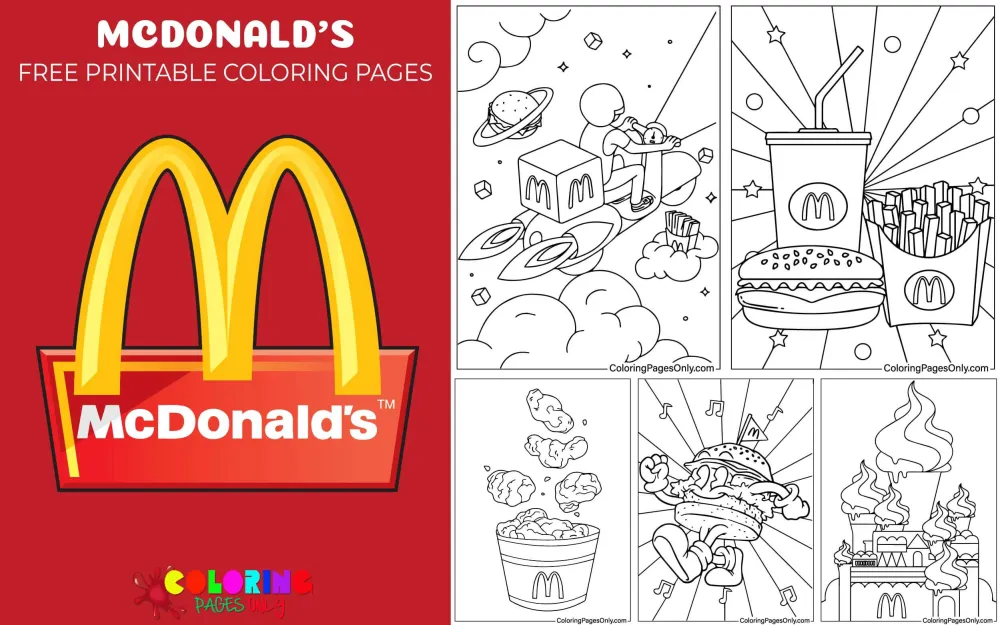
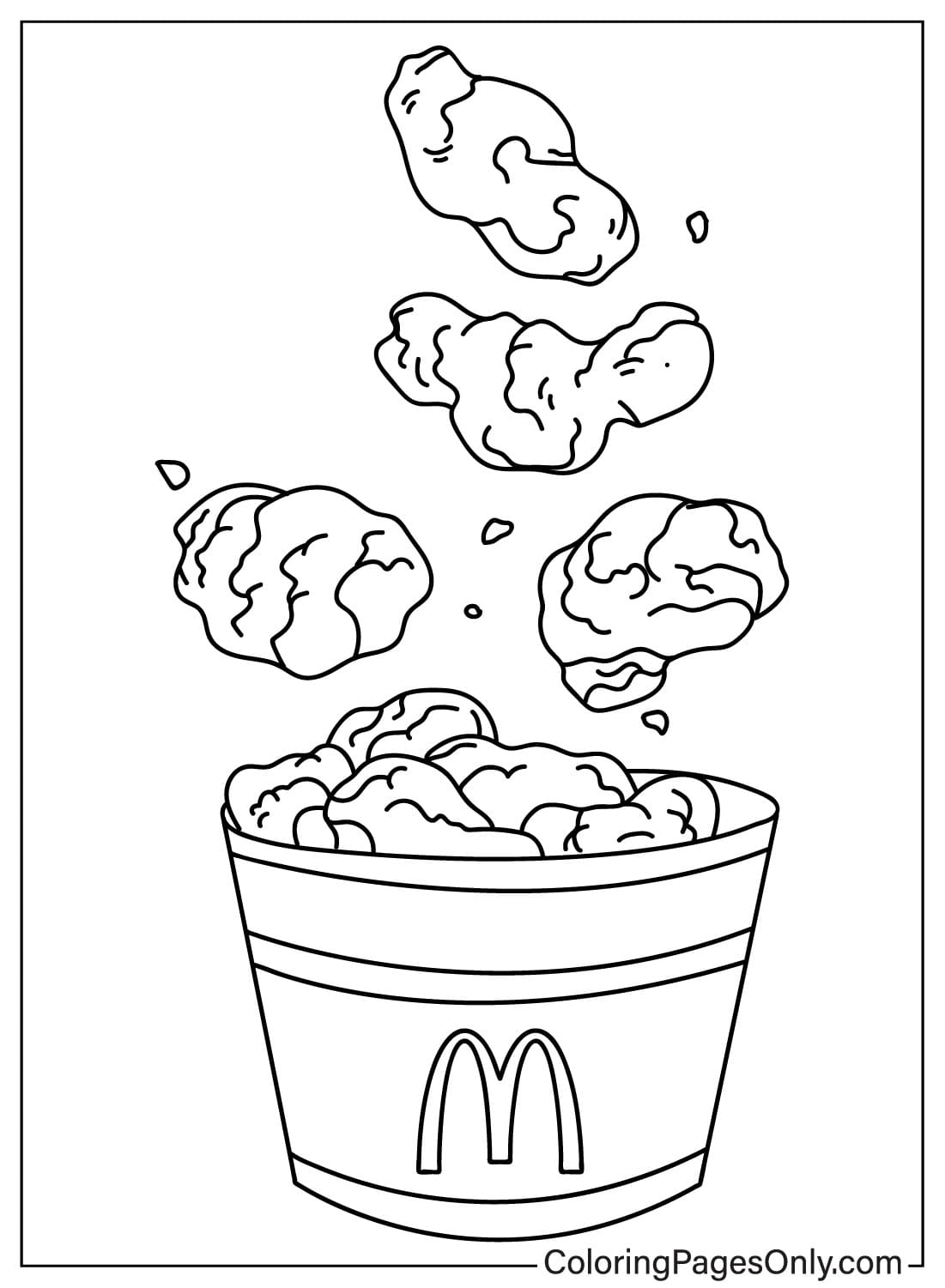
Free McDonald’s coloring pages: 26 printable PDF designs built around the world’s most recognizable fast food brand, close-up food combos, scenes featuring the Golden Arches logo, and a set of whimsical illustrations starring a cheerful animated food-box mascot on safari, in superhero flight, and enjoying a meal. Every page is free to grab as a print-ready PDF or color on the spot using the online tool.
What’s Inside This Collection
Burgers, Fries, and Drink Combos
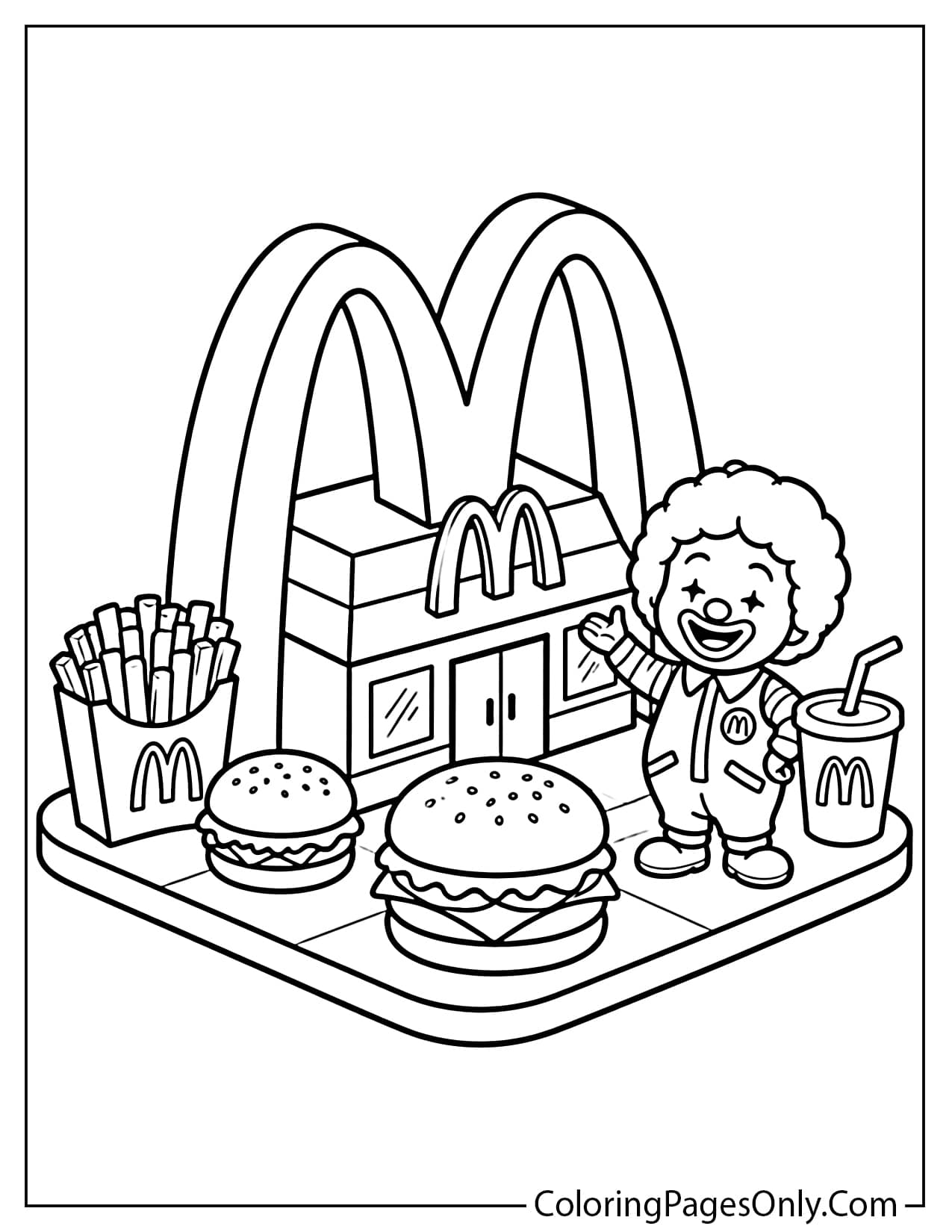
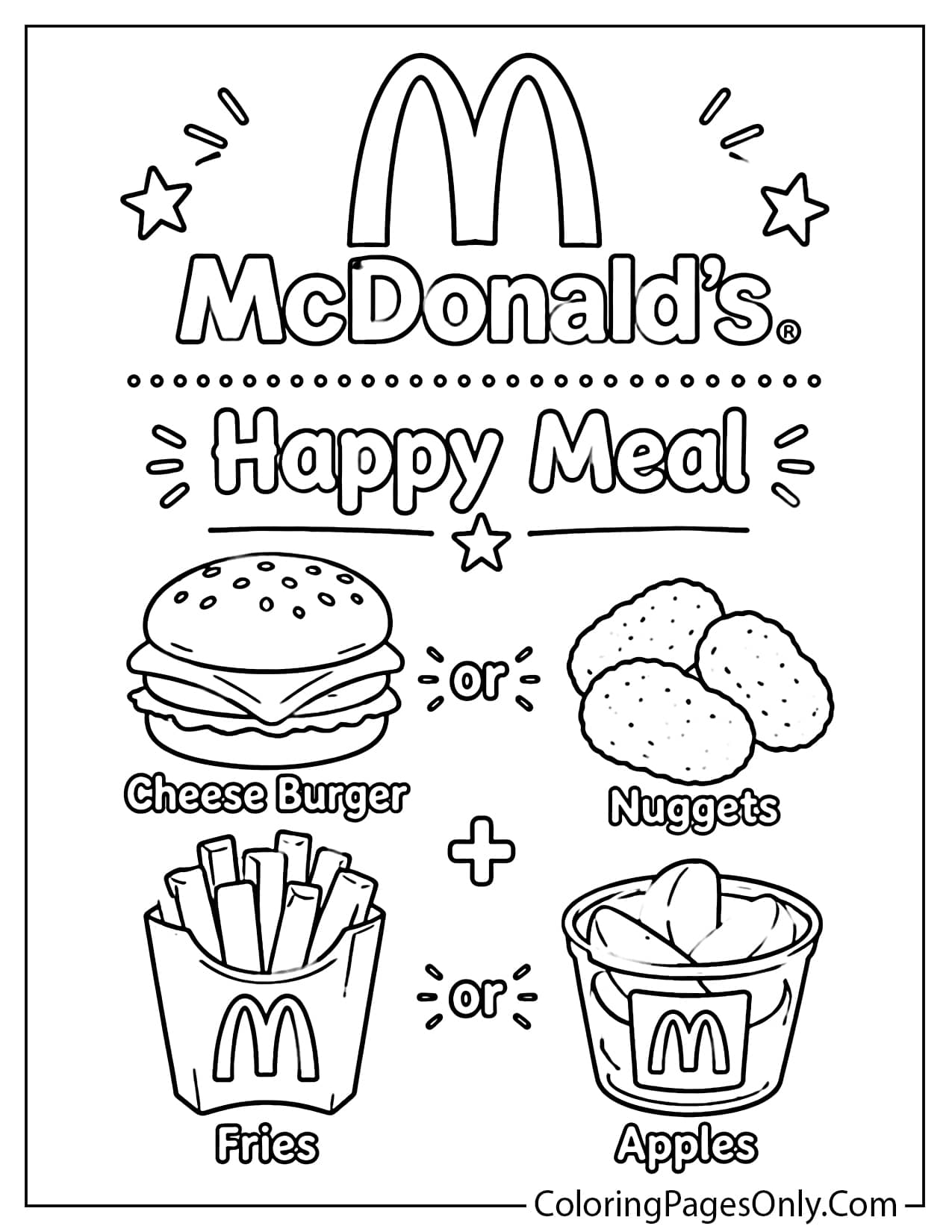
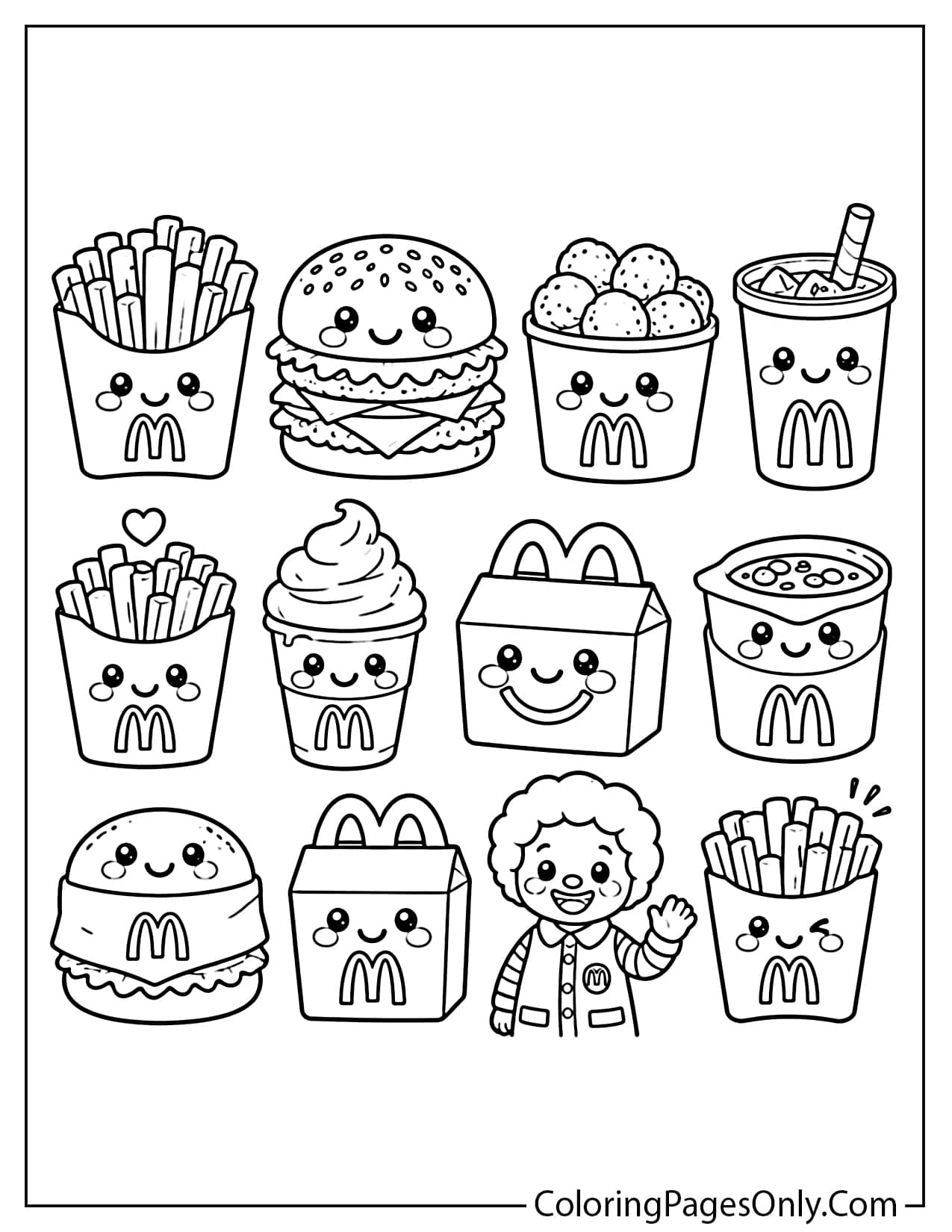
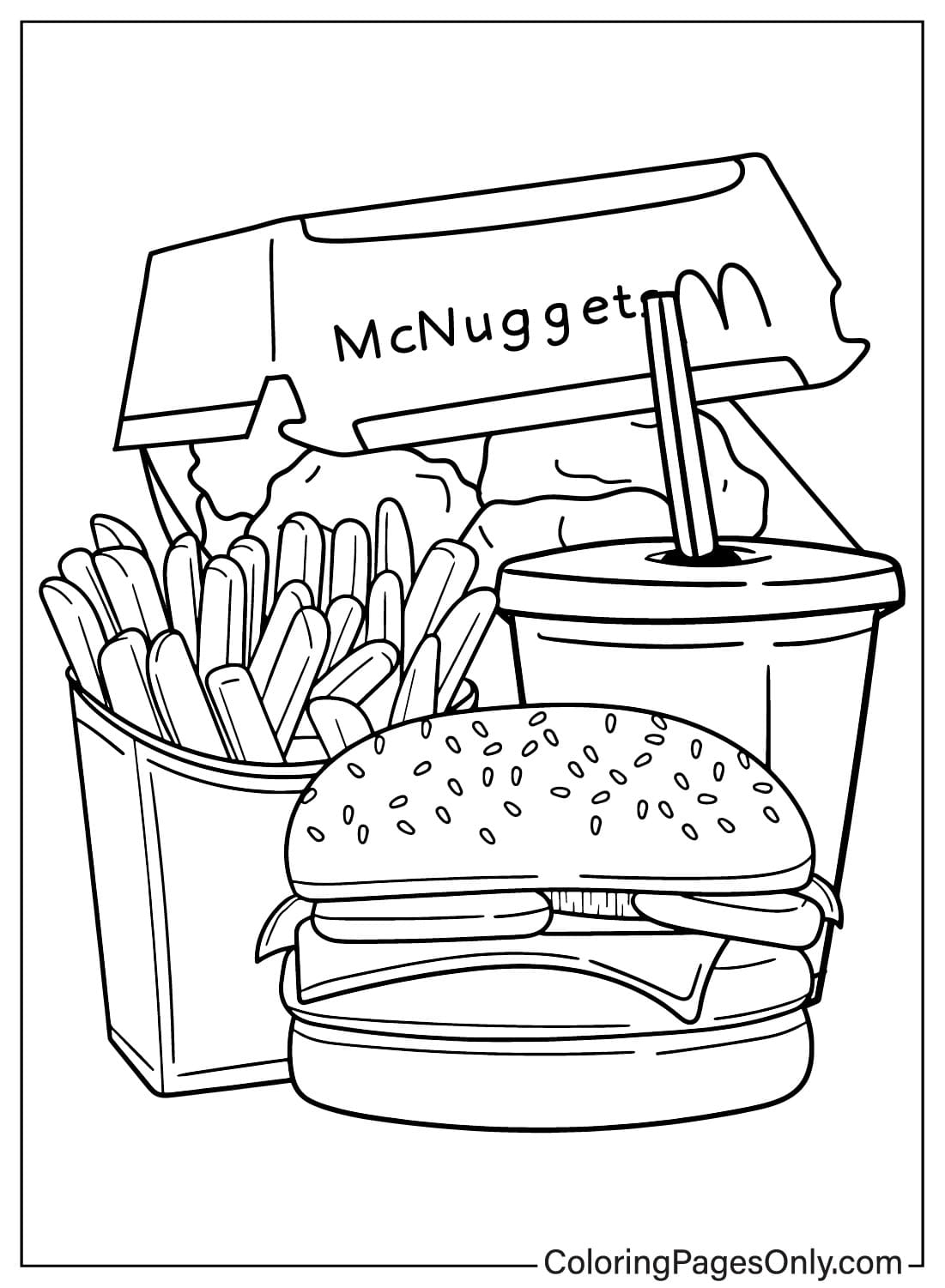
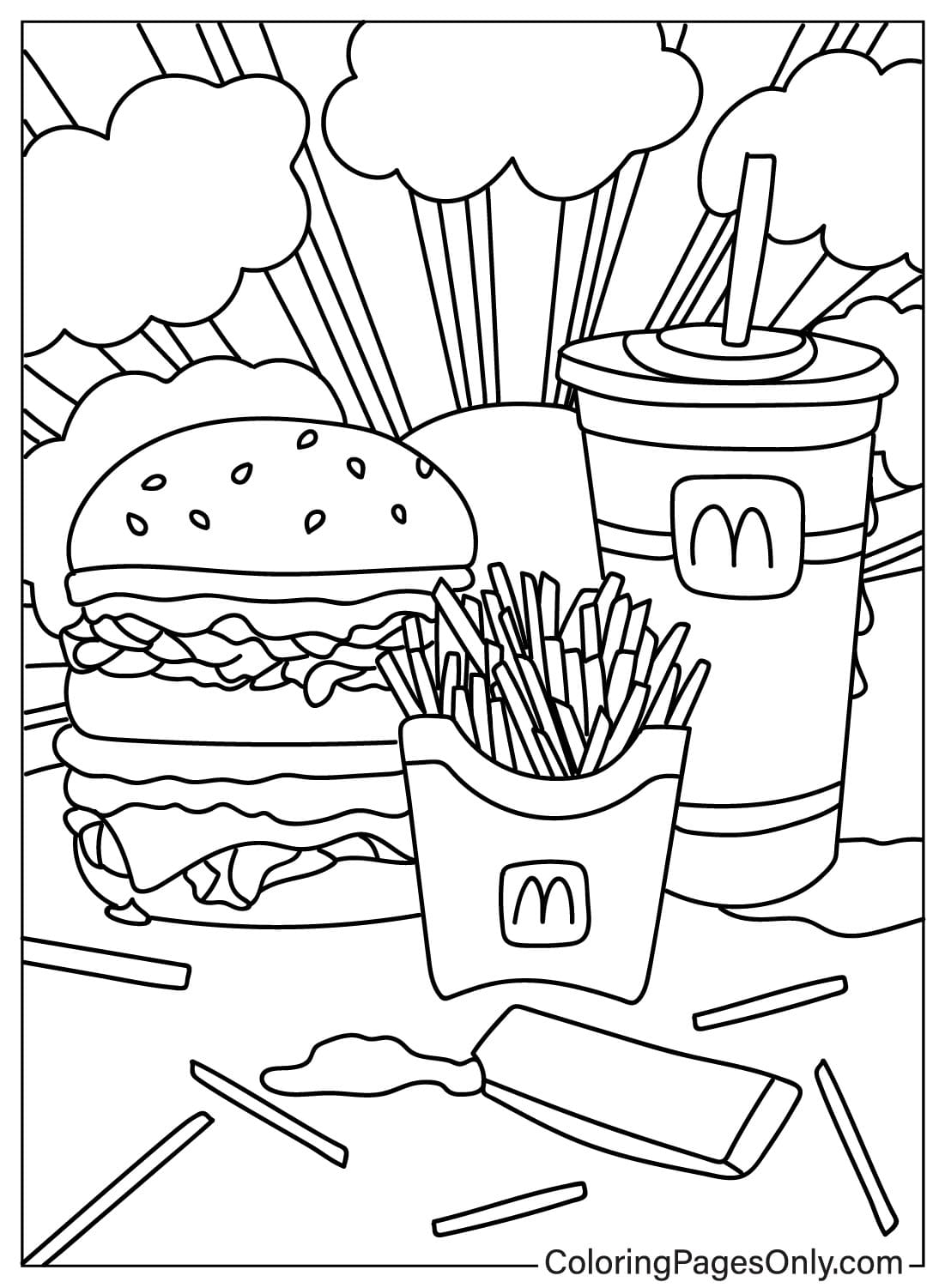
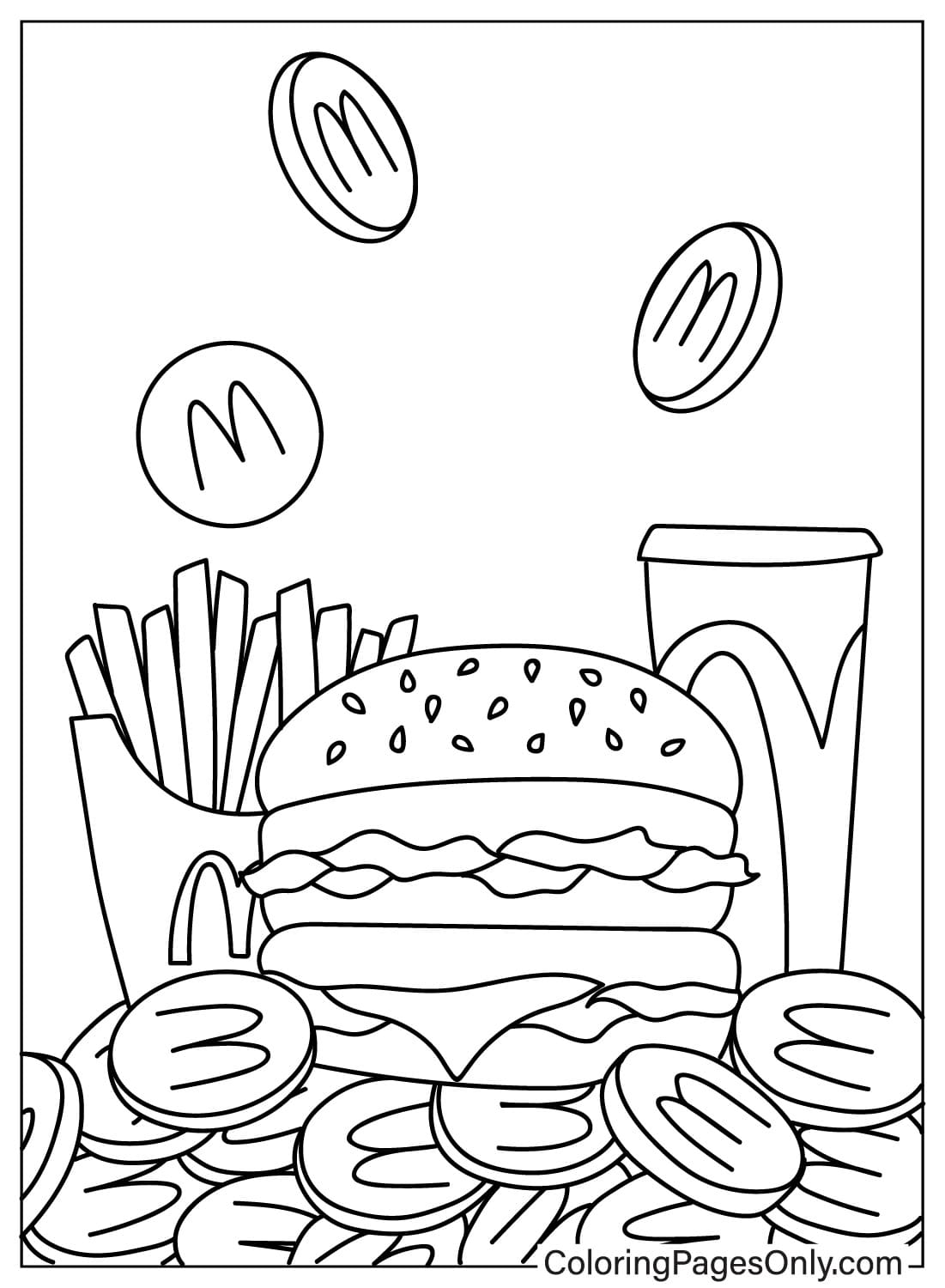
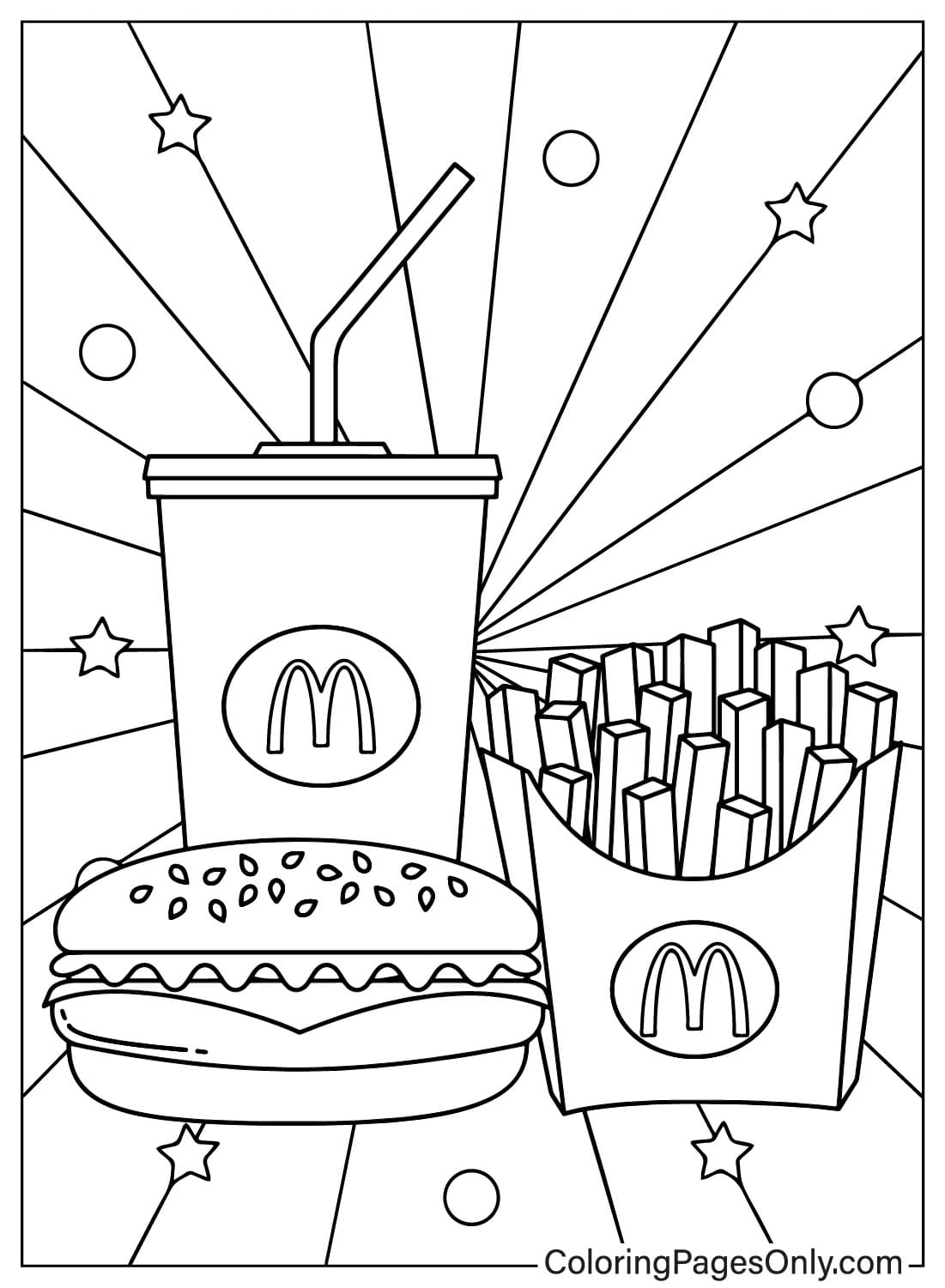
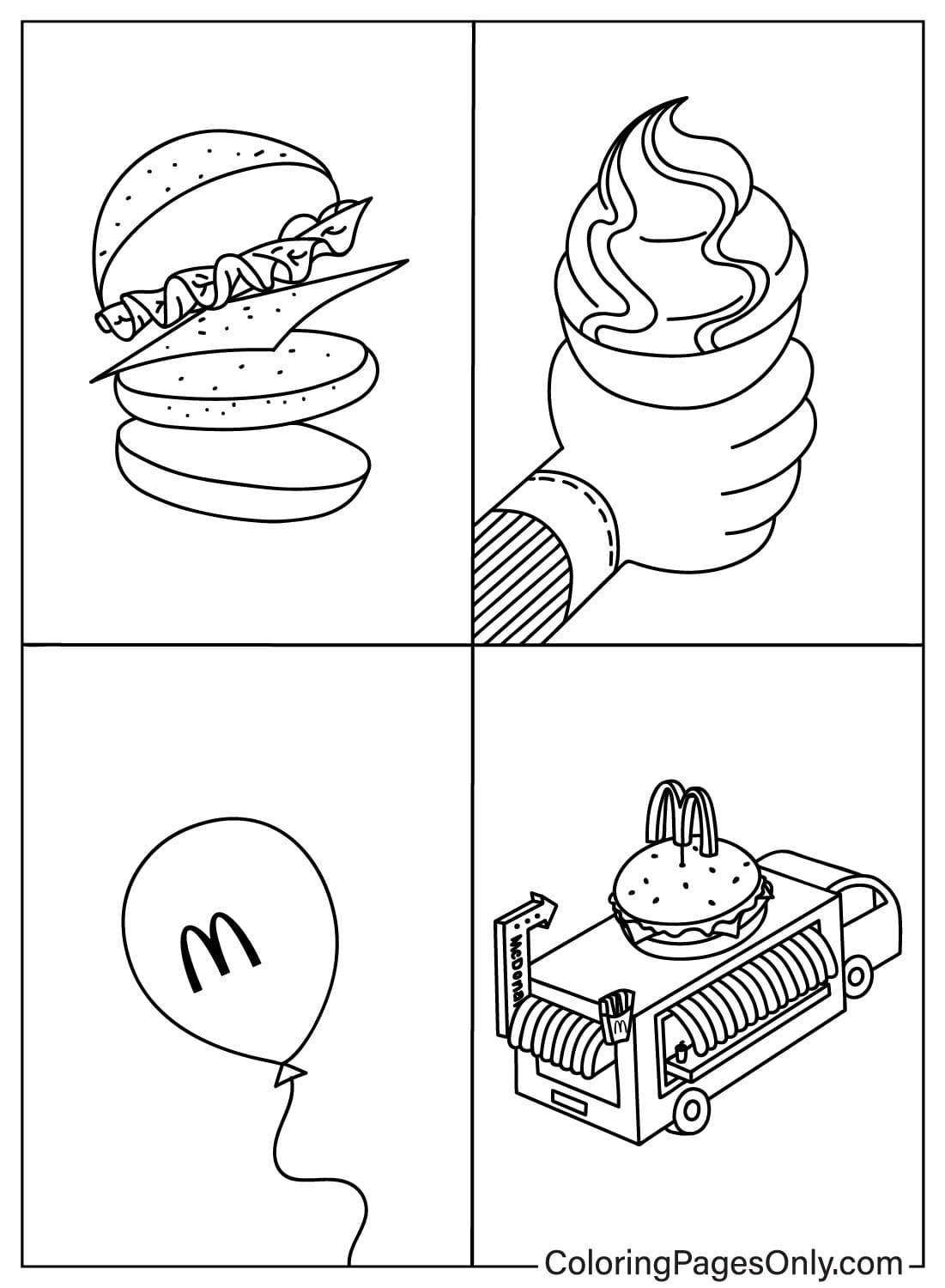
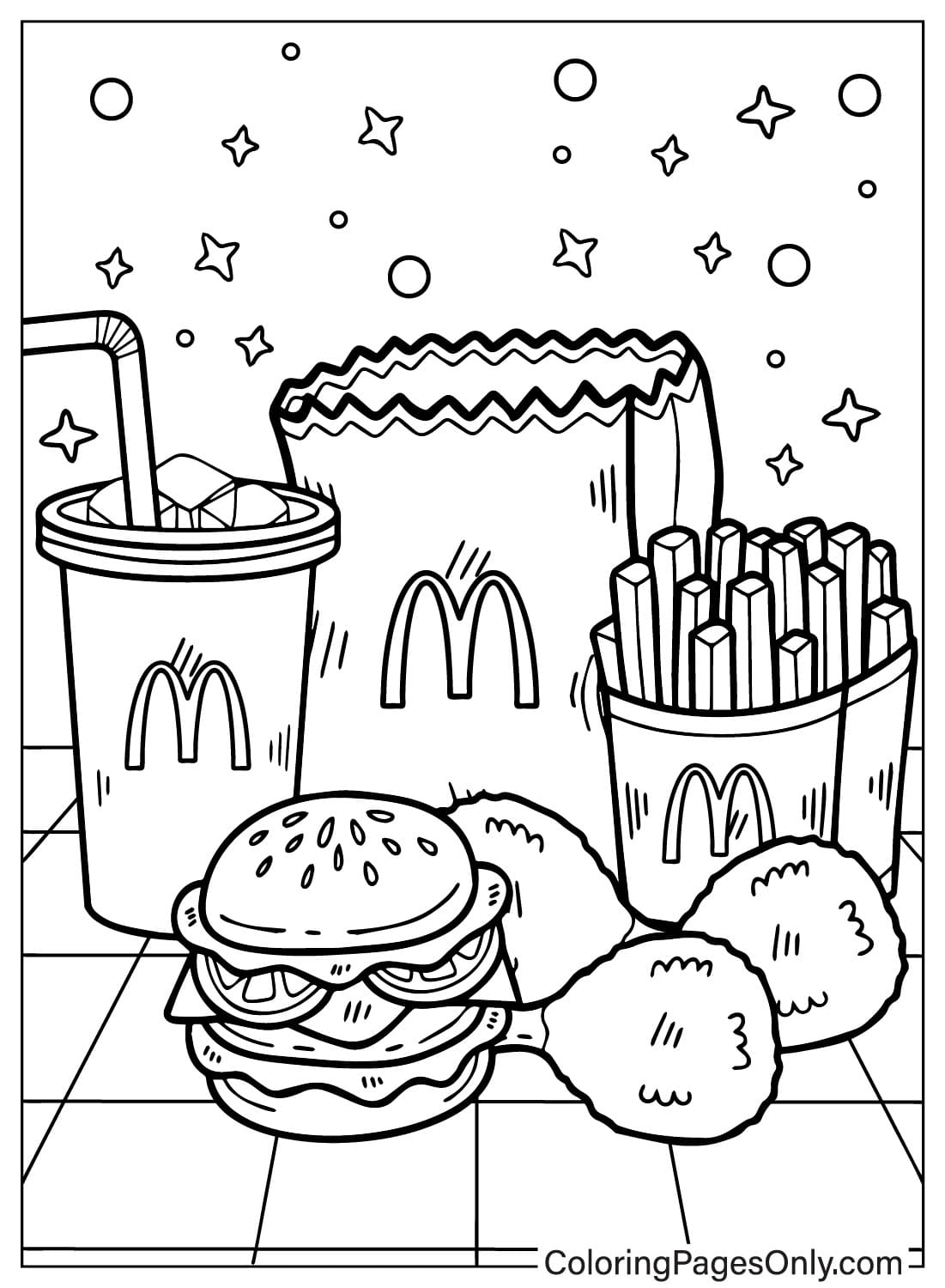
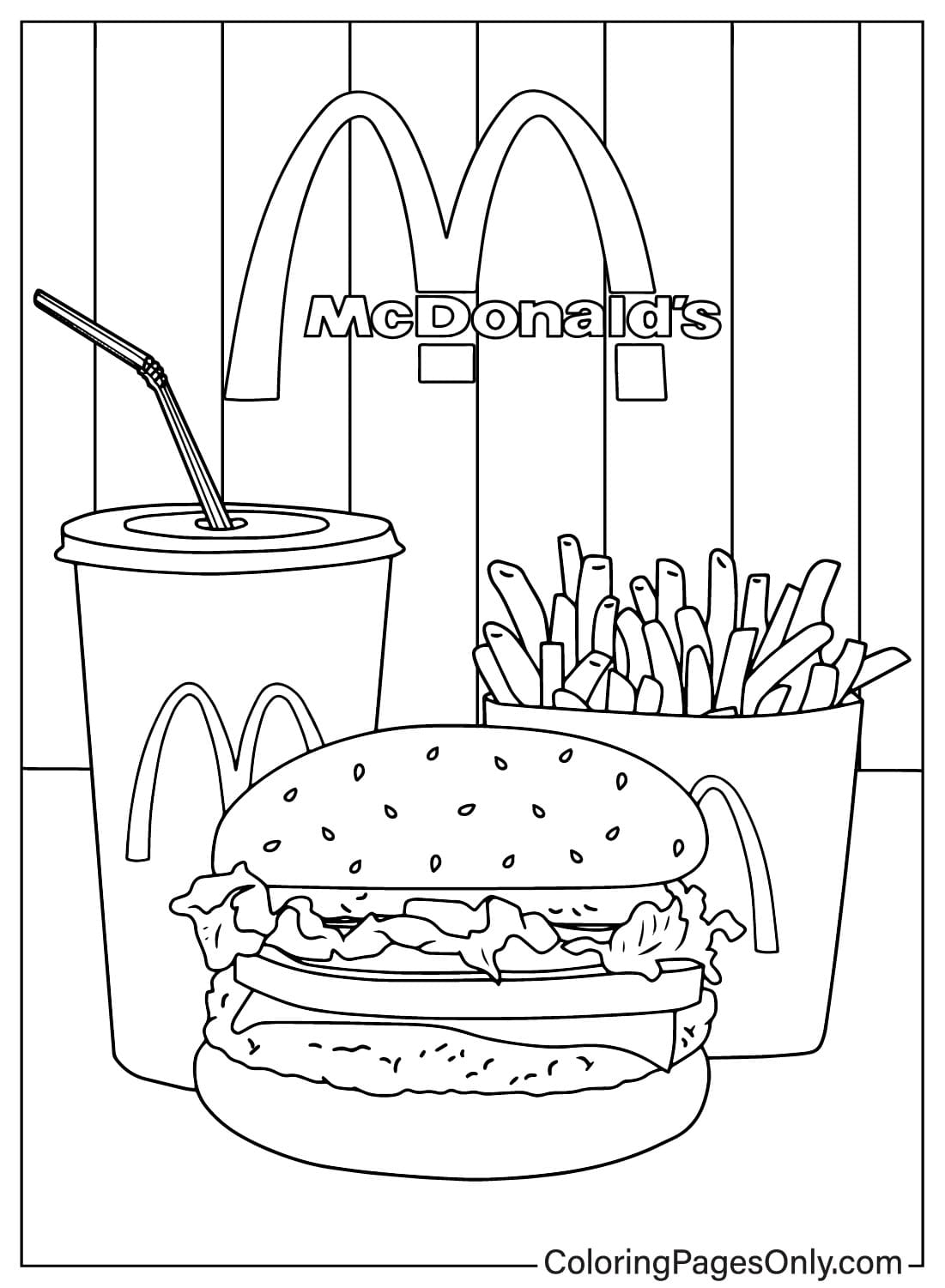
Several pages capture the classic meal tray, a sesame-seed burger, a carton of fries, and a soft drink cup, arranged in close-up compositions that put the food itself front and center.
The Golden Arches in the Scene
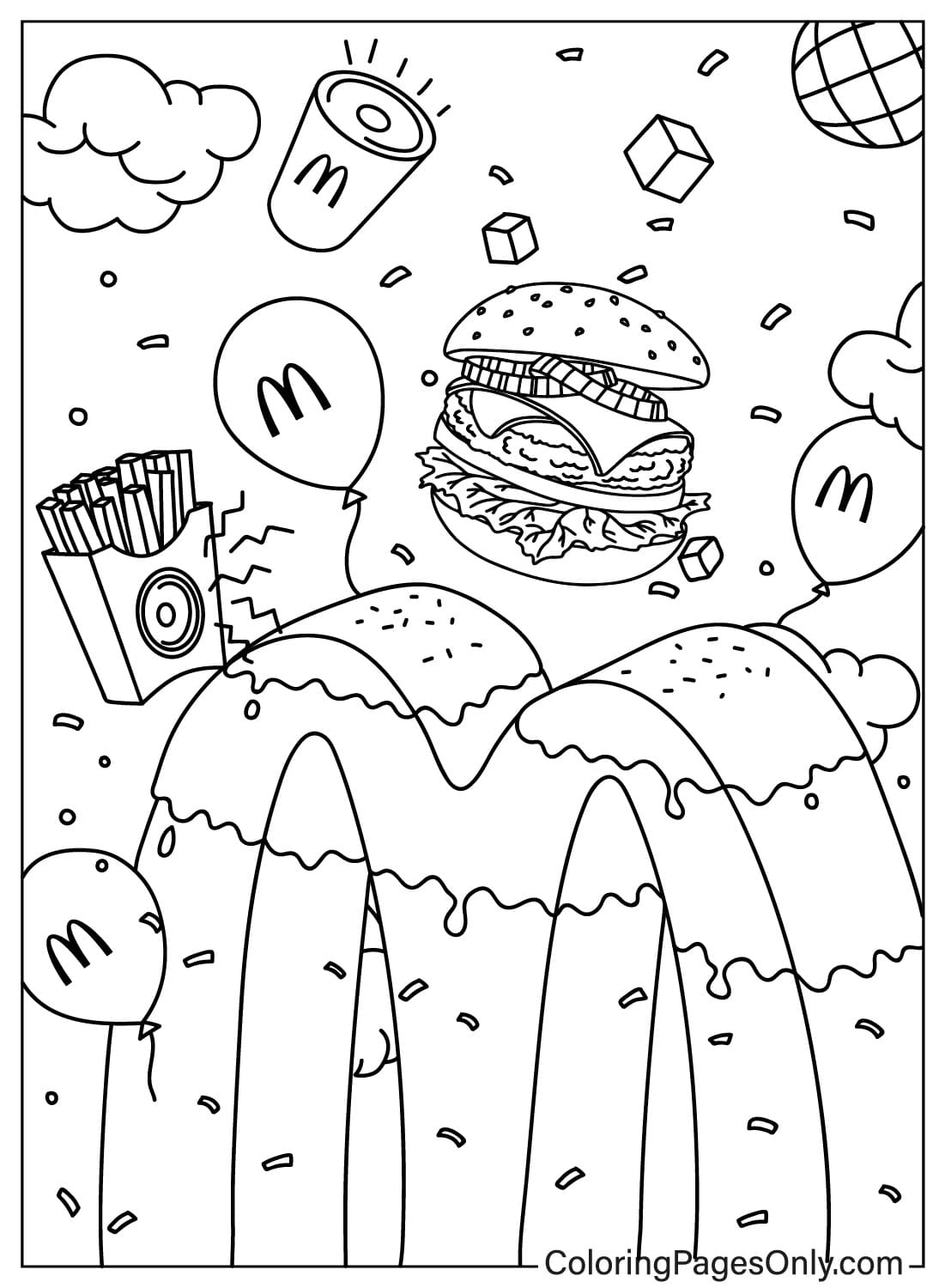
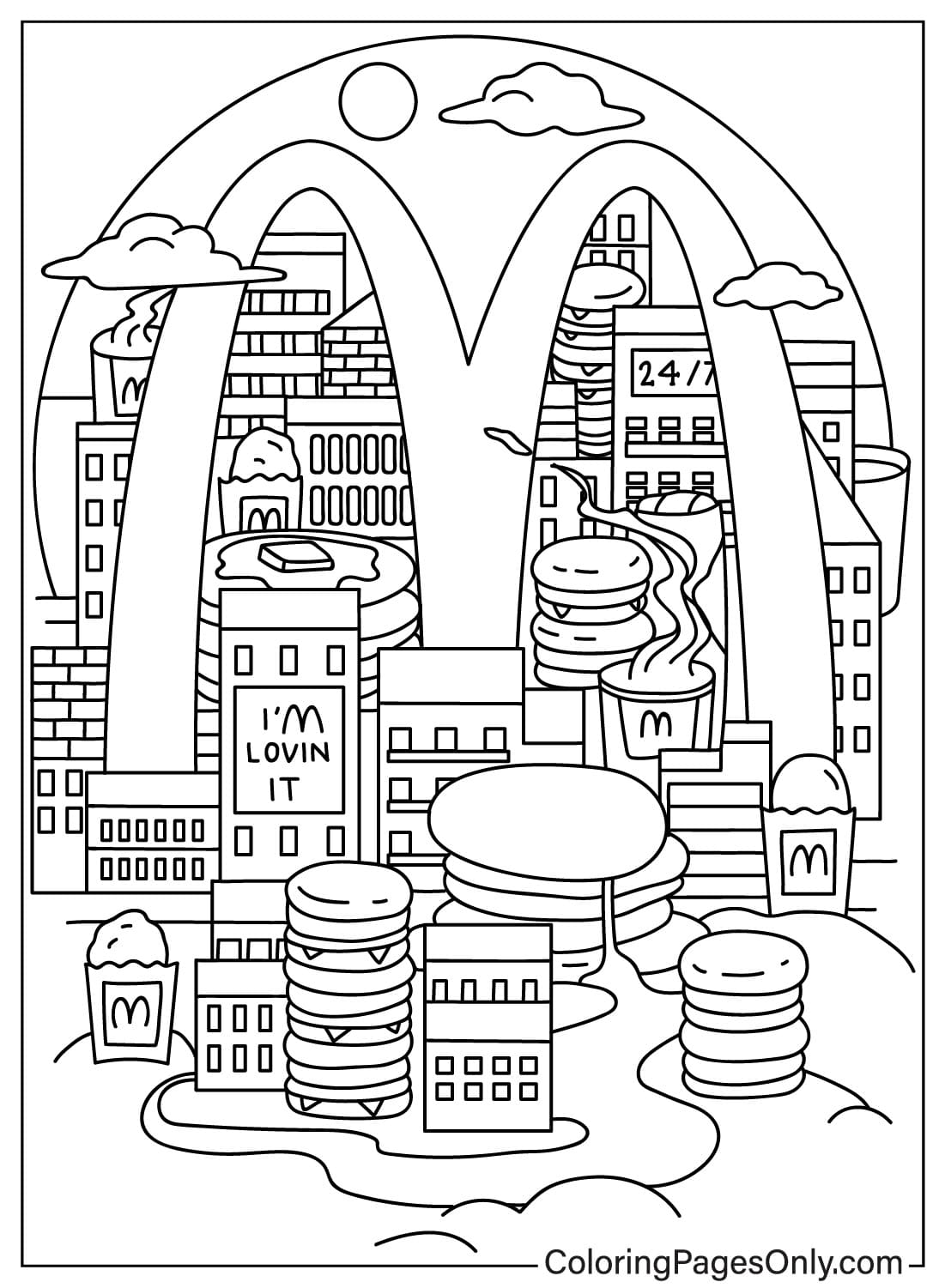
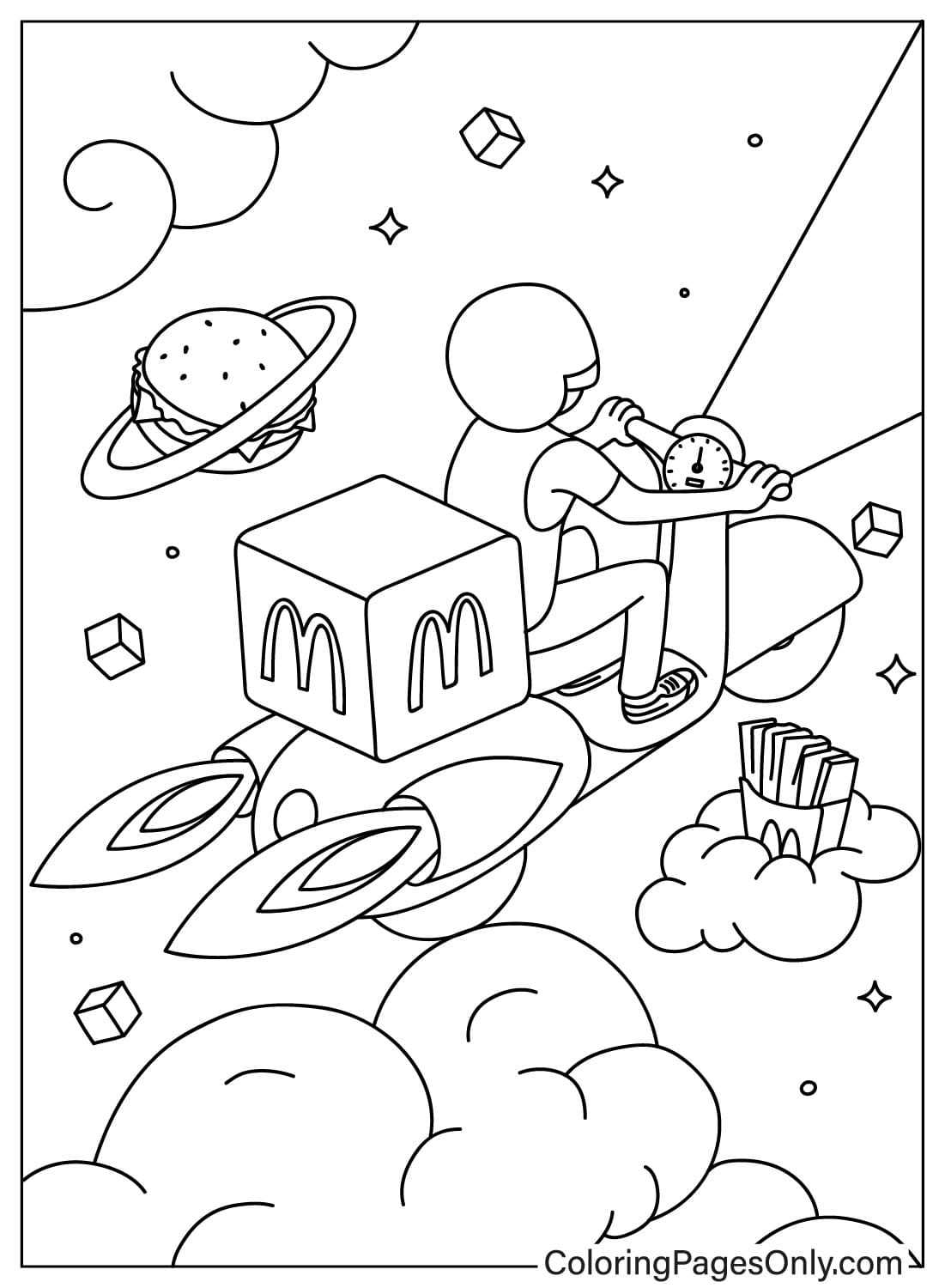
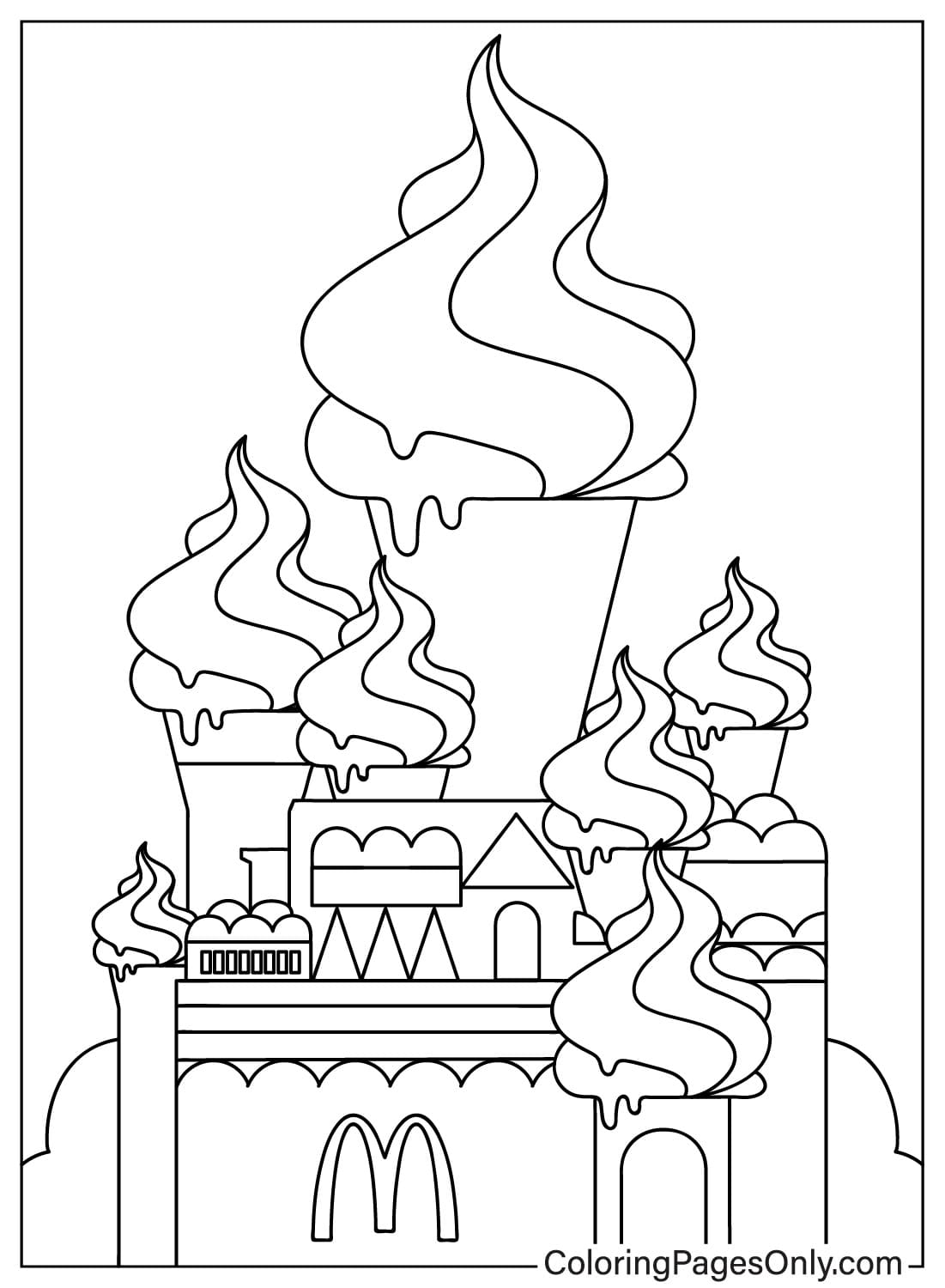
Many pages weave the Golden Arches logo directly into the artwork, printed on cups and fry boxes, mounted on a restaurant sign in the background, or tucked into the corner of a busier illustrated scene.
The Animated Food-Box Mascot
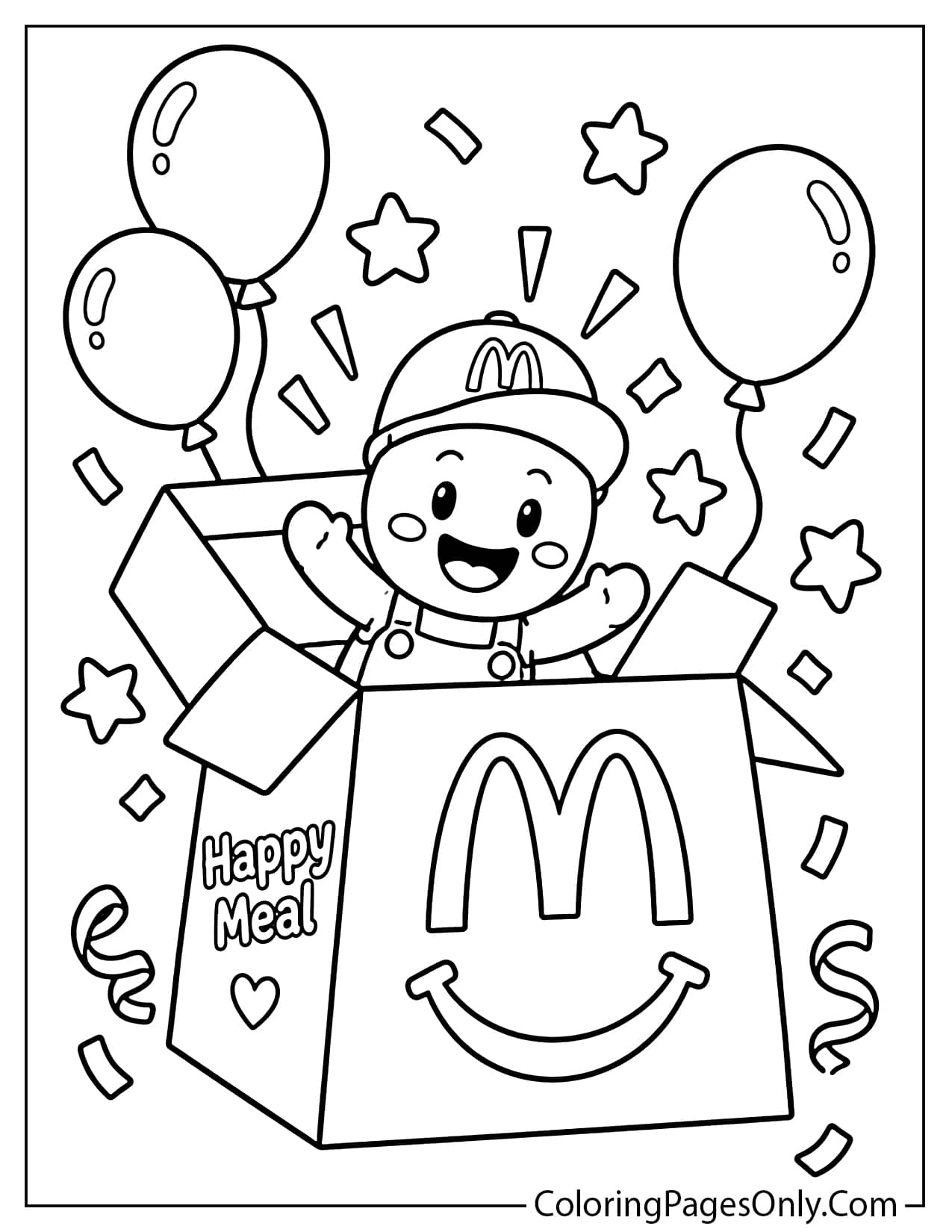
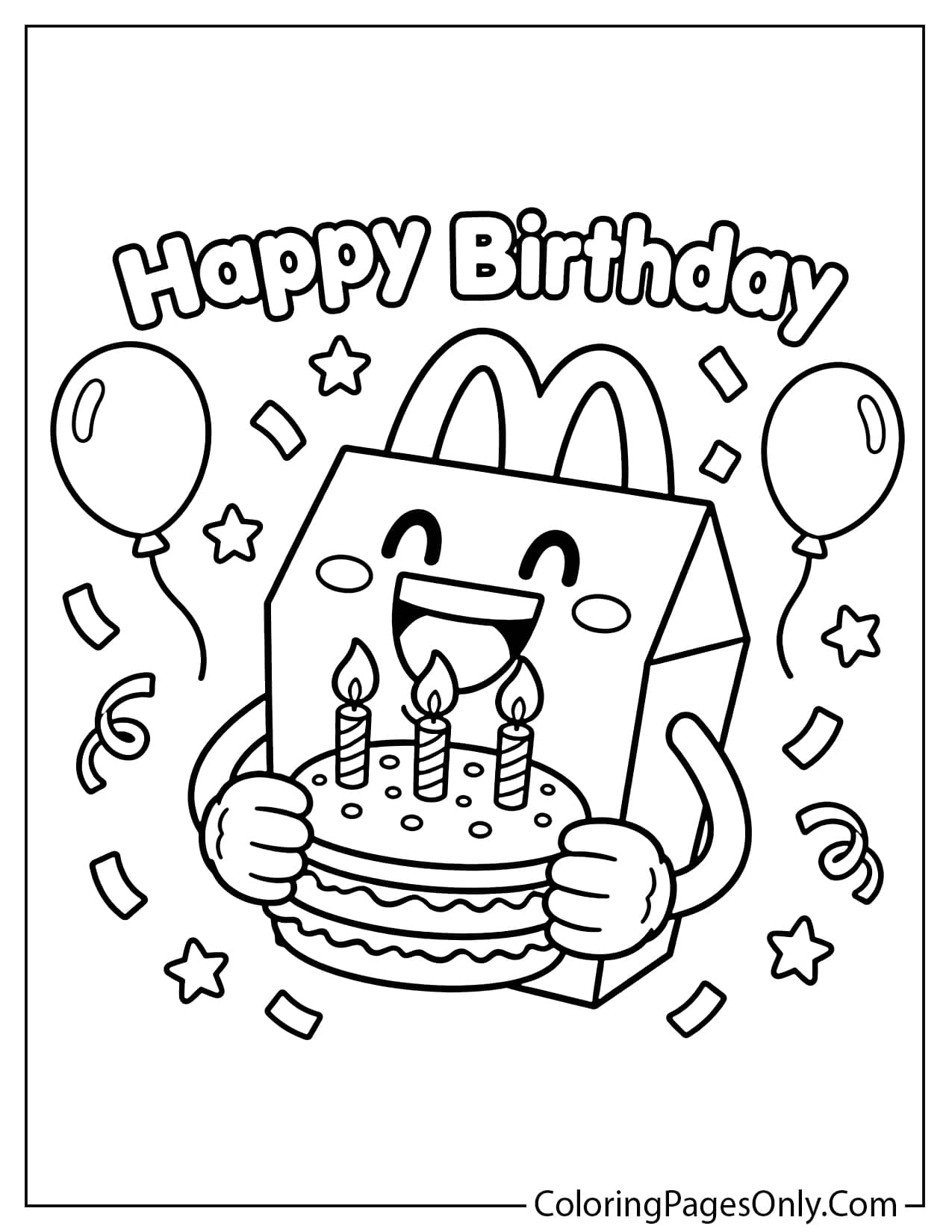
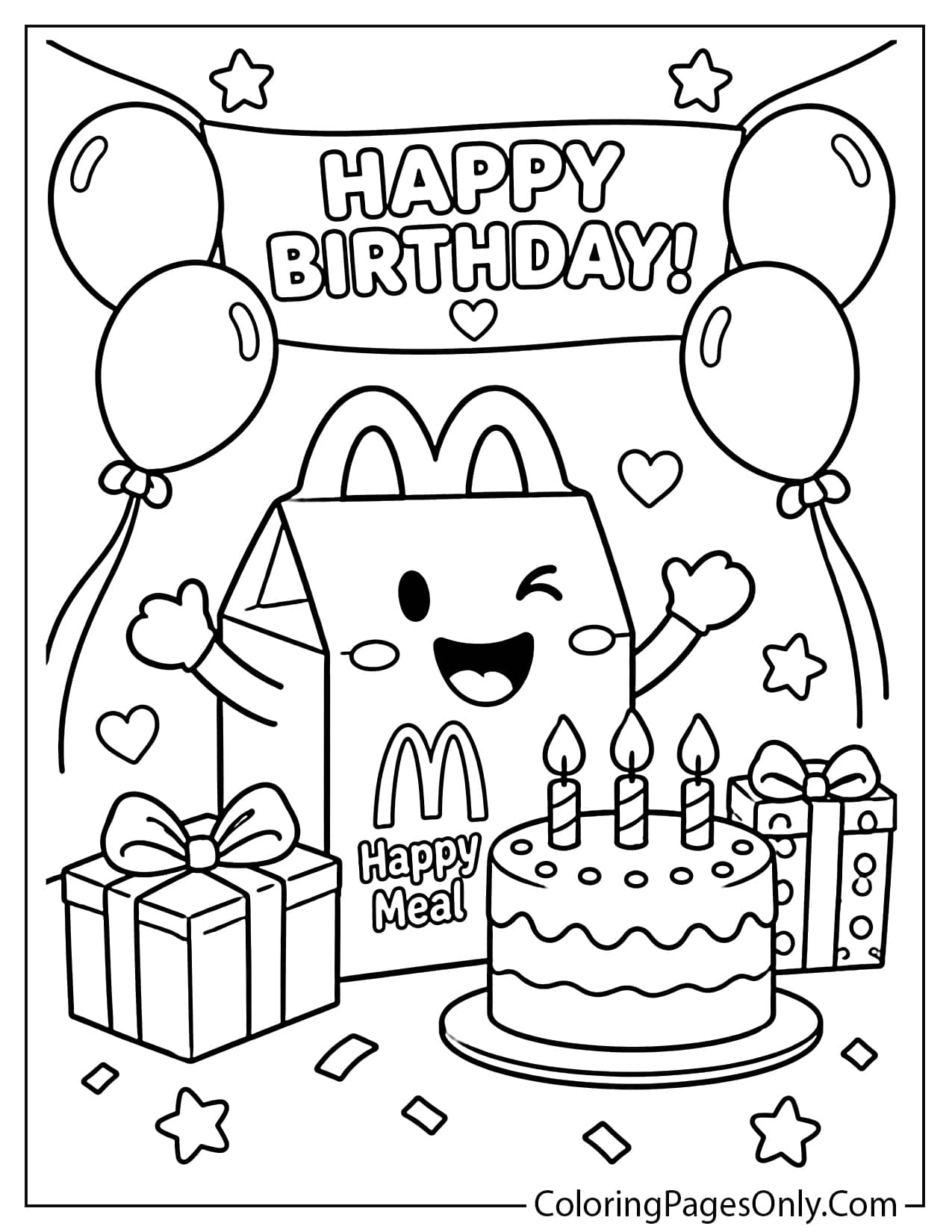
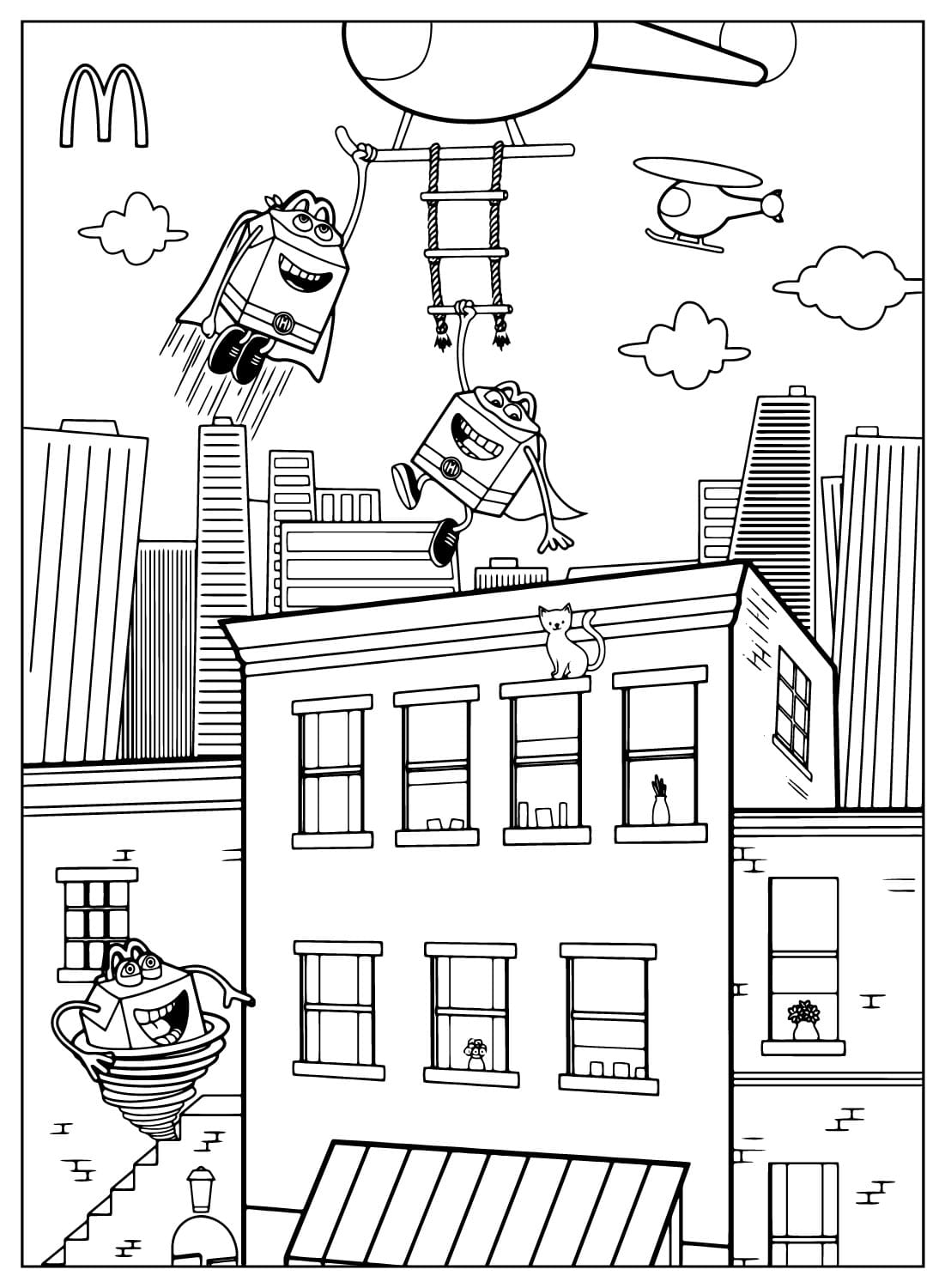
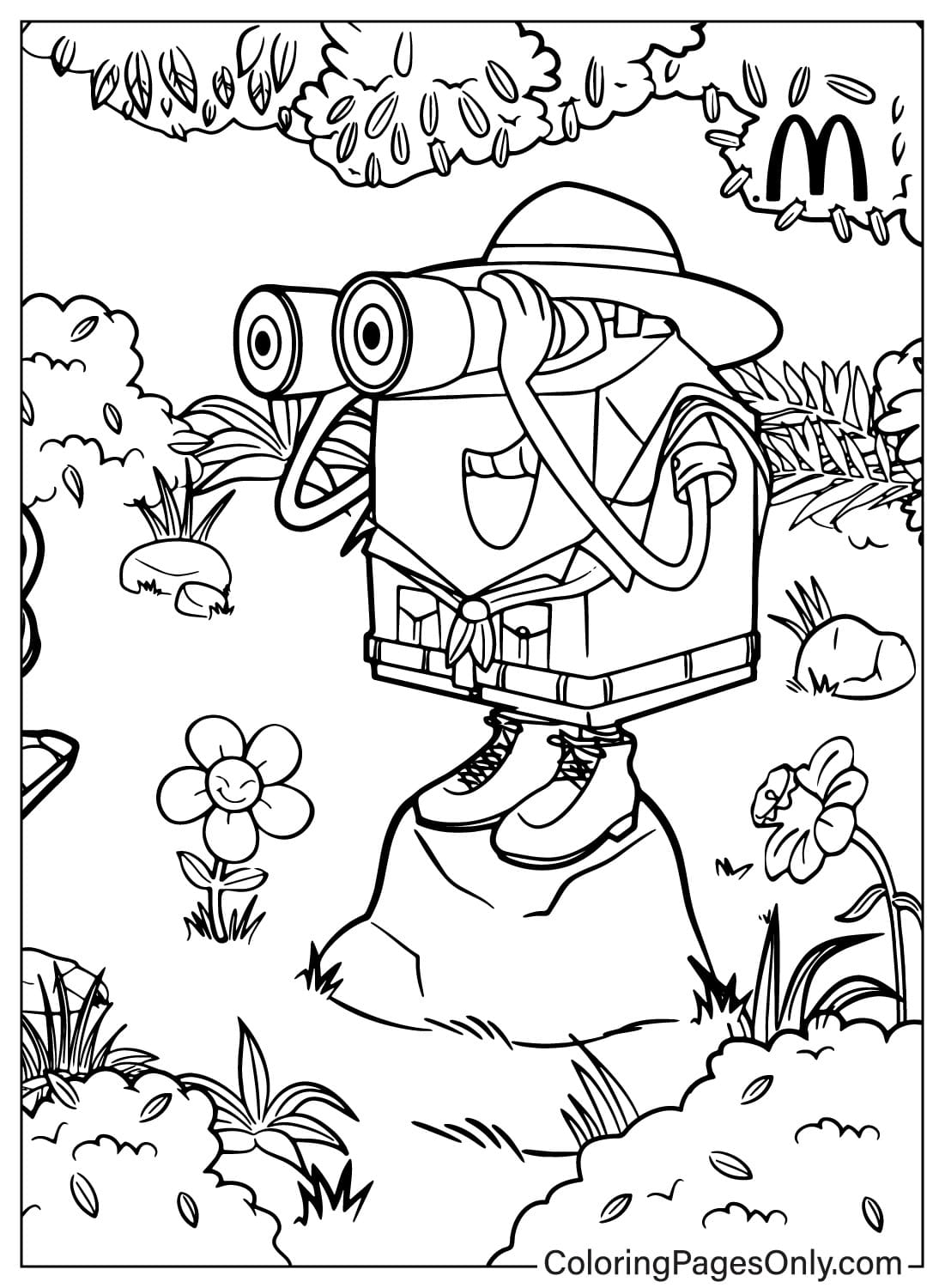
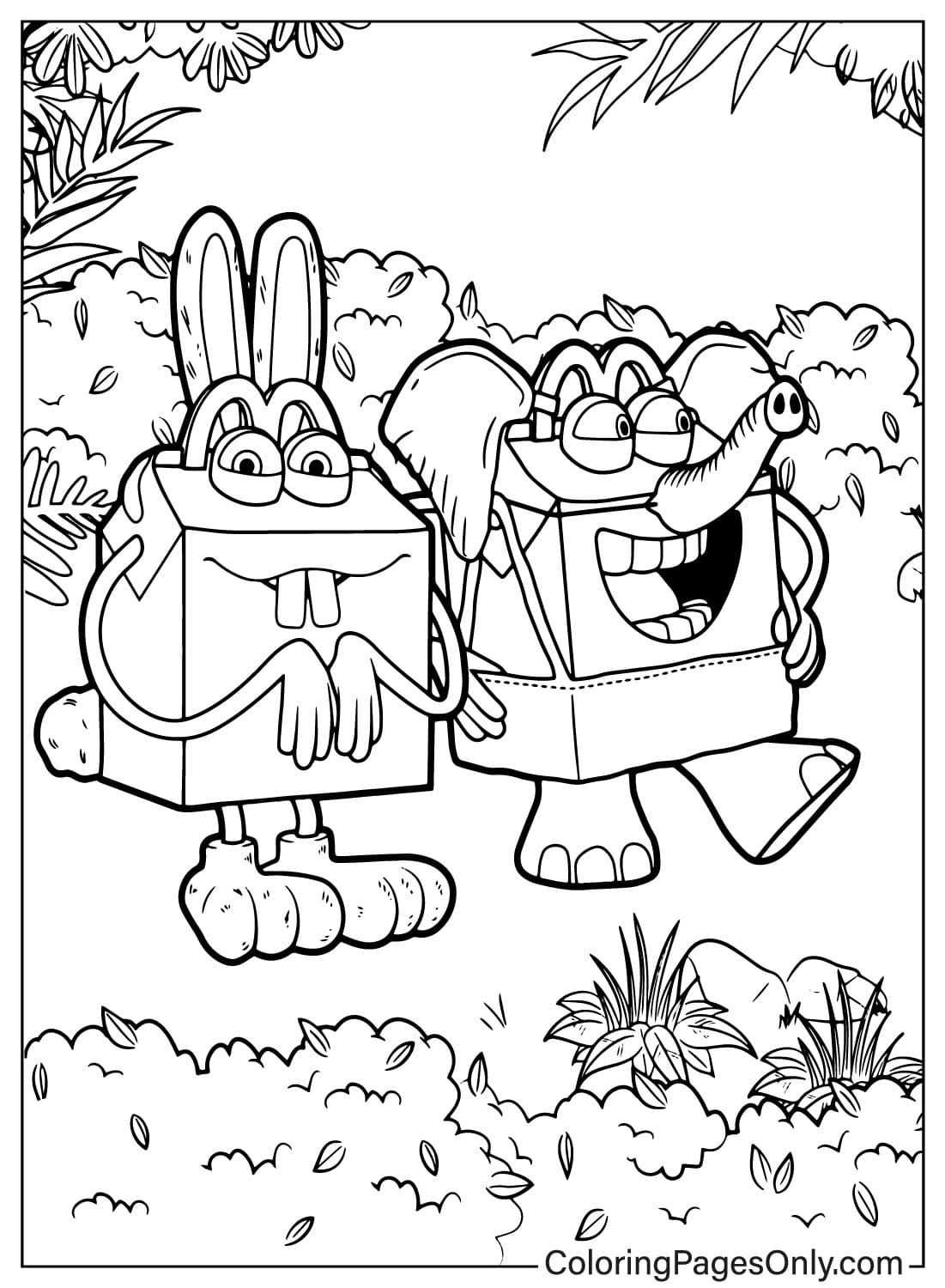
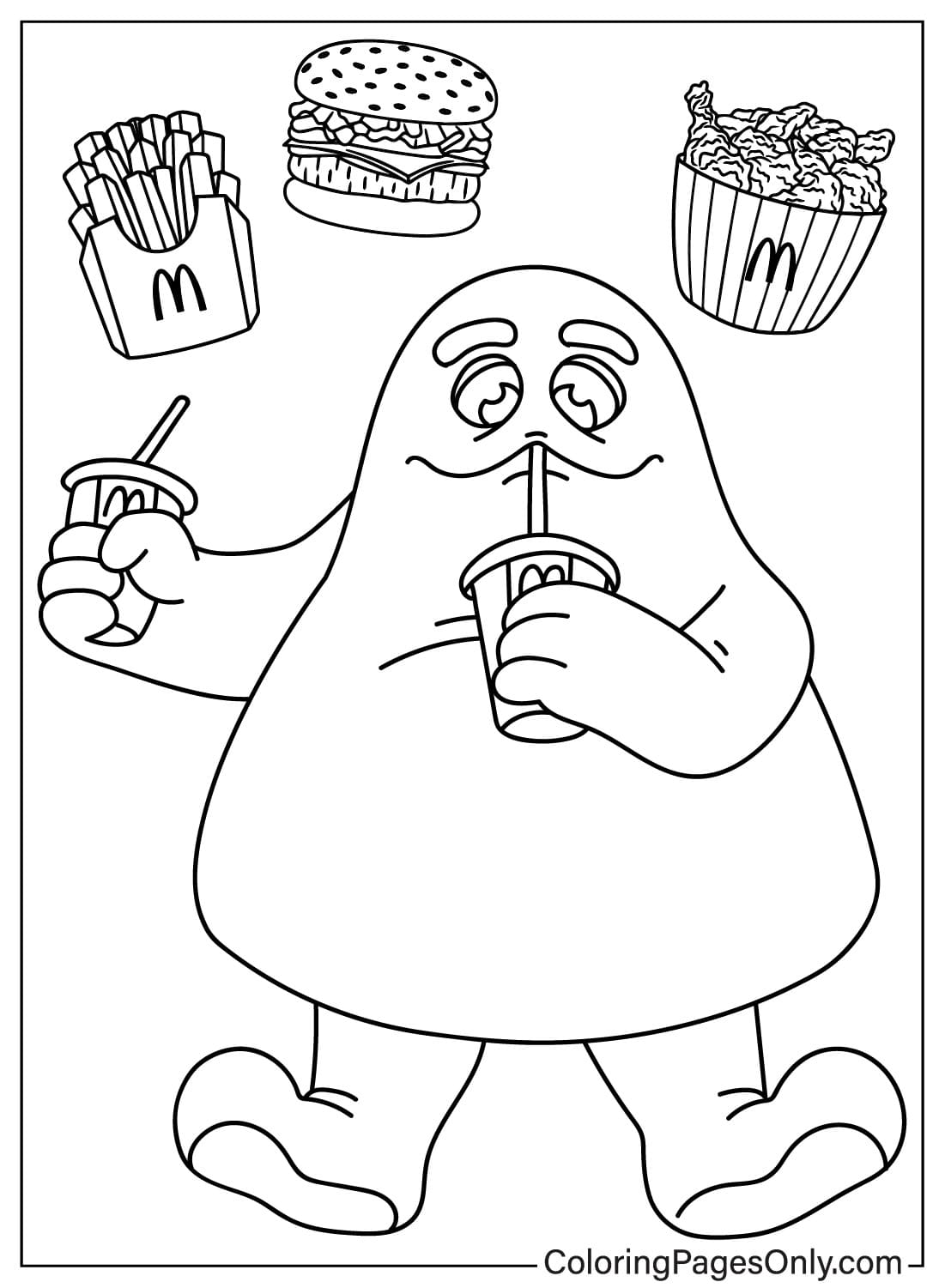
A playful recurring character appears across several pages, a smiling, box-shaped figure with cartoon eyes and arms, shown as a safari explorer with binoculars, flying superhero-style over a city skyline, and relaxing with a drink alongside a burger and fries.
Food-Themed Character Scenes
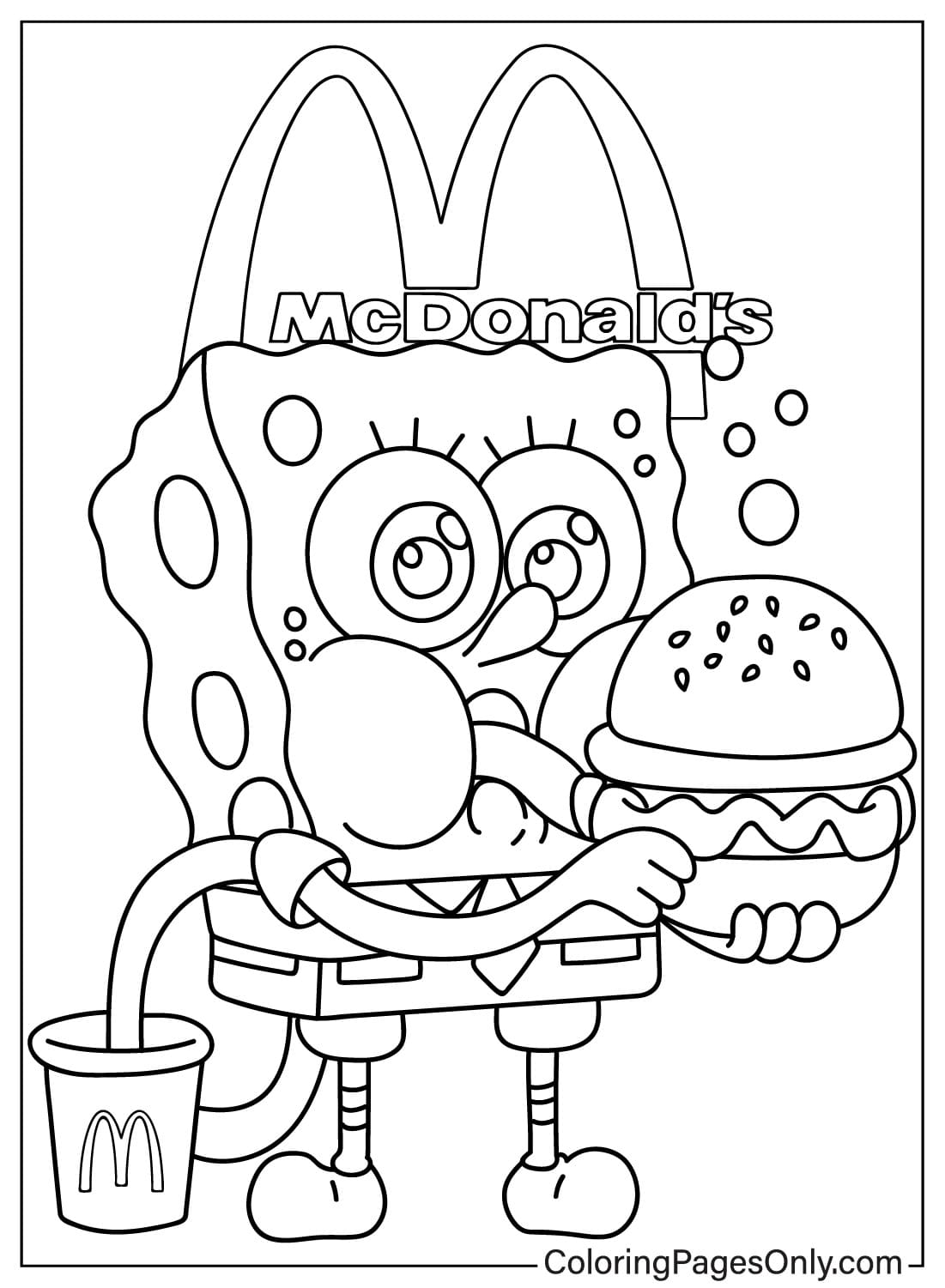
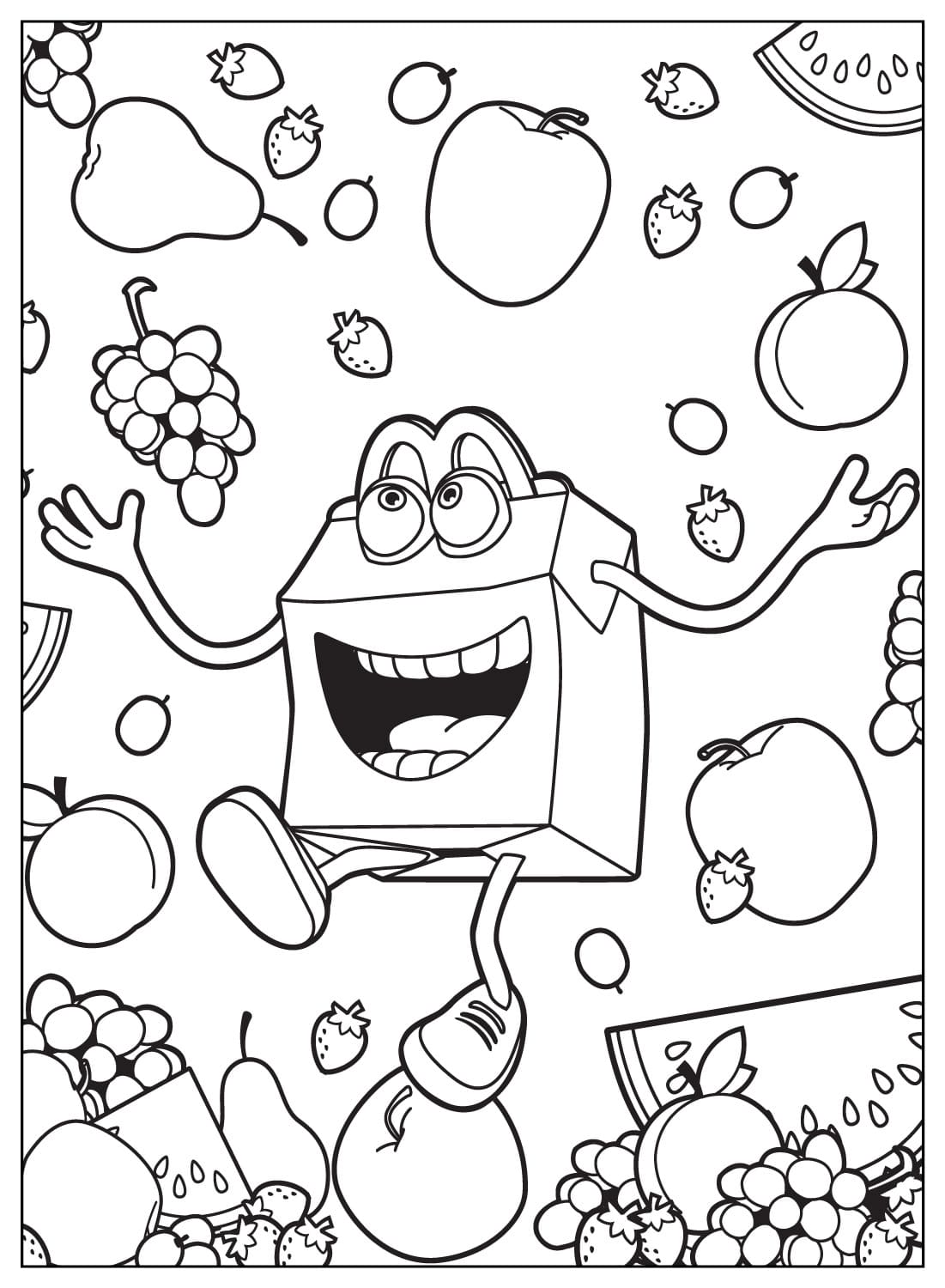
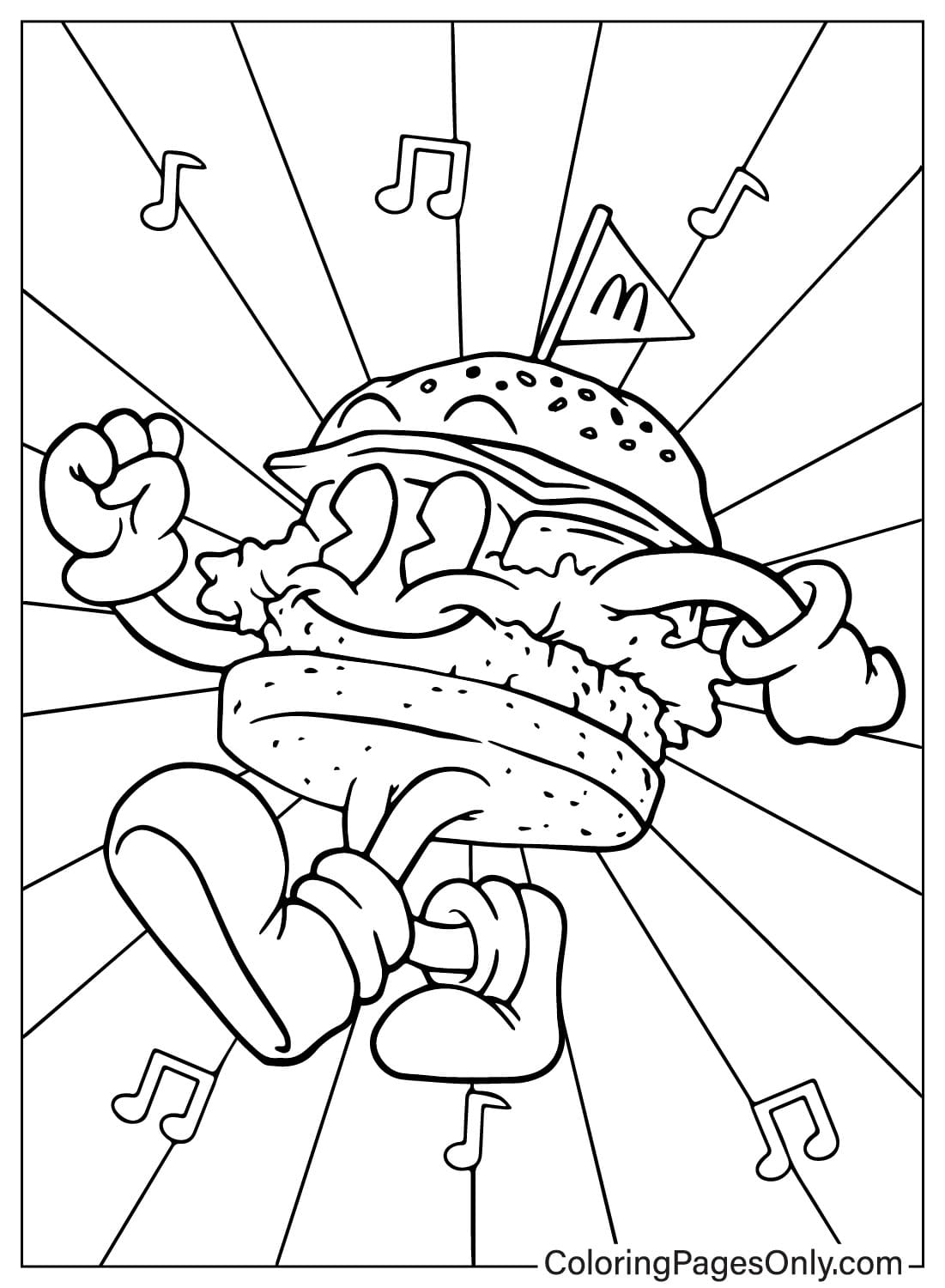
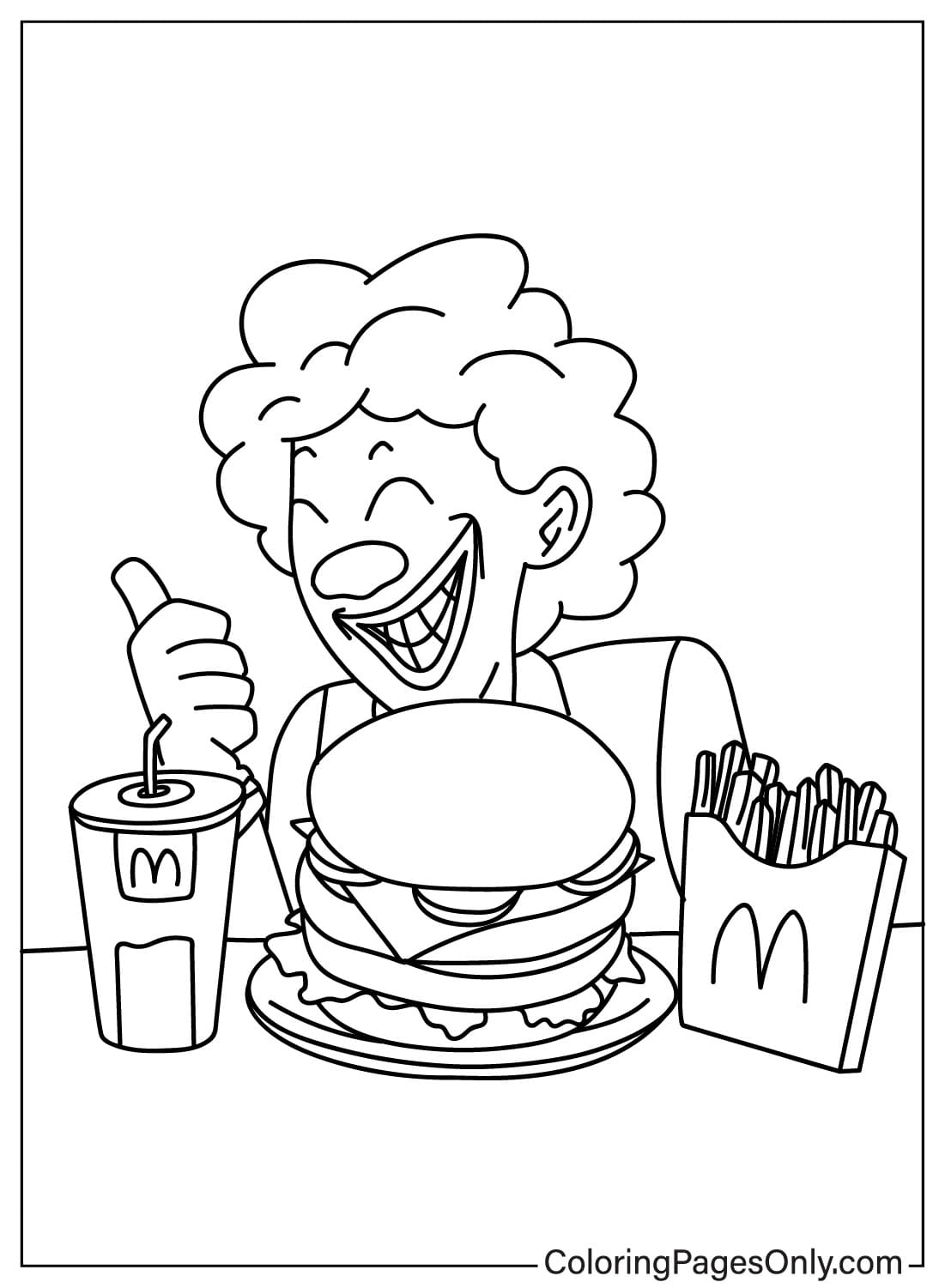
The remaining pages lean further into imaginative territory, a grinning, curly-haired character digging into a stacked burger, and a food-box figure tumbling through a pile of fresh fruit, giving the collection a lighter, more cartoon-driven feel than a simple menu illustration.
What These Pages Do
A layered burger page asks a colorist to work through several stacked components in sequence, bun, lettuce, patty, cheese, each needing its own distinct color and edge, which builds real practice separating overlapping shapes cleanly. The American Academy of Pediatrics identifies fine motor skill development as a core benefit of structured coloring for children ages 2 through 7, and the mix of simple food close-ups and busier mascot scenes in this collection lets that practice scale with a child’s skill level.
A 2005 paper in the Art Therapy Journal tracked lower anxiety levels among people who colored within structured outlines, and settling into a bright, familiar, cheerful subject like these pages offers young colorists that same kind of calming, absorbing focus.
How to Color McDonald’s Pages Well
- The Golden Arches: a warm, saturated golden yellow reads as unmistakably on-brand, kept flat and even across both arches so the shape stays symmetrical and bright.
- Burgers: work from the top down, a warm, tan sesame bun, small off-white seeds, a darker brown patty, bright green lettuce, and a red tomato slice, so each layer stays visually distinct.
- Fries and drink cups: a light golden tan for the fries and a clean red or white for the cup, with the arches logo picked out in bright yellow wherever it appears on the packaging.
- The food-box mascot: keep the box body a warm cream or tan, save the brightest color for the character’s cartoon eyes and mouth so the expression reads clearly against the flatter box shape.
- Background scenes: in the safari and superhero pages, keep the background in cooler, muted tones so the warm-colored mascot and food elements stay the clear focal point of the page.
5 Creative Craft Ideas With McDonald’s Coloring Pages
1. Fast Food Tray Placemat
Color one of the burger, fries, and drink combo pages, laminate it or cover it in clear contact paper, and use it as a fun placemat for a themed family meal night.
2. Golden Arches Party Banner
Color several pages that feature the arches prominently, cut around each design, and string them along a ribbon for a simple birthday party banner.
3. Food-Box Mascot Puppet
Color one of the mascot pages, cut around the character’s outline, glue it to a craft stick, and use it as a simple puppet for imaginative play.
4. Superhero Skyline Scene
Color the superhero-style mascot page, then add a hand-drawn city skyline behind it on a larger sheet for an action-packed wall display.
5. Fruit and Fast Food Sorting Game
Color the fruit-filled mascot page, cut out each piece of fruit, and sort them by color or type as a simple matching activity once the coloring is finished.
Frequently Asked Questions
What is McDonald’s, and when was it founded?
McDonald’s is a global fast food chain that began as a single restaurant opened by brothers Richard and Maurice McDonald in San Bernardino, California, in 1940, before businessman Ray Kroc franchised the concept starting in 1955 and built it into the worldwide brand known today.
How many McDonald’s coloring pages are in this collection?
26 pages, covering burger and fries combos, scenes featuring the Golden Arches, and a set of whimsical illustrations starring a recurring animated food-box mascot.
What is the story behind the Golden Arches logo?
The arches began as an architectural feature of early McDonald’s restaurant buildings in the 1950s, two golden parabolic arches that formed the shape of an M when viewed from an angle, later refined into the formal logo still used today.
Who is Ronald McDonald?
Ronald McDonald is the brand’s real-world clown mascot, introduced in 1963, and the cheerful, curly-haired character enjoying a burger in this collection echoes that same playful, family-friendly spirit without being a formal, in-costume portrait.
When were Chicken McNuggets introduced?
Chicken McNuggets launched nationally in the United States in 1983 and quickly became one of the best-selling items on the McDonald’s menu.
What colors should be used for the Golden Arches?
A warm, saturated golden yellow kept flat and even across both curves, paired with the brand’s signature red on cups, trays, or packaging elsewhere on the page.
Are these pages based on official McDonald’s artwork?
No, they are fan-made coloring designs inspired by the brand’s food and visual identity, created for personal, non-commercial coloring use and not affiliated with or endorsed by McDonald’s Corporation.
Can these McDonald’s pages be colored without printing?
Yes, the online coloring tool lets any page be finished on a phone, tablet, or computer without needing a printer.
Nothing here requires an account or sign-up; just click a design to print it at home or color it straight through the browser-based tool. When a page is finished, the Facebook and Pinterest icons beside it make sharing simple.