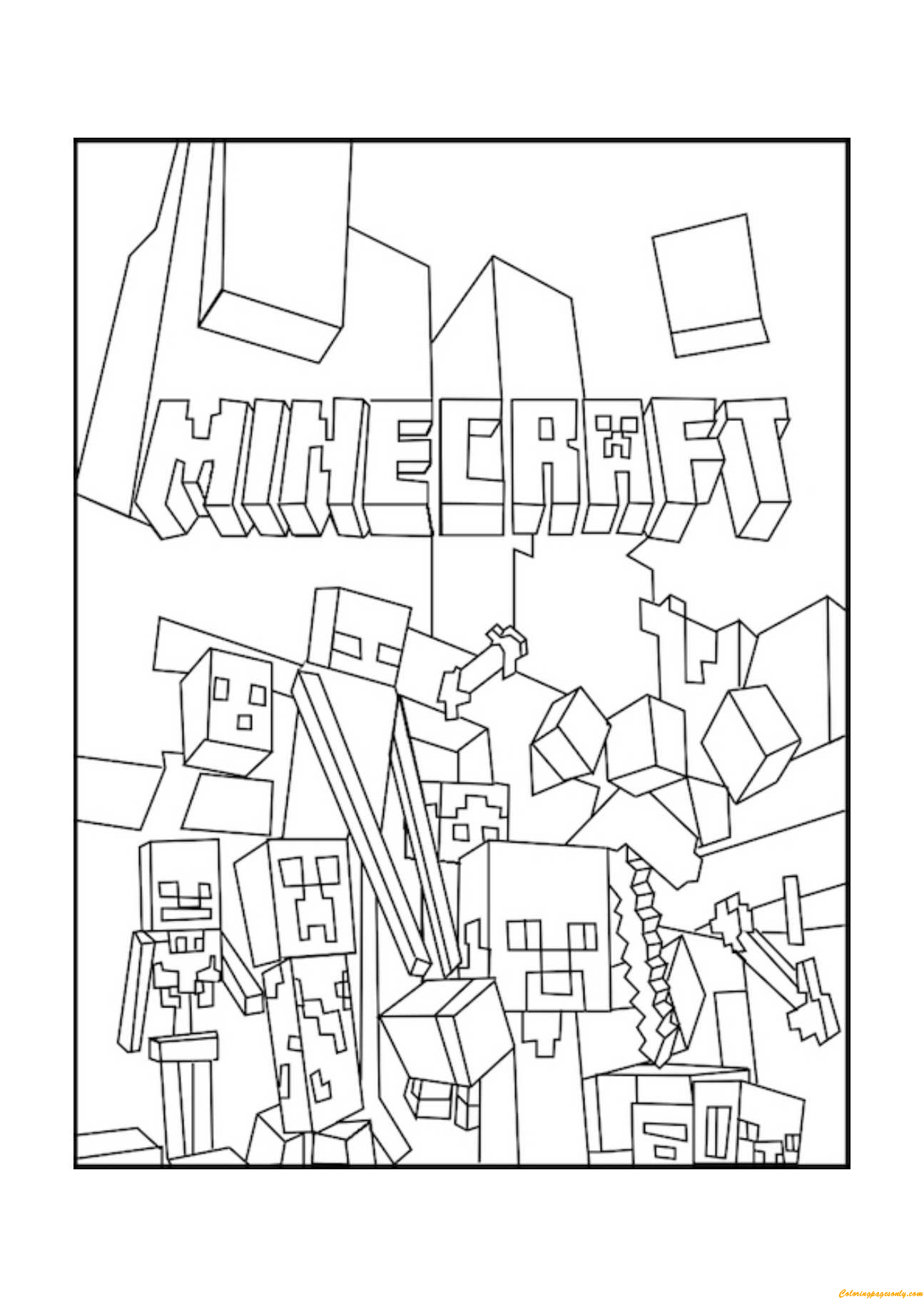
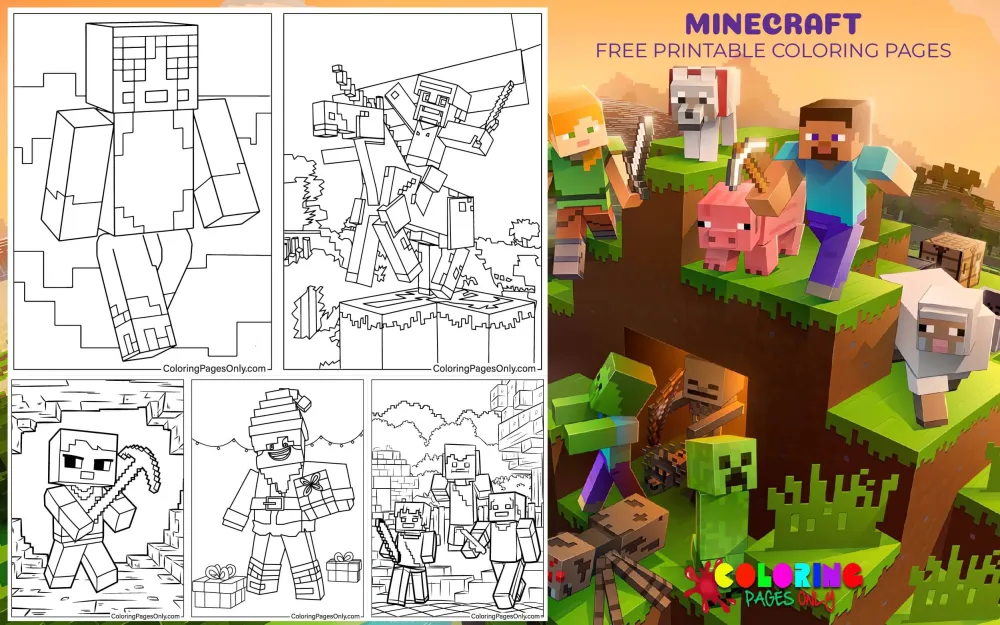
Minecraft Coloring Pages at ColoringPagesOnly.com covers 90+ free pages across the full breadth of the Minecraft universe – Steve and Alex as the iconic player characters, the mobs that populate the Overworld from friendly pigs and horses to hostile Creepers and Endermen, the boss encounters of the Wither and the Ender Dragon, the structures and environments of the world’s most-played video game, and the seasonal and crossover pages that place Minecraft’s blocky aesthetic into holiday and celebration contexts. Minecraft is the best-selling video game in the history of the medium – over 300 million copies sold across all platforms as of 2024 – and its visual identity is among the most recognizable in all of popular culture. The pixelated, block-based art style that defines every character, creature, and environment in the game translates naturally and powerfully to coloring pages: every Minecraft subject is built from squares and rectangles, which means every coloring page in this collection is simultaneously a coloring activity and a study in pixel art color theory. The full Games collection on this site is available through our Games Coloring Pages hub.
What Is Minecraft?
Minecraft is a sandbox video game created by Swedish programmer Markus “Notch” Persson and originally developed by his studio Mojang in Stockholm, Sweden. It was first publicly released as a Java Edition alpha in May 2009 and reached its full official release on November 18, 2011. In 2014, Microsoft acquired Mojang for $2.5 billion – one of the largest acquisitions in gaming history – and has continued developing and expanding the game under the Mojang Studios brand. Minecraft is now available on virtually every platform: Java Edition for PC, Bedrock Edition for consoles (PlayStation, Xbox, Nintendo Switch), mobile devices (iOS and Android), Windows PC, and Chromebook.
The game’s central mechanic is the one that gives it its name: players mine resources from the environment (digging into the earth and breaking blocks of stone, ore, wood, and other materials) and then craft those resources into tools, weapons, armor, food, and building materials. The world is procedurally generated – every new game creates an entirely unique landscape – and it is made entirely of cubic blocks arranged in a three-dimensional grid. This block-based world, where every surface is a face of a cube, and every material has a specific square-faced visual texture, is the foundation of Minecraft’s extraordinary visual identity.
The game has two primary modes that define most players’ experience. Survival Mode requires players to gather resources, manage hunger, build shelter before nightfall (when hostile mobs spawn), and ultimately progress toward defeating the Ender Dragon – the game’s final boss – by fighting through progressively more dangerous environments. Creative Mode removes all survival constraints and gives players unlimited access to every block in the game, enabling the construction of enormous, architecturally elaborate builds – cities, recreations of real-world landmarks, working computers built from redstone circuitry, and imaginative original structures. The distinction between these modes has created two distinct Minecraft cultures that exist side by side: the survival and combat culture, and the creative building culture.
The game’s three main dimensions each have a distinct visual and atmospheric identity. The Overworld is the starting dimension – the familiar surface world of grass and stone and forests and oceans, with a blue sky above and the stone and ore of underground mining below. The Nether is an otherworldly hellscape accessible through player-constructed portals – a vast cavern world of deep red netherrack, flowing lava lakes, glowing yellow-green soul fire, and the eerie blue light of warped forests in the more recently added biomes. The End is the dimension containing the final boss – a void of floating obsidian islands under a permanently dark sky, centered on the central island where the Ender Dragon resides.
The Player Characters: Steve and Alex
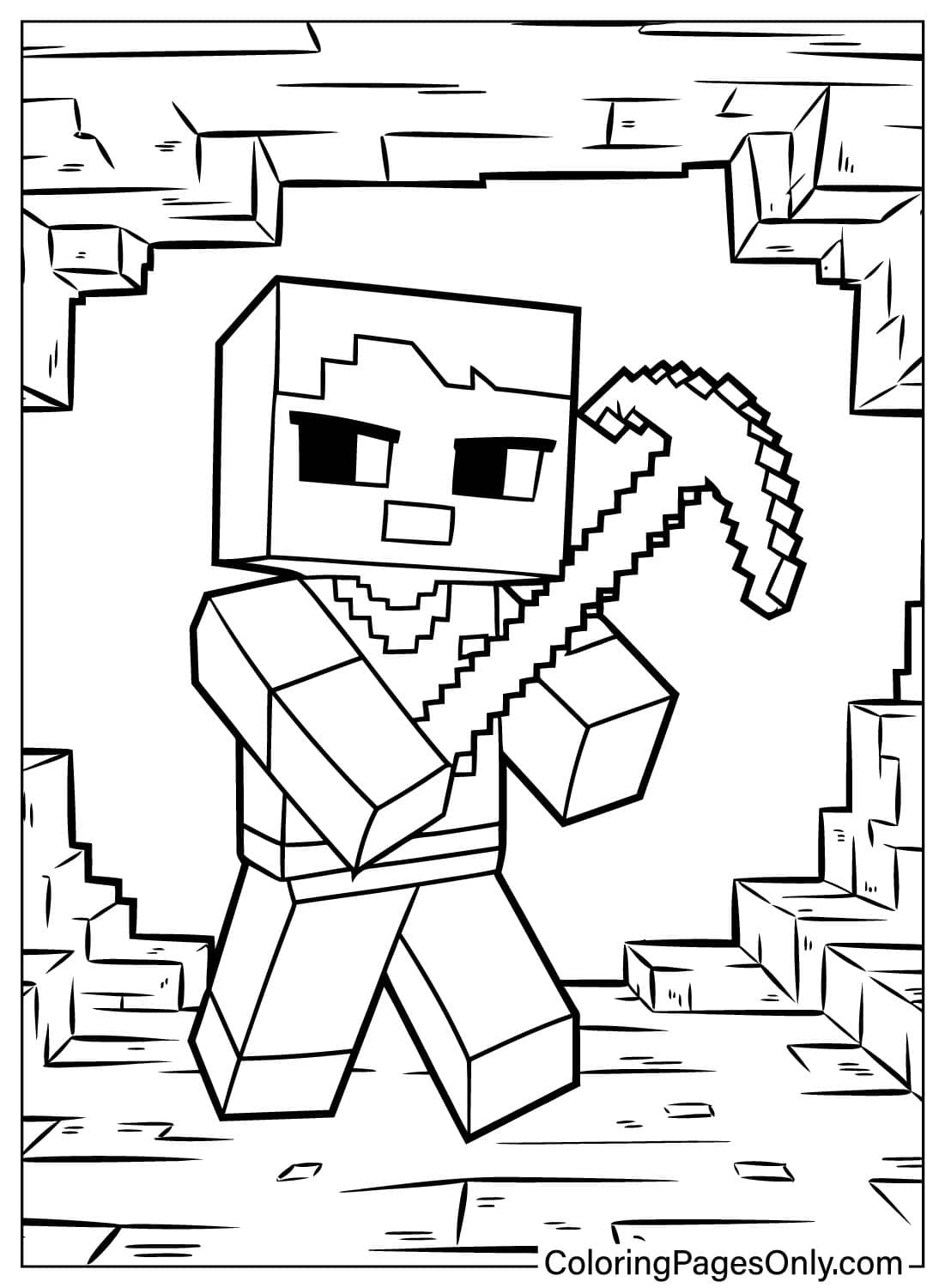
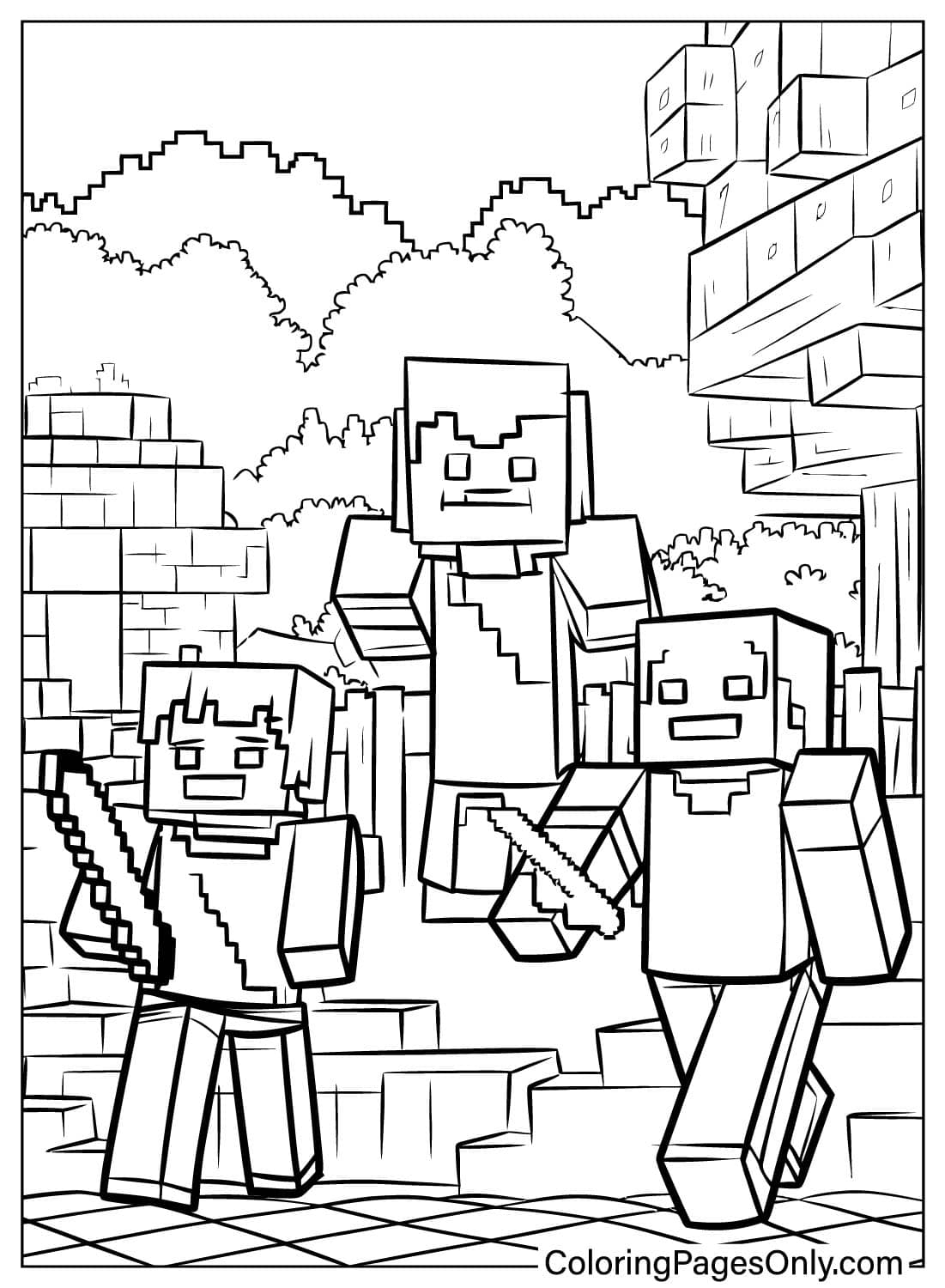
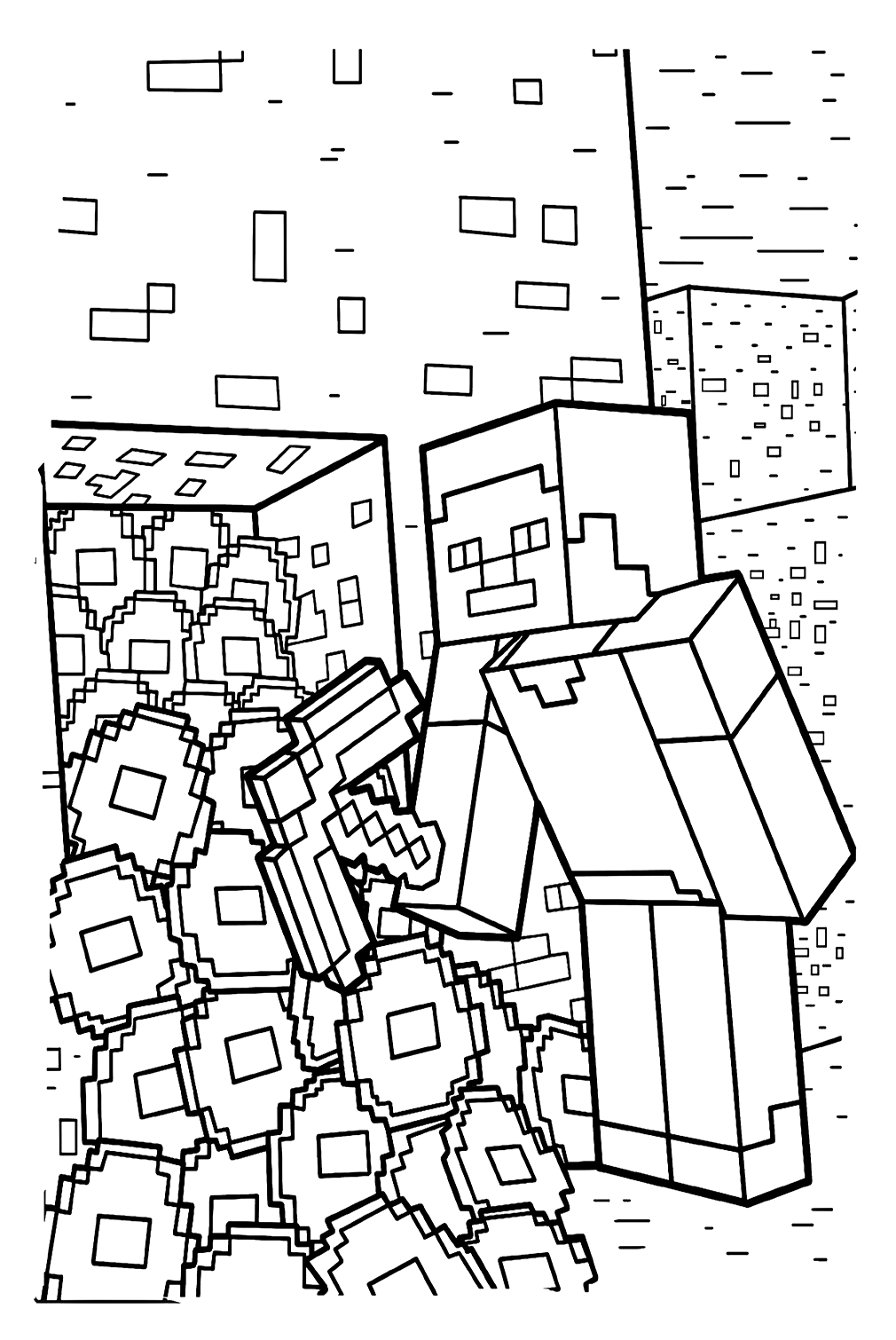
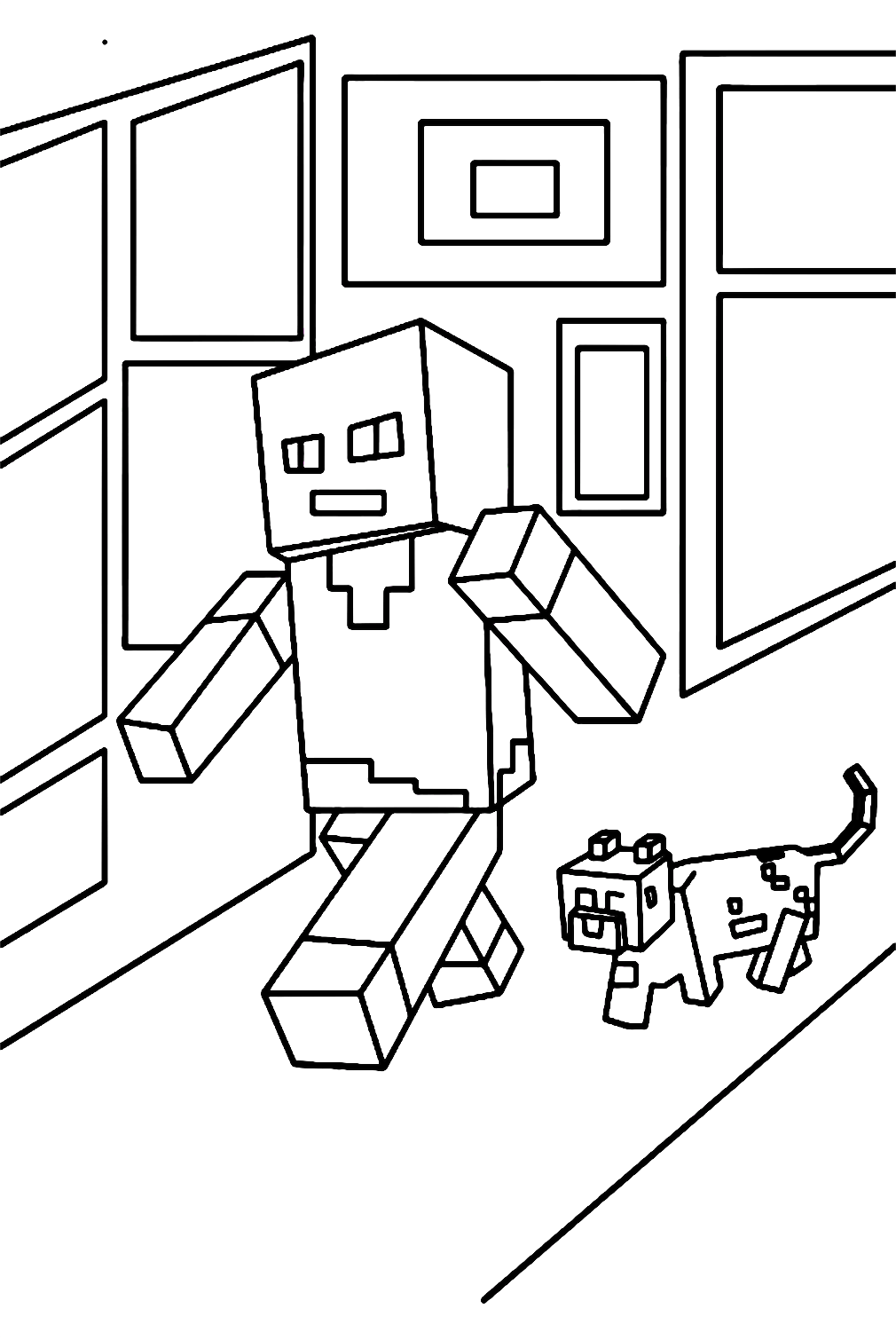
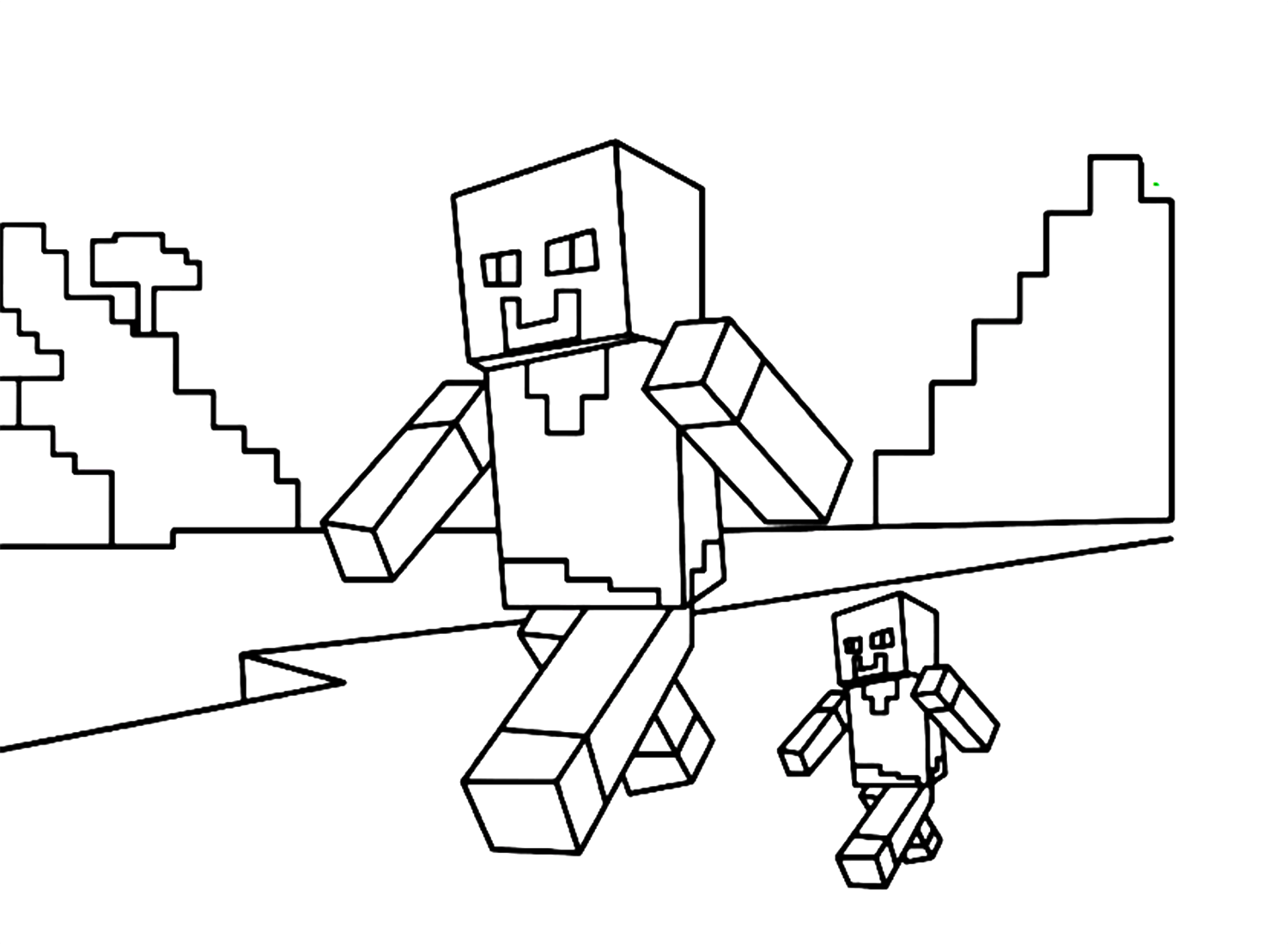
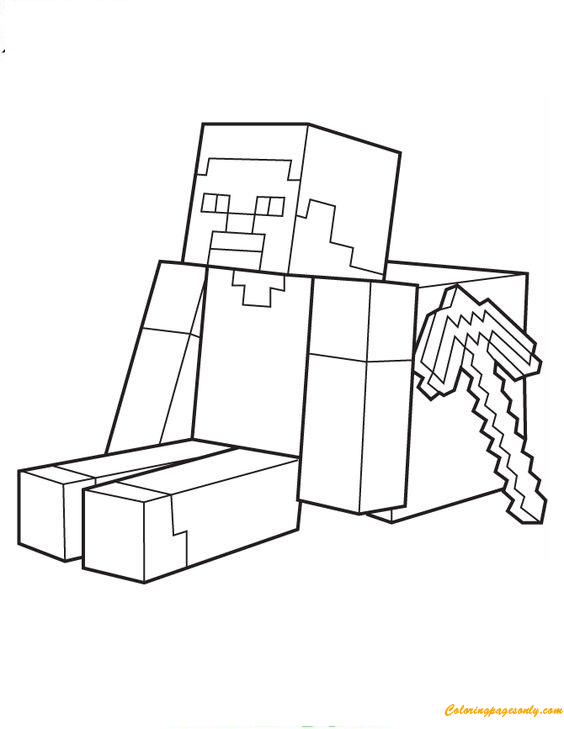
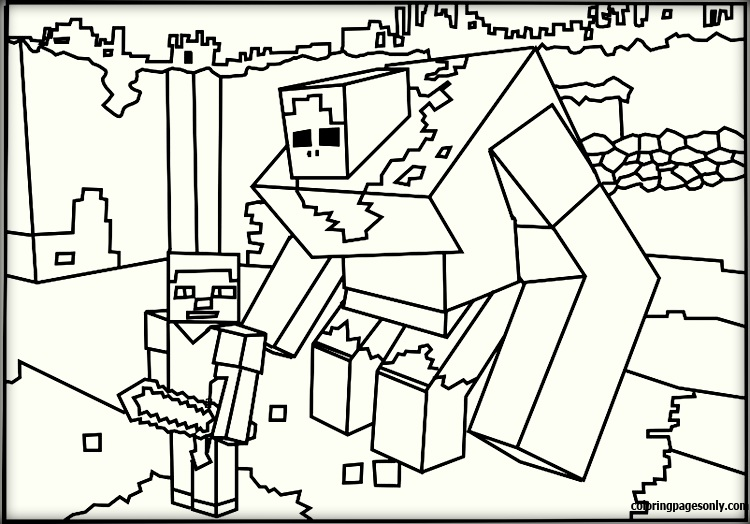
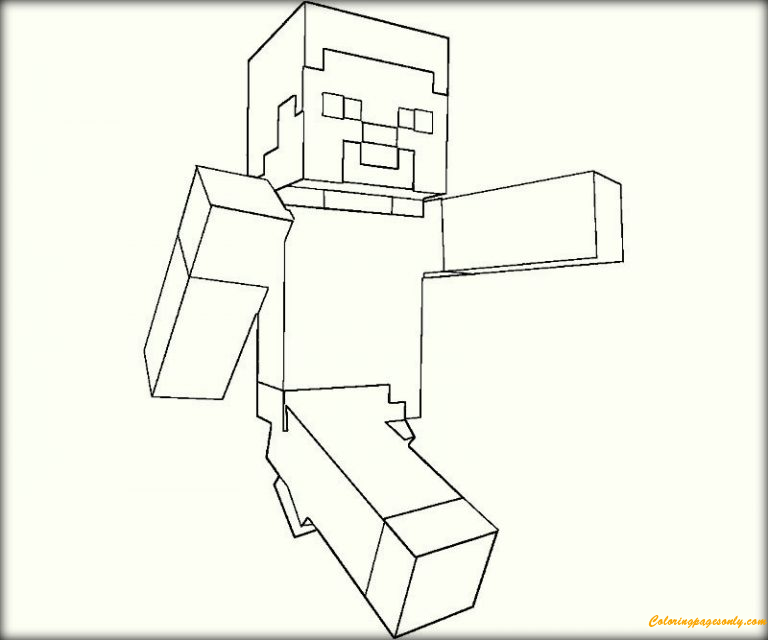
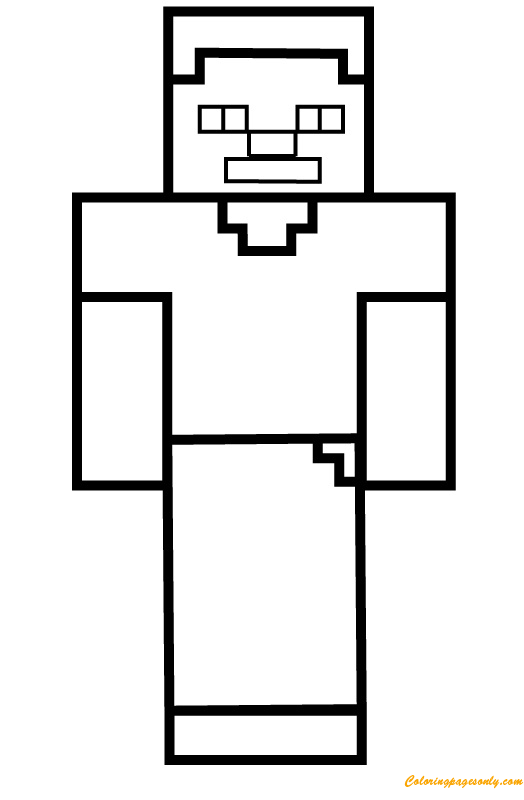
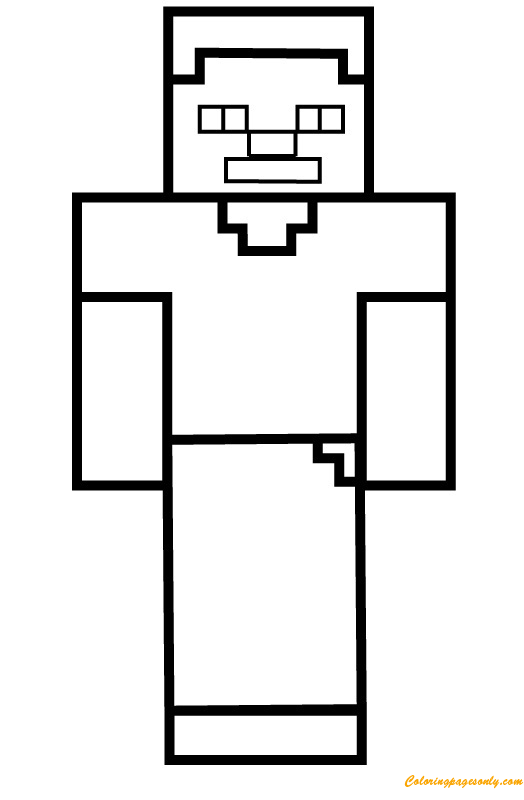
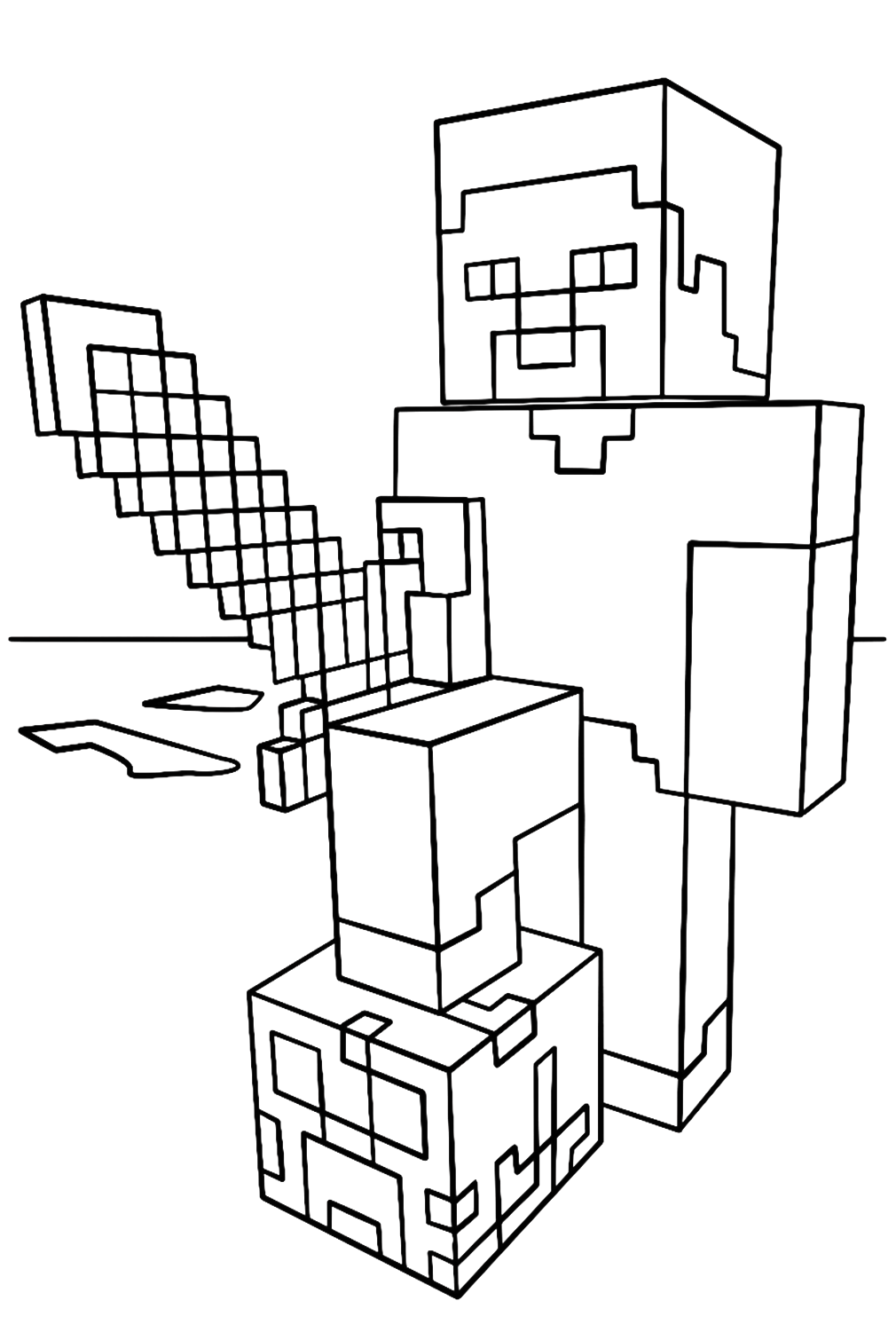
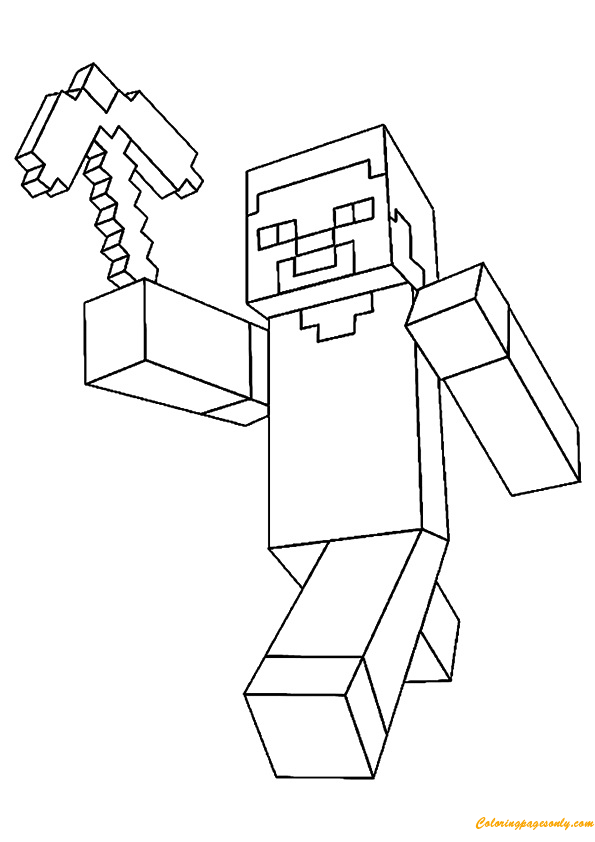
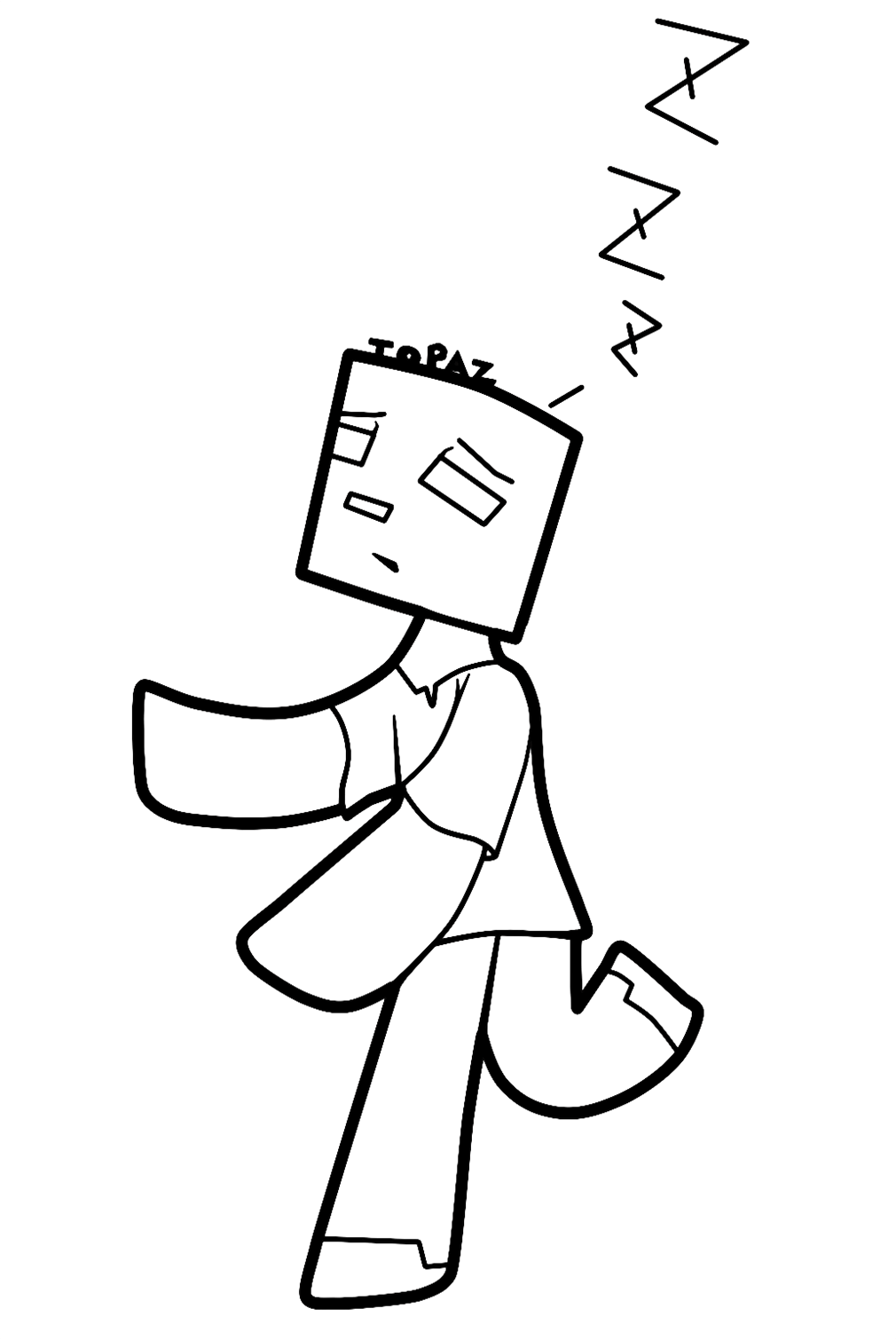
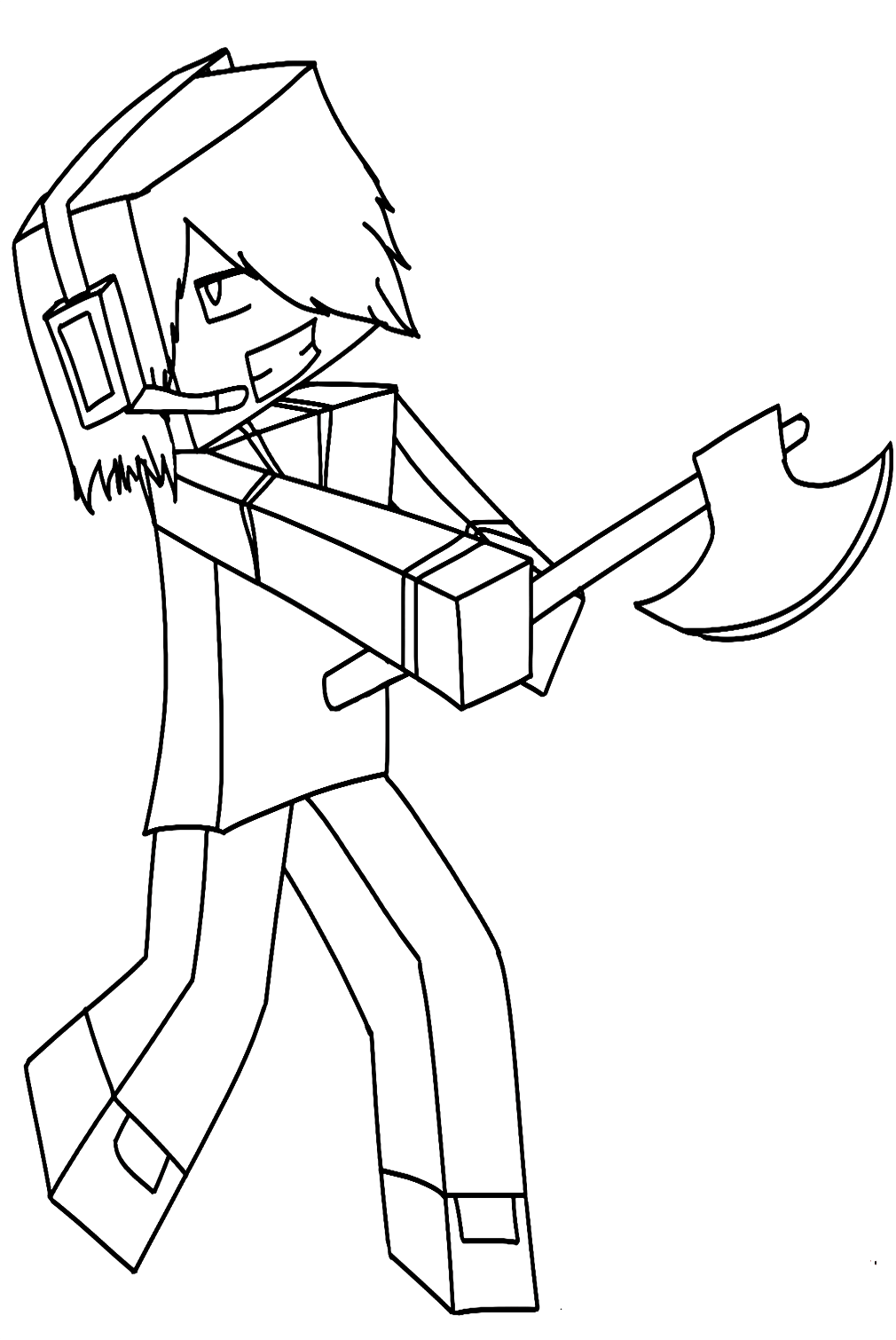
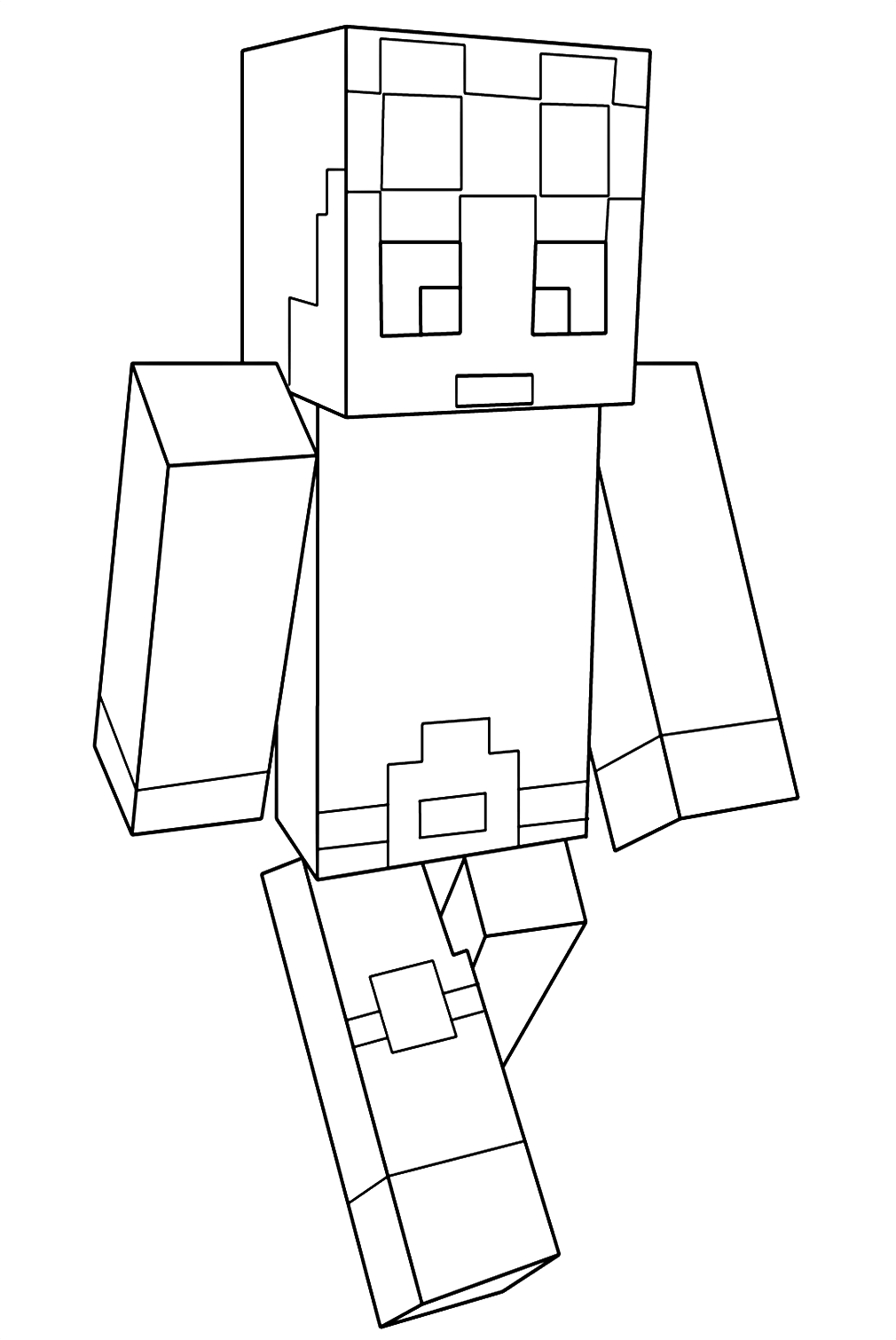
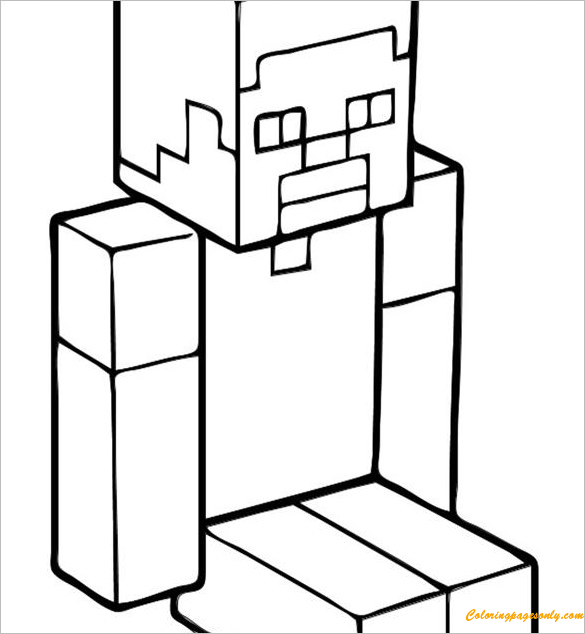
Steve is the original default player skin – the character that appears when a player has not selected any custom skin. His design is immediately iconic: a square face with dark brown hair, blue-gray eyes, light tan skin, a cyan shirt, gray pants, and gray shoes. Steve’s blocky proportions (two blocks tall, one block wide) are the same as all human-type characters in Minecraft, and his specific color palette – the cyan shirt against the gray pants – has become the default visual shorthand for “a Minecraft player character” in all coloring page and fan art contexts. The Steve from Minecraft, Steve and Alex from Minecraft, Steve in Minecraft Style, Steve Minecraft, and the various Steve-with-weapon pages in this collection all cover this canonical design.
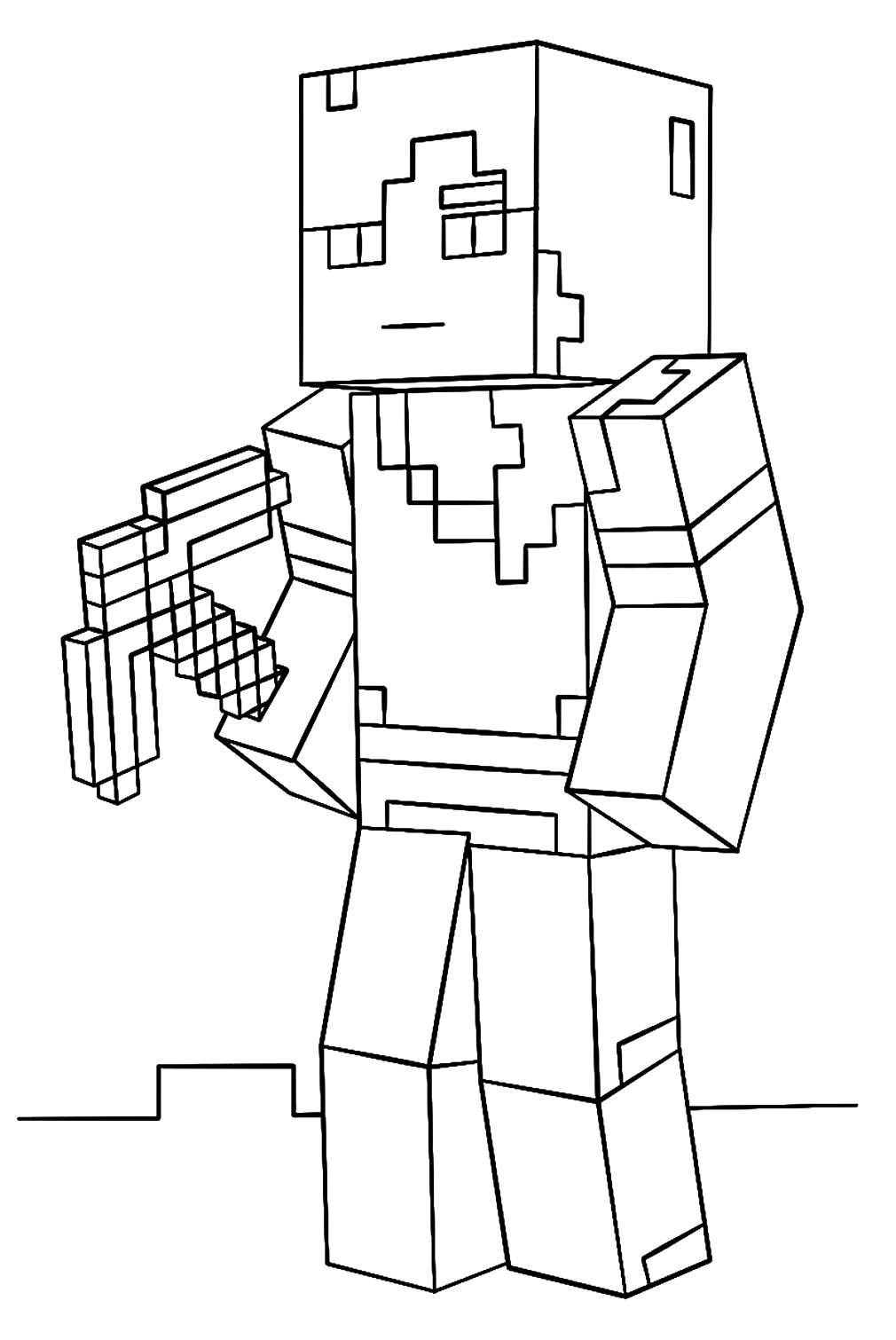
Alex is the second default player skin, introduced in 2014 to provide a female-presenting alternative to Steve. Alex has long, bright orange hair, lighter skin than Steve, a green shirt, and brown boots. Her proportions are essentially the same as Steve’s, but with slightly slimmer arms. The Minecraft-alex-coloring-page tile in the collection covers Alex’s distinctive orange-haired design.
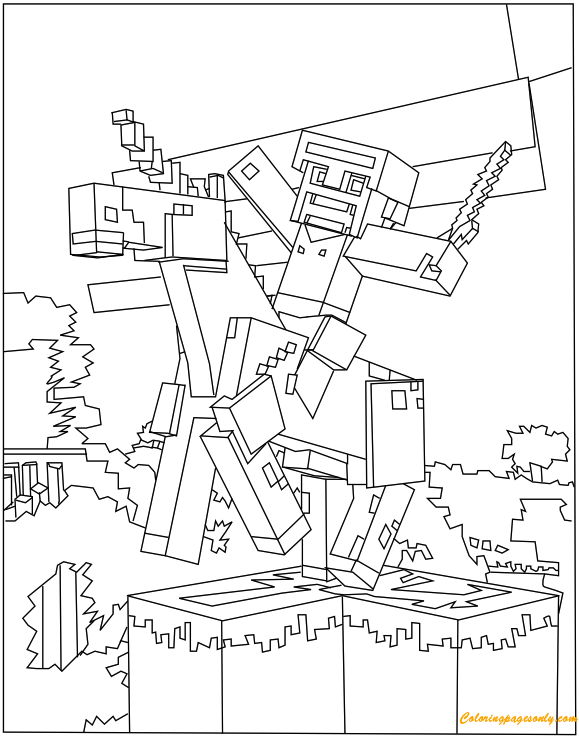
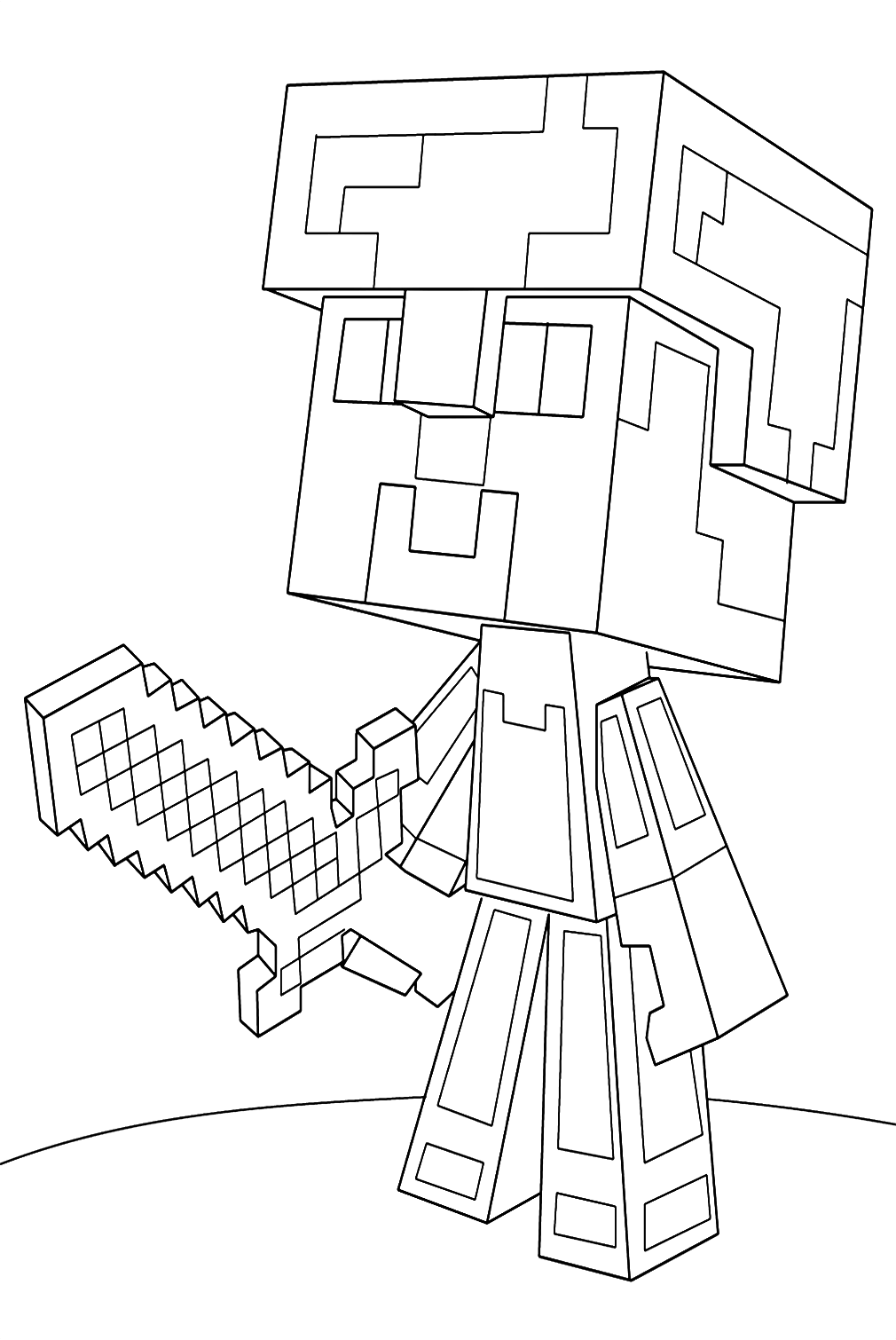
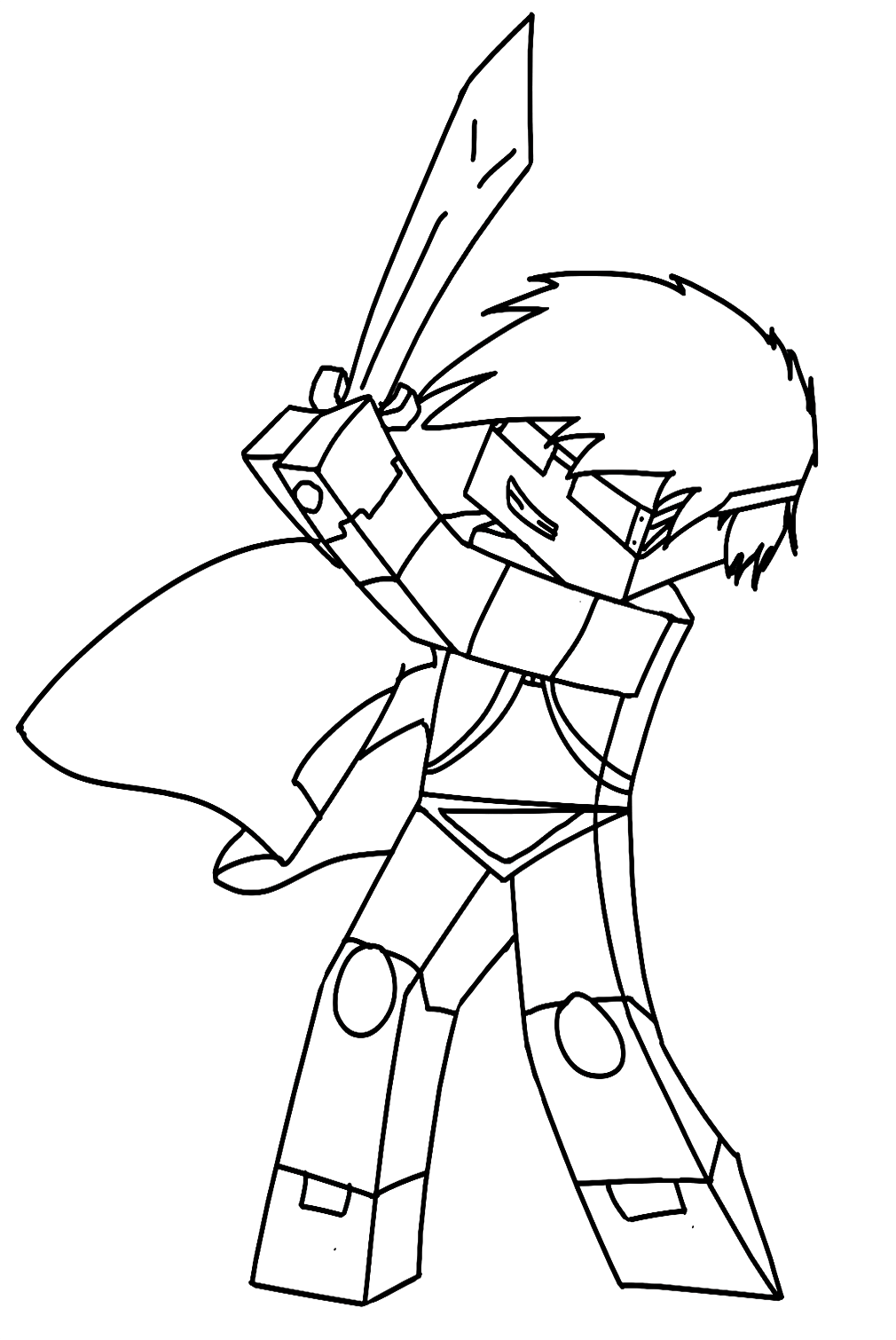
Diamond armor is the most recognizable equipment state for Steve or Alex – the full suit of cyan-tinted diamond armor plates that was, for many years, the pinnacle of Minecraft survival achievement and the most-depicted character state in Minecraft merchandise and fan art. The minecraft-steve-diamond-armor-coloring-page tile shows Steve in this full diamond armor, and the minecraft-steve-with-diamond-sword-coloring-page shows the combination of diamond armor and diamond sword that represents the fully-equipped Minecraft survivor.
Herobrine is not an actual character in Minecraft – he is the most famous creepypasta in gaming history, a fictional ghost-like entity described as resembling Steve but with solid white eyes instead of normal eyes, who allegedly haunts players’ worlds without being present in the actual game code. Despite being a community legend rather than an official game element, Herobrine has been so thoroughly embedded in Minecraft culture that Mojang has humorously included “Removed Herobrine” in numerous game update changelogs. The Minecraft Herobrine and Minecraft Herobrine tiles in the collection cover this legendary figure.
The Hostile Mobs: Creatures of the Night
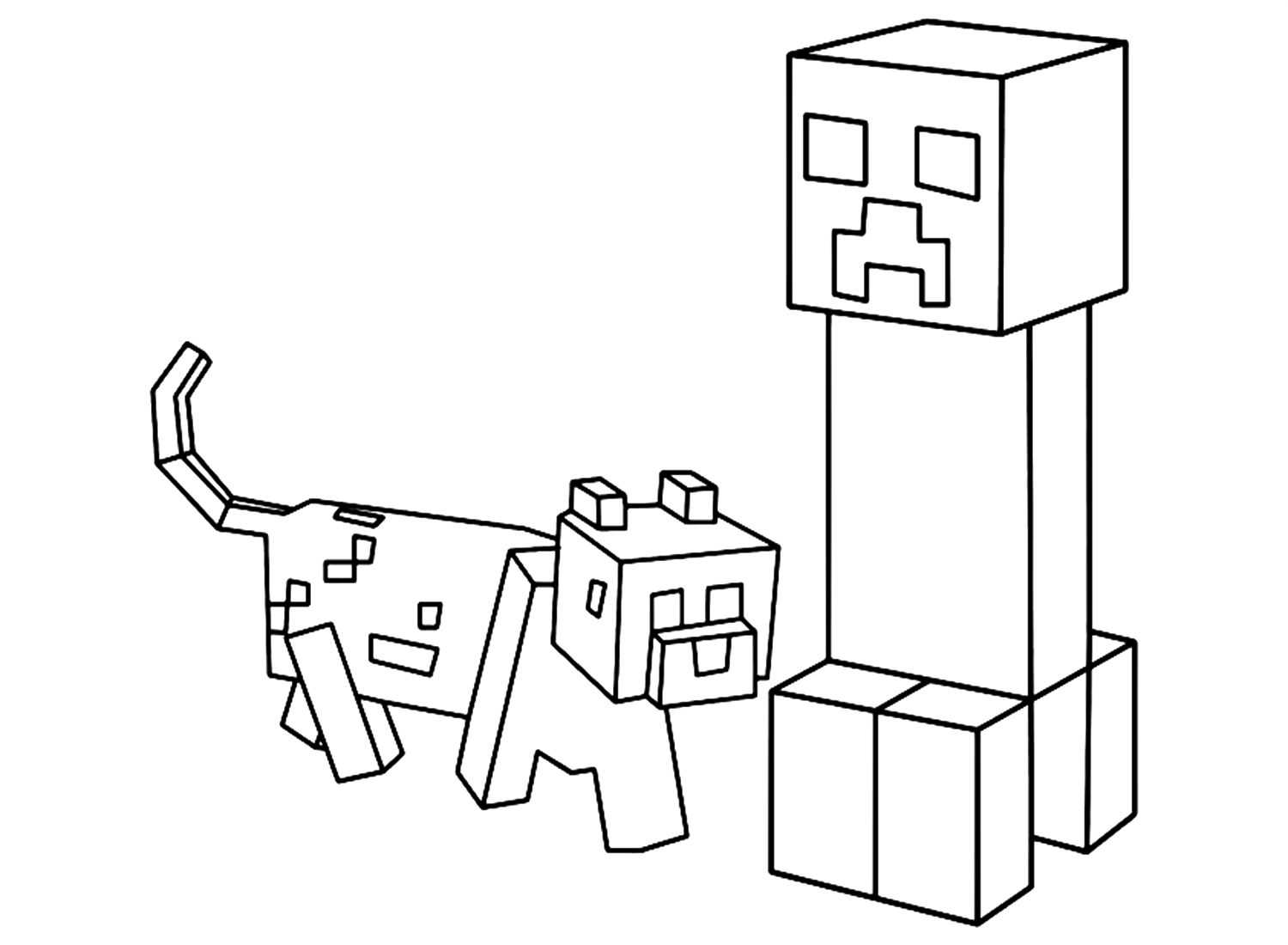
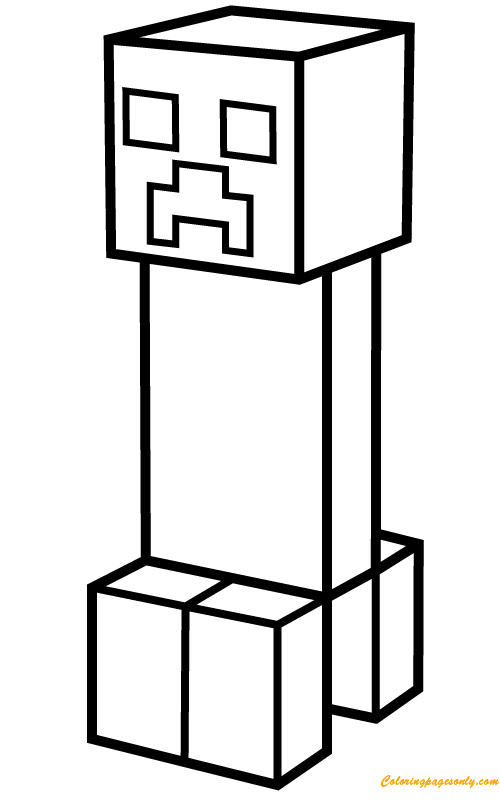
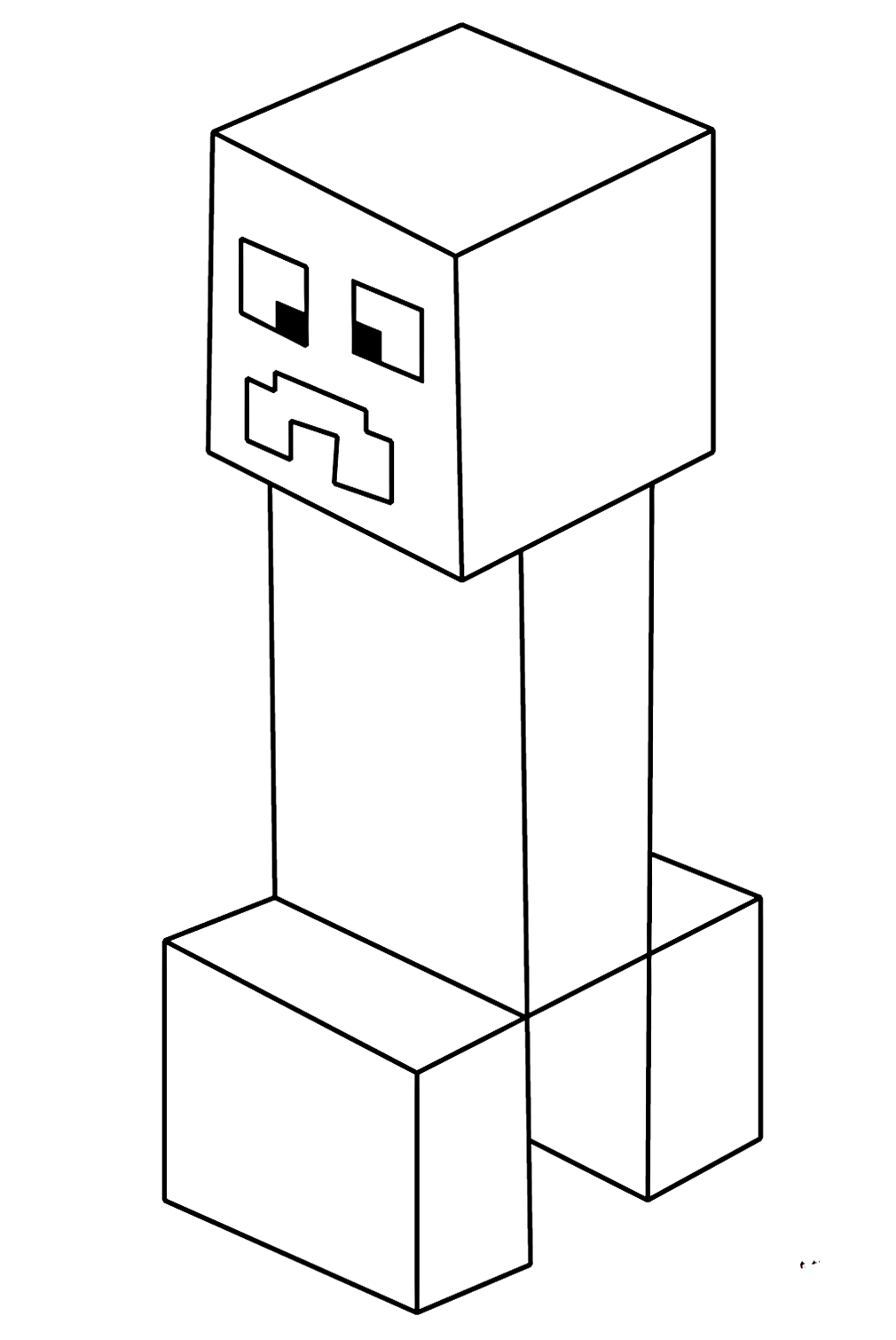
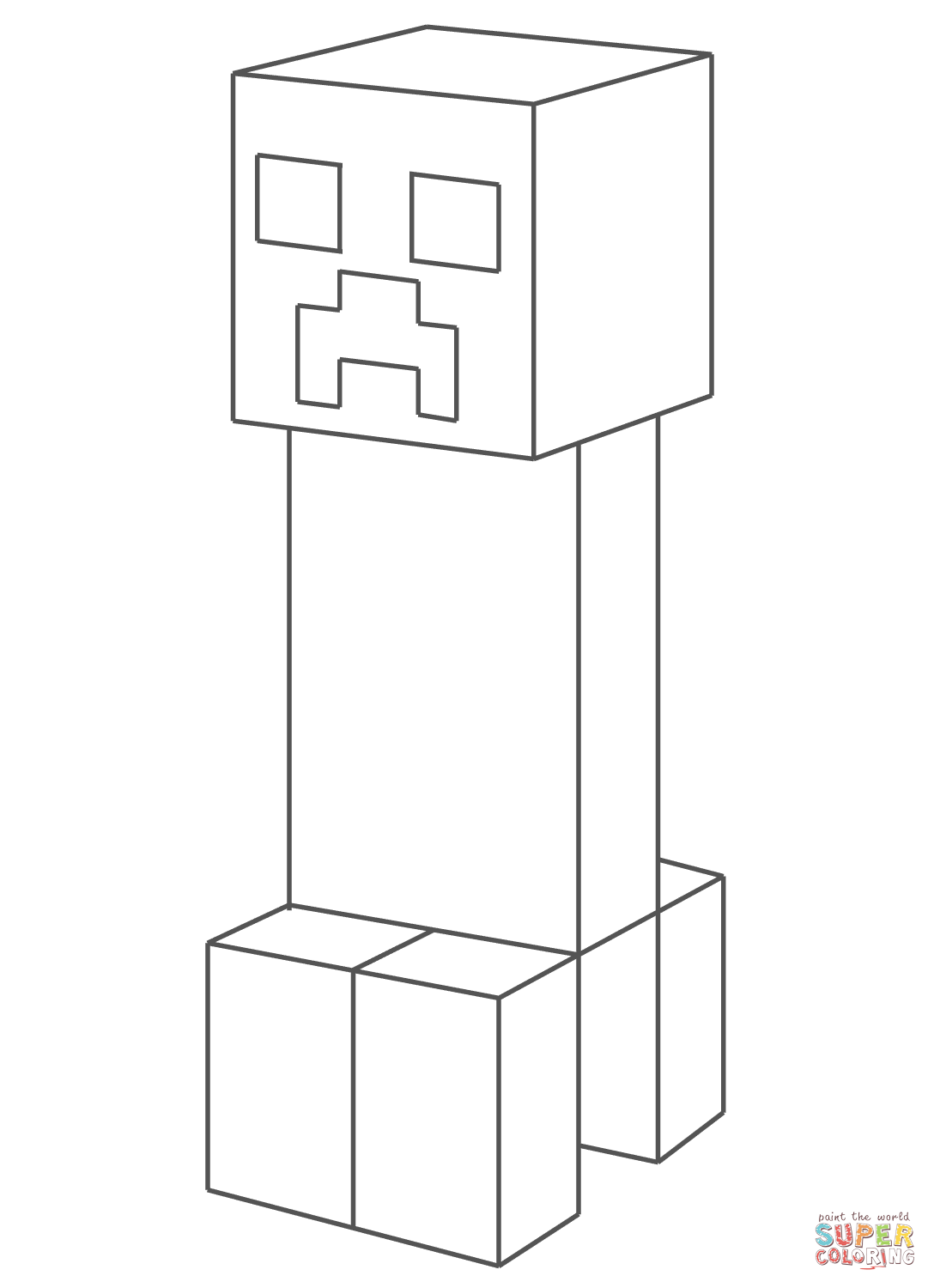
Creeper is the most iconic hostile mob in Minecraft and the most recognizable single character in the game’s entire roster – arguably the most recognizable game-specific character in the world. The Creeper is a green, four-legged, noseless mob with a permanently distressed expression that approaches players silently and then explodes with a distinctive hissing sound and a loud bang, destroying terrain and killing nearby players. Its design – purely accidental, the result of a pig model being loaded with incorrect dimensions by Notch during development – became the face of Minecraft as a cultural phenomenon and the primary image associated with the game by non-players worldwide. The Creeper from Minecraft, minecraft-creeper-coloring-page tiles, and multiple other Creeper pages in the collection all cover this iconic design.
The canonical Creeper color is a specific vivid medium green – slightly blue-green rather than pure yellow-green, distinctly lighter and more vivid than forest green but not as bright as lime green. The face pattern (two dark square eyes and a frowning mouth pattern made of three squares – two outer dark squares flanking a central light gap at the top, and a dark square below) should be rendered in a genuinely dark green to near-black, clearly distinct from the lighter green of the body.
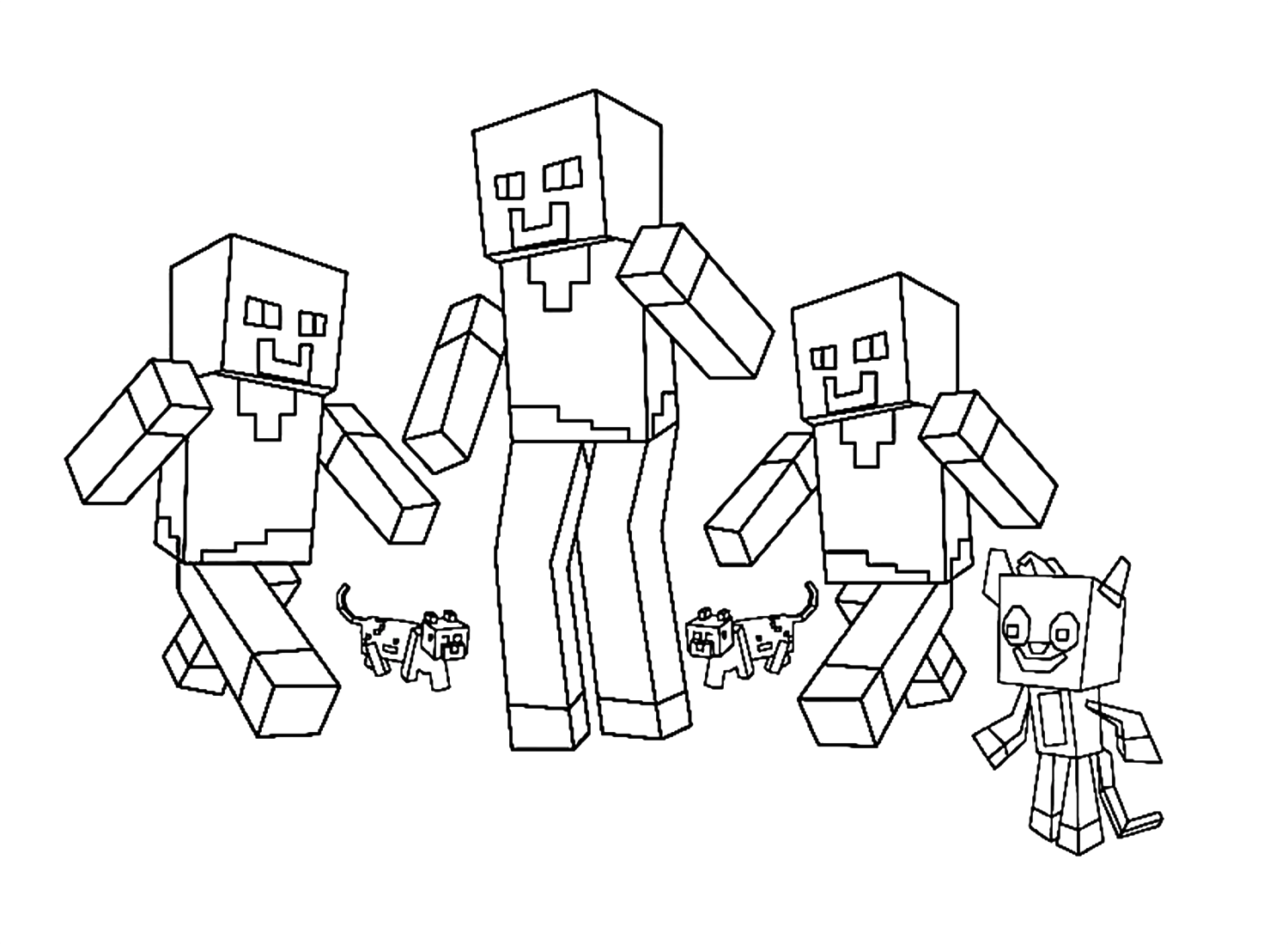
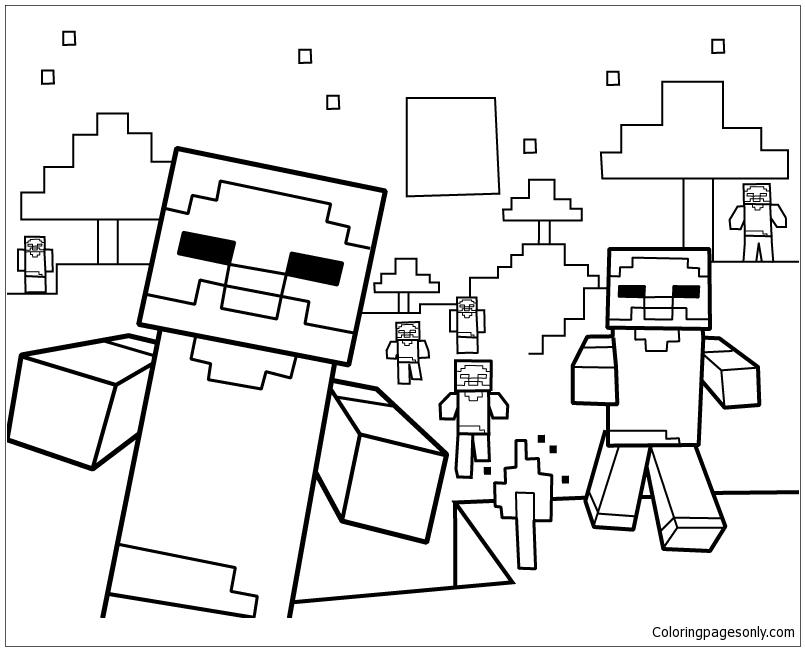
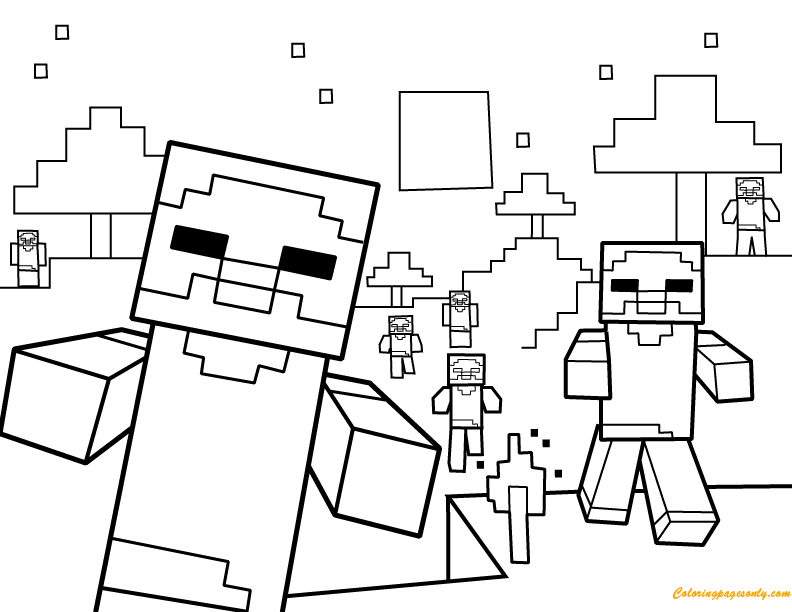
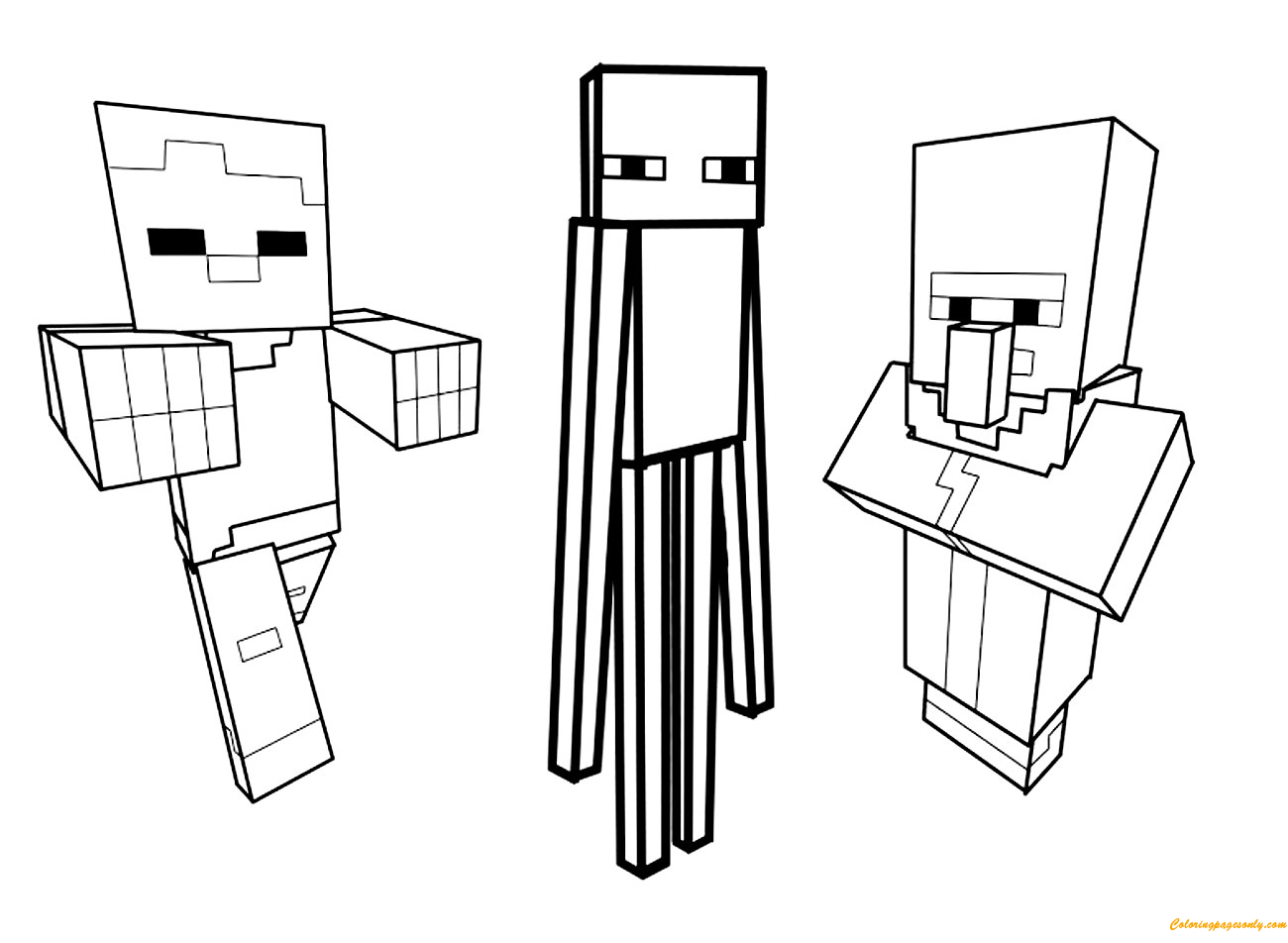
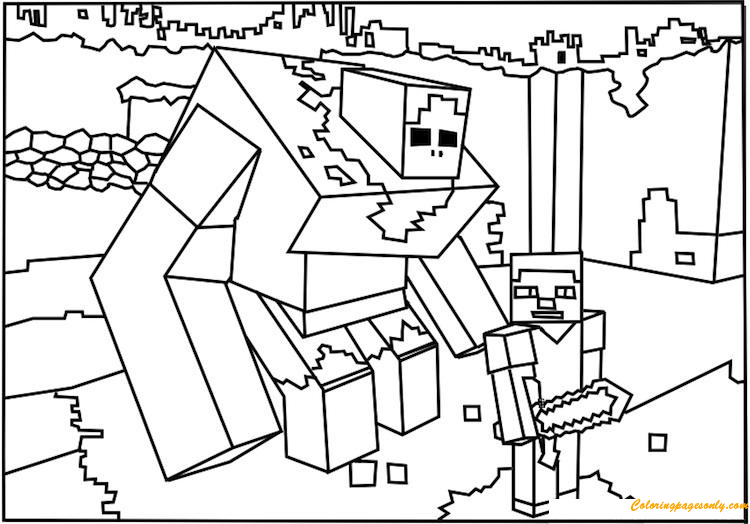
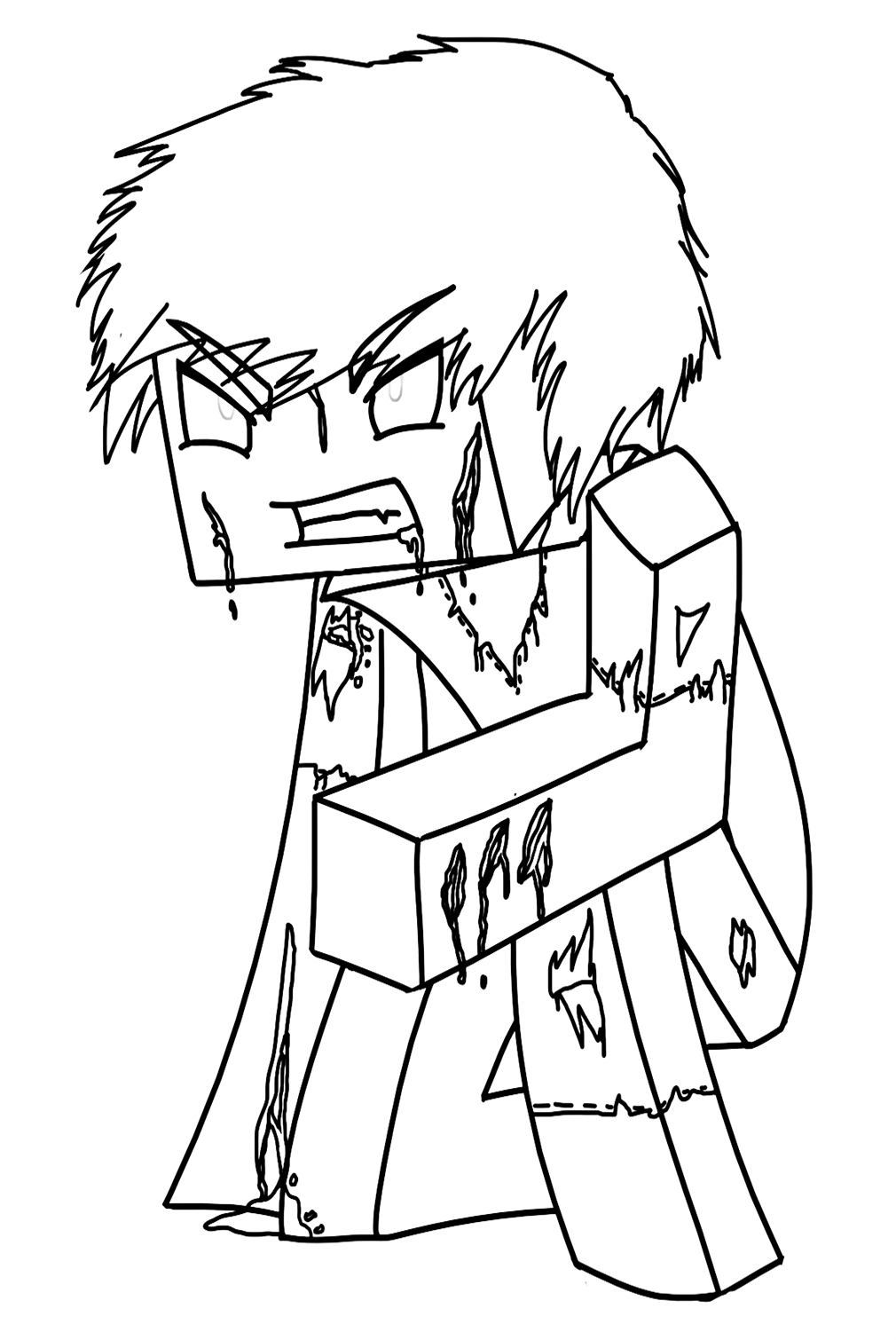
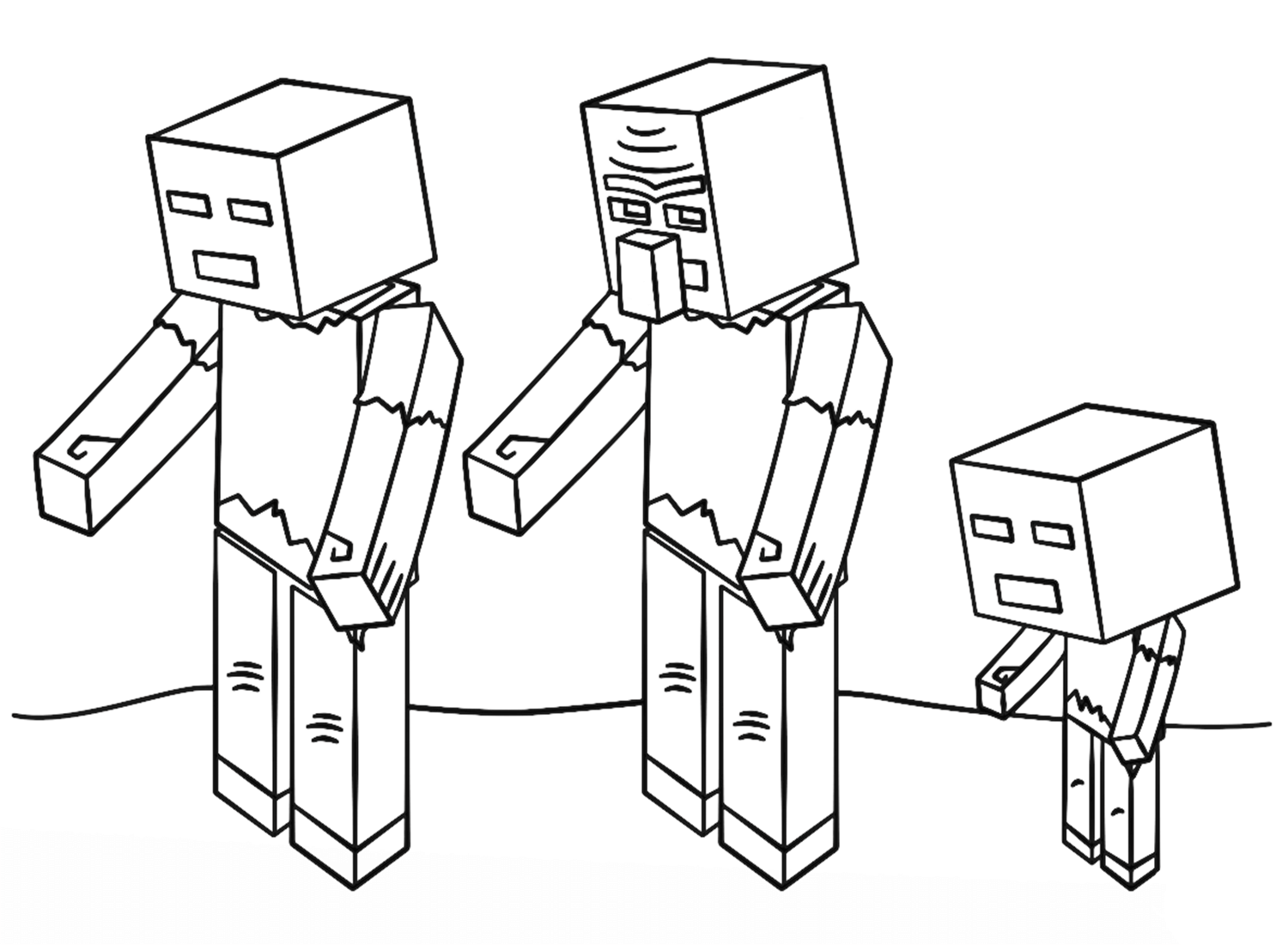
Zombies are the most common hostile mob in the Overworld at night – a humanoid figure with green skin, blue-gray clothing (a tattered version of Steve’s shirt and pants), and the classic zombie outstretched-arms walking pose. Minecraft Zombie, Zombies Minecraft (note: spelling error in current tile name), minecraft-cartoon-zombie, and minecraft-zombies-coloring-page-2 cover the zombie in its various forms. The canonical zombie palette is straightforward: the specific sickly blue-green of decomposing humanoid flesh as rendered in Minecraft’s pixel art style, against the torn blue-gray of the clothing.
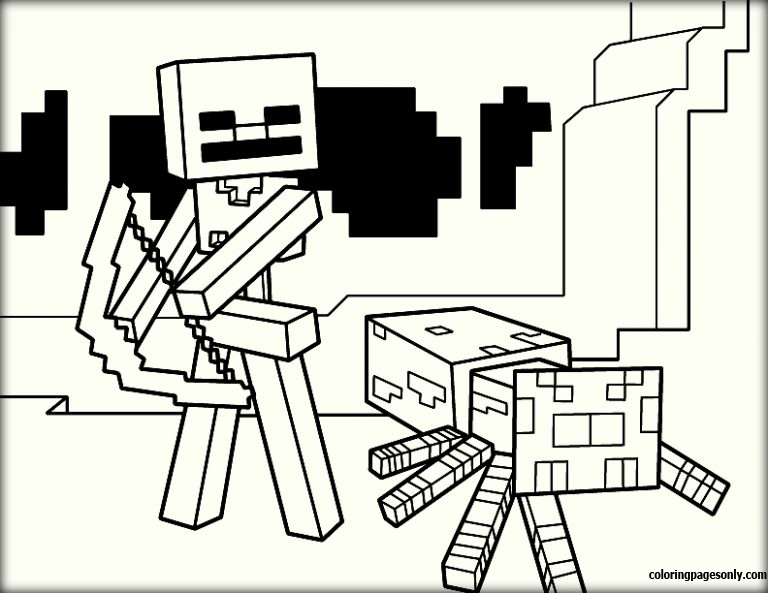
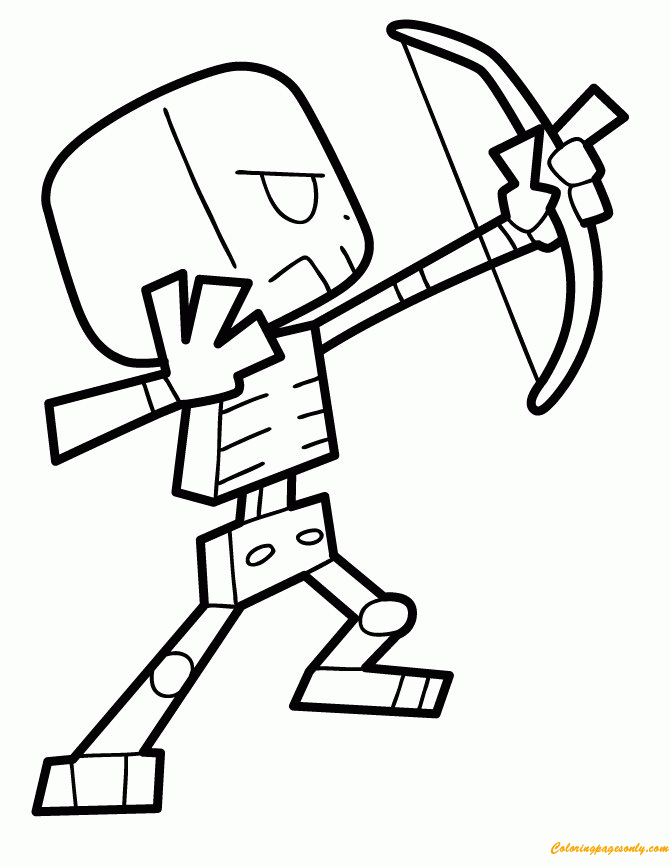
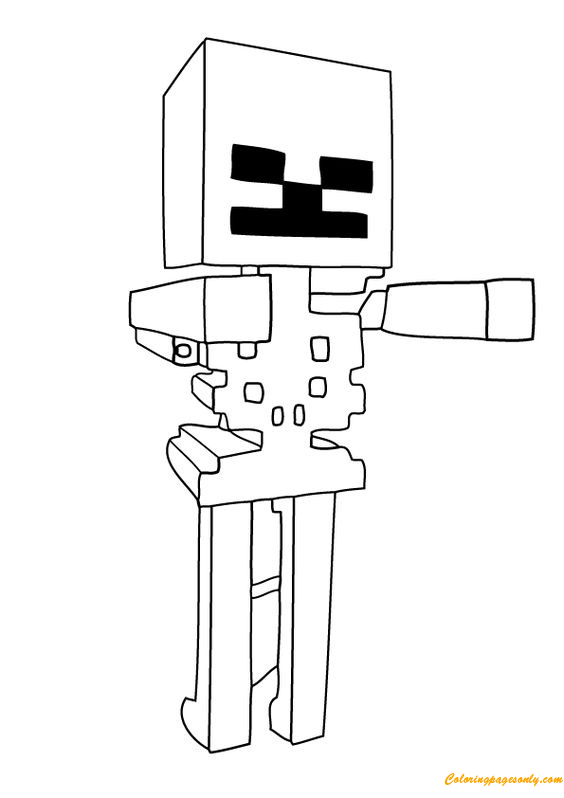
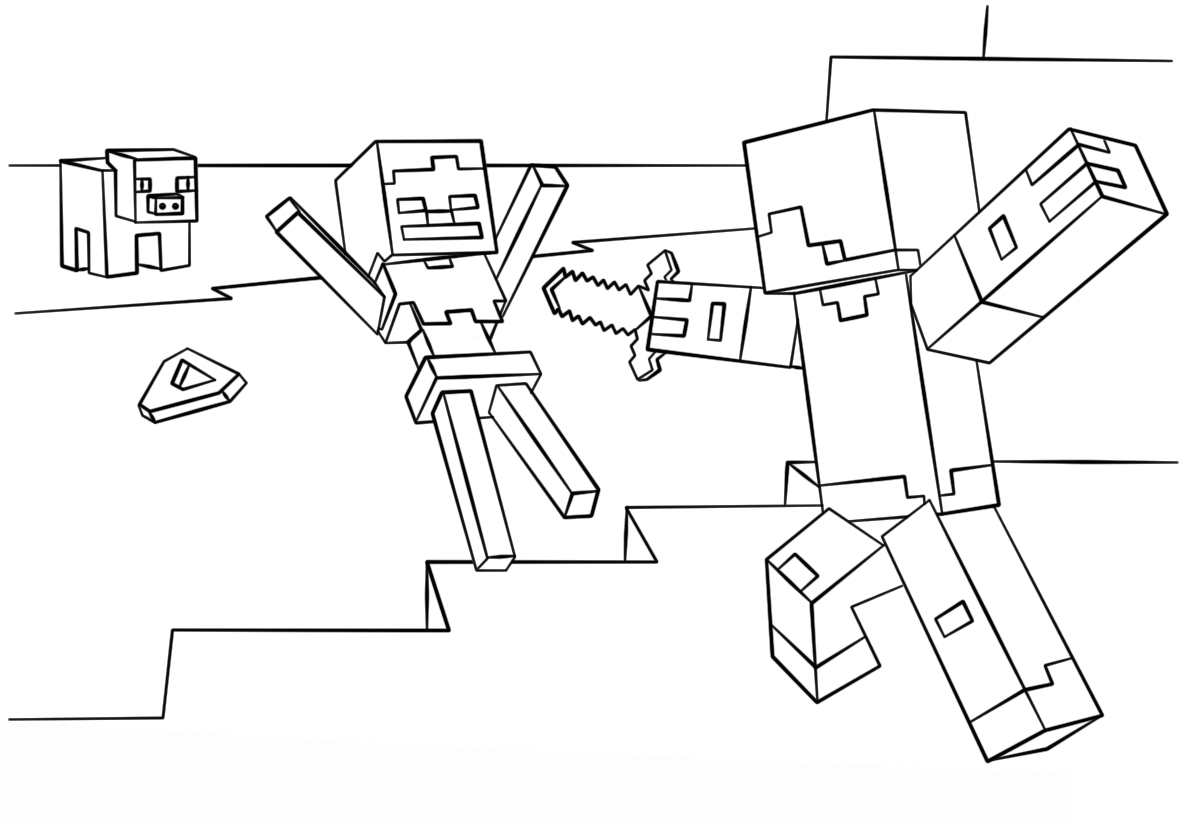
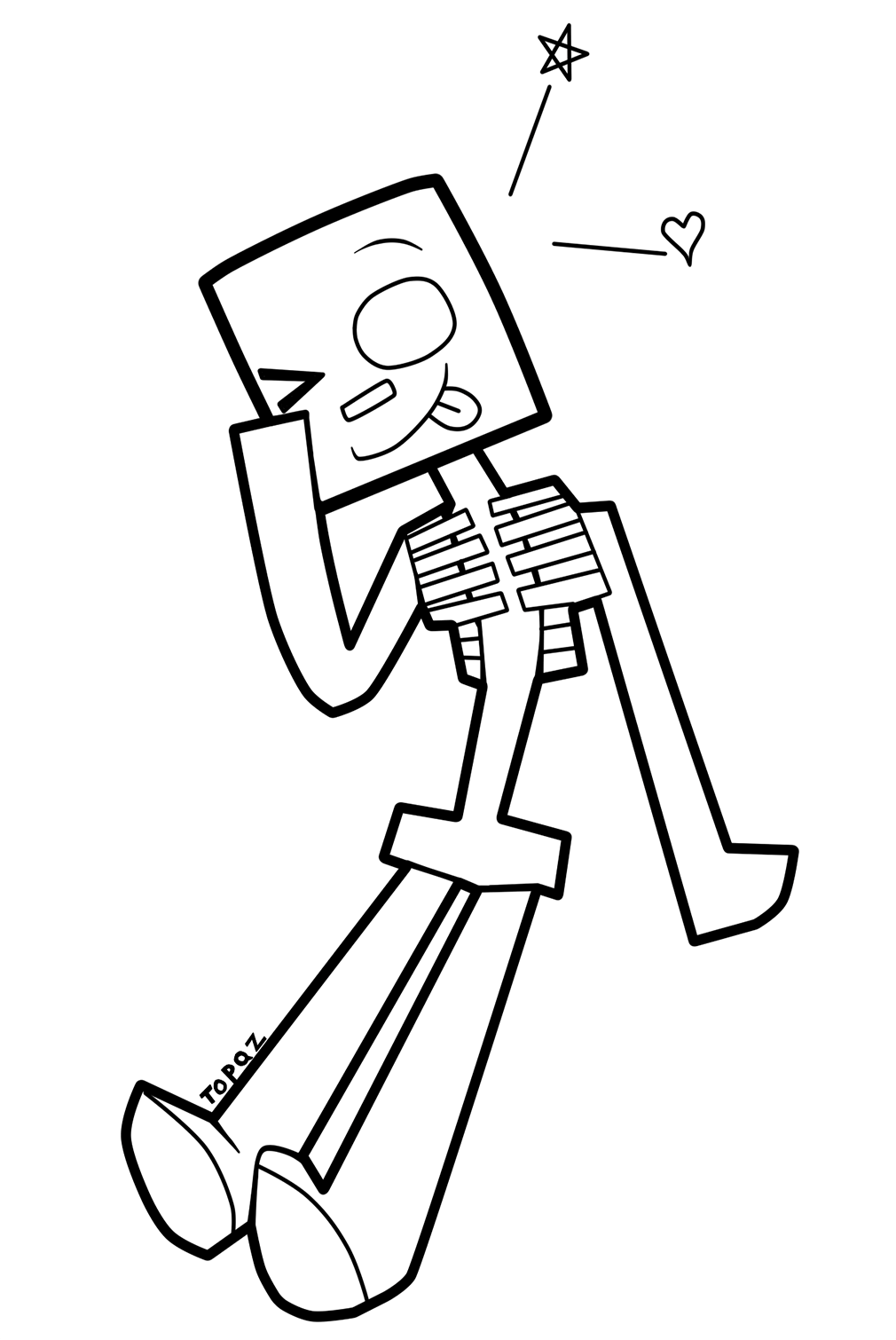
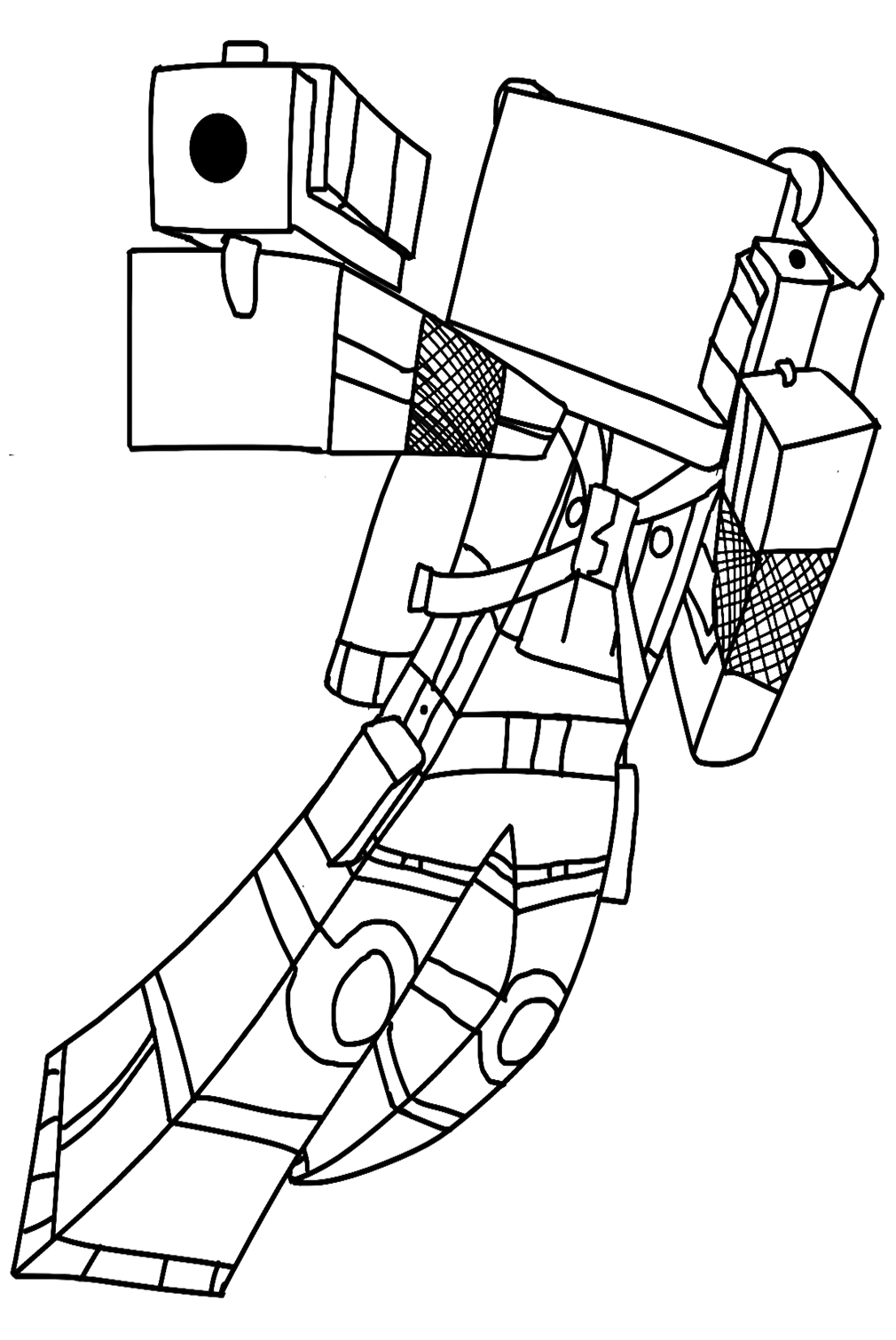
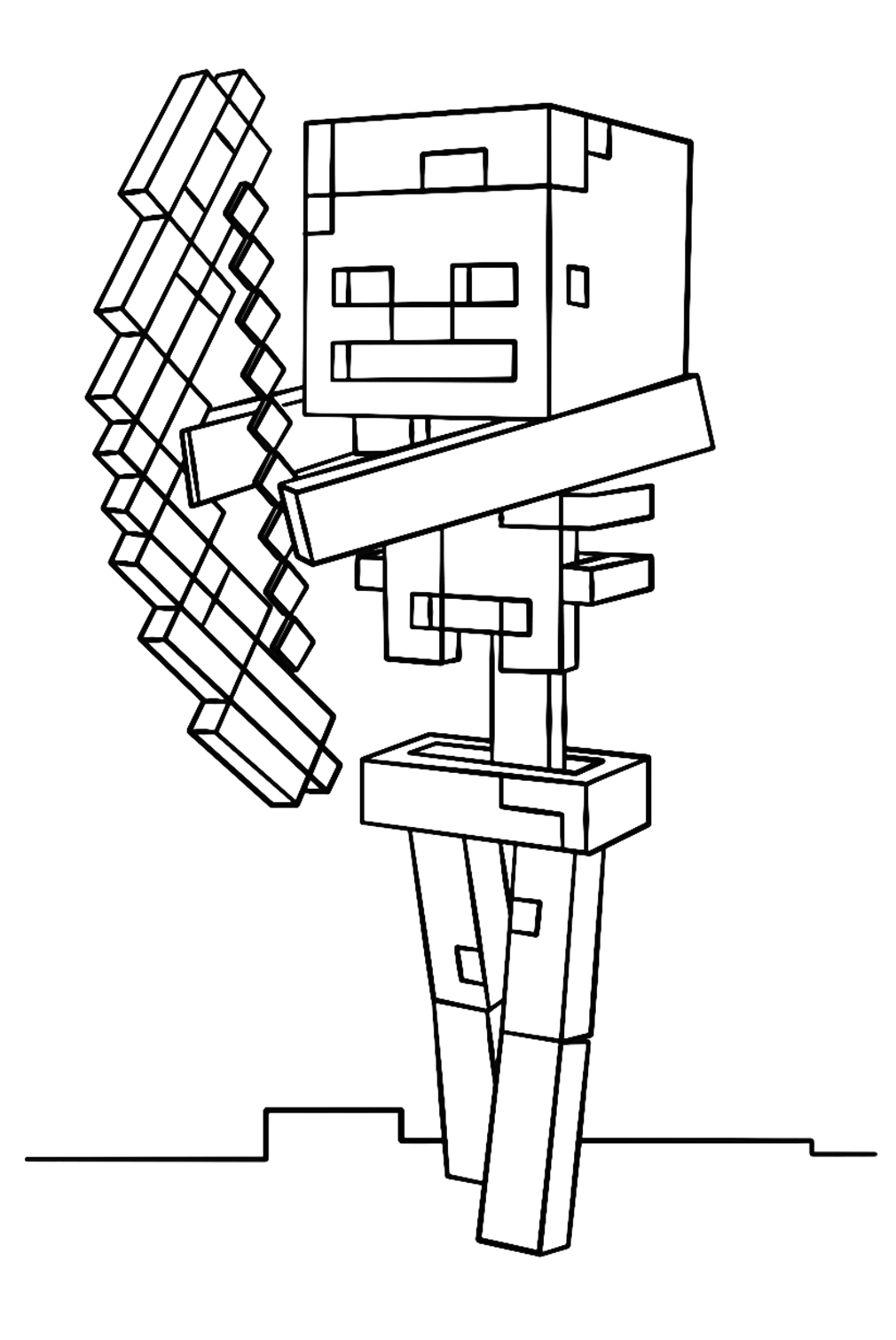
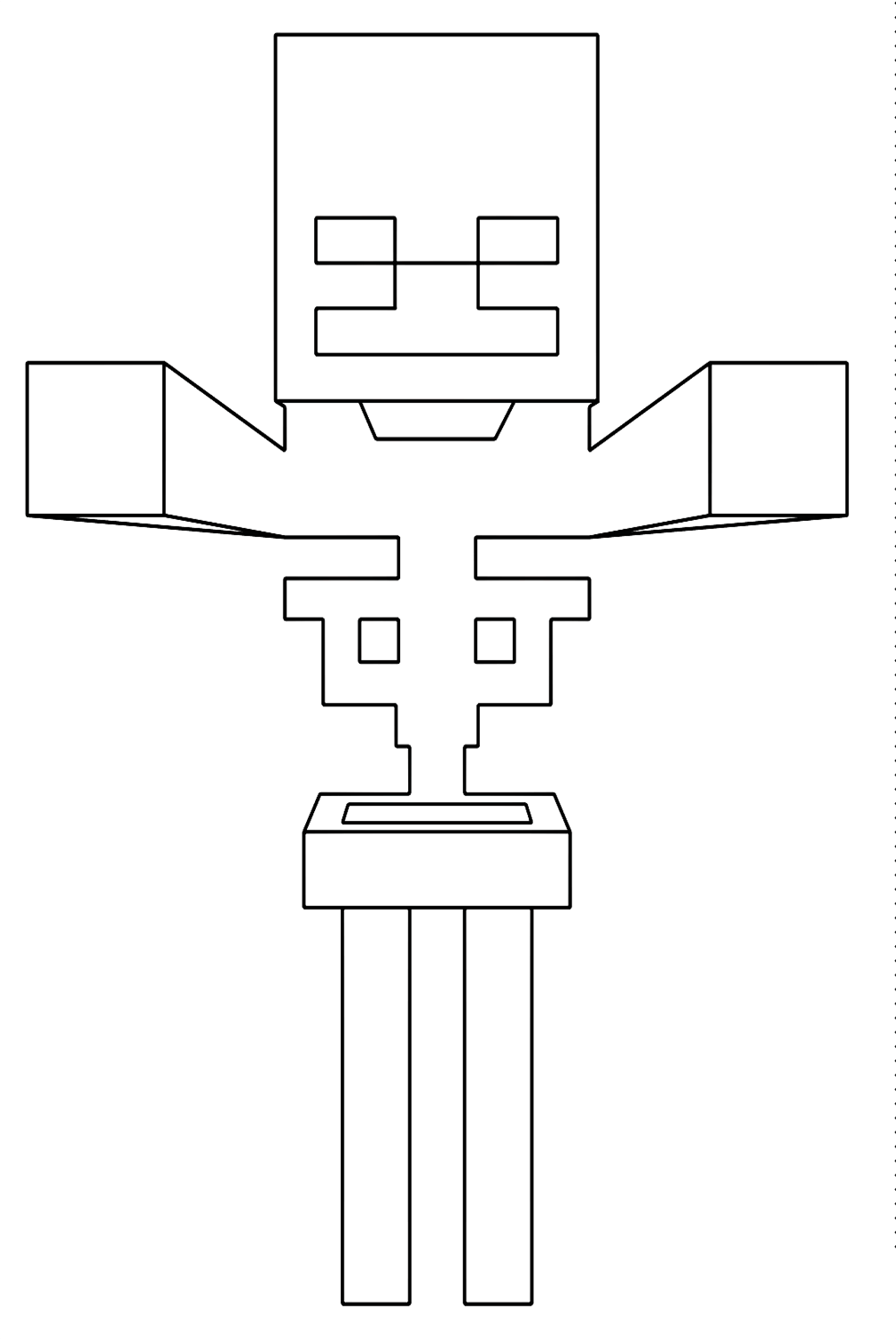
Skeleton is the second most common Overworld hostile mob – a walking skeleton in the standard Minecraft proportions, carrying a bow and shooting arrows at players. The minecraft-skeleton-coloring-page, minecraft-skeleton-with-bow-coloring-page, minecraft-cartoon-skeleton, and the Steve vs. Skeleton fight scene tiles cover this mob. Skeletons are pure white – the specific clean, bone-white of Minecraft’s skeleton texture, with no warm or cool bias, simply white blocks.
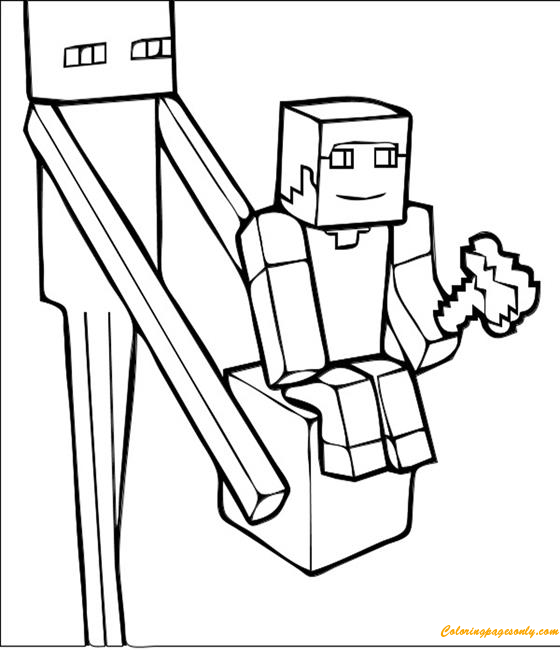
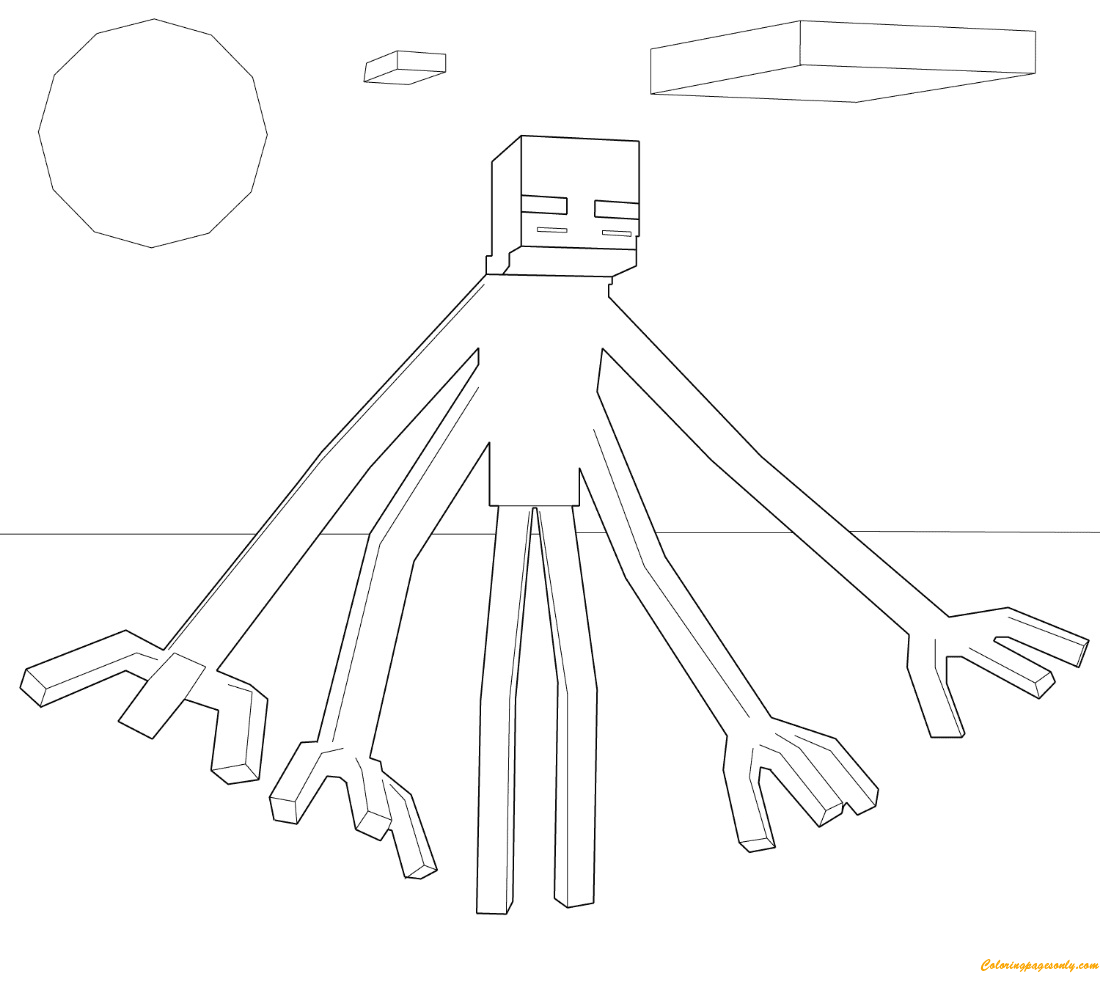
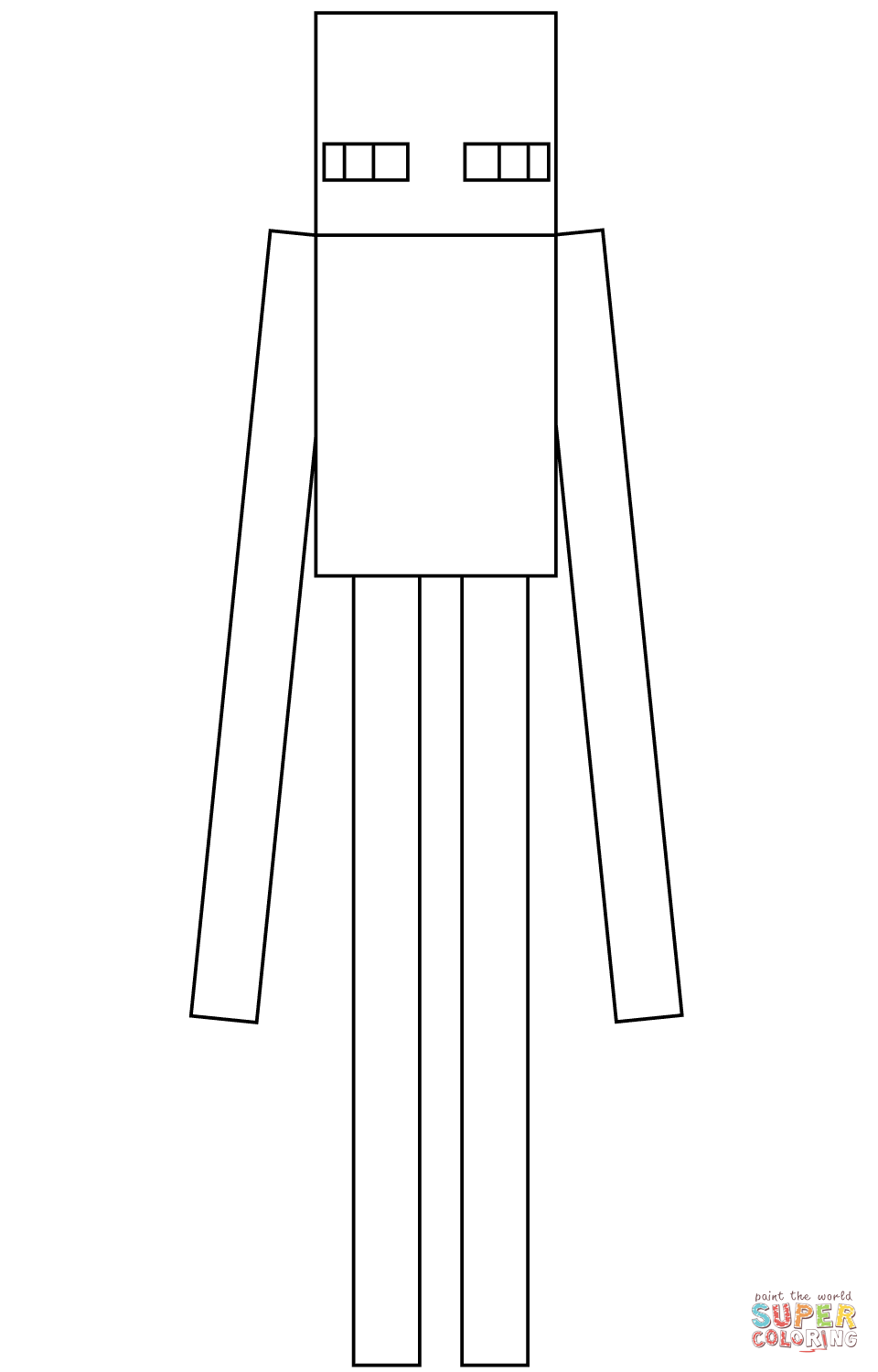
Enderman is one of the most visually distinctive mobs in the entire game – an extremely tall (three blocks high, versus two blocks for Steve), slender, jet-black humanoid with long limbs, small glowing purple eyes, and the ability to teleport. The Enderman stands passively and ignores players unless they look directly at its face, at which point it becomes hostile and pursues aggressively. Multiple Enderman pages appear in the collection: Enderman Minecraft, Minecraft Enderman, minecraft-enderman-coloring-page1, enderman-building-a-house-coloring-page, and Minecraft Mutant Enderman (a fan-created “mutant” variant popular in Minecraft mod culture). The canonical Enderman coloring is deep black – genuinely dark, not charcoal or dark gray – with the small eye glow rendered in vivid purple, which is the only point of color in the entire figure.
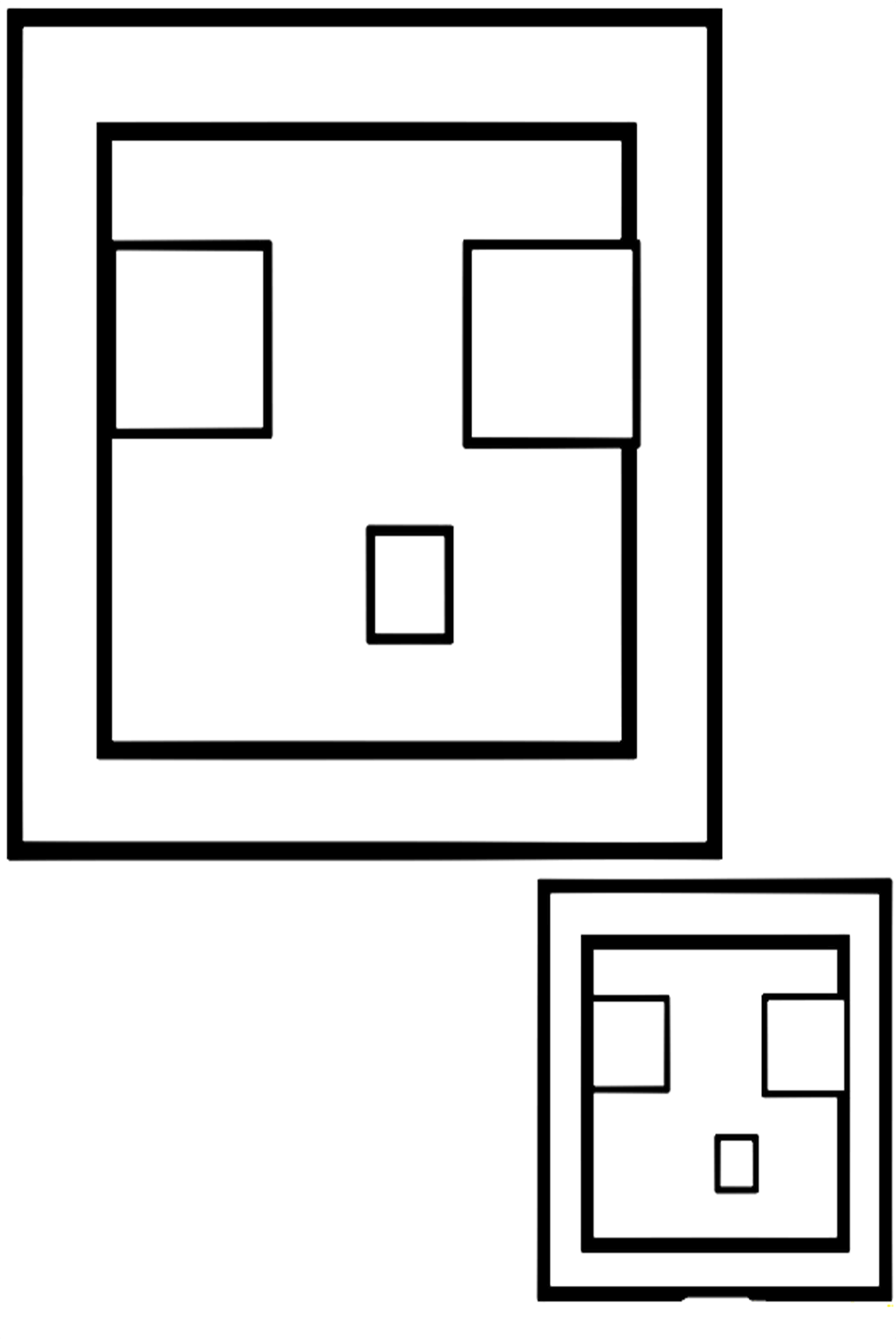
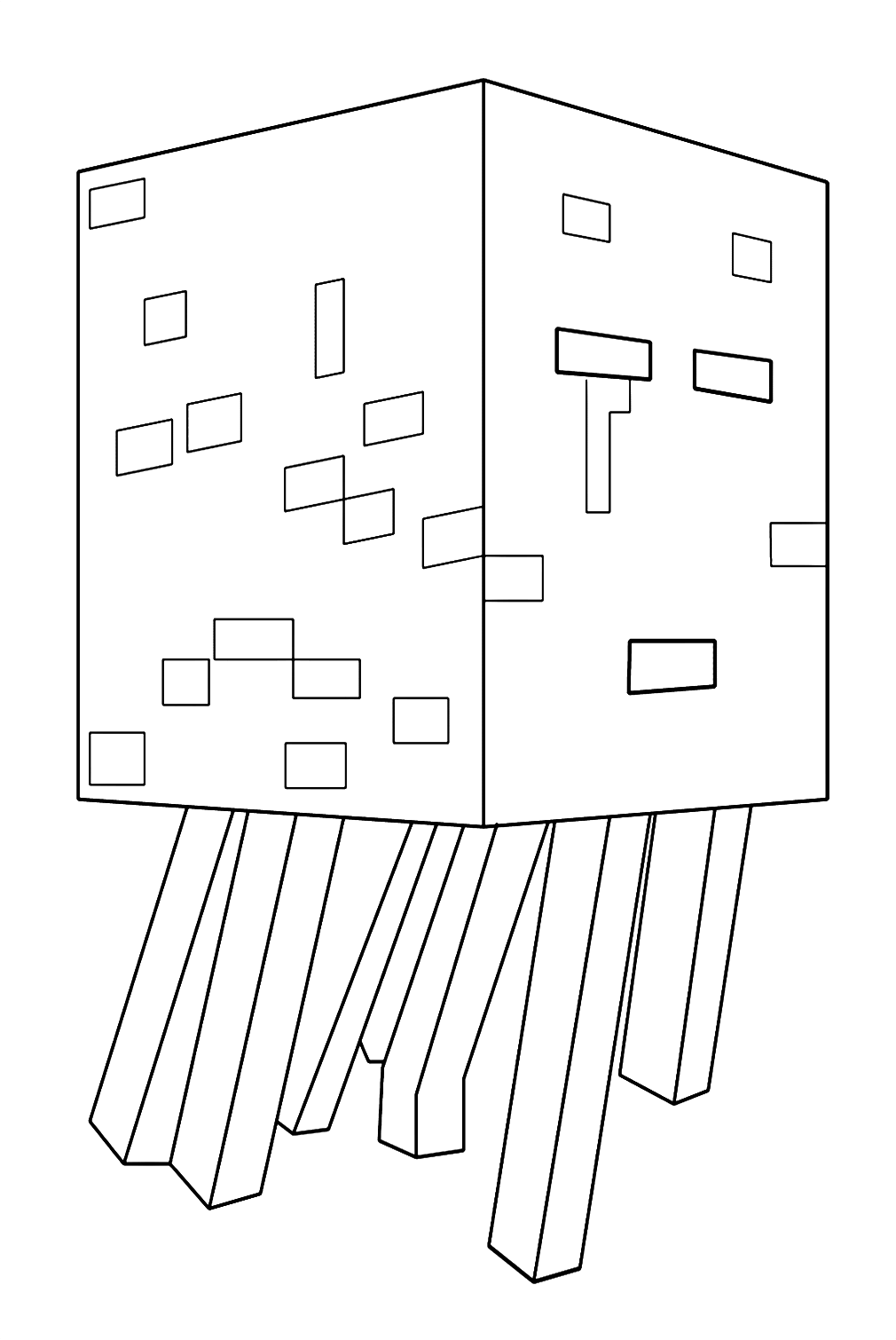
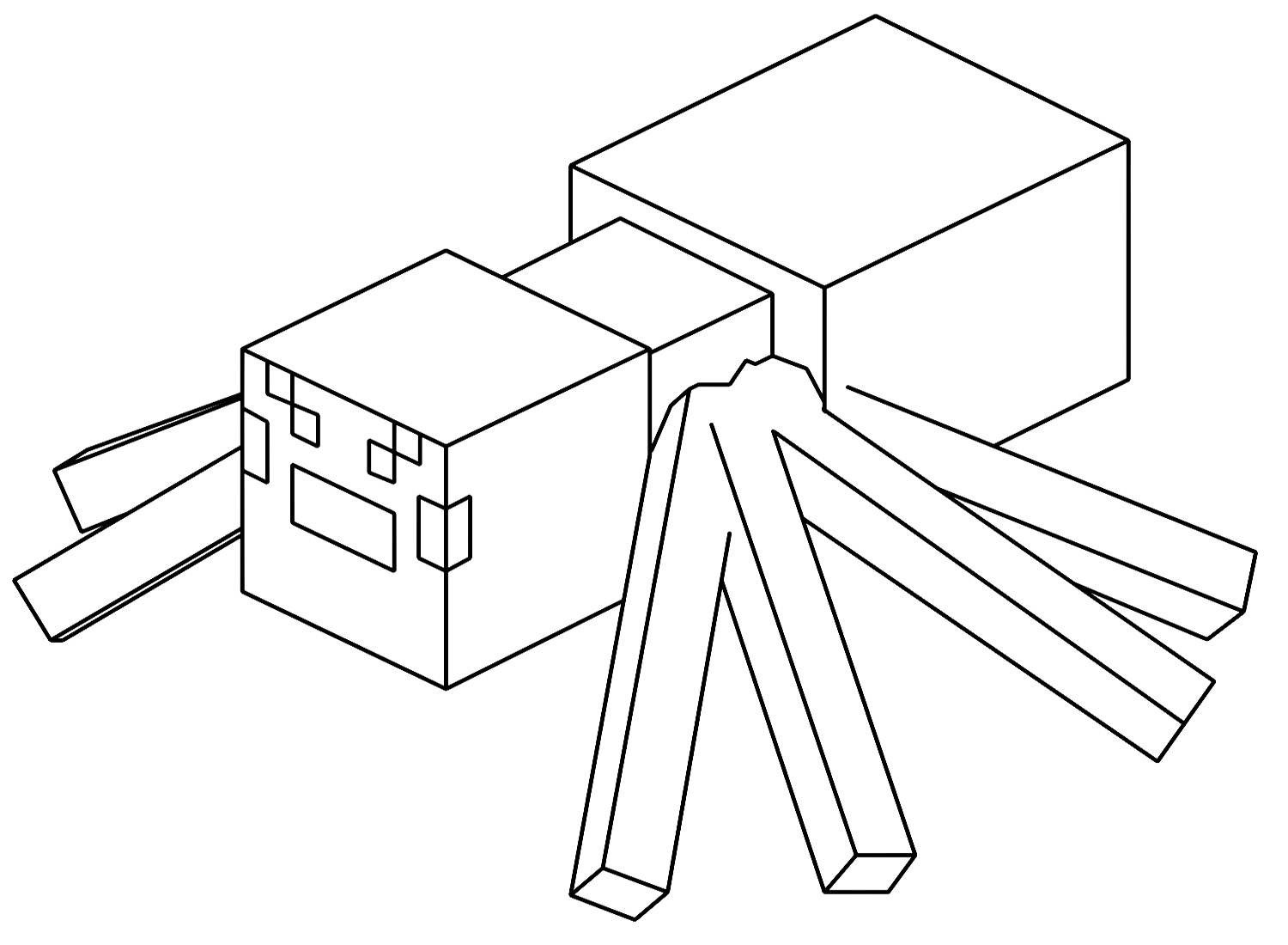
Spider is a large, eight-legged hostile mob that is passively neutral during daylight but becomes hostile at night – recognizable for its large red eyes and dark brown body. The Minecraft spider coloring page covers this mob. Witch is a hostile mob resembling a Villager in a black pointed hat – the minecraft-witch tile covers this character. Ghast is a large, white, floating, jellyfish-like mob found in the Nether that fires explosive fireballs – the Minecraft ghast coloring page covers this unusual Nether resident. Slime is a green, cube-shaped mob that spawns in specific underground locations and in swamp biomes – the two-slimes page covers the distinctive bouncing, grinning slime cubes.
The Boss Mobs: Wither and Ender Dragon
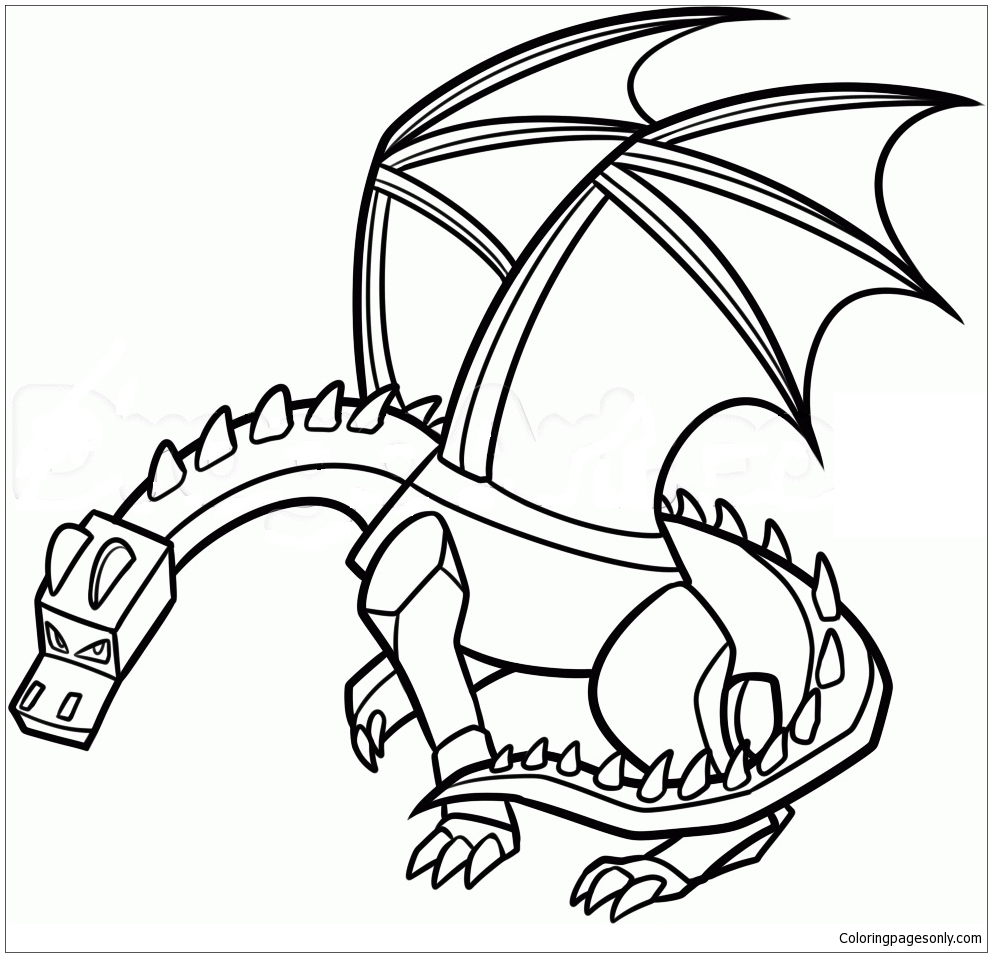
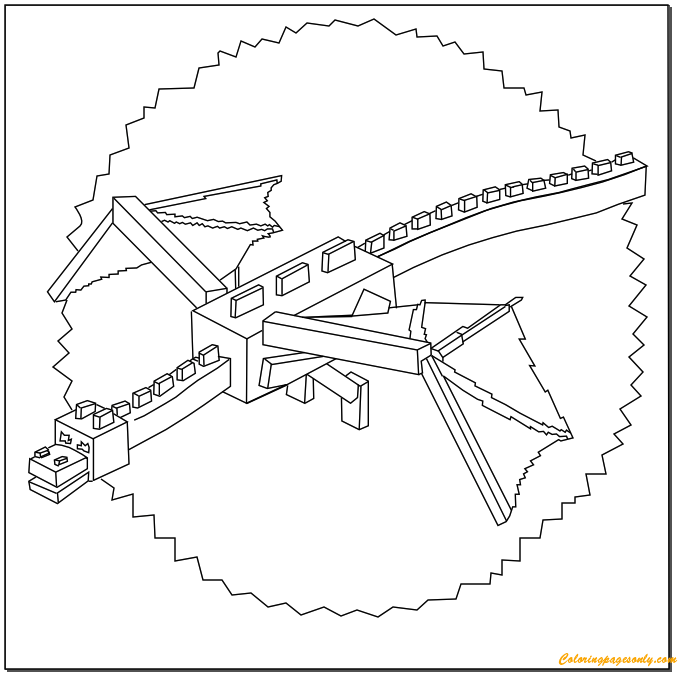
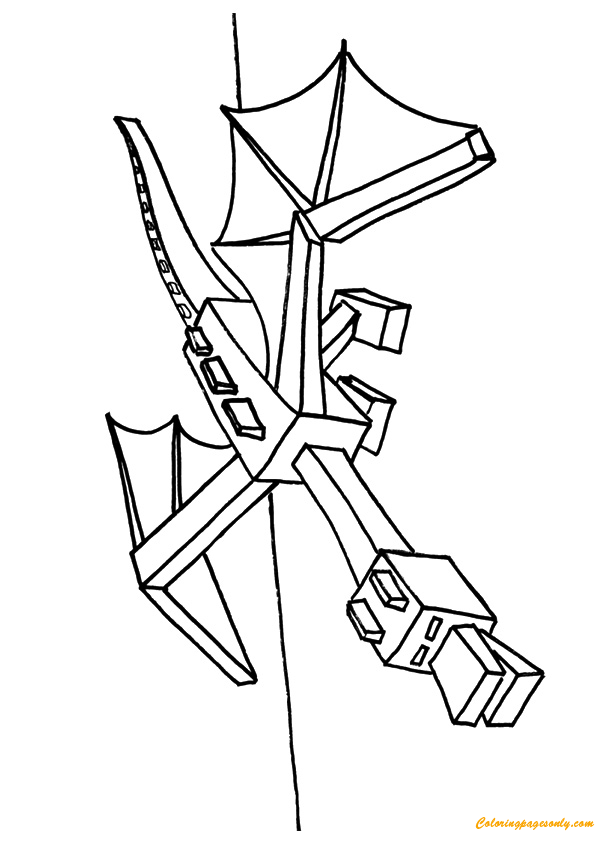
The Ender Dragon is the final boss of Minecraft – the creature that serves as the game’s climactic encounter, residing on the central obsidian platform of the End dimension and guarding the End Portal that provides the win condition for Survival Mode. The Ender Dragon is a large black dragon with purple energy visual effects – its body is jet black, its wings span several blocks, and it has glowing purple eyes. The Minecraft Ender Dragon and Ender Dragon tiles in this collection cover this boss. The canonical Ender Dragon palette is deep black for the body and wing membranes, with vivid purple for the eye glow and the energy effects visible around its body when it attacks.
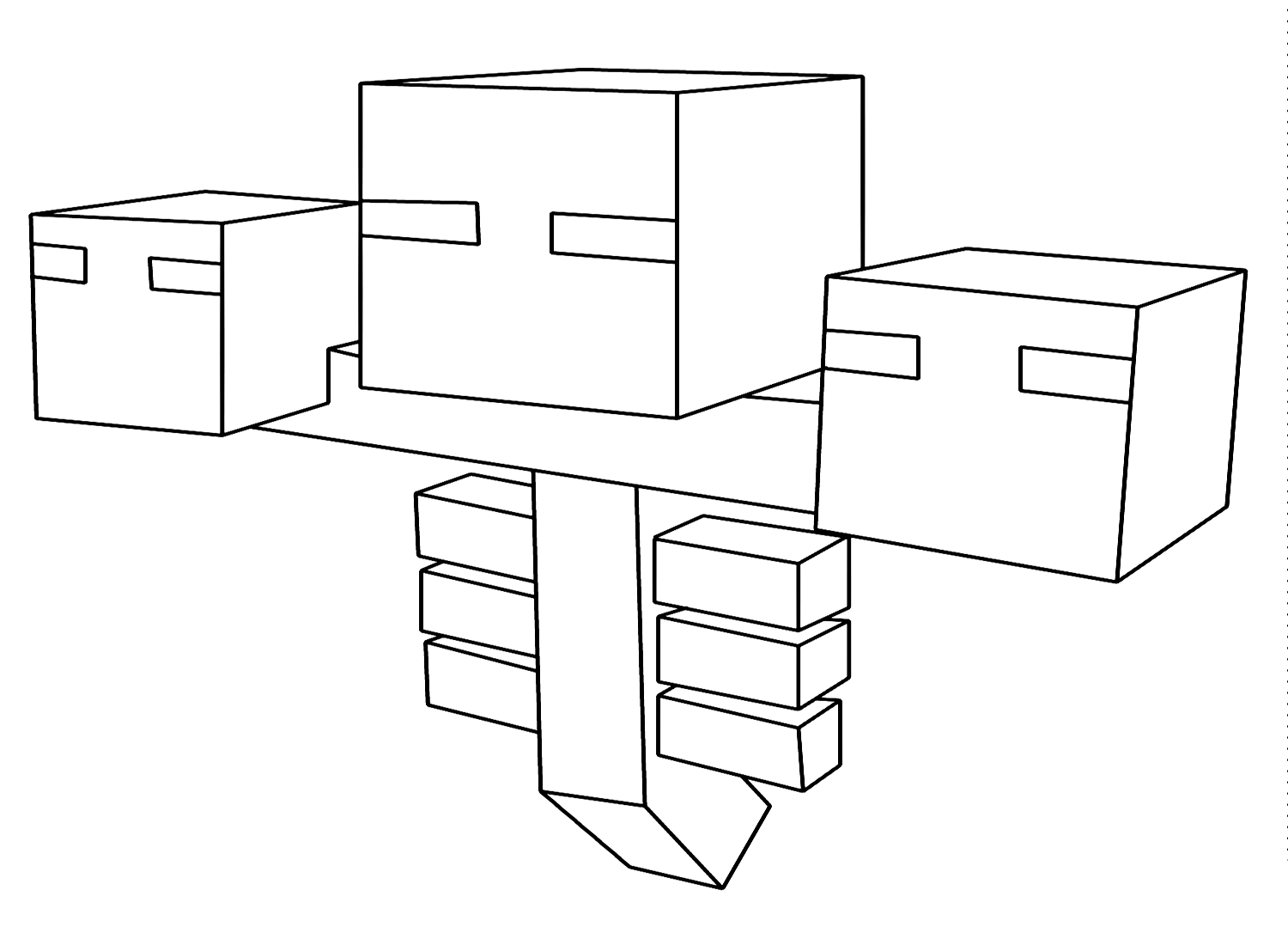
The Wither is a player-summoned boss mob – unlike the Ender Dragon, it does not exist in the world naturally but must be constructed by placing soul sand or soul soil blocks in a specific T-shape and placing three Wither skeleton skulls on top. The Wither is a three-headed floating undead creature in dark gray and black, with three skulls that fire explosive projectiles. The Minecraft-wither-coloring-page covers this boss. The Wither’s palette is dark gray to near-black, with the glowing eyes in its three skulls rendered in lighter blue-gray.
The Passive and Neutral Mobs
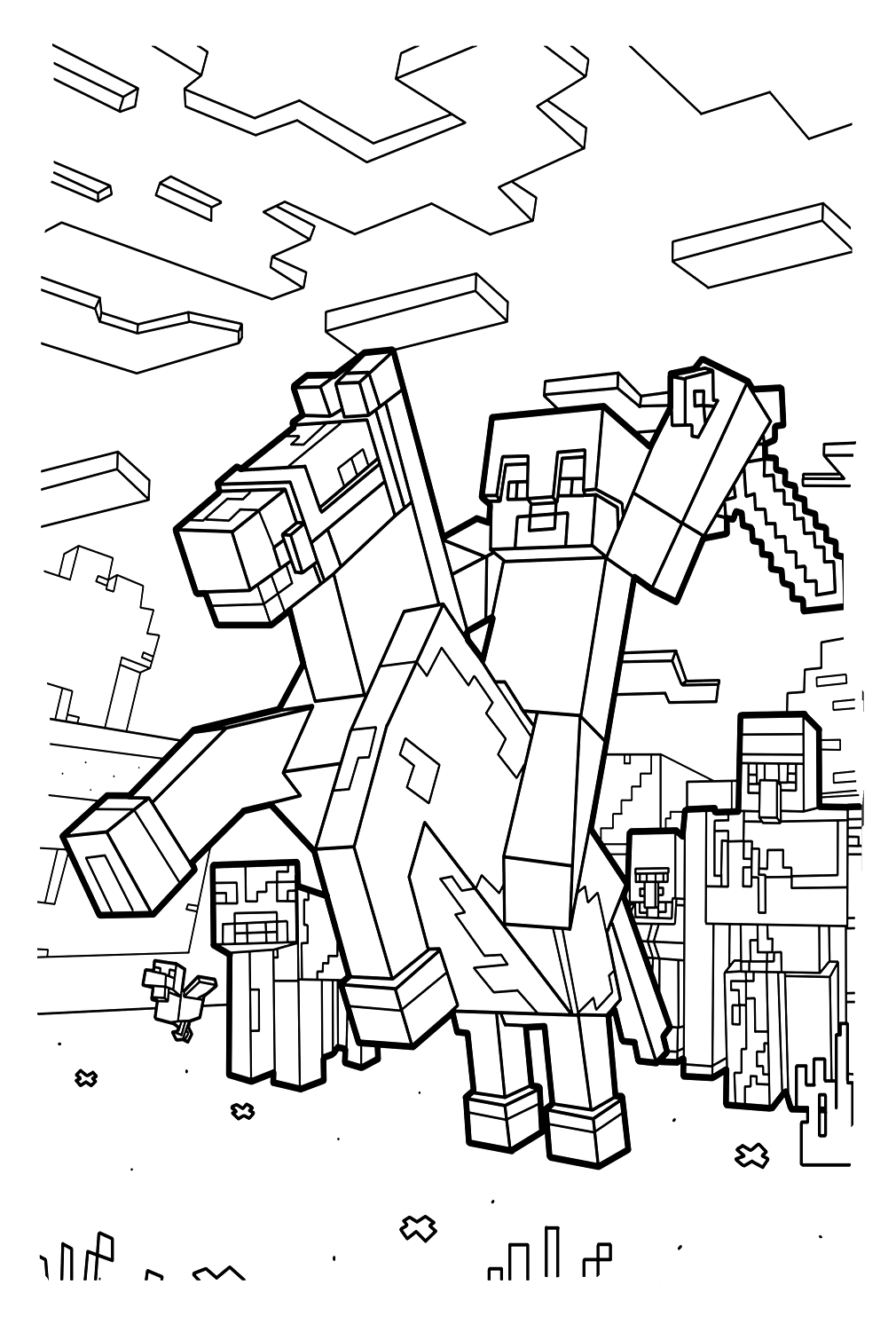
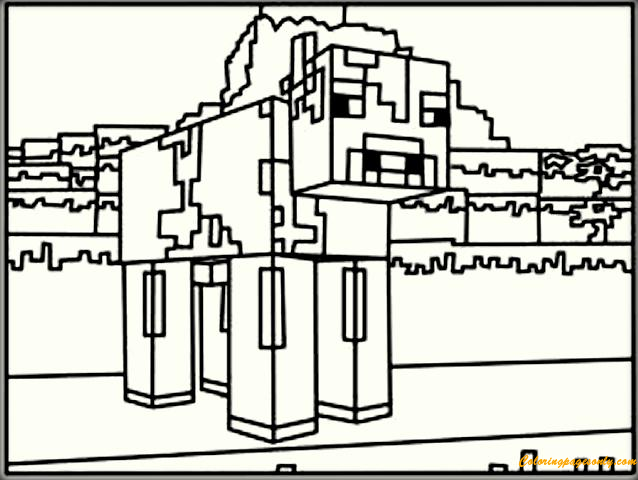
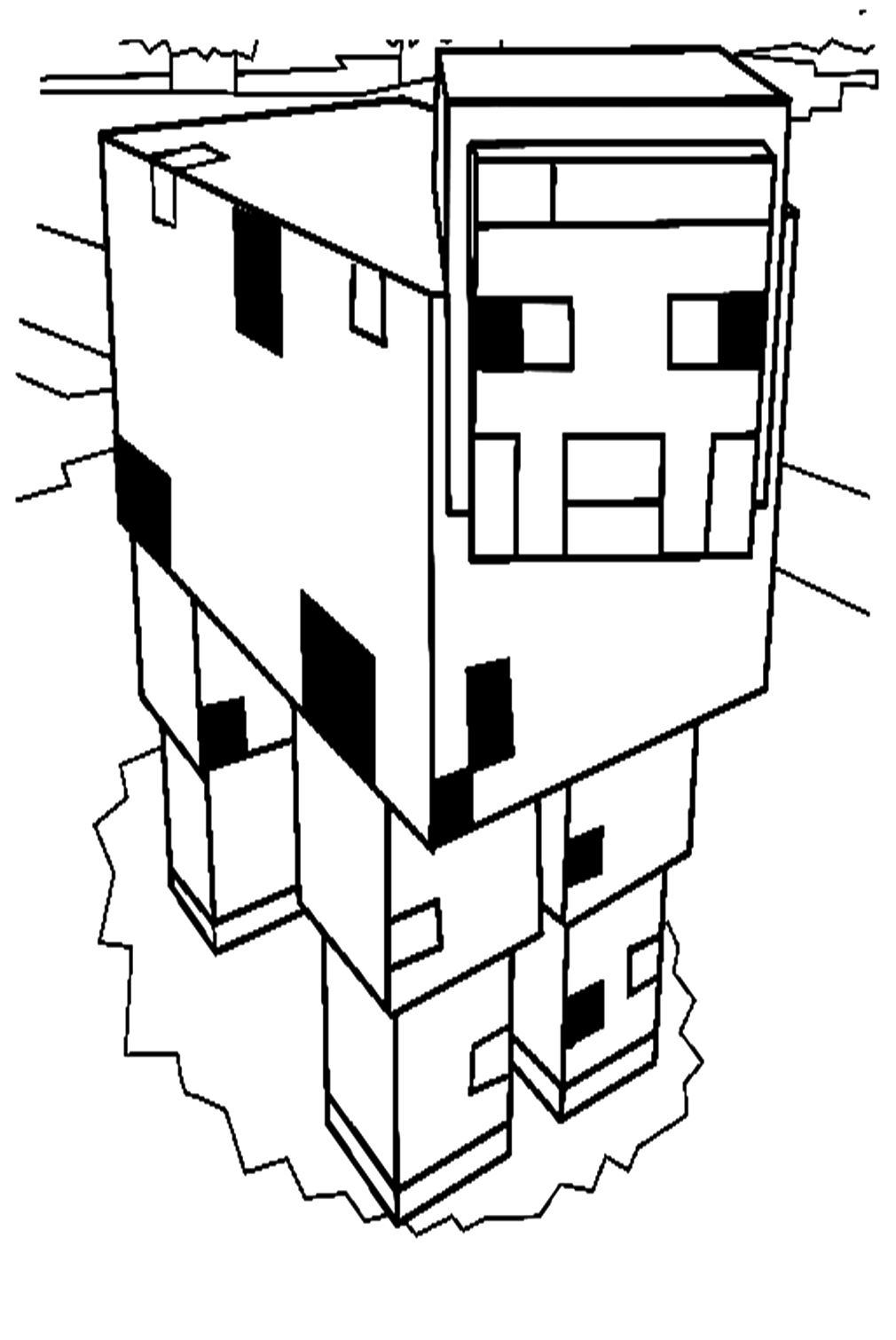
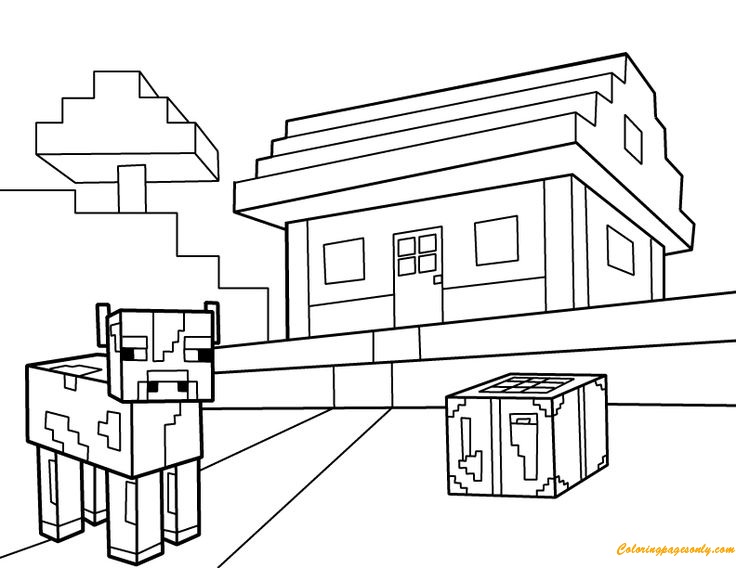
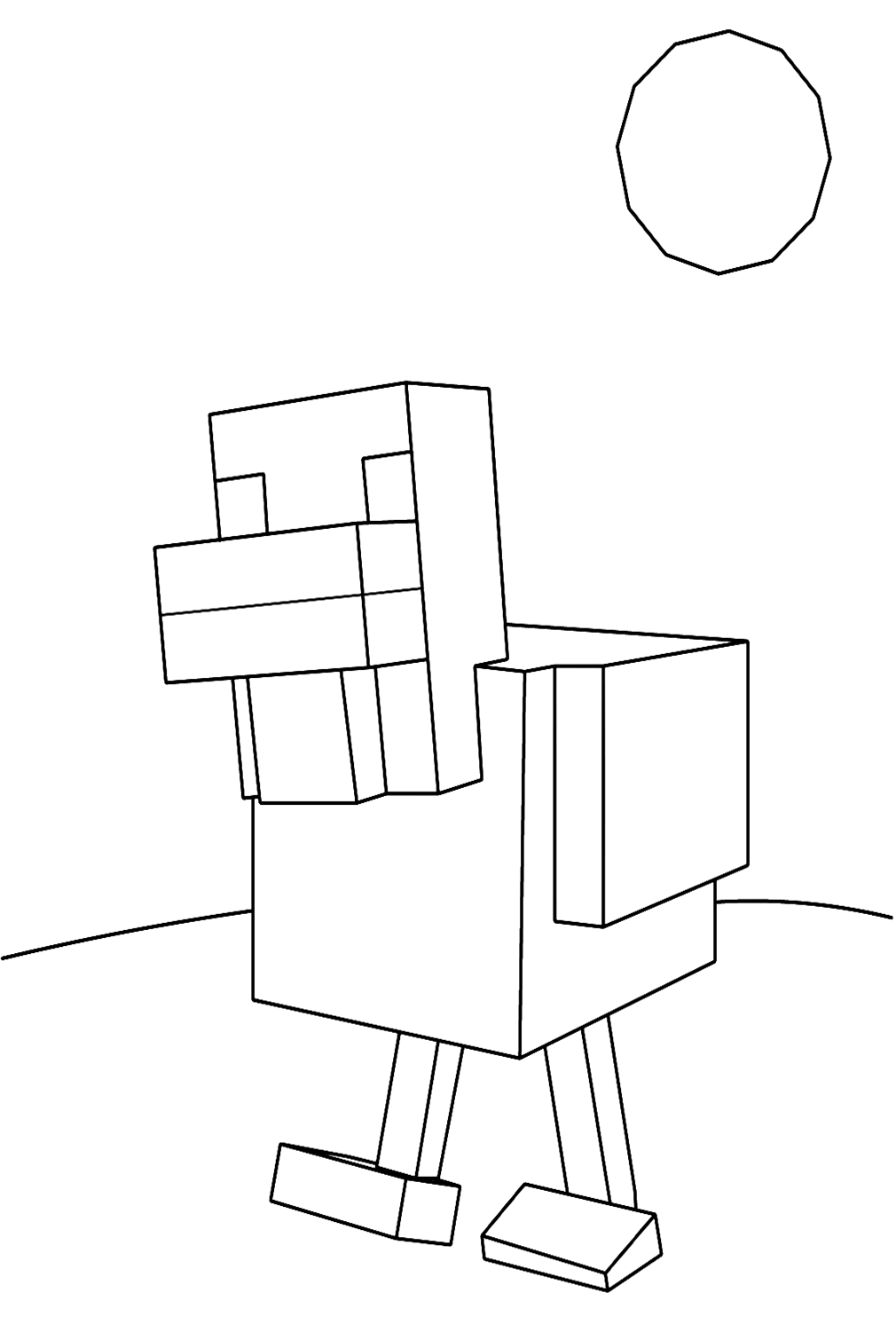
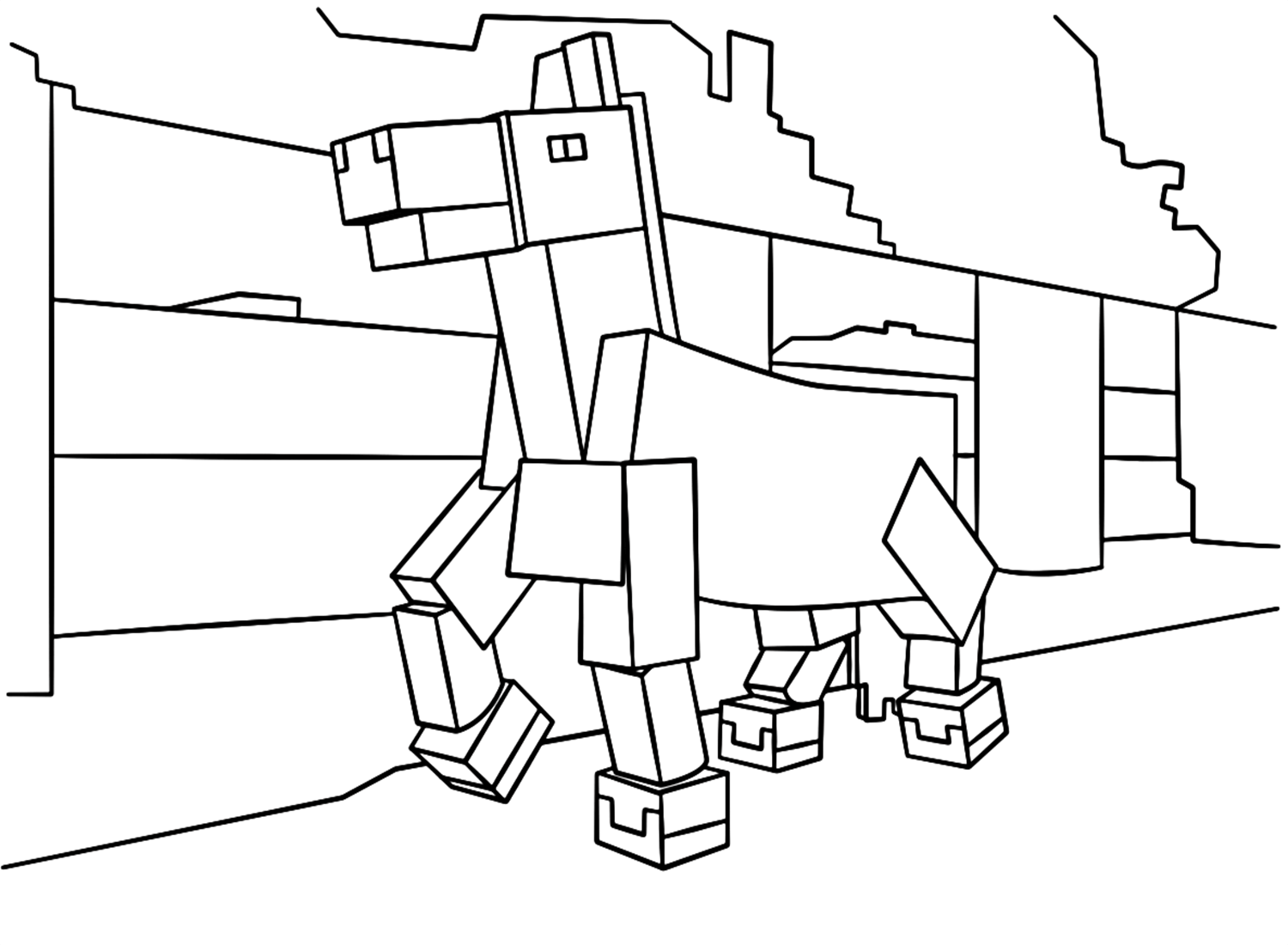
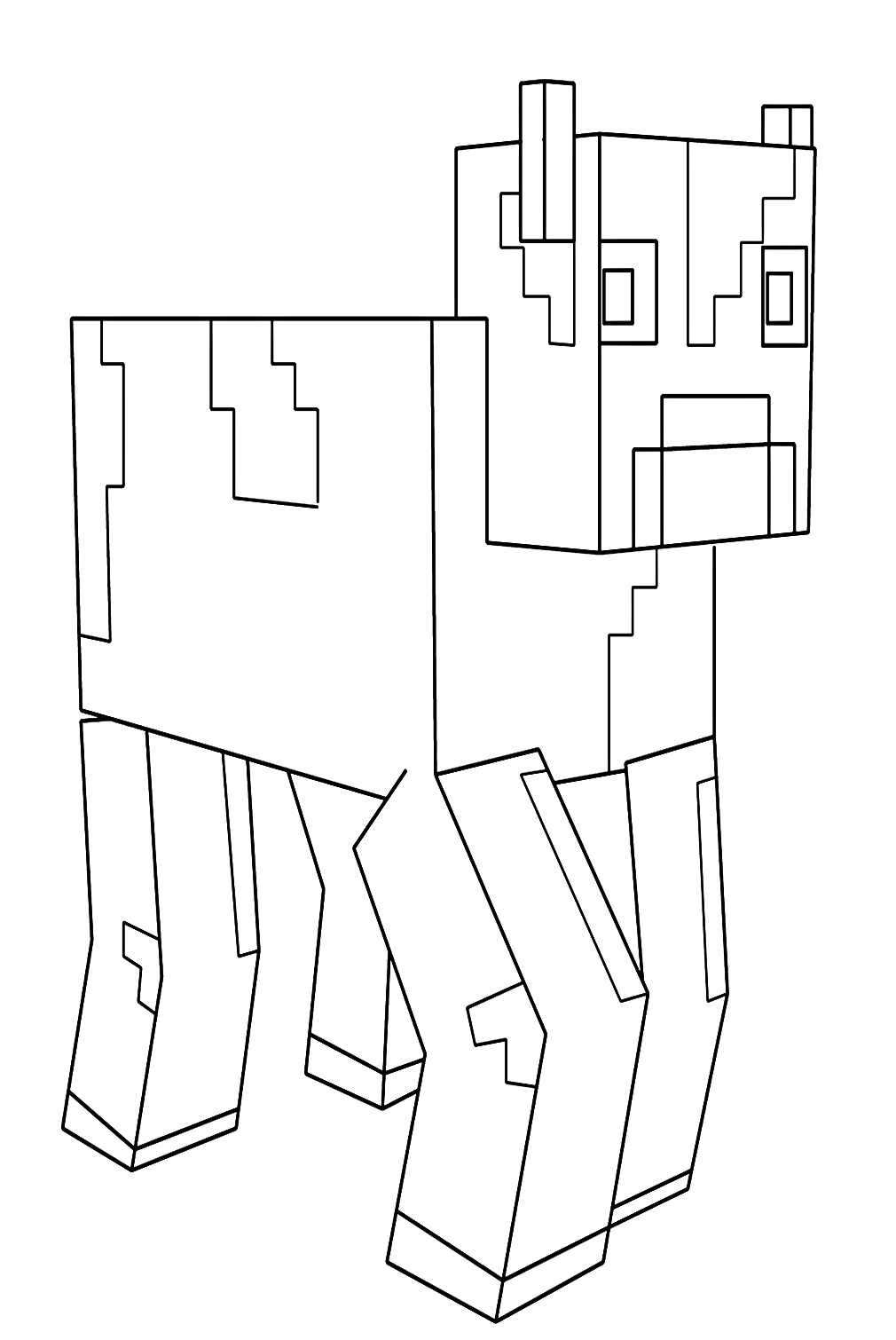
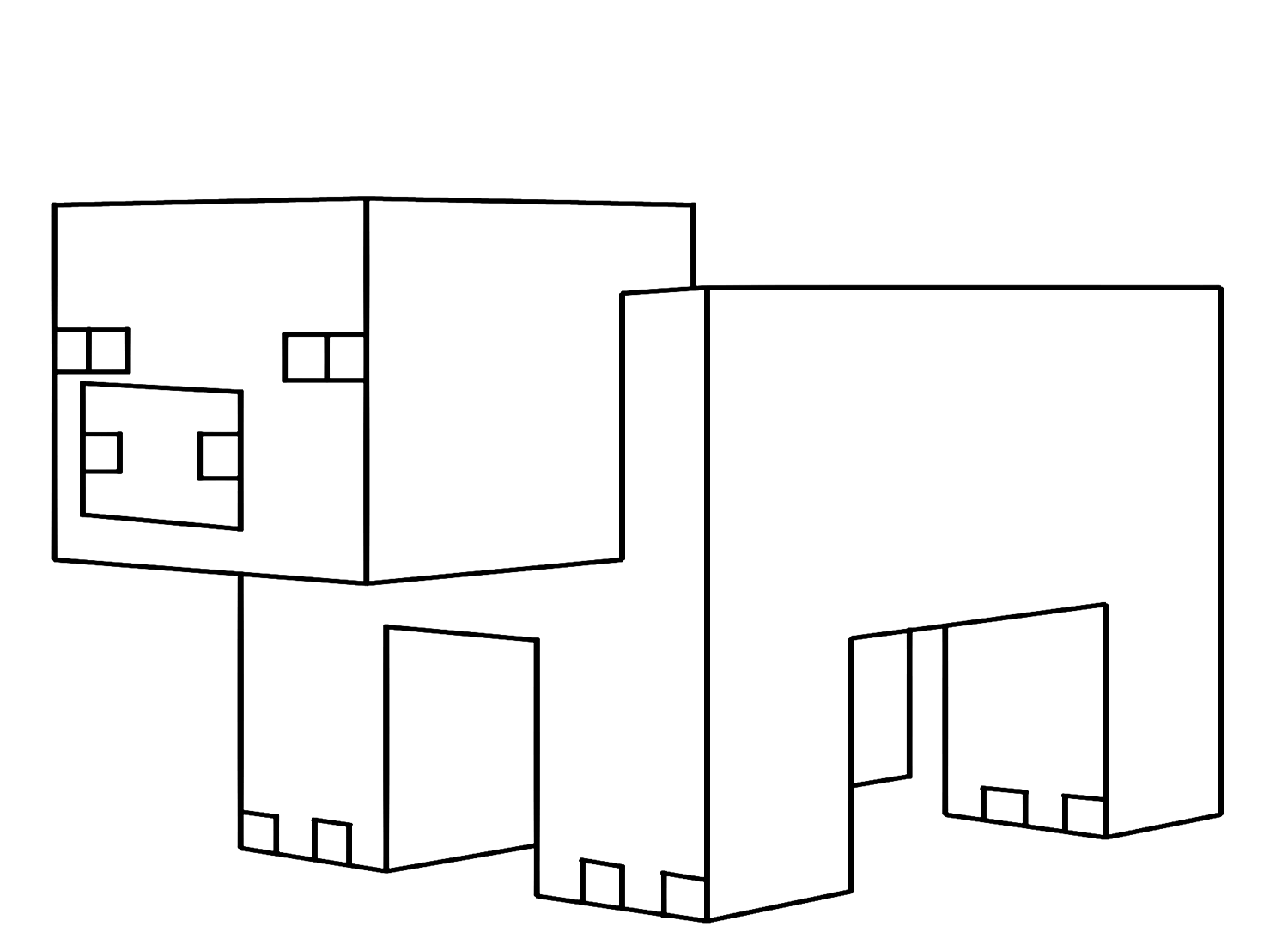
Pig is one of the most recognizable passive mobs in Minecraft – the pink, four-legged farm animal that drops pork chops and can be ridden with a saddle and a carrot on a stick. The Minecraft Pig and minecraft-pig-coloring-page tiles cover this friendly mob. Minecraft’s Pig is rendered in the specific pink of the Pig texture – a warm, medium pink with darker pink patches on the face. Cow is the brown-and-white bovine that drops leather and beef – the minecraft-cow-coloring-page covers this standard farm mob. Chicken is the white bird that drops feathers, eggs, and chicken – the Minecraft-chicken-coloring-page covers the Minecraft chicken. Horse is the rideable mount available in multiple color variations – Minecraft Horse and minecraft-horse-coloring-page cover this mob.
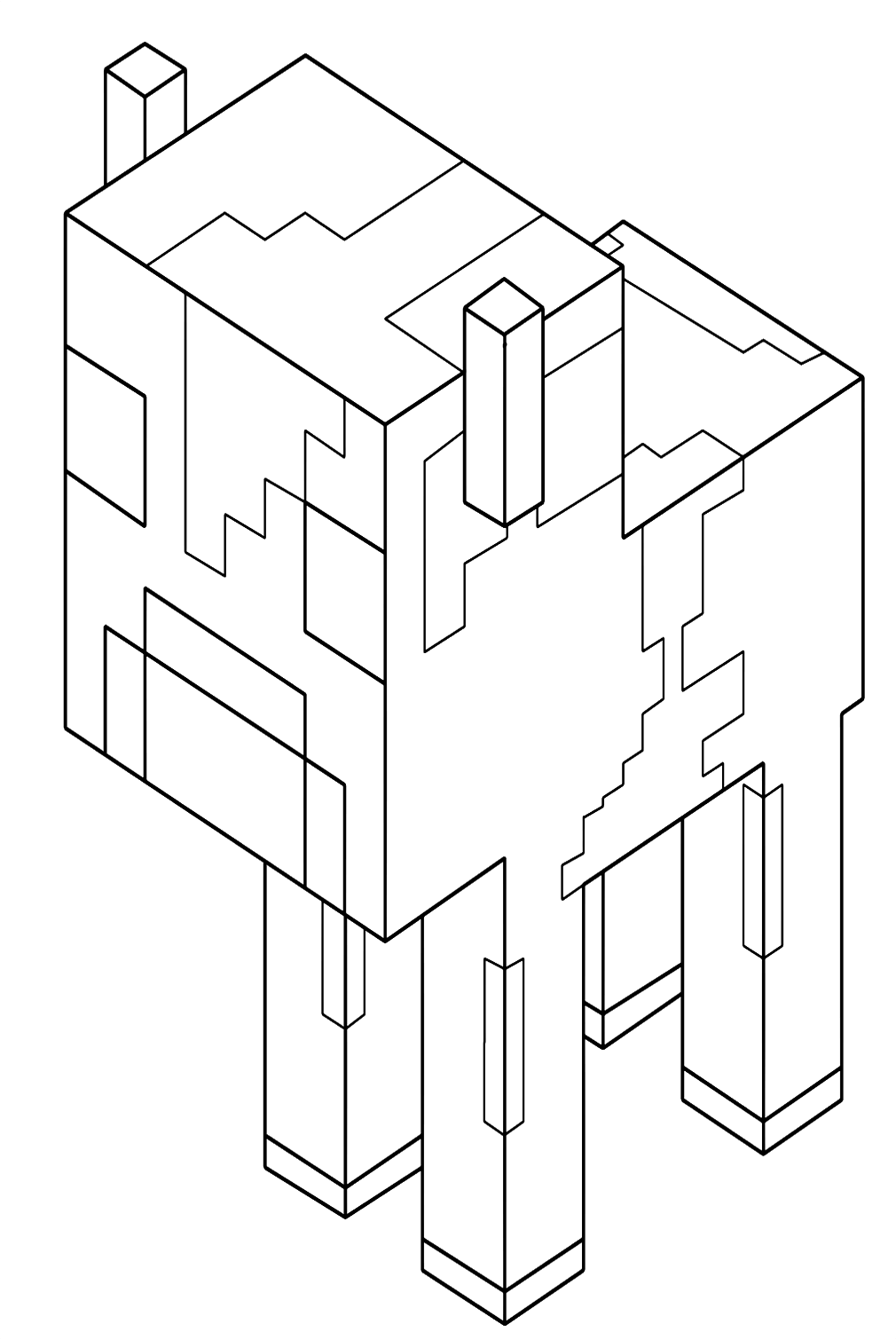
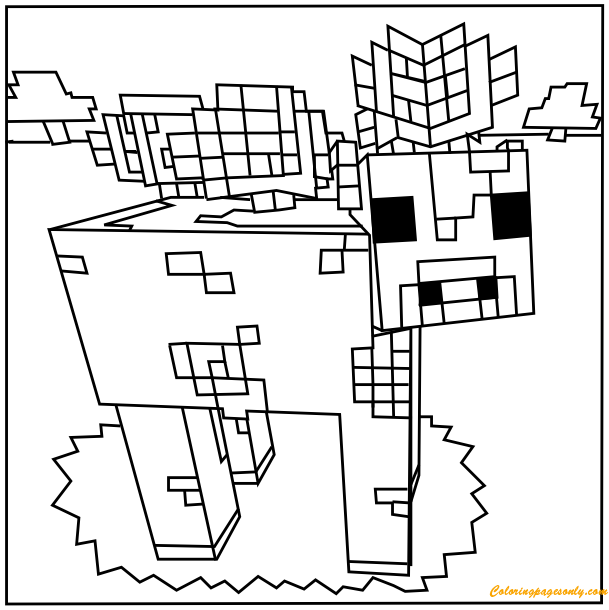
Mooshroom is one of Minecraft’s most unusual mobs – a red-and-white cow variant found exclusively in the rare Mushroom Island biome, whose body is covered with red mushrooms growing from its back. The Mooshroom’s unusual appearance – the familiar cow body shape covered in growing red mushrooms – makes it one of the most visually distinctive of all Minecraft’s passive mobs. The minecraft-mooshroom, minecraft-mooshroom-00, and minecraft-baby-mooshroom-cow-coloring-page tiles cover this rare mob.
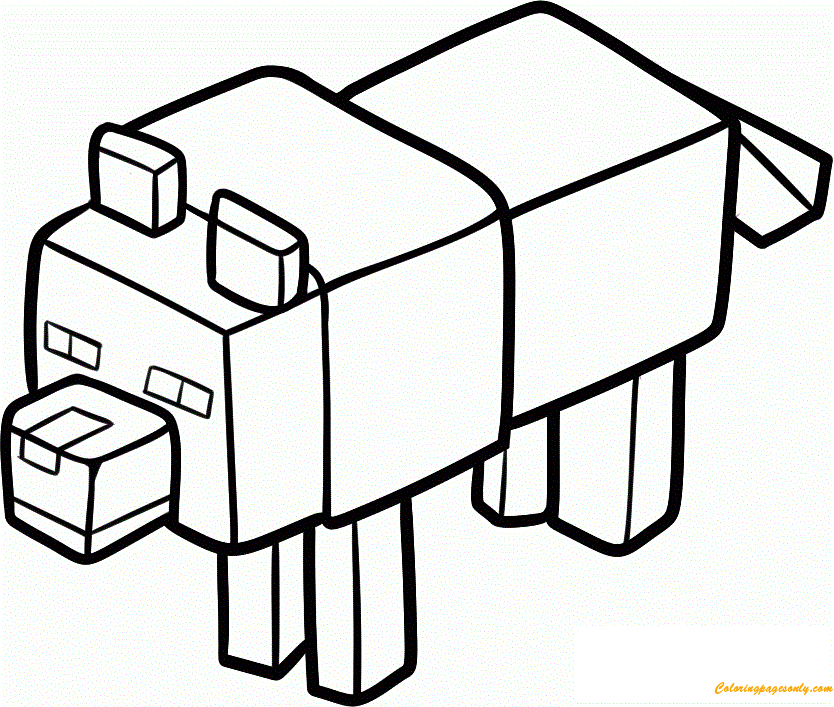
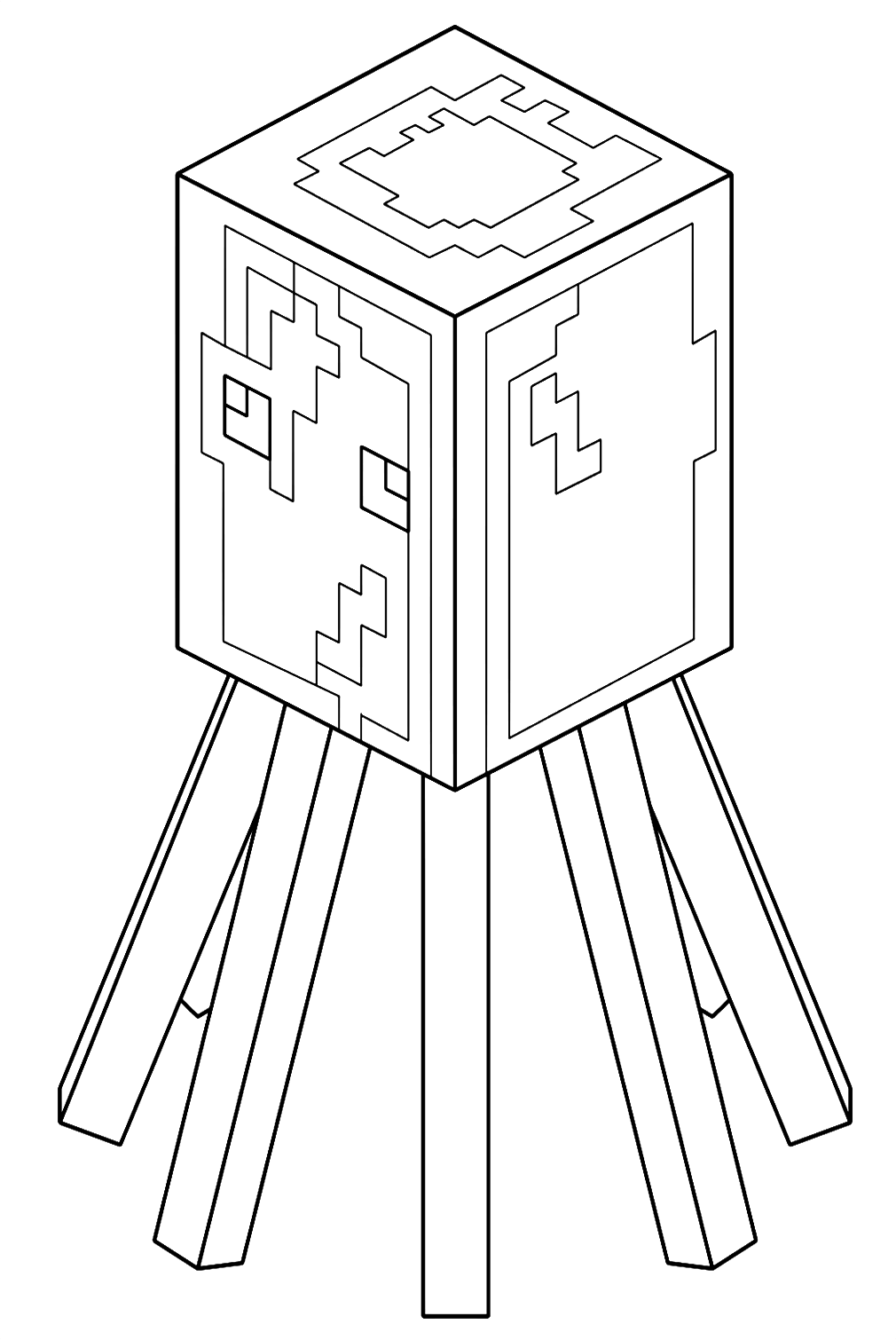
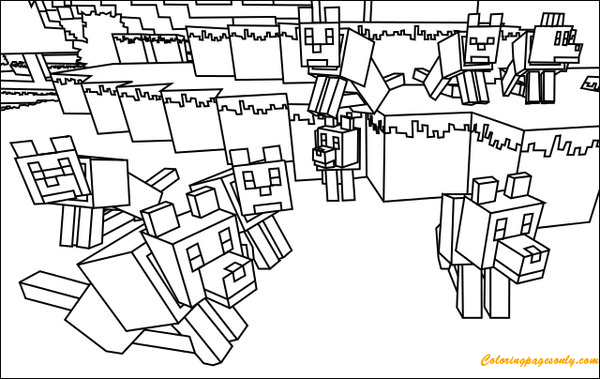
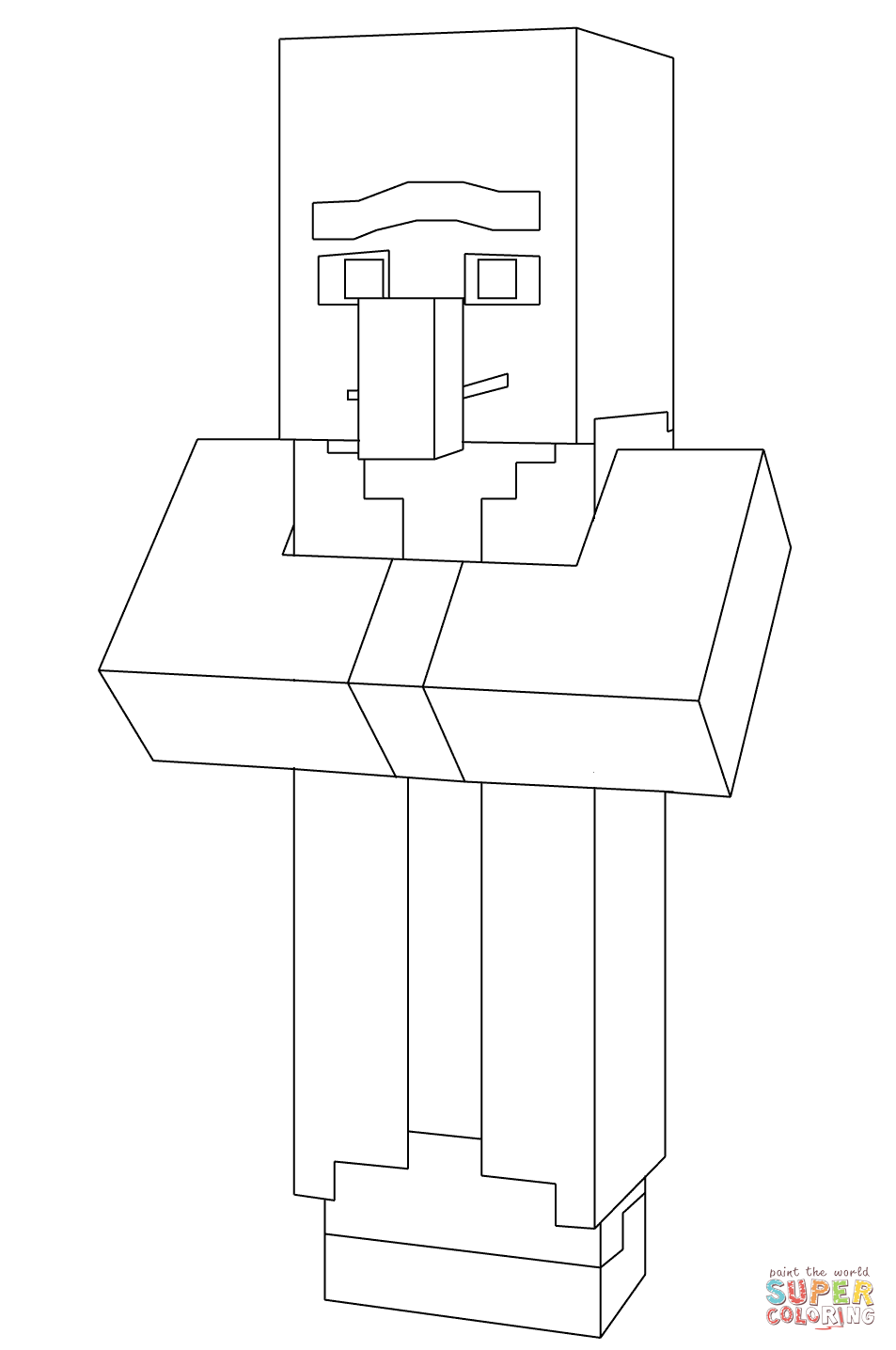
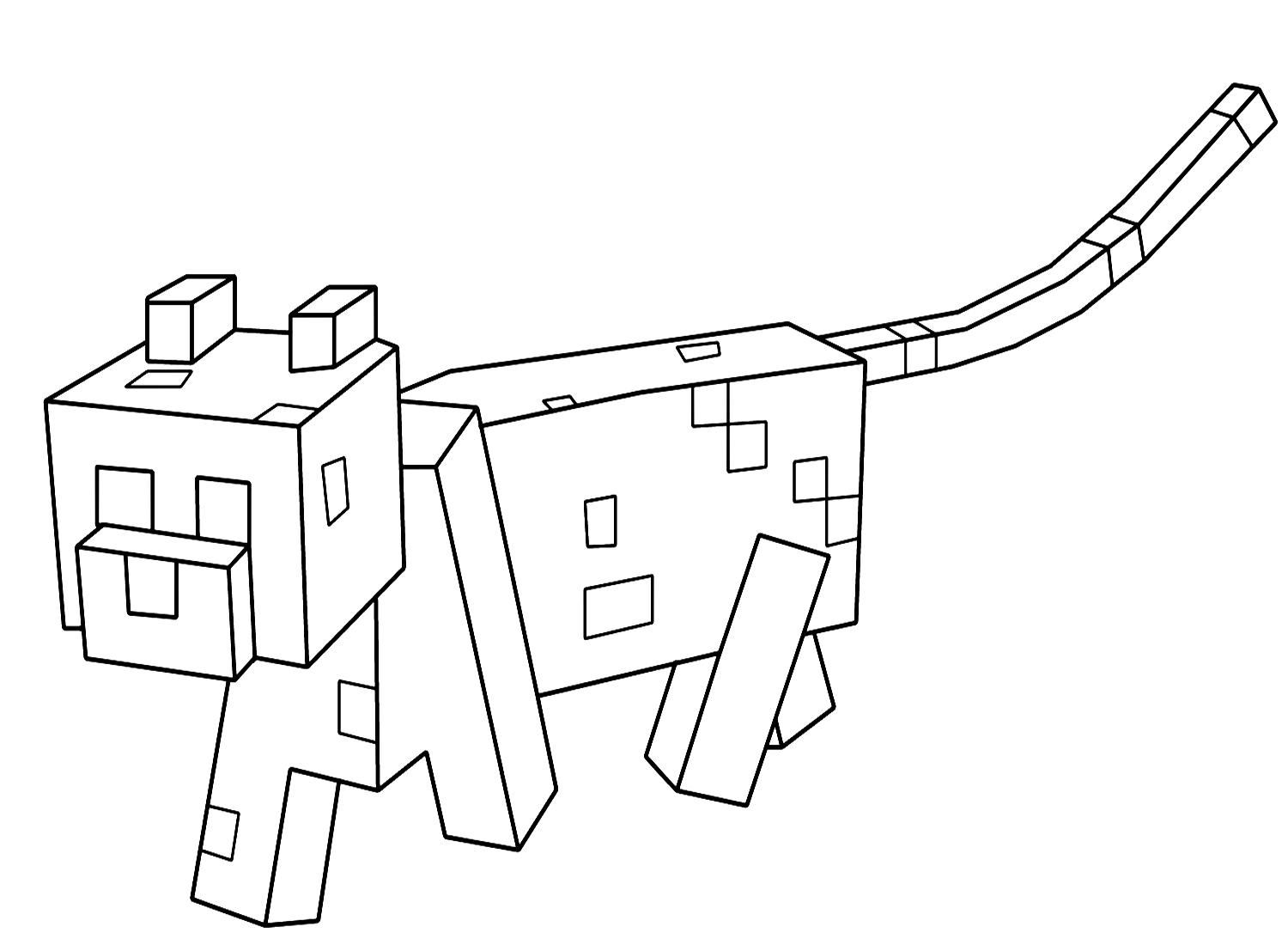
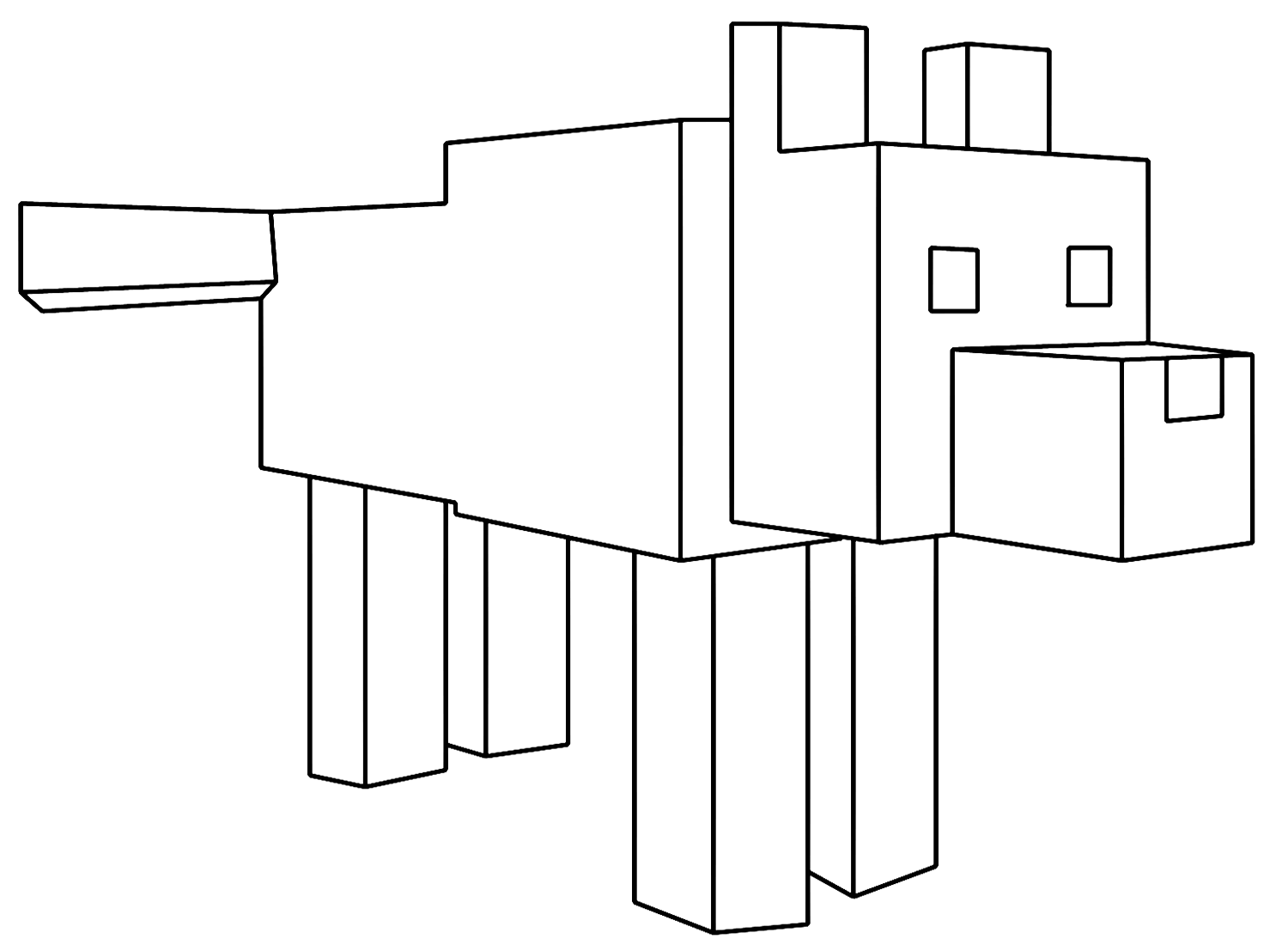
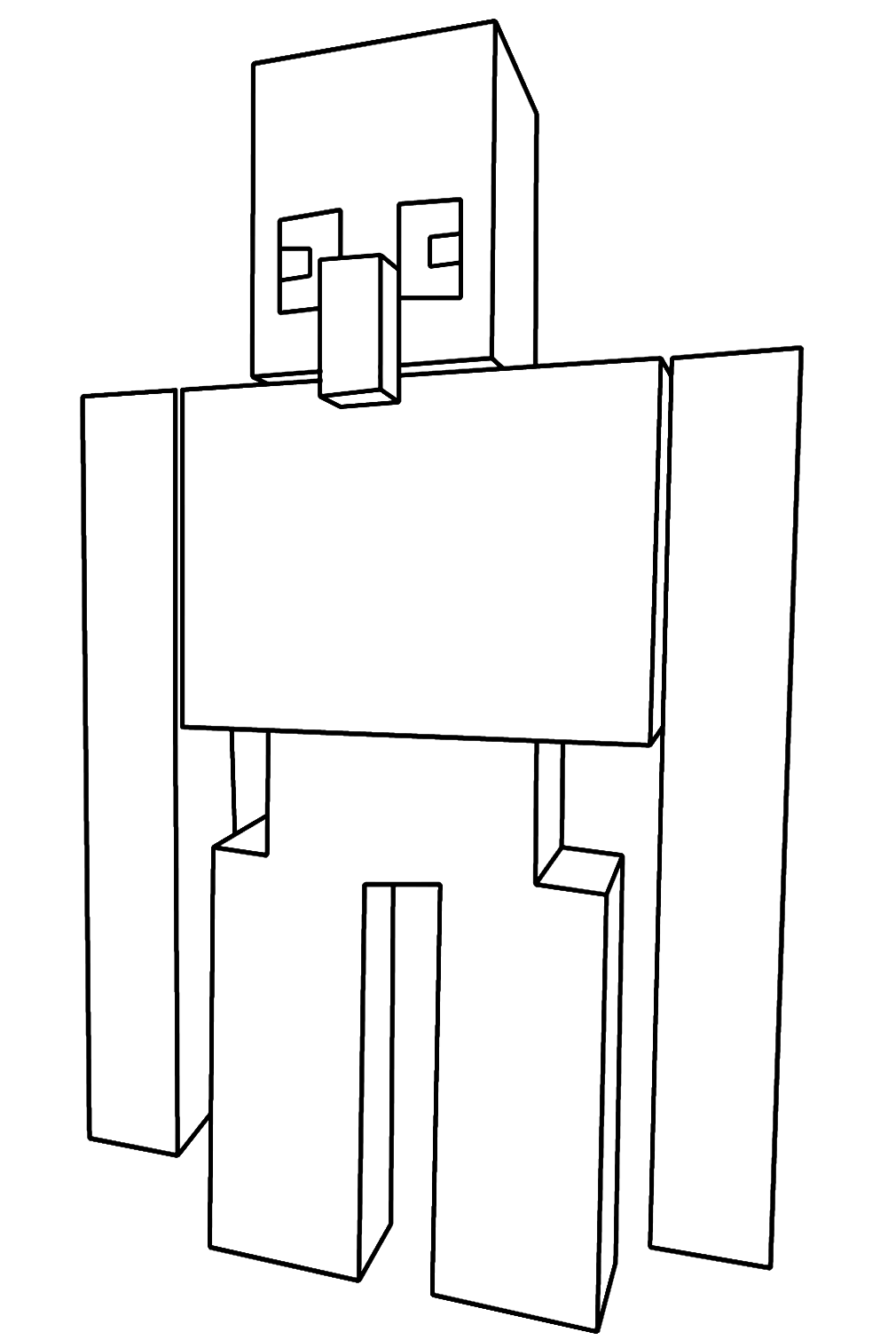
Wolf is the tameable canine that becomes a loyal companion dog when fed bones – the Minecraft-wolf-coloring-page and Minecraft Wolves pages cover these mobs. Ocelot is the jungle cat that can be befriended with fish – the Minecraft ocelot coloring page covers the spotted wild cat. Iron Golem is the large, powerful guardian mob made of iron blocks and pumpkins that protects villages from hostile mobs – the minecraft-iron-golem-coloring-page covers this imposing structure. Villager is the trading NPC of Minecraft villages – a tall, robed figure with a prominent nose – covered in the Minecraft Villager tile. Squid is the underwater ink-sac dropping cephalopod – the minecraft-squid-coloring-page covers this aquatic mob.
Blocks, Tools, and World Elements
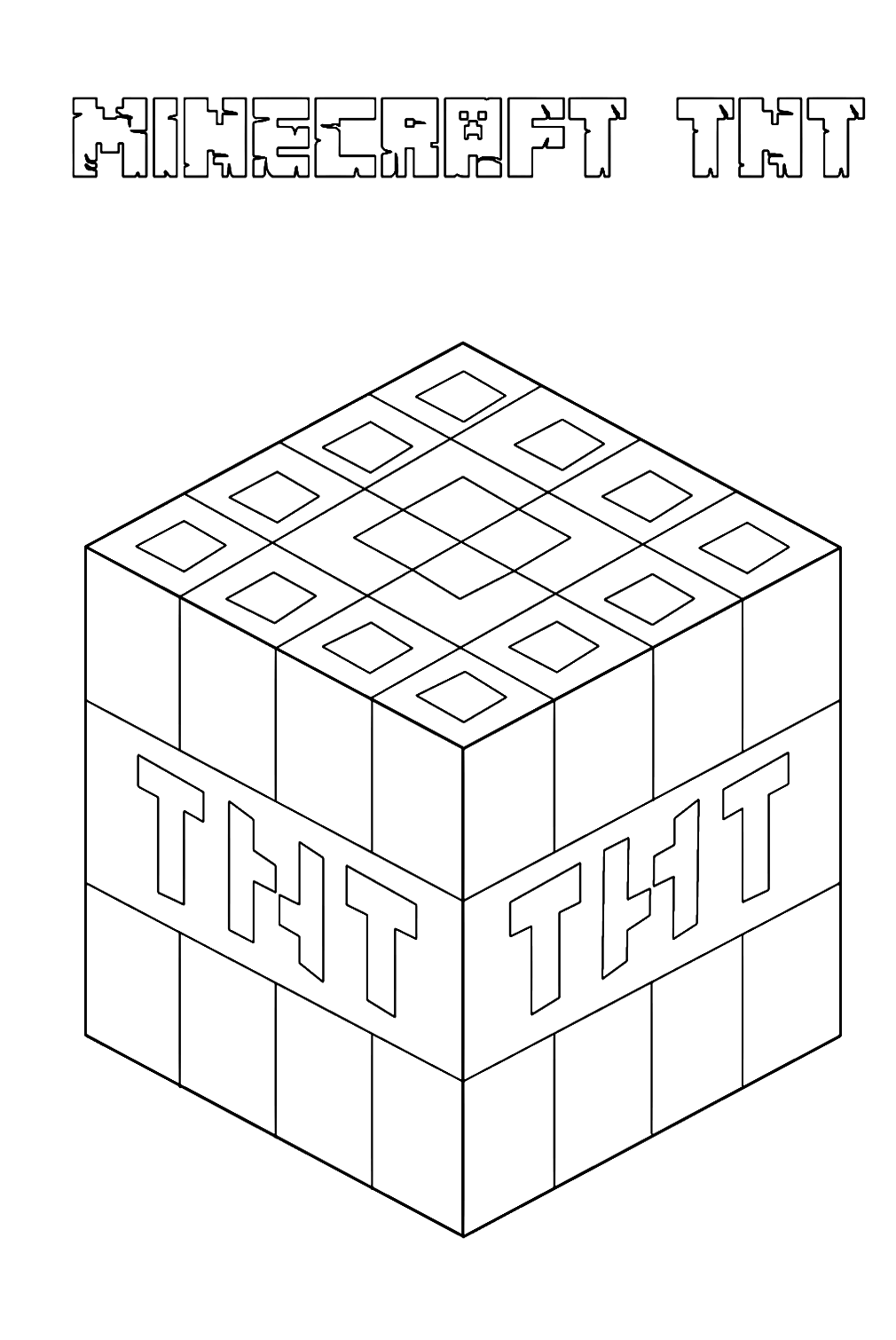
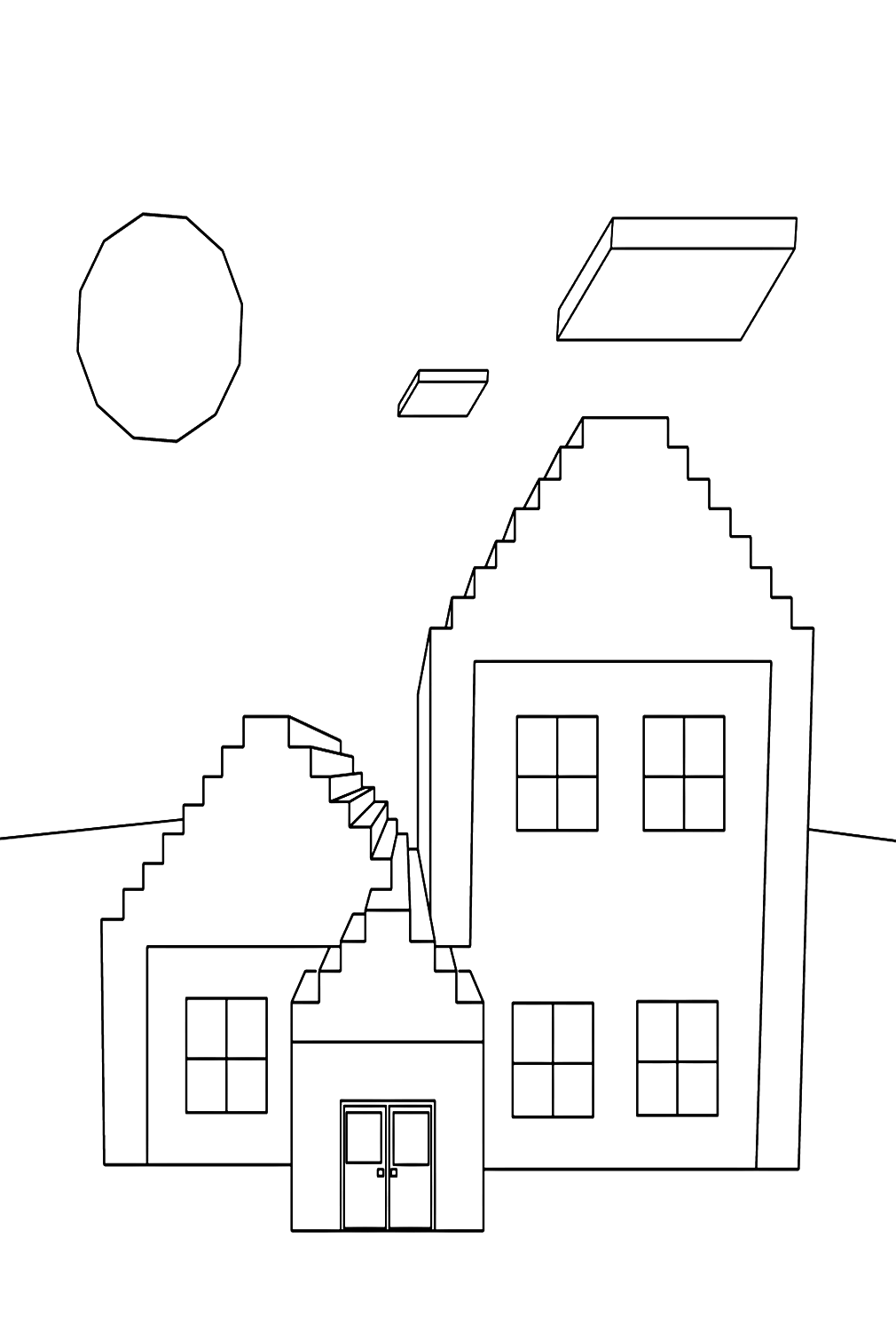
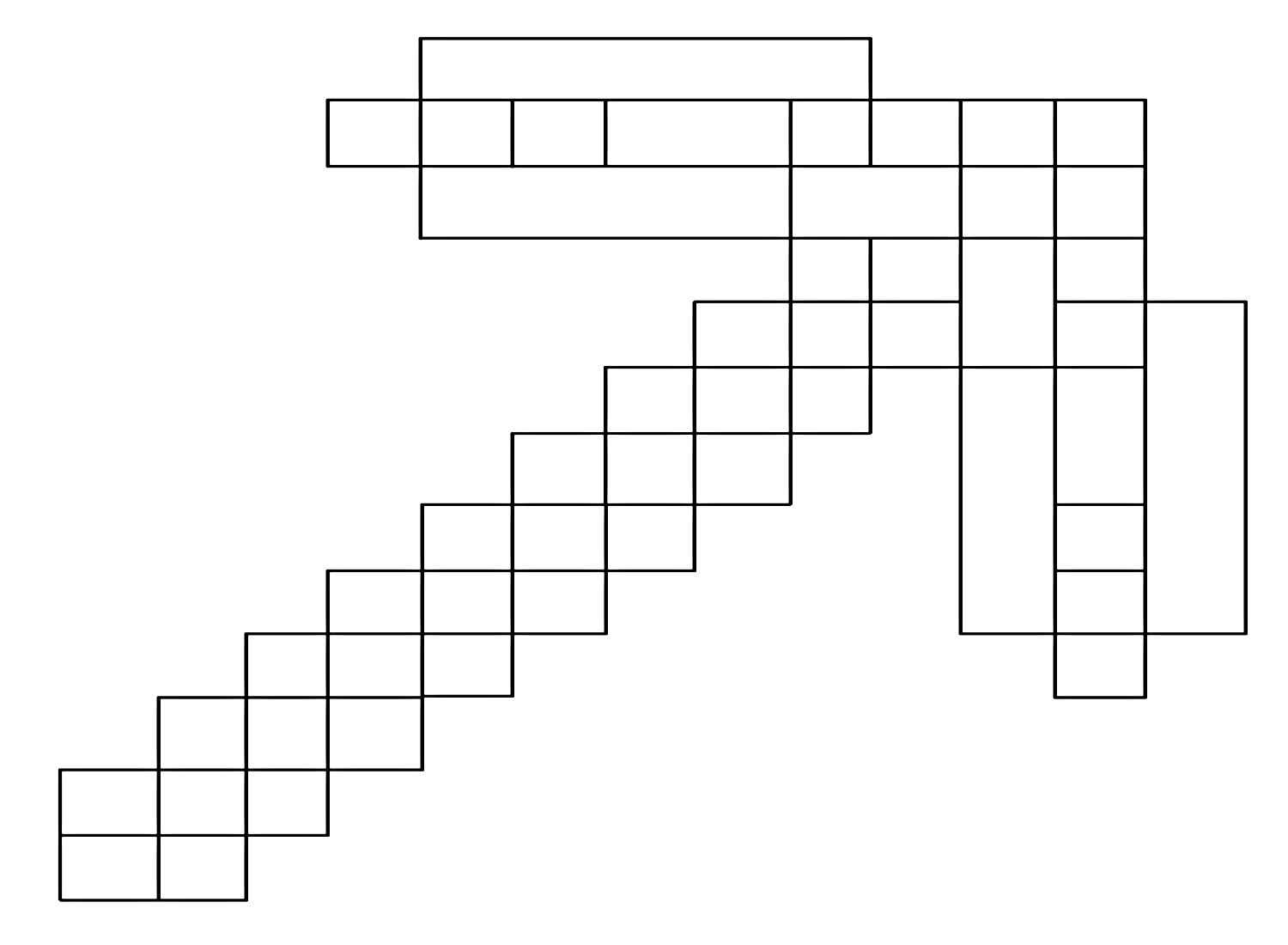
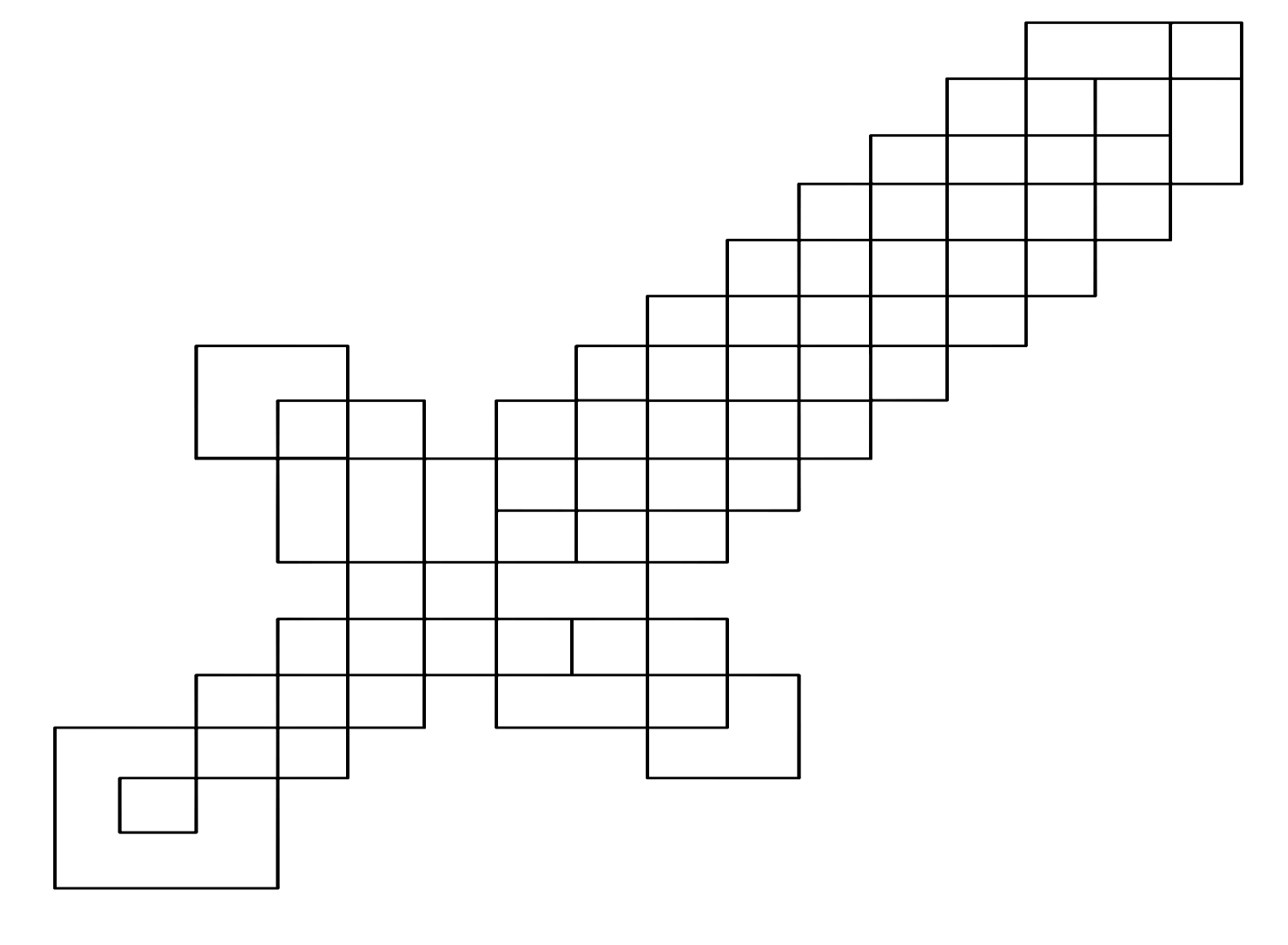
TNT is the explosive block – a red and white cube with the letters “TNT” printed on its sides that can be ignited to create a large explosion, destroying surrounding blocks and dealing damage. The Minecraft-tnt-coloring-page renders this iconic block in its canonical red-and-white color scheme. The Pickaxe is the fundamental tool of Minecraft – the tool that gives the game its name and that every player crafts first. The Minecraft-pickaxe-coloring-page and the Diamond Sword (minecraft-steve-with-diamond-sword-coloring-page) cover the game’s primary tools and weapons. The House – the player-constructed shelter that is the first survival priority of every new Minecraft game – appears in the minecraft-house-coloring-page.
Coloring Tips for Minecraft Pages
Minecraft’s visual aesthetic is built on the pixel art tradition – an approach to digital illustration where images are composed of individual square pixels, each a single flat color, with no gradients or anti-aliasing. This is not merely a stylistic choice but a fundamental game design decision by Notch that defines every visual element in Minecraft. Understanding pixel art color logic is the key to coloring Minecraft pages in a way that feels authentically Minecraft rather than like a standard cartoon coloring.
The pixel art color principle is that every surface of every Minecraft object is a flat area of a single color, or at most two or three colors arranged in a simple pattern. There are no gradients, no smooth blending, no complex shading. The “shadows” in Minecraft’s pixel art are created by placing a flat square of a slightly darker color adjacent to a flat square of a lighter color. When coloring Minecraft pages, working with flat, decisive color application – filling each square area with a consistent, solid color rather than blending or shading within a single area – produces results that are most faithful to the game’s visual language.
For Steve: the canonical colors are a specific light tan for the skin areas (the face and hands), a medium cyan-teal for the shirt, medium gray for the pants, and darker gray for the shoes and hair. The hair is dark brown, not black. The eyes are a specific blue-gray. Each of these colors should be applied as flat, solid areas – no shading within the skin area, no gradient in the shirt. The shirt’s lighter and darker areas are rendered as distinct flat squares of different tones rather than as a smooth gradient.
For the Creeper: the most important color decision is getting the green right – vivid, medium, slightly blue-tinged green for the body, with a distinctly darker (near-black) green for the face pattern. The Creeper’s face pattern has a specific design: two square dark eyes, and below them a three-square pattern forming the distinctive frowning “mouth” that is the Creeper’s most recognizable feature. Getting this pattern accurate – particularly the frown rather than a neutral or happy expression – is what makes the finished Creeper page immediately recognizable.
For the Enderman: genuine black for the body (not dark gray, not charcoal – actual black, as dark as the medium allows), with the three-square eye glow in vivid purple. The purple eyes are the only color in the entire composition, which means they should be as vivid as possible – deep, saturated purple that provides maximum contrast against the black. A dark purple shadow beneath or around the eyes adds depth without muddying the vivid purple of the eyes themselves.
For the Ender Dragon: deep, genuine black for the body and wing membranes, with vivid purple for the eye glow and the dragon’s energy effects. The wings have visible membrane texture in the game (a slightly different, more matte black than the body scales), and suggestions of this texture can be made by applying the wing color with slightly lighter pressure than the body, creating a subtle distinction between the solid-scaled body and the membranous wings.
For all the mobs: the standard Minecraft visual approach uses several specific color relationships that appear repeatedly. Hostile mobs tend toward darker, cooler color palettes (the black of the Enderman, the dark green of the Zombie, the bone-white of the Skeleton, the deep gray of the Wither). Passive mobs tend toward warmer, lighter palettes (the pink of the Pig, the brown and white of the Cow, the golden tan of the Horse). The Mooshroom is the most visually complex passive mob – the red mushroom caps should be a vivid red with white spots (the classic Amanita muscaria mushroom appearance), contrasting with the cow’s standard black-and-white hide visible beneath and between the mushrooms.
For Diamond tools and armor: the canonical diamond color in Minecraft is a specific cyan – not the deep blue-green of actual diamonds, but the vivid, slightly turquoise cyan that Mojang has used for diamond since the game’s early days. This specific cyan – more vivid and more blue-green than a standard turquoise, less blue than a standard cyan – is one of the most recognizable colors in all of gaming and should be applied solidly and vividly to any diamond equipment depicted in the pages.
5 Activities to Do With Your Minecraft Pages
Create a complete mob field guide. Print one page for each major mob category in the collection – Creeper, Zombie, Skeleton, Enderman, Pig, Cow, Villager, Witch, Slime, Spider, Wolf, Mooshroom, Iron Golem, Horse, Ghast – and color each one in the mob’s canonical Minecraft colors using the flat, pixel-art color approach. Below each finished page, write a brief field guide entry: the mob’s name, whether it is hostile, neutral, or passive, the biome where it is most commonly found, what it drops when defeated (for hostile mobs) or what it provides (for passive mobs), and one notable behavior or fact about it. Stack and bind the finished pages into a personal Minecraft mob encyclopedia – a reference document organized by mob type rather than the random encounter order of actual gameplay.
Color a full Steve armor progression set. Print one Steve page for each tier of Minecraft armor – leather armor, gold armor, iron armor, and diamond armor – and color each one in the specific canonical material colors: warm tan-brown for leather (the tanned hide color), vivid golden-yellow for gold, medium metallic silver-gray for iron, and the distinctive vivid cyan for diamond. Include the helmet, chestplate, leggings, and boots in each armor tier’s color. Line the four finished pages up in order from weakest to strongest material, and you have a visual representation of Minecraft’s armor progression system – from the first leather armor a new player crafts for immediate protection to the fully-equipped diamond warrior who is ready for the final boss.
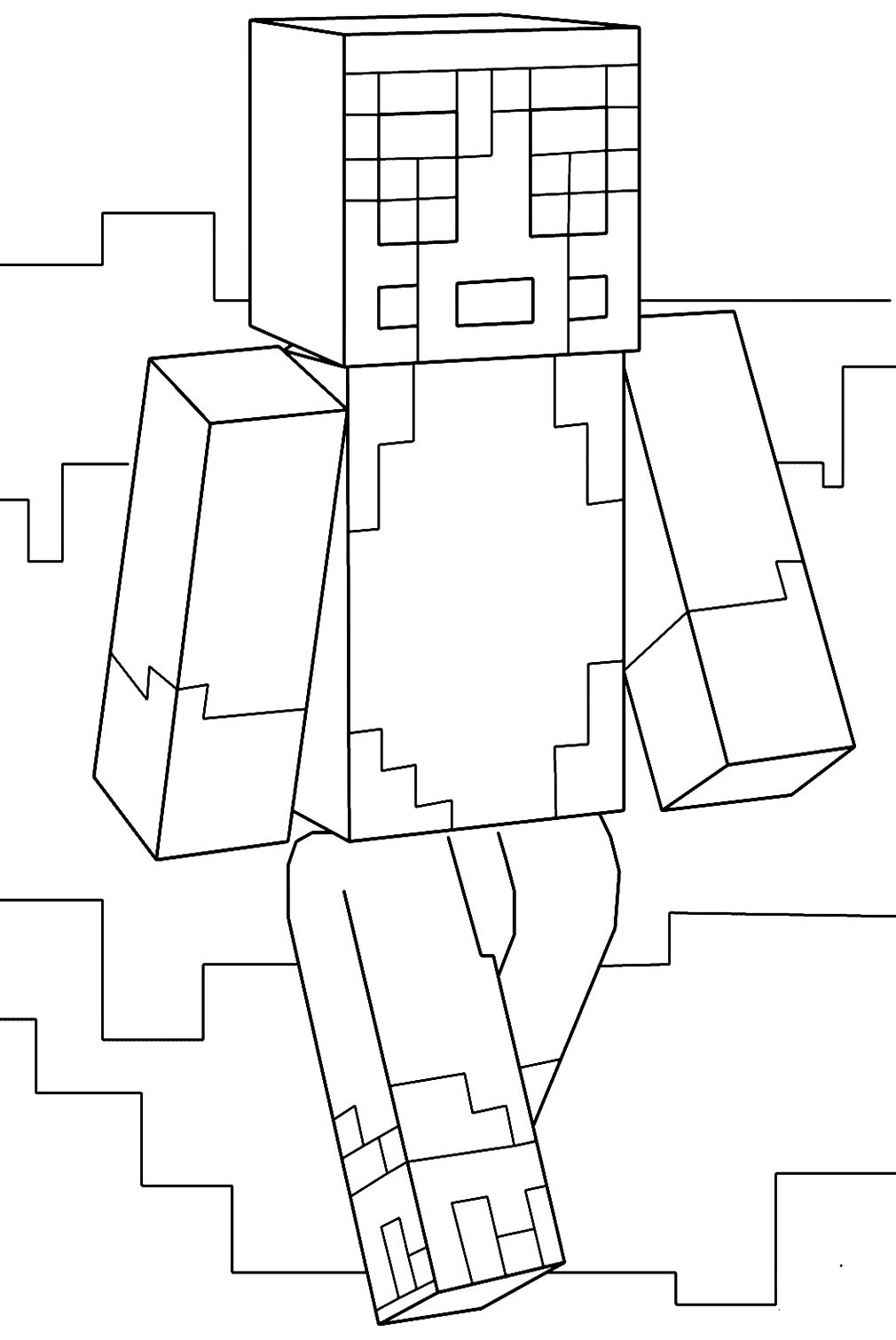
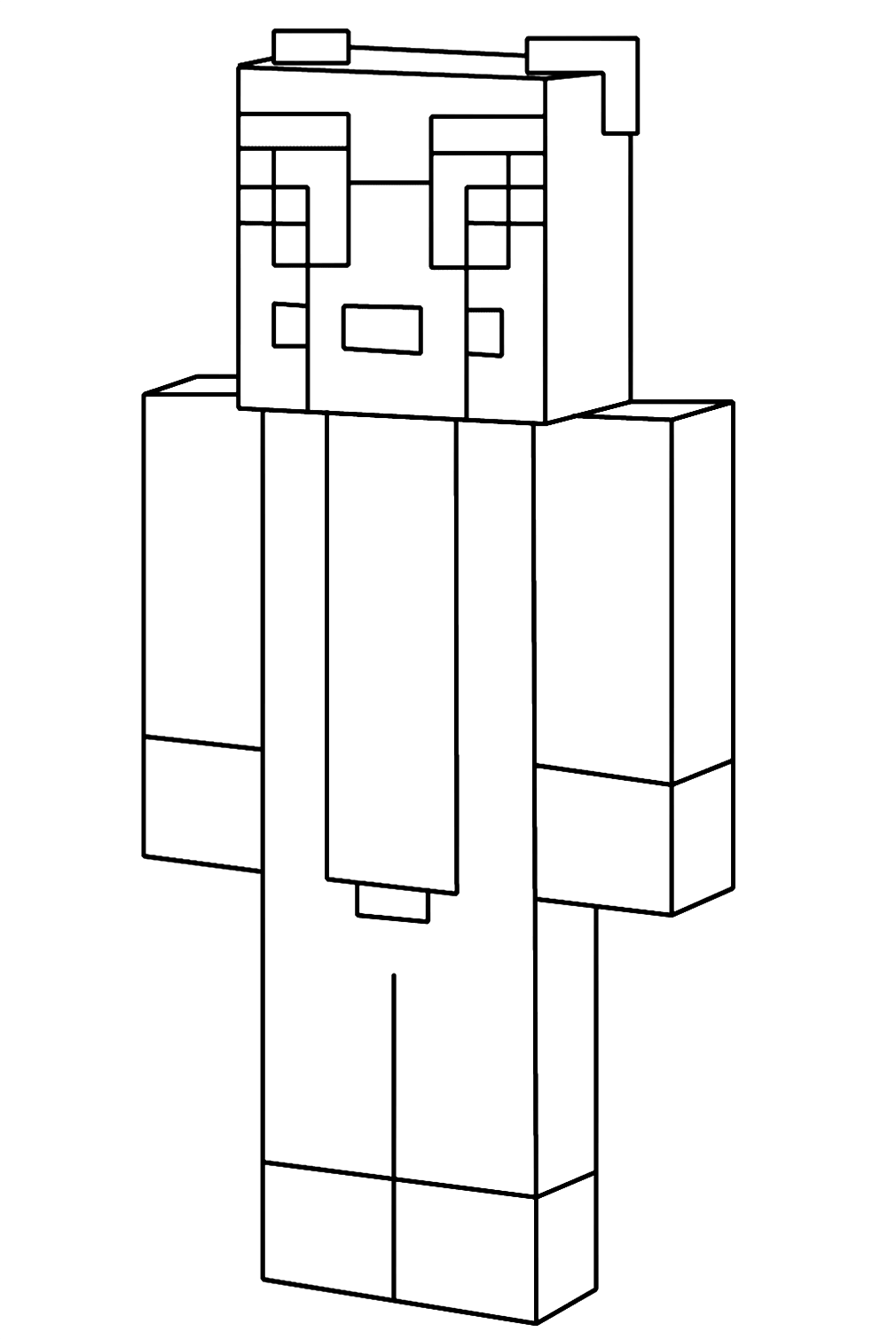
Design a custom Minecraft skin. Print a blank Steve or Alex outline page and treat it as a canvas for your own custom character skin design rather than as a coloring page for the canonical character. Minecraft’s skin system allows players to replace Steve or Alex’s appearance with any design they can create within the 64×64 pixel grid – and the coloring page format, with its large squares that correspond to the pixel regions of the skin, is a natural tool for designing and previewing a skin concept. Plan a complete skin: choose a theme (pirate, space explorer, chef, samurai, medieval knight, athlete), design the appropriate costume elements in the correct color for each region of the character’s body, and color the page accordingly. The finished page is a visual prototype for a Minecraft skin you could actually recreate in a skin editor.
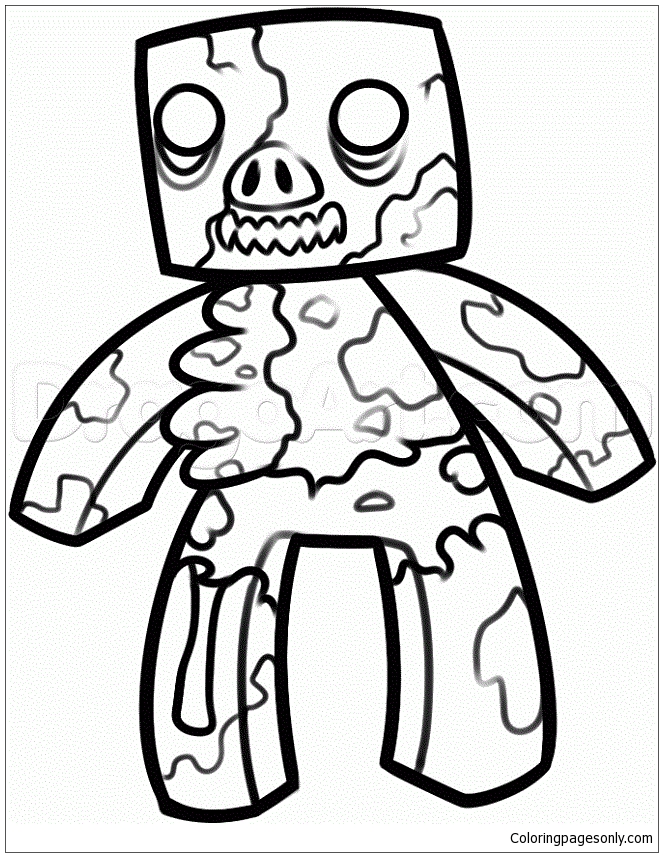
Build a Minecraft dimensions poster series. Print three landscape pages from the collection – one that can represent the Overworld (any outdoor or daylight scene featuring grass, trees, or sky), one that can represent the Nether (any dark or underground scene, or the Zombie Pigman pages, which are Nether inhabitants), and one that can represent The End (the Ender Dragon page). Color each in the specific atmospheric palette of its dimension: the bright green, blue, and tan of the Overworld; the deep red, orange, and black of the Nether with its lava-glow lighting; and the deep void-black with pale obsidian gray of The End. Label each finished page with the dimension name and mount them as a three-panel Minecraft world map. This creates a visual summary of the game’s complete dimensional structure – the three worlds that Minecraft survival progression takes the player through.
Create a Minecraft story comic. Print three to five pages in a narrative sequence – Steve, then a Creeper page, then a fight scene page, then a diamond armor page, then the Ender Dragon – and color each in its canonical Minecraft palette. Below each finished page, write one to three sentences of story text narrating what is happening in the scene: Steve begins his first day, builds a shelter, survives the night, mines for diamonds, equips himself for battle, and confronts the final boss. This creates a six-panel visual narrative of a complete Minecraft survival playthrough – the universal story that every survival mode player experiences in some form, from Day 1 vulnerability to the Ender Dragon encounter that represents the game’s resolution.