
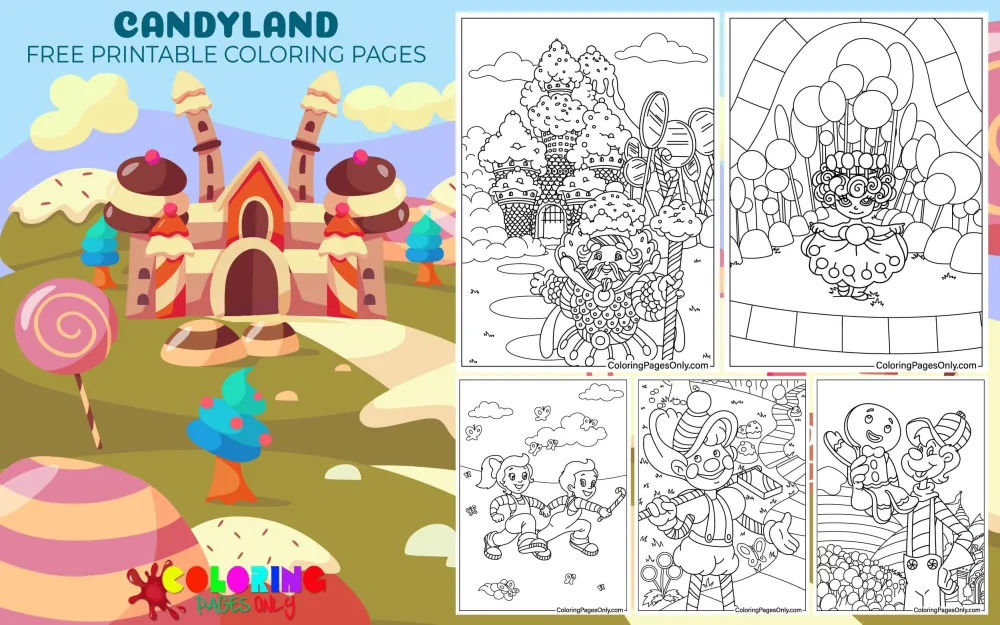
Free Candyland coloring pages: 54 printable PDF designs featuring official game characters, candy-themed scenery, and fantasy mashups, for kids of all ages. Each page can be downloaded as a PDF to print or colored online in the browser.
Candy Land was created in 1948 by Eleanor Abbott, a retired schoolteacher recovering from polio in a San Diego hospital, who designed the game to entertain children confined to the same ward, since it needed no reading and only basic color recognition to play. The characters most people associate with the game today, King Kandy, Lord Licorice, Princess Lolly, and the rest, weren’t part of that original design; Hasbro added them in 1984, 35 years after the game’s release, when it acquired the rights from Milton Bradley. This collection draws on both eras, officially named characters from the 1984 redesign alongside generic candy-themed scenery in the spirit of the earlier, character-free version of the game.
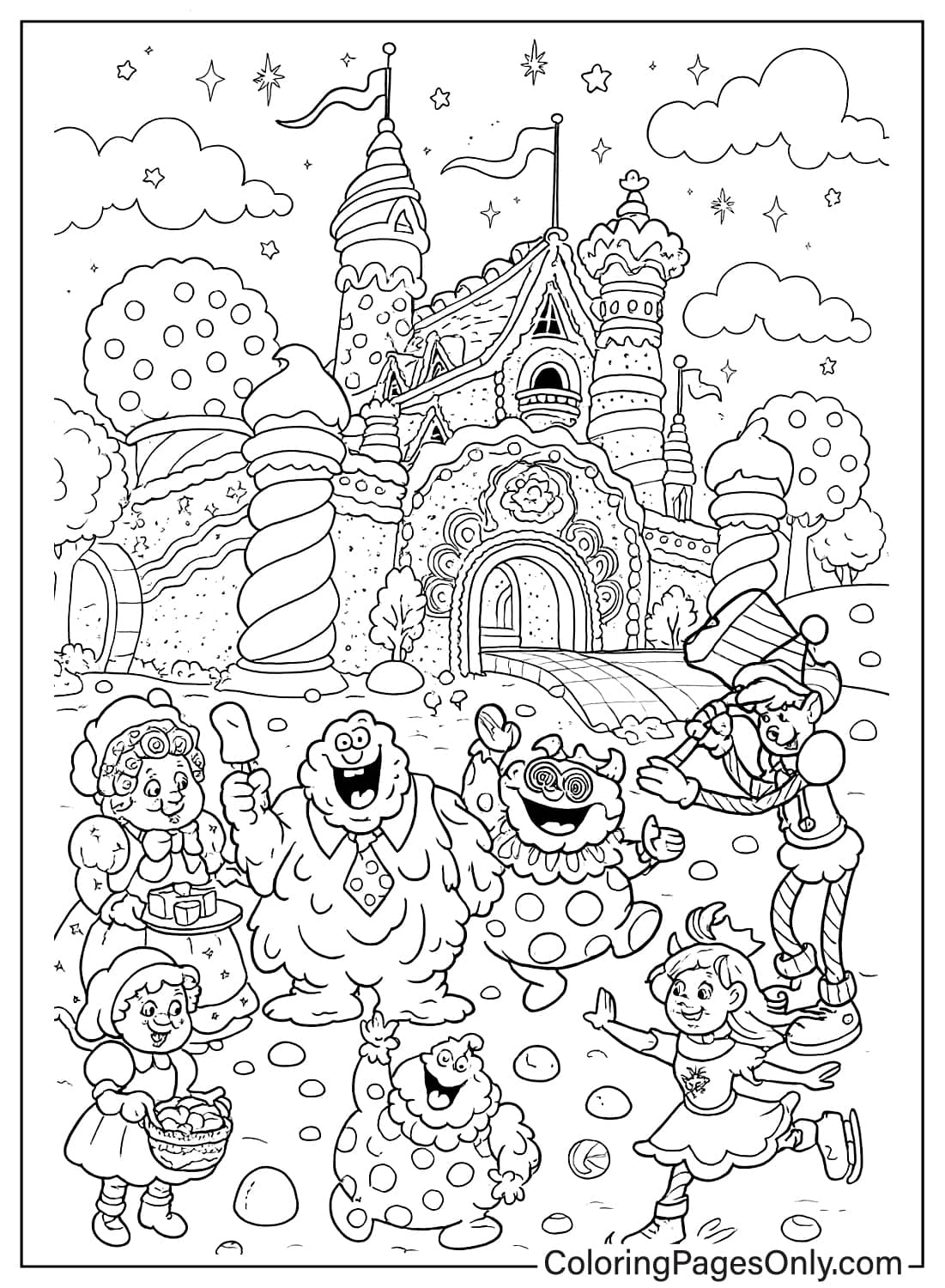
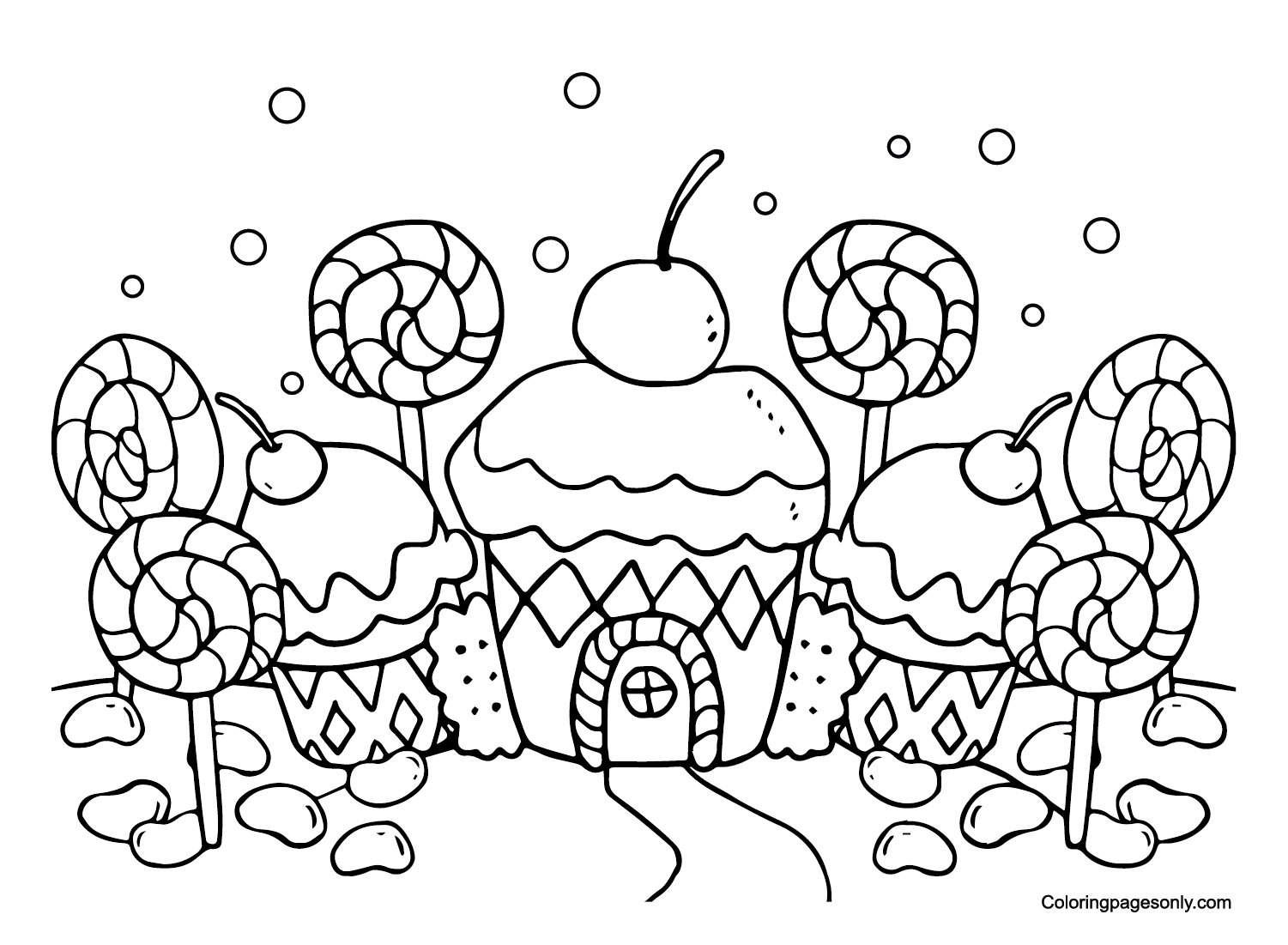
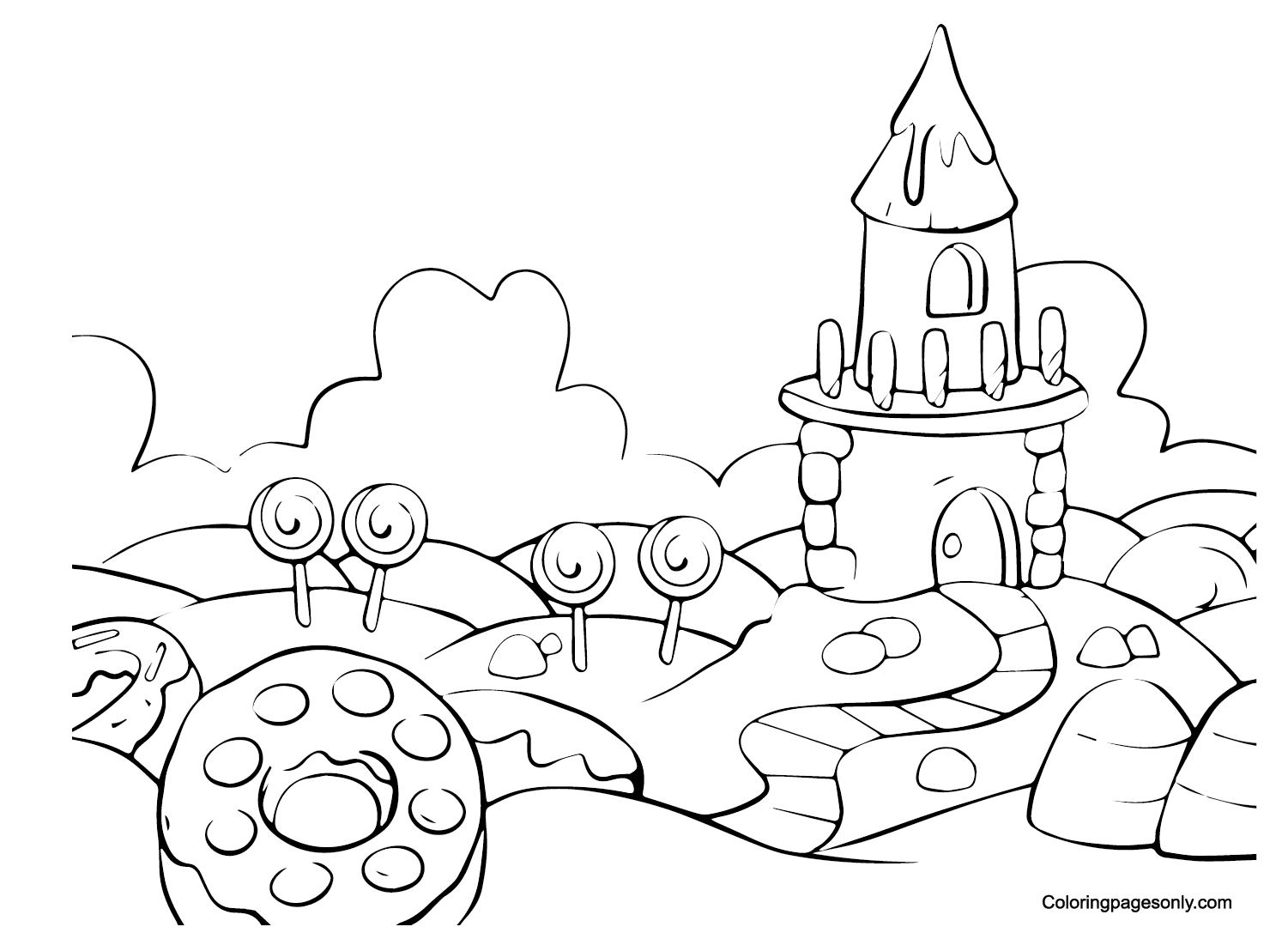
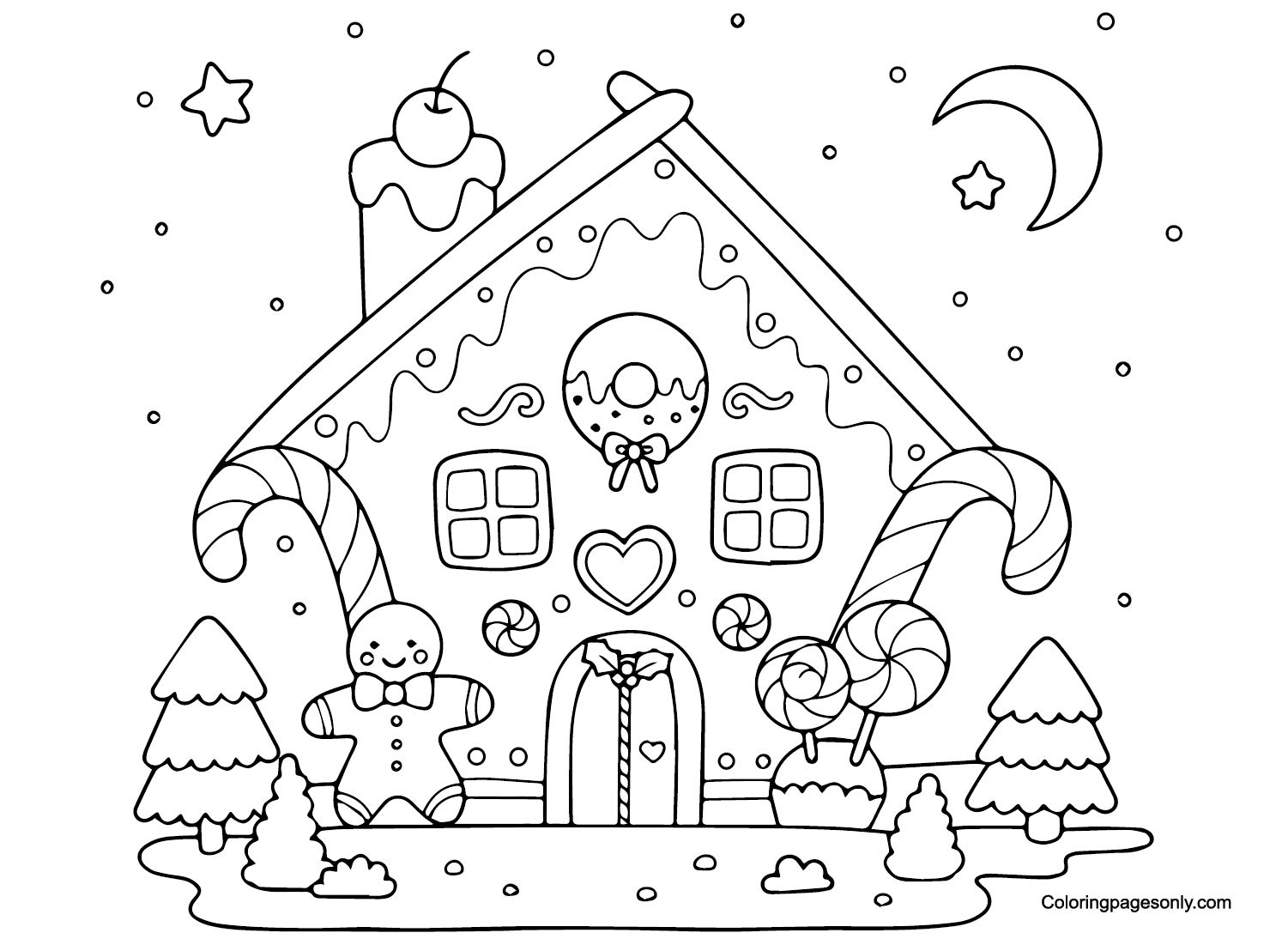
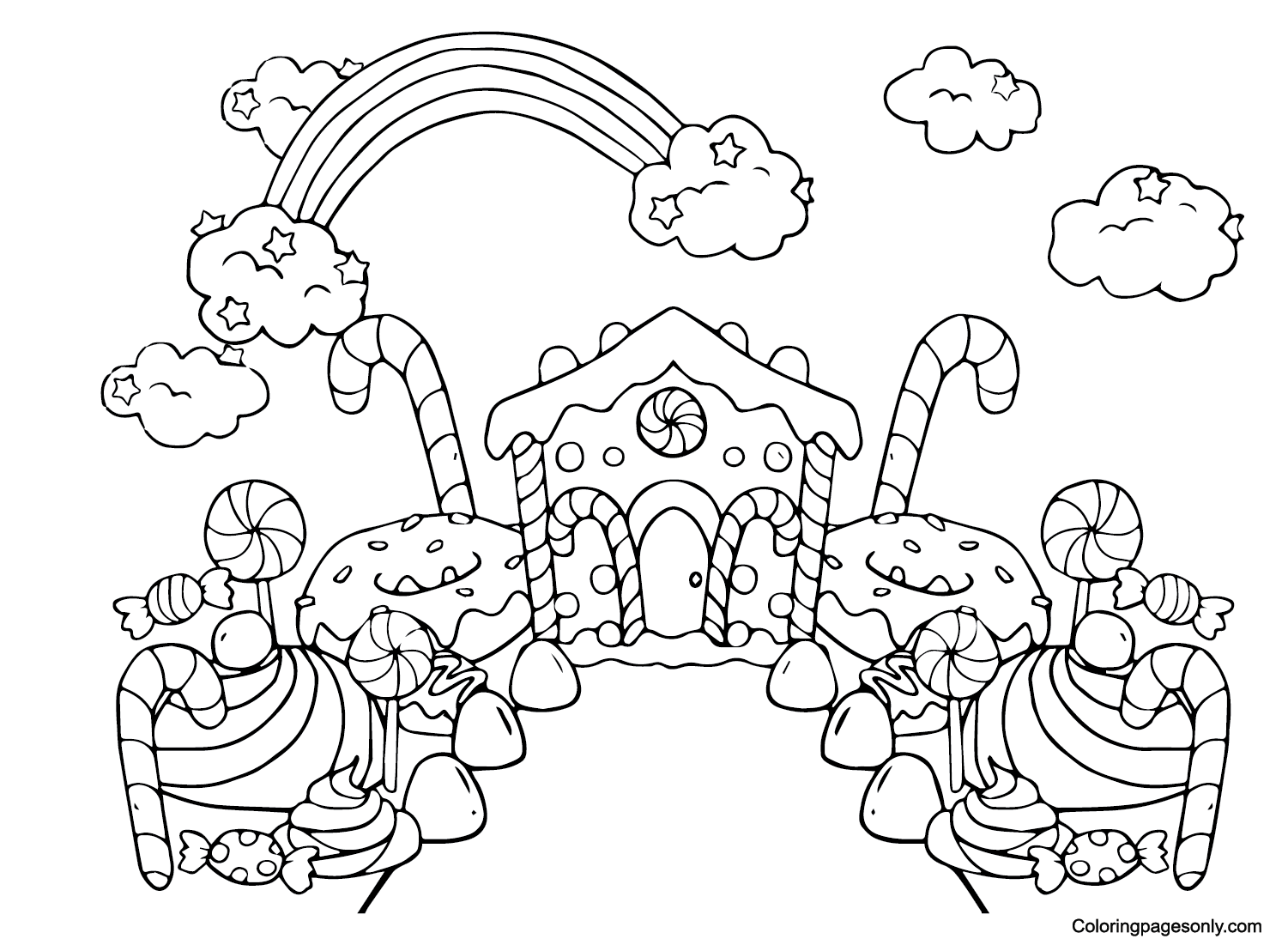
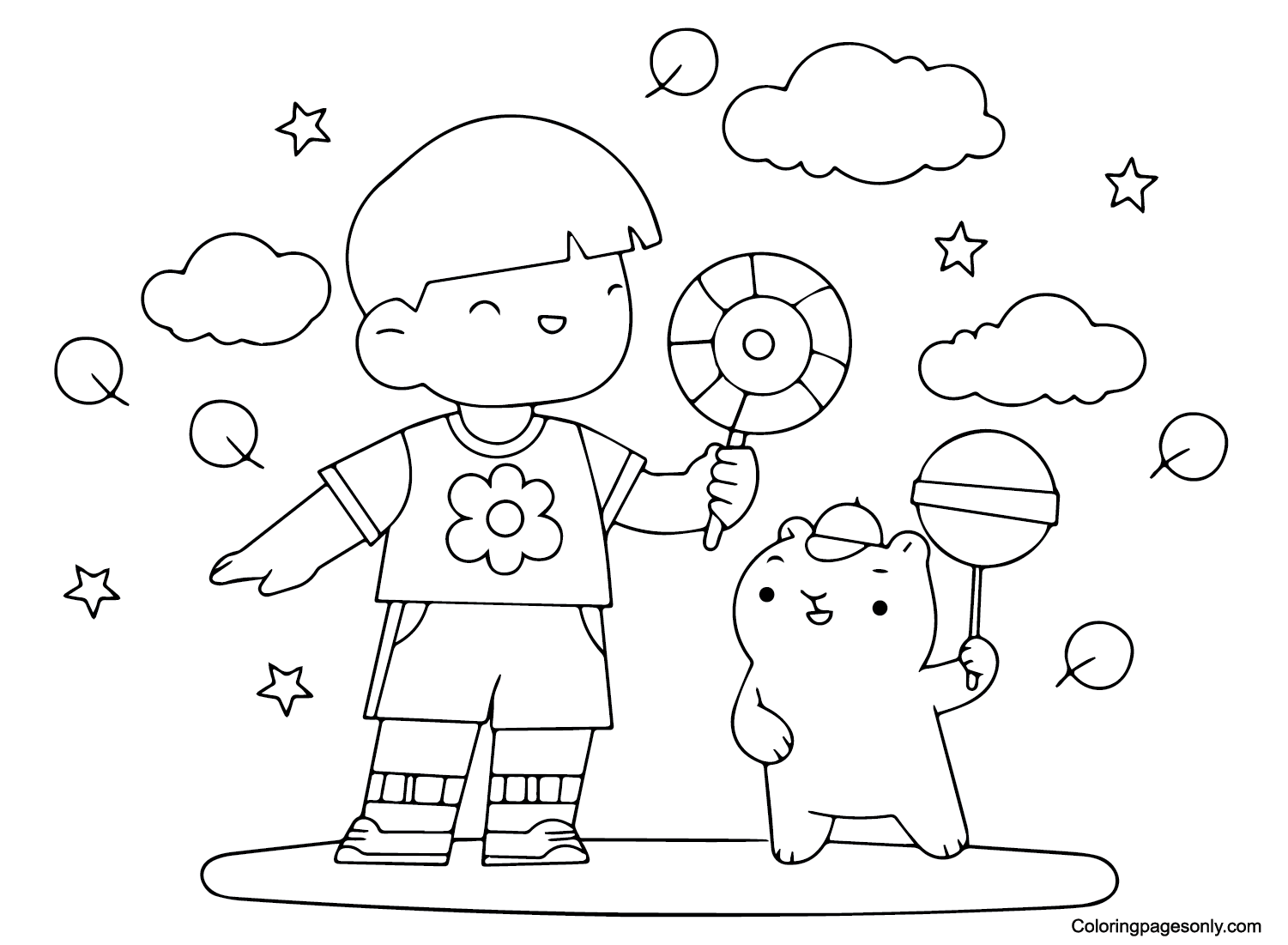
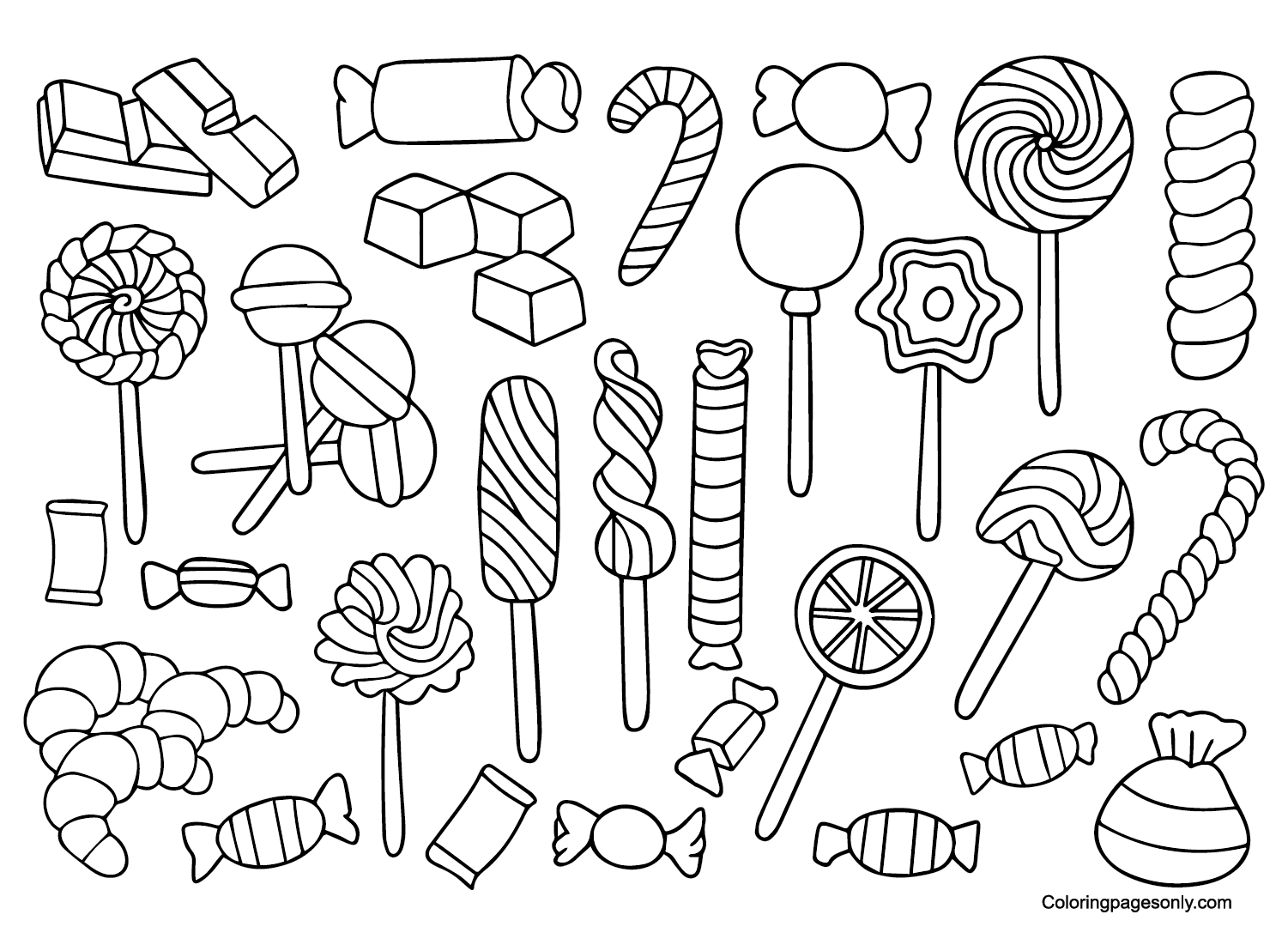
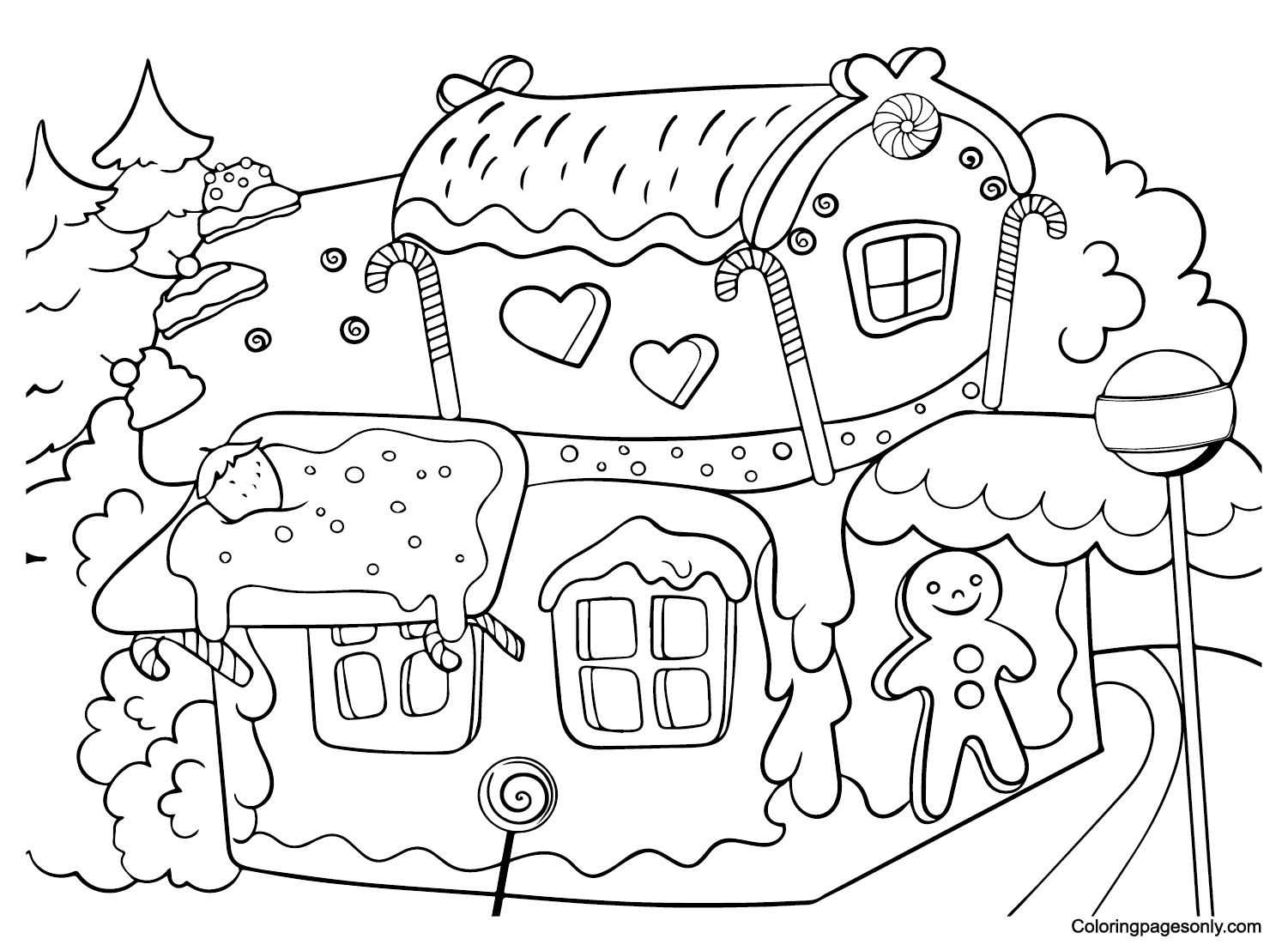
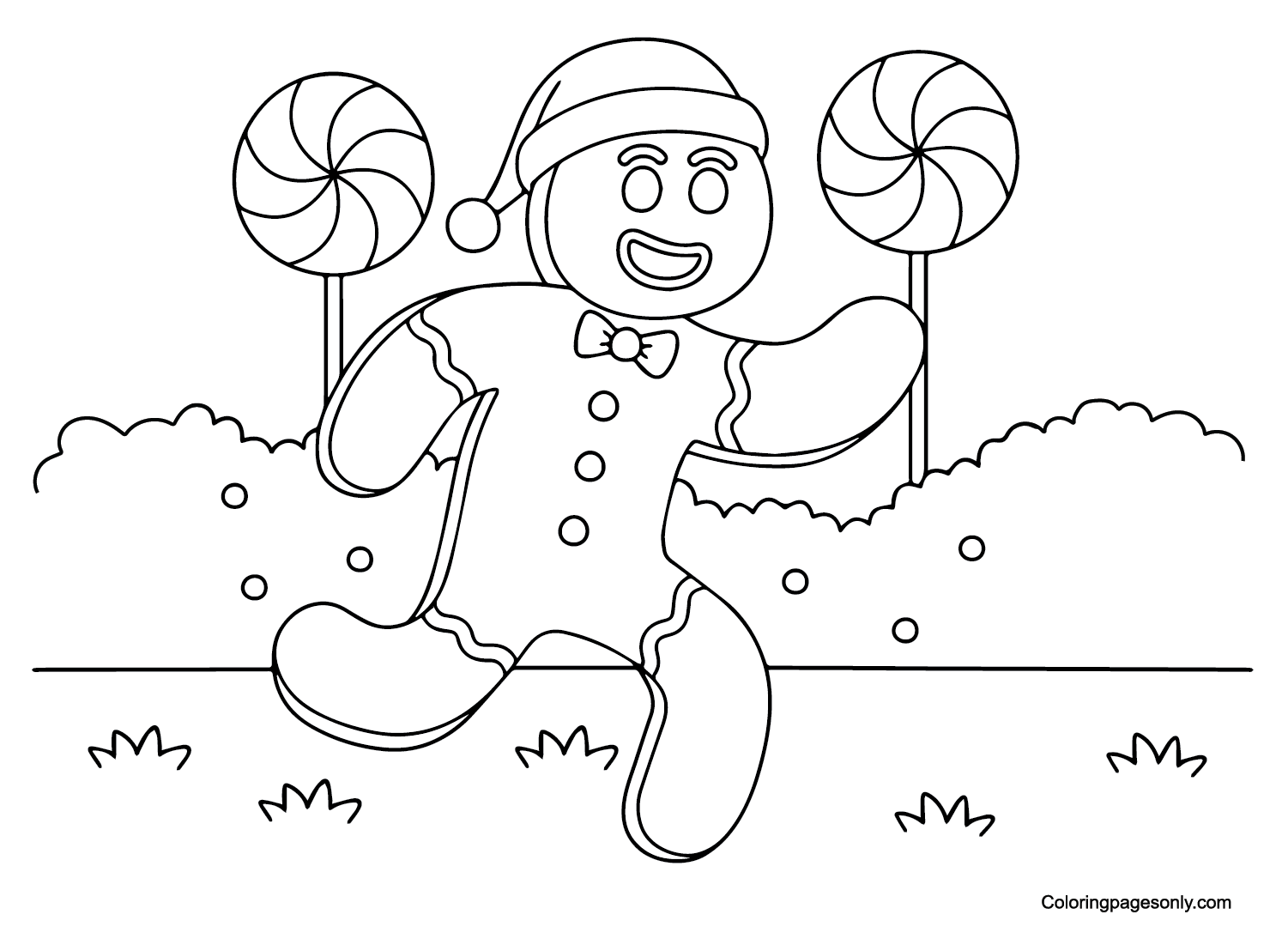
With 54 pages split into five groups, officially named characters, multi-character group scenes, fantasy and animal mashups, generic Candyland locations, and generic utility-named pages, the set works for a fan of a specific character as well as anyone who wants a sweet, colorful scene.


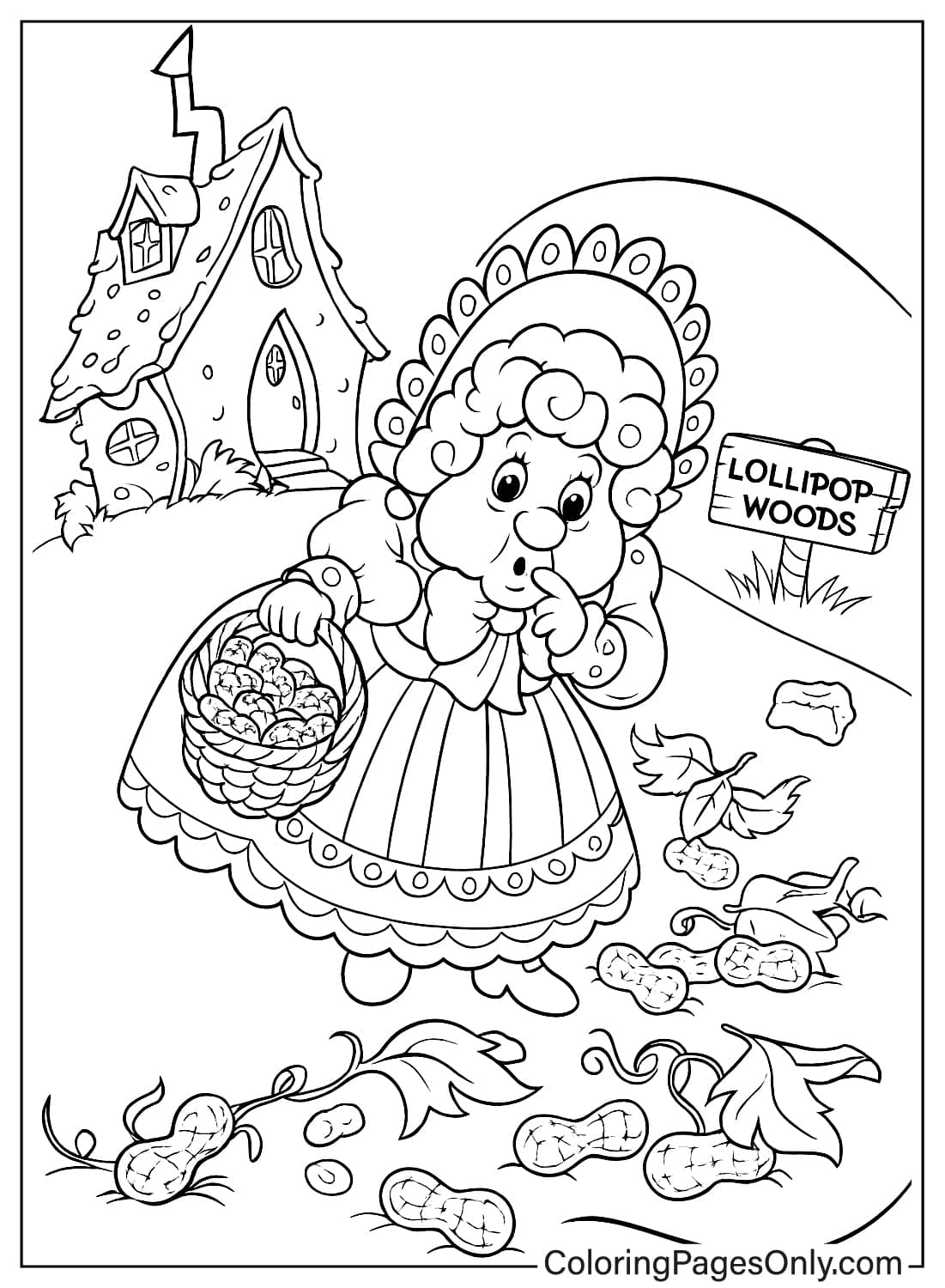
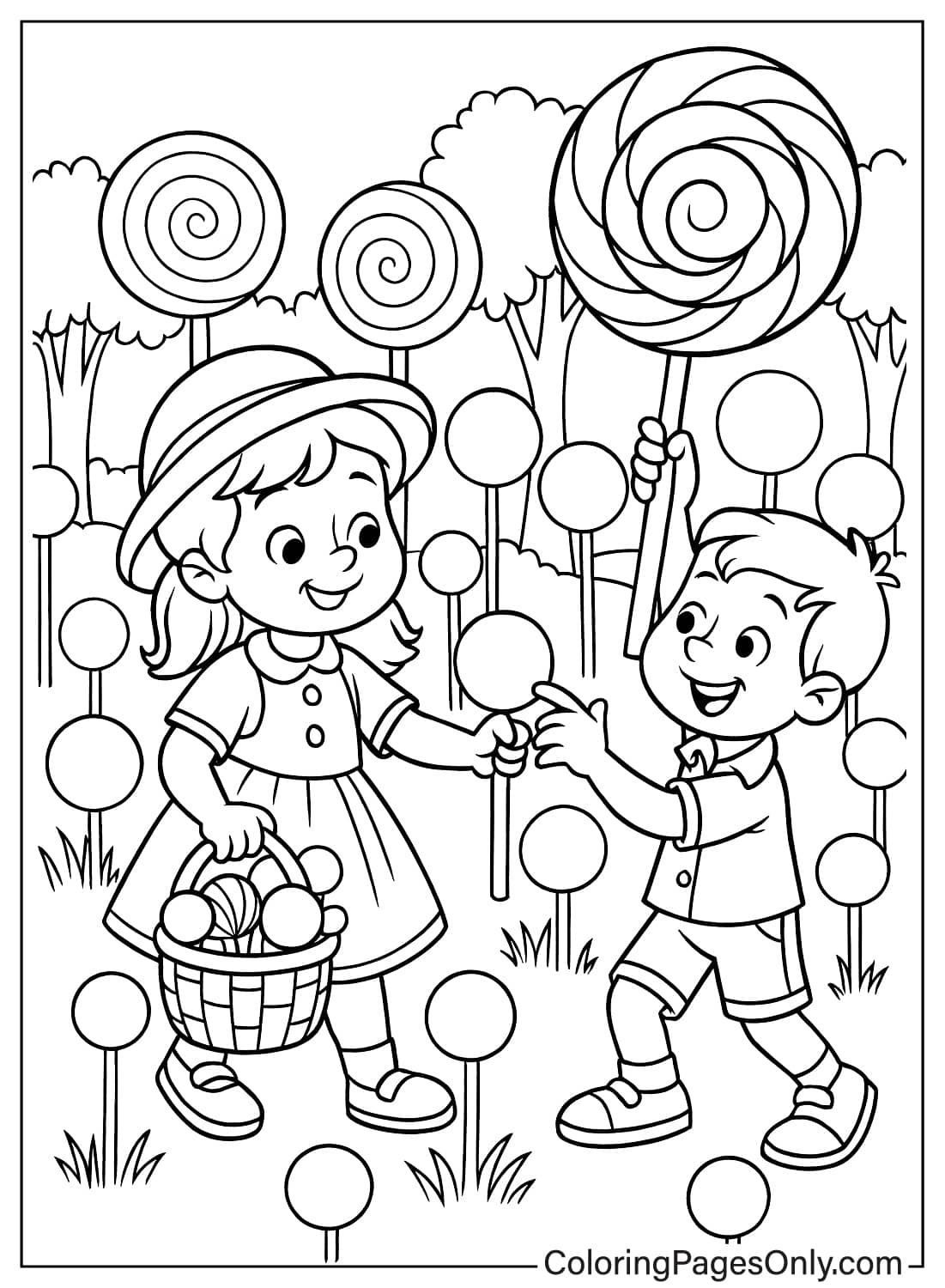
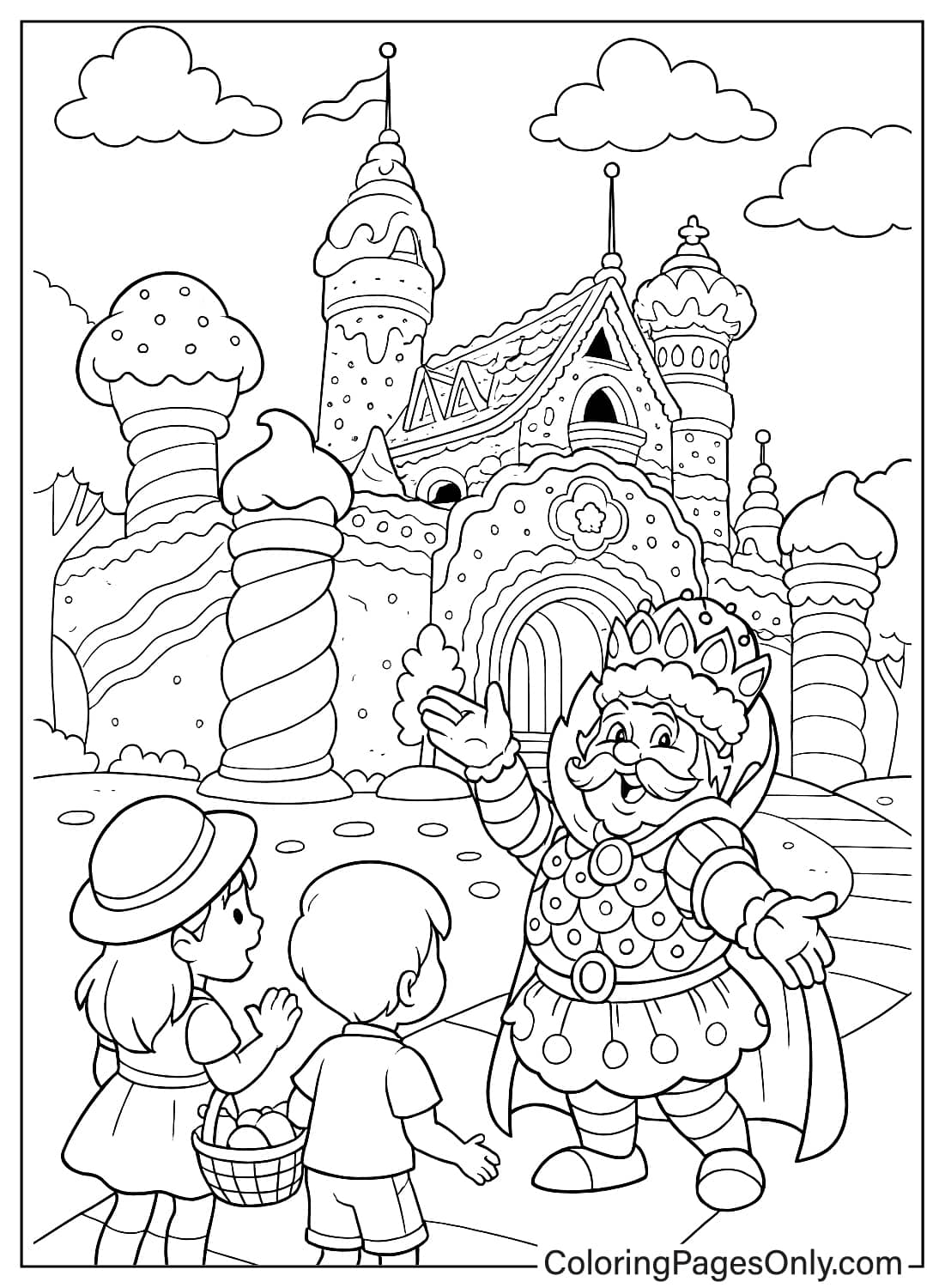
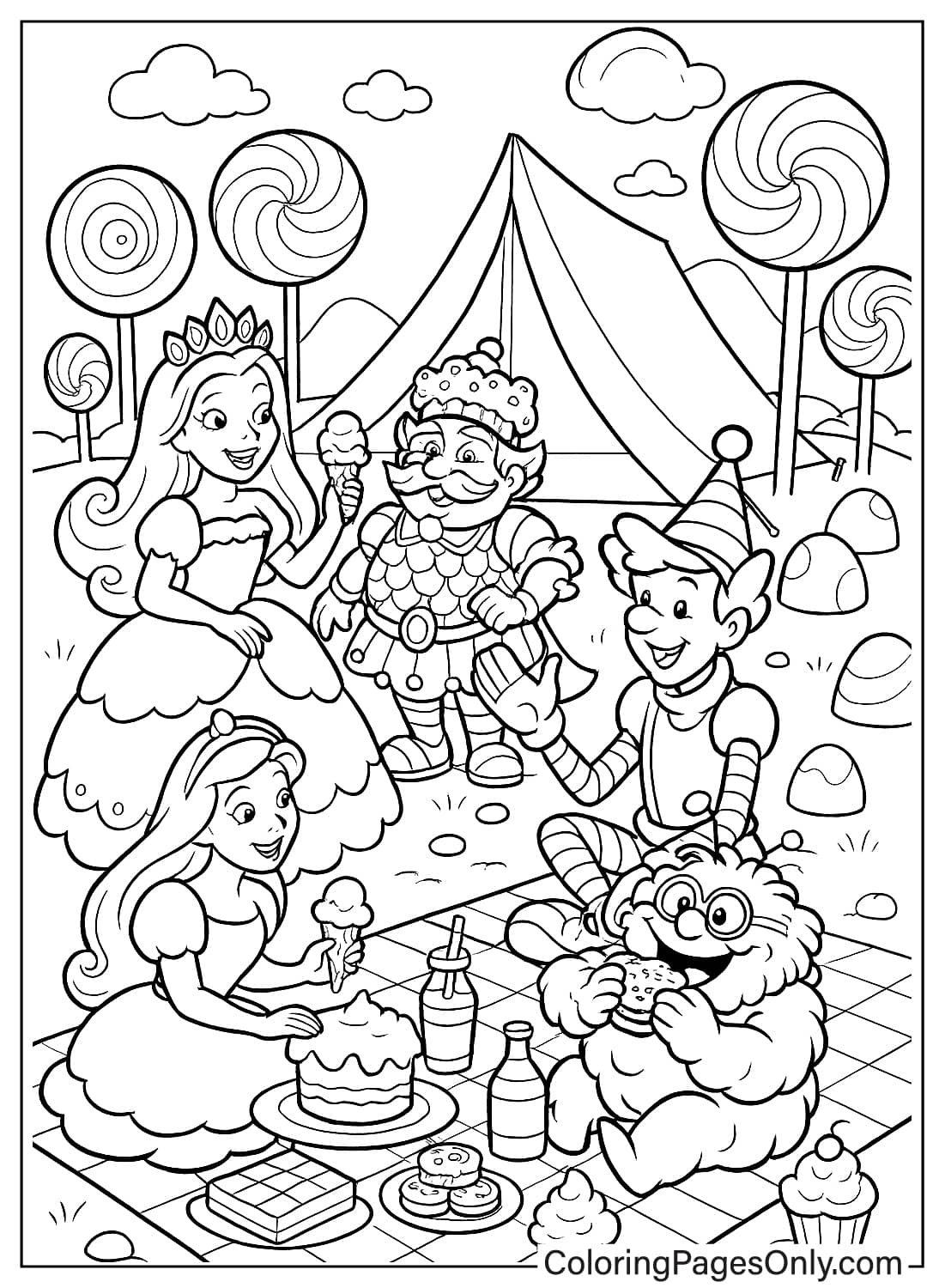
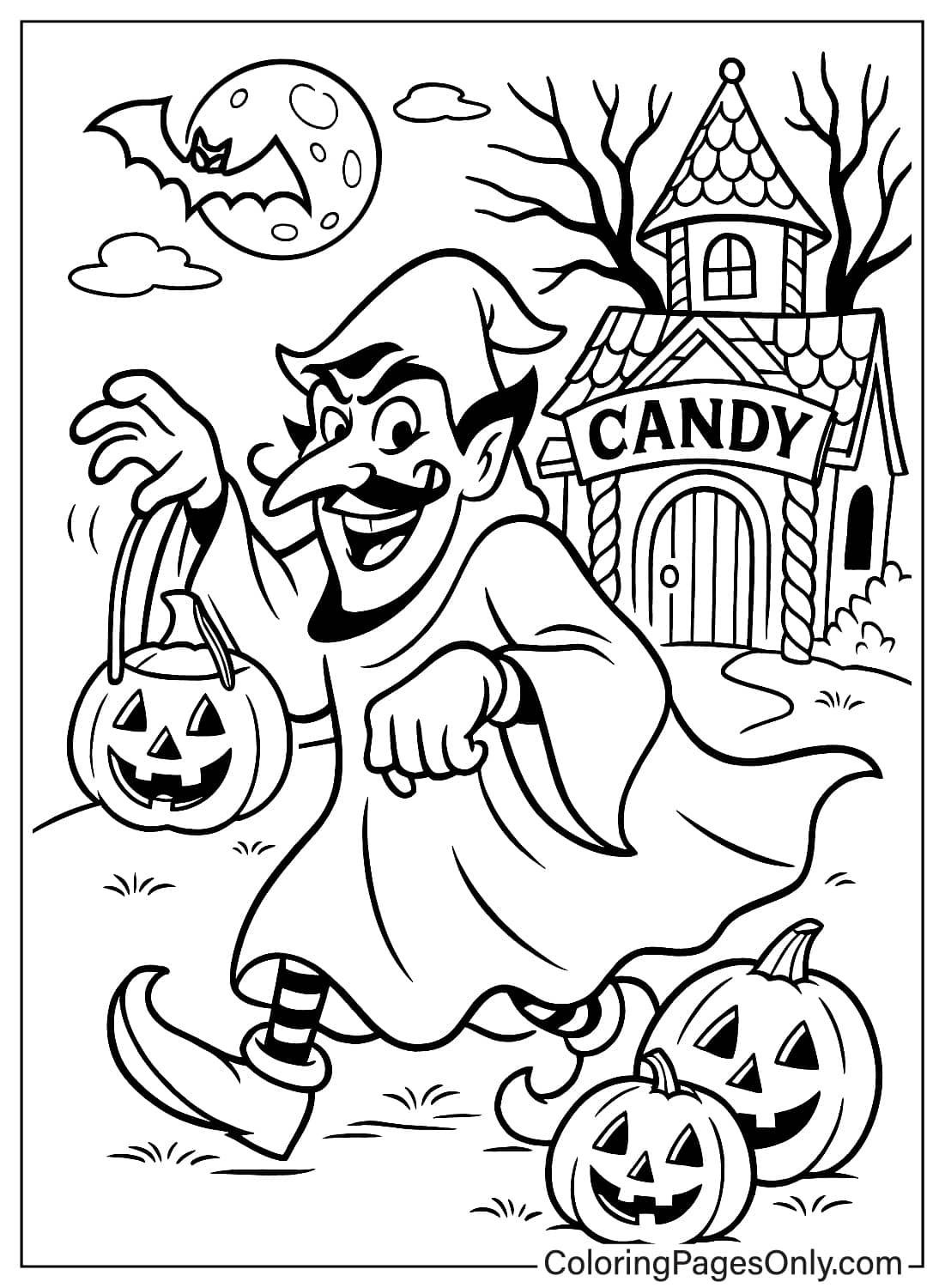
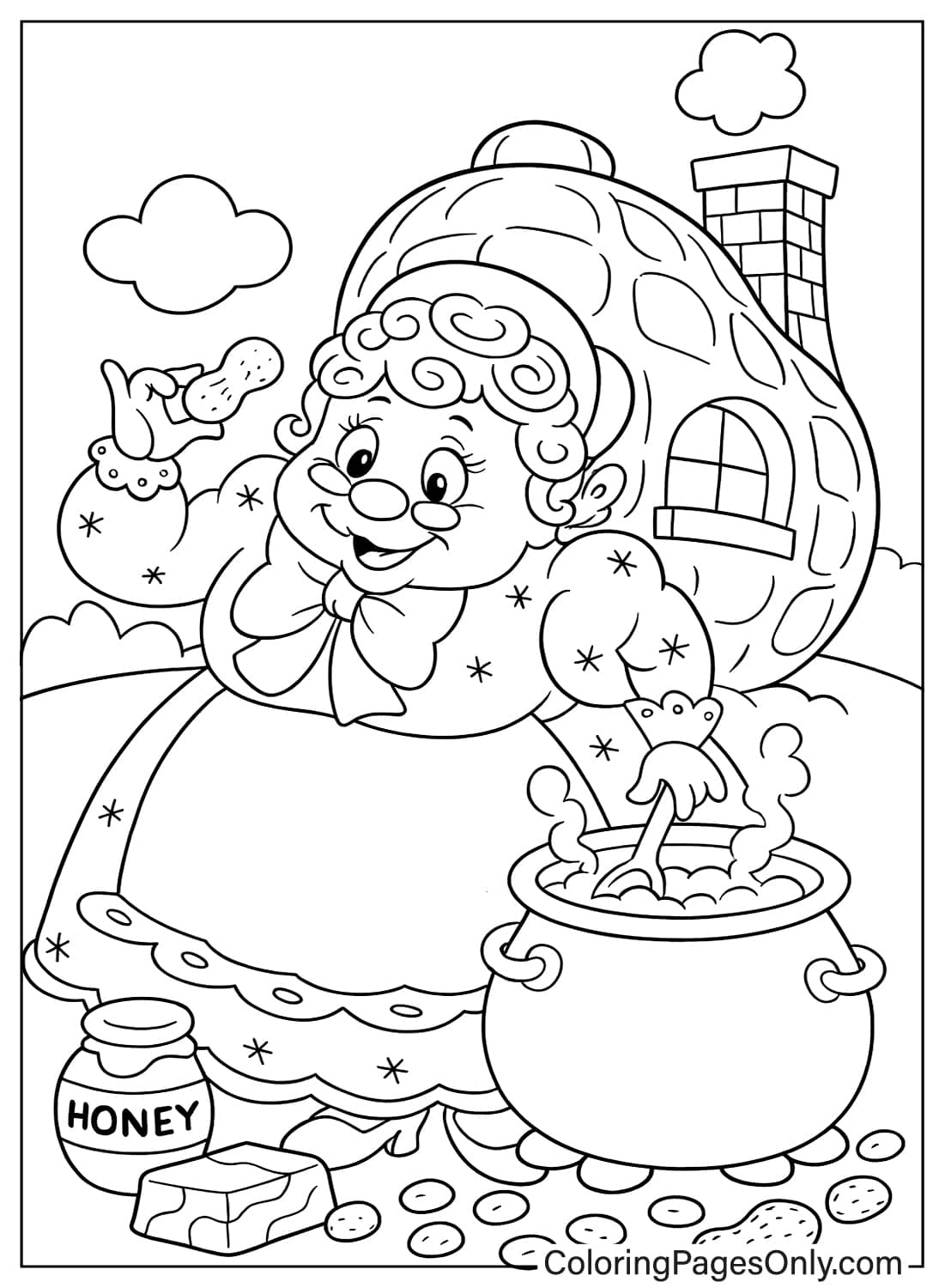
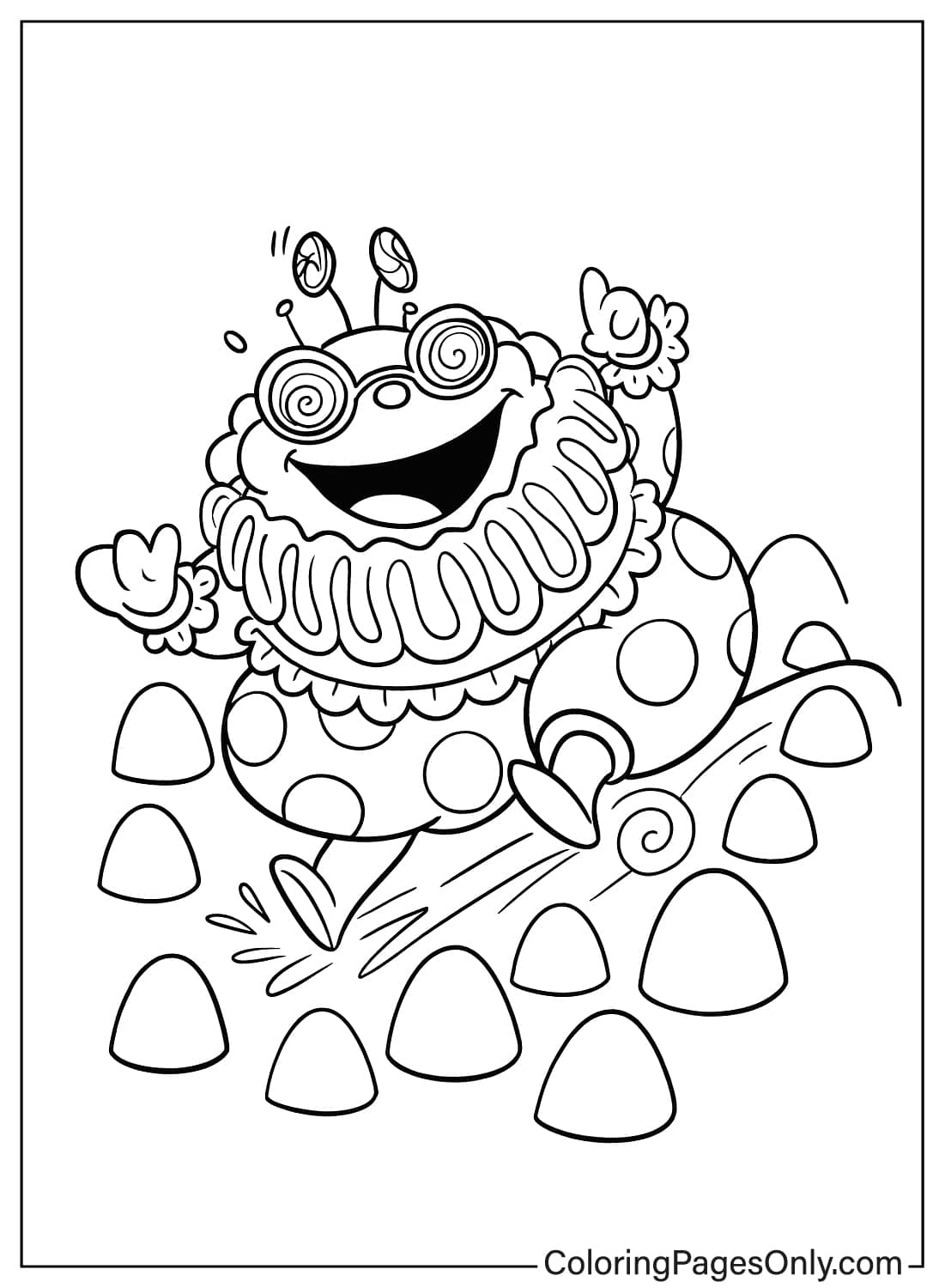

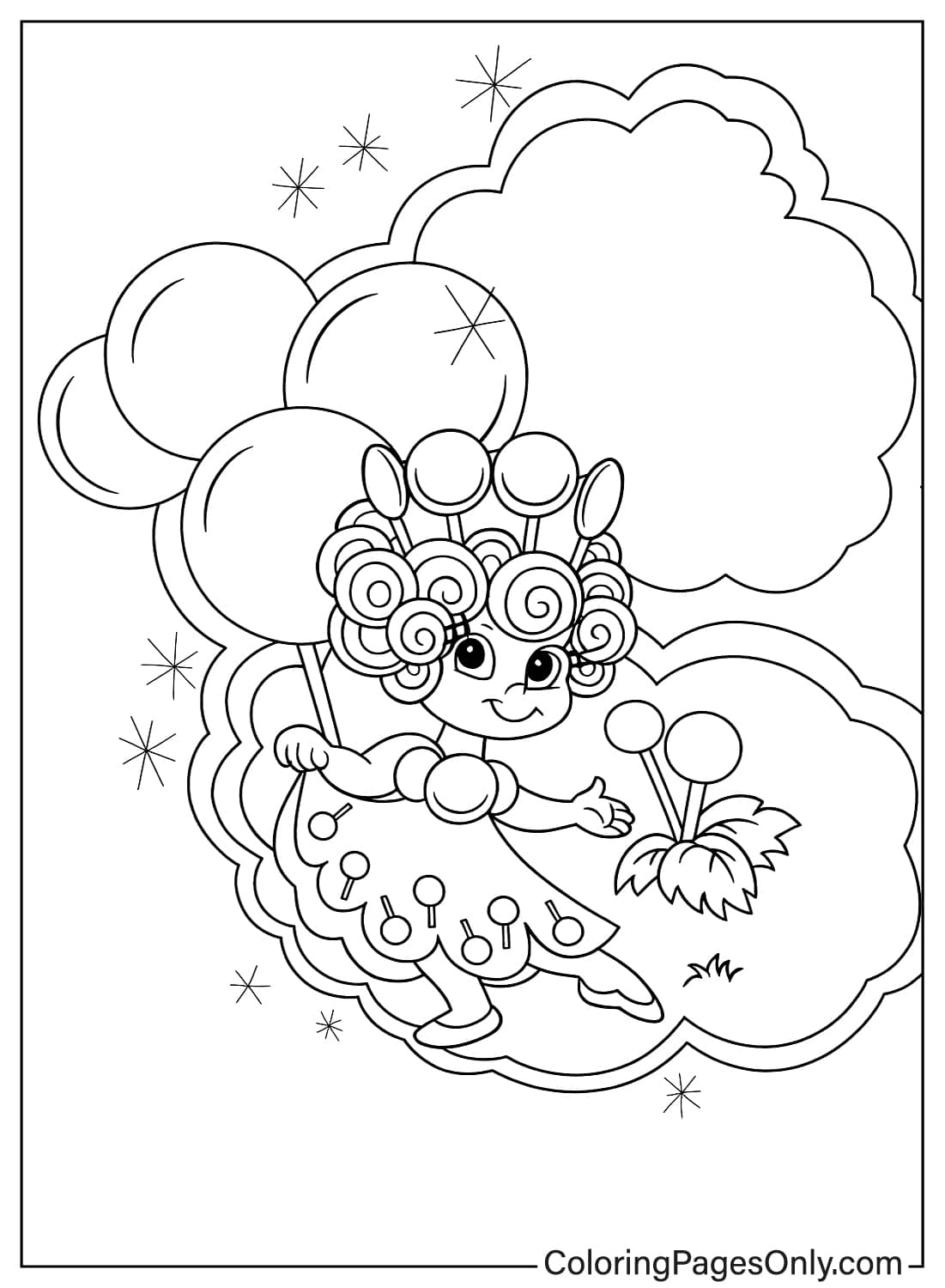
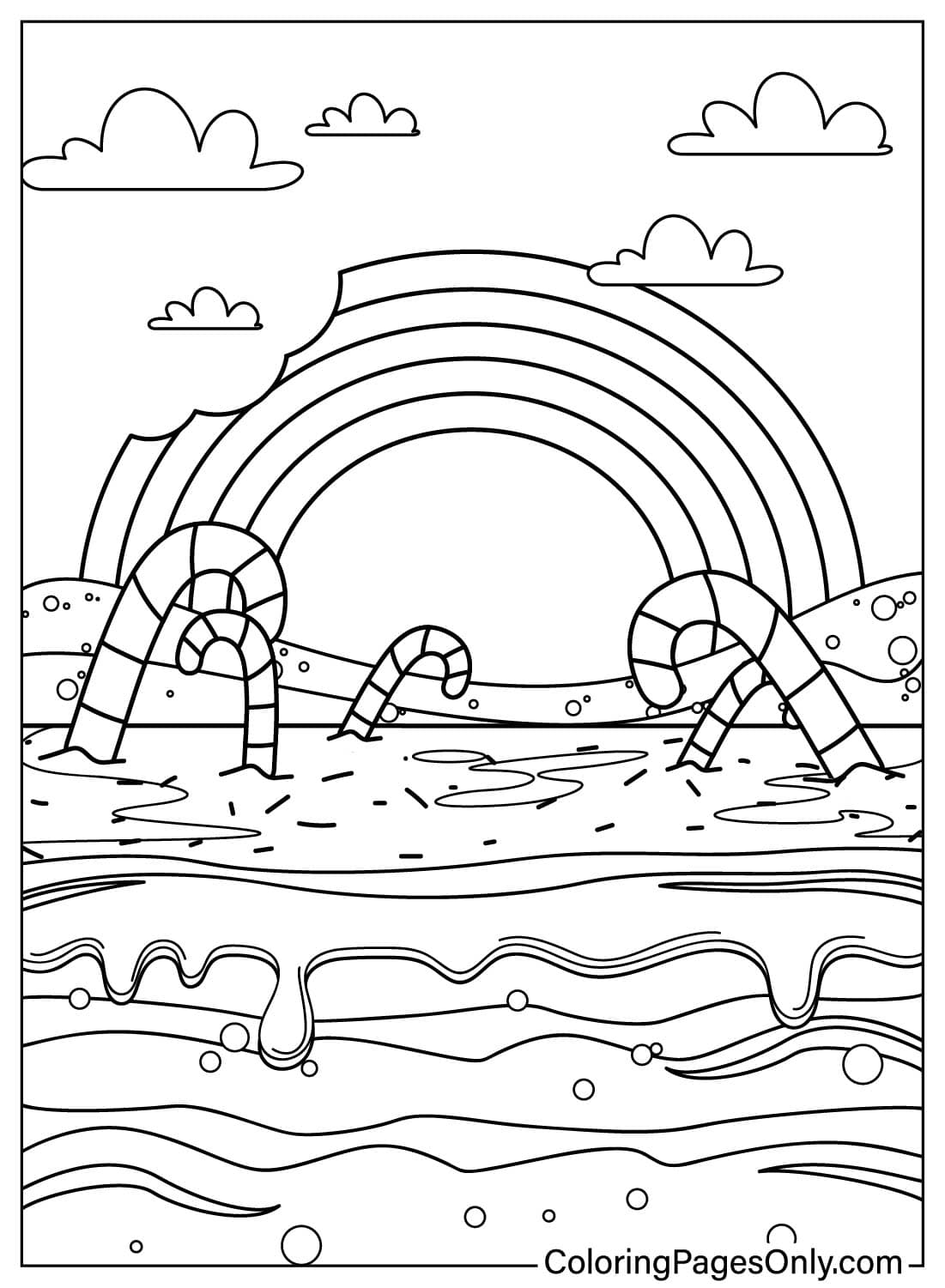
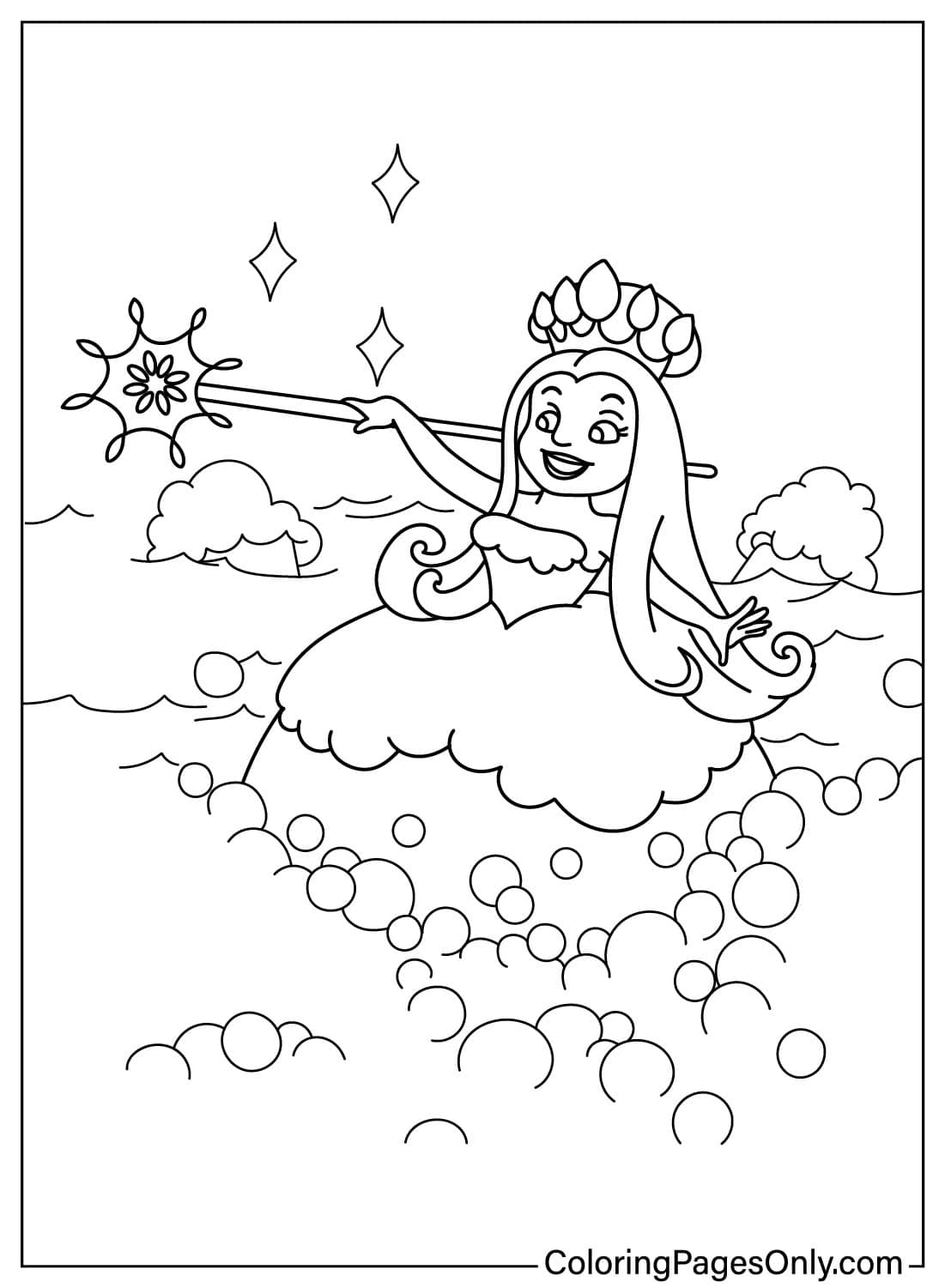
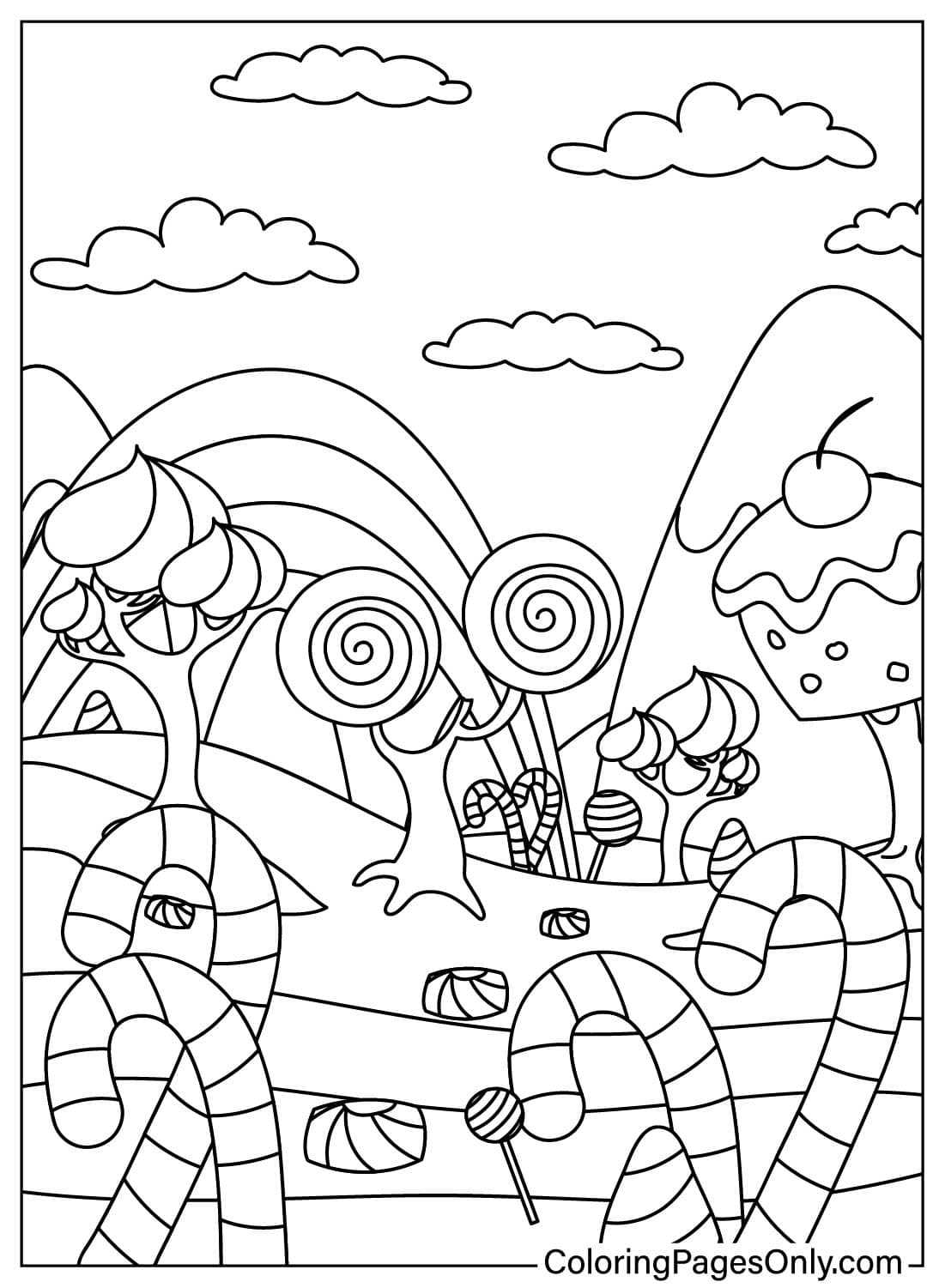
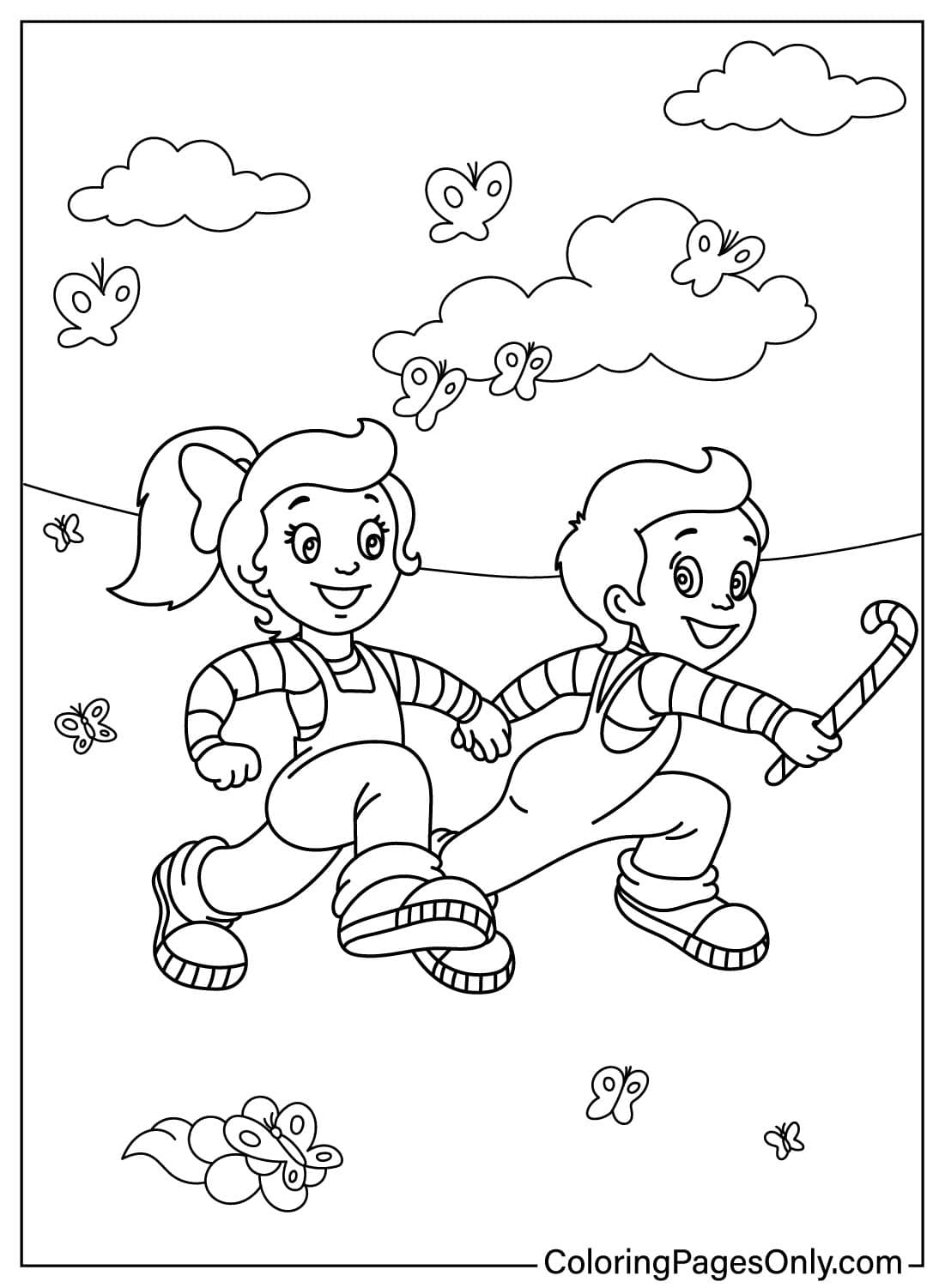
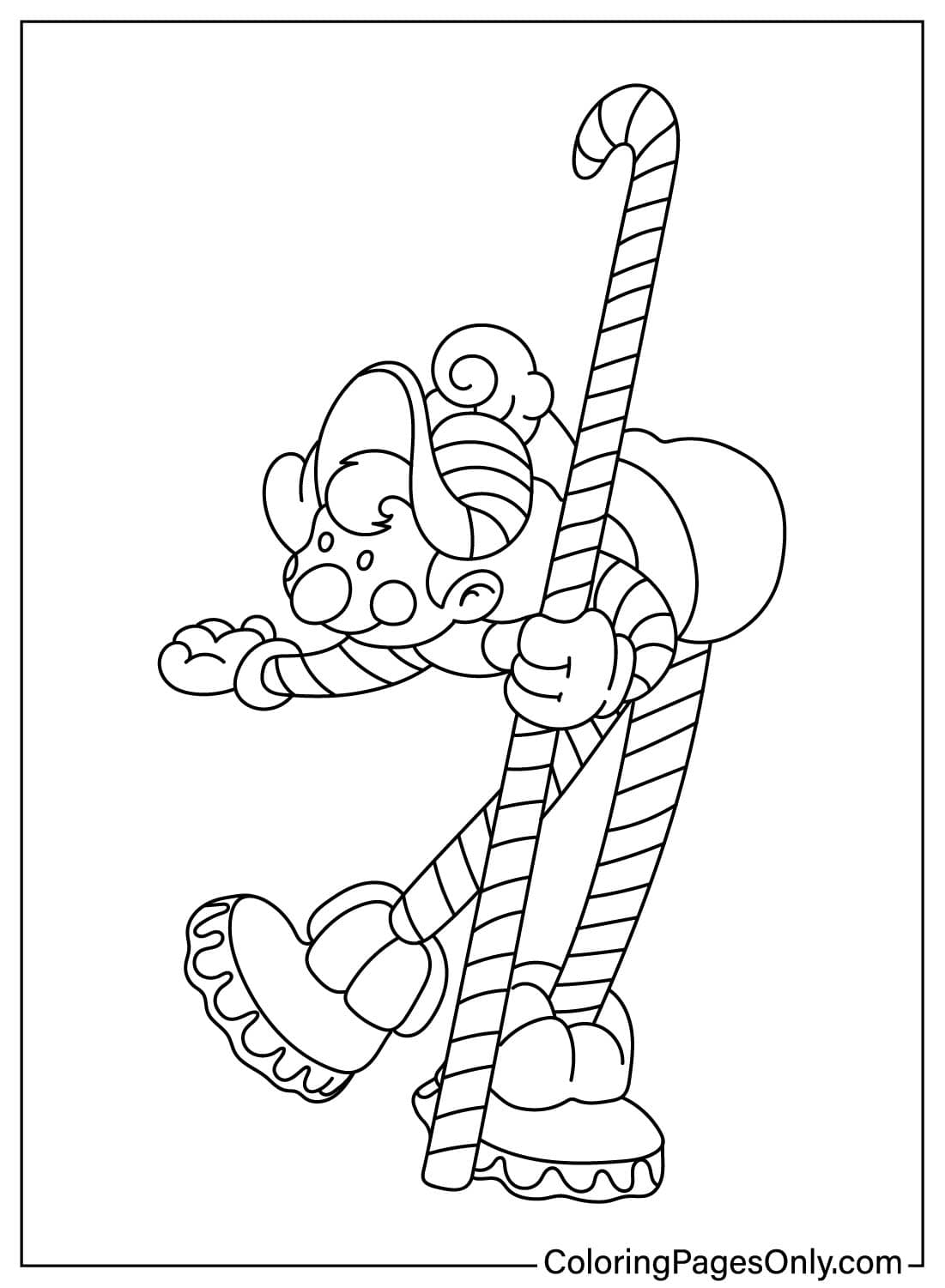
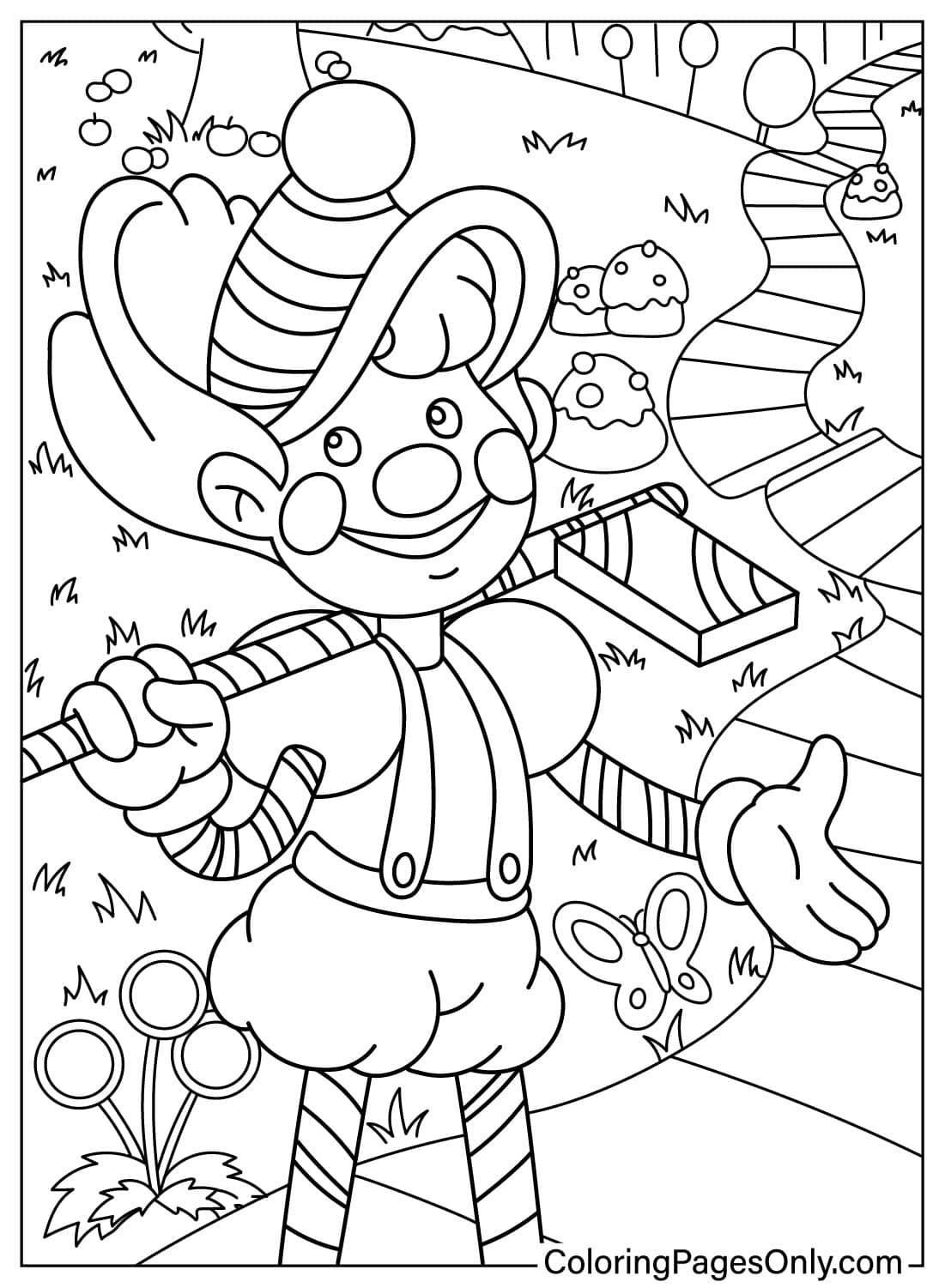
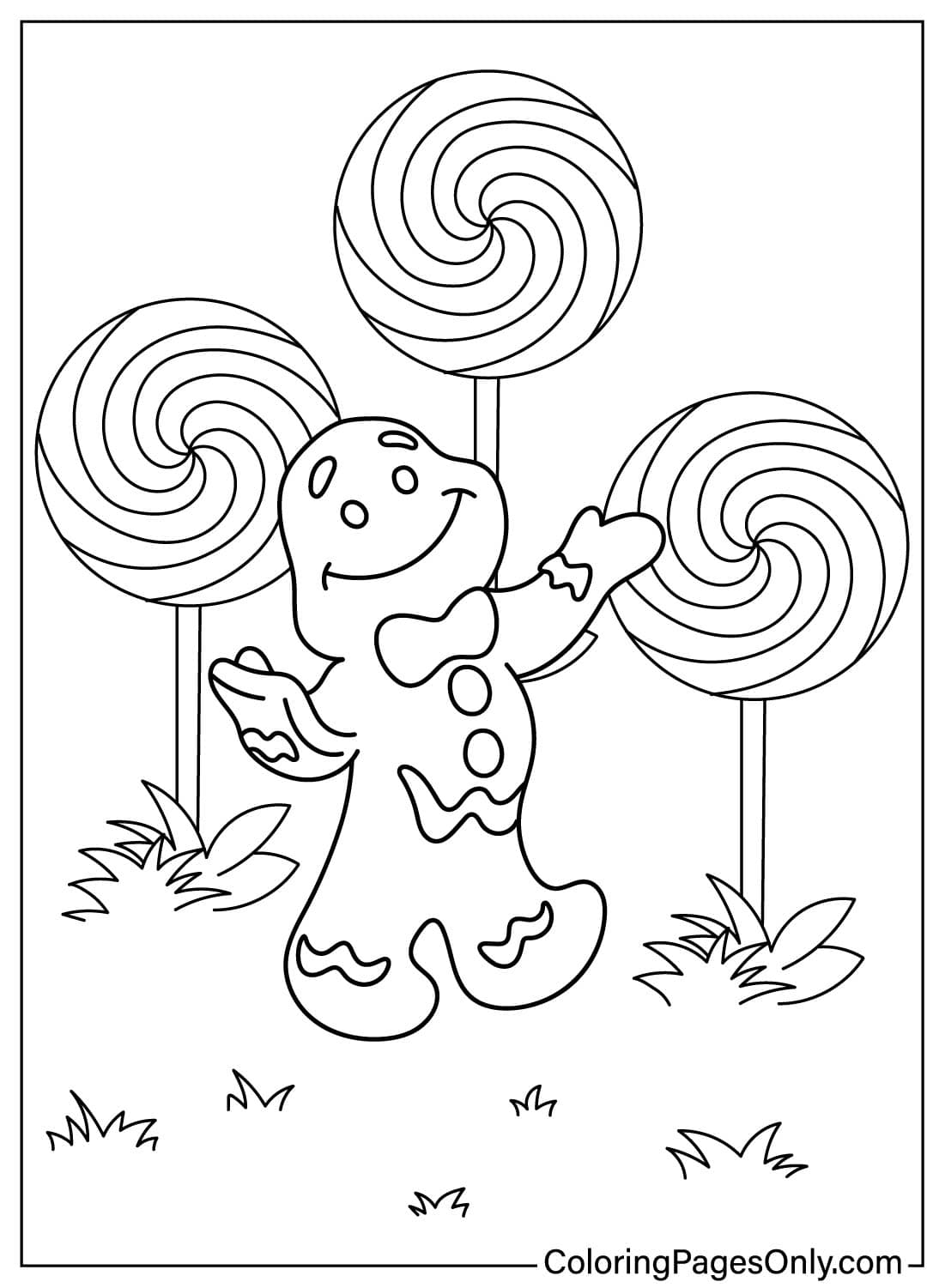
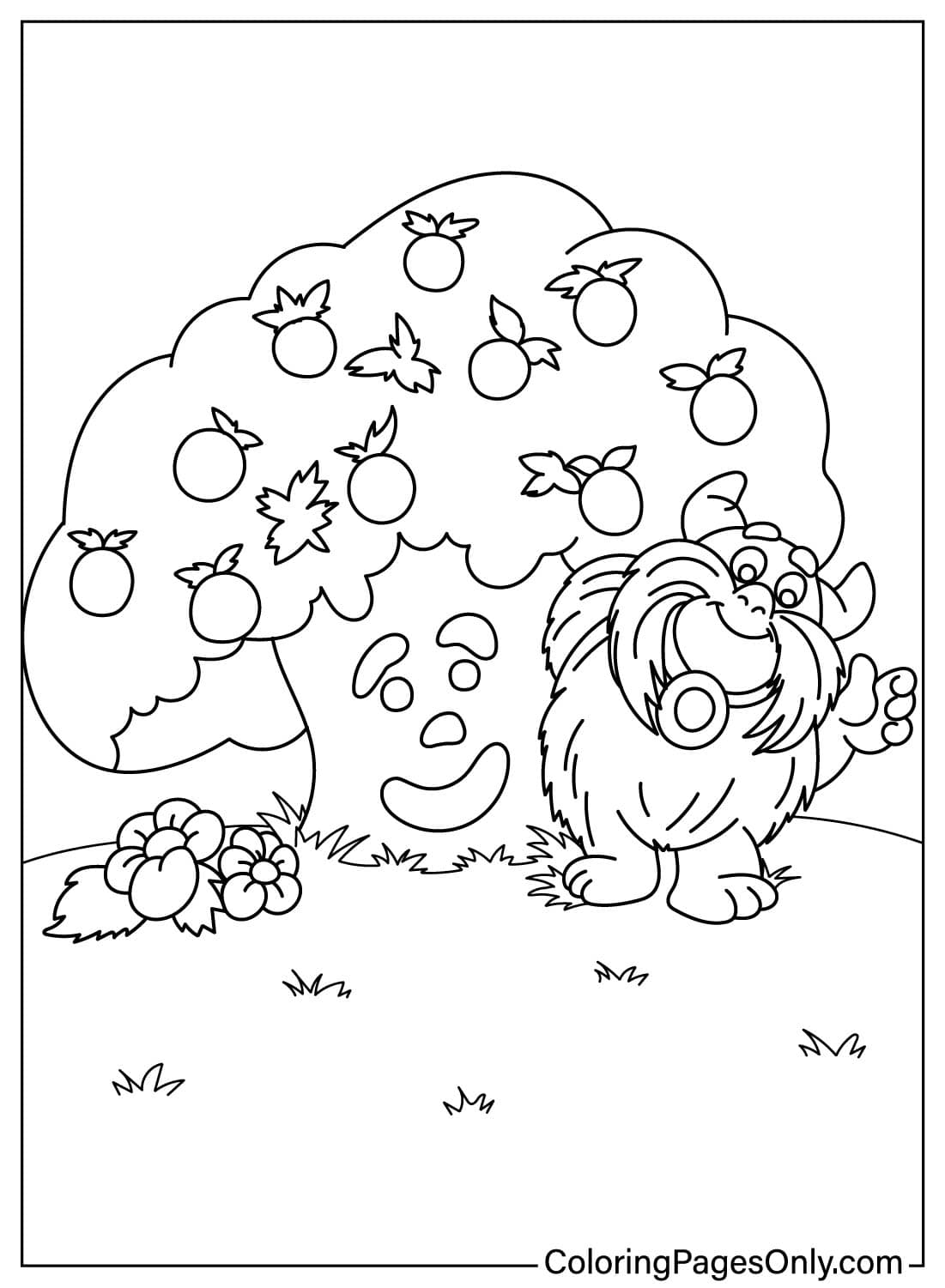
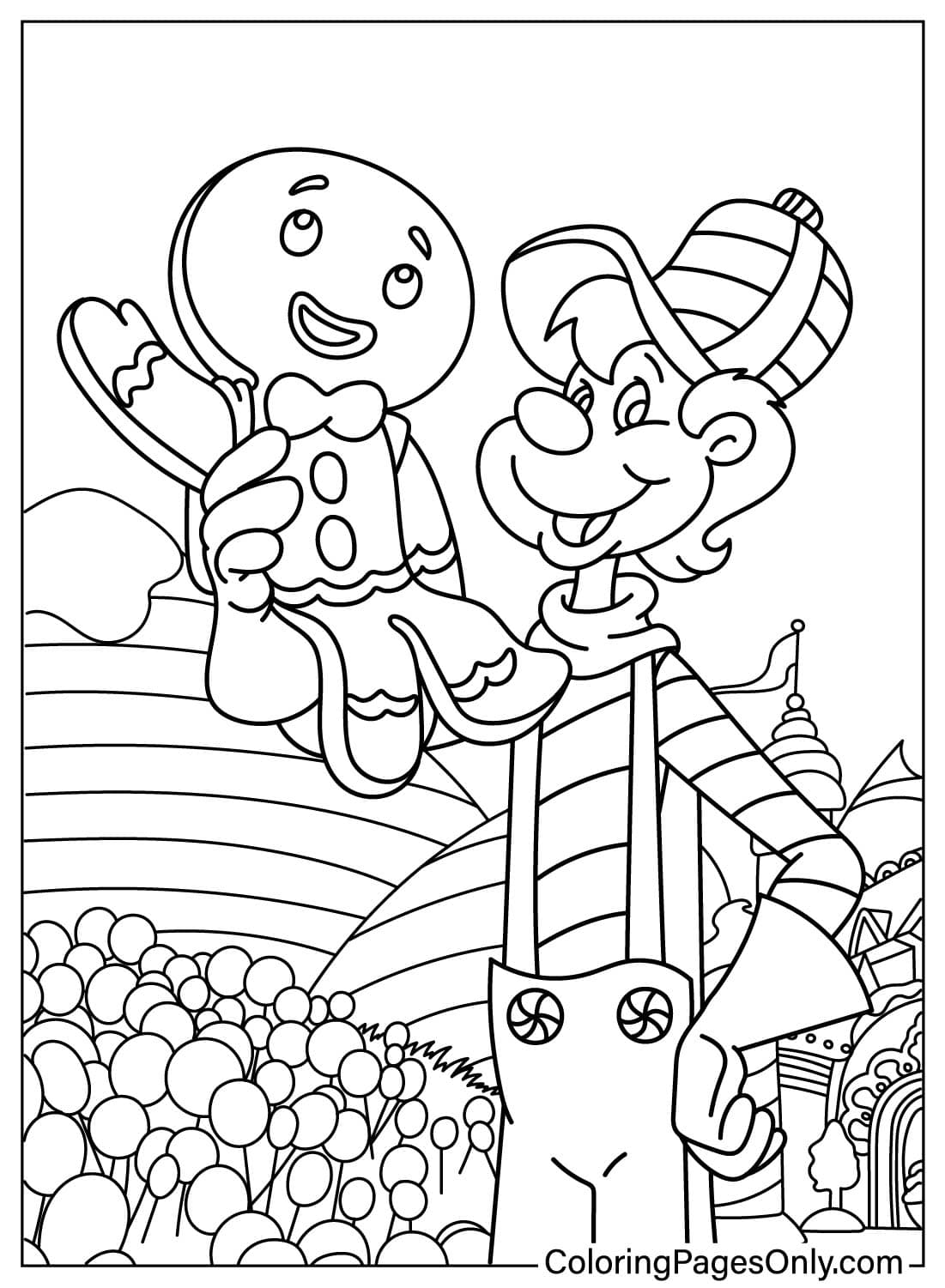
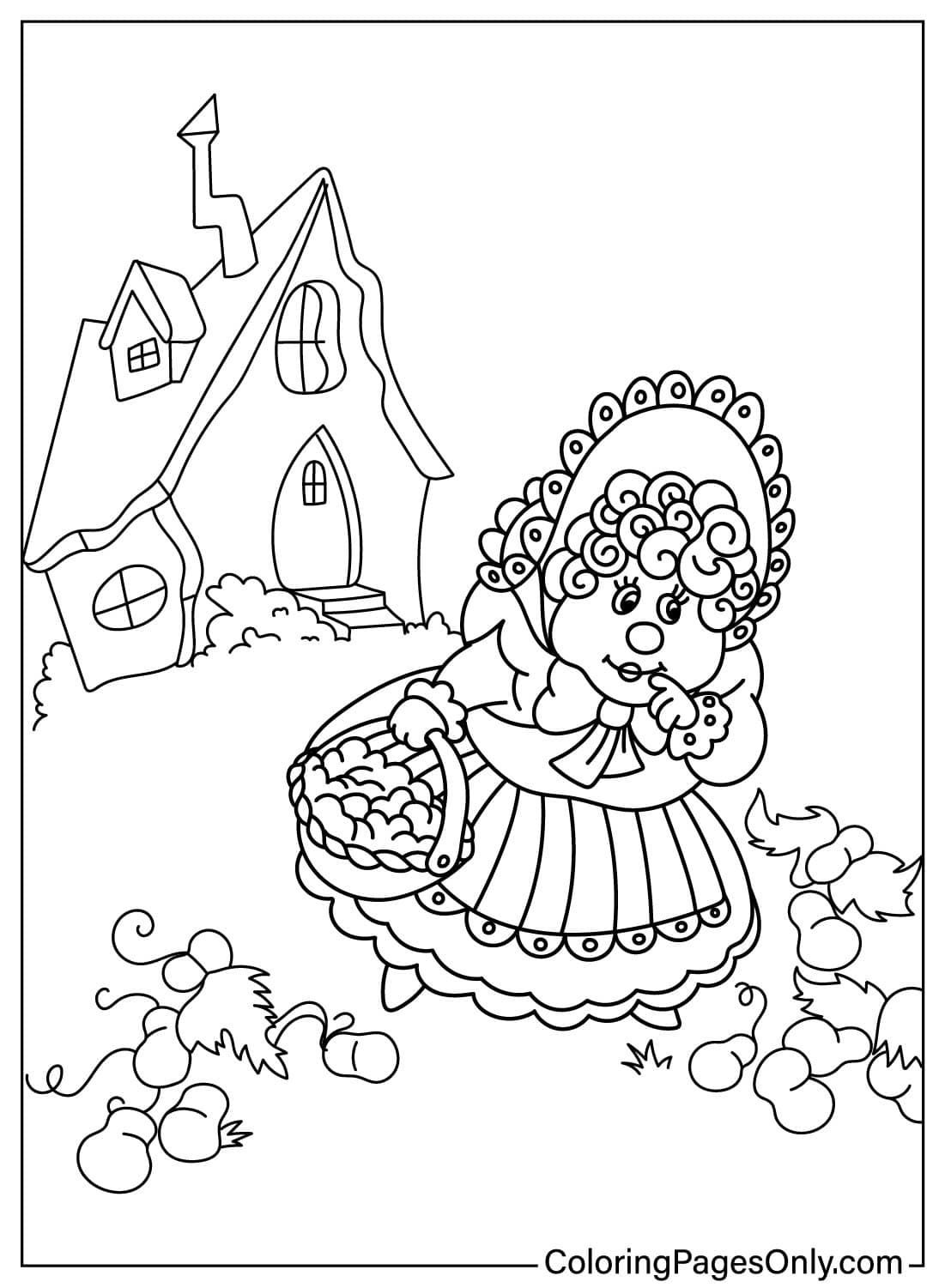
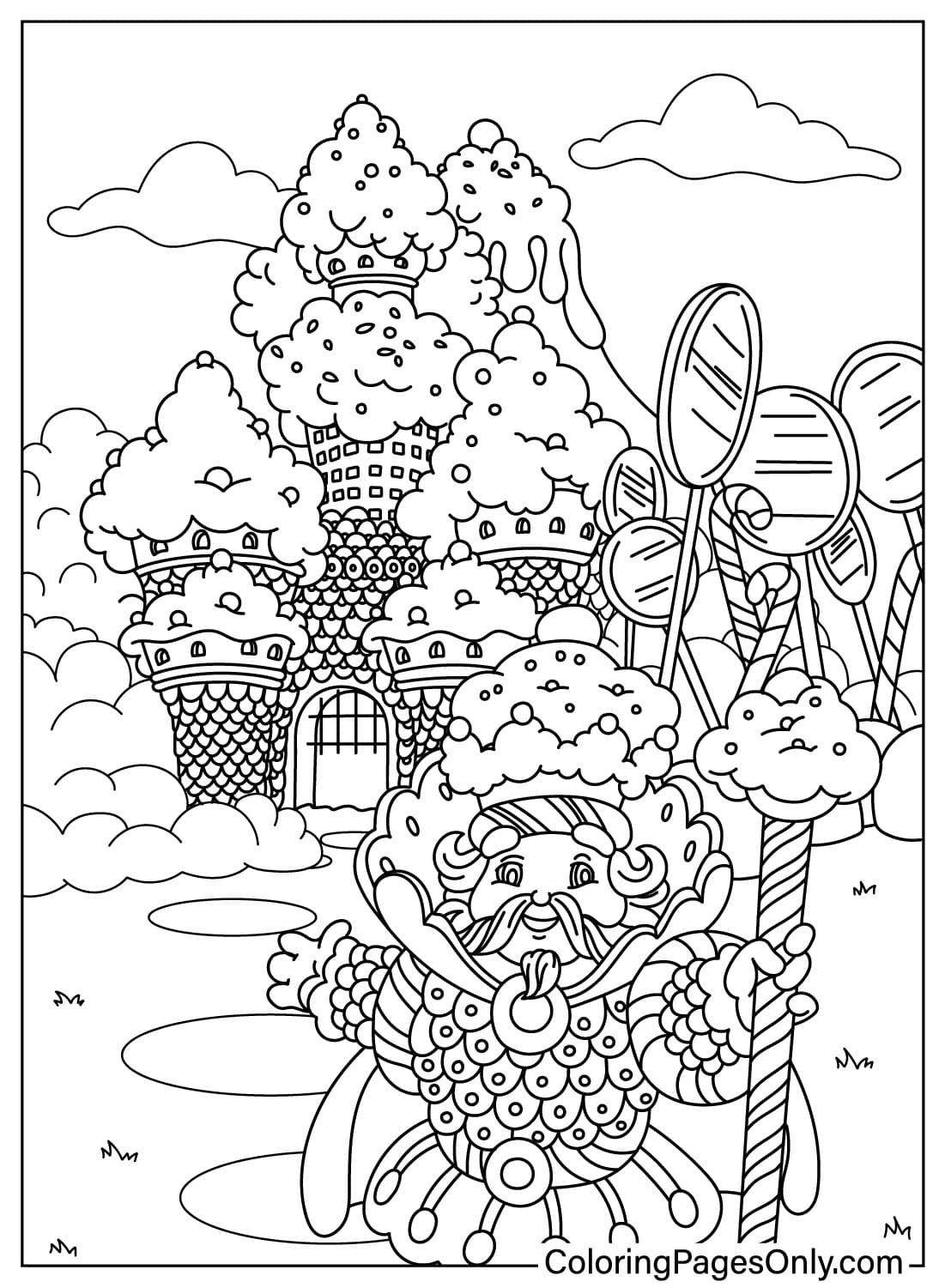
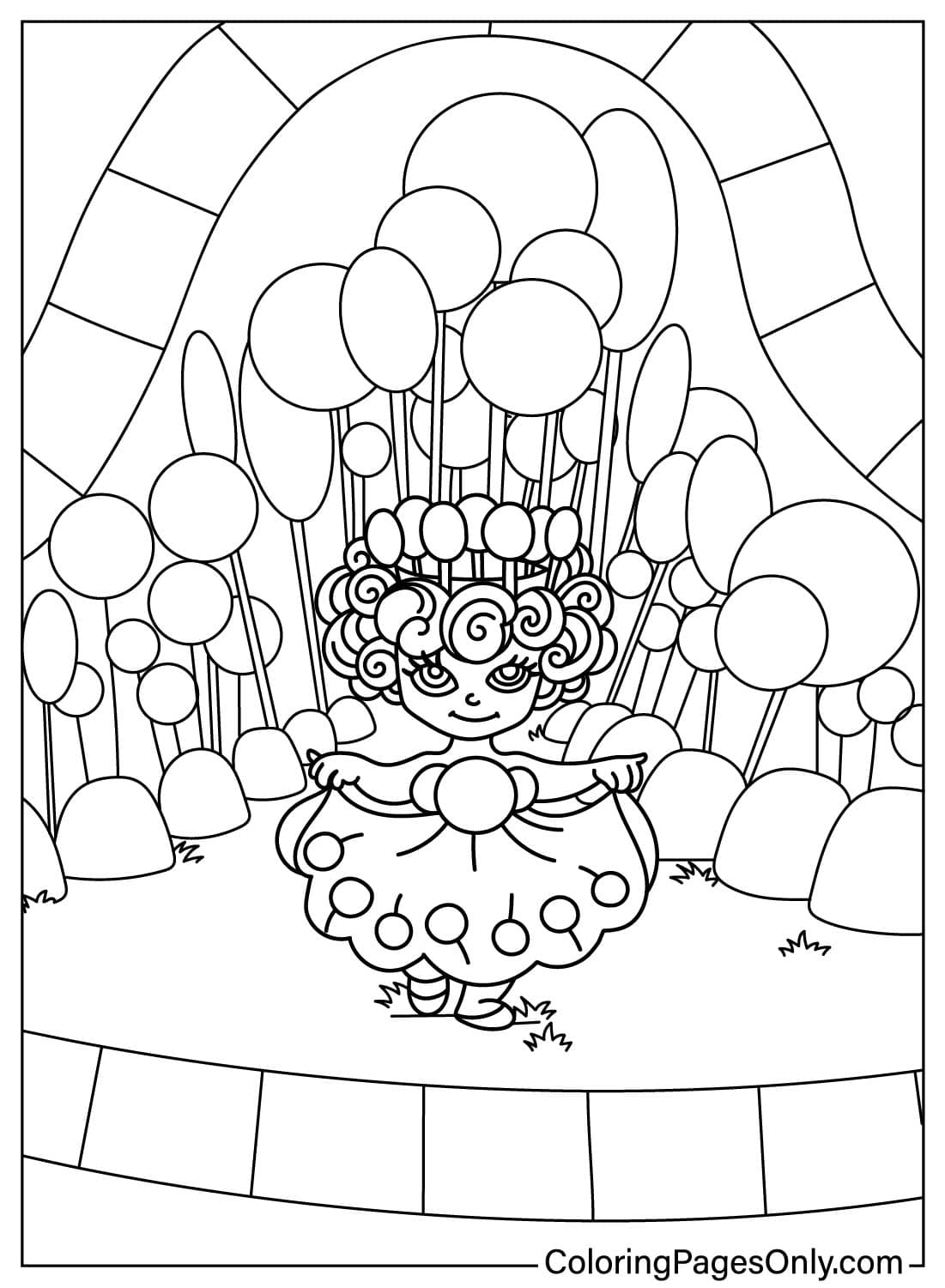


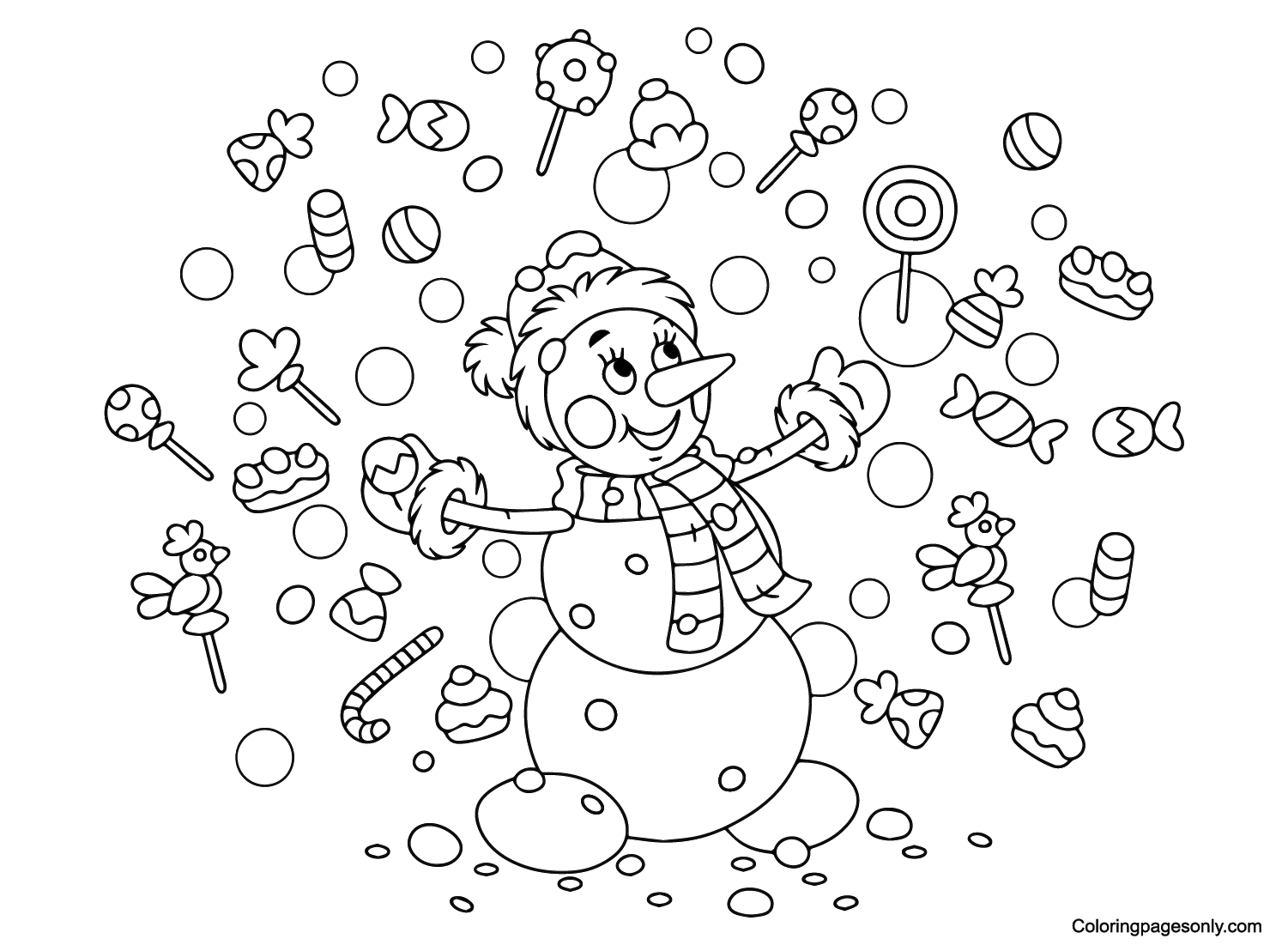
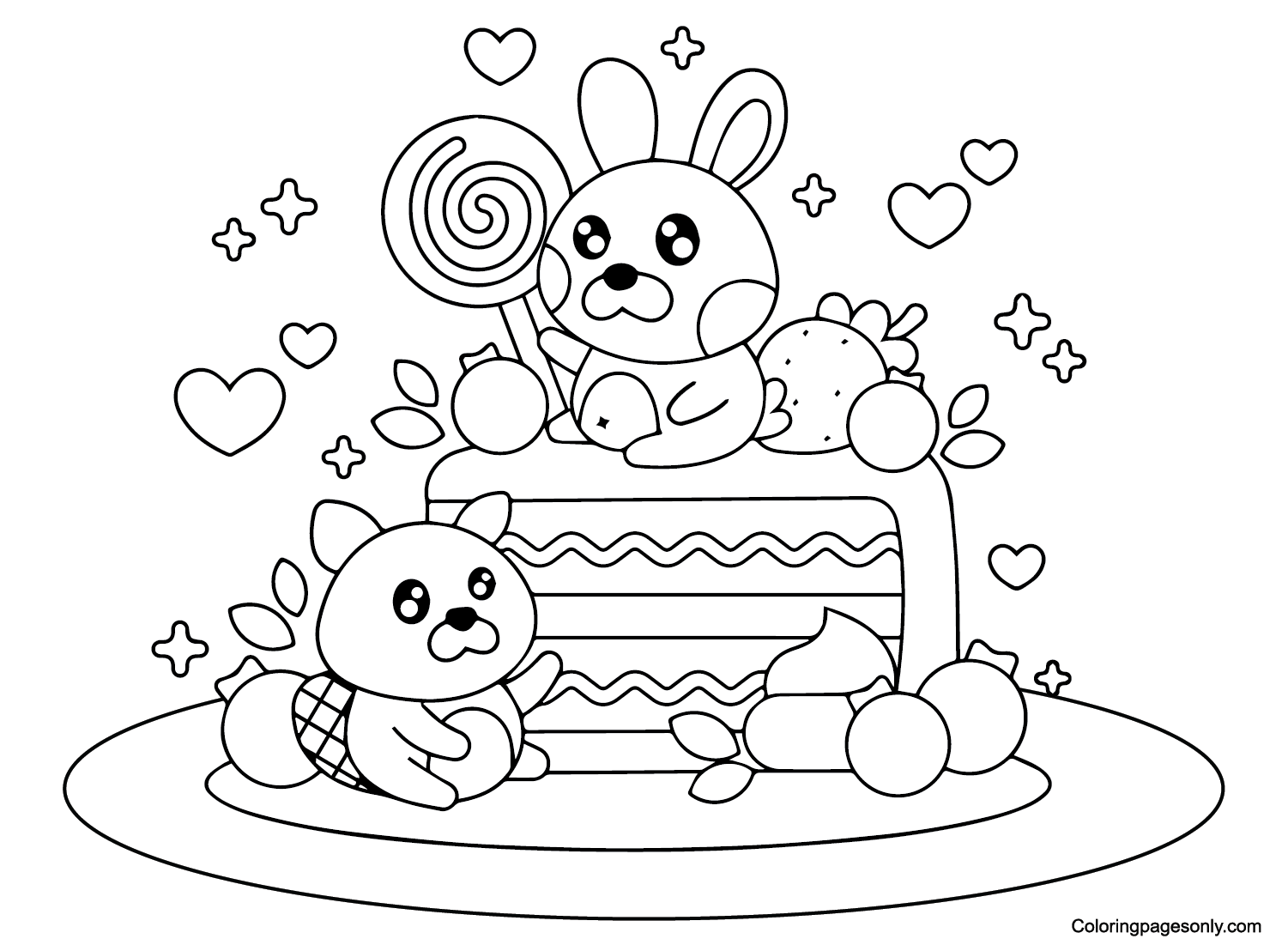
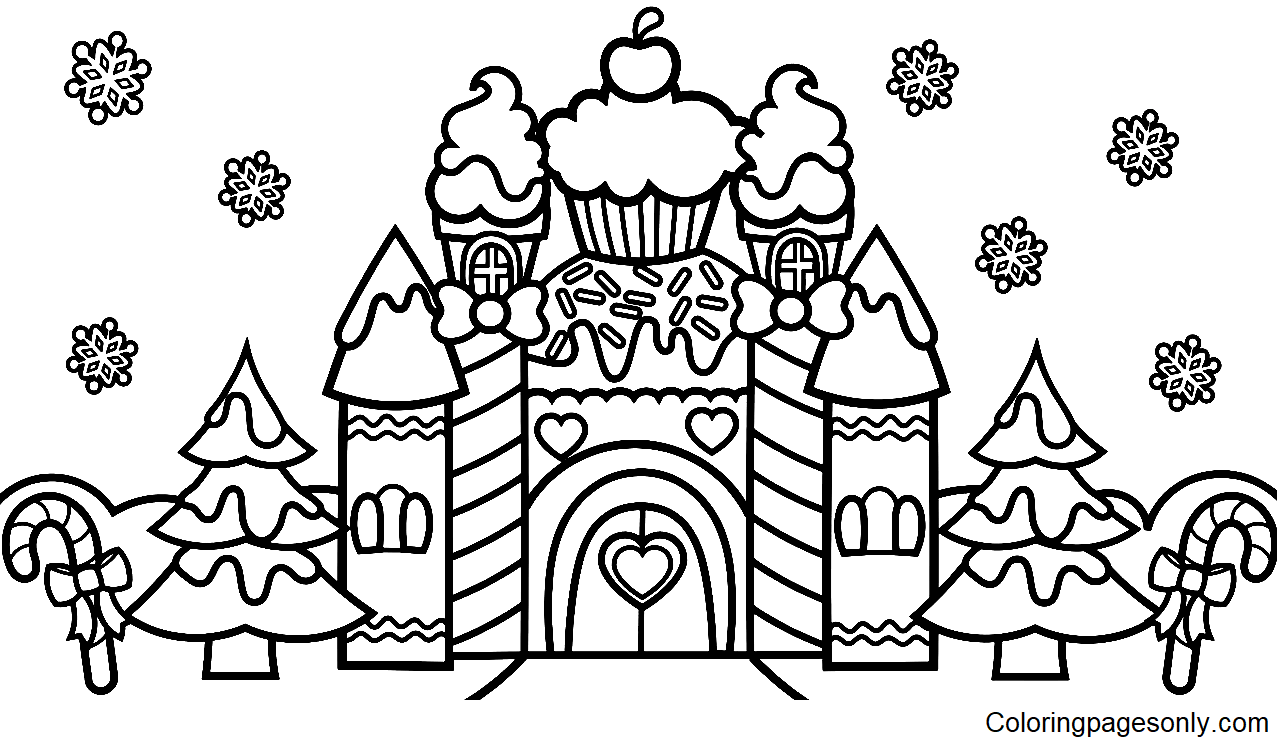
What Is Inside This Collection
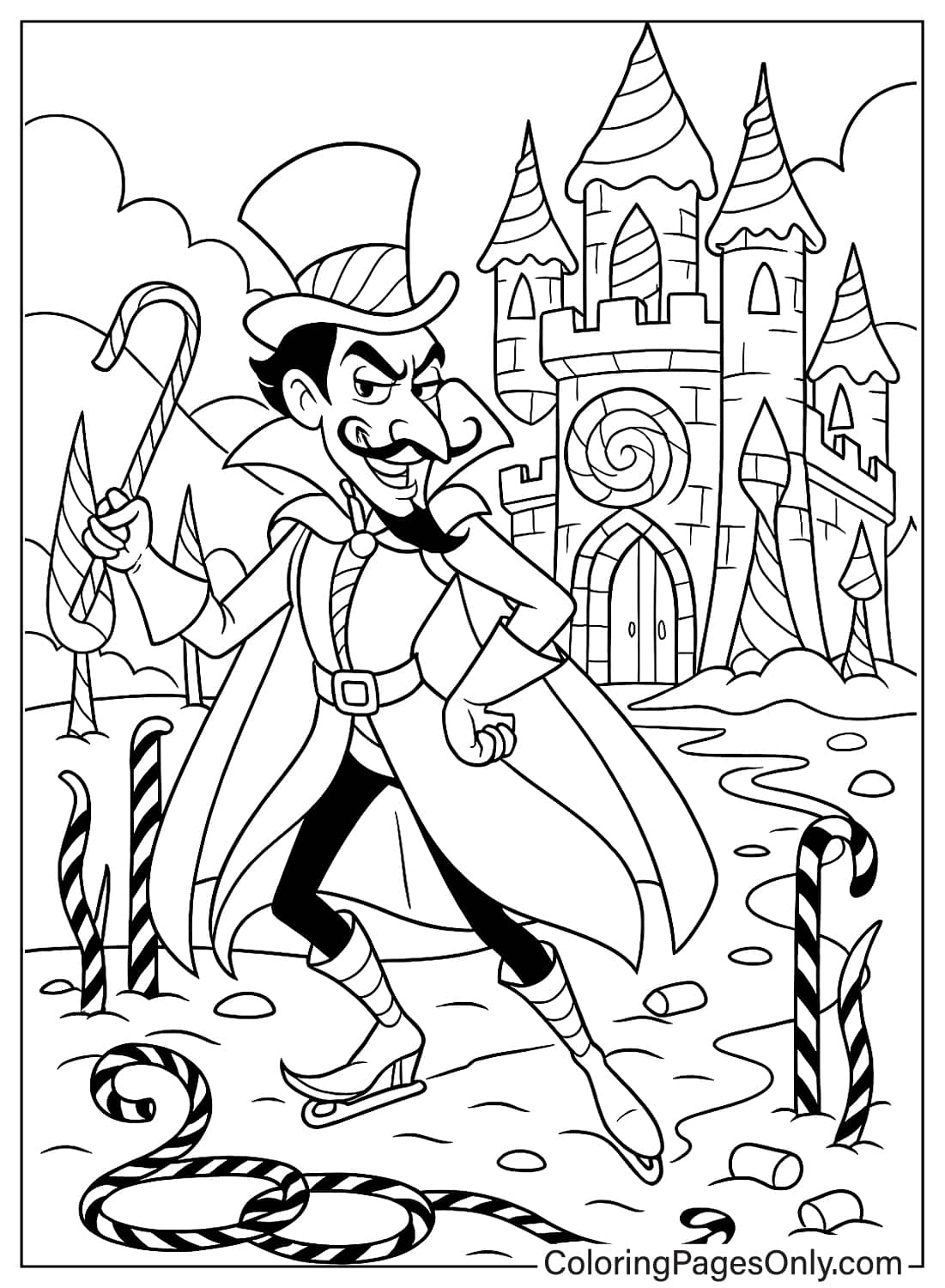
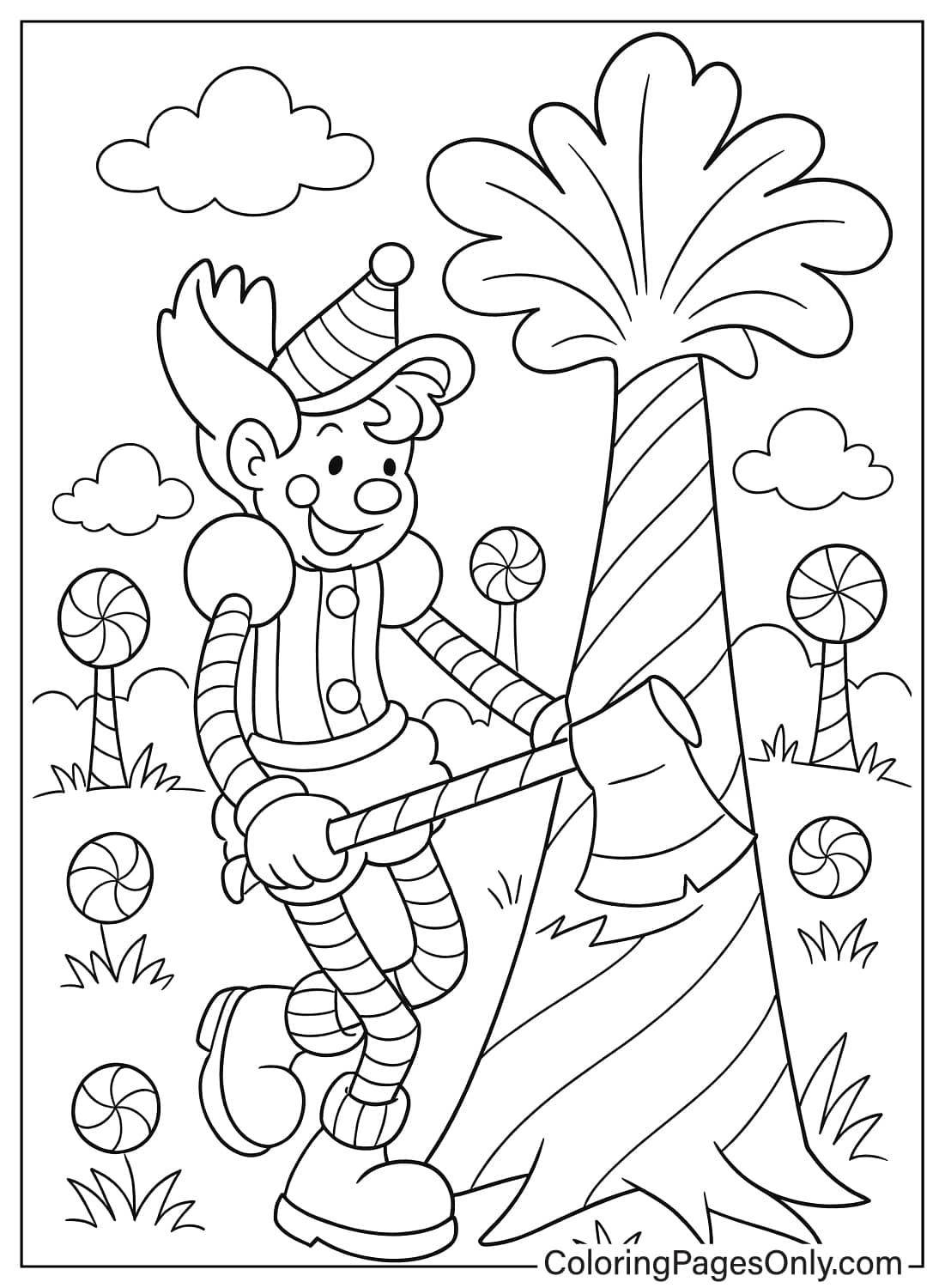
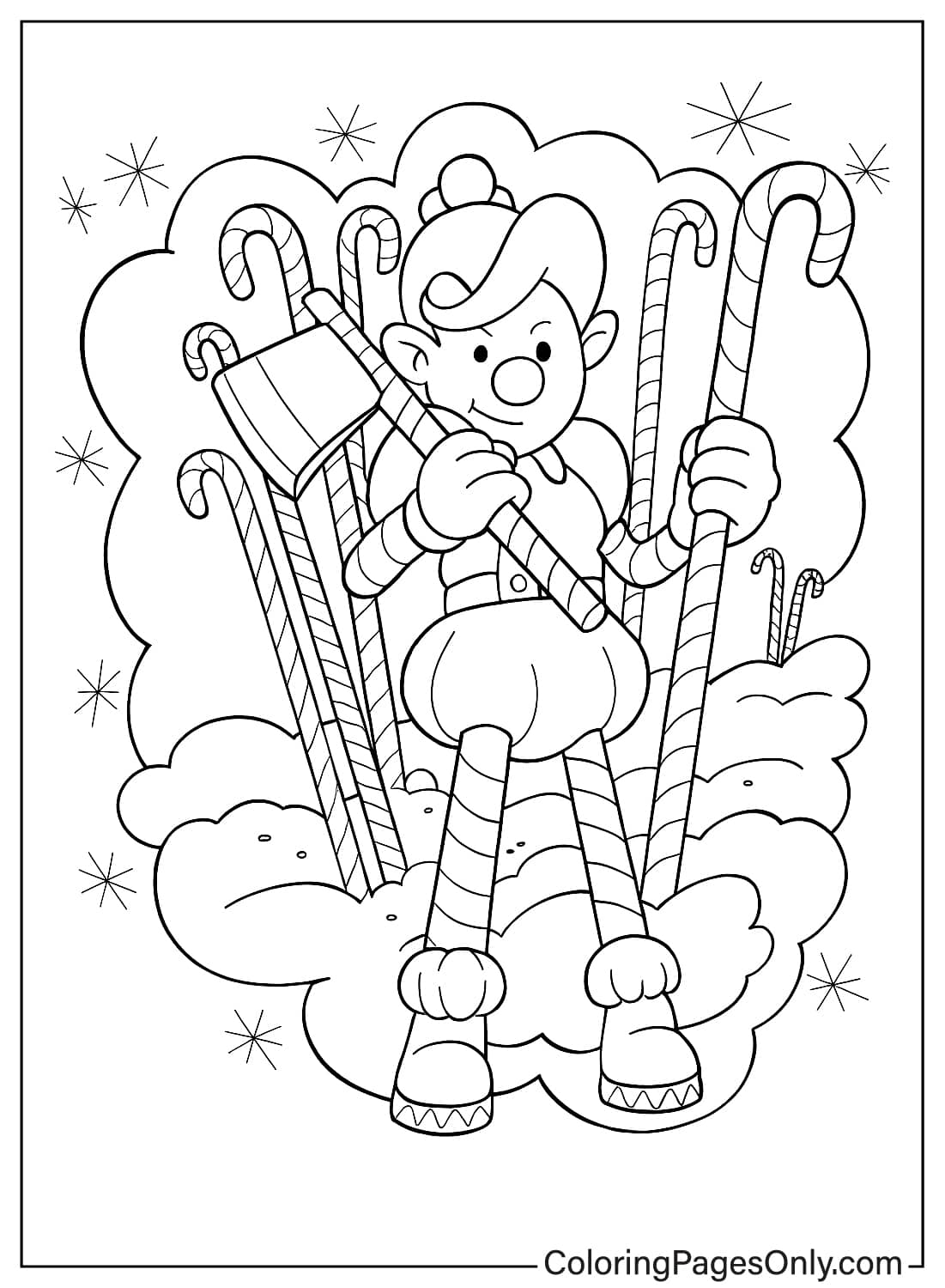
The 54 pages fall into five groups, based on whether a named character appears and what kind of scene surrounds them.
Official Named Characters
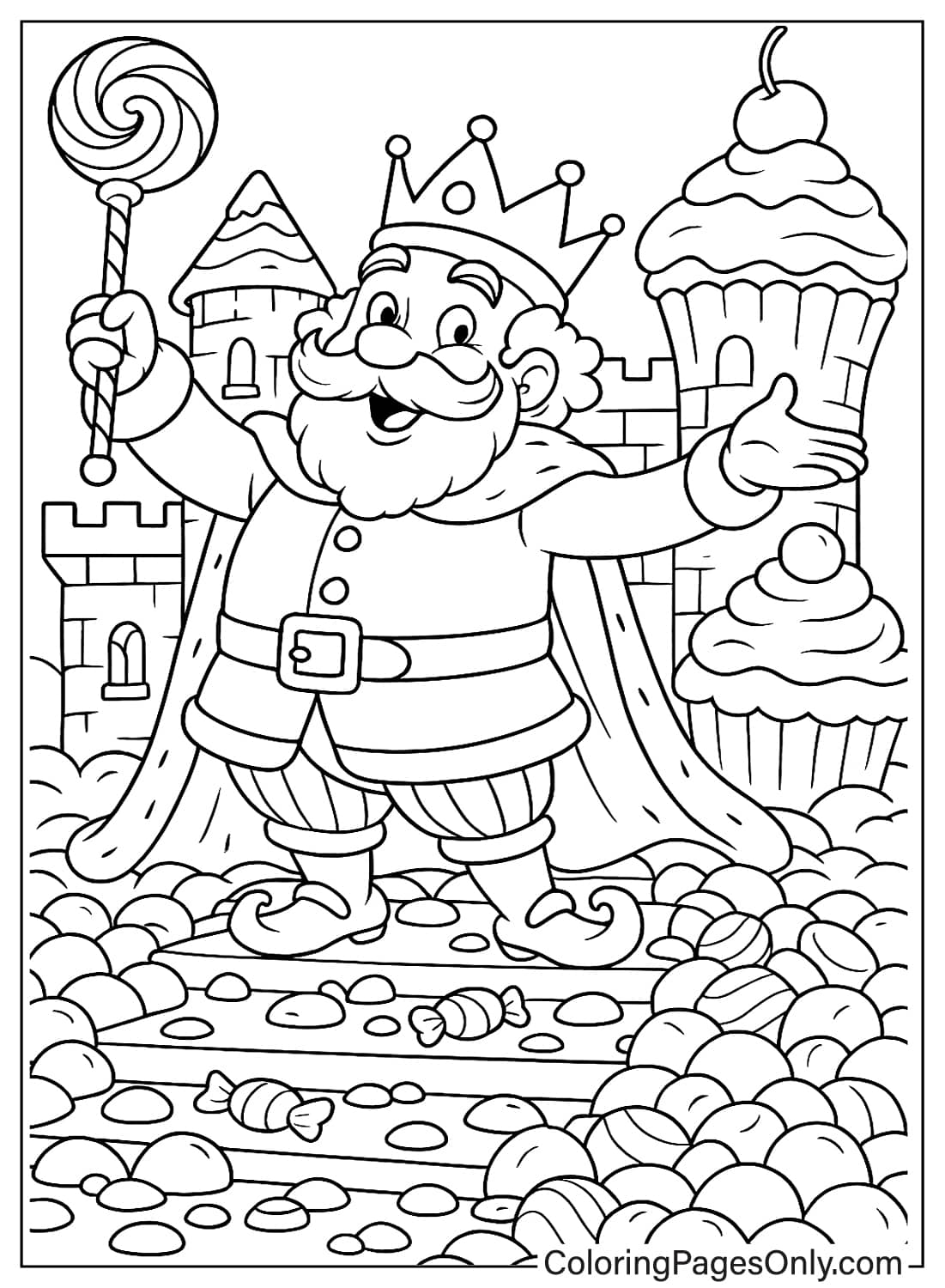
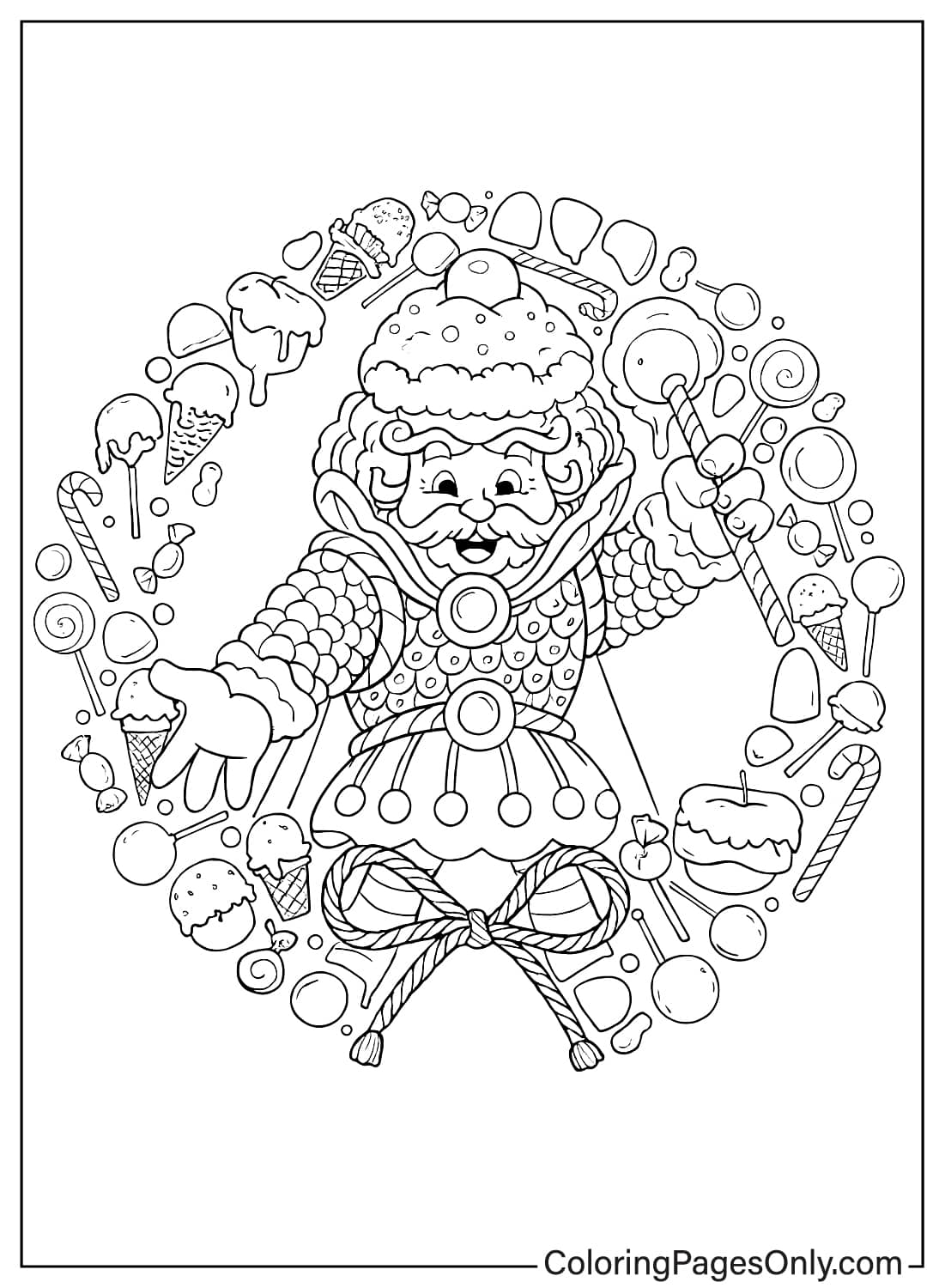
14 pages featuring characters from the game’s 1984 redesign: King Kandy, Lord Licorice, Princess Lolly, Plumpy, and Jolly. Goldenrod and Scarlet suit King Kandy’s crown and robe, Charcoal Black works for Lord Licorice’s villainous look, and bright Carnation Pink fits Princess Lolly’s lollipop-styled hair.
Multi-Character Group Scenes
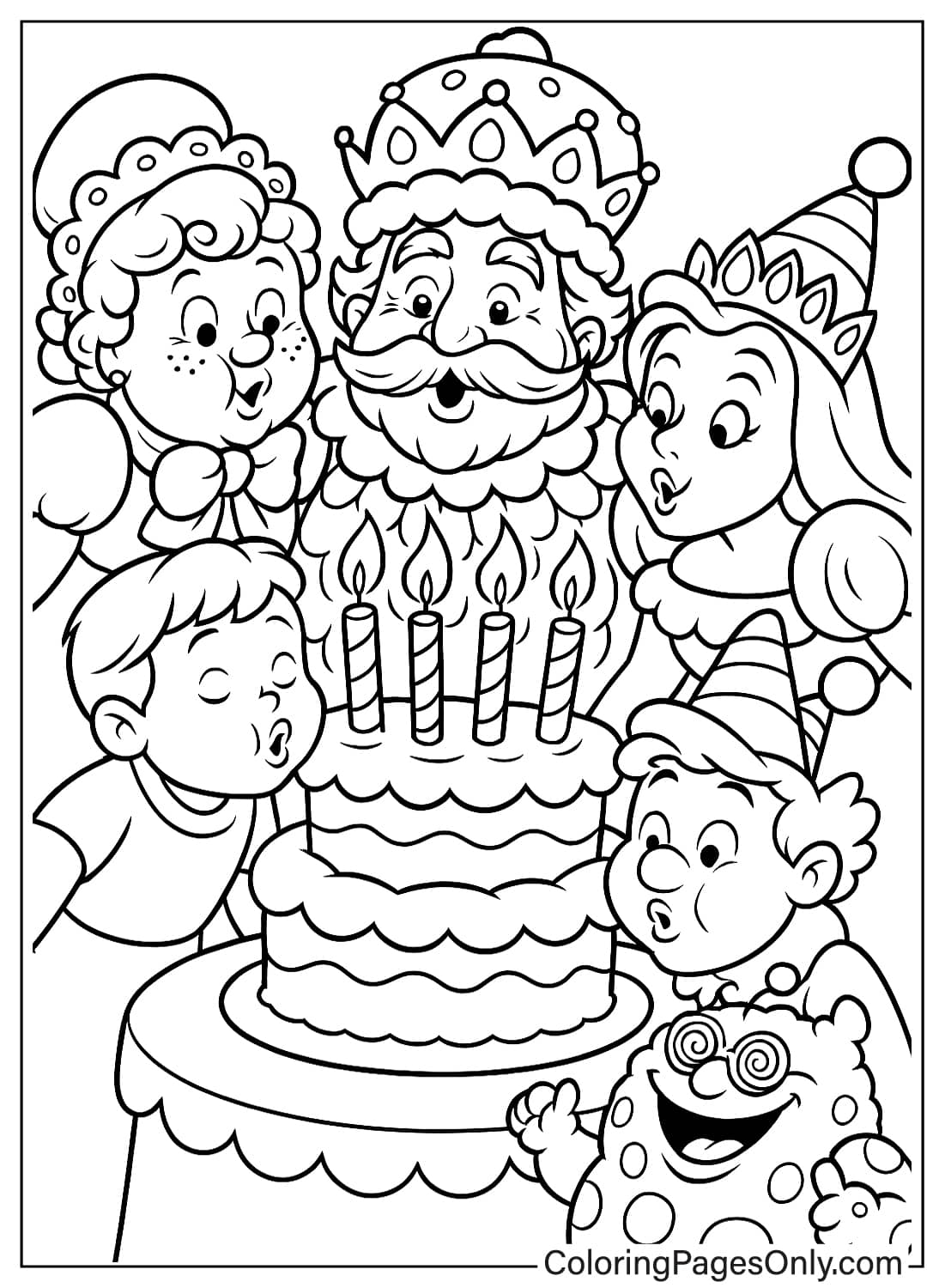
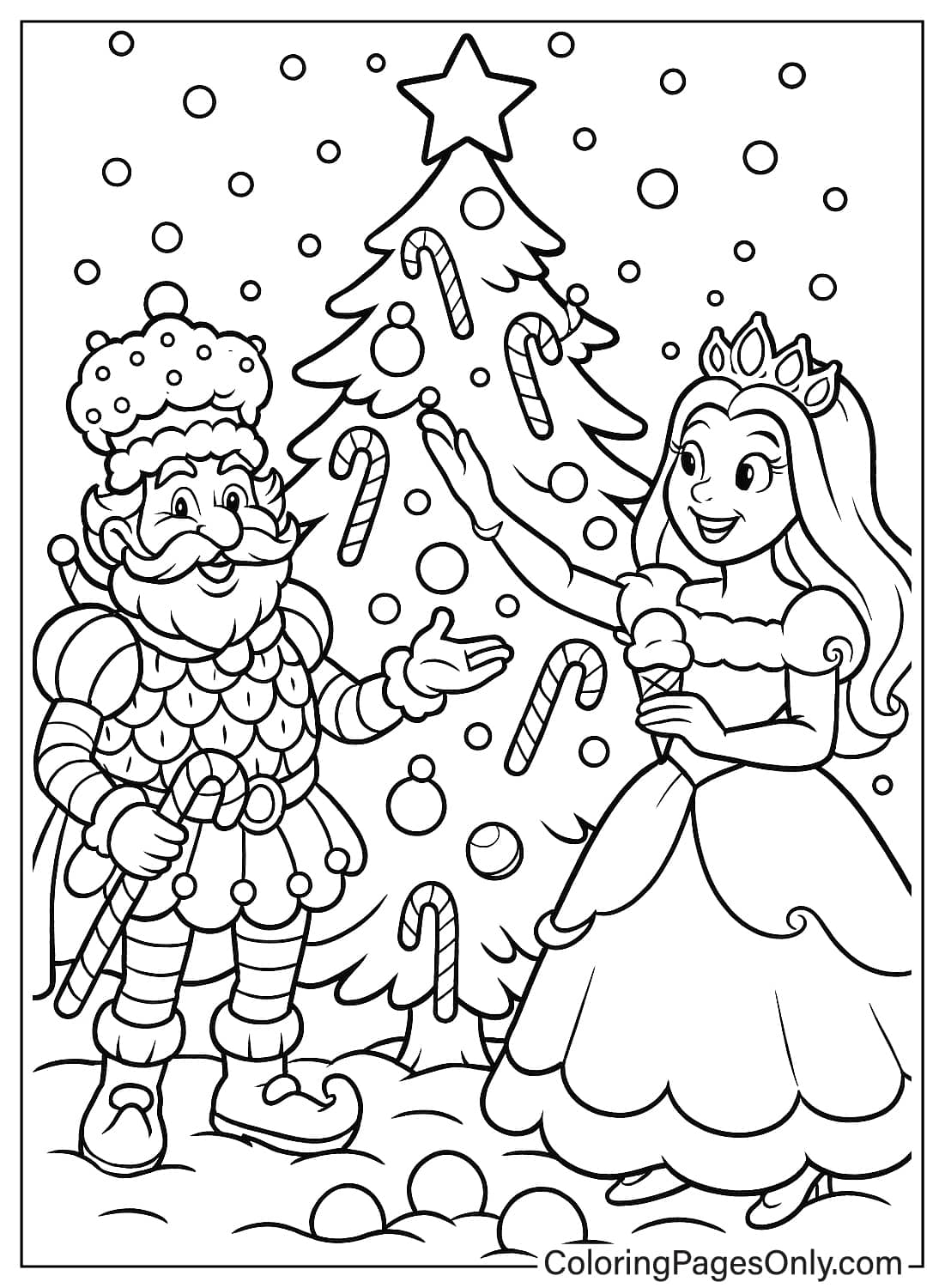
4 pages showing several characters together at a party, picnic, or celebration. Keeping each character in their own established color, as listed above, helps a crowded group scene stay easy to read.
Fantasy and Animal Mashups
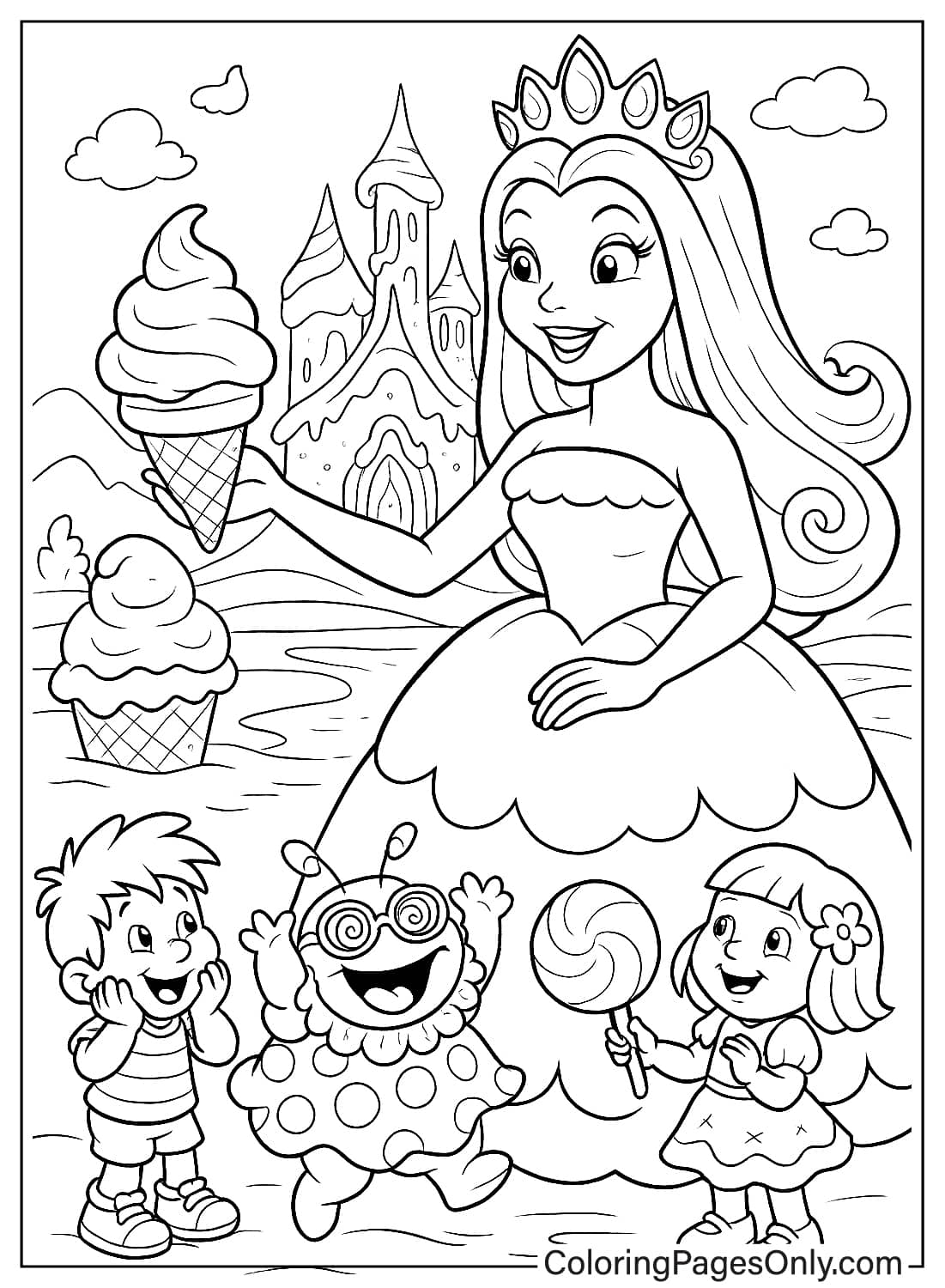
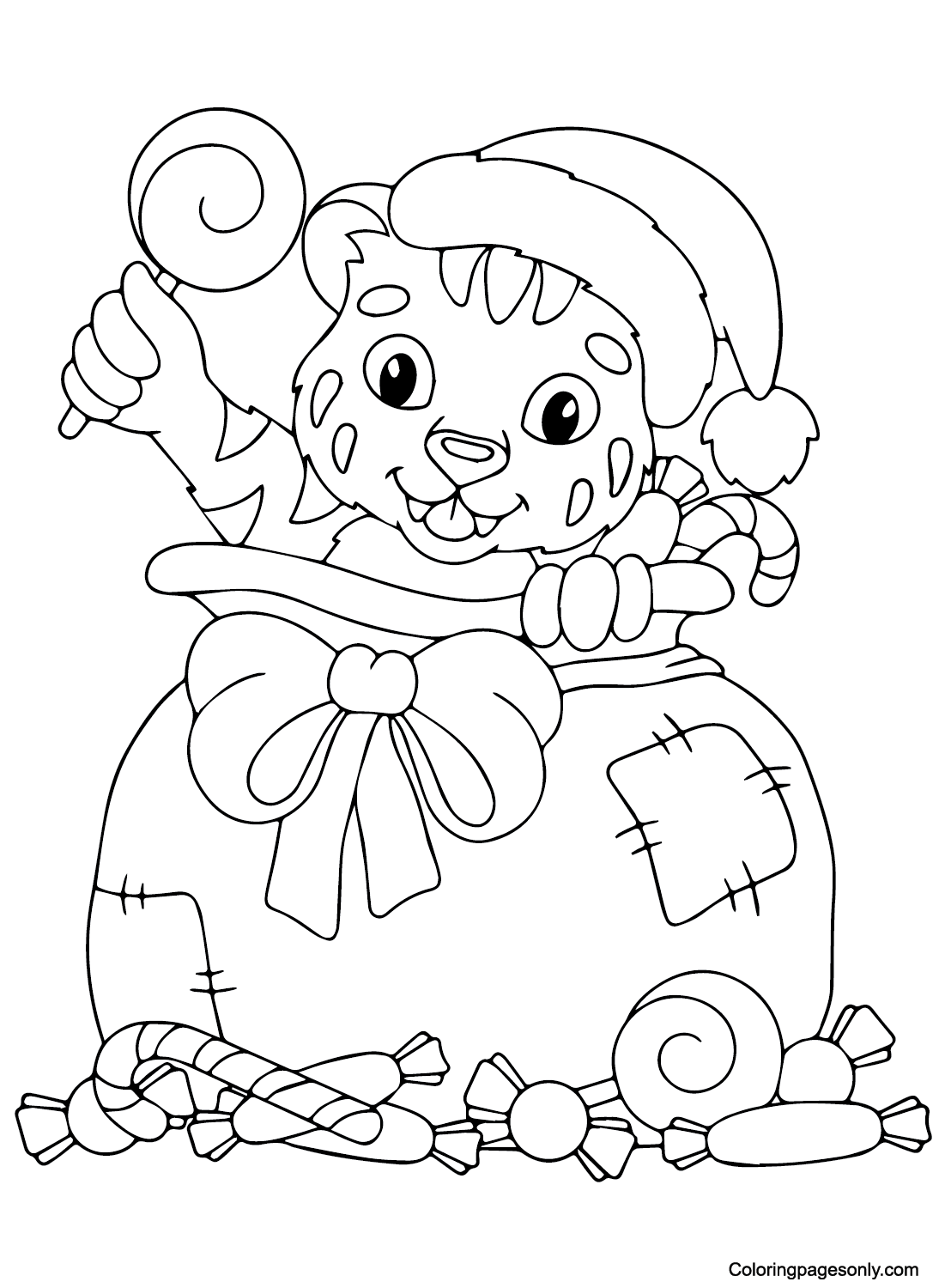
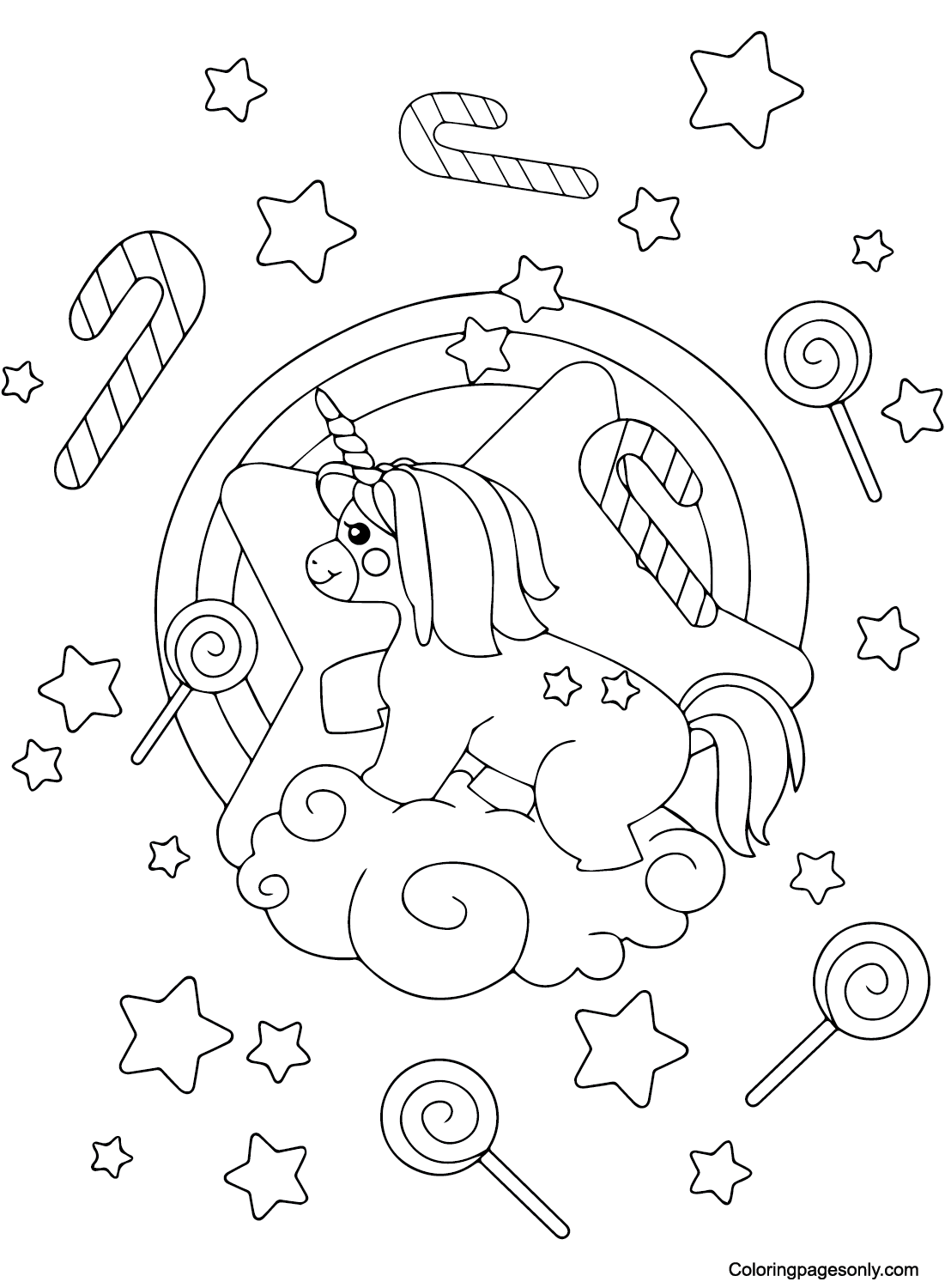
7 pages placing a unicorn, a tiger, or a generic princess into a Candyland-style setting rather than an official character. A pastel or rainbow palette suits the unicorn pages, while classic Orange and Black stripes work for the tiger against a candy-colored backdrop.
Generic Candyland Locations
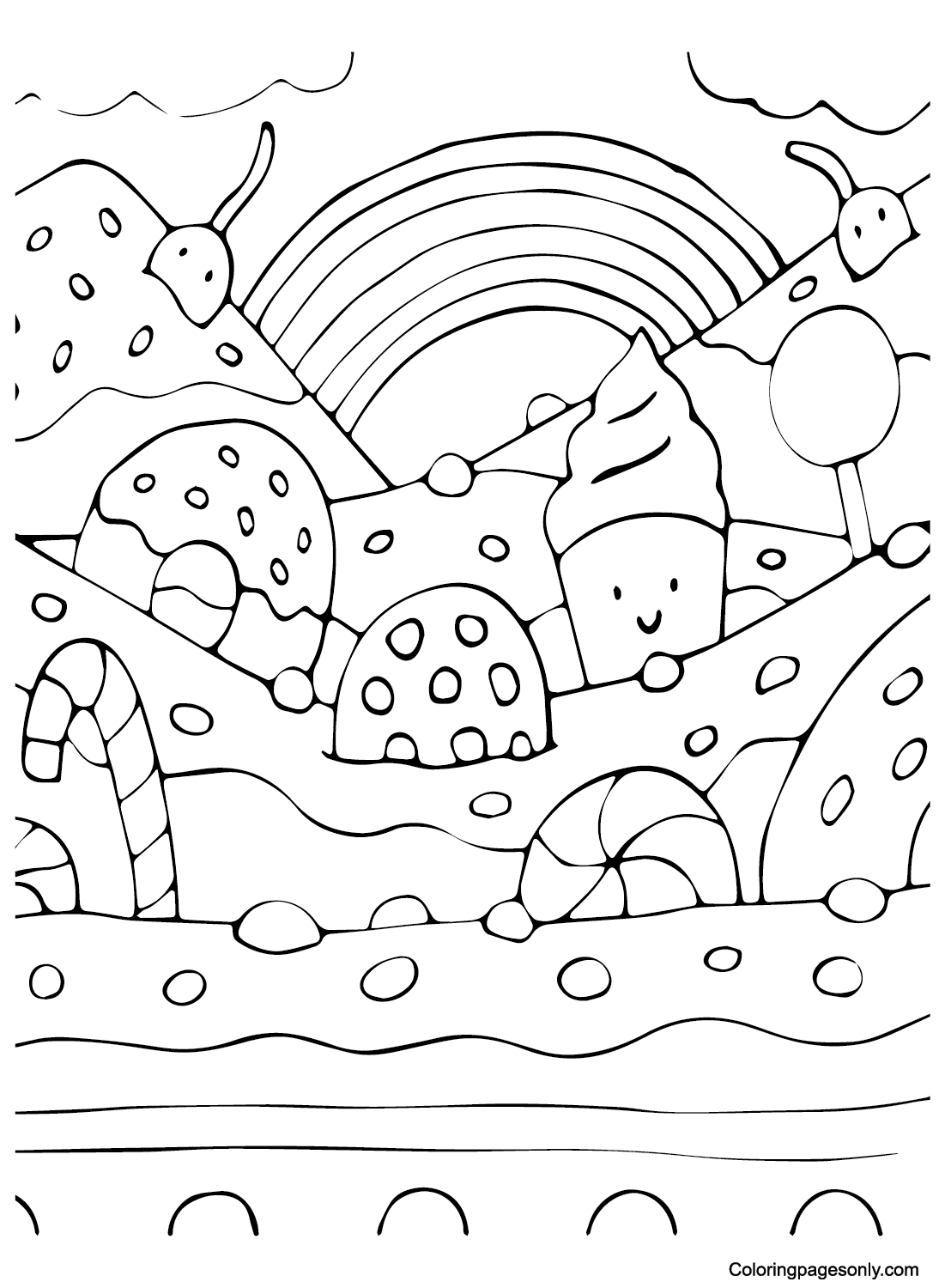
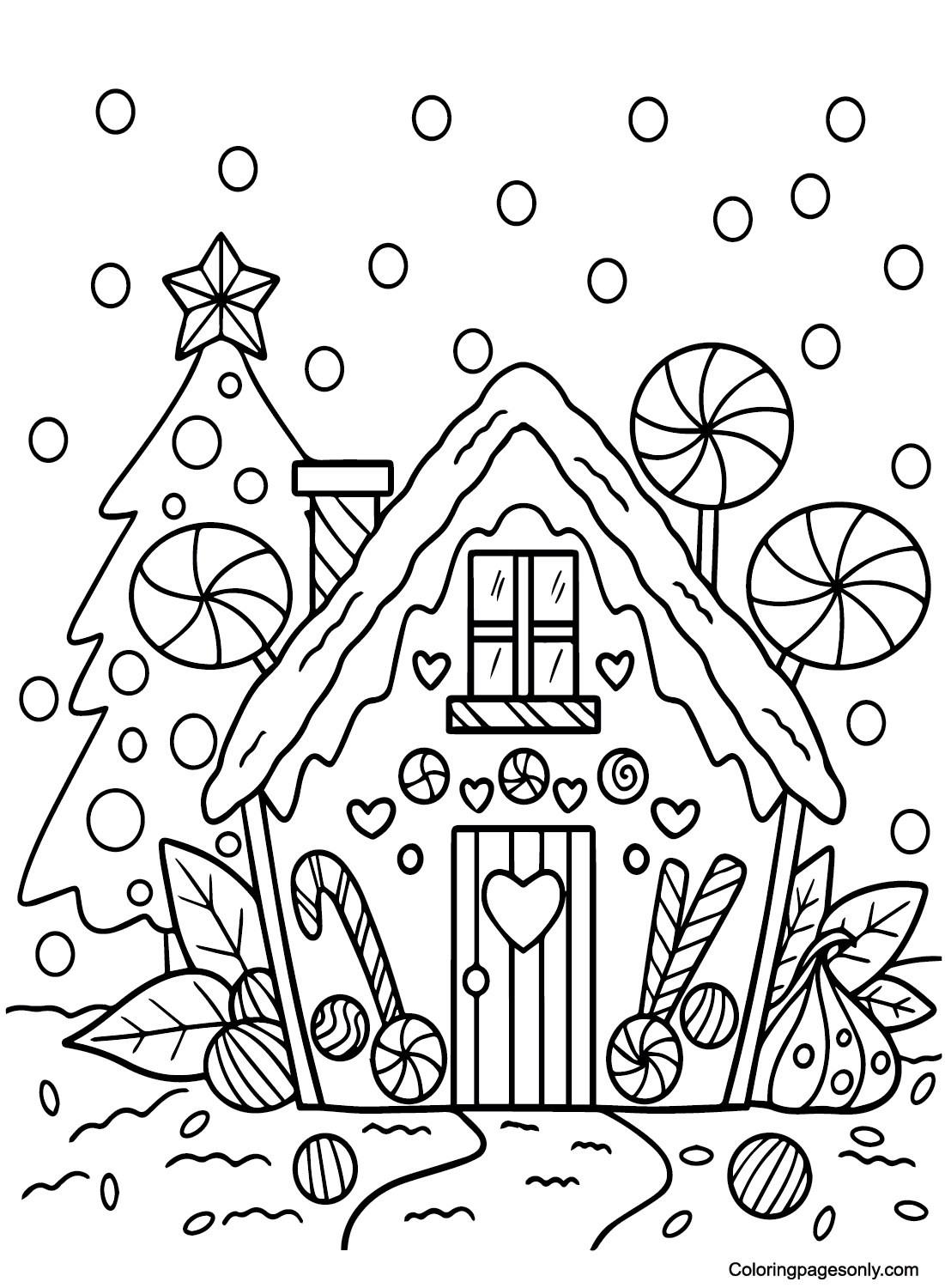
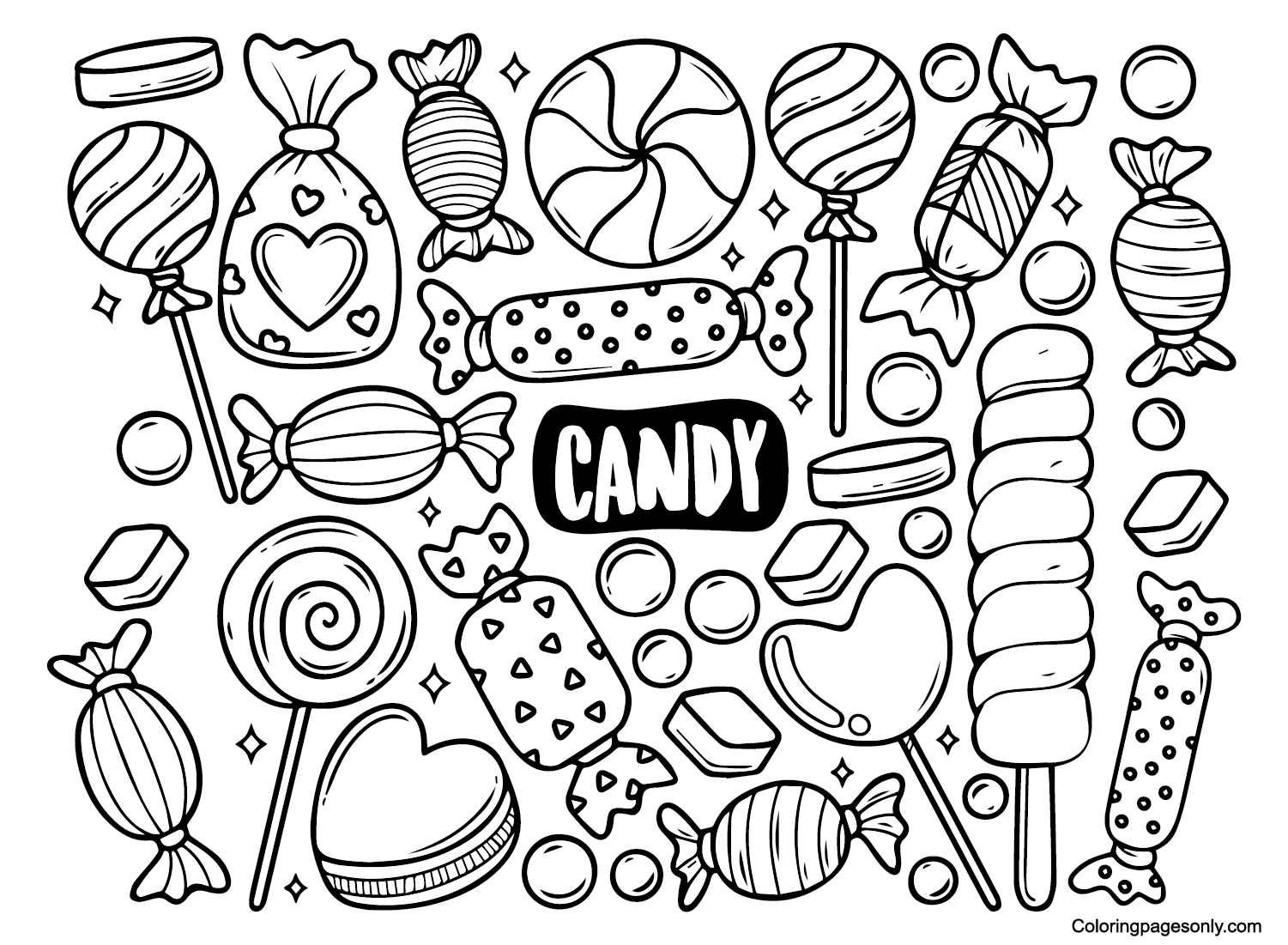
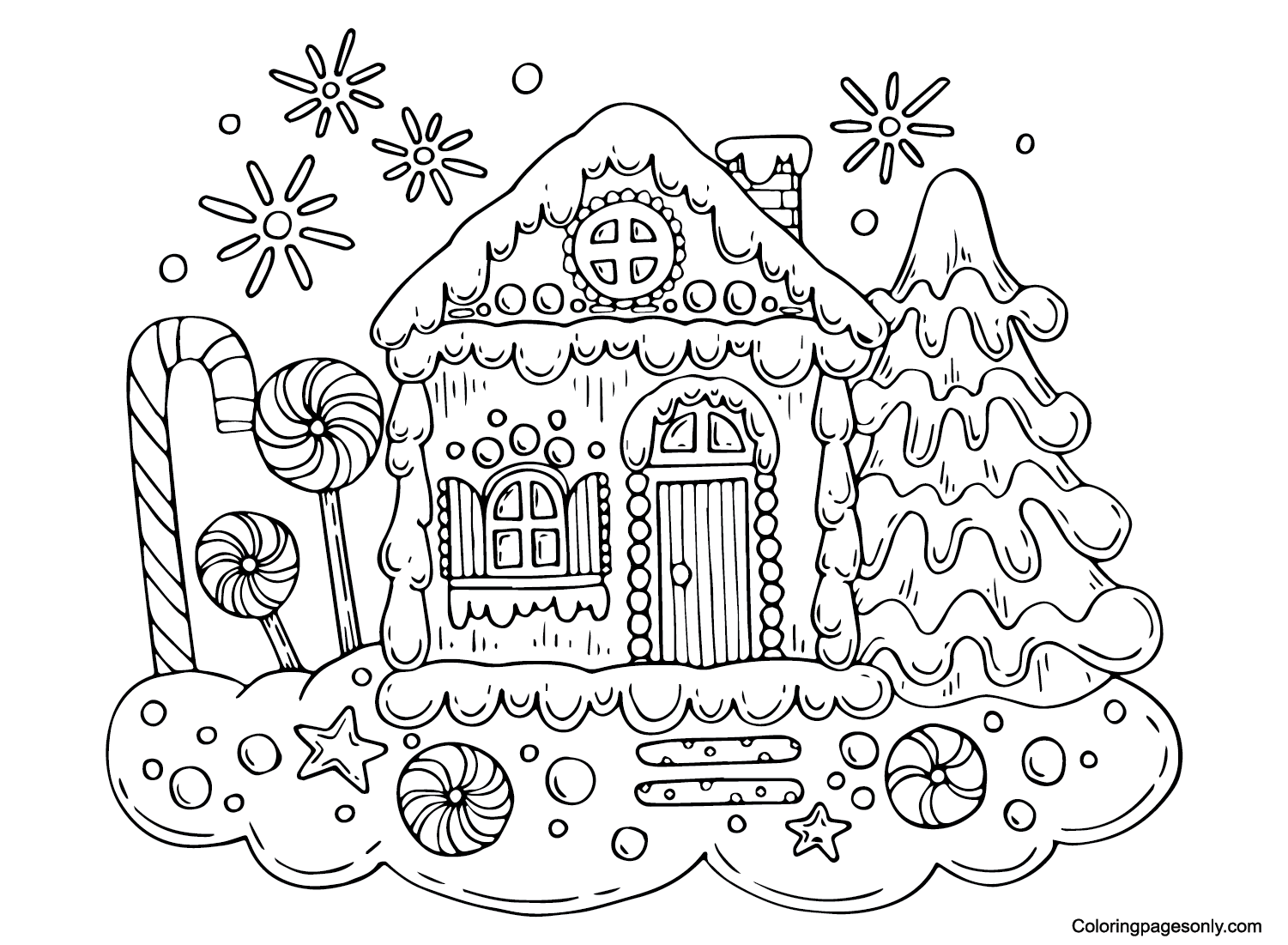
20 pages built around a candy-themed setting or object, a castle, a cottage, a gumdrop mountain, rather than a specific character. Classic Scarlet and White stripes for candy canes, paired with bright primary colors for gumdrops, suit this group well.
Generic Utility-Named Pages
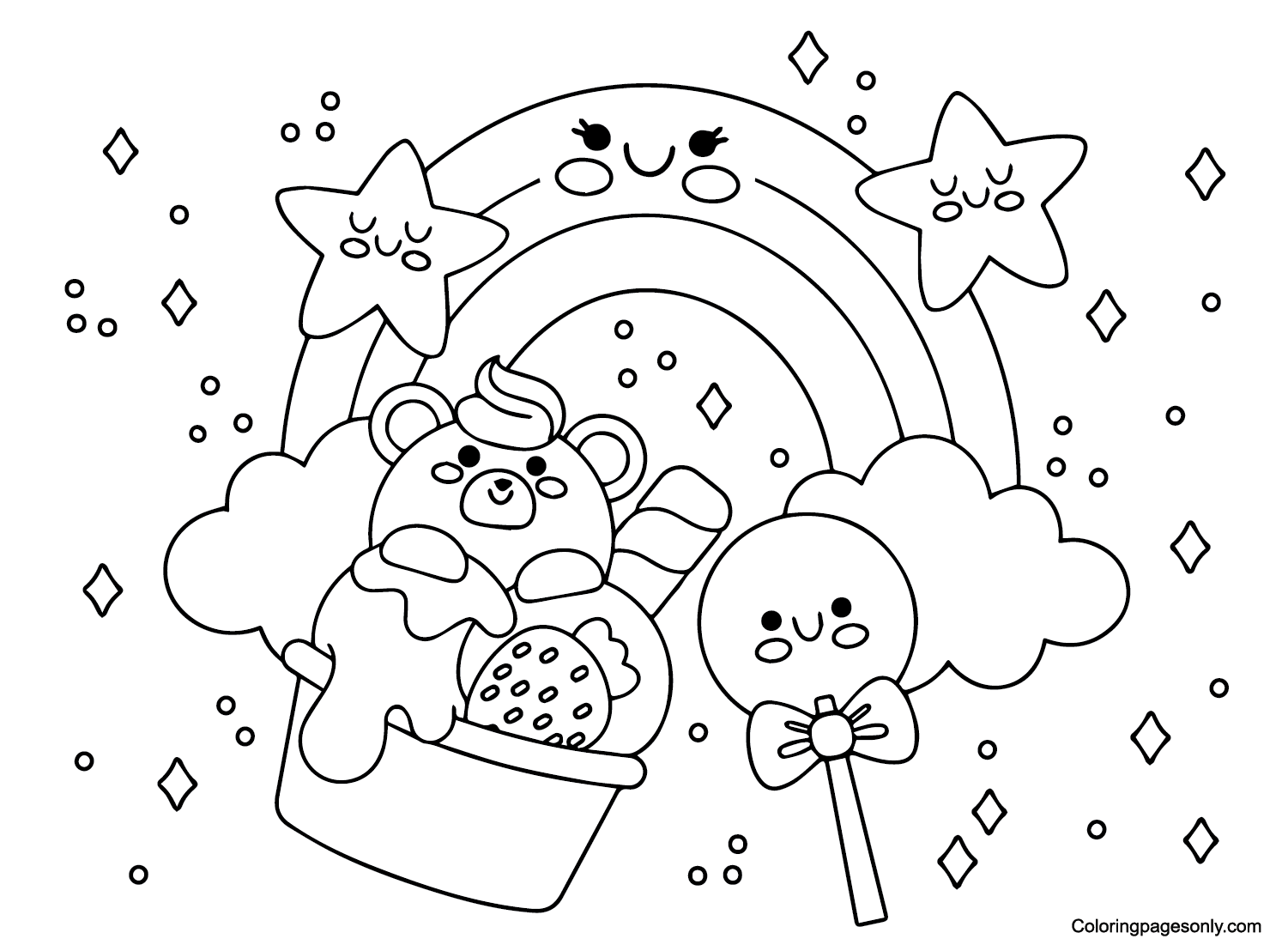
9 pages filed under repeated titles like “Free Candyland” or “Printable Candyland” rather than a specific scene. A cheerful default palette of Carnation Pink, Sea Green, and Sky Blue, the same combination the brand itself often leans on, works across this entire group.
What These Candyland Coloring Pages Do
Fine motor practice in small repeating candy shapes. Coloring small repeating candy shapes, gumdrops dotting a mountain, and individual candy cane stripes ask for the same careful, contained strokes the American Academy of Pediatrics associates with the fine motor benefits of structured coloring.
A small lesson in a franchise’s real history. Because the game’s now-iconic cast, King Kandy, Lord Licorice, and Princess Lolly, was added 35 years after Candy Land’s original 1948 release, coloring one of the character pages alongside a conversation about the game’s real history offers a small lesson in how a franchise’s most familiar elements aren’t always part of the original design.
A calm, low-pressure task by design. A 2005 Art Therapy Journal study linked structured coloring to a measurable drop in anxiety, and a game literally designed to require no reading and only basic color recognition shares that same low-pressure, accessible spirit with a coloring page.
An activity built on the same accessible spirit as the original game. Candy Land was designed from the very start to work for children with limited mobility and no reading ability. That same accessible spirit carries over naturally into a coloring page, an activity that similarly asks for very little beyond picking up a crayon.
How to Color Candyland Coloring Pages Well
- King Kandy: A Goldenrod crown and a Scarlet or Purple Mountains’ Majesty royal robe trimmed in White fur give him his regal look.
- Lord Licorice: Charcoal Black for his robe and hair, with a hint of deep Purple, matches his role as the game’s villain.
- Princess Lolly: Bright Carnation Pink for her lollipop-styled hair, paired with a lighter Pink or White dress.
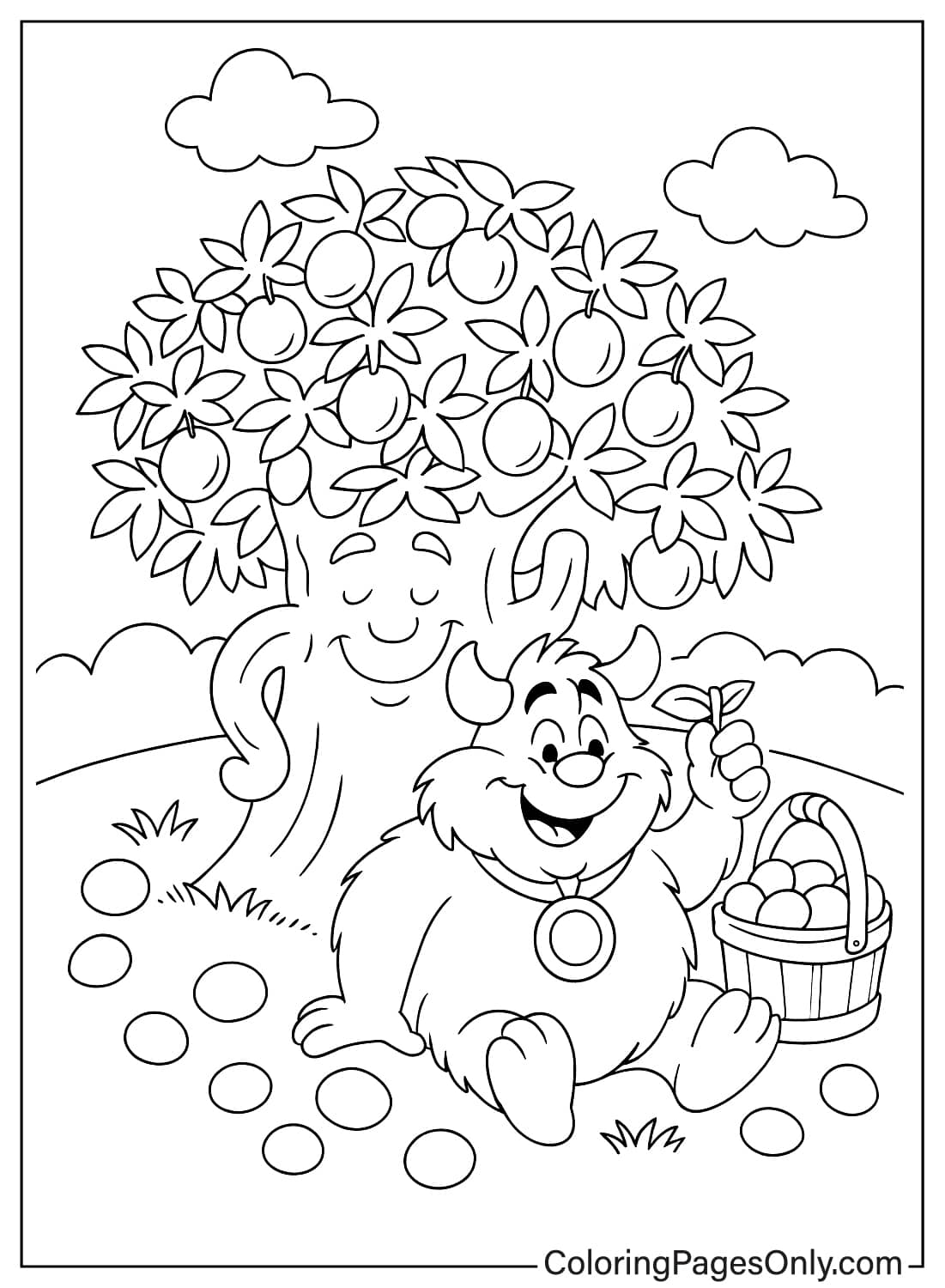
- Plumpy: Warm Tan or Burnt Sienna tones, kept soft and rounded, match his gumdrop-inspired design.
- Candy cane and peppermint details: Classic Scarlet and White stripes, kept crisp and evenly spaced, read most clearly on any page.
- Generic scenery pages: A cheerful palette of Carnation Pink, Sea Green, and Sky Blue works as a safe, on-brand default when a page has no specific character to guide the color choice.
5 Creative Craft Ideas With Candyland Coloring Pages
1. Candyland Character Match Game. Color the named-character pages and write each character’s name underneath to make a simple matching set.
2. Homemade Game Board Path. Color several of the location-scenery pages and arrange them in a winding path on the floor or table to recreate a mini version of the board.
3. Candy Land Party Invitation. Fold a piece of cardstock in half, glue a colored scene to the front, and write party details inside for a candy-themed birthday.
4. Gumdrop Mountain Diorama. Color the gumdrop mountain page, cut it out, and mount it on a small box for a simple 3D display.
5. Storytelling Card Set. Color several scenes and use them as prompt cards to invent a story about a trip through Candy Land.
Frequently Asked Questions
What are Candyland coloring pages?
Printable designs featuring Candy Land, split between officially named characters, multi-character group scenes, fantasy and animal mashups, generic Candyland locations, and generic utility-named pages. This collection has 54 pages, free to download as a PDF or color directly online.
Who created Candy Land, and why?
Candy Land was created in 1948 by Eleanor Abbott, a retired schoolteacher recovering from polio in a San Diego hospital, who designed the game to entertain children confined to the same ward. It required no reading and only basic color recognition, making it playable even from a hospital bed.
Were King Kandy, Lord Licorice, and Princess Lolly always part of the game?
No. The original 1949 version had no named characters beyond an unnamed boy and girl representing the players. King Kandy, Lord Licorice, Princess Lolly, and the rest of the cast were added by Hasbro in 1984, 35 years after the game’s original release.
Who is Lord Licorice?
Lord Licorice is Candy Land’s villain, introduced in the 1984 redesign. He’s traditionally the character responsible for King Kandy’s disappearance in the game’s added storyline.
Are these official Hasbro coloring pages?
No. These are fan-made designs based on the Candy Land characters and are not affiliated with, licensed by, or endorsed by Hasbro.
Are Candyland coloring pages suitable for young children?
Yes. Most pages use simple, rounded shapes that suit children as young as 3 or 4, matching the original game’s own design for very young players.
What’s the difference between the named-character and generic-scenery pages?
The named-character pages focus on King Kandy, Lord Licorice, Princess Lolly, and other cast members added in 1984, while the generic scenery pages show candy-themed locations and objects without featuring a specific character.
Can this collection be used for a Candy Land-themed party?
Yes. The location and scenery pages work well as party decorations or activity sheets. In contrast, the character pages give kids a specific figure to color and bring to a Candy Land-themed party or game night.
Start Coloring
Download any page by clicking the design. No account, email, or payment is required. Pages print directly from the browser at full resolution or open in the online coloring tool for screen use. Share finished pages on Facebook or Pinterest with the share buttons at the top of each design page.