
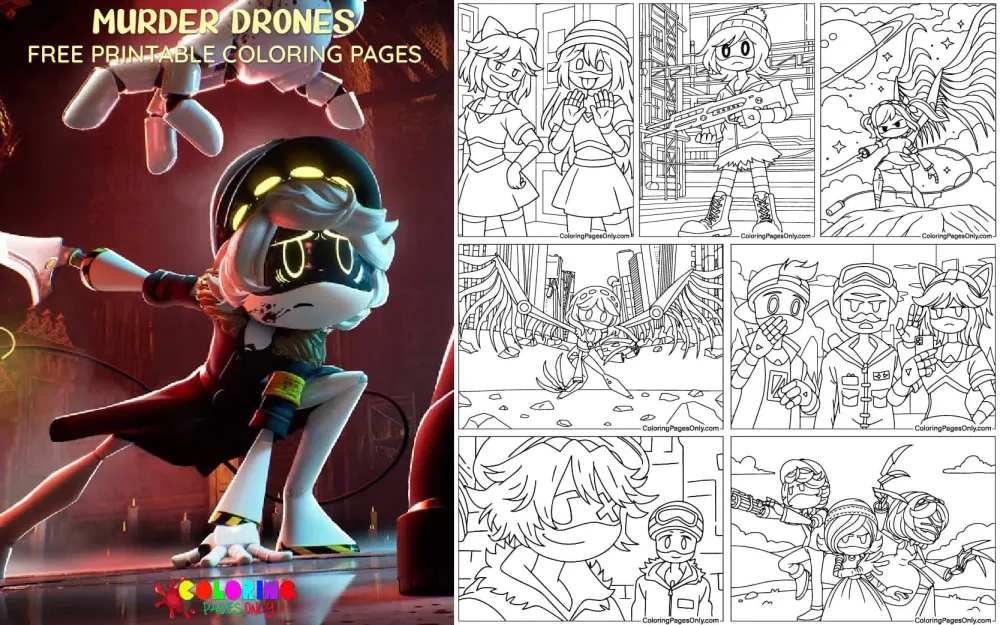
Free Murder Drones coloring pages: 51 printable PDF designs featuring Uzi Doorman, N, V, J, Cyn, and the wider Worker Drone community from the animated web series. Each page can be downloaded as a PDF to print or colored online in the browser.
Murder Drones is an animated web series created by Liam Vickers and produced by Glitch Productions, the studio that also produced Helluva Boss and The Amazing Digital Circus. The pilot episode premiered on YouTube in March 2021, and the full series began in June 2022. The setting is Copper 9, a frozen former industrial colony once staffed by humanoid robots called Worker Drones. Disassembly Drones, nicknamed Murder Drones within the story, are a separate robot type introduced later in the series. The story follows Uzi Doorman, a Worker Drone teenager, and her connection to N and V, two Disassembly Drones. This collection focuses on the show’s distinctive robot character designs, Uzi’s purple hoodie and amber visor, N’s white-gray body and wings, V’s sharper mechanical build, and the wider Worker Drone cast, across solo portraits, character pairs, and group scenes.
The 51 pages are split into Uzi pages, N pages, V pages, pair and group scenes, the wider Worker Drone community, and a set of special and seasonal designs.
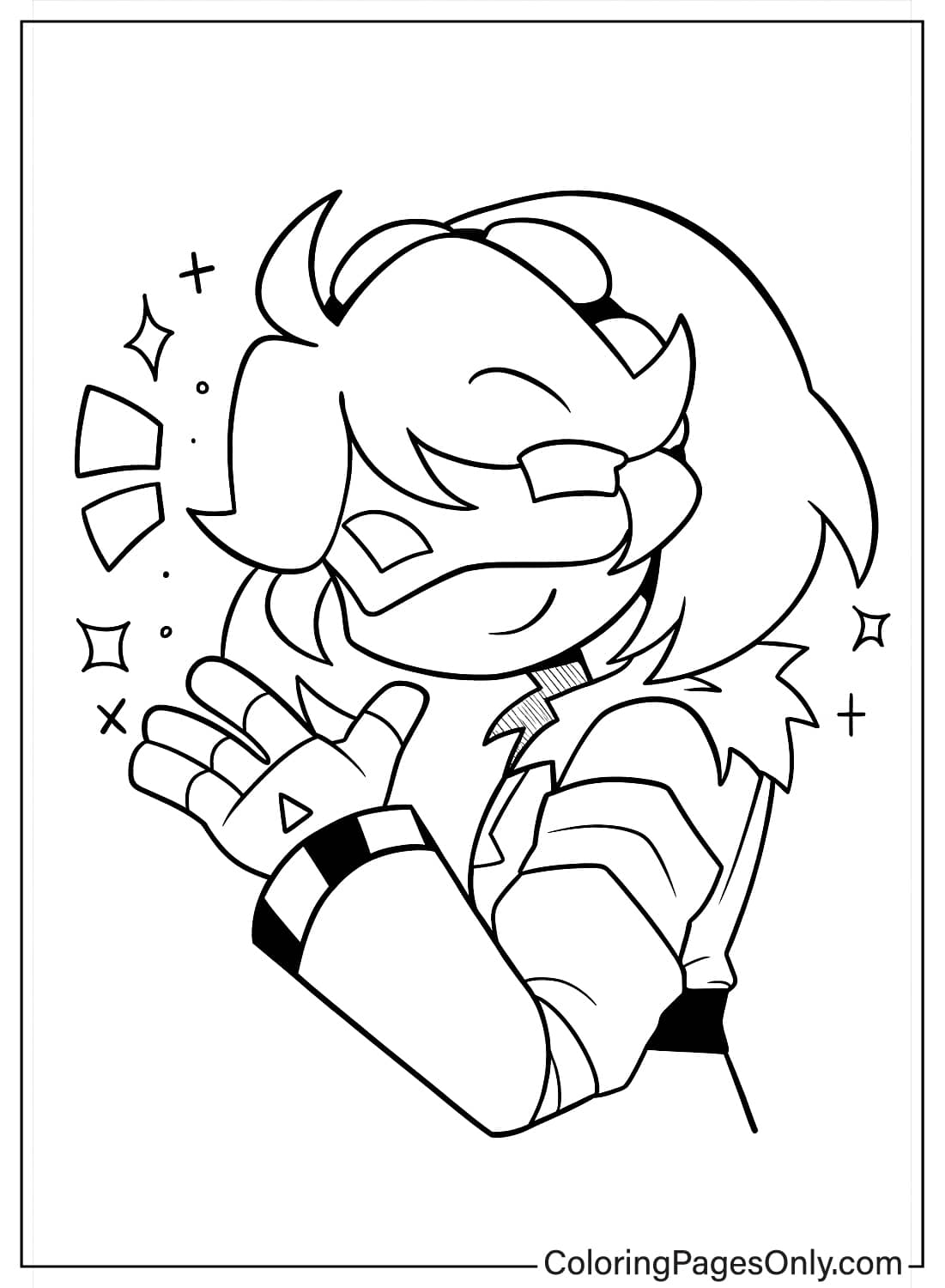
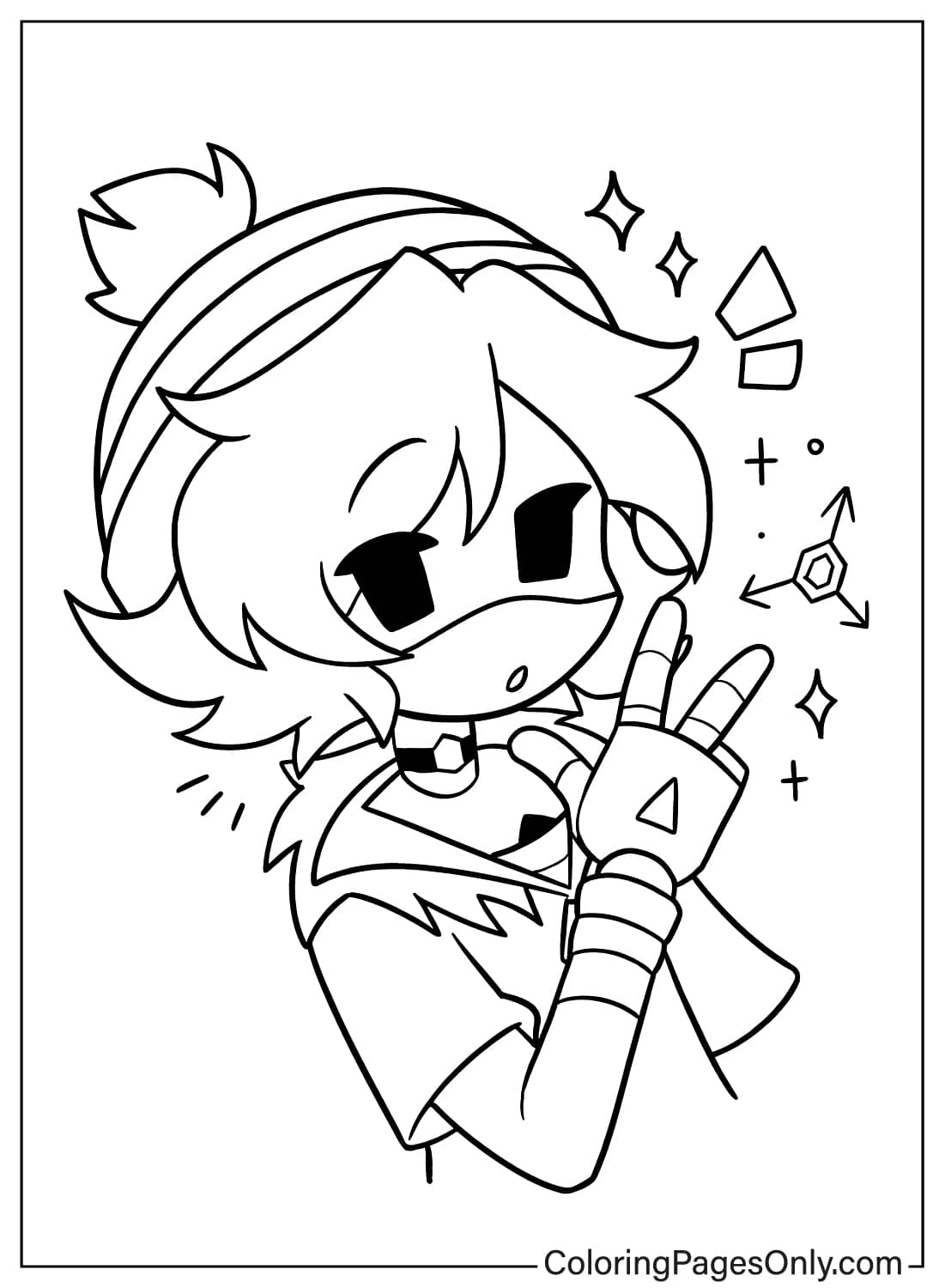
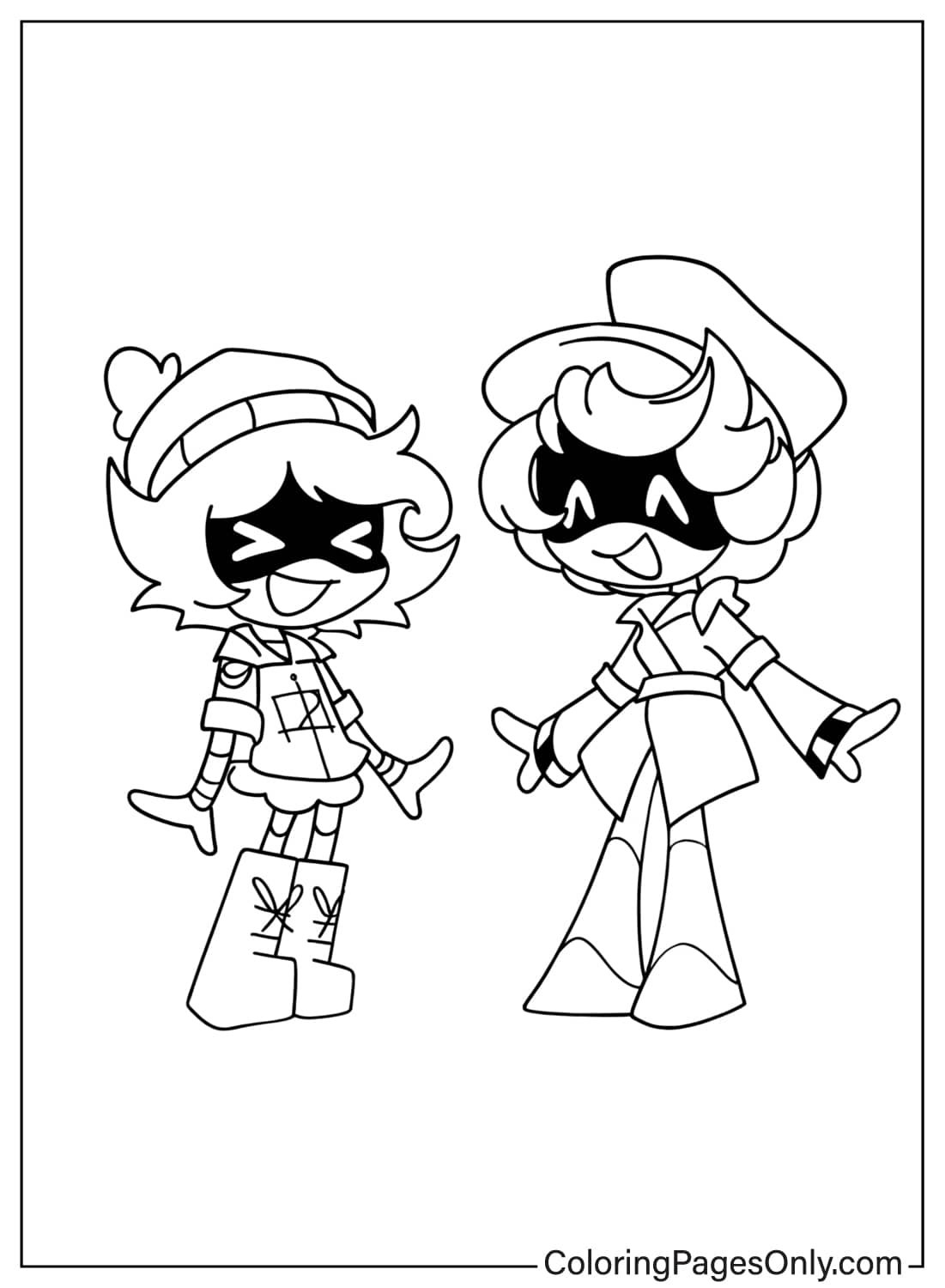
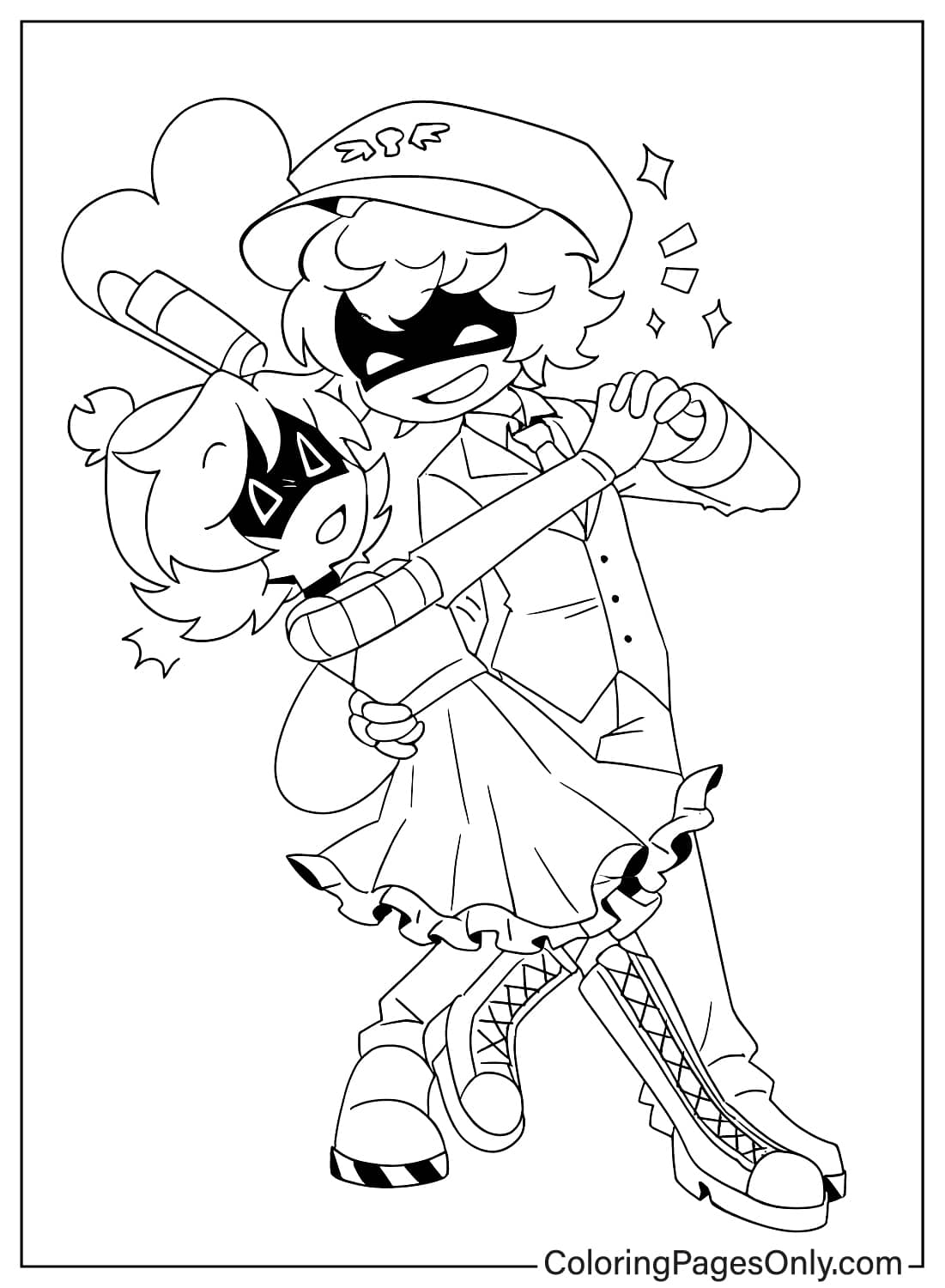
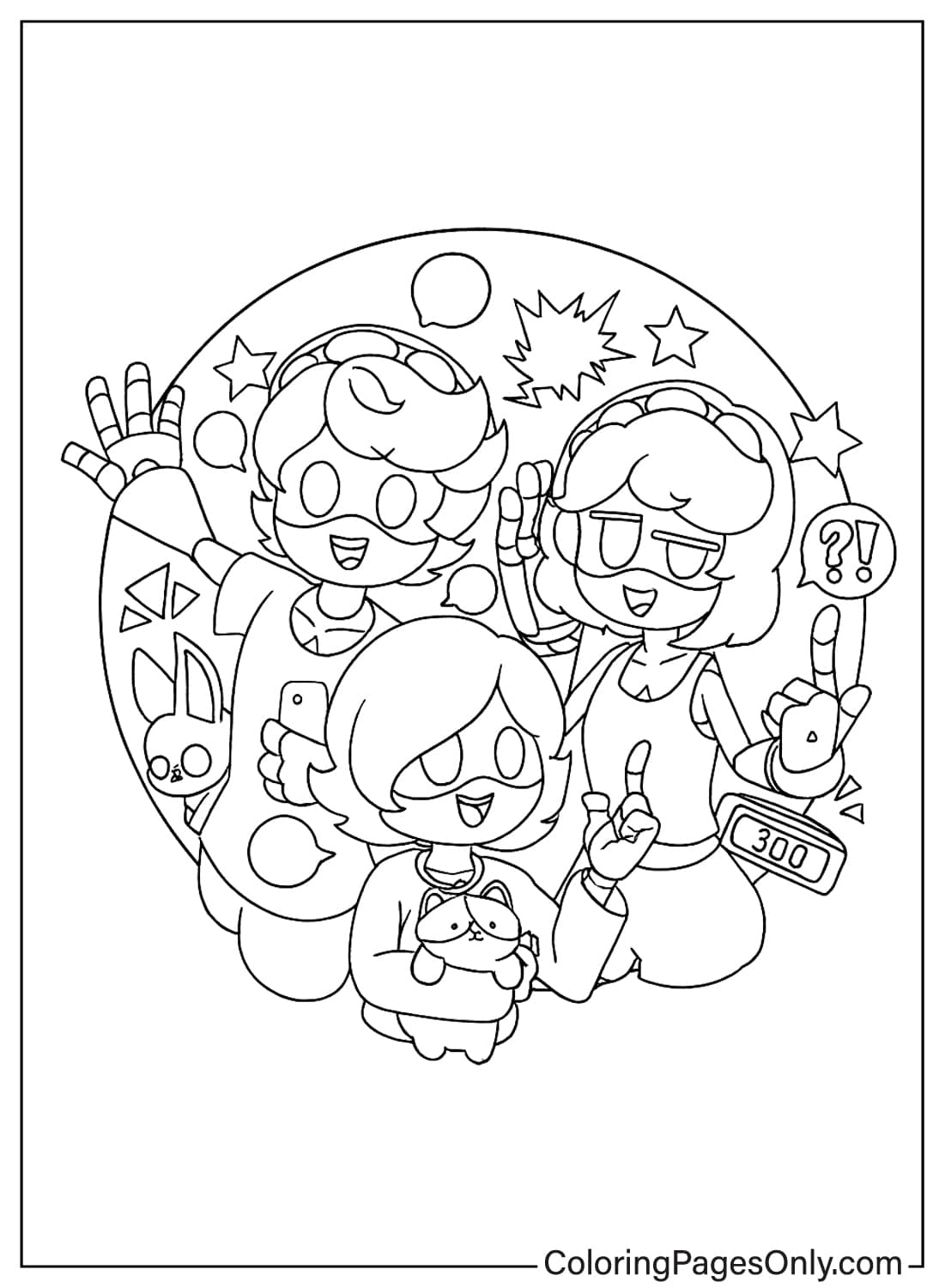
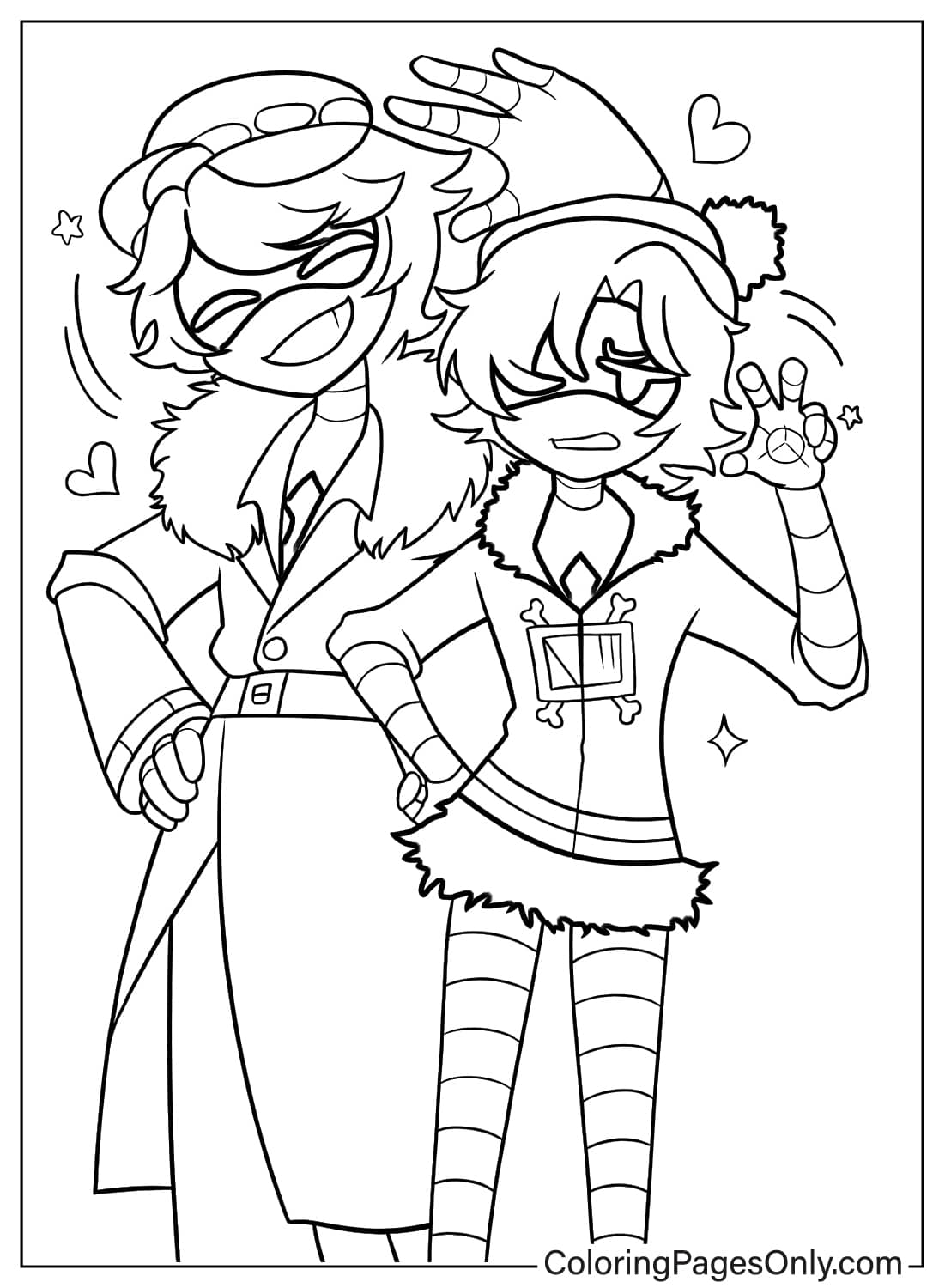
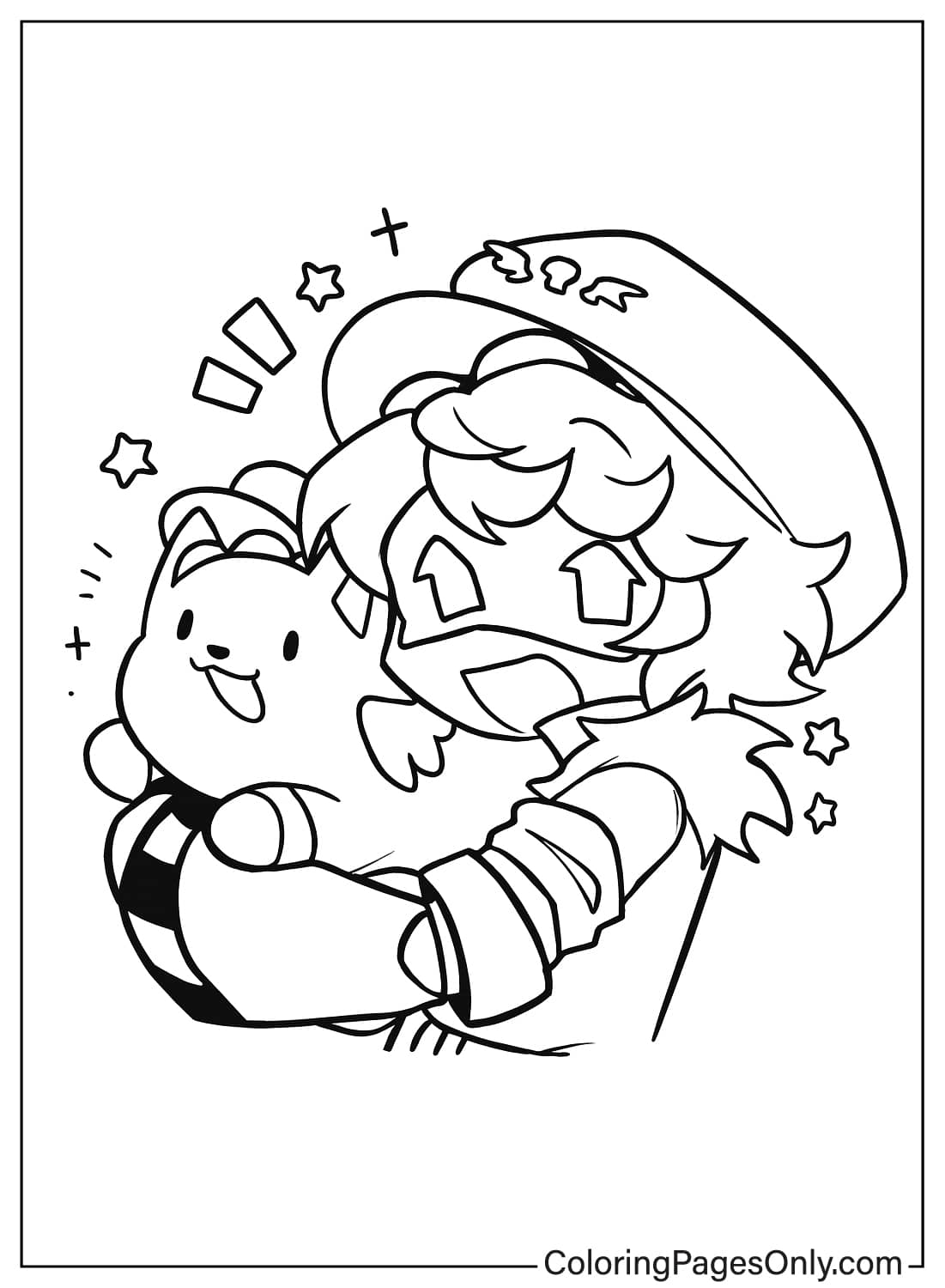
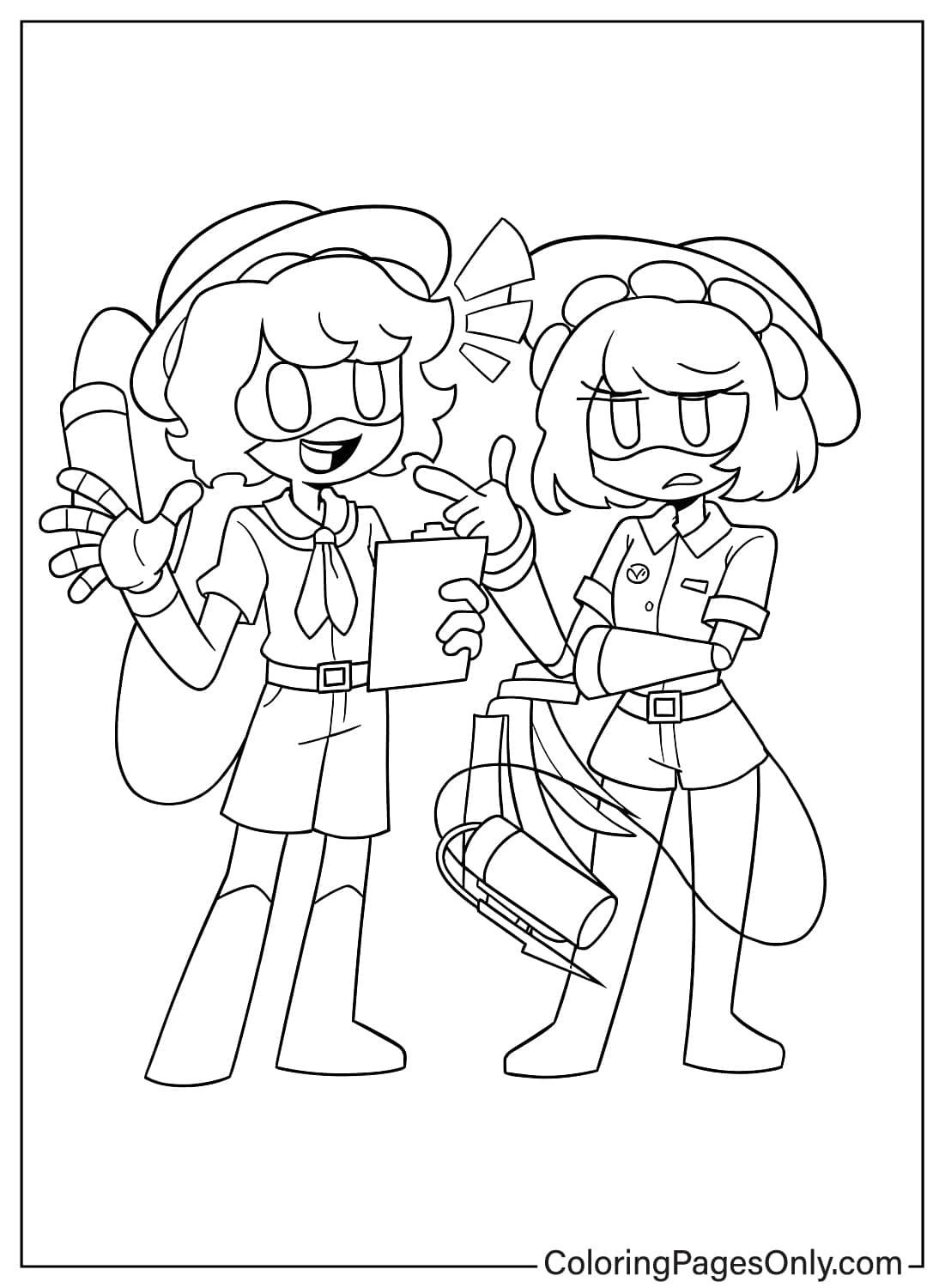


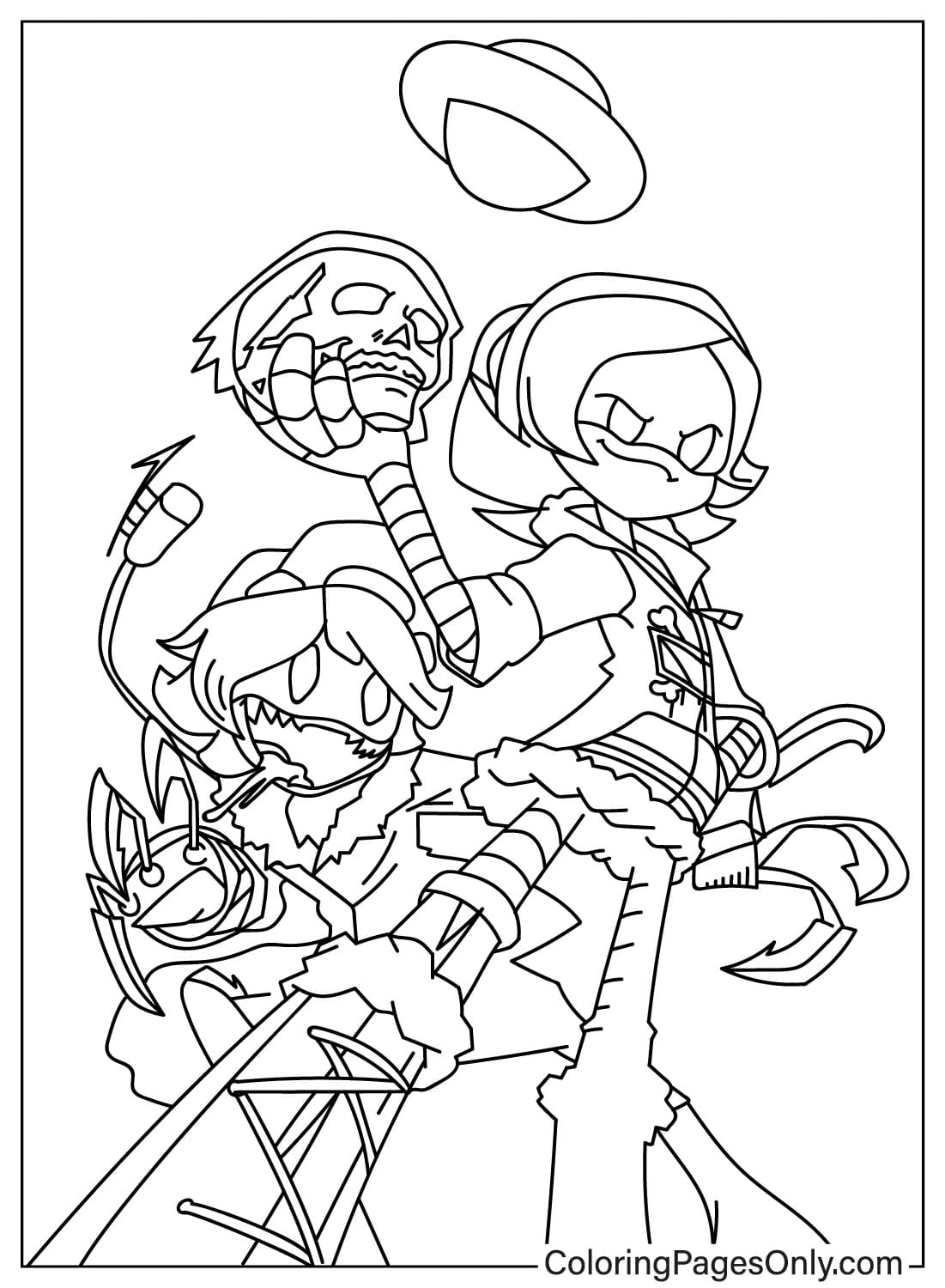
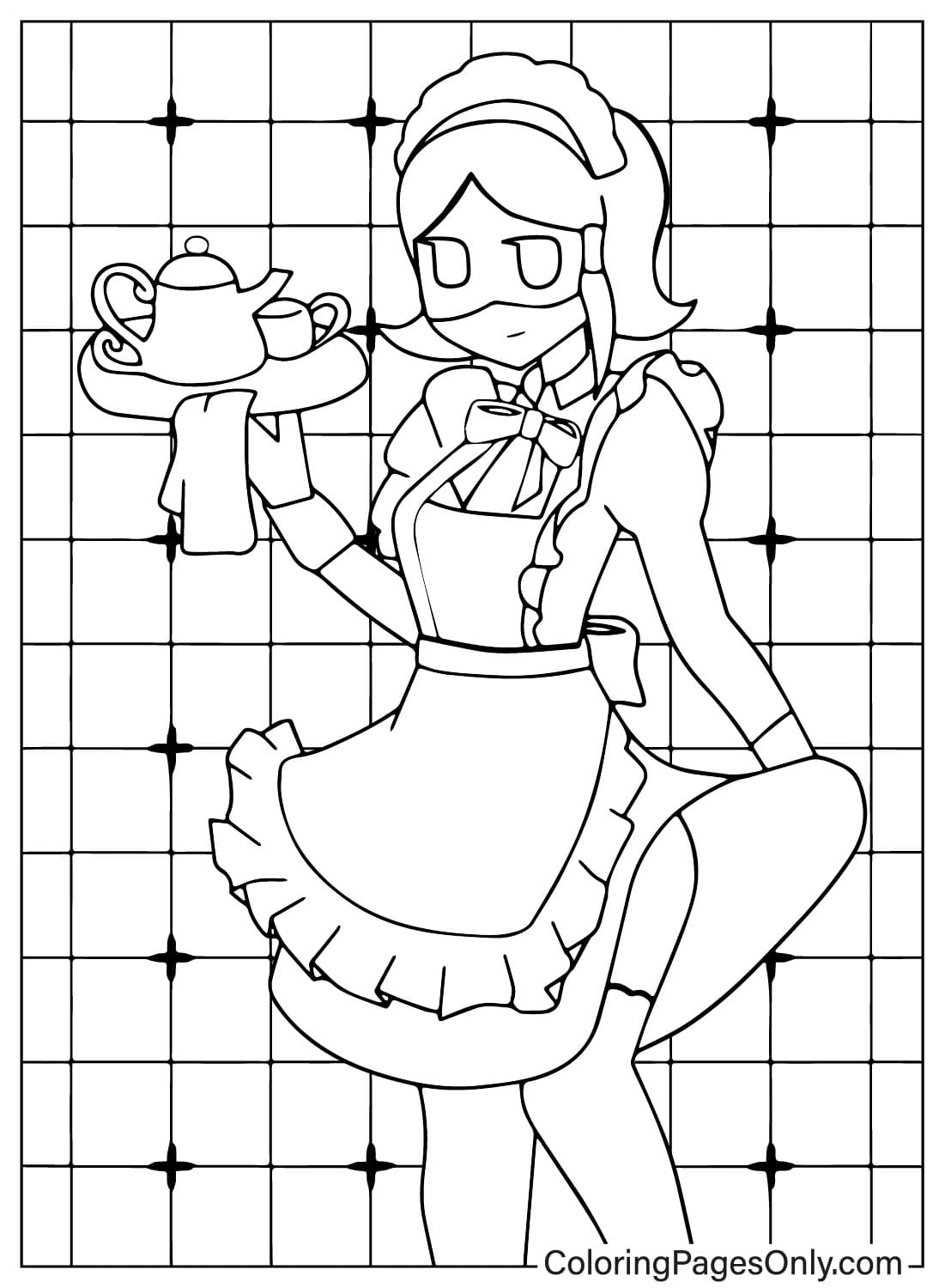
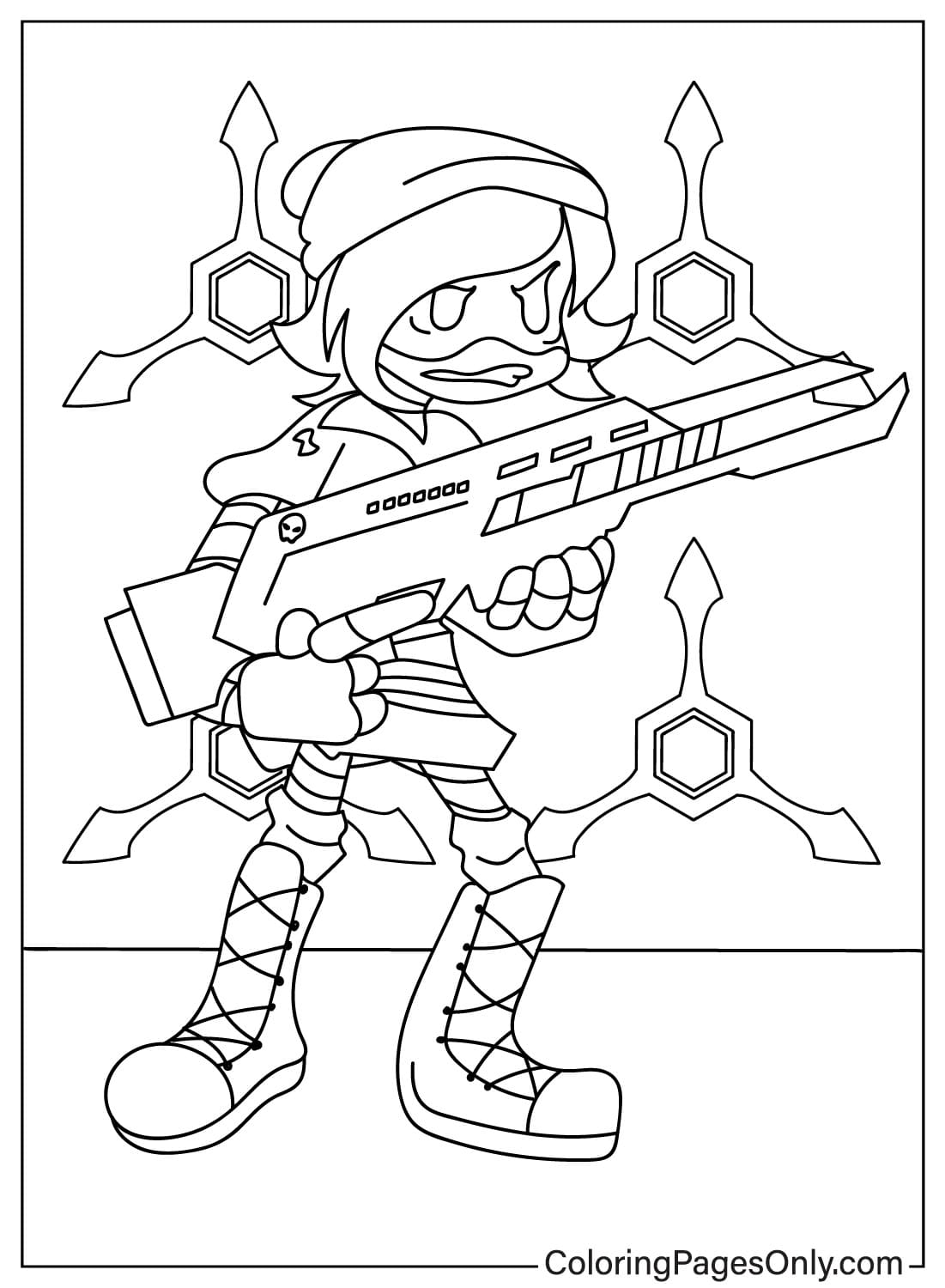
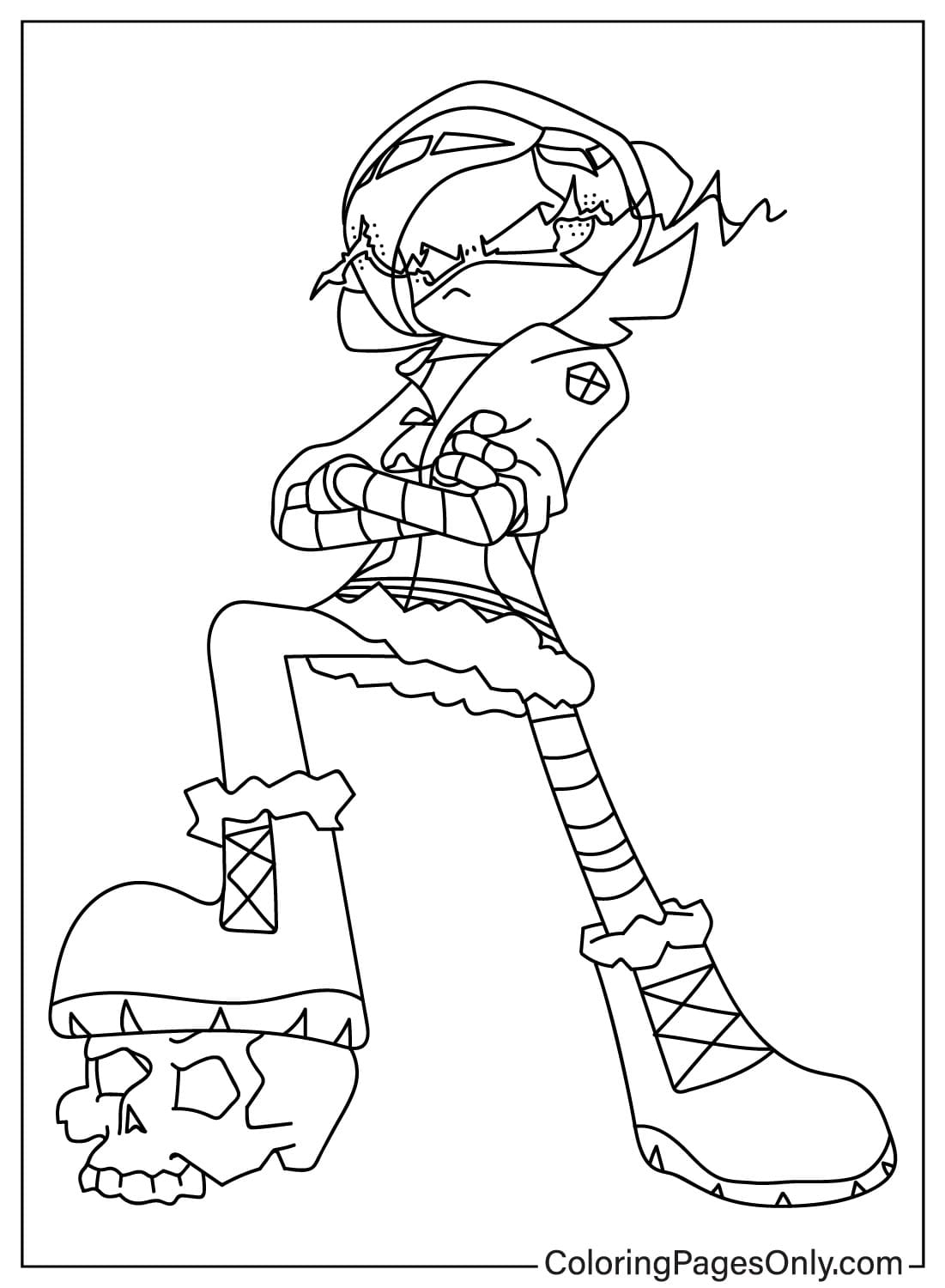
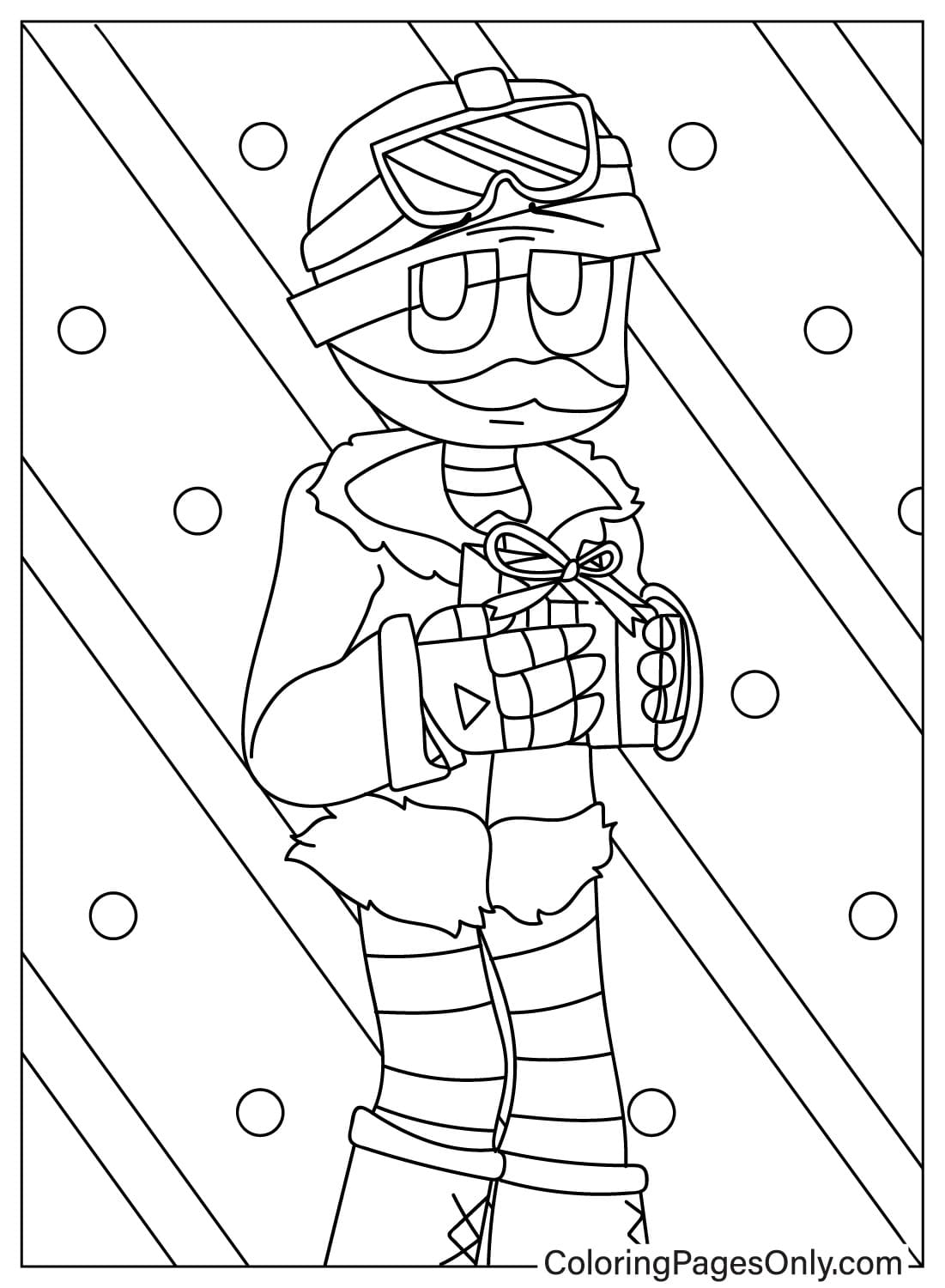
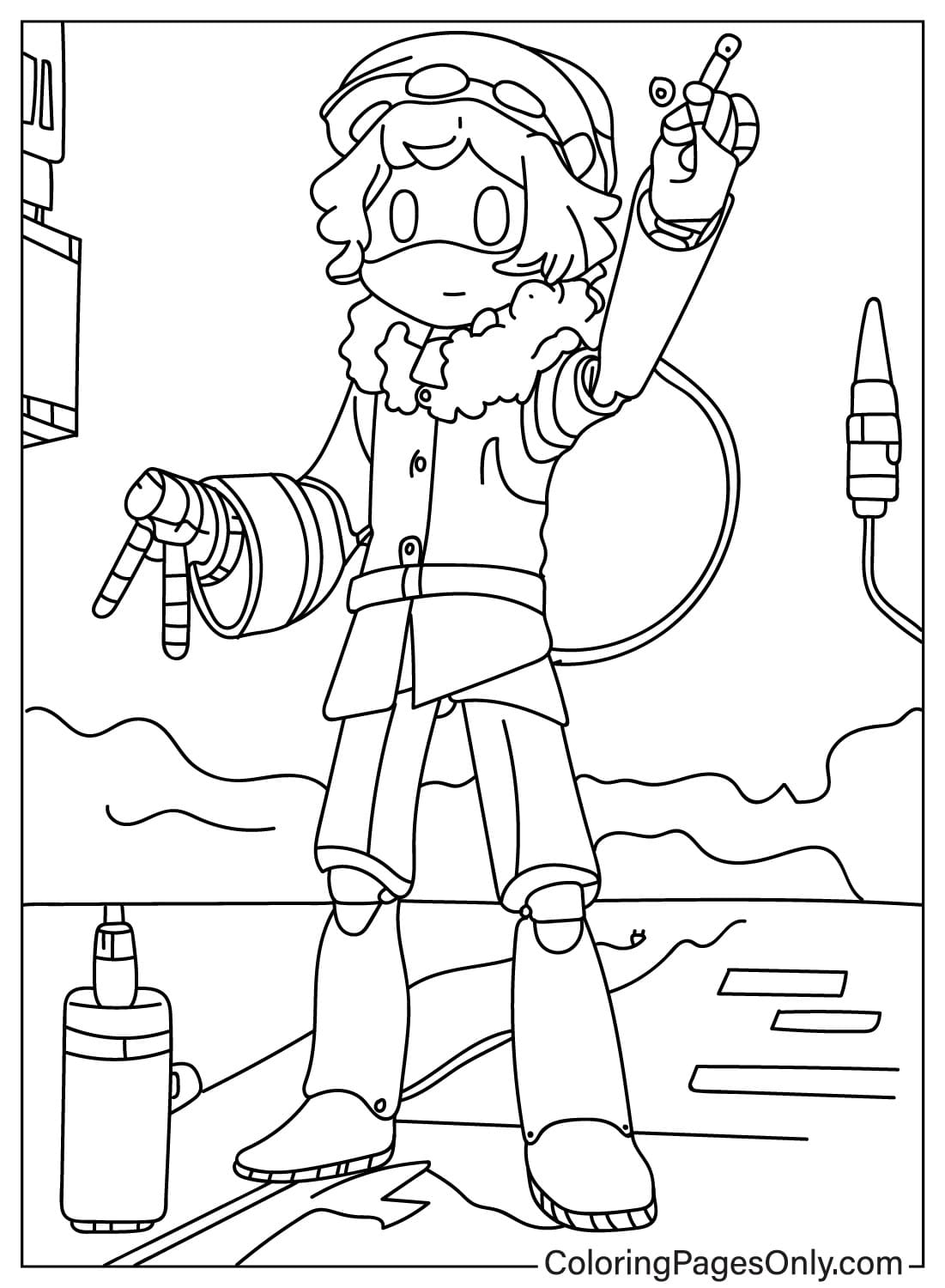
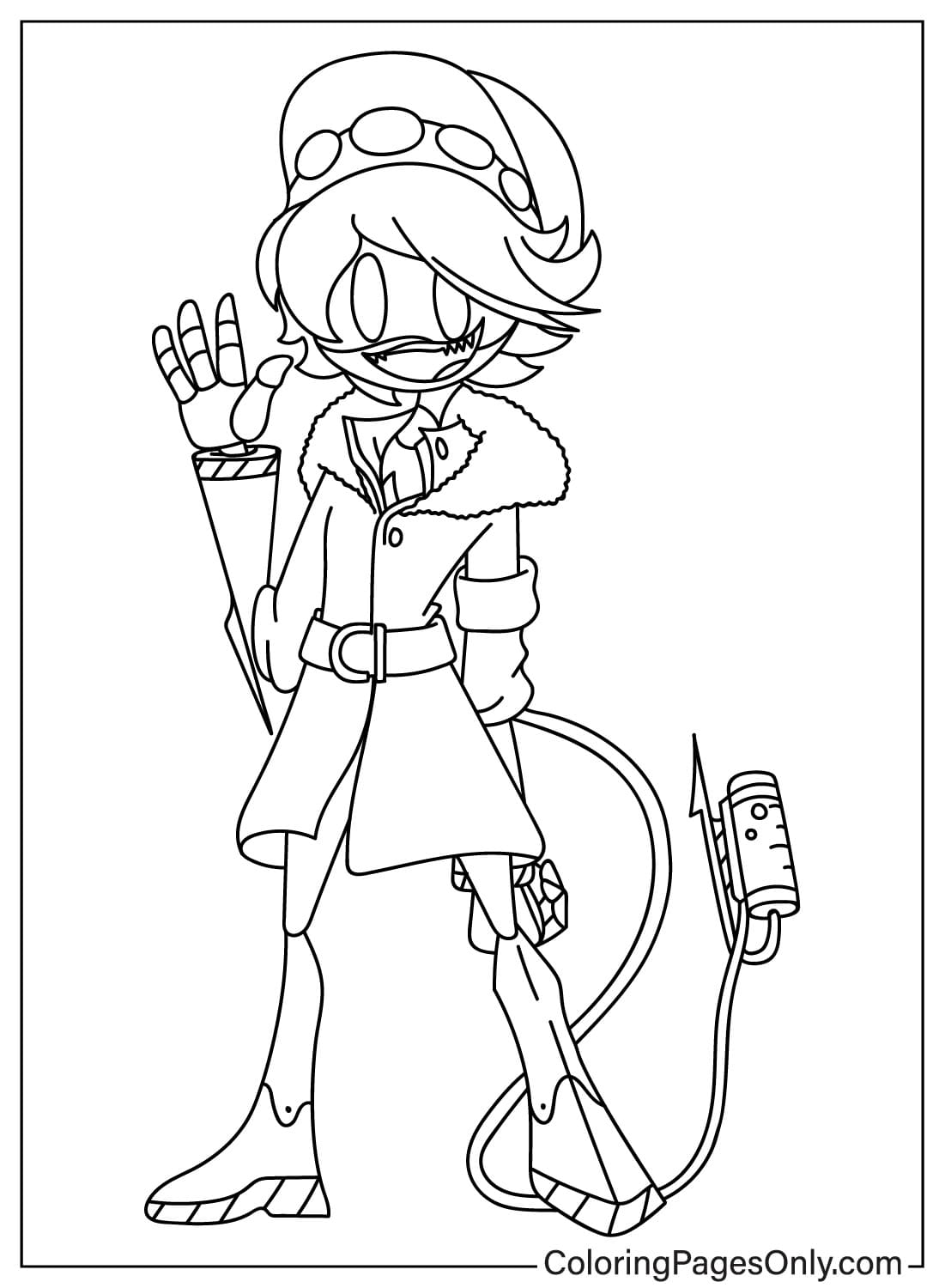
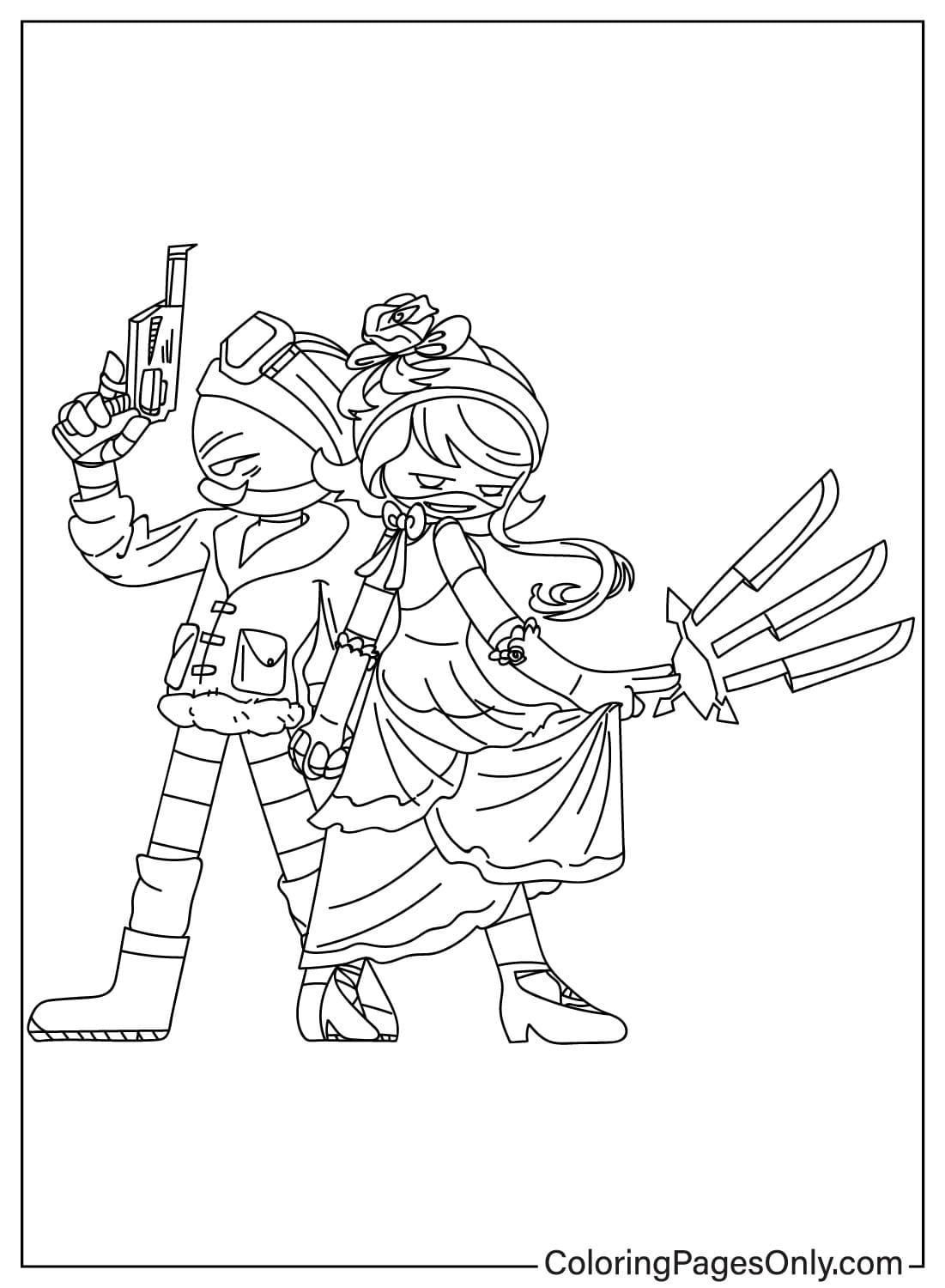
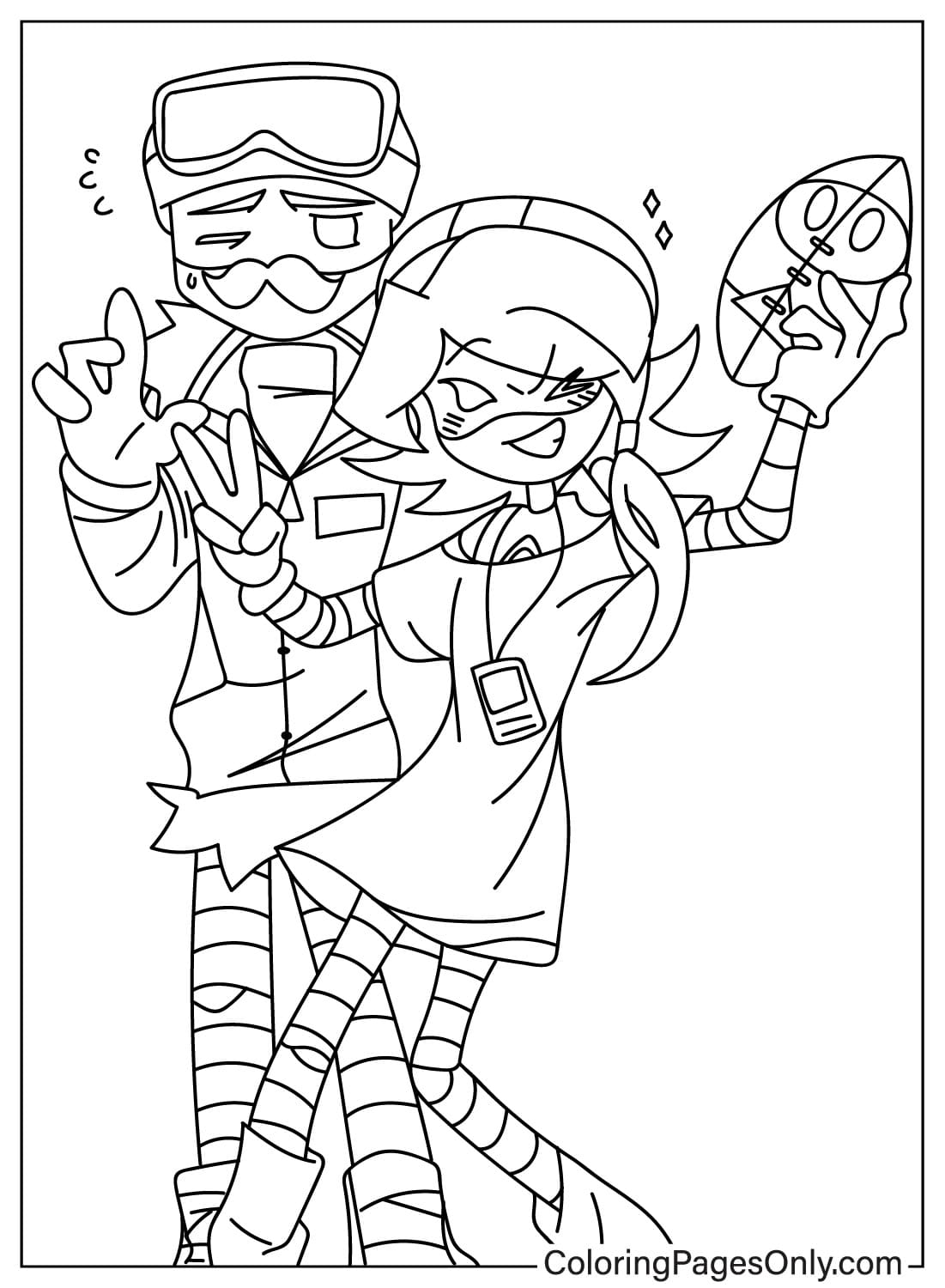
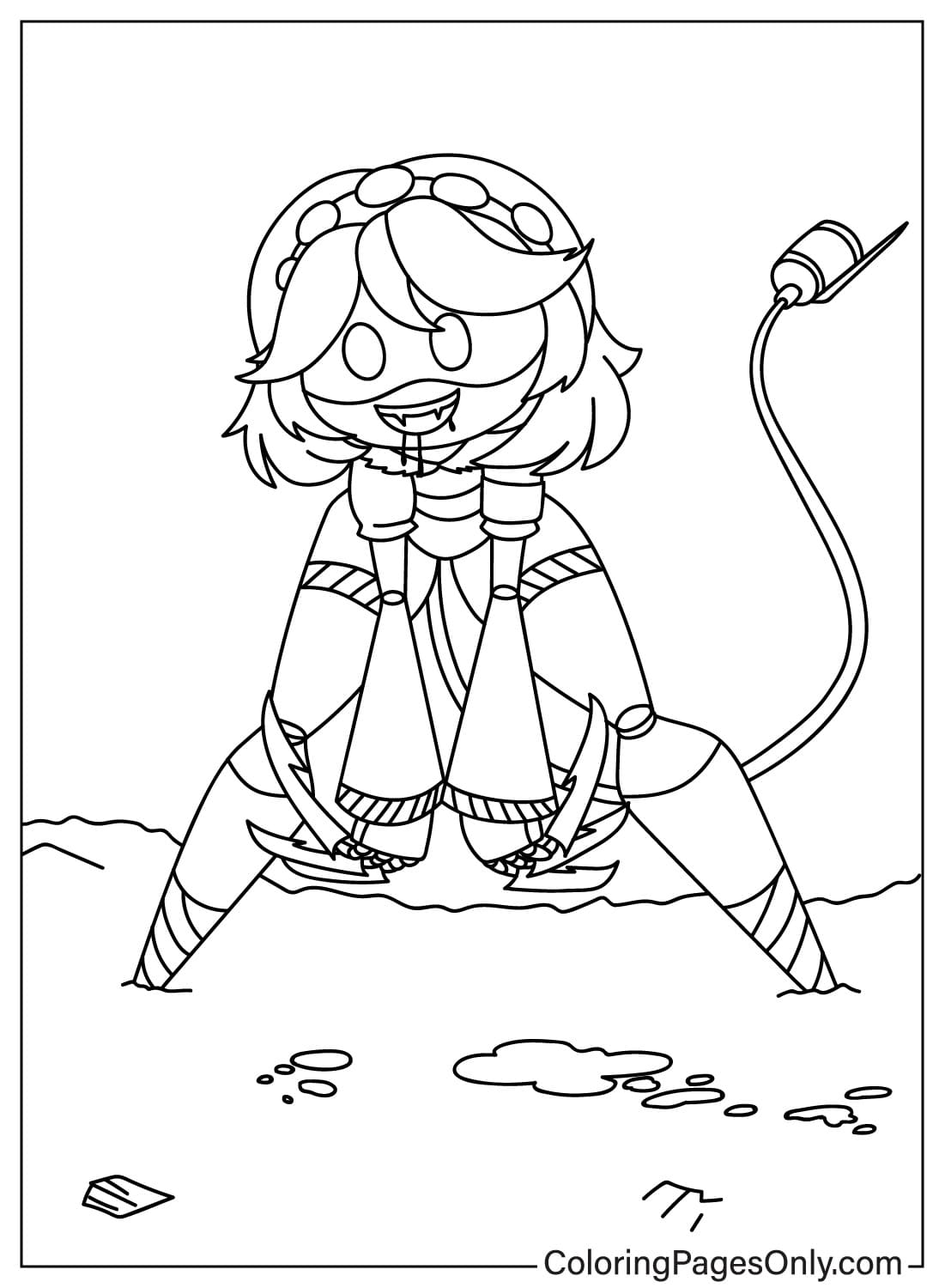
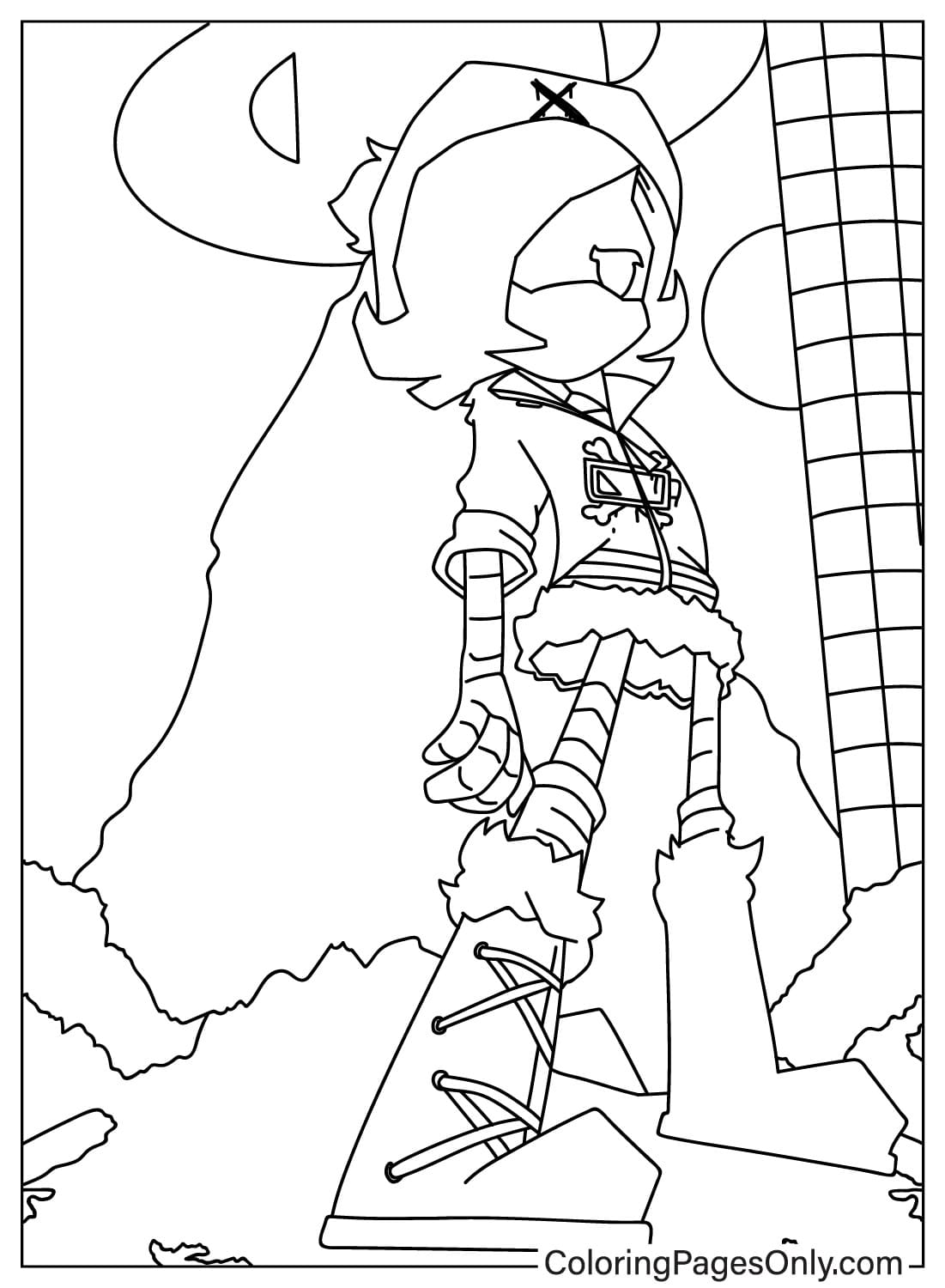
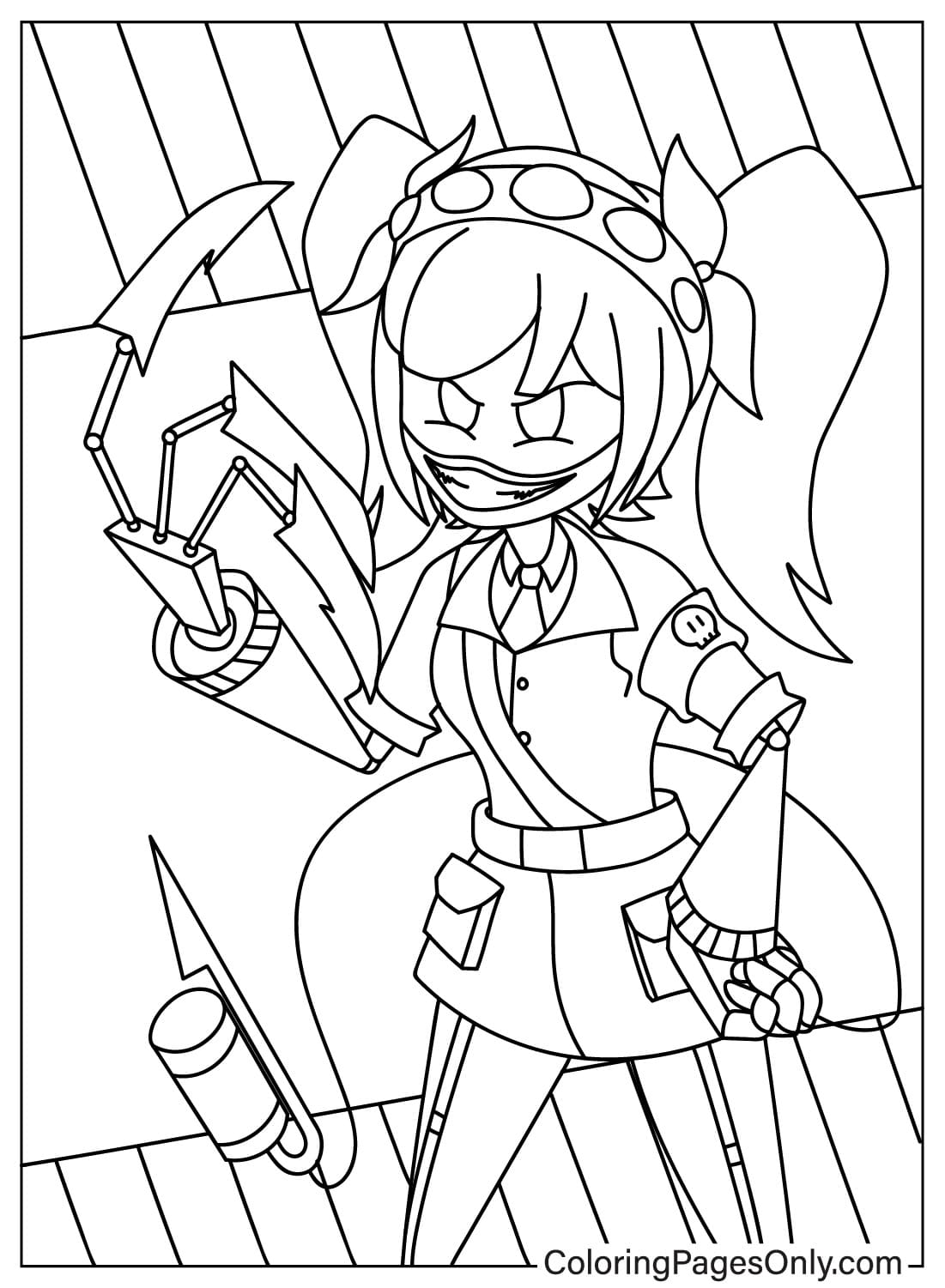
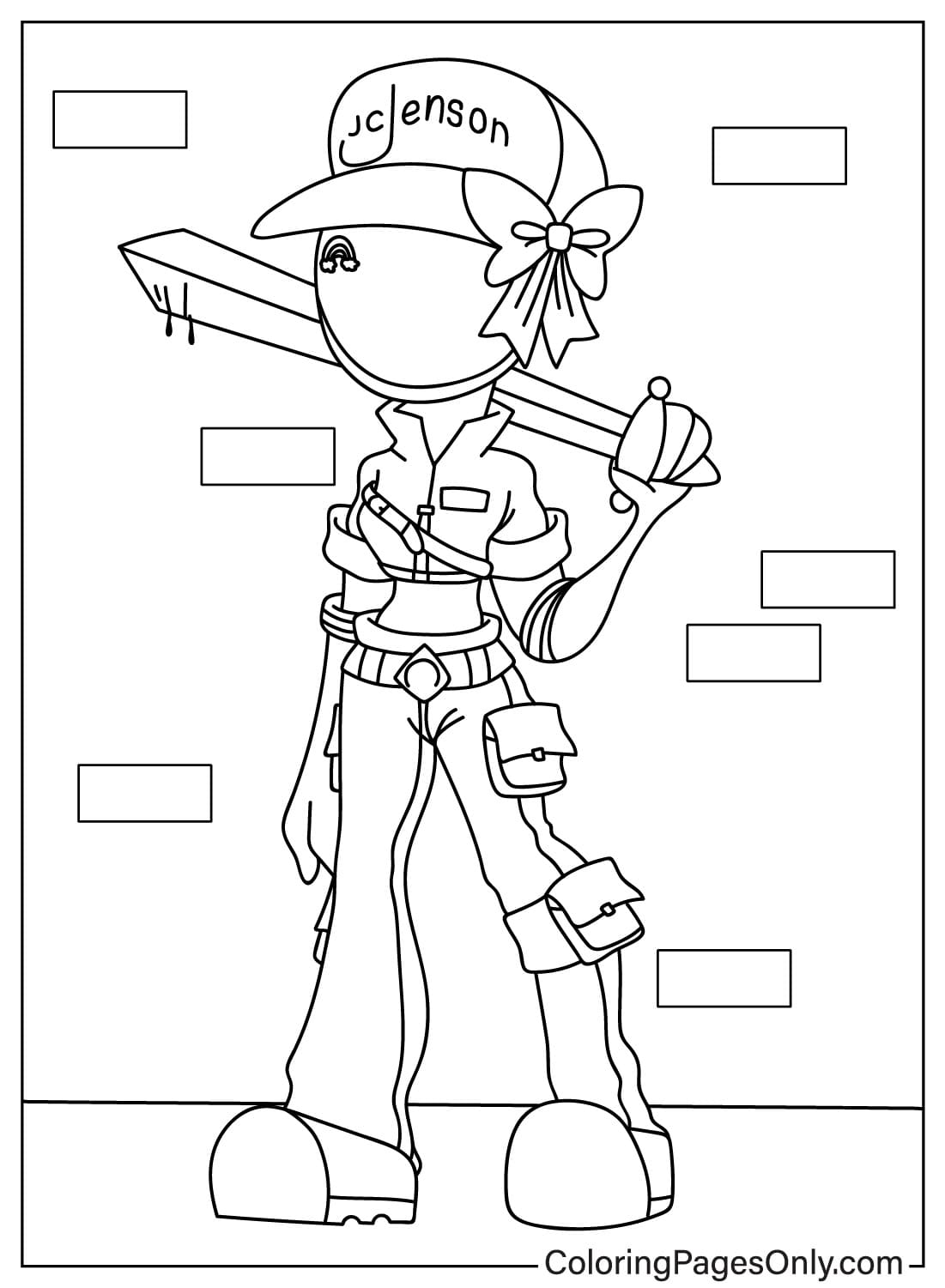
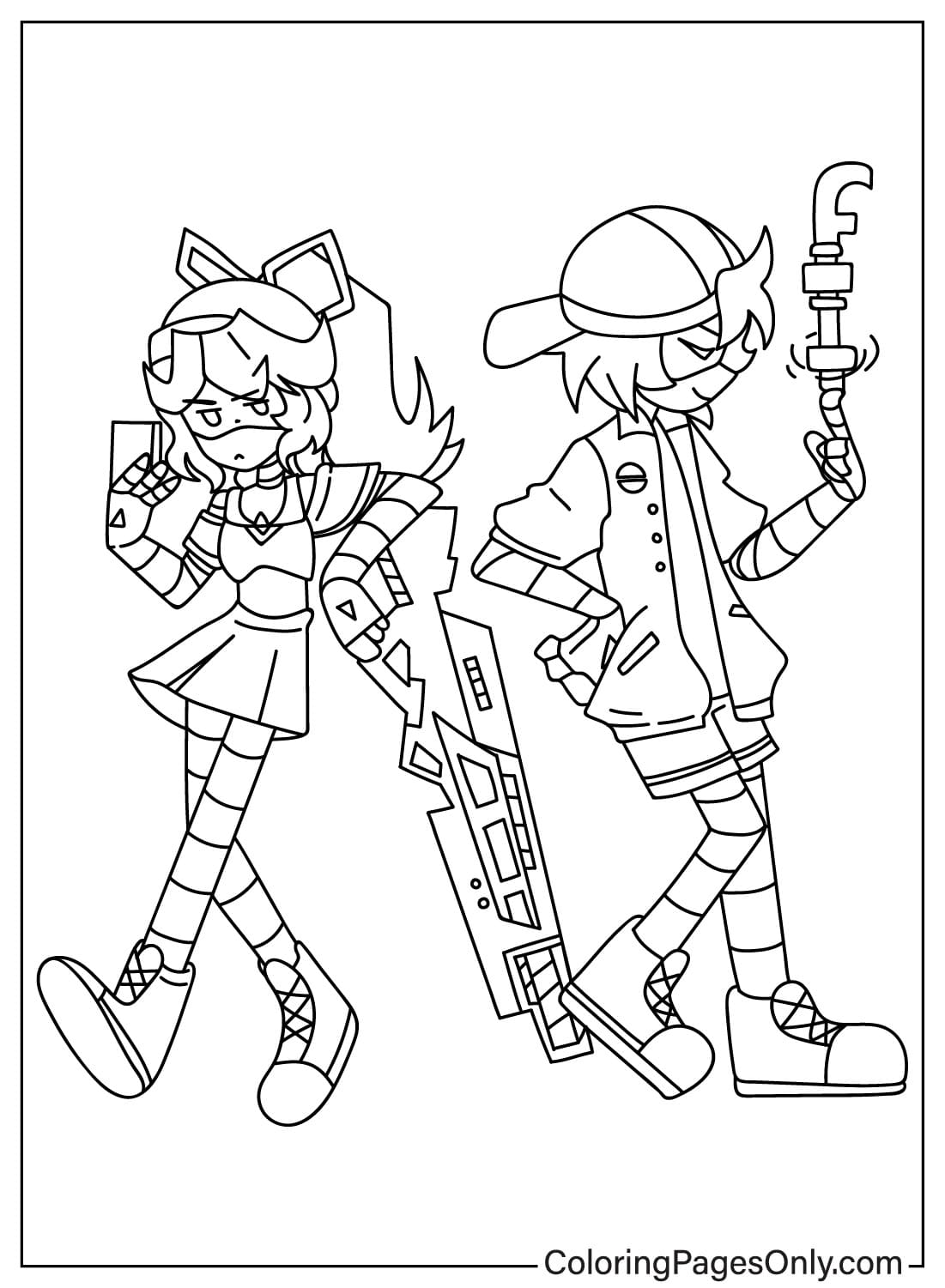
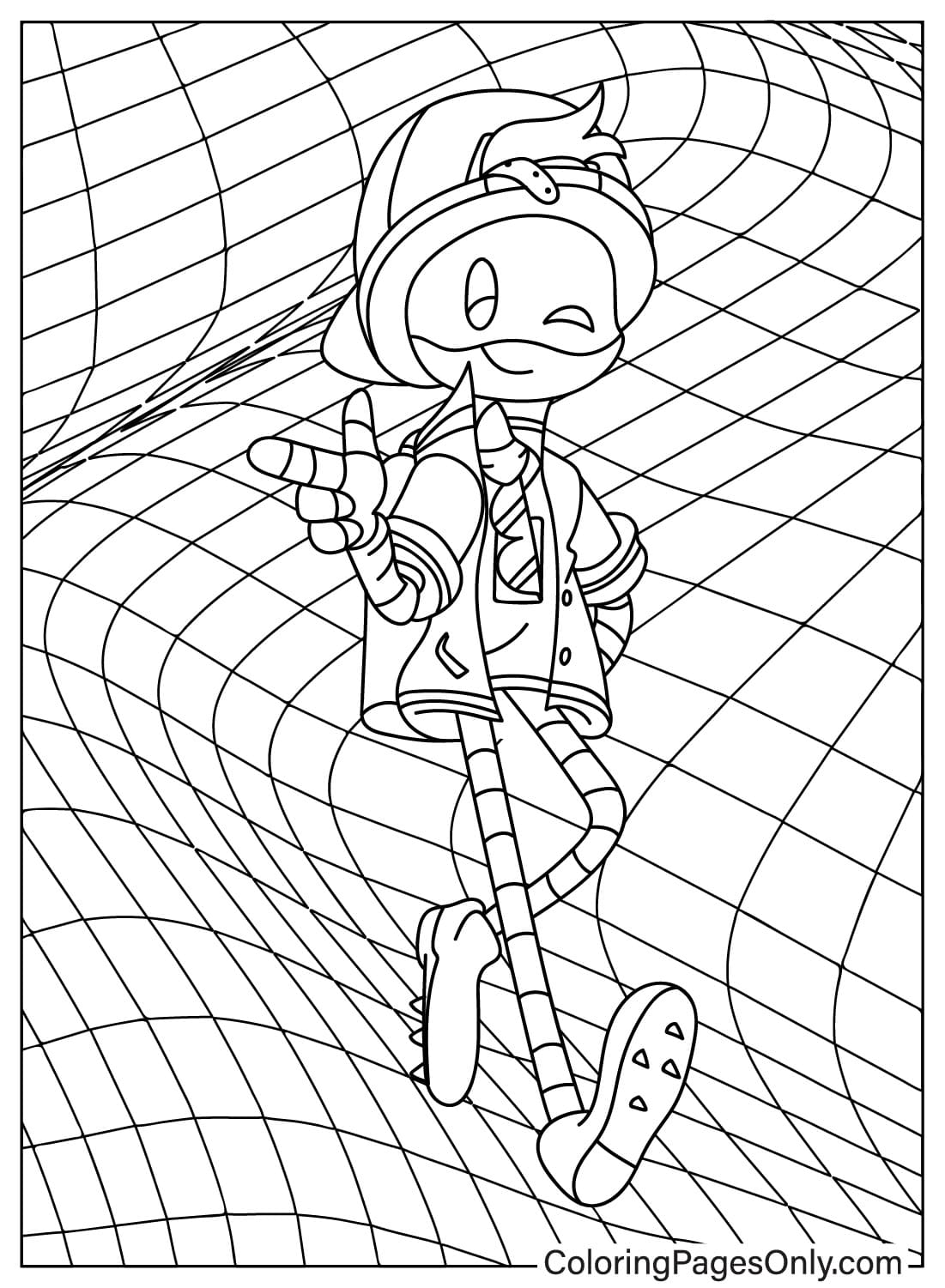

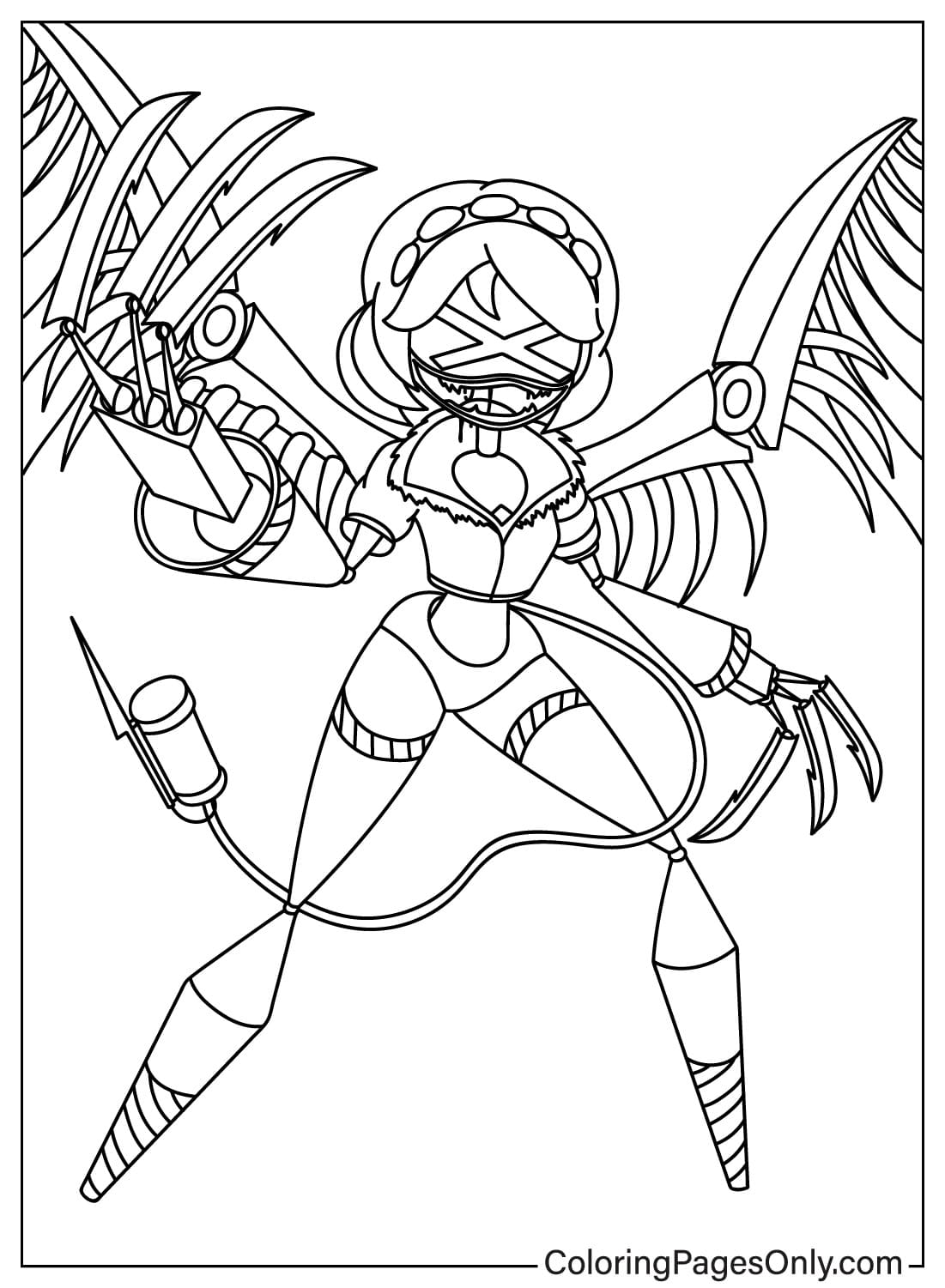
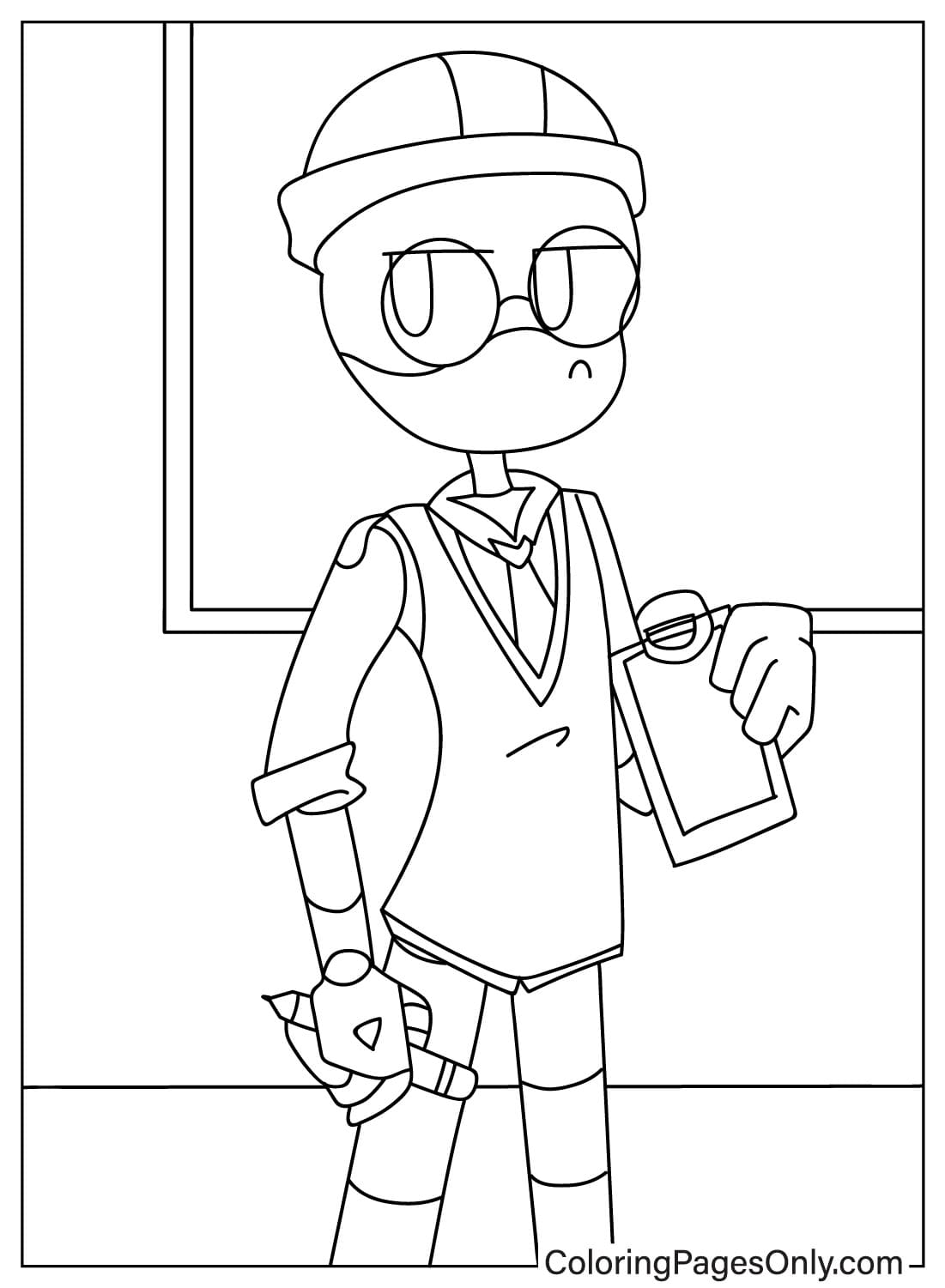
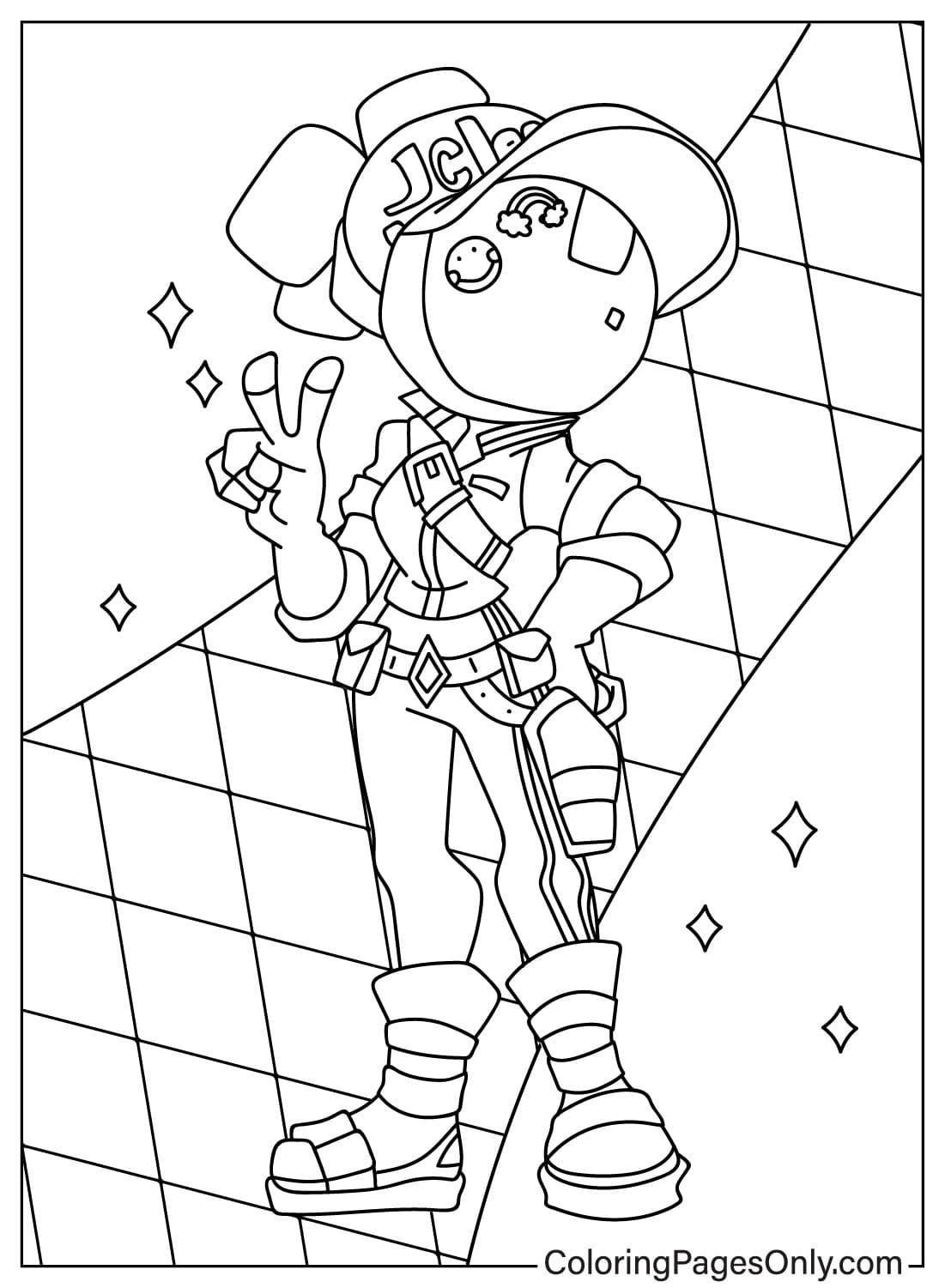
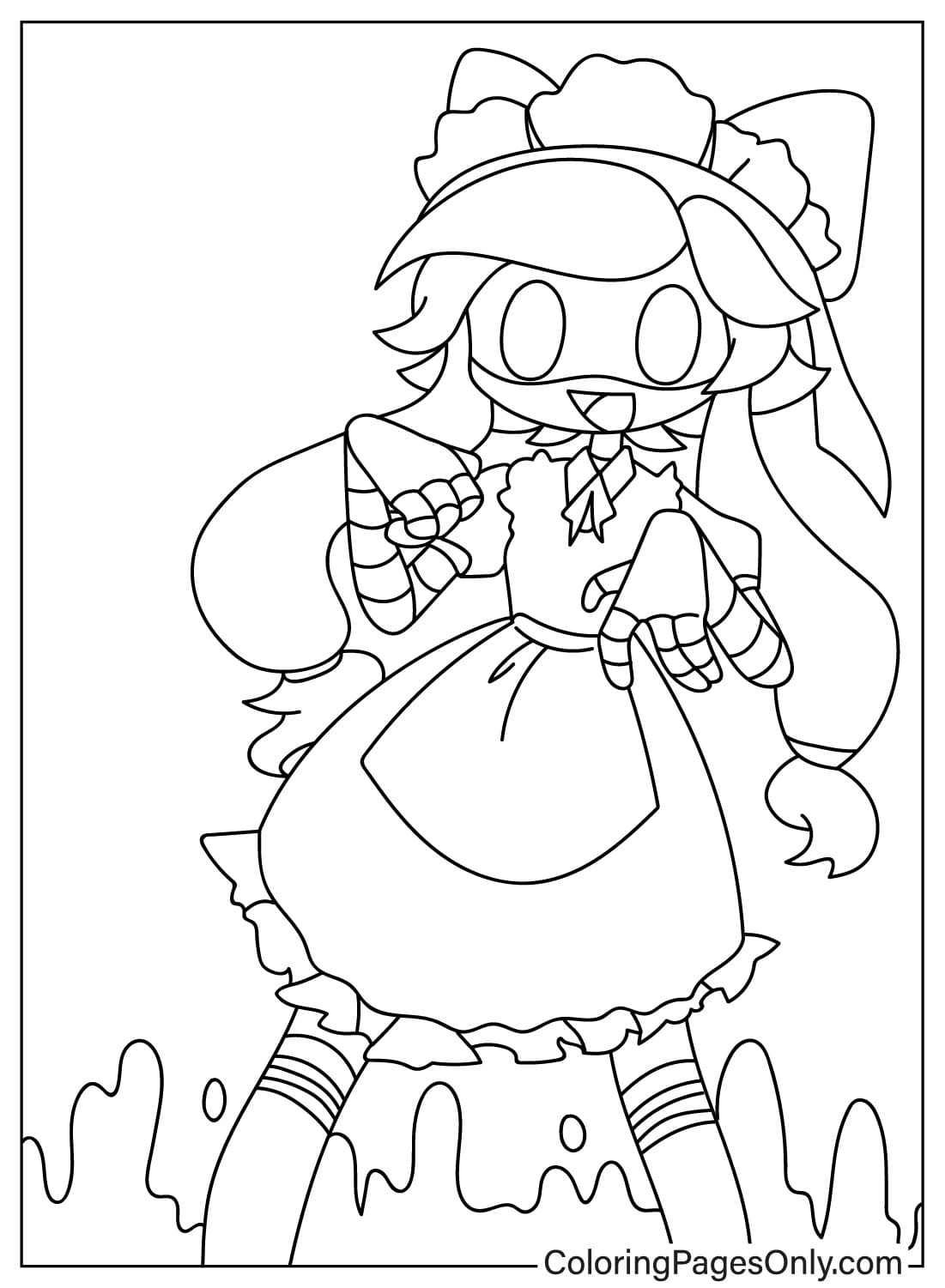
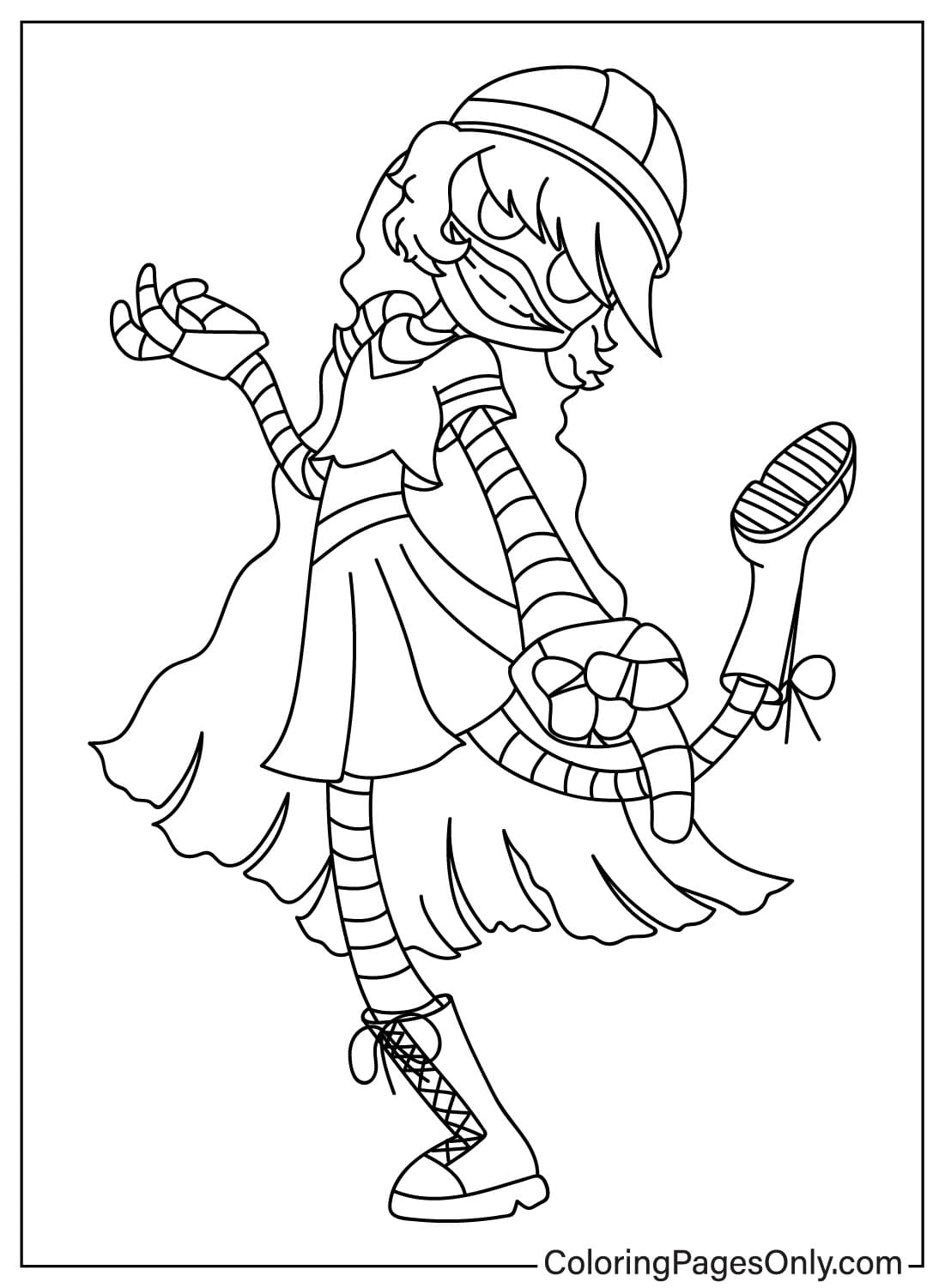
What Is Inside This Collection
The 51 pages sort into six groups, covering Uzi, N, V, pair and group scenes, the Worker Drone community, and special designs.
Uzi Pages
Several pages show Uzi Doorman alone, in her classic pose, holding her railgun, and in a casual outfit, covering the full range of her design from relaxed to action-ready.
N Pages
A group of pages shows N, the Disassembly Drone with a white-gray body and amber eyes, in poses ranging from playful, hugging a plush toy or patting Uzi’s head, to a full action pose with his wings deployed.
V Pages
Several pages focus on V, another Disassembly Drone with a sharper, darker design, shown flying and in action poses that highlight her mechanical wings and claws.
Pair and Group Pages
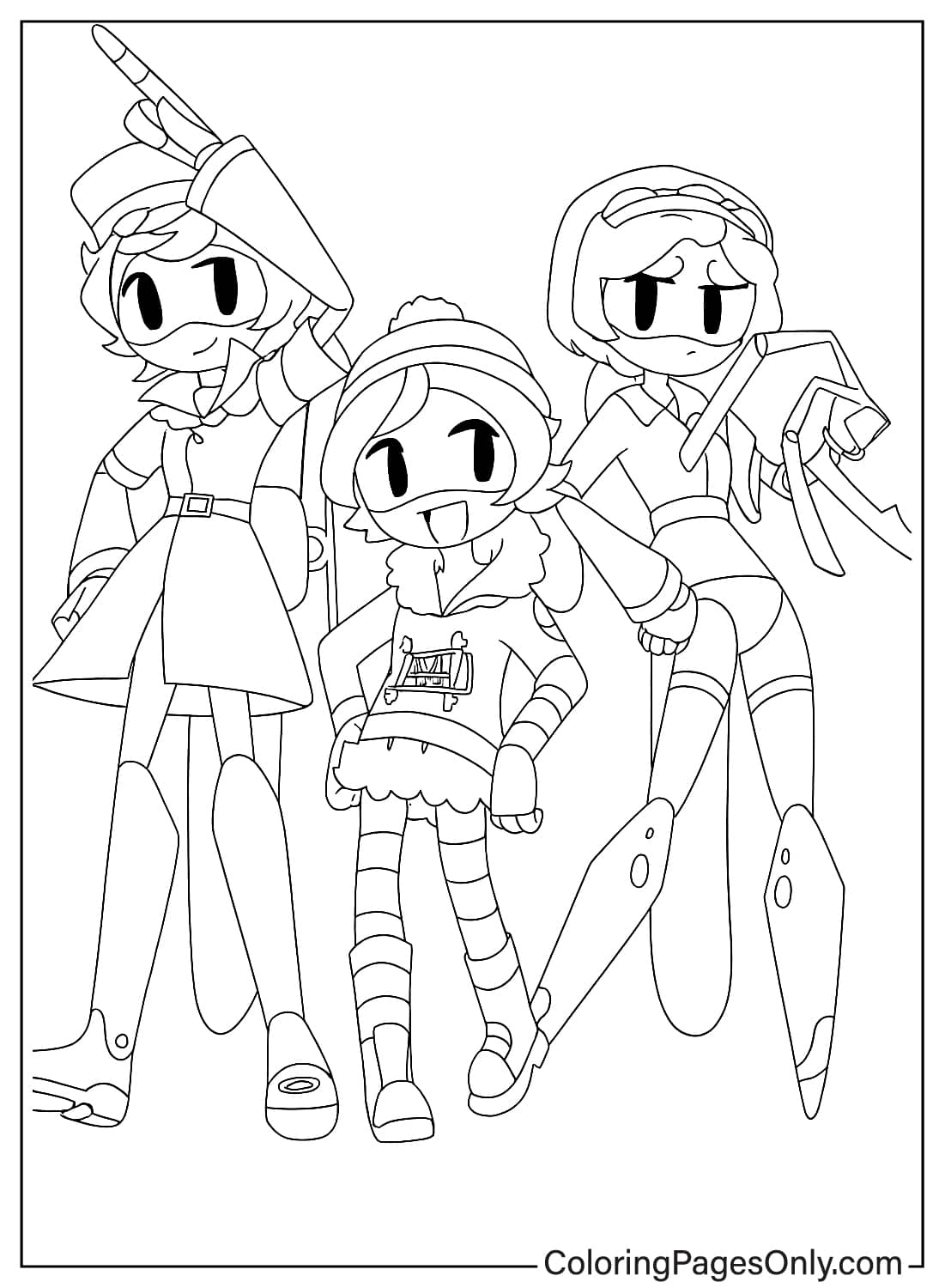
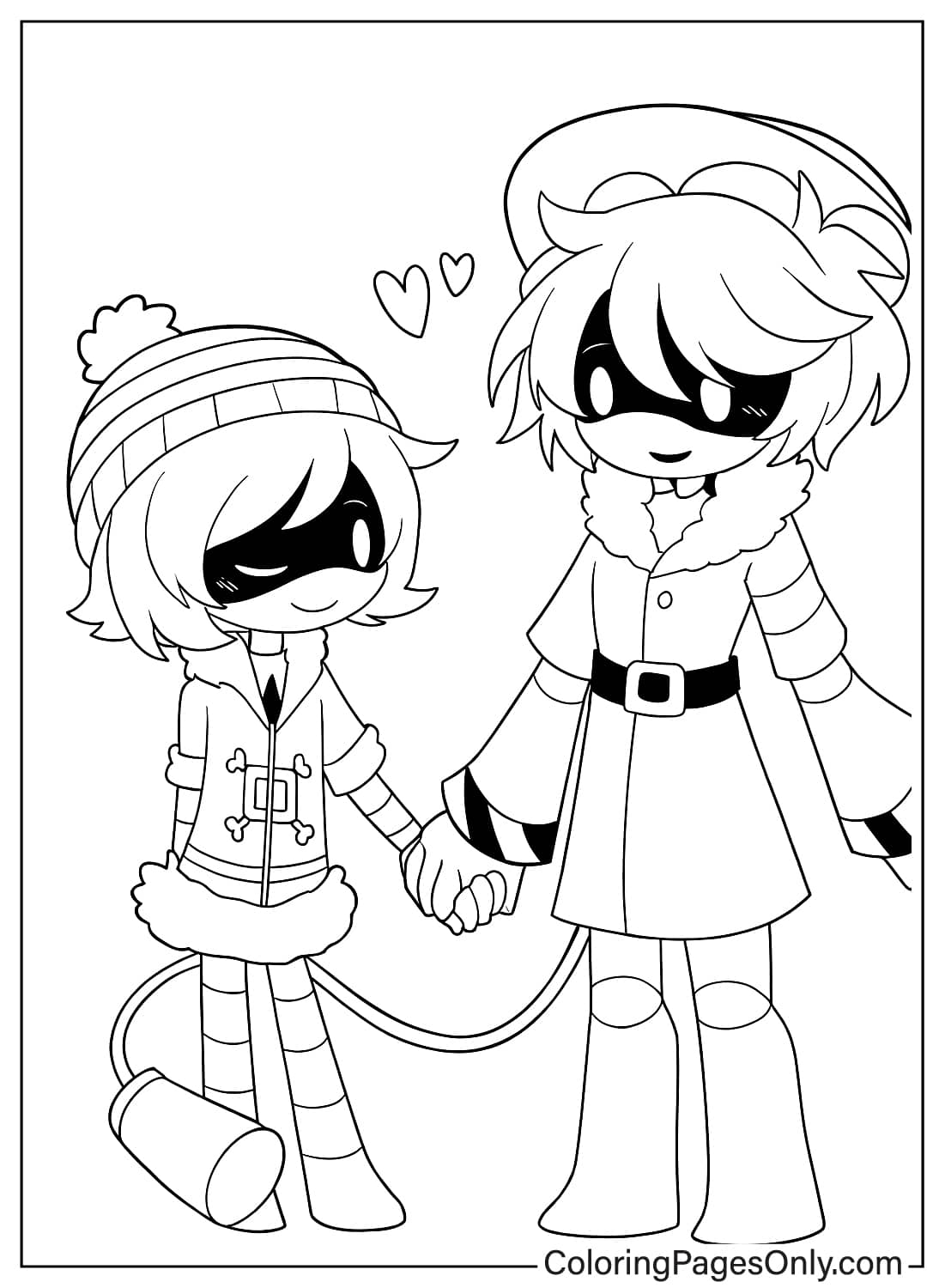
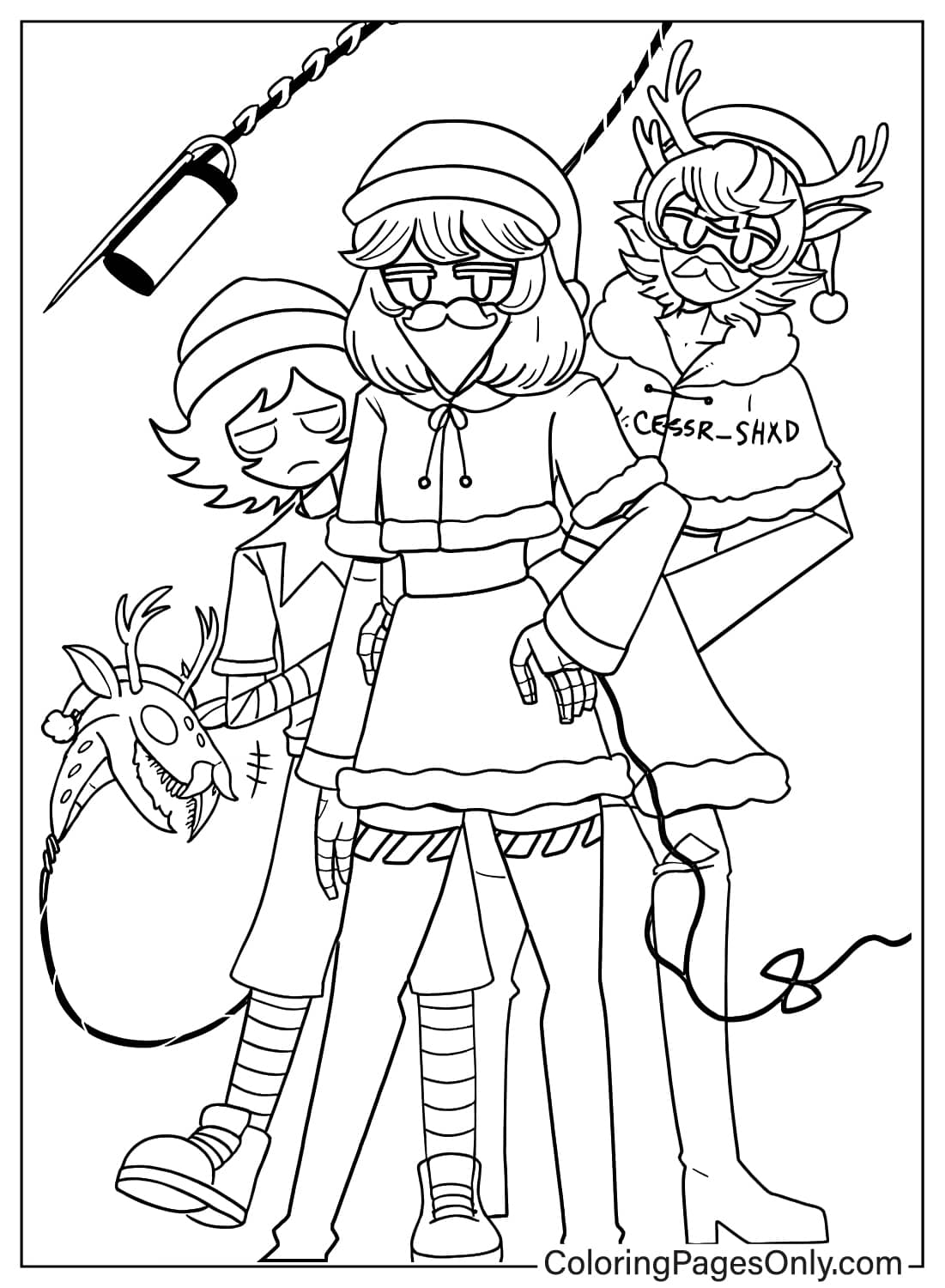
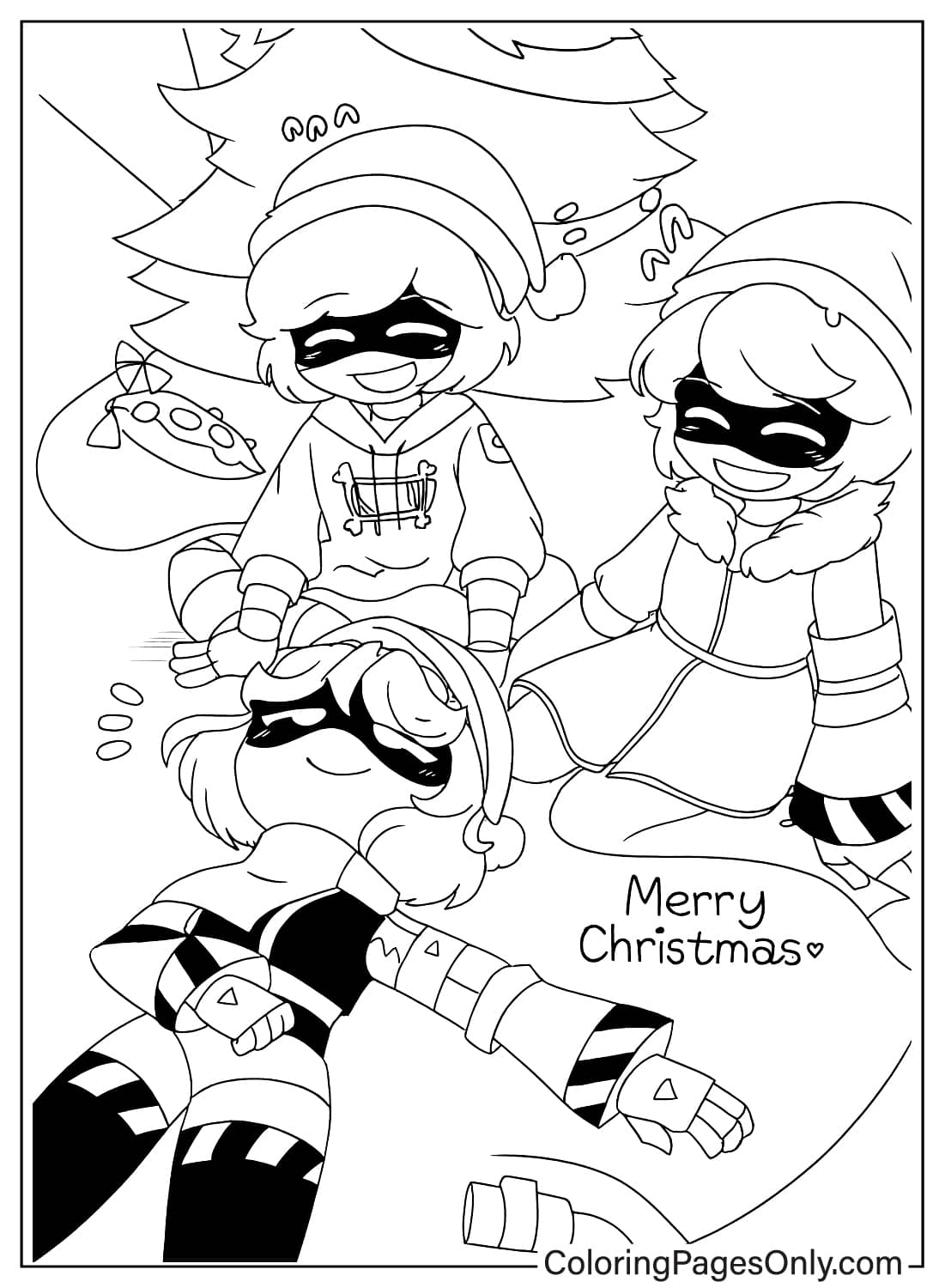
A cluster of pages pairs Uzi with N, and widens to include V and J together, showing the central cast in shared scenes, including a few Christmas and prom-themed designs.
Worker Drone Community Pages
A set of pages covers the wider Copper 9 community, including Uzi’s parents, Khan and Nori Doorman, her friends Thad and Lizzy, and general Worker Drone portraits.
Special and Character-Specific Pages
A final group includes J, the Disassembly Drone squad leader, Cyn in her two design forms, and Tessa, a rare human character in the series.
What Murder Drones Coloring Pages Do
Exploring a distinctive robot design style. Because each character in the collection uses a different combination of body shape, color, and detail to express personality, this collection gives fans a way to study how robot design alone can communicate warmth, aggression, or formality.
Fine motor development. The American Academy of Pediatrics identifies fine motor skill development as a core benefit of structured coloring for children ages 2 through 7. The mix of simple portrait pages and more detailed action scenes in this collection suits a range of skill levels.
Anxiety reduction through focus. A 2005 study in the Art Therapy Journal documented measurable reductions in anxiety following structured coloring sessions. A focused coloring session with a favorite character design can offer fans the same kind of calming, absorbing activity described in that research.
Practicing contrast and metallic shading. Because the show’s palette relies on contrast between warm eye colors and cool metallic bodies, this collection works well for practicing how a small amount of saturated color can stand out against a mostly gray or metallic design.
How to Color Murder Drones Pages Well
- Uzi Doorman: Color her body medium-to-dark Gray, her hair and hoodie deep Purple, and her visor eyes warm Amber-Yellow.
- N: Use a warm White-Gray for his body and the same Amber-Yellow as Uzi for his eyes, with darker gray at the wing joints.
- V: Use a cooler mid-to-dark Gray for her body, with metallic Silver-Gray for her claws and weapon details.
- J: Color her formal, suit-like design in dark Gray to near black, with Red for her eyes.
- Weapons and equipment: Color railguns and other equipment in metallic Gray, with a soft Amber-Yellow glow at charging or energy points to match each character’s eye color.
- Backgrounds: Use cool steel Blue and Gray-White for the icy Copper 9 setting, keeping backgrounds desaturated so the characters’ eye colors stand out.
5 Creative Craft Ideas With Murder Drones Coloring Pages
1. Character Standee. Color a full-body page on cardstock, cut it out, and attach it to a folded cardboard base so it can stand upright on a desk or shelf.
2. Copper 9 Diorama. Color a few character pages, mount them against a sheet of dark blue-gray paper decorated with simple ice and star shapes, to build a small scene from the show’s setting.
3. Disassembly Drone Trio Display. Color one portrait each of N, V, and J, and mount them side by side to compare their shared robot design with each character’s own color and detail choices.
4. Bookmark. Color a tall, narrow character design, cut it into a bookmark shape, and glue it to cardstock to make a sturdy reading bookmark.
5. Worker Drone Community Poster. Color several Worker Drone community pages and arrange them together on a poster board to build a group portrait of the Copper 9 cast.
Frequently Asked Questions
What are Murder Drones coloring pages?
Murder Drones coloring pages are printable designs featuring characters from the animated web series, including Uzi Doorman, N, V, J, and Cyn. Each design in this collection can be downloaded as a PDF for printing or colored directly online in the browser, with no software required.
Who created Murder Drones, and when did it premiere?
Murder Drones was created by Liam Vickers and produced by Glitch Productions, with its pilot episode premiering on YouTube in March 2021. The full series began in June 2022.
Which characters are included in this collection?
The 51 pages cover Uzi Doorman, N, V, J, Cyn, and the wider Worker Drone community, including Uzi’s parents and friends, in solo portraits, character pairs, and group scenes.
What colors work best for coloring Murder Drones characters?
Color Uzi in medium-to-dark Gray with deep Purple hair and Amber-Yellow eyes, N in warm White-Gray with the same Amber eyes, V in cooler mid-to-dark Gray with metallic Silver-Gray details, and J in dark Gray to near-Black with Red eyes.
What is the difference between Worker Drones and Disassembly Drones in this collection?
Worker Drones, including Uzi, are the humanoid robots that once staffed the Copper 9 colony. Disassembly Drones, including N, V, and J, are a separate, later robot type introduced in the series, nicknamed Murder Drones within the story, giving the show its title.
Can these coloring pages be used for a group or classroom activity?
Yes. The variety of solo and paired character pages works well for a fan gathering activity table, and finished pages can be turned into a standee, a bookmark, or a group poster.
Are Murder Drones coloring pages suitable for young children?
This depends on family preference. While the robot character designs are colorful and appealing to a wide age range, Murder Drones was produced as adult animation with combat and science-fiction themes, so parents may want to research the series before treating this collection as content for very young children.
Why do some pages include weapons like a railgun or a rifle?
Several characters in the series carry equipment tied to their role in the story, including Uzi’s custom-built railgun. These pages treat the equipment as a design detail to color, in the same way a costume or accessory would appear on any character page, rather than depicting any specific action or scene from the show.
Start Coloring
Download any page by clicking the design. No account, email, or payment is required. Pages print directly from the browser at full resolution or open in the online coloring tool for screen use. Share finished pages on Facebook or Pinterest with the share buttons at the top of each design page.