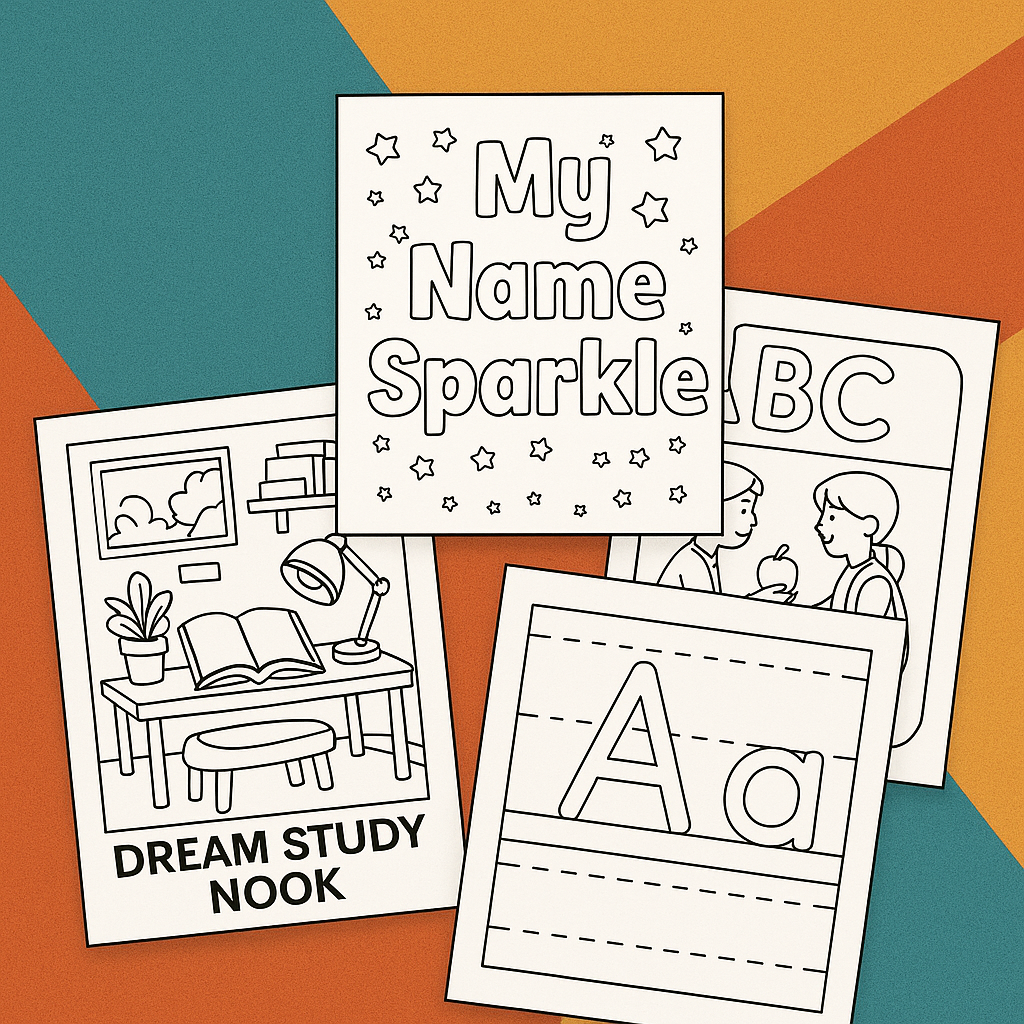
Coloring Tips for Beginners covers everything a new colorist needs to get good results from the start – the right tools for your goals and budget, the fundamental techniques that separate flat coloring from rich, polished work, and the specific mistakes that hold most beginners back longer than necessary.
Starting with coloring is easy. Getting noticeably good results quickly is a different matter – not because the skills are difficult, but because most beginners receive no guidance on the specific decisions that matter most. Which pencils are actually worth buying? Why does your coloring look streaky when the reference looks smooth? Why do your colors look dull rather than vivid? These questions have clear, specific answers. This guide provides them.
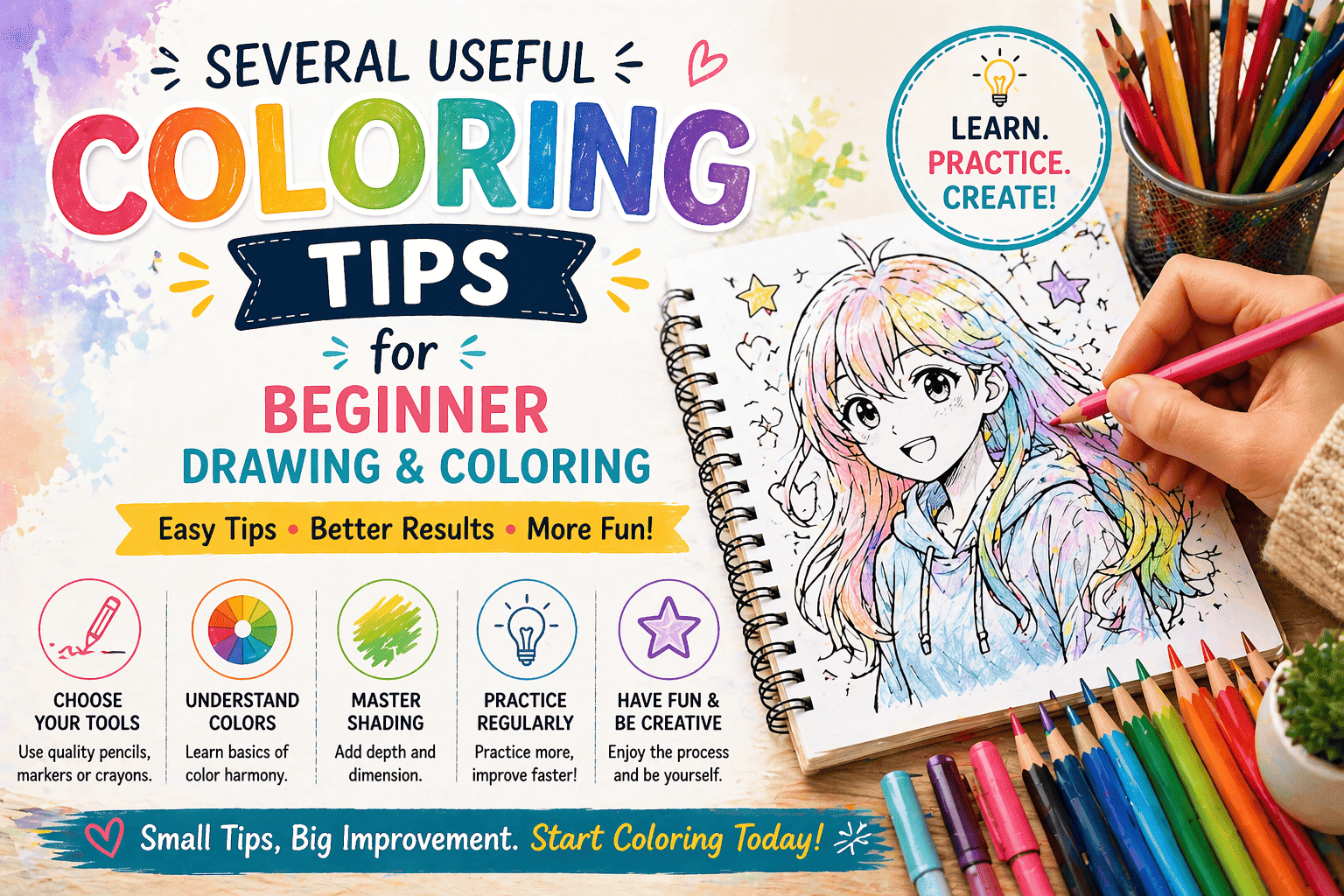
Part 1: Choosing Your Tools
The single most common beginner mistake happens before any coloring begins: choosing the wrong tools. The market for coloring supplies is enormous and often confusing. This section cuts through it.
Colored Pencils – The Best Starting Point for Most Beginners
Colored pencils are the recommended first tool for most new colorists for three reasons: they are forgiving (mistakes can be corrected by layering), they are precise (fine tips allow detail work), and they require no special paper – standard 90–120gsm printer paper works adequately.
What to look for:
The most important variable in colored pencil quality is the wax or oil binder that holds the pigment core together. Student-grade pencils use less pigment and more filler, producing colors that are less vivid, less consistent, and more prone to crumbling. Artist-grade pencils use higher pigment concentration, softer cores, and more consistent quality across the color range.
You do not need artist-grade pencils to start. But you do need to avoid the very bottom tier – sets sold primarily as children’s tools, with hard cores and weak pigment, will frustrate adult colorists regardless of technique.
Recommended starting sets by budget:
| Budget | Set | What you get |
| Entry | Faber-Castell Connector, 36 colors | Reliable, consistent, good for learning |
| Mid | Staedtler Ergosoft, 36–48 colors | Softer core, better blending |
| Quality | Faber-Castell Polychromos, 36 colors | Oil-based, excellent layering and blending |
| Premium | Prismacolor Premier, 48 colors | Wax-based, very soft, highly blendable |
36 colors is the right starting set size. Sets smaller than 24 lack range for varied subjects. Sets larger than 48 overwhelm beginners with choice before they have developed the color intuition to use the range productively. Start with 36, add individual colors as specific needs arise.
Pencil hardness matters: Harder cores (H-grade, typical of student pencils) produce less vivid coverage and are more difficult to blend. Softer cores (B-grade tendency, typical of quality colored pencils) produce richer color and blend more easily. When testing a new pencil, draw a swatch and press hard – if the color does not become significantly more vivid under pressure, the core is too hard for satisfying coloring work.
Markers – When to Consider Them
Markers produce bolder, more saturated colors faster than colored pencils and are better suited to large flat-color zones. They are a secondary tool – better for specific purposes than as a universal replacement for pencils.
Water-based markers (Tombow Dual Brush, Crayola SuperTips) are affordable, blendable where they meet wet, and appropriate for bold illustration-style coloring. They require 120gsm+ paper to prevent bleed-through.
Alcohol-based markers (Copic, Ohuhu, ShinHan) produce the most vivid, professional results and blend seamlessly. They are significantly more expensive and require paper with a weight of 160 gsm or higher. Not recommended as a first tool – the cost of entry and the paper requirement make them better suited to colorists who have established a practice and want to invest in it.
For more on paper weights for different tools, see our complete how-to print coloring pages guide.
Gel Pens and Fine-Tip Pens – Supplementary Tools
White gel pens (Uni-ball Signo, Sakura Gelly Roll) are worth owning from the start. They add highlights, correct accidentally colored white areas, and add detail that no other tool provides as easily. A single white gel pen costs very little and has more per-use impact than almost any other single tool purchase.
Fine-tip black pens (0.05–0.3mm, Micron or Staedtler) allow redrawing softened outlines after coloring and adding fine detail. Optional but useful once you progress past the beginner stage.
Watercolor Pencils – Understand Before Buying
Watercolor pencils are colored pencils that dissolve in water when activated with a wet brush. They are not a beginner tool despite their apparent simplicity – the wet application technique requires practice and heavier paper (160gsm minimum). If you are drawn to a softer, more fluid coloring style, watercolor pencils are worth exploring after you have spent time with standard colored pencils. Start with the dry technique before adding water.
What You Do Not Need to Buy
Very large sets (72+ colors) at the entry level. The extra colors in budget large sets are typically redundant (multiple near-identical colors) or rarely useful, and the decision fatigue of choosing from 72 options slows beginners significantly.
Blending stumps and tortillions designed for graphite – these do not work for wax or oil-based colored pencils. Use a colorless blender pencil (a wax pencil with no pigment) for blending colored pencil work.
Coloring books are priced at a premium. The coloring page quality available for free at ColoringPagesOnly.com is equivalent to, or better than, that of most purchased coloring books. Download and print what you want rather than committing to a bound book’s fixed selection.
Part 2: Core Techniques
These are the foundational techniques that determine whether a finished coloring page looks flat and rushed or polished and rich. None require talent – they require knowledge and practice.
Technique 1: Light Layers Over Heavy Coverage
The single most important technique for colored pencil beginners is building color through multiple light layers rather than one heavy application.
The instinct is to press hard and cover the paper in one pass – it feels efficient. The result is a filled but flat, streaky surface with the paper’s texture visibly breaking through the color. Worse, a heavy first-layer application fills the paper’s tooth (the microscopic surface texture that holds pigment) and leaves no room for subsequent layers. Once the tooth is filled, the surface glazes over and accepts no more pigment regardless of pressure.
The layering approach:
- Apply the first layer with light pressure – barely touching the paper surface, covering the zone with an even, transparent wash of color
- Apply the second layer with slightly more pressure, going in a different direction (if you went horizontal, go diagonal or vertical)
- Apply third and subsequent layers with increasing pressure until coverage and color depth satisfy you
- Burnish with heavy pressure at the end if you want a smooth, polished surface
This approach gives you complete control over color depth and produces an even, smooth surface that lighter pencils do not achieve in a single layer.
Technique 2: Stroke Direction
How you hold and move the pencil across the paper significantly affects the appearance of the finished coloring.
Circular strokes – small, overlapping circles covering the zone – produce the most even coverage and are the recommended starting stroke for beginners. The overlapping circular motion fills the coverage gaps left by parallel strokes.
Directional strokes – lines following the implied texture of the subject (horizontal strokes for water, diagonal strokes for fur following the hair direction, curved strokes following fabric folds) – produce a more realistic, textured result for experienced colorists. This is a refinement to add once basic coverage is comfortable.
Cross-hatching – two sets of parallel lines at angles to each other – creates an interesting texture effect well-suited to some coloring page subjects, particularly foliage and fur.
What to avoid: Long, parallel strokes all in the same direction across a large zone. This is the primary cause of the streaky appearance that frustrates most beginners. The parallel lines create visible directionality that reads as texture even when you do not intend texture.
Technique 3: Color Layering and Mixing
Colored pencils cannot be mixed on a palette like paint. Mixing happens directly on the paper by layering colors on top of each other. This is not a limitation – it is one of the most satisfying aspects of colored pencil work once you understand it.
Basic color mixing principles:
Layering yellow over blue produces a green; the result depends on the specific shades. Layering red over yellow deepens toward orange. Layering purple over blue deepens and intensifies the blue. Layering orange over red enriches the red.
Layering a complementary color (the color opposite on the color wheel) over any saturated color desaturates and darkens it – this is the technique for creating natural-looking shadows. Red shadow on green, orange shadow on blue, purple shadow on yellow – in each case, the layered complement produces a more natural, less chalky shadow than simply using a darker version of the same color.
Using warm and cool colors together is the foundation of realistic-looking coloring:
- Light areas: warm tones (yellow, peach, cream)
- Shadow areas: cool tones (blue, violet, green-gray)
This warm light / cool shadow principle appears consistently across nature and is what gives finished coloring pages a sense of light source and three-dimensional form.
Technique 4: Working Light to Dark
Always establish light colors before dark ones. Adding a light color over a dark is difficult and usually ineffective with colored pencils – the pigment of a dark color fills the paper tooth and resists subsequent light layers.
The sequence:
- Apply the lightest tone in the area first
- Add the mid-tone, overlapping slightly into the light zone at the transition
- Add the darkest tone last, in the deepest shadow zones
This sequence lets you gradually control the depth of each area, rather than committing to the darkest tone too early.
For the same reason: if you are unsure how dark you want an area, go lighter than you think necessary on the first pass. You can always add depth by layering. You cannot easily remove it.
Technique 5: Shading and Shadow
Shading creates the impression of three-dimensional form on a flat, printed coloring page. Without shading, even technically competent coloring looks flat and unfinished. With shading, even simple coloring looks polished.
The fundamental shadow logic:
Imagine a single light source – a lamp, the sun, a window – positioned above and to one side of your subject. Areas facing the light source receive the lightest tones. Areas facing away from the light source receive the darkest tones. Edges and transition zones receive mid-tones.
On a coloring page, this means:
- The top and outer edges of rounded objects (a ball, a head, a rounded leaf) facing upward are the lightest
- The undersides and inner curves facing away from the light are the darkest
- The terminator line (the line between light and shadow) is where the transition happens, and blending this transition smoothly is what creates a realistic-looking, rounded form
The cast shadow – the shadow an object throws onto the surface beneath it – is typically darker and more clearly defined than the object’s own shadow areas. A figure standing on a floor casts a dark, hard-edged shadow at its feet. This cast shadow grounds the figure in space and is one of the most effective single additions to any coloring page that includes figures on a surface.
Technique 6: Blending
Blending – smoothing the transition between two color zones or two tones – is what separates amateur from polished coloring work. There are several blending methods for colored pencils:
Color blending: Apply color A, then apply color B overlapping into color A’s zone. The overlap creates the blend. Then lightly apply color A back into the overlap zone. The back-and-forth layering creates a smooth transition.
Colorless blender pencil: A wax pencil with no pigment that, when pressed over completed colored pencil work, physically moves and blends the pigment. Apply over a completed area in circular strokes to smooth texture and create a burnished, polished surface. Use as a final step – the blender closes the paper tooth and prevents further layering.
Solvent blending: Applying a small amount of odorless solvent (baby oil, rubbing alcohol on a cotton swab, or a dedicated blending solution) over completed pencil work dissolves the wax binder, producing a painterly, smooth result. This is an advanced technique – test on scrap paper before using it on a page you care about.
Technique 7: Leaving White Areas
The white of the paper is a color – and often the brightest color available to you. Treating paper white as a color to be strategically preserved is one of the marks of experienced coloring.
Highlights: The brightest light reflection on any shiny surface – eyes, glass, water, metal, glossy fruit – is typically represented by leaving the paper white rather than applying any pigment. Plan these highlight zones before you start coloring and avoid them from the beginning, rather than trying to add white later.
Background management: If a coloring page includes a white or light background, leave it entirely paper white or very lightly colored with a warm cream or pale gray to suggest the environment without demanding detailed work. Neither approach is wrong – it depends on the effect you want.
For anime characters specifically, eye highlights and hair shine are almost always represented by preserved paper white. See our detailed guide on how to color anime characters for the specific technique.
Part 3: Color Theory Basics for Colorists
You do not need to study formal color theory to color well. But understanding a few foundational concepts makes color decisions faster and produces more consistently satisfying results.
The Color Wheel
The color wheel organizes colors by their relationships to each other. The three primary relationships that matter most for coloring are:
Complementary colors (opposite on the wheel): Red/Green, Blue/Orange, Yellow/Purple. Complementary pairs create the strongest contrast when placed adjacent to each other – they make each other appear more vivid. They create natural-looking shadows when layered (see the layering technique above).
Analogous colors (adjacent on the wheel): Blue, Blue-Green, Green. Analogous color schemes feel harmonious and natural. Using analogous colors within a single subject area – a range of blues and blue-greens in ocean water, a range of yellows and yellow-greens in summer foliage – creates richness without visual conflict.
Warm and cool colors: Warm colors (red, orange, yellow) advance visually – they appear closer. Cool colors (blue, green, purple) recede visually – they appear further away. This advance-recede dynamic is useful for creating depth: warm colors in the foreground, cool colors in the background.
Color Temperature in Practice
The warm-light / cool-shadow principle mentioned in the shading section deserves its own brief treatment because it is so consistently useful.
In natural daylight, light sources (sun, sky) cast warm light on illuminated surfaces and cool shadows on shaded surfaces. This is not a rule you must follow – it is an observation of how light behaves that, when applied to coloring, produces results that look naturally lit rather than artificially flat.
In practice:
- Skin in light: warm peach and cream tones
- Skin in shadow: cooler pink, mauve, or cool tan tones
- Foliage in light: warm yellow-green
- Foliage in shadow: cool blue-green
- Any object in light: slightly warmer than the base color
- Any object in shadow: slightly cooler than the base color
Color Harmony – Keeping Finished Pages Looking Unified
A common beginner problem: individual elements are colored reasonably well, but the finished page looks chaotic – too many competing colors with no visual coherence.
Three approaches to color harmony:
Limited palette: Choose 4–6 colors before starting and use only those colors throughout the page. This automatically creates coherence because the same hues appear across different elements.
Repeated accent color: Choose one vivid accent color and repeat it across multiple elements in the page – a vivid red that appears in the flower, in a detail of the clothing, in a background element. The repetition of the accent color creates visual rhythm.
Dominant tone: Let one color family dominate – make most of the page warm (oranges, reds, yellows) with cool accents, or make most cool (blues, greens, purples) with warm accents. A page that is both warm and cool at once often feels visually unresolved.
Part 4: Common Mistakes and How to Fix Them
Mistake 1: Pressing Too Hard Too Early
What it looks like: Flat, streaky coverage that feels stuck in one tone. The color cannot be deepened further because the paper tooth is already full.
The fix: Start every area with lighter pressure than feels natural. Build pressure gradually over multiple layers. Reserve heavy pressure for the final burnishing pass only.
Mistake 2: Coloring Everything the Same Tone
What it looks like: A flat, evenly colored page with no sense of light, shadow, or depth. Technically competent but visually dull.
The fix: Apply the three-tone principle to every area – base, shadow, highlight. Even a minimal shadow zone along one edge of an object creates significantly more visual interest than flat coverage.
Mistake 3: Using Too Many Colors at Once
What it looks like: A chaotic, visually noisy page where no single element reads clearly because there are too many different colors competing for attention.
The fix: Plan your palette before starting. Choose a dominant color family, a secondary color family, and one accent color. Stick to the plan. Add colors only when the page specifically requires them, not because they are available.
Mistake 4: Ignoring the Background
What it looks like: A well-colored central subject floating against a stark white background that reads as unfinished.
The fix: Background work is not required. A light, even wash of a single pale color – sky blue, warm cream, soft gray – grounds the subject in the environment without demanding significant effort. A colored background also makes the central subject read more vividly by contrast.
Mistake 5: Rushing the First Layer
What it looks like: Uneven coverage with visible white paper showing through the color layer, and streaky directionality from parallel strokes.
The fix: Slow down the first-layer application. Use small circular strokes. Cover the zone completely before moving to the next area. The first layer takes longer than feels necessary – the subsequent layers go faster, and the total time is not significantly different.
Mistake 6: Choosing Shadow Colors That Are Too Dark
What it looks like: Harsh, unnatural shadows that create a muddy, heavy effect rather than natural three-dimensional shading.
The fix: Shadows in the coloring should be noticeably darker than the base but not overly dark. The most common error is jumping immediately to a very dark brown or black for shadow. Instead, use a mid-tone of the complementary color, or a mid-tone of a cooler version of the base. The shadow should say “this area is in shade” – not “this area is extremely dark.”
Mistake 7: Not Testing Colors on Scrap Paper First
What it looks like: An unexpected color result on the actual page – a layered combination that produces muddy brown when you expected a rich green, or a harsh dark when you expected a subtle shadow.
The fix: Keep a piece of scrap paper (the same type you are coloring on) beside your work area and test every new color combination before applying it to the page. This takes 5 seconds and prevents many irreversible mistakes.
Mistake 8: Coloring Without a Light Source in Mind
What it looks like: Shadow zones are placed inconsistently – some elements are shadowed on the left, others on the right, with no visual coherence.
The fix: Before starting any page, decide where the light source is. Top-left is the most common and most natural-feeling choice. Once decided, apply shadow consistently to the side of every element facing away from that light source. Consistent light direction is one of the most powerful unifying elements in a coloring page.
Mistake 9: Avoiding Difficult Areas
What it looks like: A page where some areas are richly colored, and others are barely touched – faces left almost blank, complex background elements avoided entirely.
The fix: Difficult areas feel difficult because they are unfamiliar, not because they are genuinely harder than what you have already done. Break the difficult area into its simplest components – the face is just several flat zones of skin tone with some shadow underneath the chin and nose. The complex background is just a series of individual elements colored one at a time. Work through difficult areas slowly rather than avoiding them.
Mistake 10: Comparing Your Work to Digital Art or Professional References
What it looks like: Dissatisfaction with hand-colored work that is actually good, because it is being compared to digitally colored or professionally produced reference images.
The fix: Digital art and physical coloring are different media with different aesthetics. Physical hand-coloring has a warmth and texture that digital art cannot replicate, and its slight imperfections are features rather than flaws. Compare your current work to your previous work – progress in your own medium is the only meaningful measure.
Part 5: Setting Up Your Workspace
Your physical environment significantly affects the quality of your work and the sustainability of your coloring practice.
Lighting
Daylight or daylight-equivalent LED lighting is essential. Standard warm-toned household bulbs shift all colors toward yellow, making cool colors (blues, purples, greens) appear significantly different from their actual value. A decision that looks good under warm household light often reveals a surprise when seen in daylight. Use a daylight bulb (5000–6500K color temperature) positioned above and slightly to the side of your work.
Natural window light is ideal when available. Position your work surface perpendicular to the window rather than facing it; this minimizes glare on the paper.
Seating and Surface Height
Your working surface should be at a height where your forearm rests comfortably on the table with your elbow at approximately 90 degrees. Working at a surface that is too low can cause neck and back tension during sessions longer than 15 minutes. A slight upward tilt of the working surface (using a drawing board or clipboard with a book underneath) reduces neck strain by bringing the page surface more perpendicular to your line of sight.
Paper Under Your Page
Always place a few sheets of blank paper beneath the page you are coloring. This prevents the texture of the table surface from telegraphing through to your coloring page and provides a slightly cushioned surface that improves colored pencil coverage.
Organizing Your Tools
Keep the pencils or markers you are currently using in the session in a separate small cup or row, separate from the main set. Working from a selection of 8–12 relevant colors rather than the entire set reduces the time spent searching for the right color and reduces decision fatigue during the session.
Getting Started: Your First Session
If you are new to coloring, this is a practical first-session plan:
Choose the right page. For a first session, select a page with large, clearly defined color zones and bold outlines. Coloring pages for kids with their simple, clear designs are actually excellent for adult beginners learning technique – the large zones allow focus on technique rather than precision. Alternatively, a simple animal portrait or floral design from our flower coloring pages collection provides satisfying subject matter with manageable complexity.
Limit your palette. Select 8 pencils before you start – two or three analogous colors for the main subject, one shadow color, one highlight color, one or two background colors, and black and white. Work only with these colors for the session.
Set a time limit. Color for 20 minutes rather than trying to finish the page. This removes completion pressure and keeps the first experience positive regardless of how much you complete.
Print on appropriate paper. 90–100gsm works adequately for a first pencil session. Avoid standard 75gsm printer paper if possible – the very smooth surface resists colored pencil coverage and makes learning technique harder than it needs to be.
For more guidance on developmental considerations when introducing coloring to children, see our guide on the benefits of coloring. For adults interested in the stress-relief applications of coloring, our guide to coloring for stress and anxiety covers technique choices that maximize the calming benefits.
FAQs
What colored pencils should a complete beginner buy? Faber-Castell Connector or Staedtler Ergosoft in a set of 36 is the recommended starting point – good quality, widely available, reasonably priced. Avoid very cheap promotional sets (hard cores, weak pigment) and very expensive artist sets until you have established your practice.
Why does my coloring look streaky? Streakiness comes from long parallel strokes in a single layer. Switch to small circular strokes and apply multiple light layers rather than one heavy layer. The streakiness disappears.
How do I blend colored pencils? Layer the two colors you want to blend, overlapping in the transition zone. Then lightly apply each color back over the overlap zone. A colorless blender pencil pressed over the area smooths the transition further.
Should I outline in black before coloring? Generally, no, the printed outlines of coloring pages serve this purpose already. Adding a heavy black outline before coloring tends to create a heavy, cartoon-like effect. If you want to reinforce outlines after coloring, use a fine-tip black pen (0.1–0.3mm) for selective edge sharpening rather than tracing every outline.
How do I fix a mistake with colored pencils? Light applications can sometimes be lightened with a kneaded eraser. Deeper applications are difficult to fully remove. The most practical fix for colored pencil mistakes is layering – a darker color over an unwanted lighter color, or a different color that integrates the mistake into a new plan. Accept that some mistakes become features.
My colors look dull and not vivid – what am I doing wrong? The most common causes are: using student-grade pencils with low pigment, printing on paper that is too smooth for pencil grip, or applying color too lightly without sufficient layering. Also, check your lighting – warm household lighting makes all colors appear more muted than they are in daylight.
How long does it take to get good at coloring? A noticeable improvement in technique typically occurs within 3–5 sessions when you deliberately apply the principles of layering and shading. The techniques themselves are not difficult – they require practice to execute naturally rather than consciously. Most people find that by their fifth or sixth page, the fundamental techniques feel intuitive rather than effortful.
Browse the full collection of free coloring pages at ColoringPagesOnly.com. For printable pages optimized for home printing, see our printable coloring pages collection. For pages suited to beginners – large zones, clear outlines, manageable complexity – our coloring pages for kids and animals coloring pages collections are excellent starting points for adults learning techniques, as well as for children.