
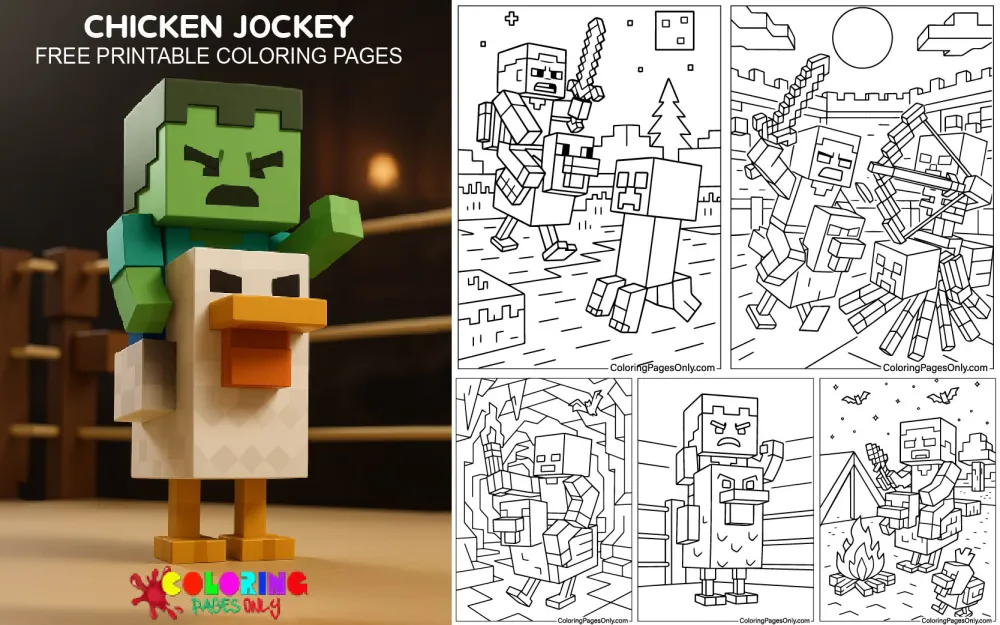
Free Chicken Jockey Coloring Pages: 32 printable PDF designs featuring Minecraft’s baby zombie perched on a chicken, drawn in blocky game style, cartoon style, and themed scenes from birthday parties to Christmas. Every design downloads as a PDF for printing, or opens in the online coloring tool for finishing on a tablet or computer.
A chicken jockey is one of the rarest sights in Minecraft: a baby zombie riding an adult chicken, with the zombie in full control of where the pair goes. The idea started as a fan joke on Reddit. Mojang developer Nathan Adams, known to players as Dinnerbone, liked it enough to build it into the game, and chicken jockeys officially arrived in Java Edition 1.7.4 on December 10, 2013. More than a decade later, a single shouted line in A Minecraft Movie turned the tiny mob into one of the biggest memes of 2025.
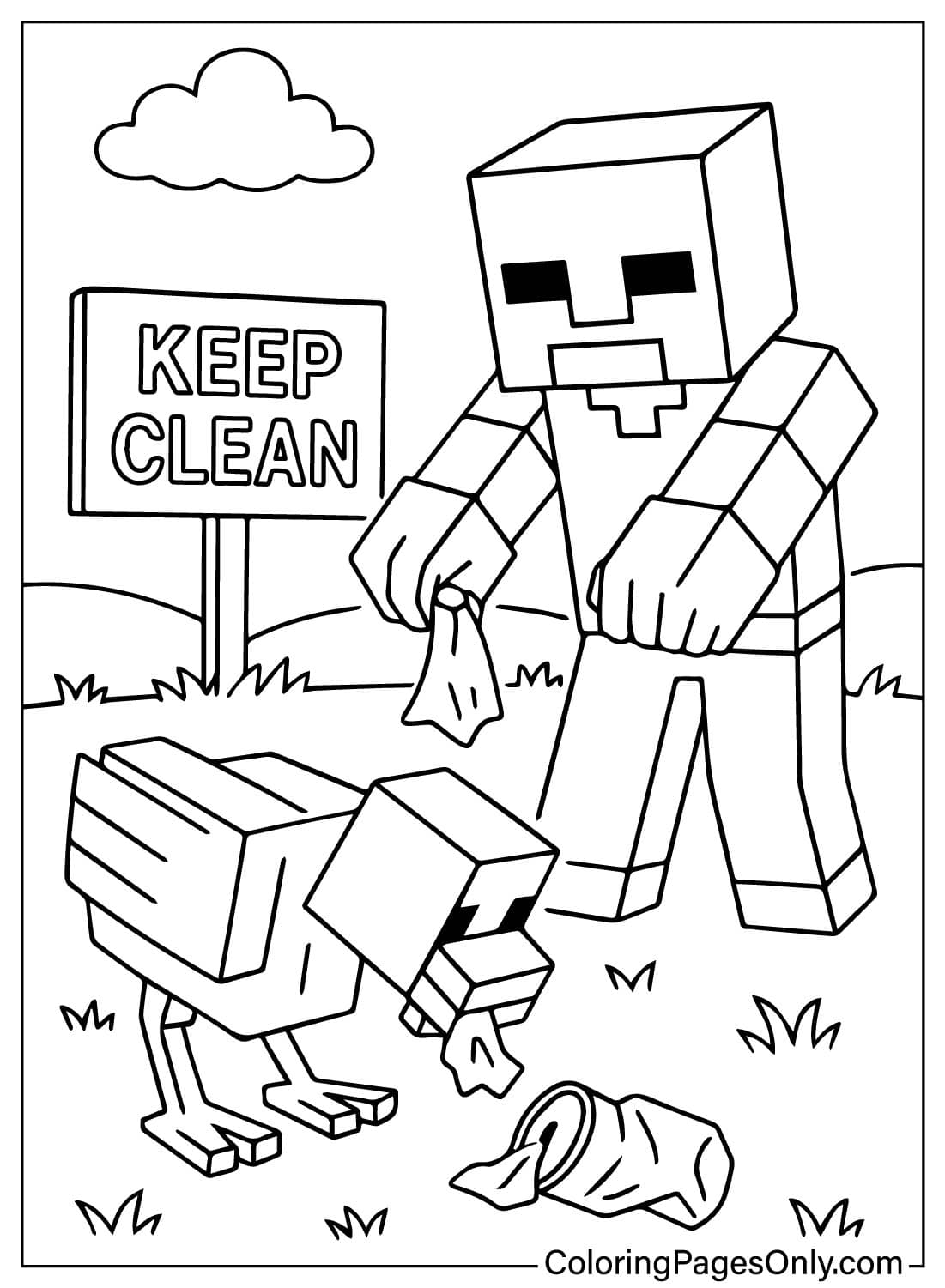
The 32 pages here follow the pair from simple portraits to busier scenes. Some keep the flat, square look of the game itself, others soften it into rounded cartoon shapes, and a handful drop the jockey into places no zombie belongs, such as a candy land or a shop aisle.
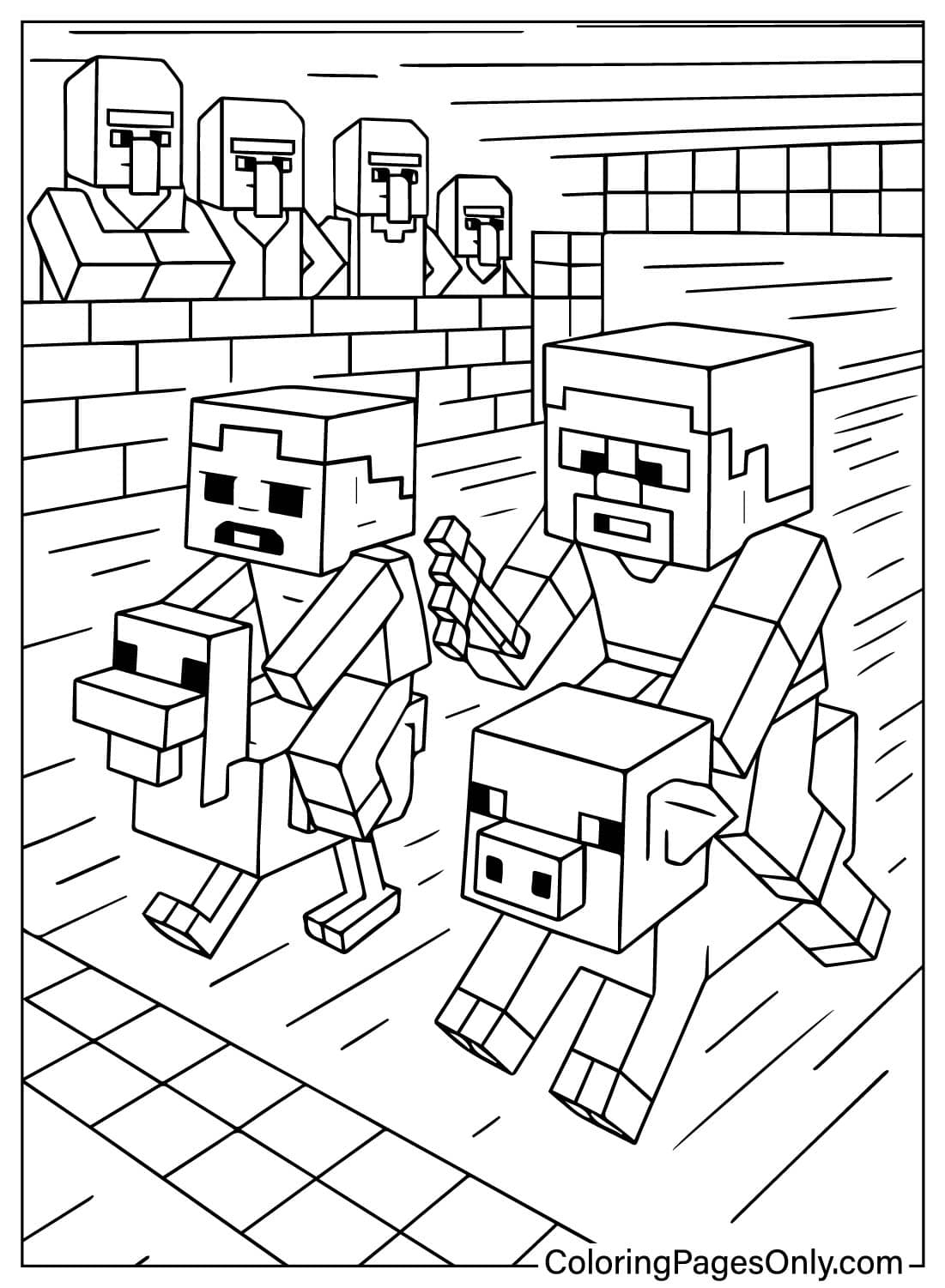
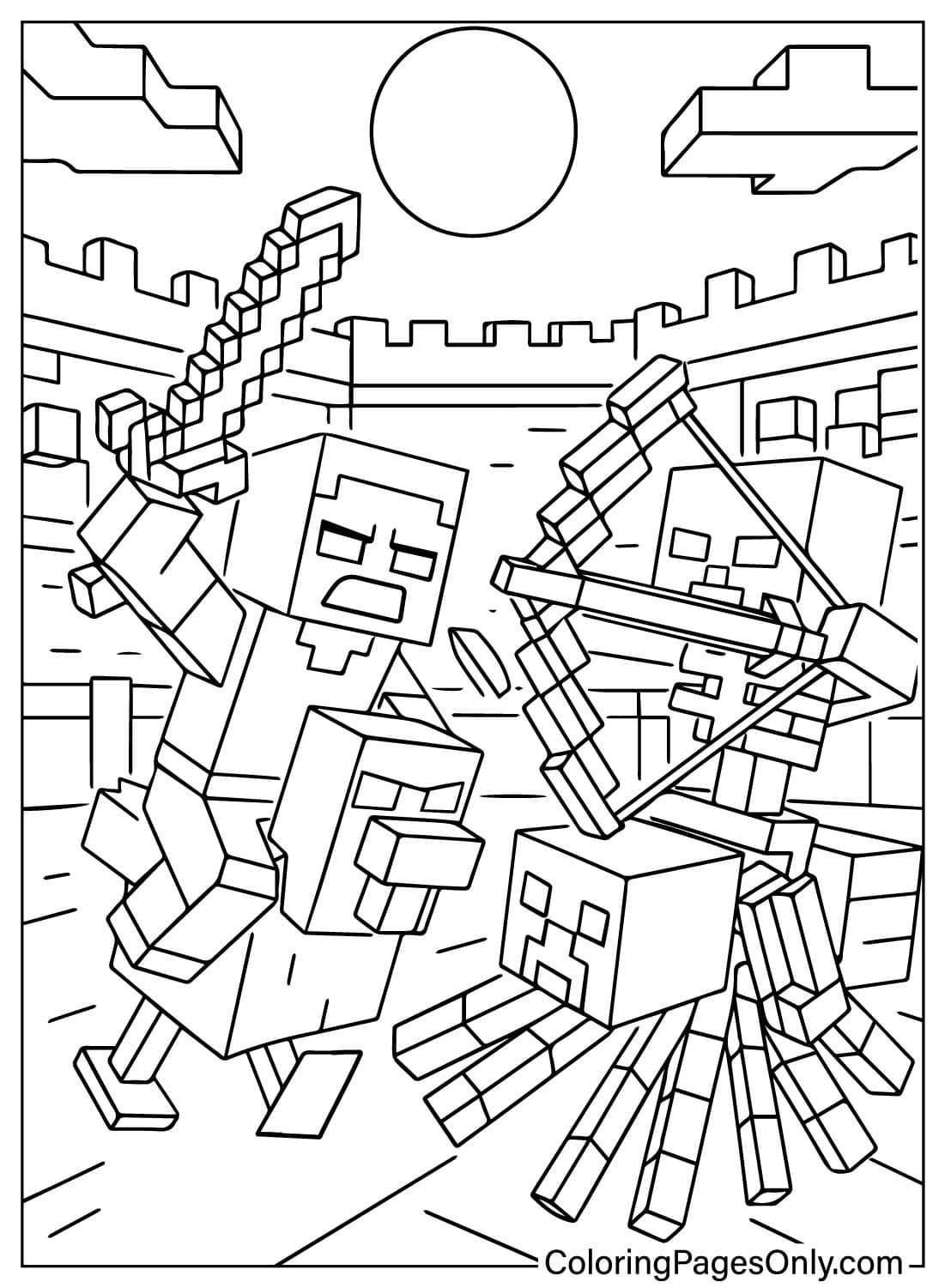
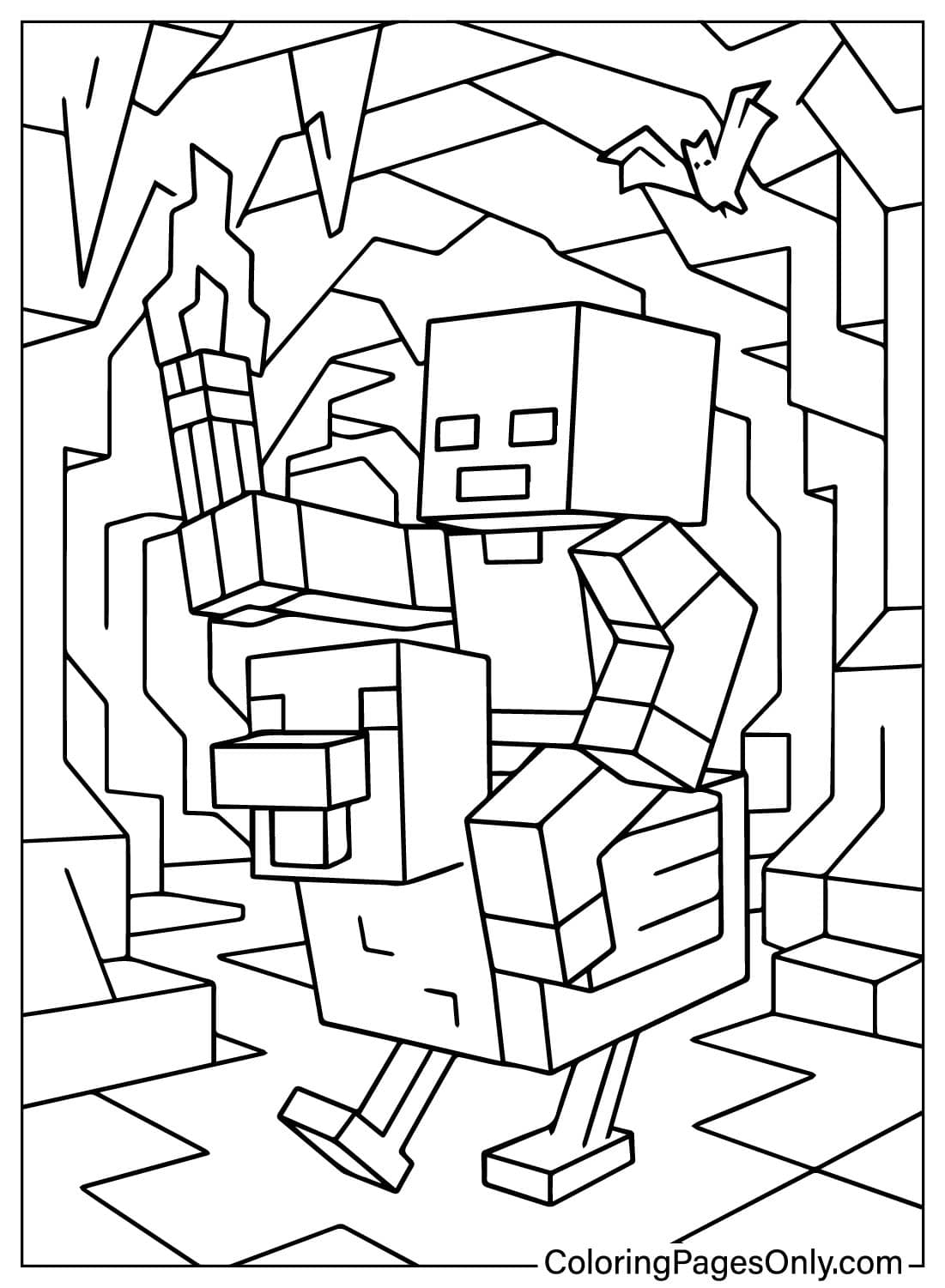
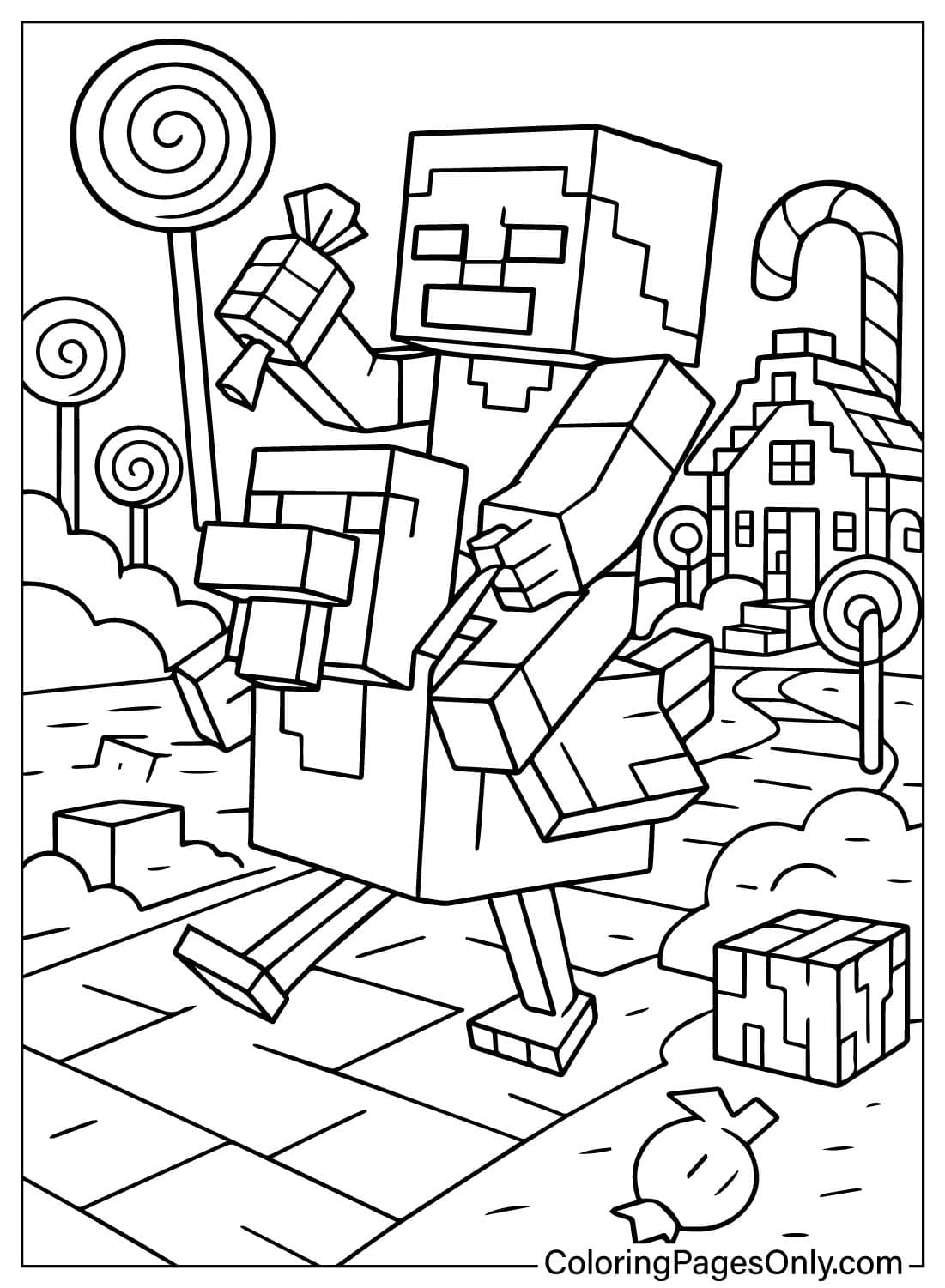
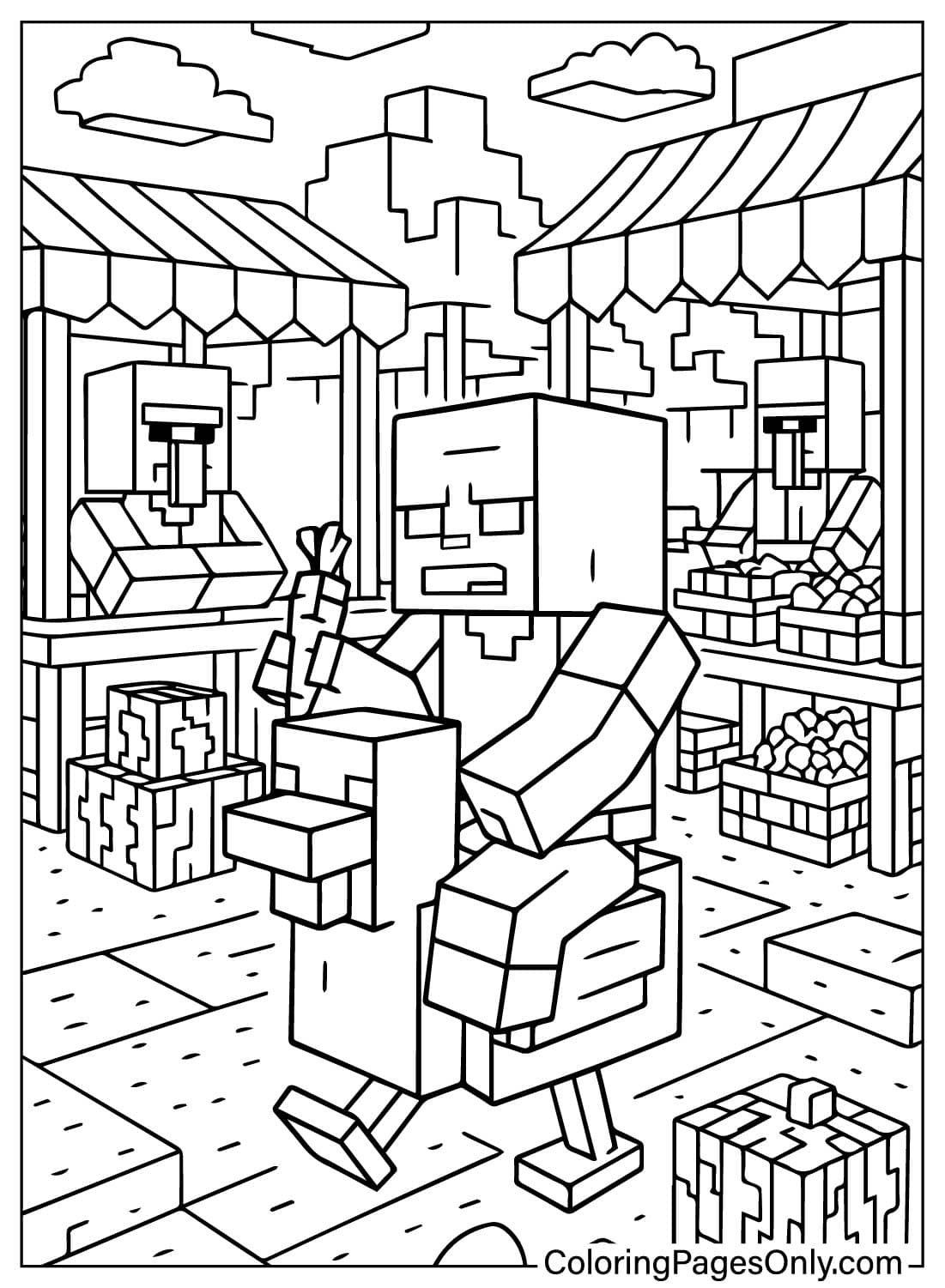
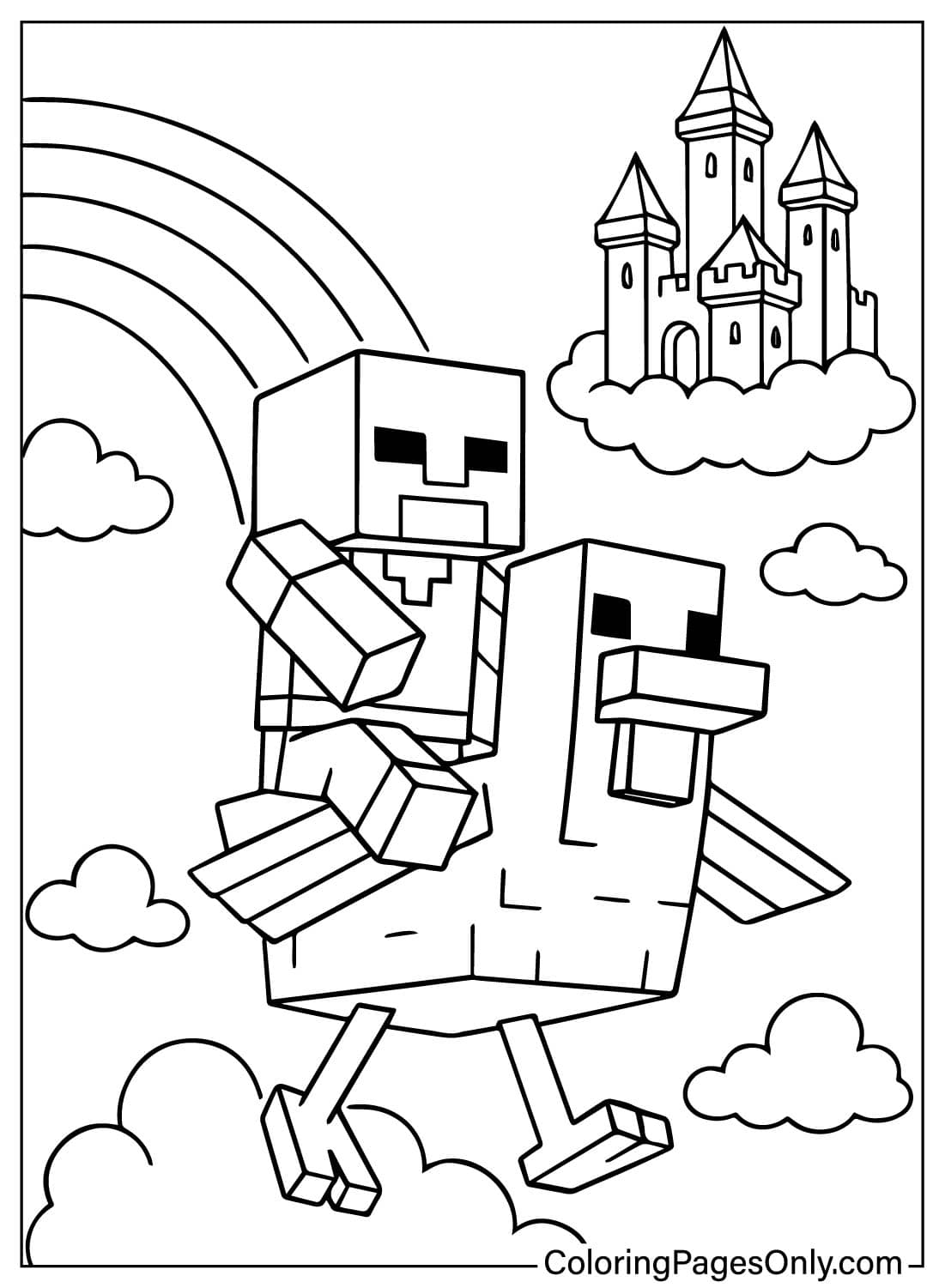
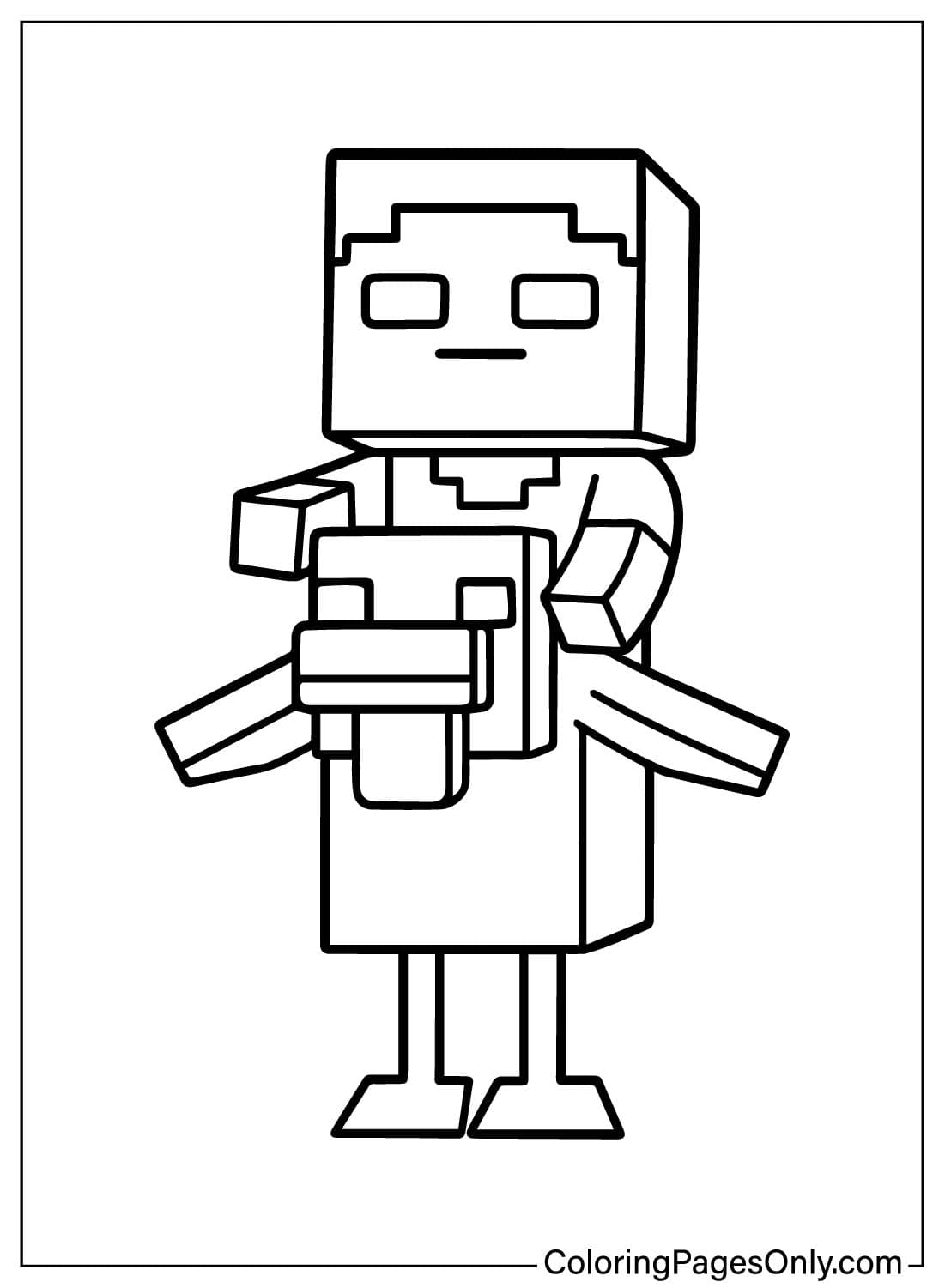
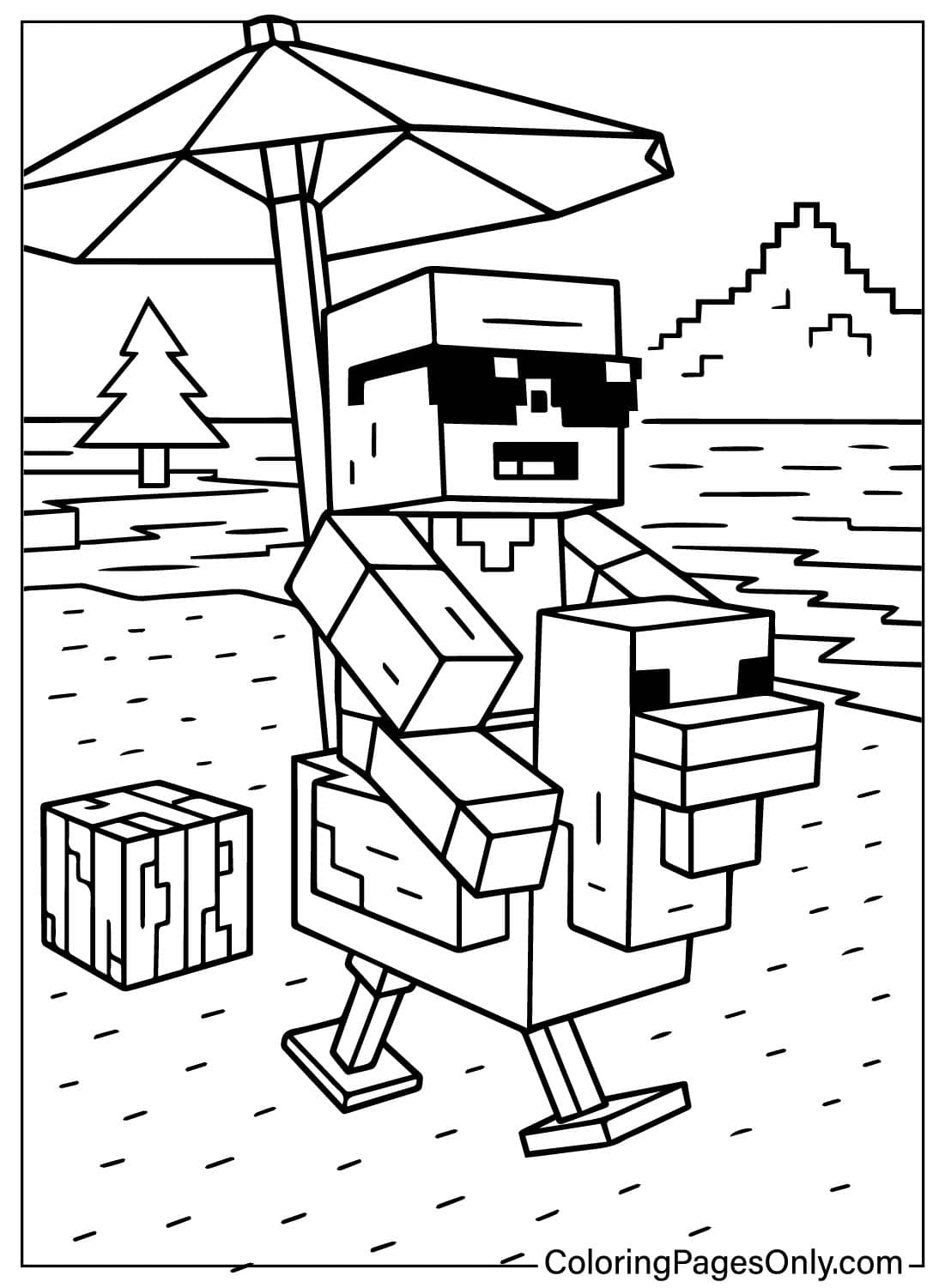
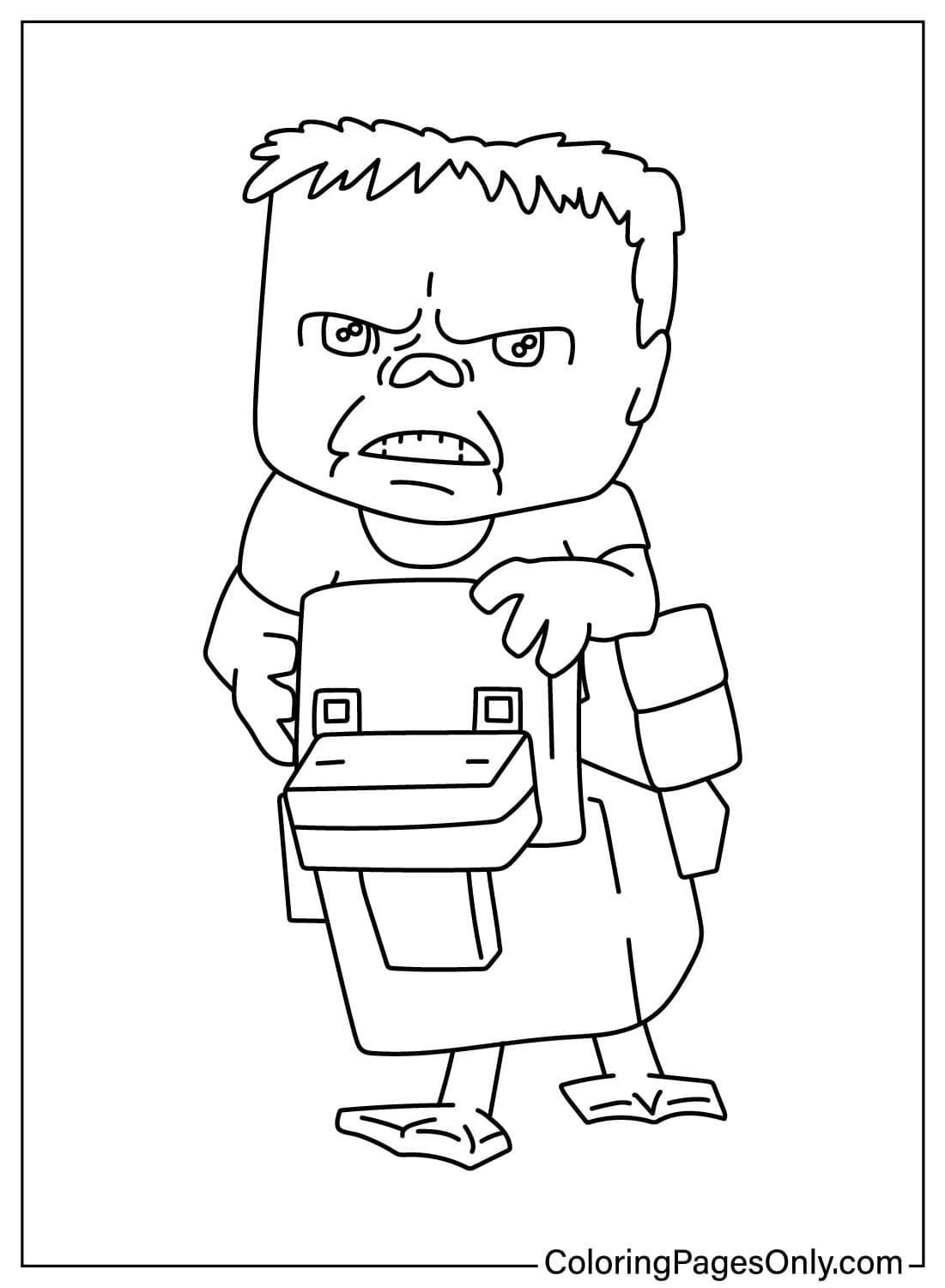
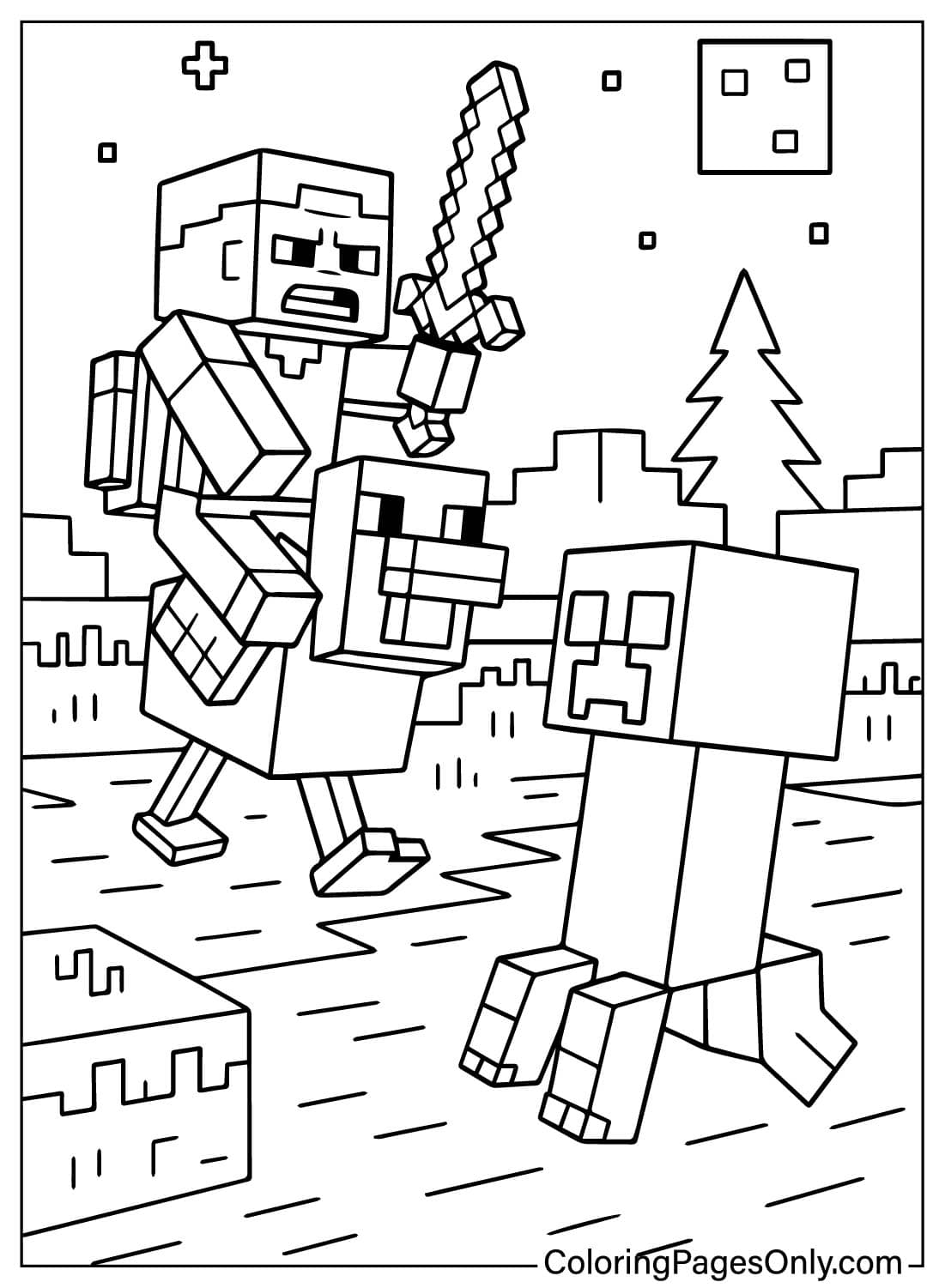
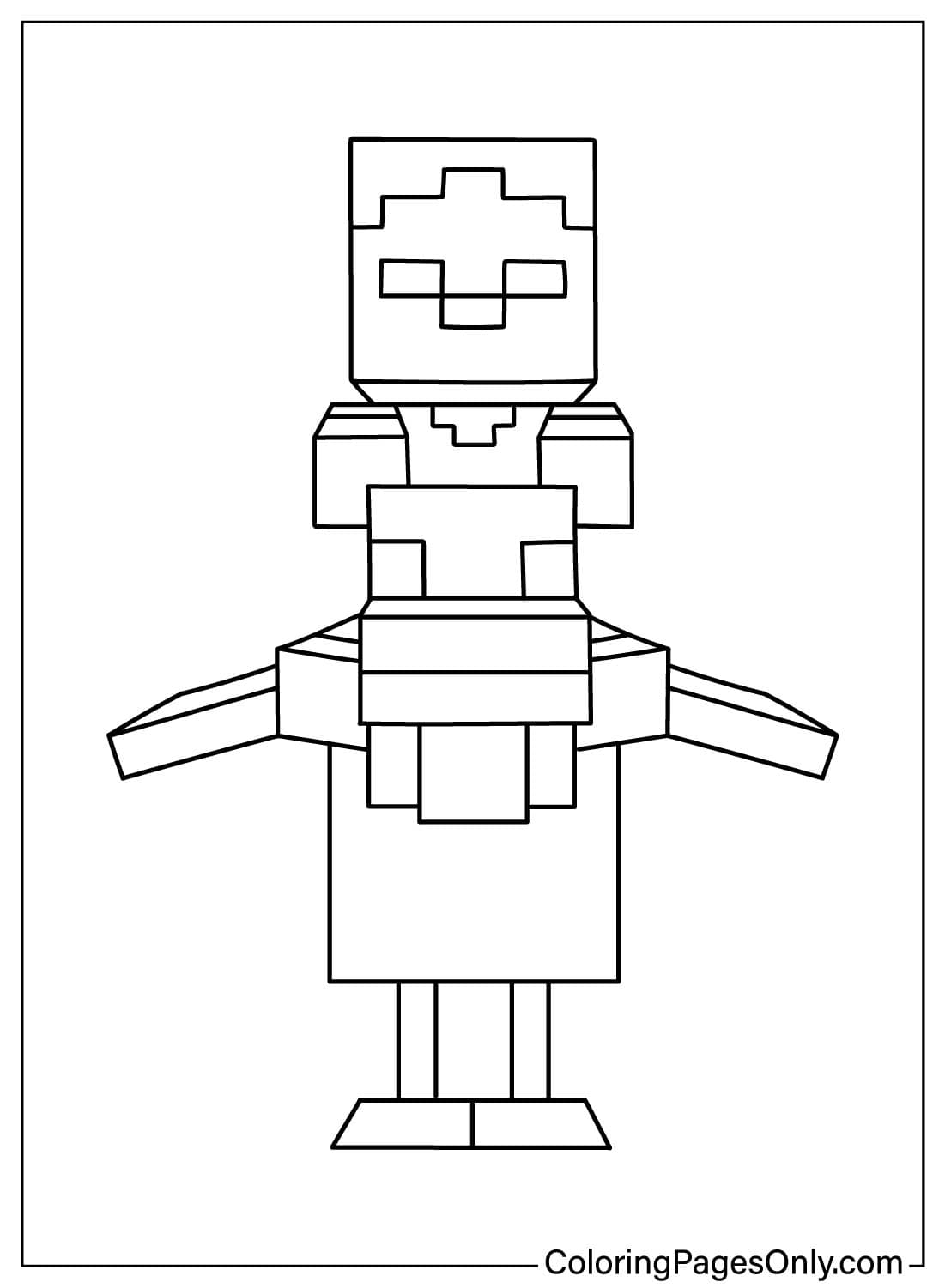
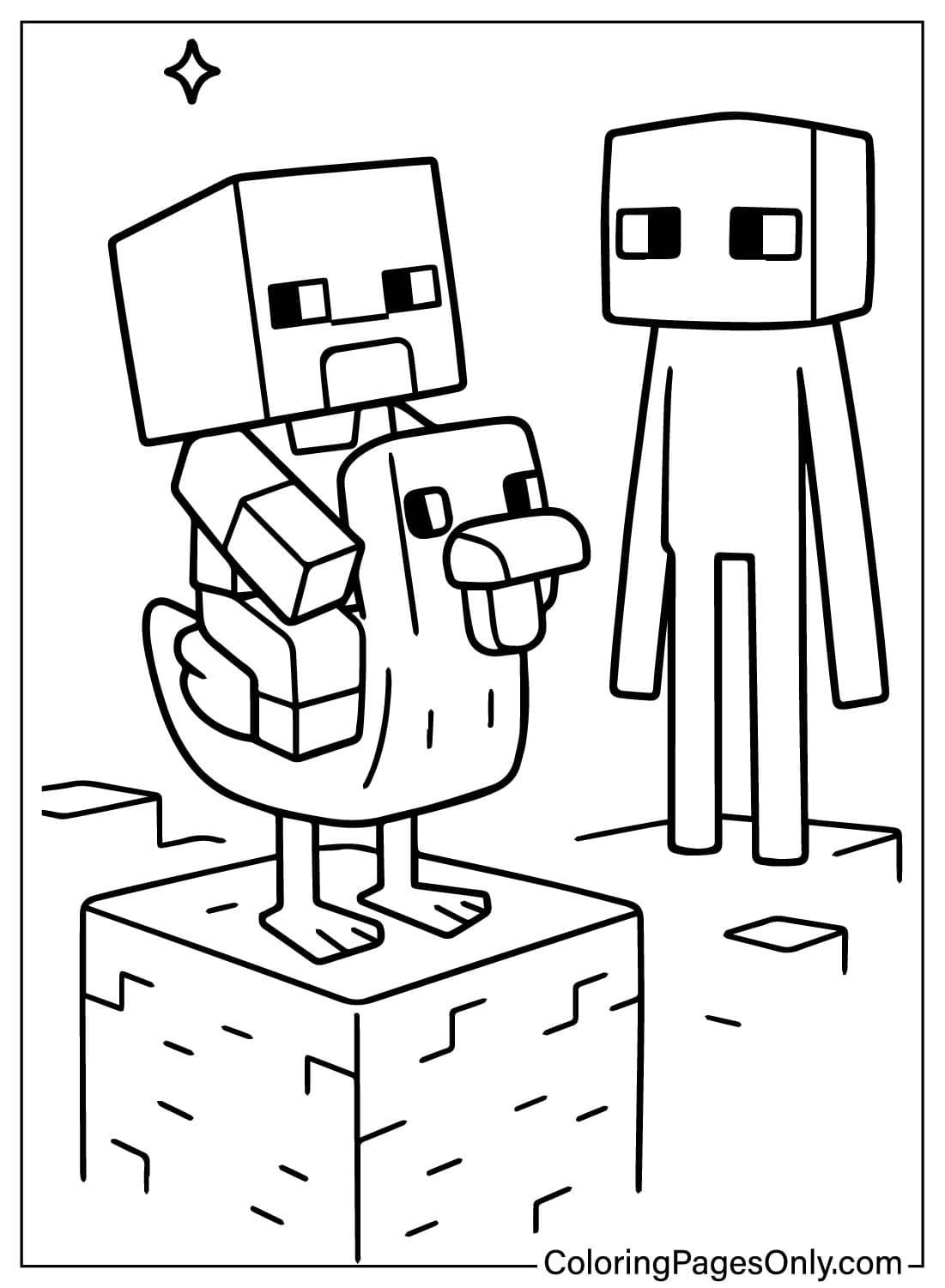
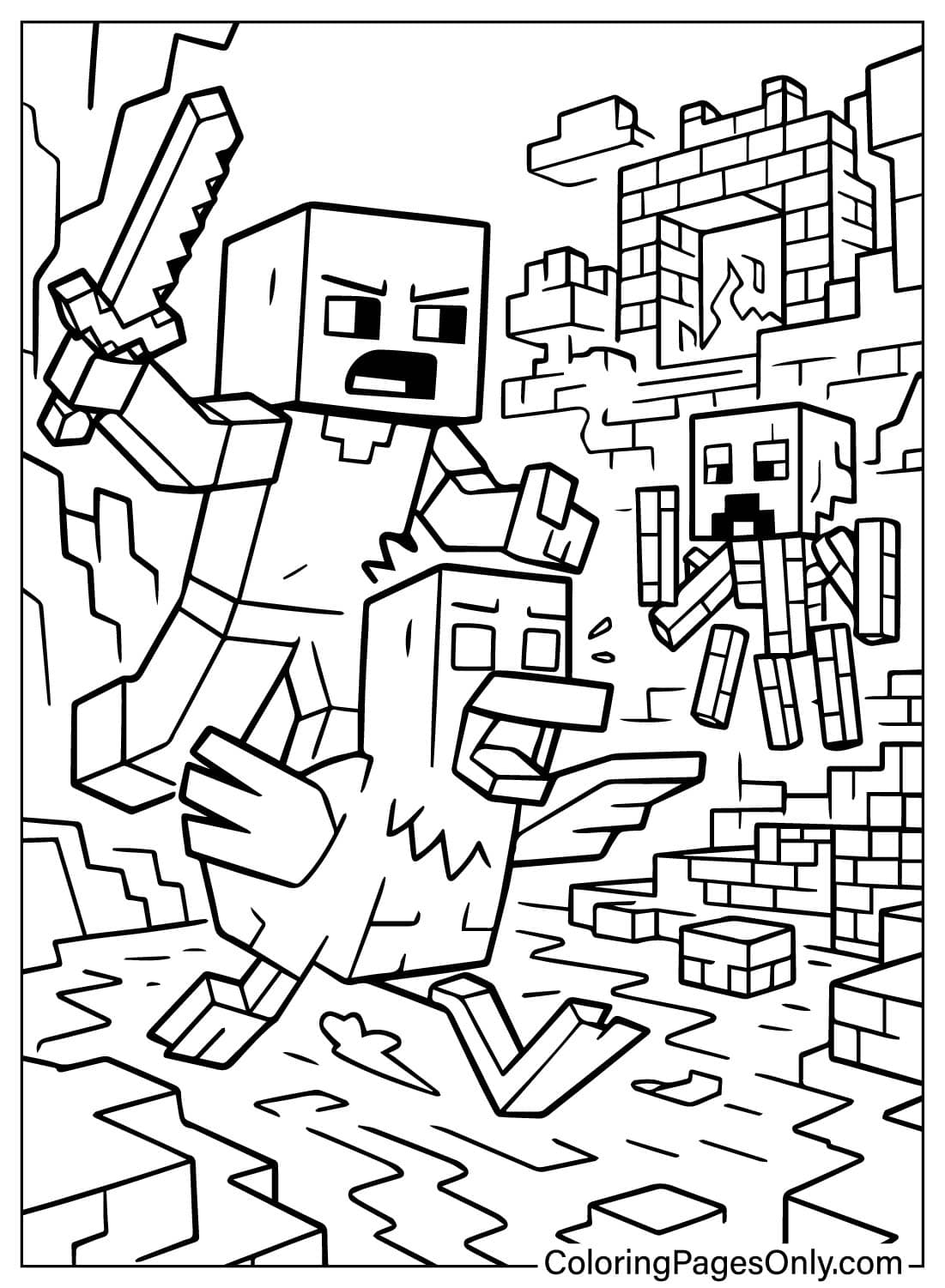
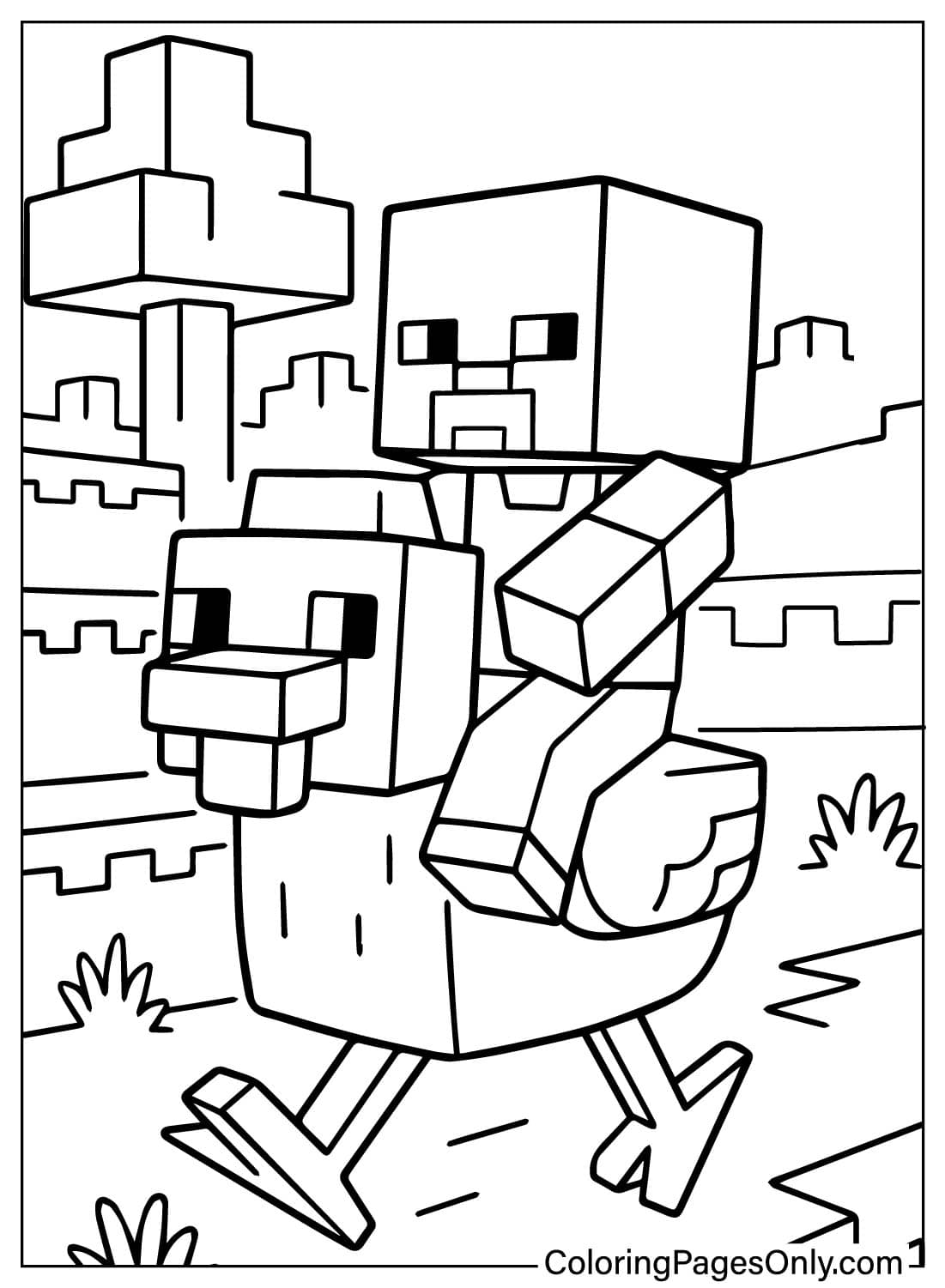
What’s Inside This Collection
The collection splits into four groups, each suited to a different kind of coloring session.
Classic Game-Style Poses
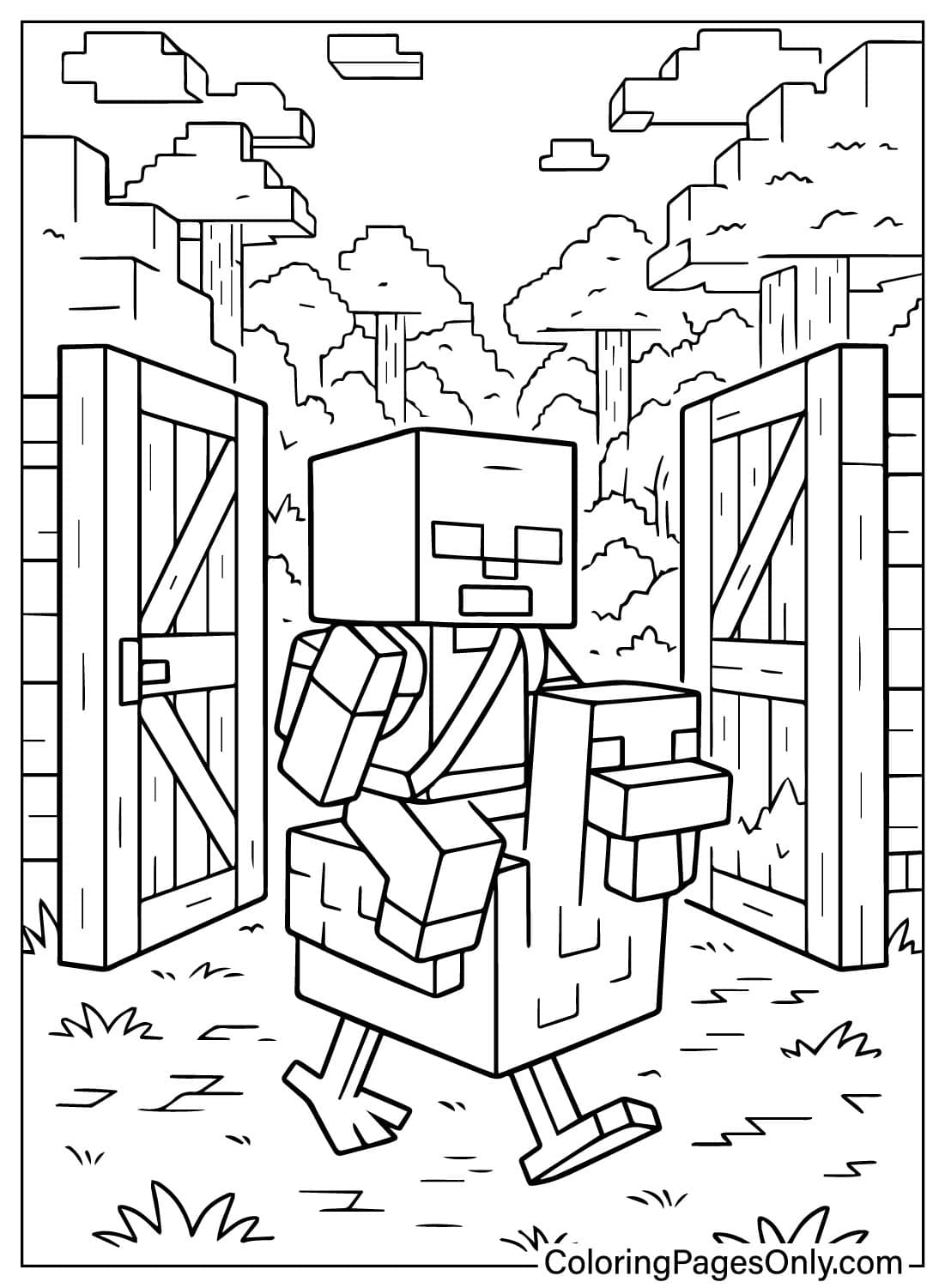
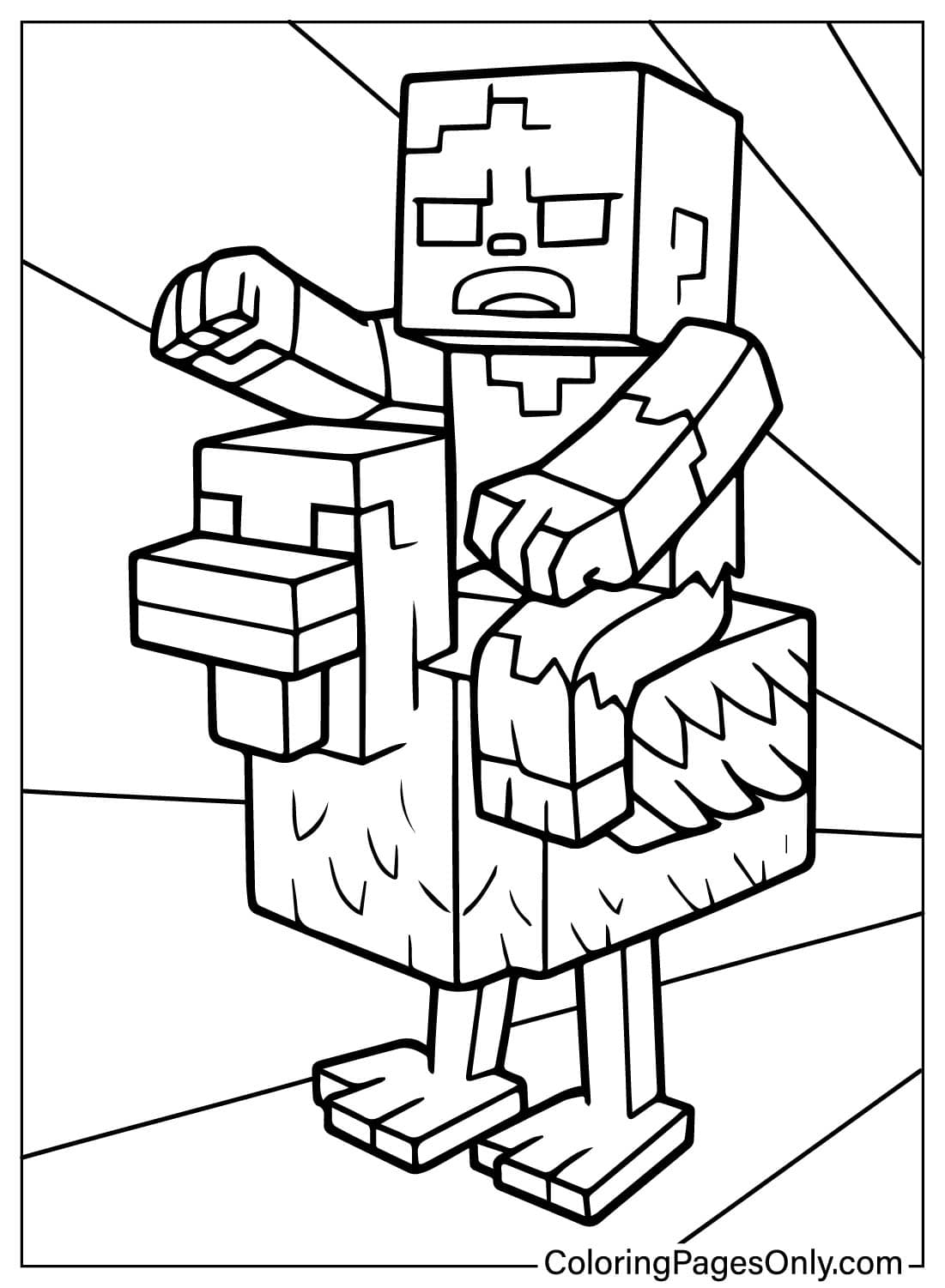
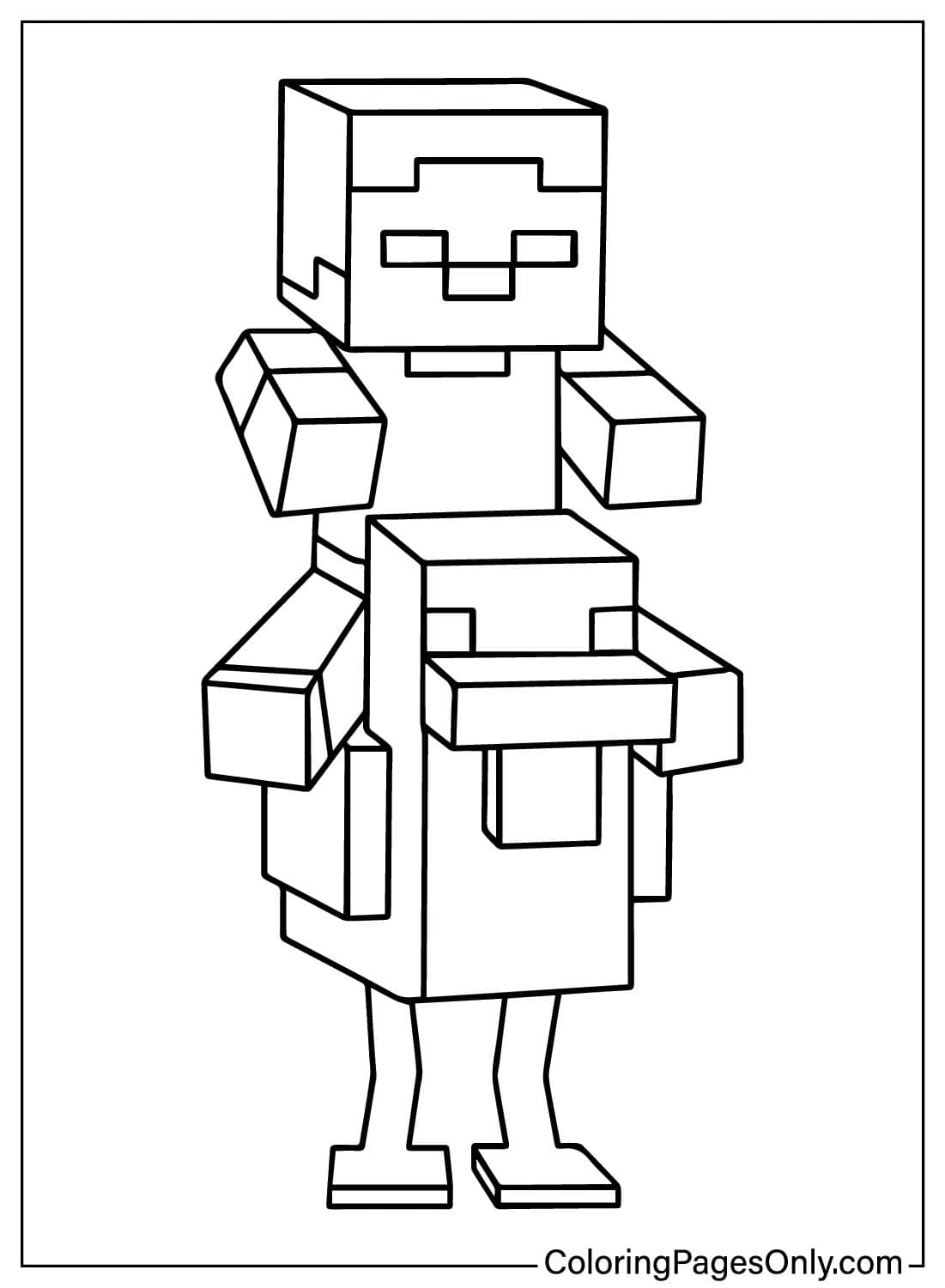
About nine pages show the rider and chicken in the square, pixel-built style of Minecraft itself, such as the Chicken Jockey Classic Pose page. These are the closest matches to how the mob looks in the game. Flat fills work best here: one solid Green for the zombie’s skin, Turquoise Blue for the shirt, and plain White for the chicken, with no blending between blocks.
Easy and Cartoon Pages
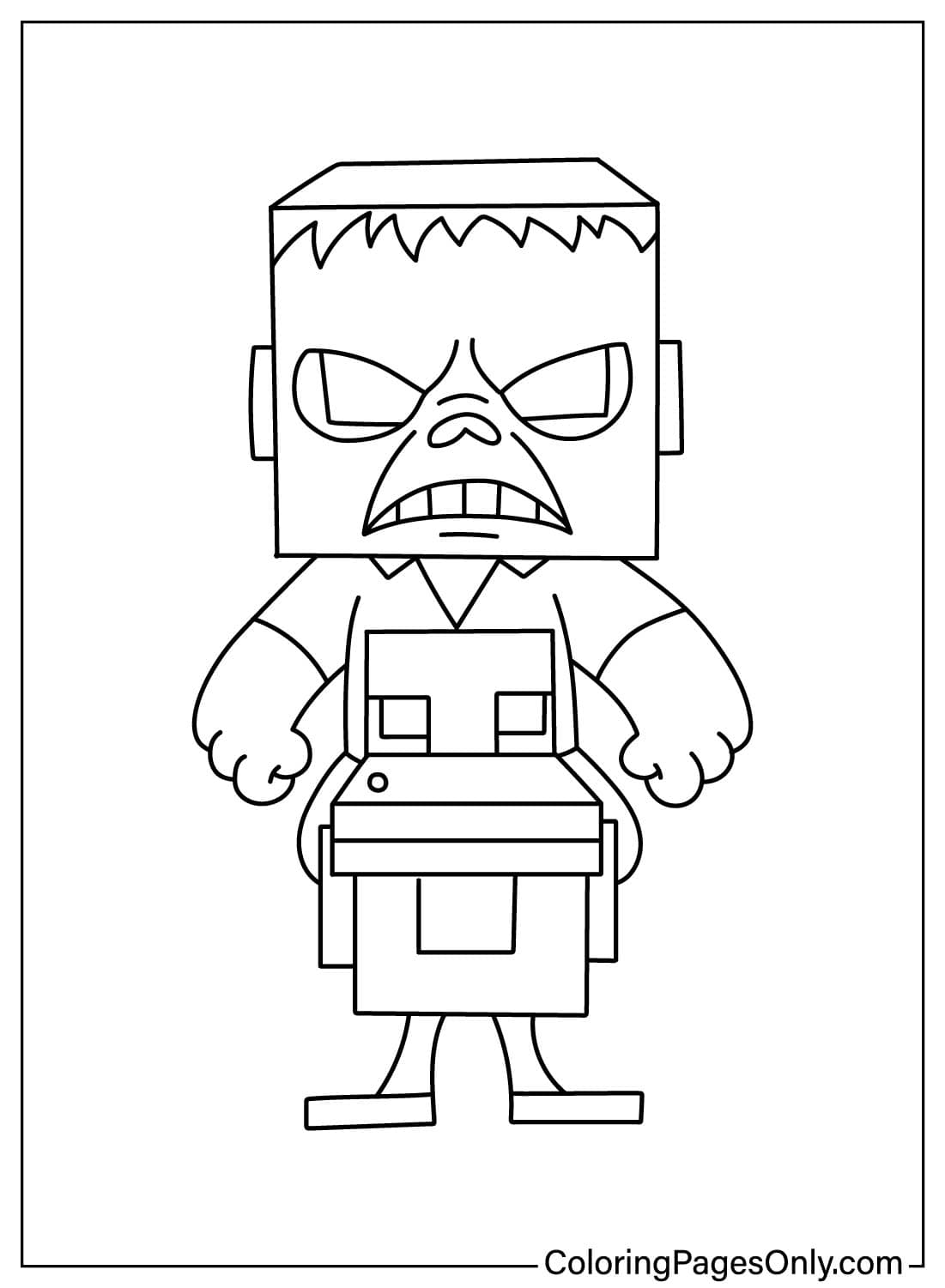
Five pages round off the hard edges and enlarge the shapes, including Easy Chicken Jockey for Kids. They give younger fans big spaces to fill and fewer small details. Bright, simple colors suit these pages, and the chicken’s Red wattle and yellow-orange beak can be pressed harder than usual so they pop against the white body.
Action and Game-World Scenes
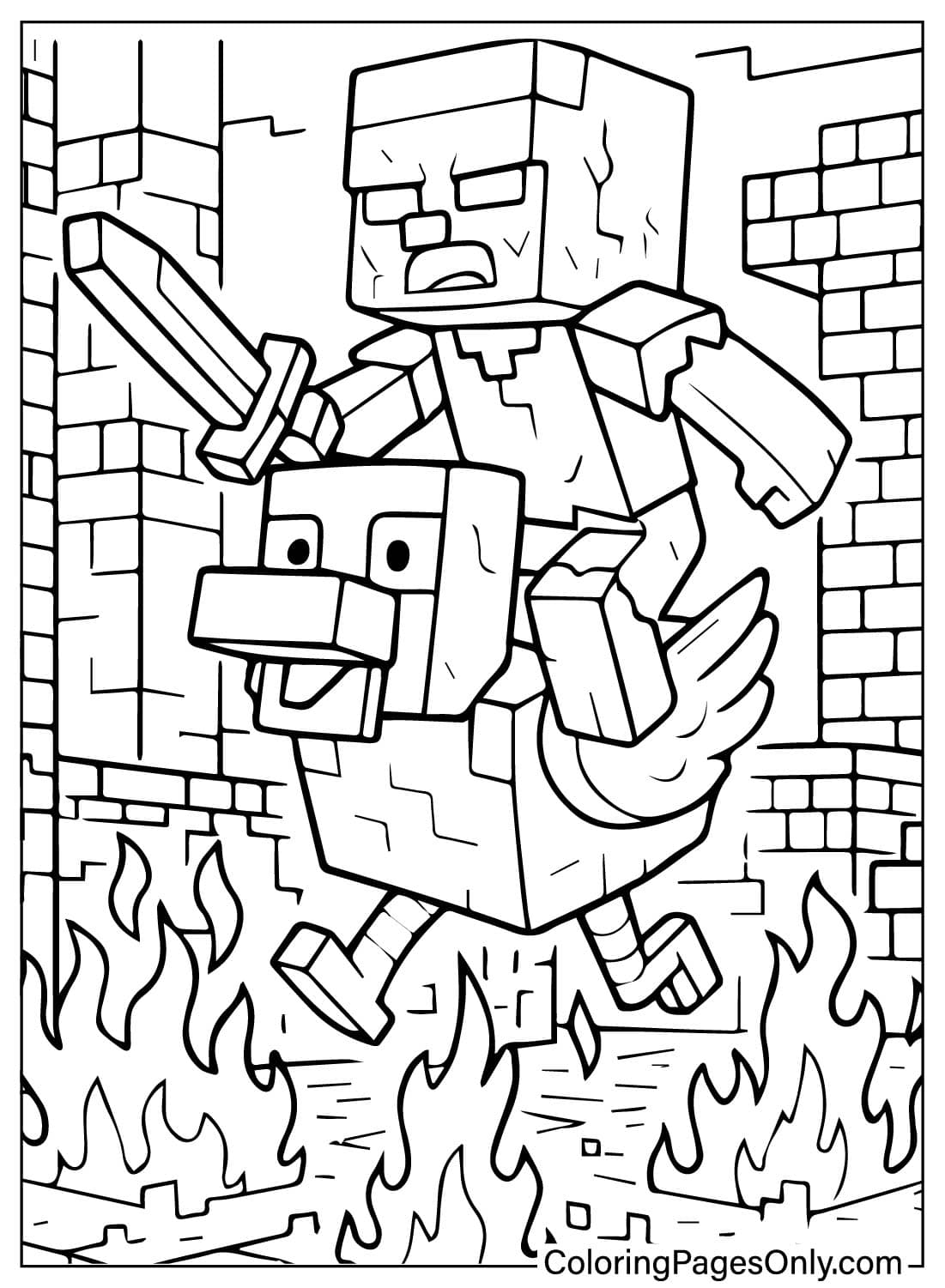
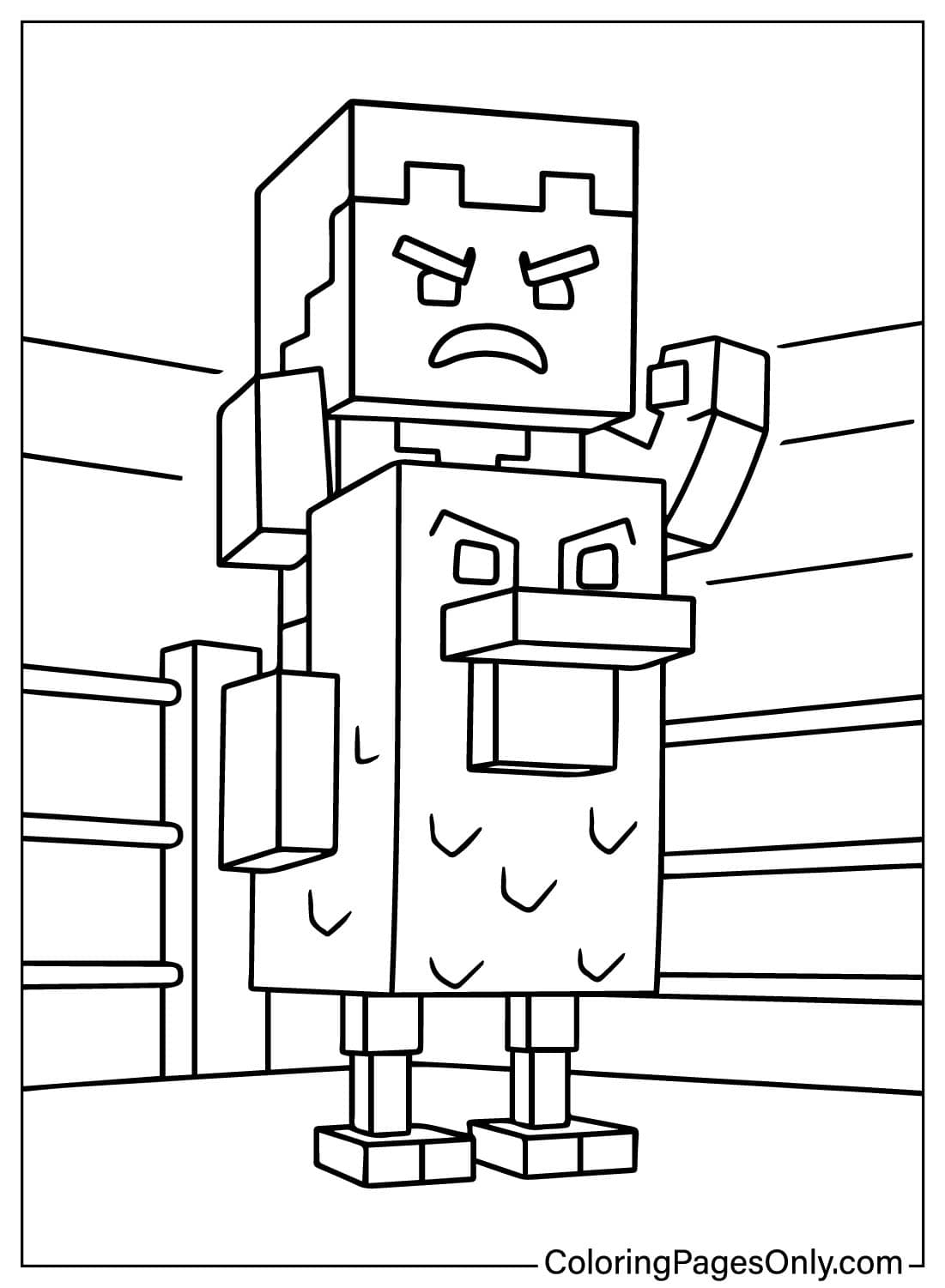
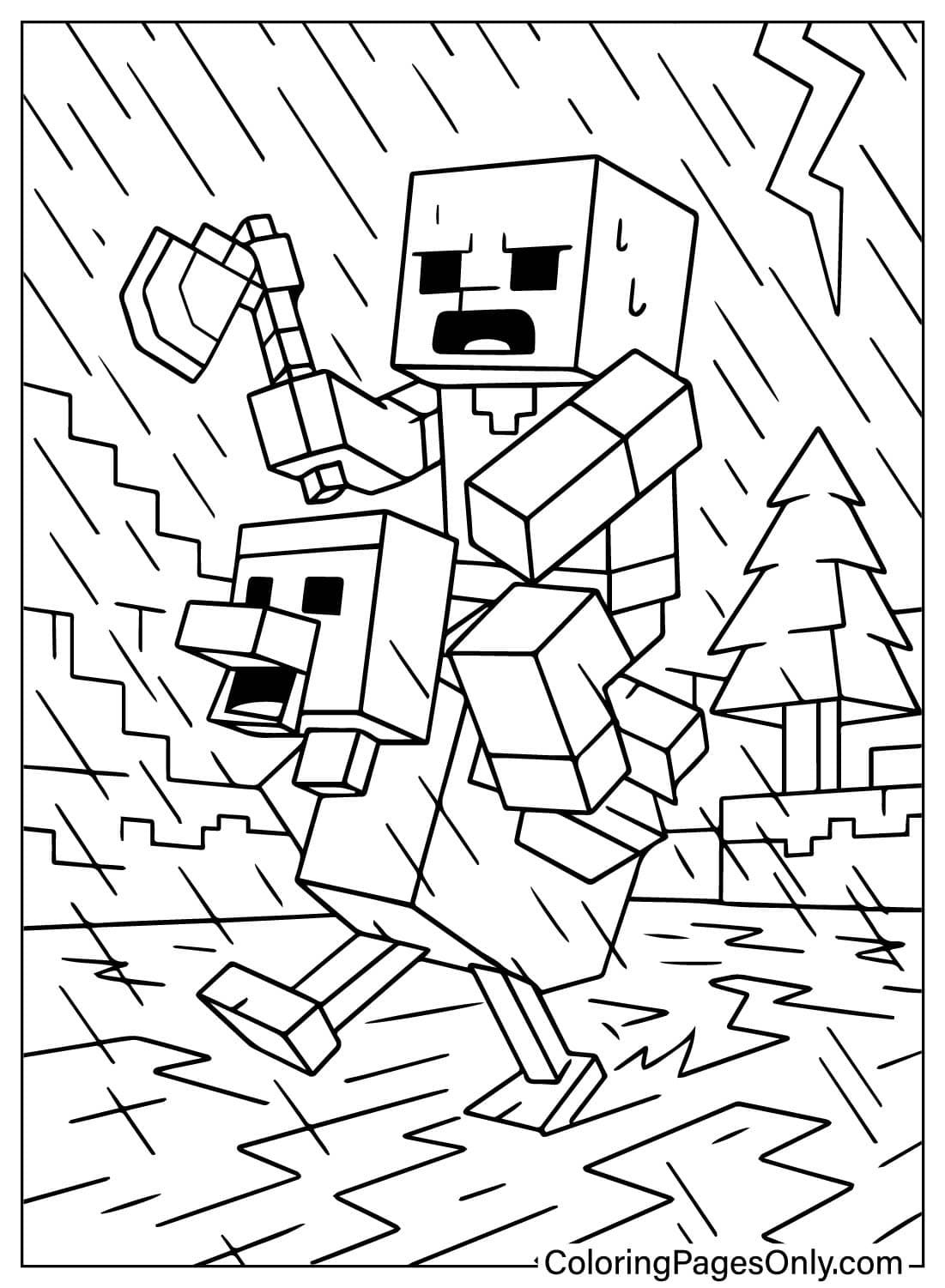
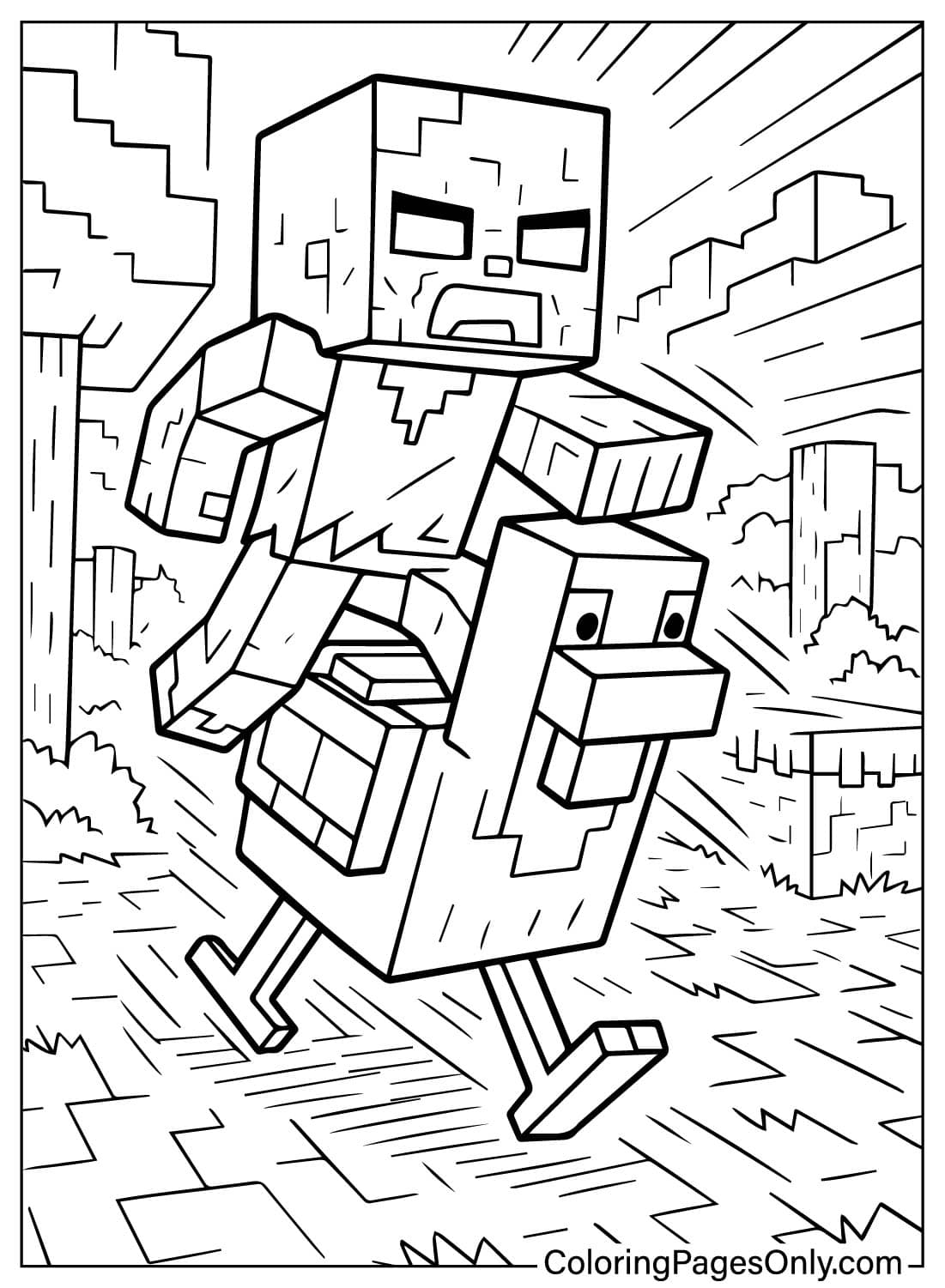
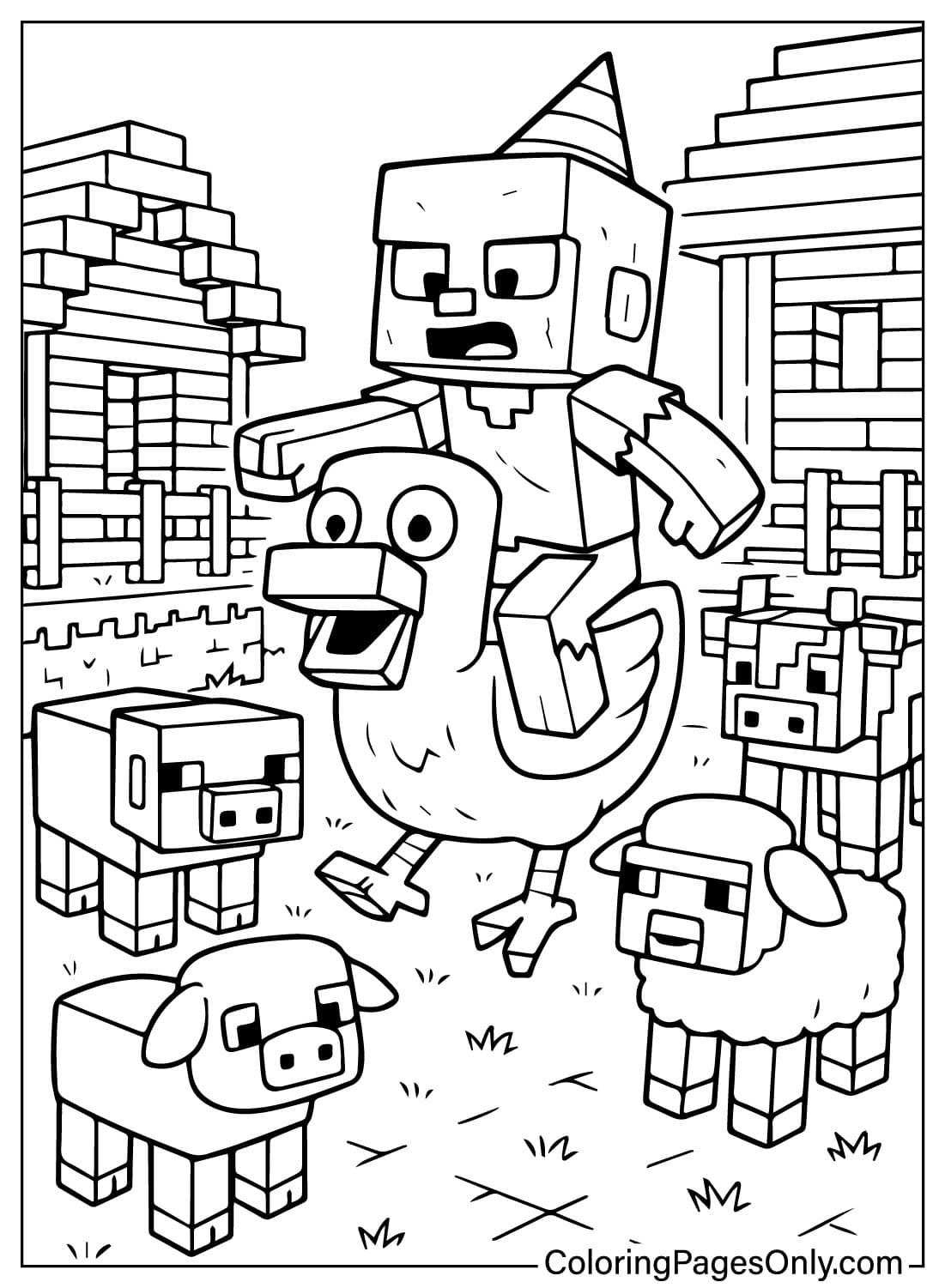
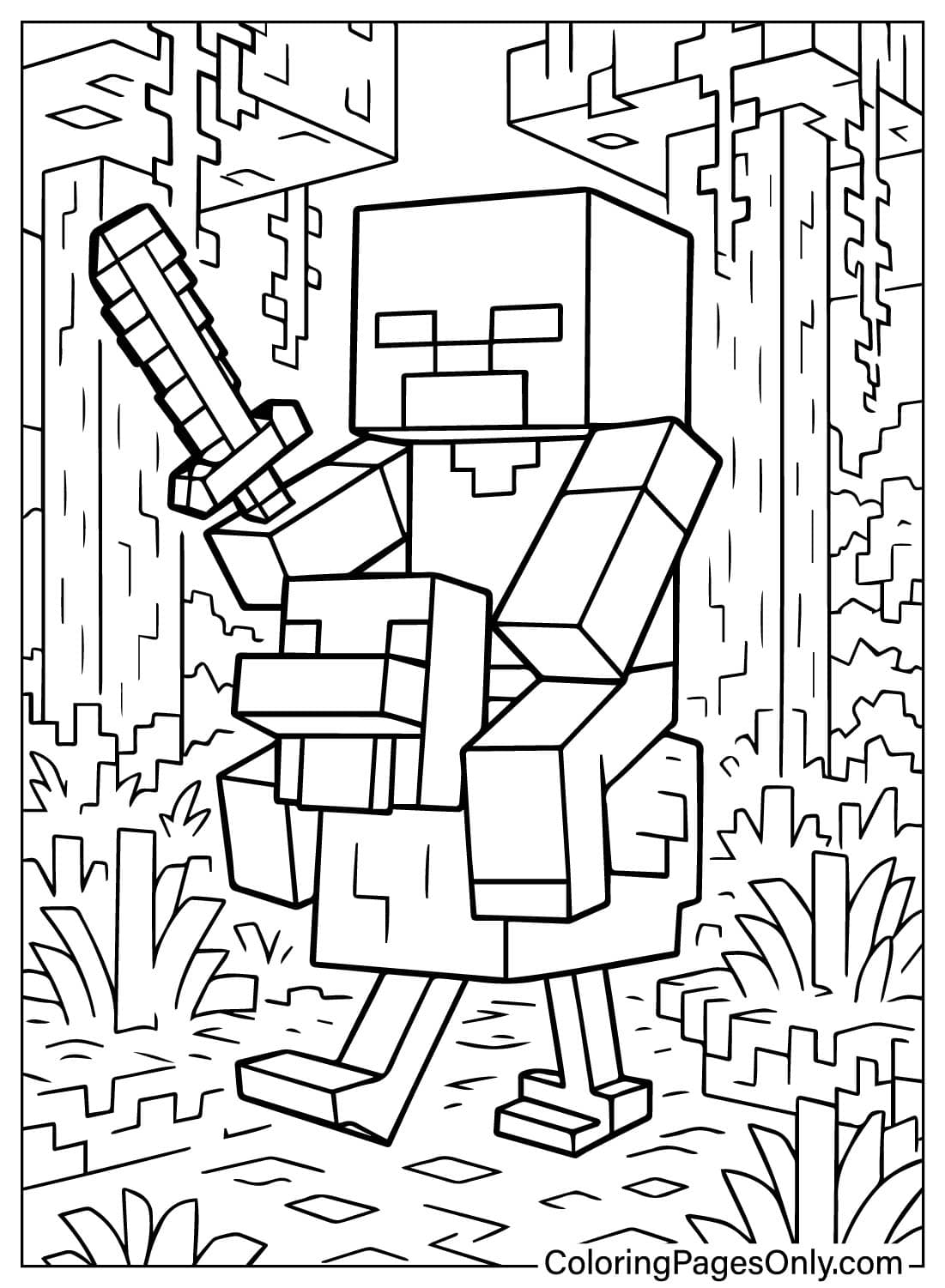
Around ten pages put the pair in motion, from a running chase to a scene set in the wider Minecraft world. The Chicken Jockey Angry page is the moodiest of the group. For these, a slightly darker Olive Green on the zombie adds intensity, and background blocks in Brown, Gray, and Green keep the focus on the rider.
Themed Settings
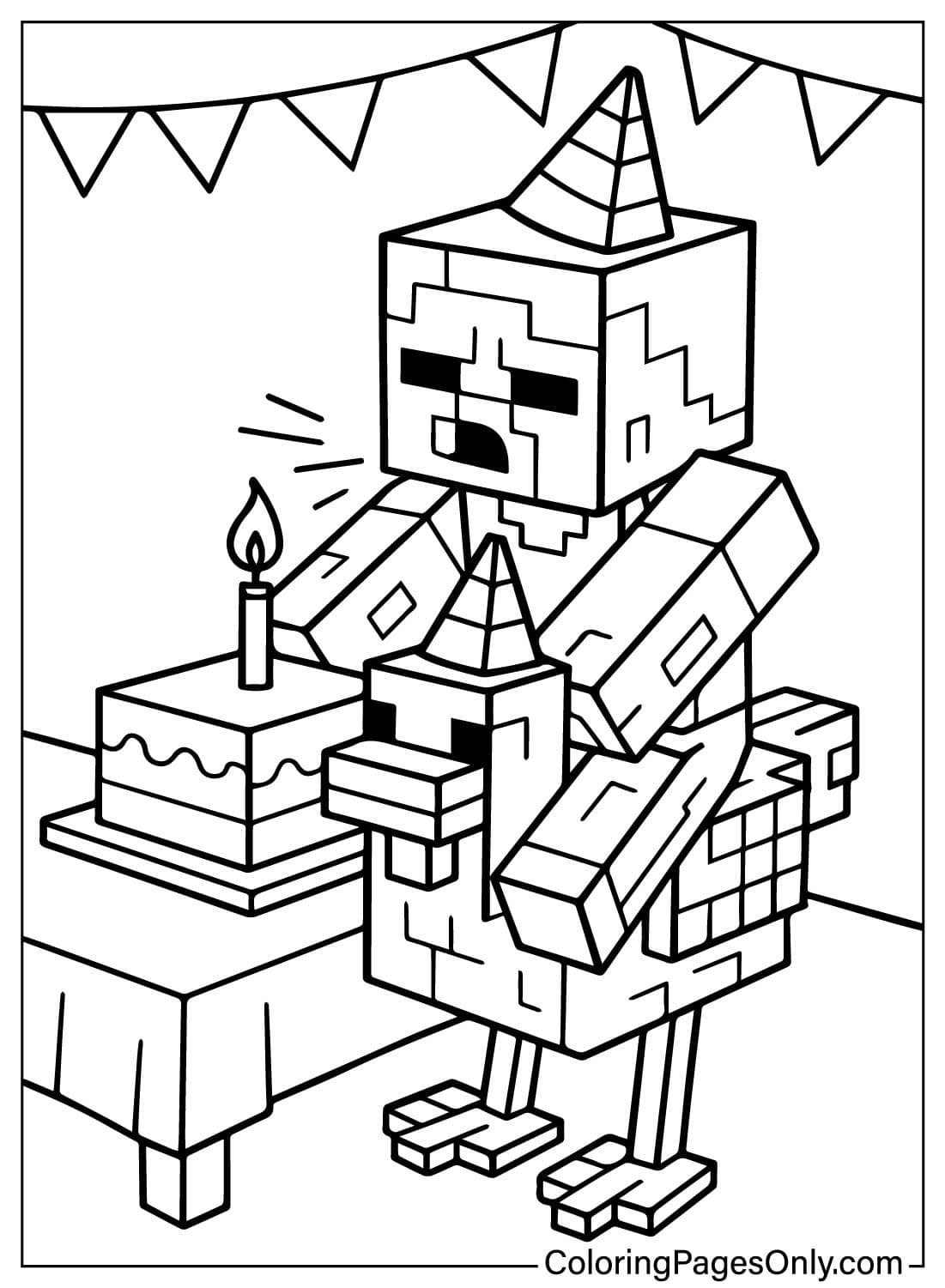
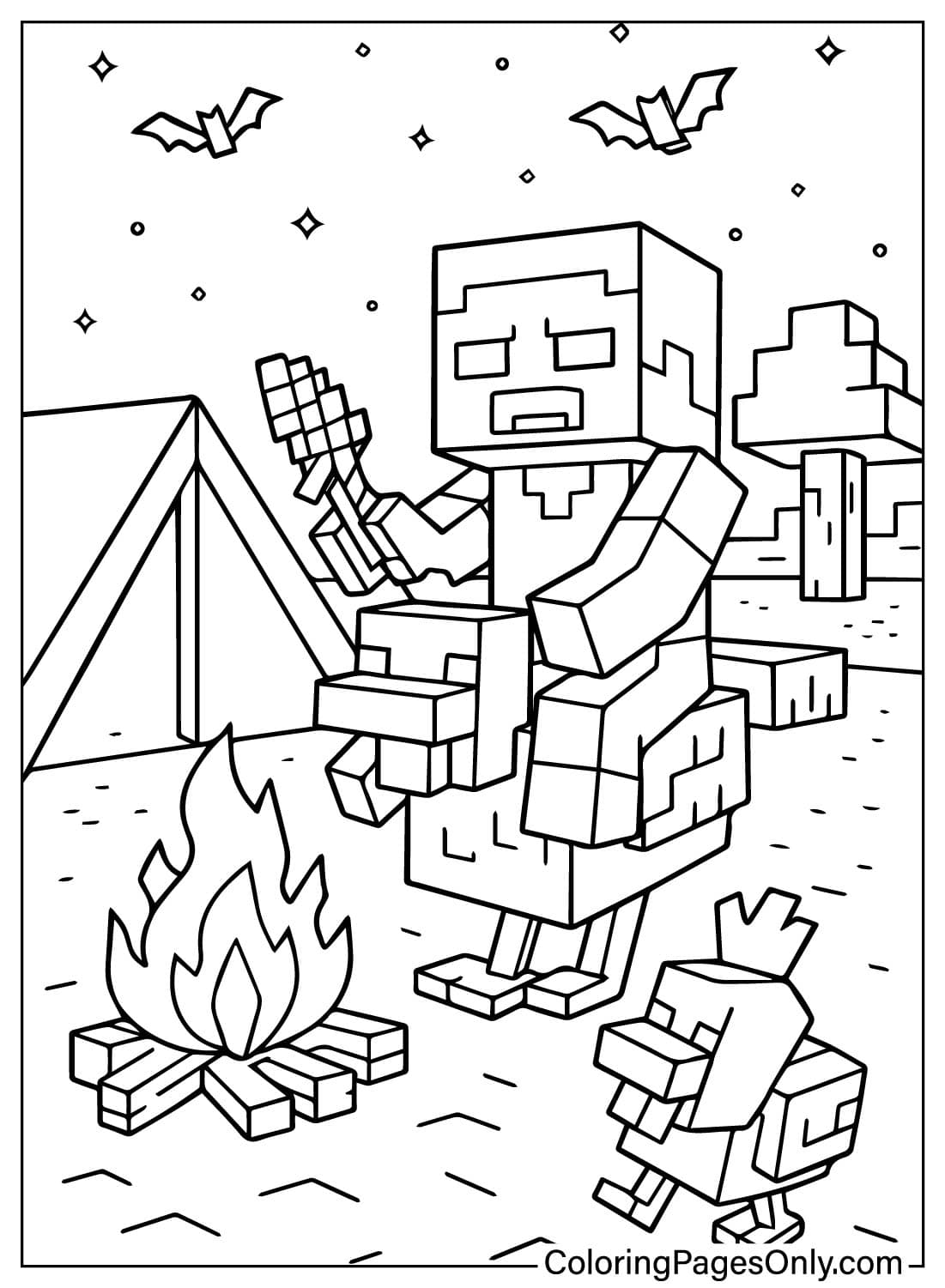
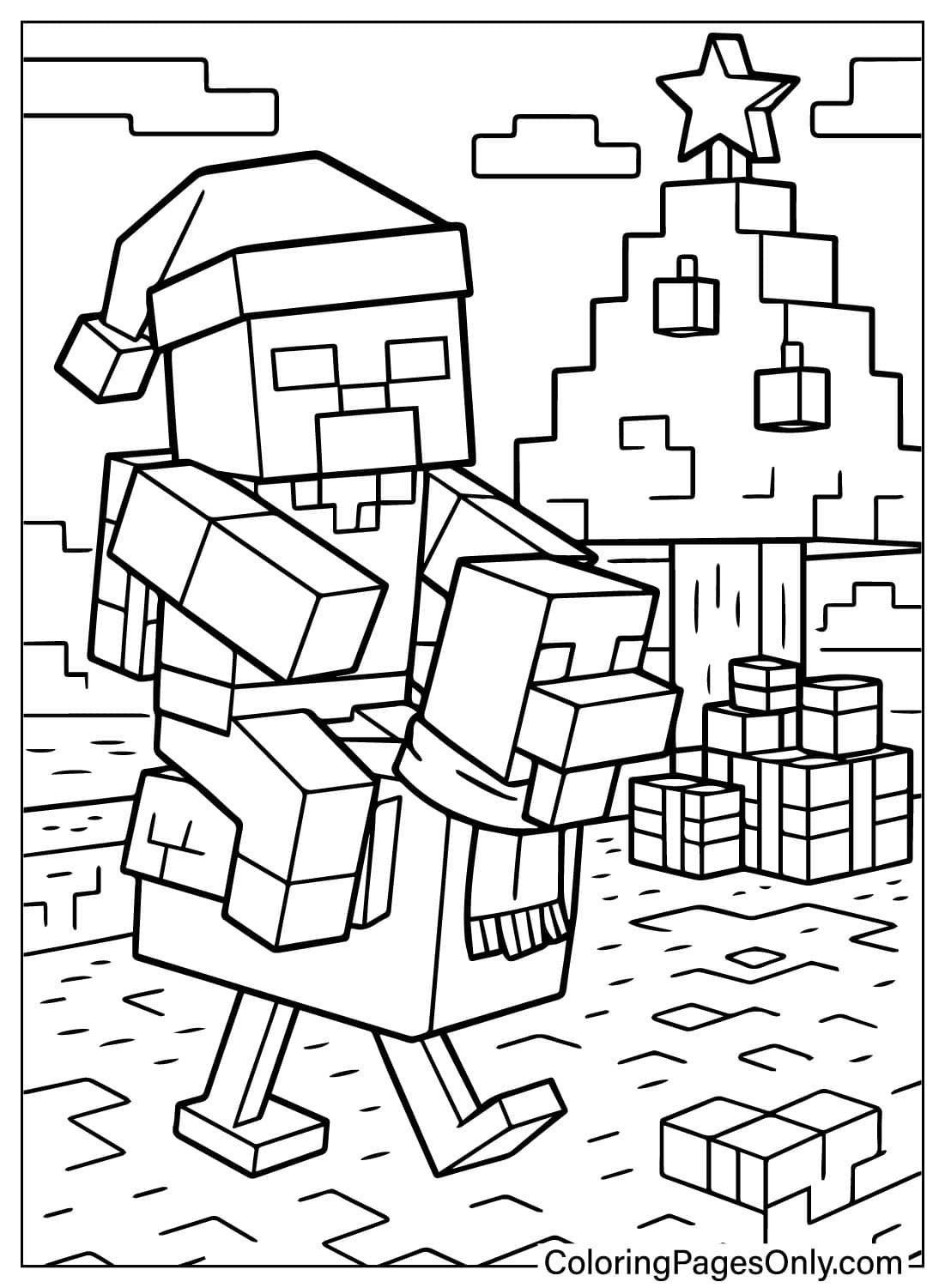
Eight pages drop the jockey into places far from any Minecraft biome, such as a birthday party, a camping trip, and a Christmas scene. The joke works best when the mob keeps its normal game colors. Let the setting carry the theme instead, with Red and Pine Green for Christmas or Sky Blue and Gray for the rainy-day page.
What Chicken Jockey Coloring Pages Do
Practice with square shapes. The American Academy of Pediatrics points to fine motor development as one of the main gains children ages 2 through 7 get from structured coloring. Minecraft’s blocky art is made of small squares and straight edges, so filling each block cleanly without crossing into the next gives little hands focused practice.
A way into game design. The chicken jockey exists because a developer saw a fan’s idea and added it to the game. Coloring the mob, then imagining new rider and mount pairs, shows children that people designed the characters in their favorite games and can be redesigned by them, too.
A calmer kind of screen-free time. Research published in the Art Therapy Journal in 2005 linked structured coloring sessions to measurable reductions in anxiety. For Minecraft fans who spend a lot of time building on a screen, a printed page offers the same blocky world at a slower pace.
Fun with a pop culture moment. Many families first heard of the chicken jockey through A Minecraft Movie. The themed pages turn that shared joke into something to color and talk about together, including for relatives who have never played the game.
How to Color Chicken Jockey Coloring Pages Well
- Anchor the zombie first: Start with the rider’s skin in a medium Green, then add a Turquoise Blue shirt and Blue pants. Every other color on the page should be chosen to stand out against that green.
- Keep the chicken bright: The standard Minecraft chicken is White, so leave most of its body as clean paper or use a White crayon over it. Add a Red wattle under the beak and yellow-orange on the beak and legs.
- Flat fills for pixel pages: Minecraft’s look comes from solid blocks of color with no shading, so fill each square area with one even tone. This also makes the game-style pages easy for younger colorists.
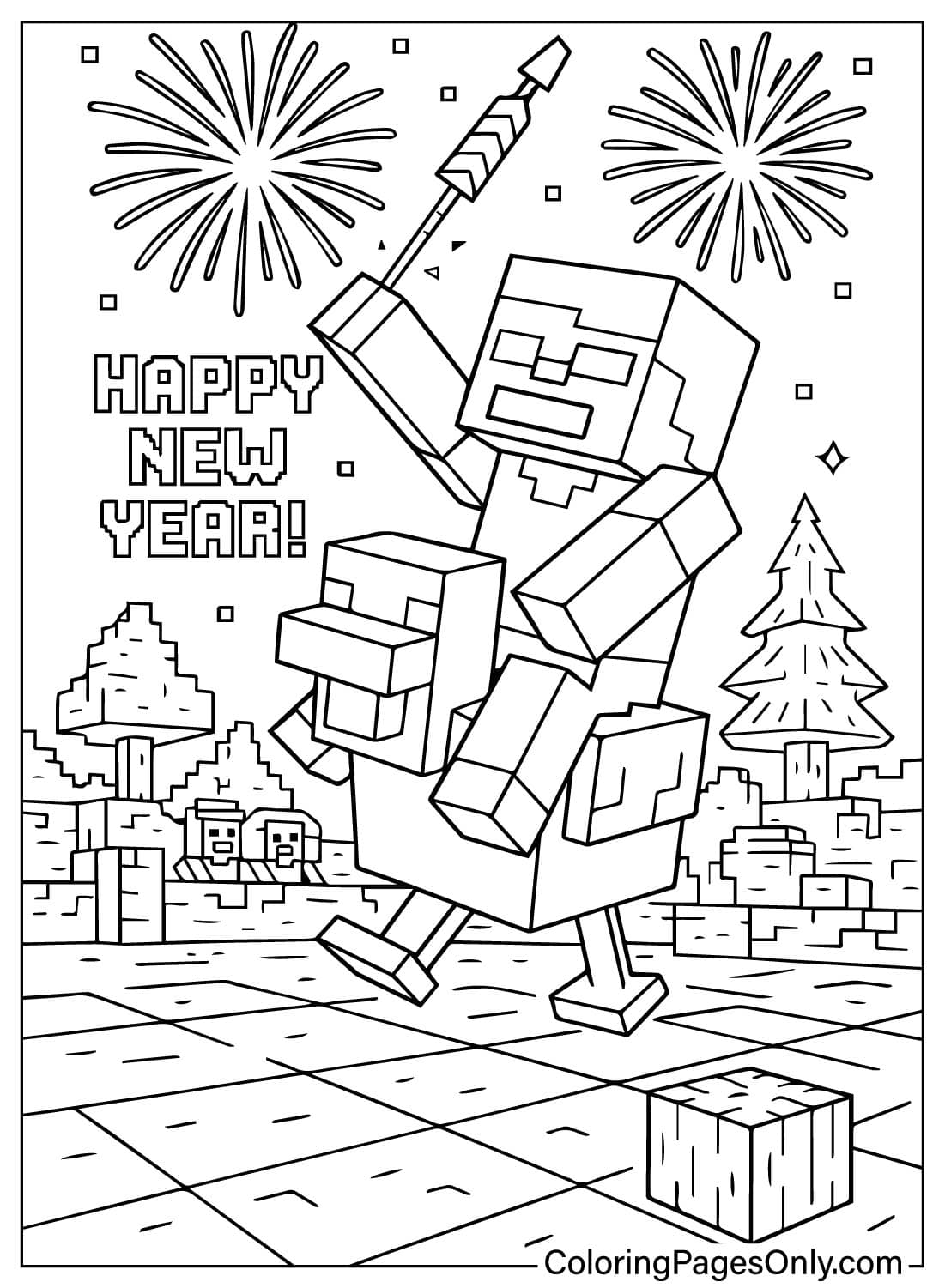
- Fire and fireworks: On the Fire and Running Away Fire pages, color flames from Red Orange at the base to Yellow at the tips. On the Fireworks page, use a dark Navy Blue sky so bursts of Magenta, Yellow, and Green stand out.
- Variant riders: To turn the rider into a desert husk, swap the green skin for Tan and the clothes for Brown. For a drowned rider, use Blue Green skin with Teal clothing.
- Themed backgrounds: On the Candyland page, fill the sweets in Carnation Pink, Lavender, and Mint Green, and keep the jockey in its normal game colors so the mismatch stays funny.
5 Creative Craft Ideas With Chicken Jockey Coloring Pages
1. Moving Jockey Puppet
Color a classic pose page, cut out the zombie rider and the chicken as separate pieces, and glue each to thin cardboard. Join them at the saddle point with a paper fastener so the rider can tip and wobble on top of the chicken.
2. Shoebox Biome Diorama
Line the inside of a shoebox with colored paper blocks for grass, dirt, and sky. Cut out a finished jockey, fold a small paper tab at its base, and stand it inside as if it just spawned in the world.
3. Movie Night Popcorn Box
Color a themed page and wrap it around a plain paper popcorn box, taping the edges at the back. It makes a fitting snack holder for a family screening of A Minecraft Movie at home.
4. Variant Rider Trio
Print the same page three times and color each as a different kind of rider: a standard green zombie, a sandy desert husk, and a blue-green drowned. Label each one and display them side by side.
5. Invent-a-Jockey Card
On a blank index card, draw a brand-new jockey by pairing any two Minecraft mobs, such as a creeper riding a pig. Color it, give it a name, and write one sentence on the back about what makes the pair special.
Frequently Asked Questions
What are Chicken Jockey Coloring Pages?
Printable outlines of Minecraft’s chicken jockey, the baby zombie that rides a chicken. This set has 32 designs, from game-style portraits to cartoon and holiday scenes, free as PDFs or for online coloring.
Who created the chicken jockey?
A Minecraft fan first imagined it in a Reddit post. Mojang developer Nathan Adams, known as Dinnerbone, then added it to the game, and it arrived in Java Edition 1.7.4 on December 10, 2013.
What does a chicken jockey do in Minecraft?
The baby zombie steers while the chicken carries it, so the pair moves and attacks like a zombie. Because it rides a chicken, the jockey takes no fall damage. It spawns only rarely, which makes spotting one memorable.
Why did “Chicken Jockey!” go viral?
In A Minecraft Movie, released April 4, 2025, Jack Black’s character Steve shouts the name when the mob appears in an arena scene. Audiences began yelling the line along with him, and it spread online as one of the year’s biggest movie memes.
Are there different kinds of chicken jockeys?
Yes. Besides the standard baby zombie, the rider can be a baby husk, a baby drowned, a baby zombie villager, or a baby zombified piglin, each with its own colors.
What is the Lava Chicken music disc?
In June 2025, Minecraft added a music disc based on “Steve’s Lava Chicken,” Jack Black’s song from the movie. Players can get it by defeating a chicken jockey, a nod to the scene that made the mob famous.
Are these pages suitable for young kids?
Yes. The zombie is a cartoon game character rather than a scary one, and the easy and cartoon pages suit preschoolers. A few action pages show fire so that parents may start younger children with the simpler designs.
What colors does a classic chicken jockey use?
The zombie rider has green skin, a turquoise shirt, and blue pants. The chicken is white with a red wattle and a yellow-orange beak and legs.
Start Coloring
A good first page is the classic pose, since it shows the jockey just as it looks in the game. Every design opens as a PDF with one click, and there is no account, email, or fee to get in the way. Print a stack for a Minecraft-themed party, or color right in the browser with the online tool. Once the rider and chicken are finished, the Facebook and Pinterest buttons at the top of each design page make it easy to share the result with other Minecraft fans or with family who laughed at the movie scene.