Godzilla Coloring Pages
 By:
Jennifer Thoa - Content Editor & Designer
Updated:
By:
Jennifer Thoa - Content Editor & Designer
Updated:
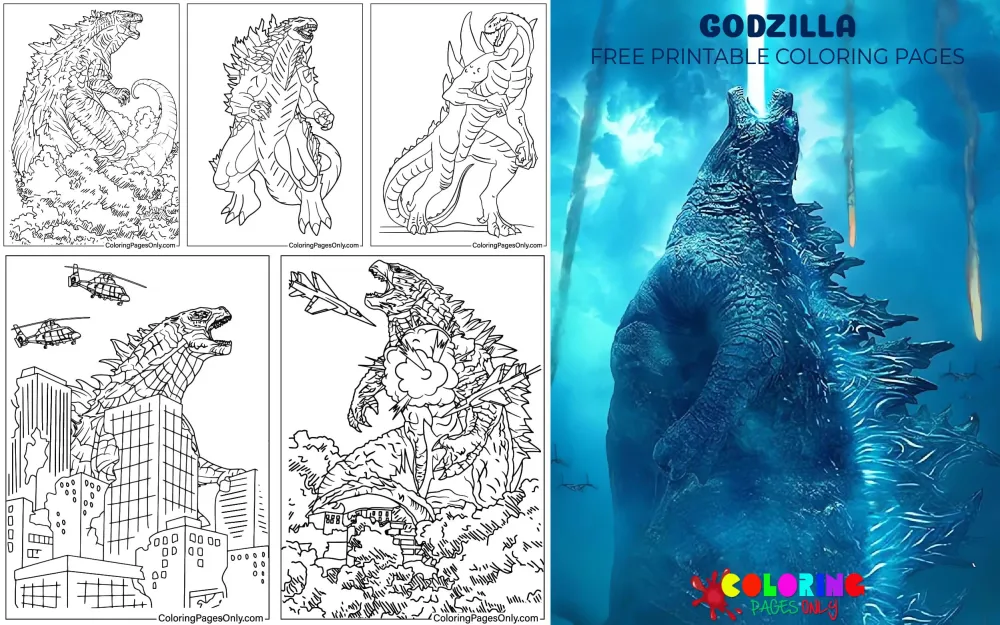
Free Godzilla Coloring Pages: 69 printable PDF designs featuring the King of the Monsters roaring on movie posters, rising from the sea, stomping through city streets, facing King Kong and giant robots, and shrinking into chibi, kawaii, and cartoon versions. Every sheet can be printed straight from its PDF or filled in on screen with the online coloring tool.
Godzilla is a giant monster, or kaiju, from Japan’s Toho studio, first seen in a 1954 film as an ancient sea creature awakened by nuclear testing. He walks upright like a dinosaur, carries rows of jagged plates down his back, and fires a glowing beam of energy called atomic breath. Across more than 30 Japanese films and a series of Hollywood movies, he has been everything from a city-flattening threat to Earth’s monster-sized protector.
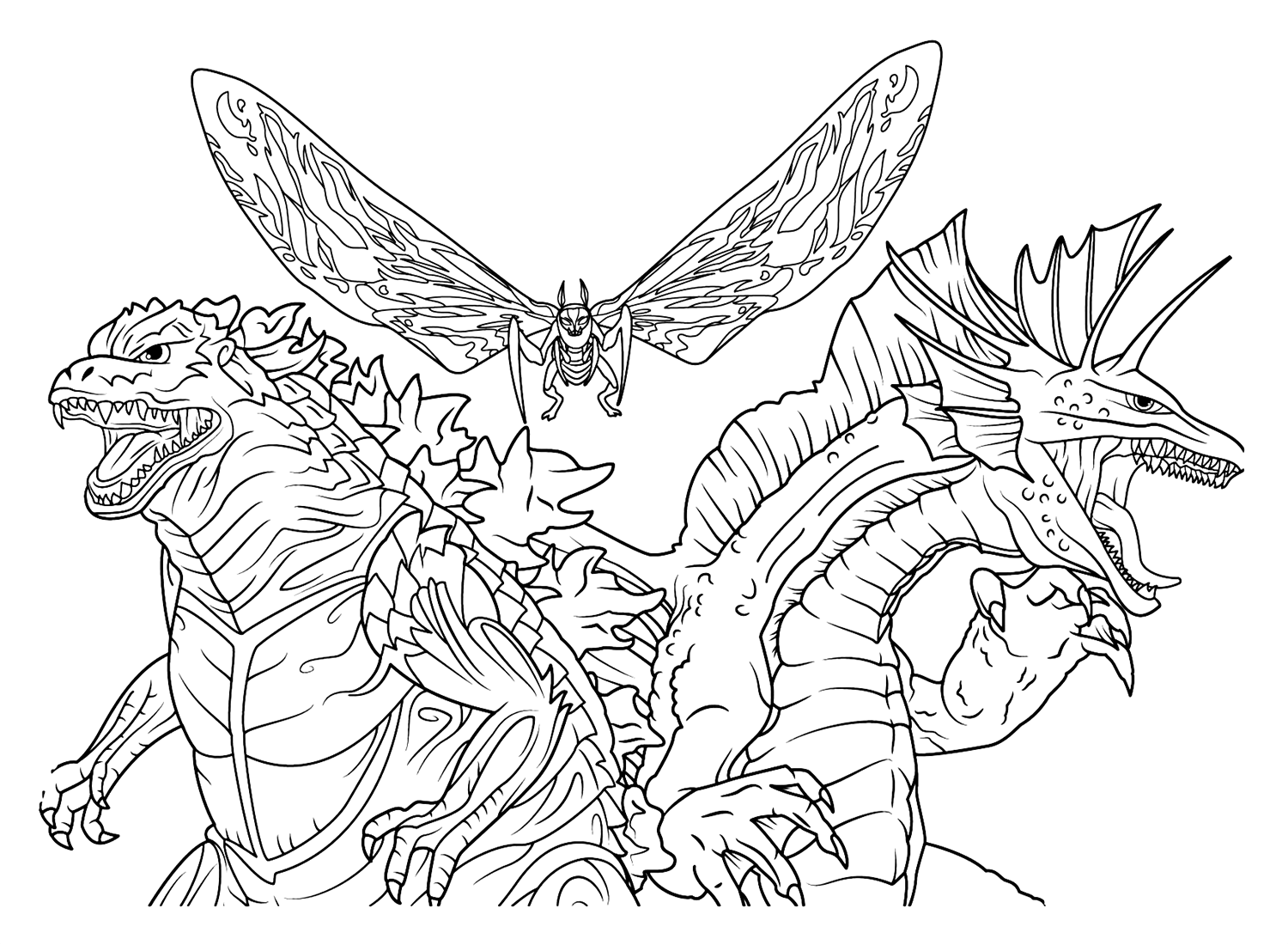
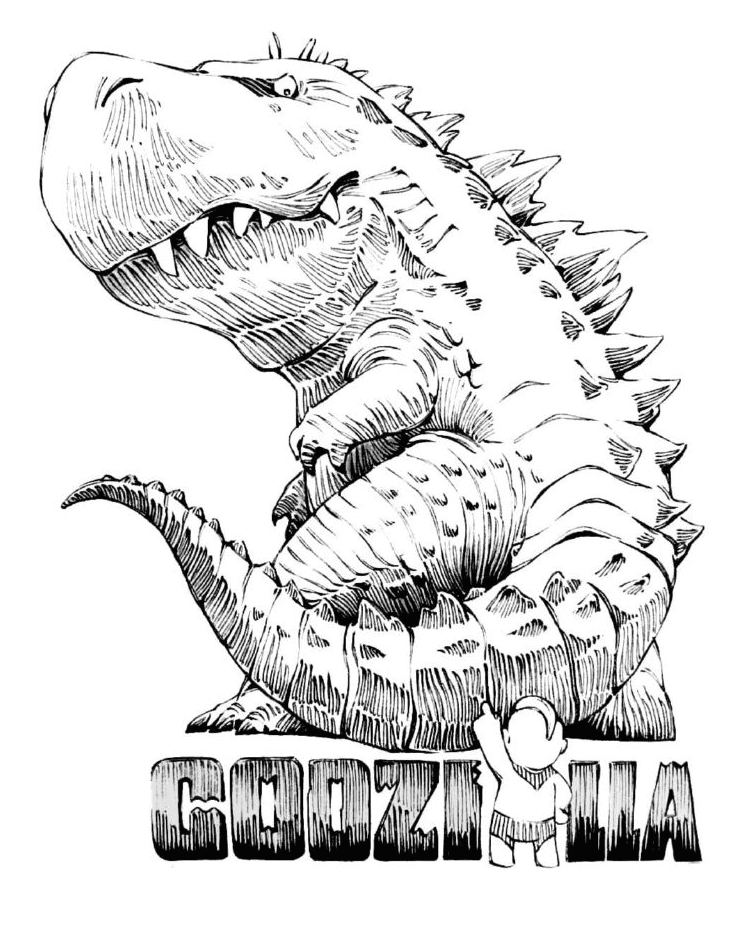
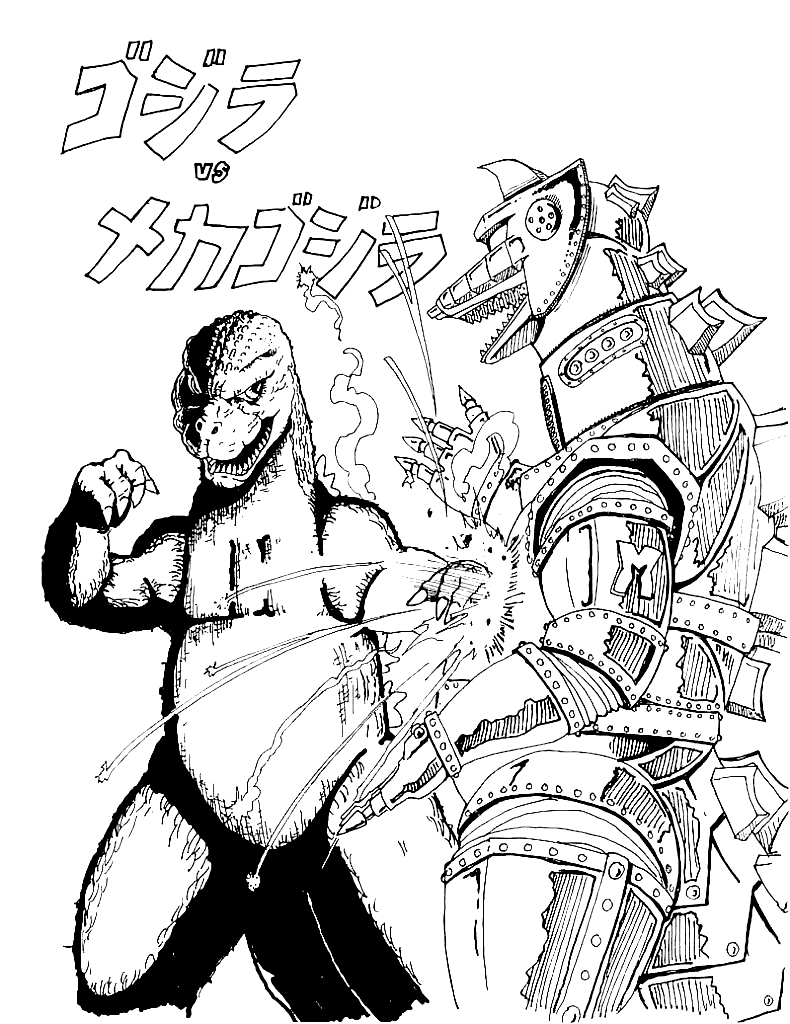
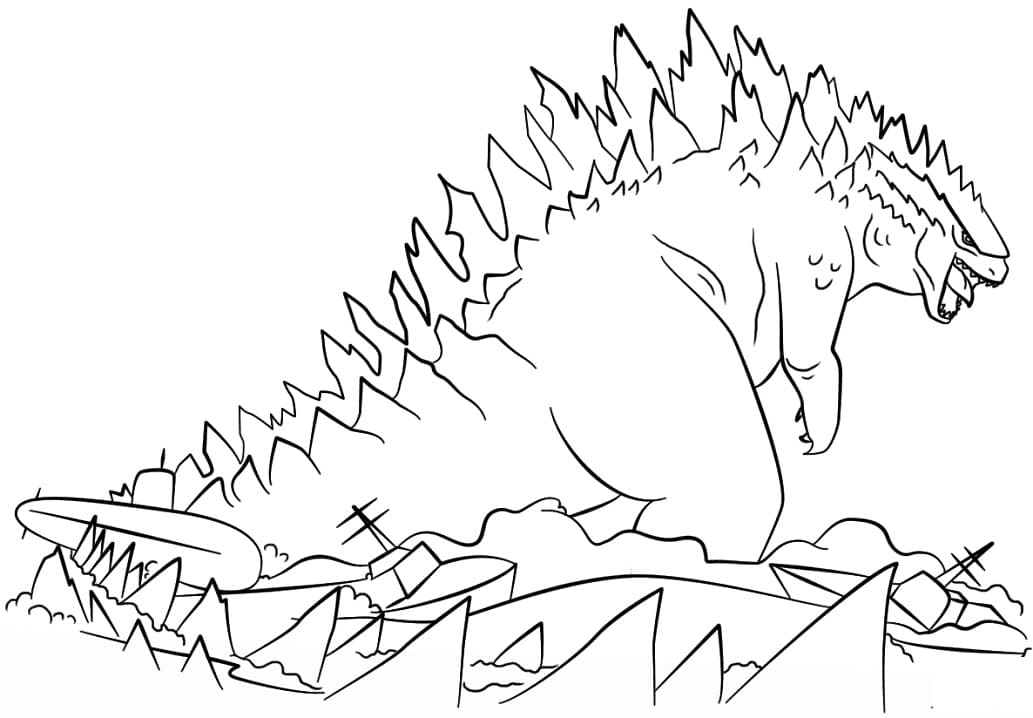
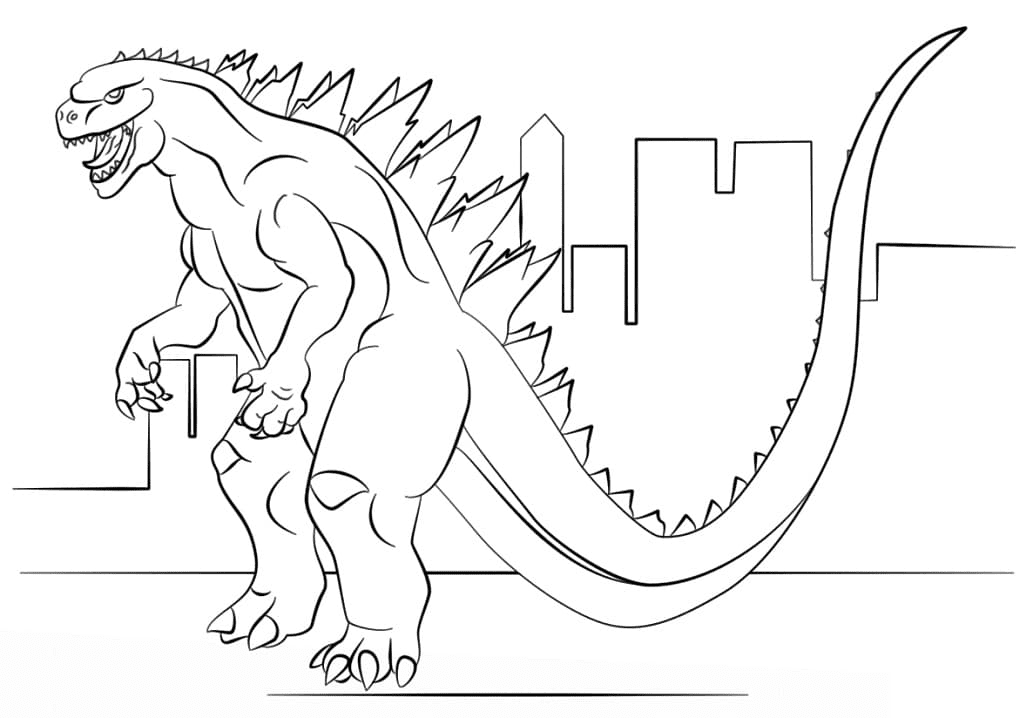
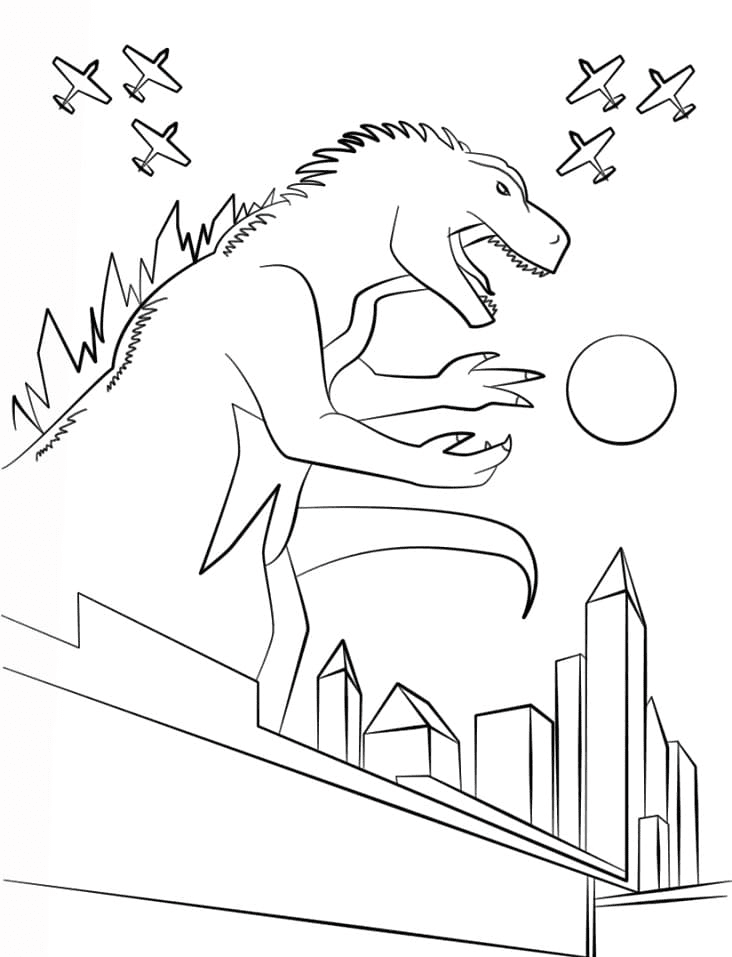
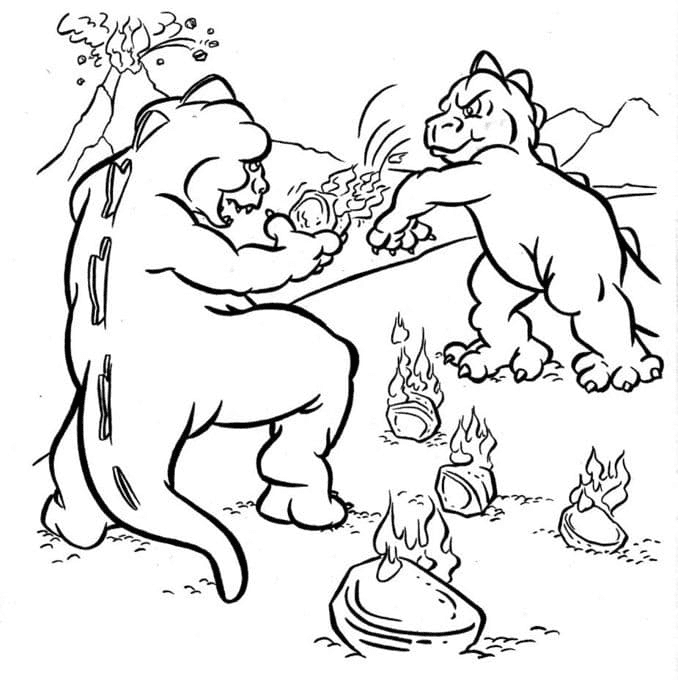
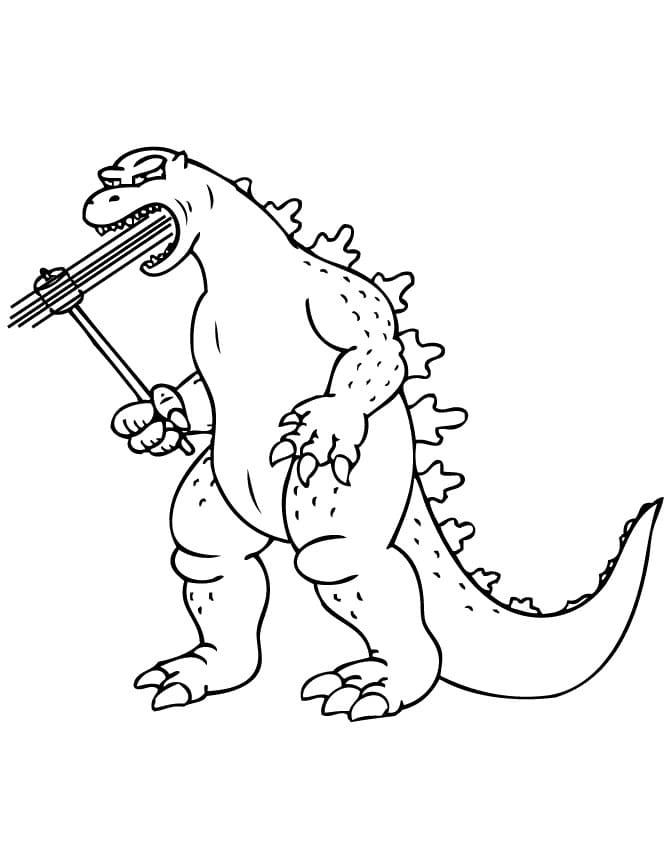
The collection covers both sides of that history. Detailed poster and battle pages suit older kids and adult fans, while round-bellied cartoon Godzillas eating pizza or looking puzzled give younger colorists big, simple shapes to fill. Several pages also pair him with rivals from the wider monster world.

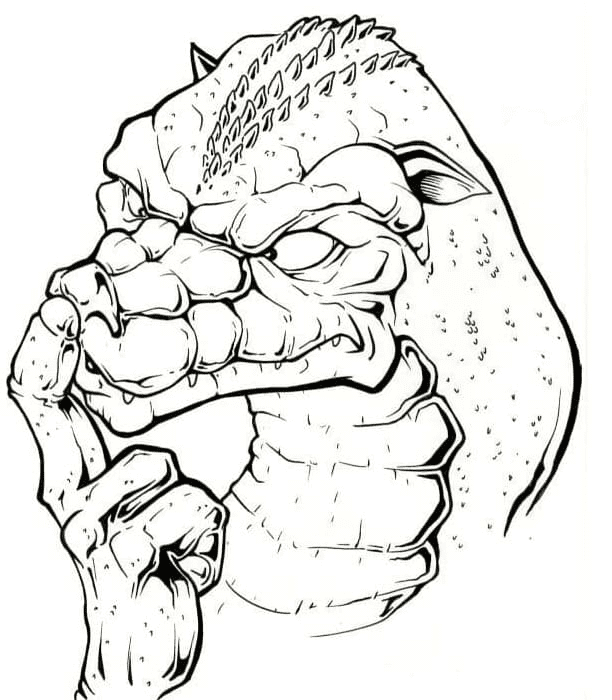
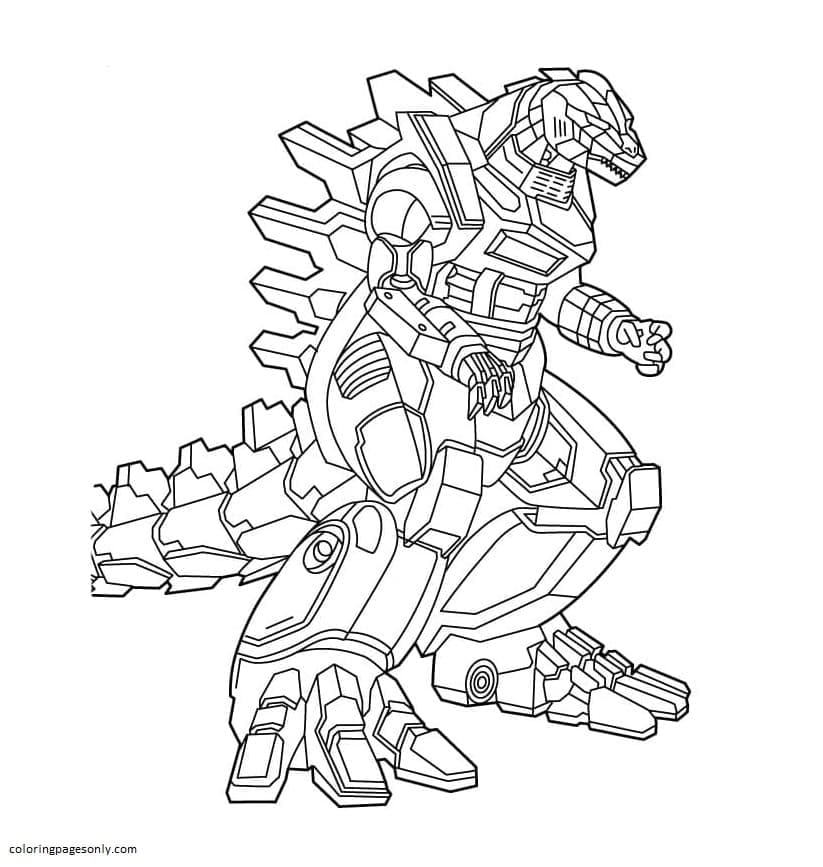
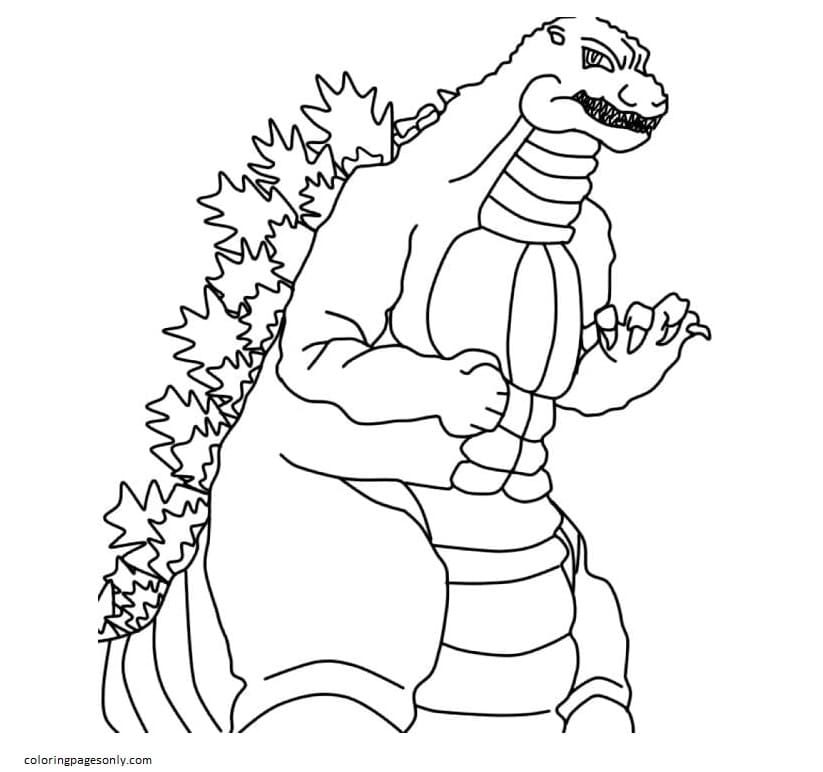

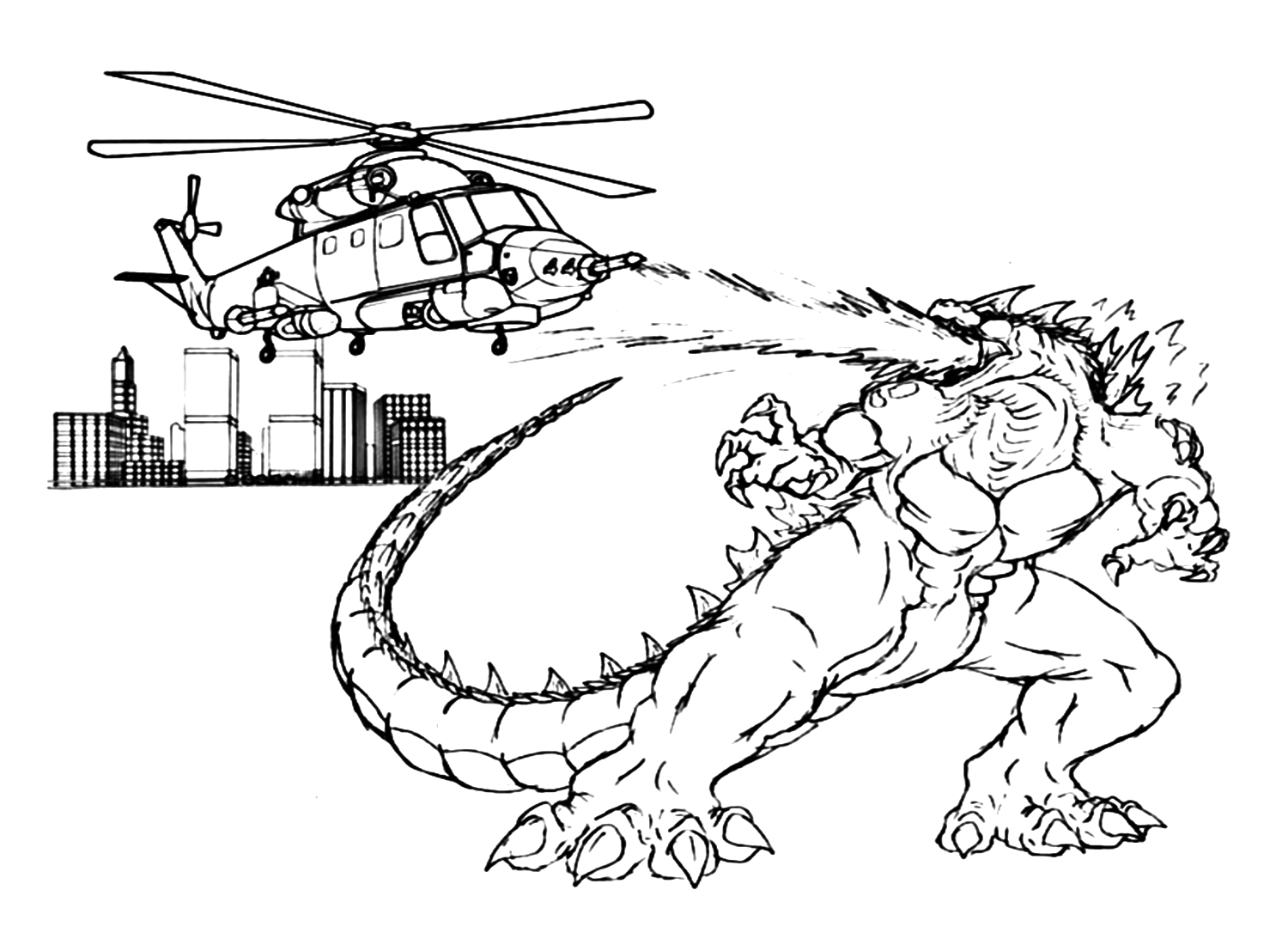


What’s Inside This Collection
Roaring Portraits and Movie Poster Designs
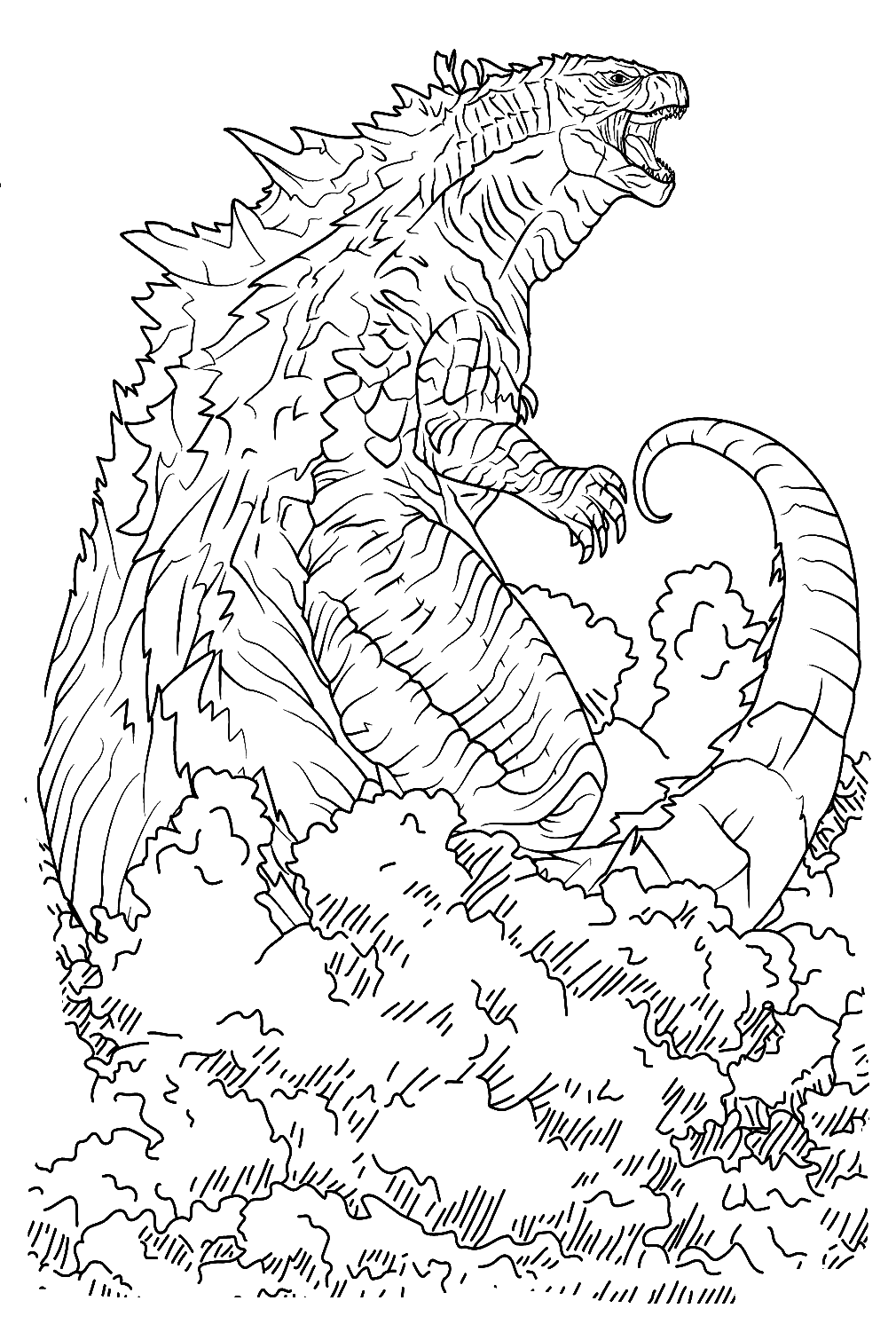
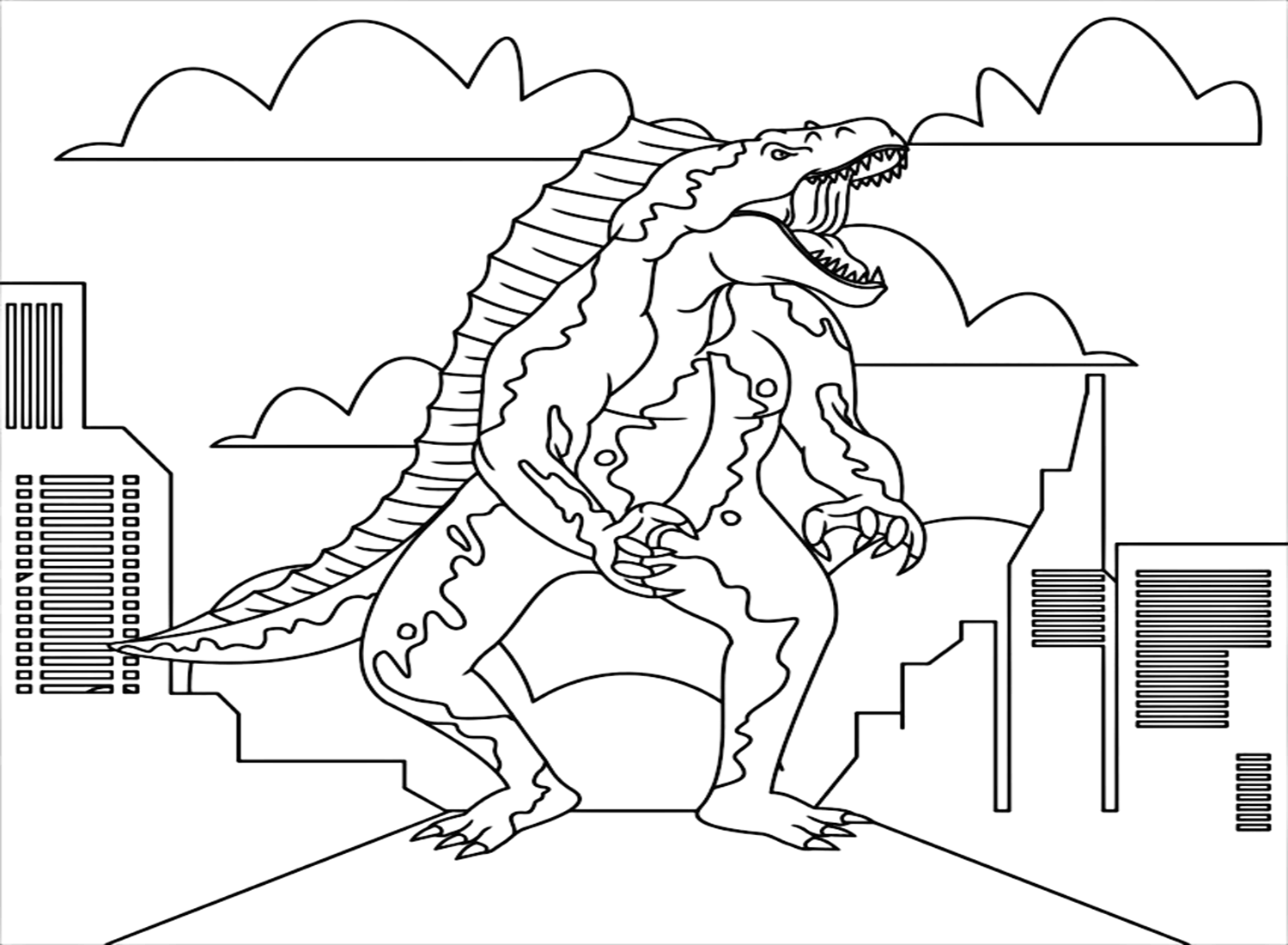
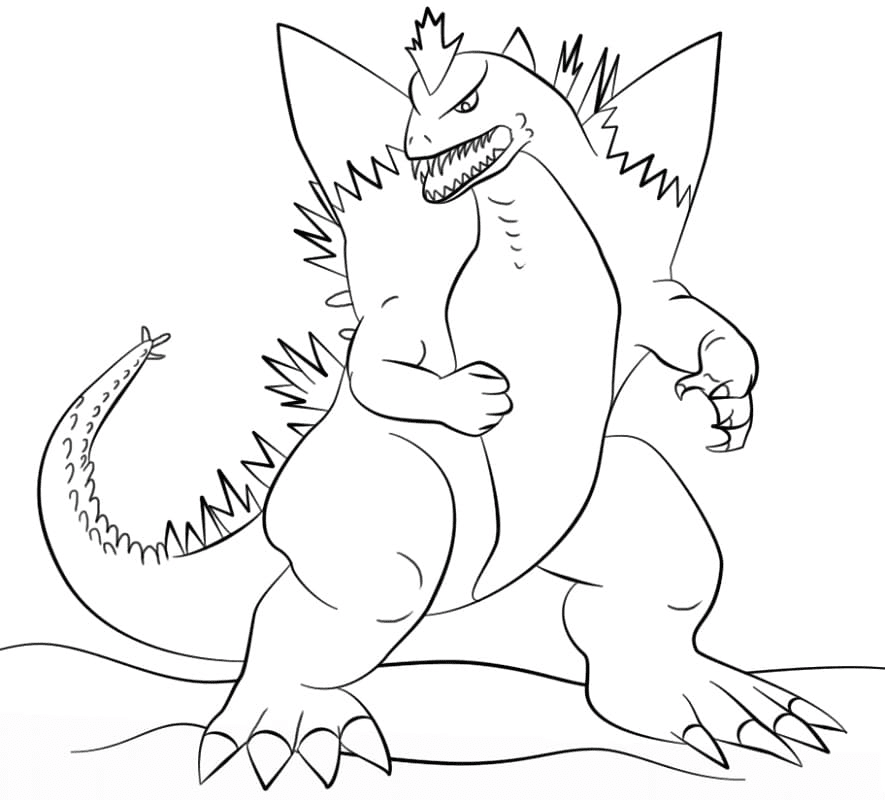
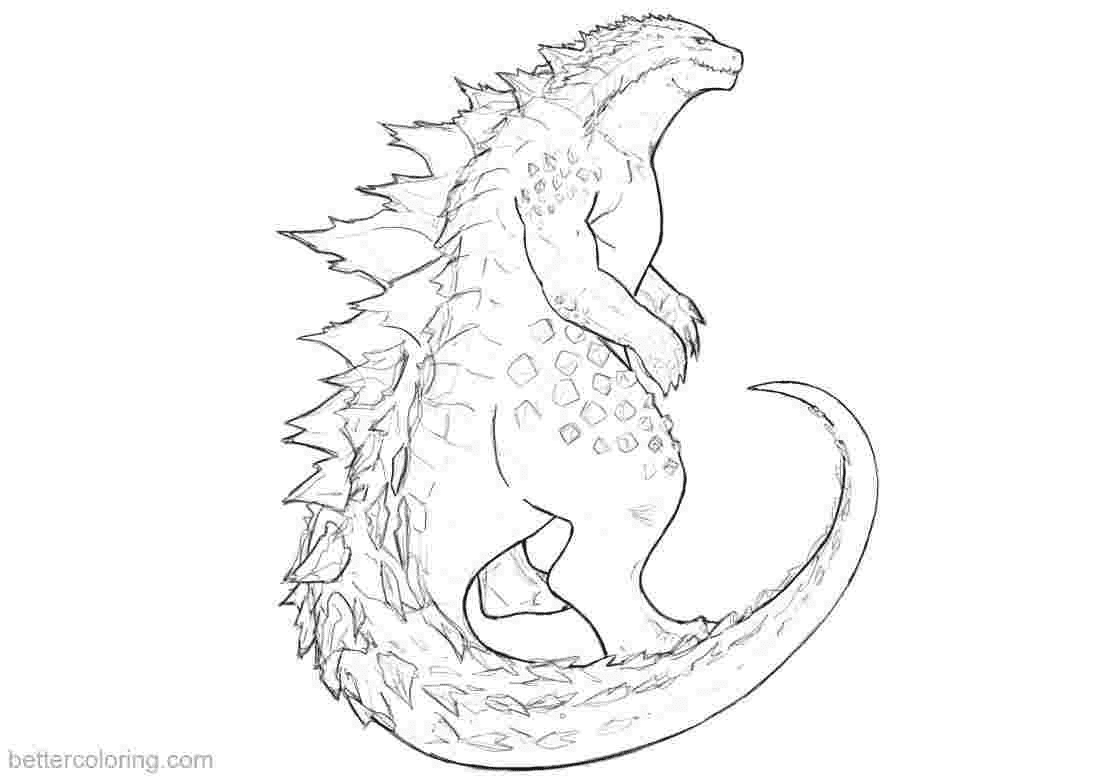
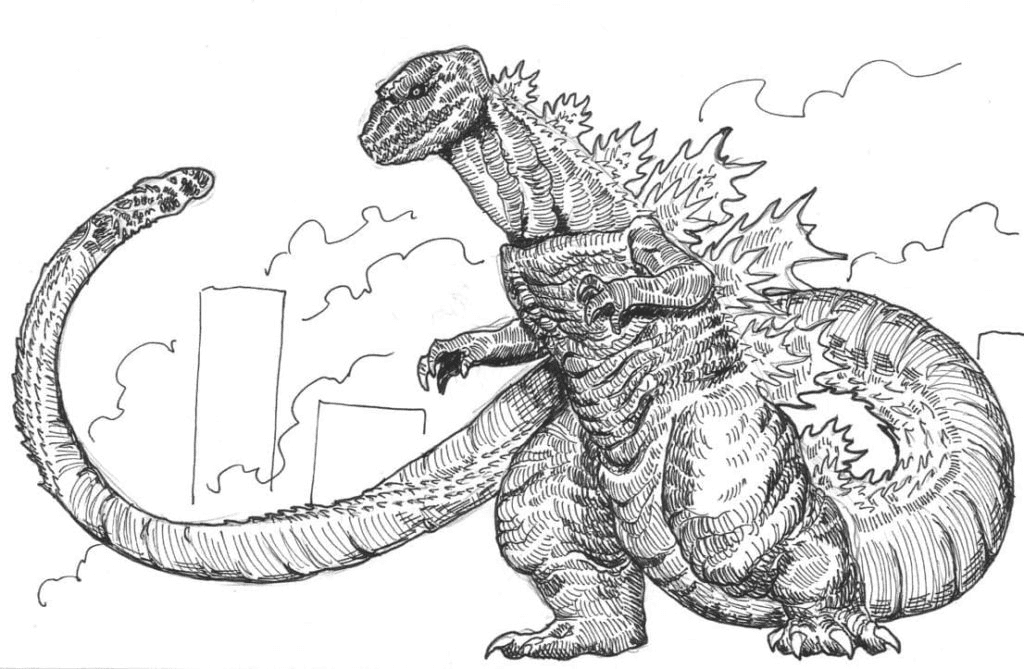
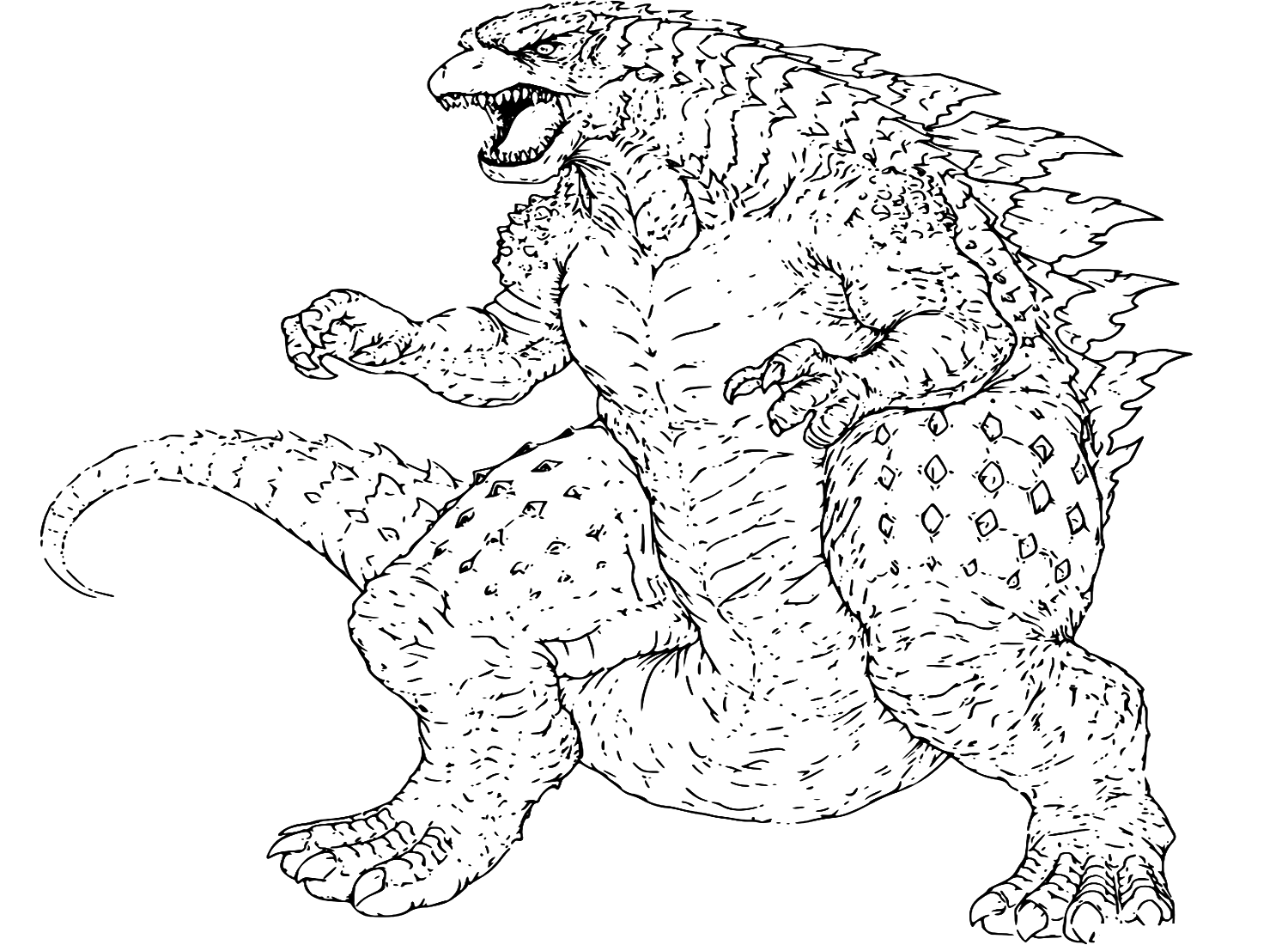
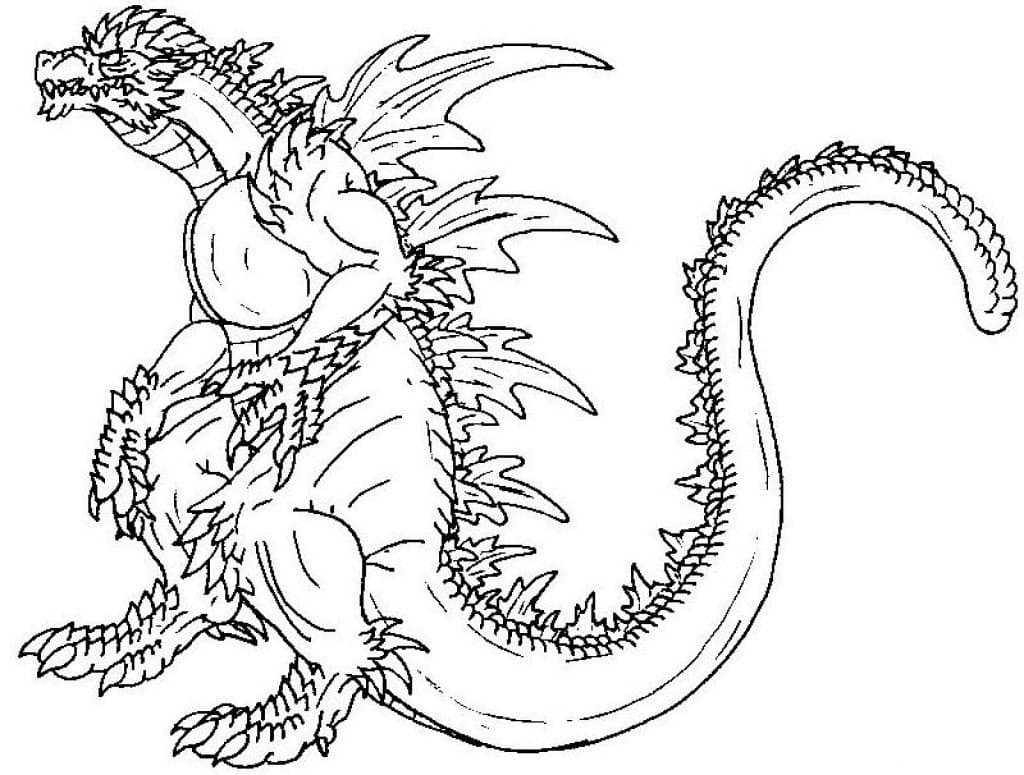
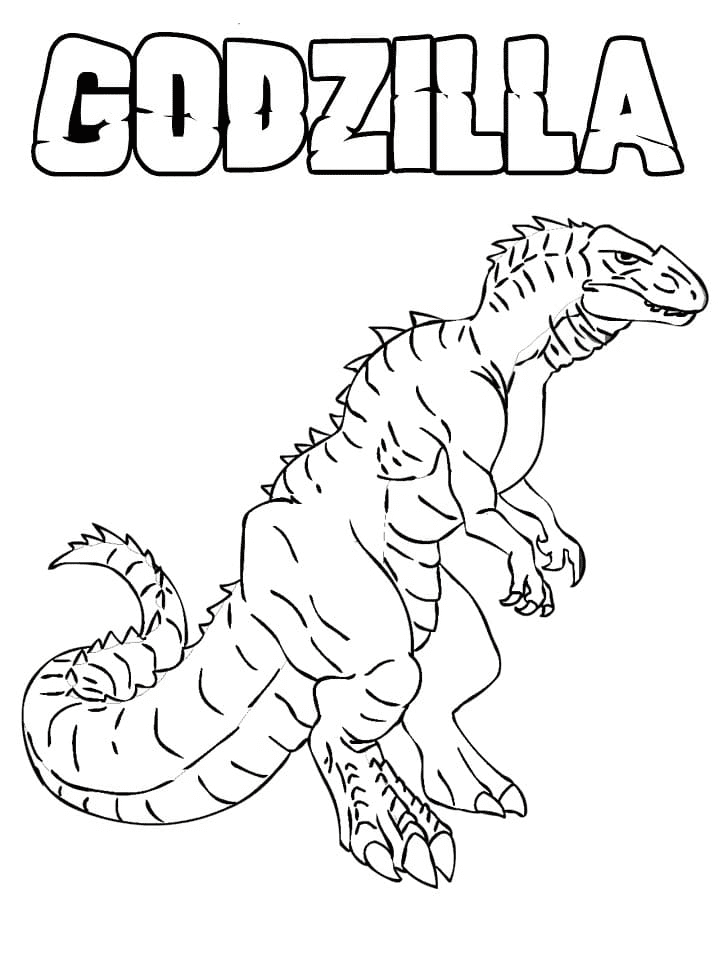
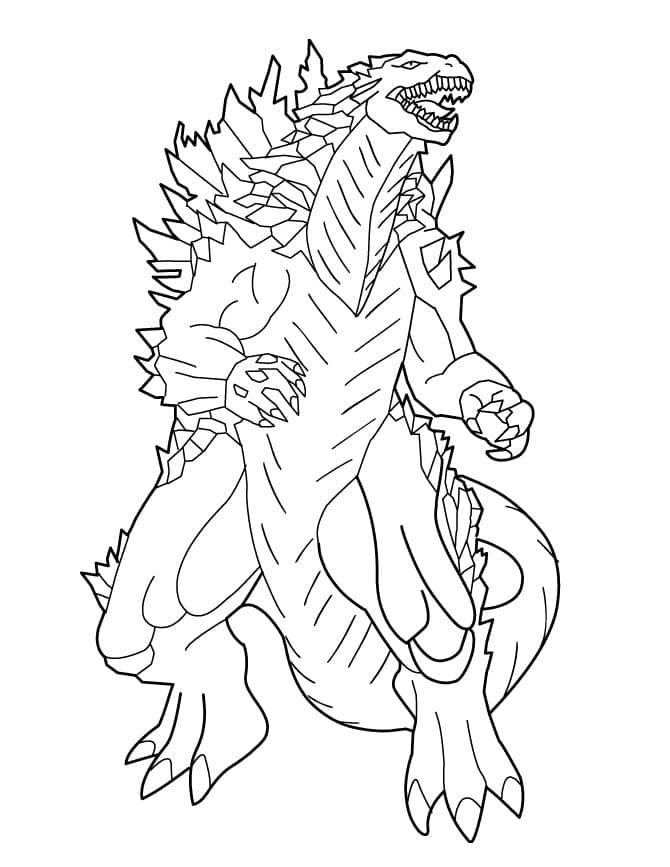
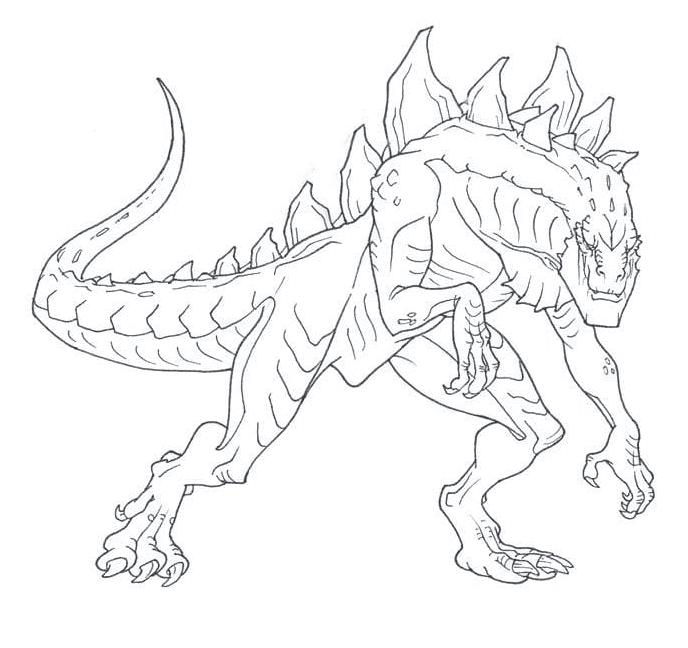
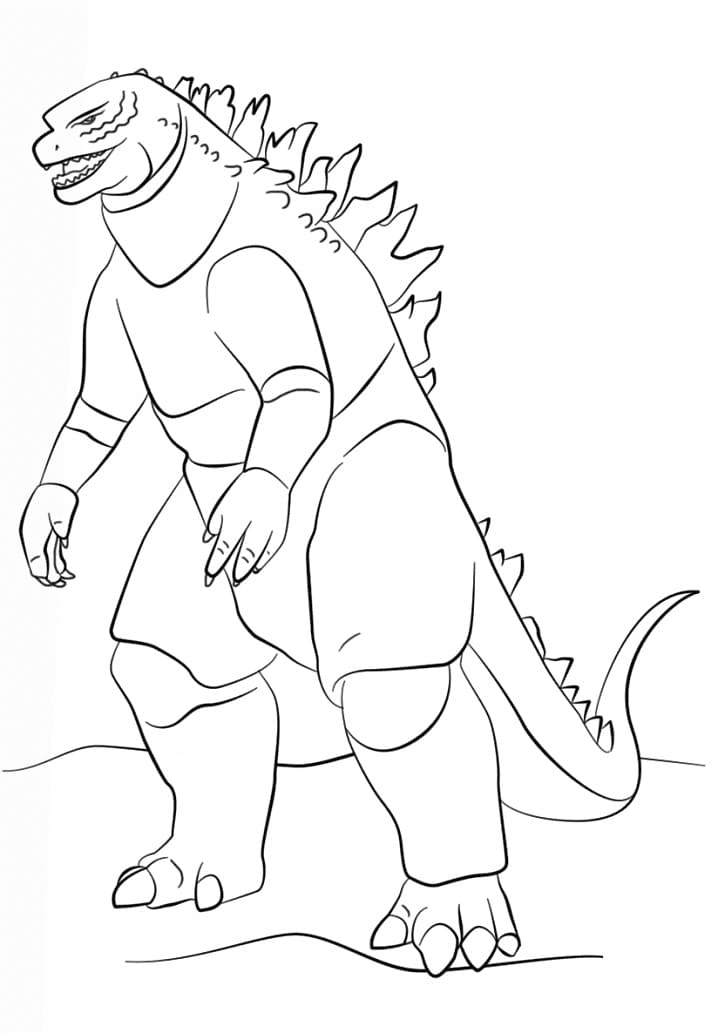
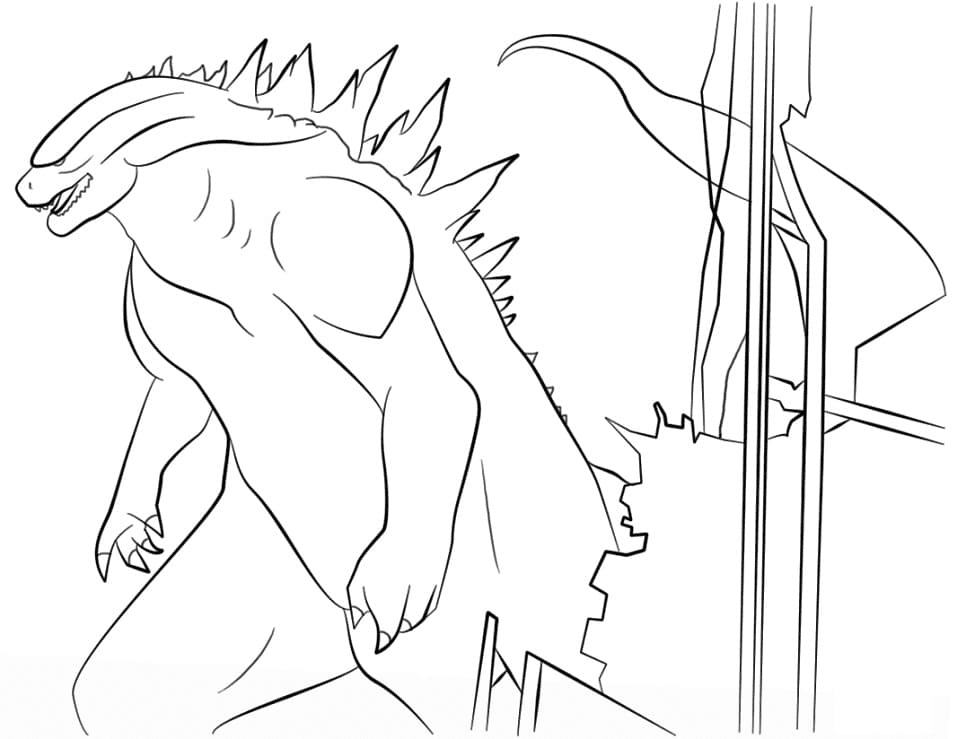
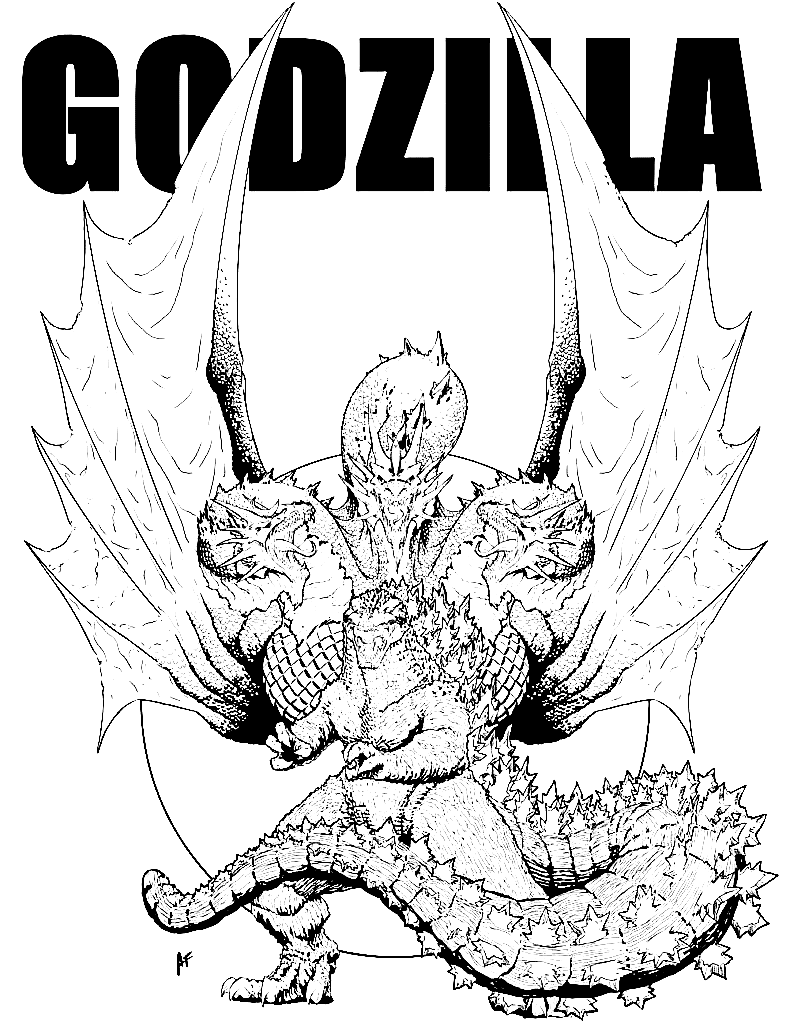
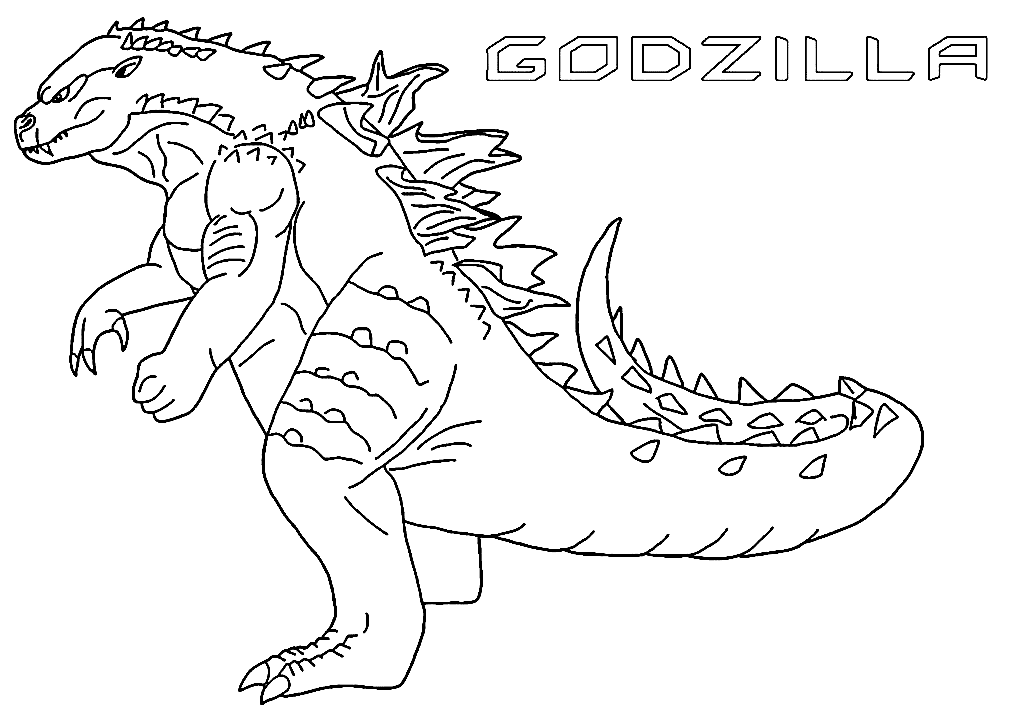
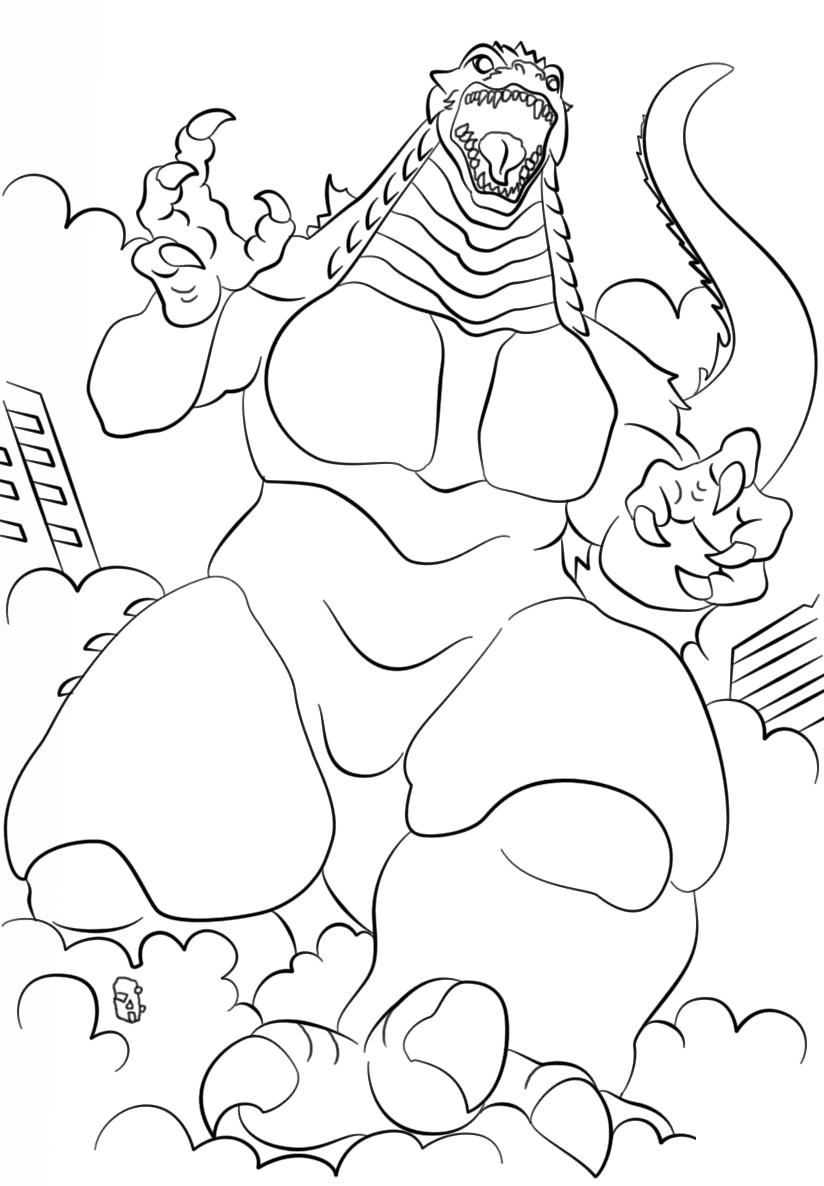
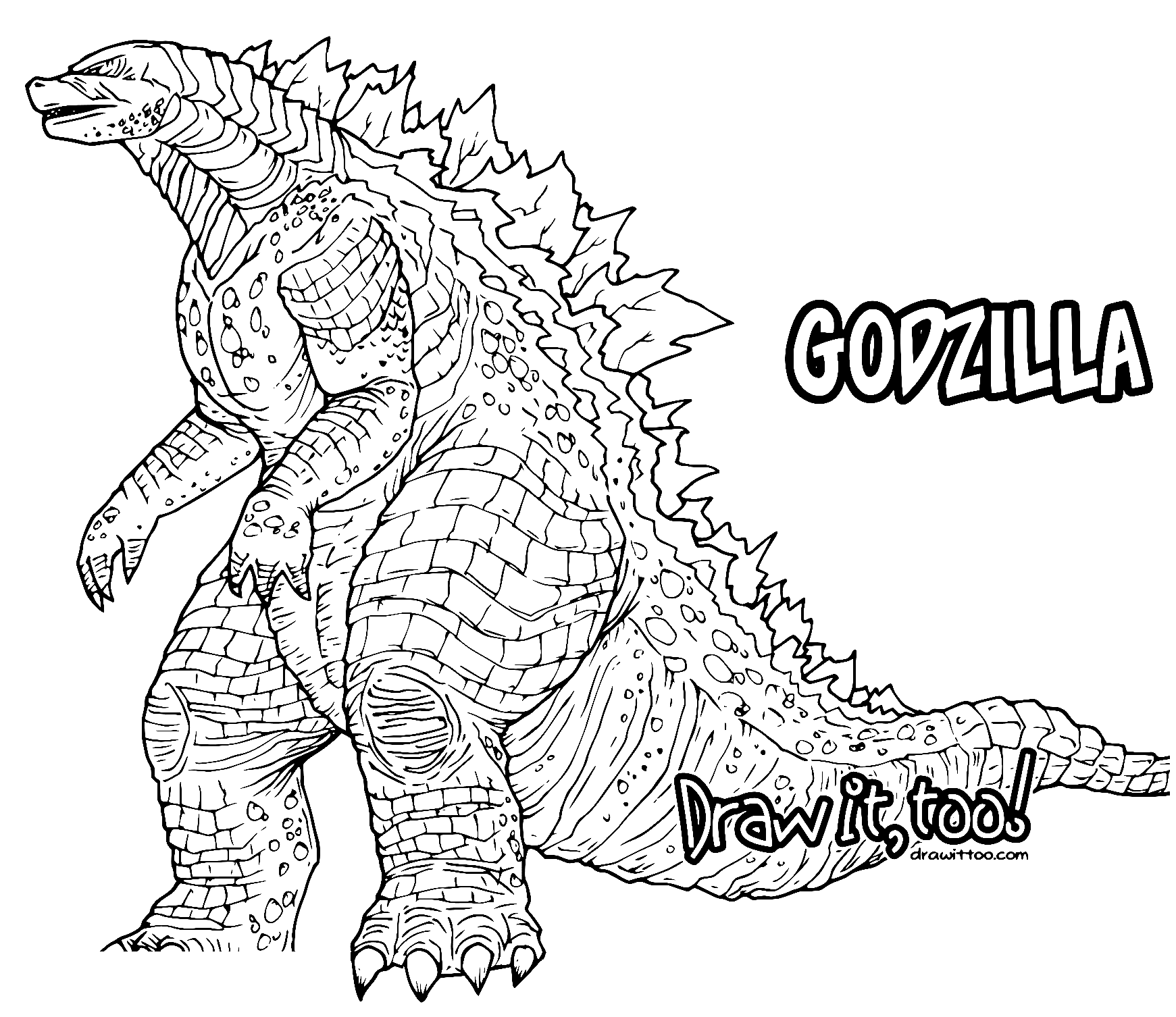
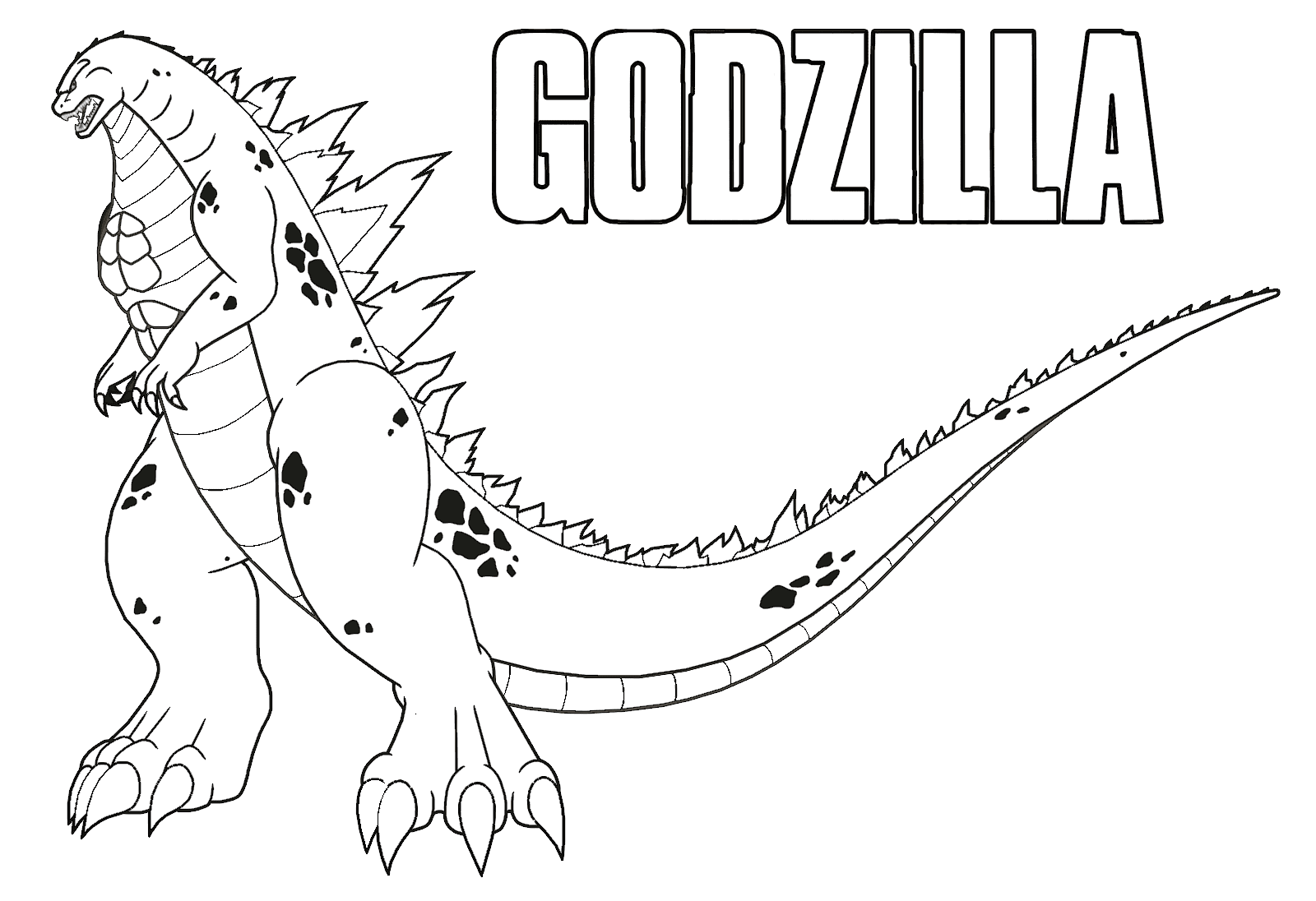
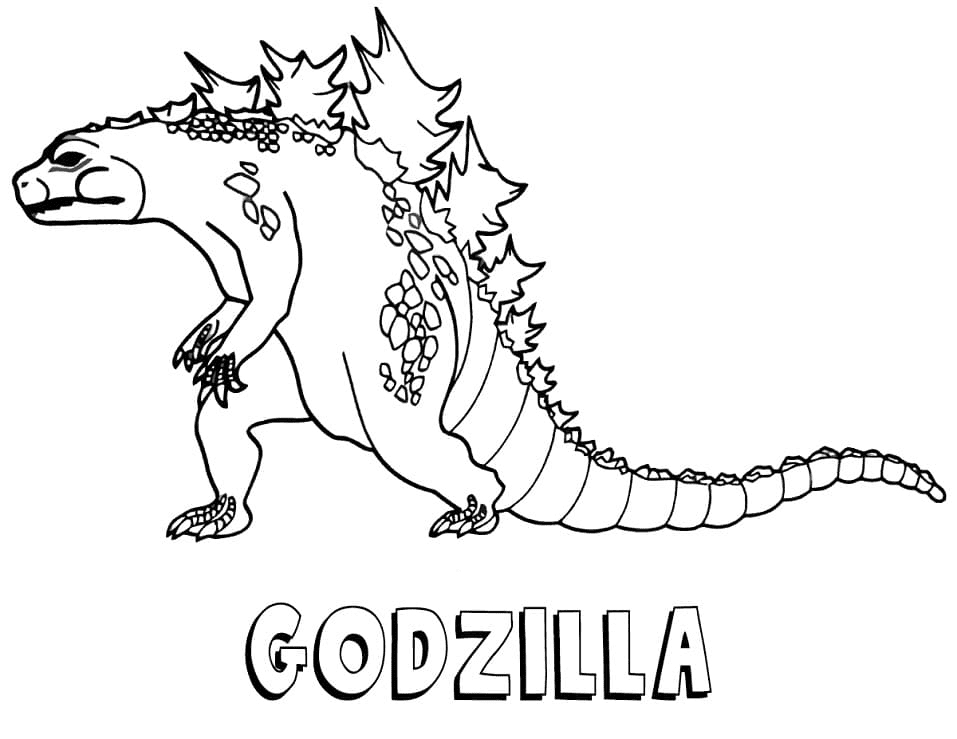
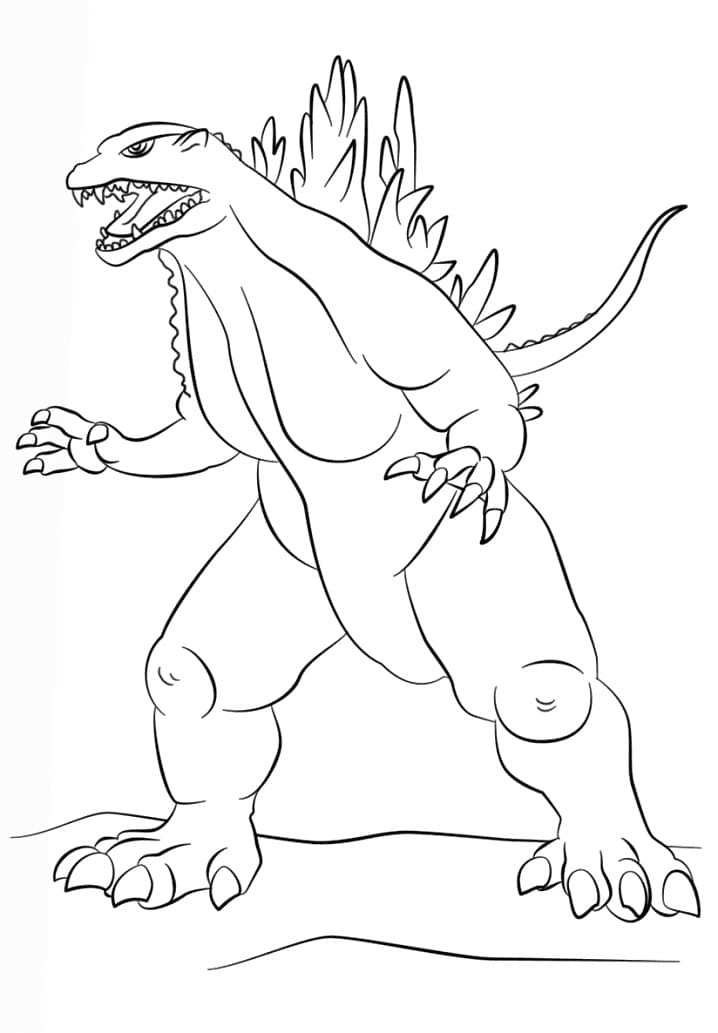
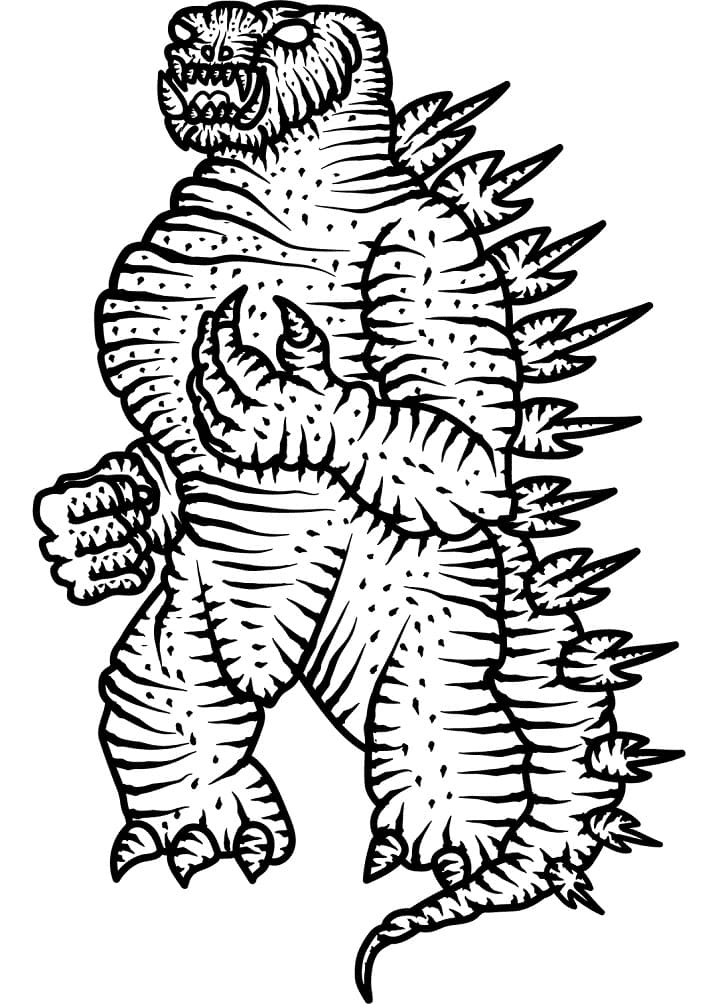
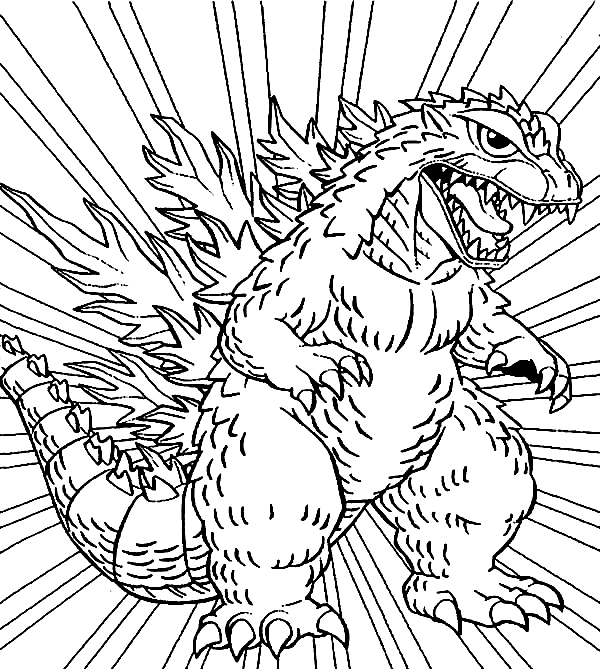
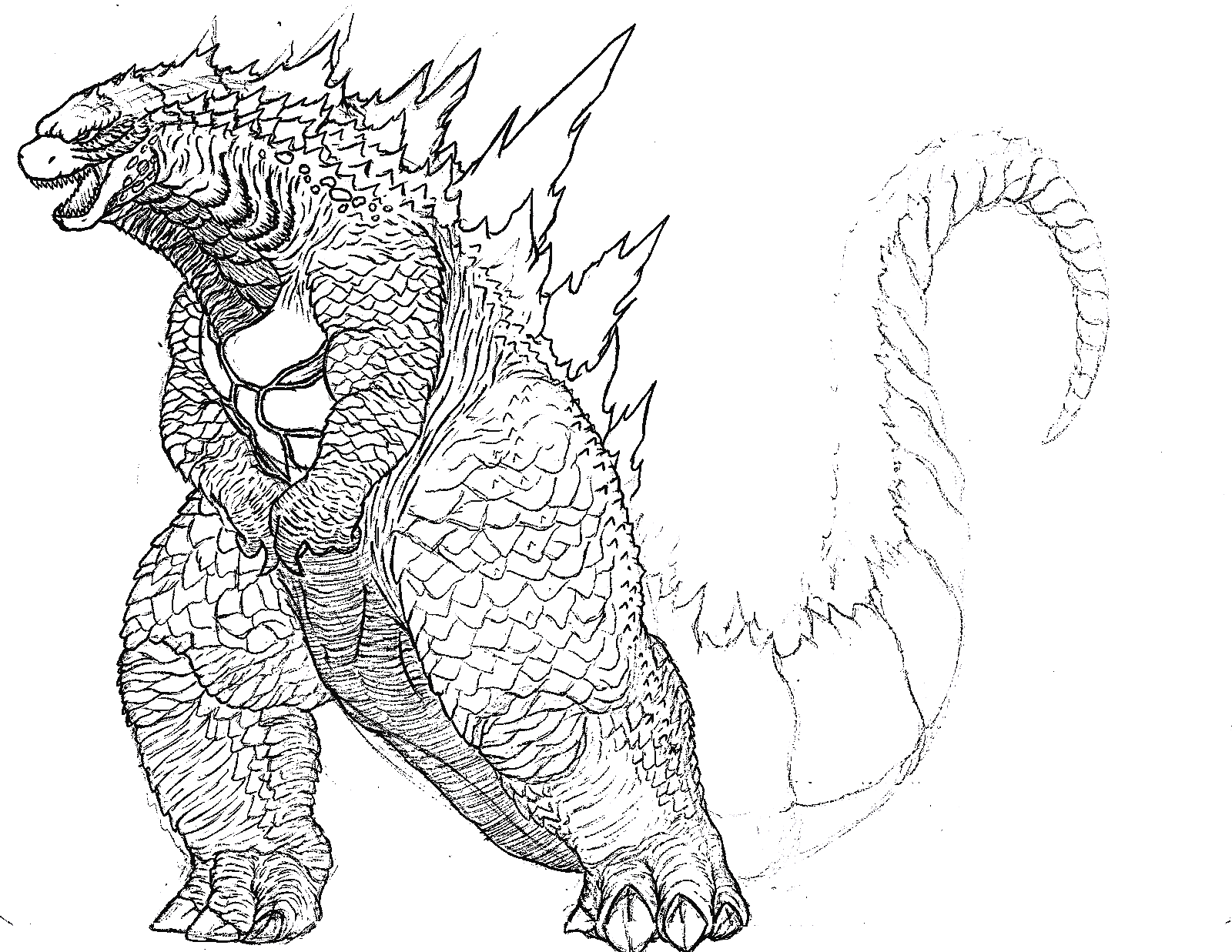
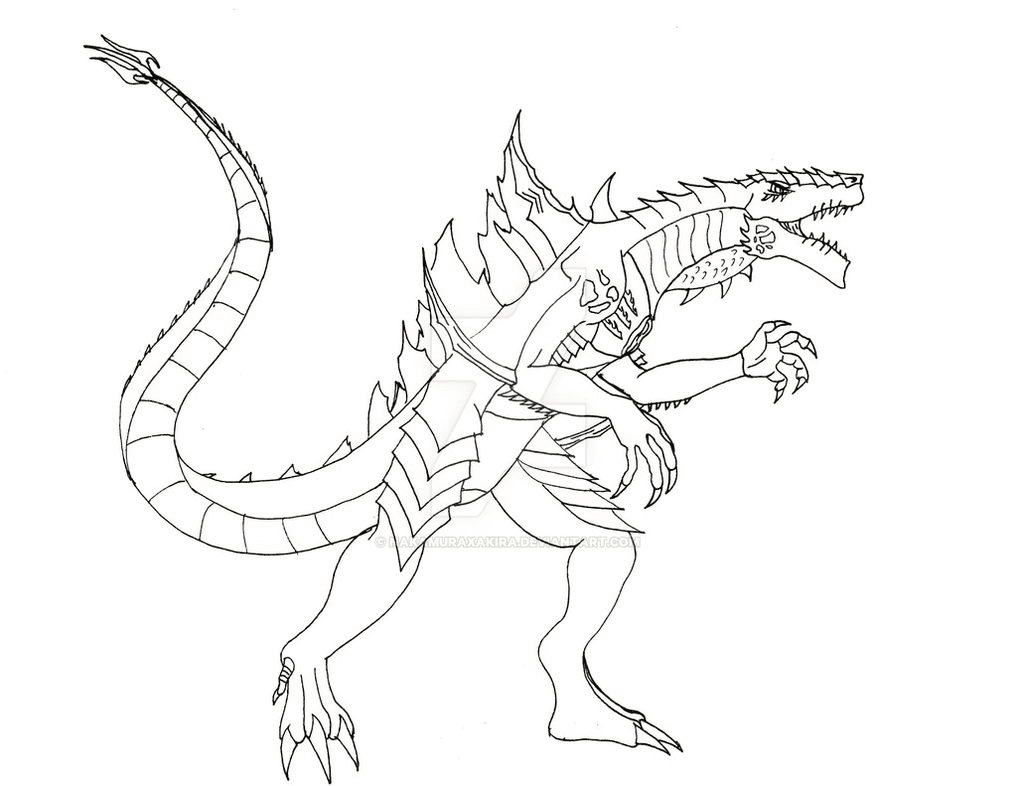
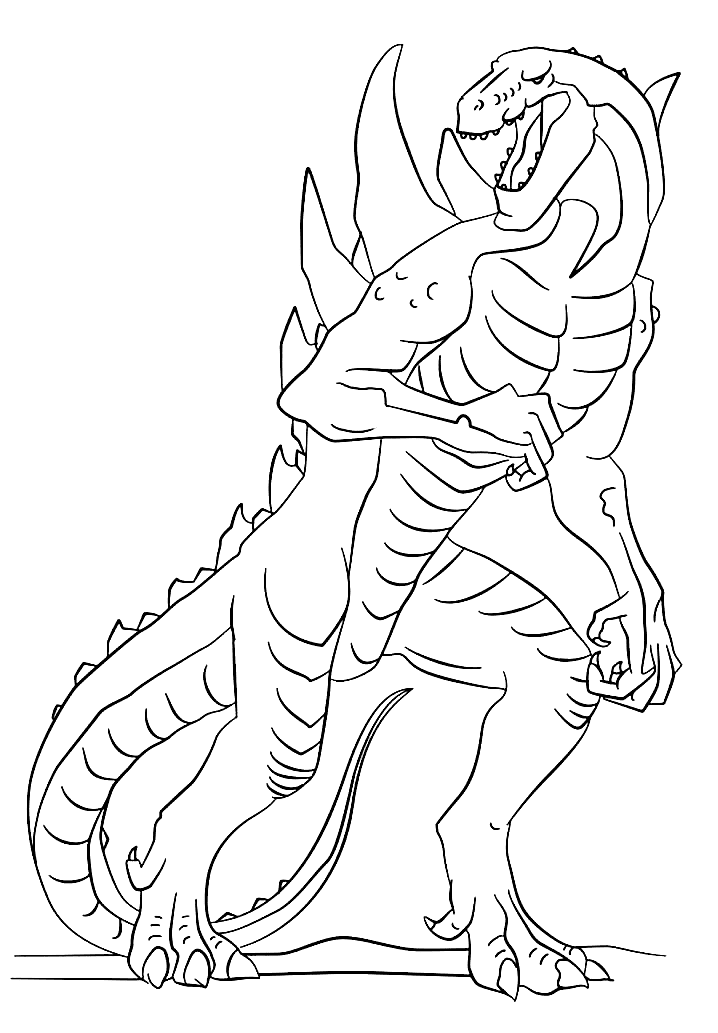
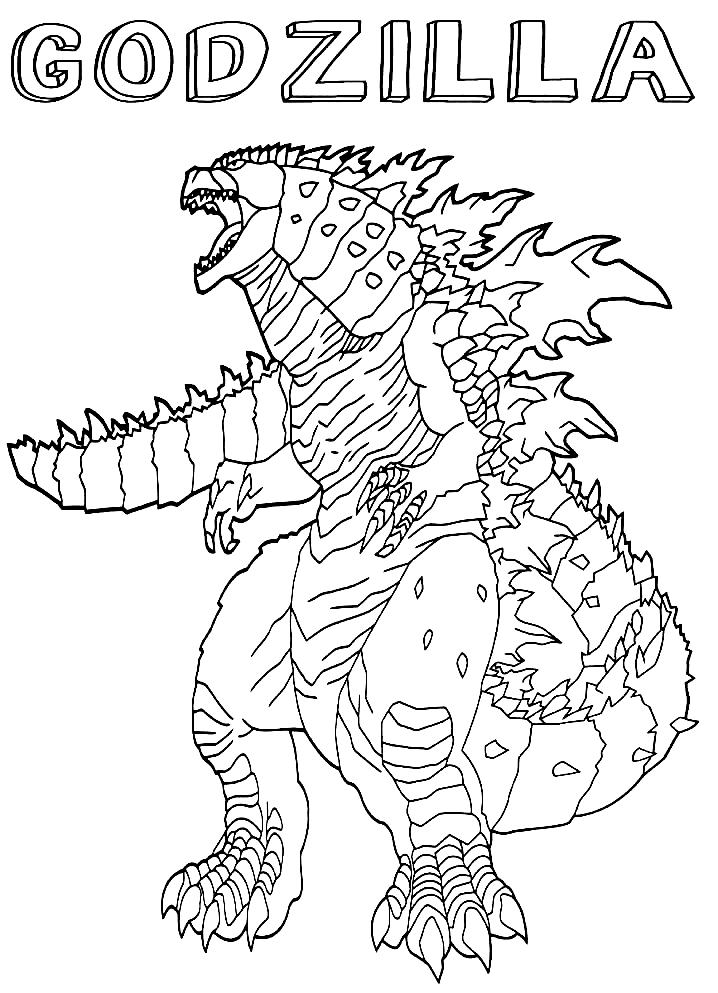
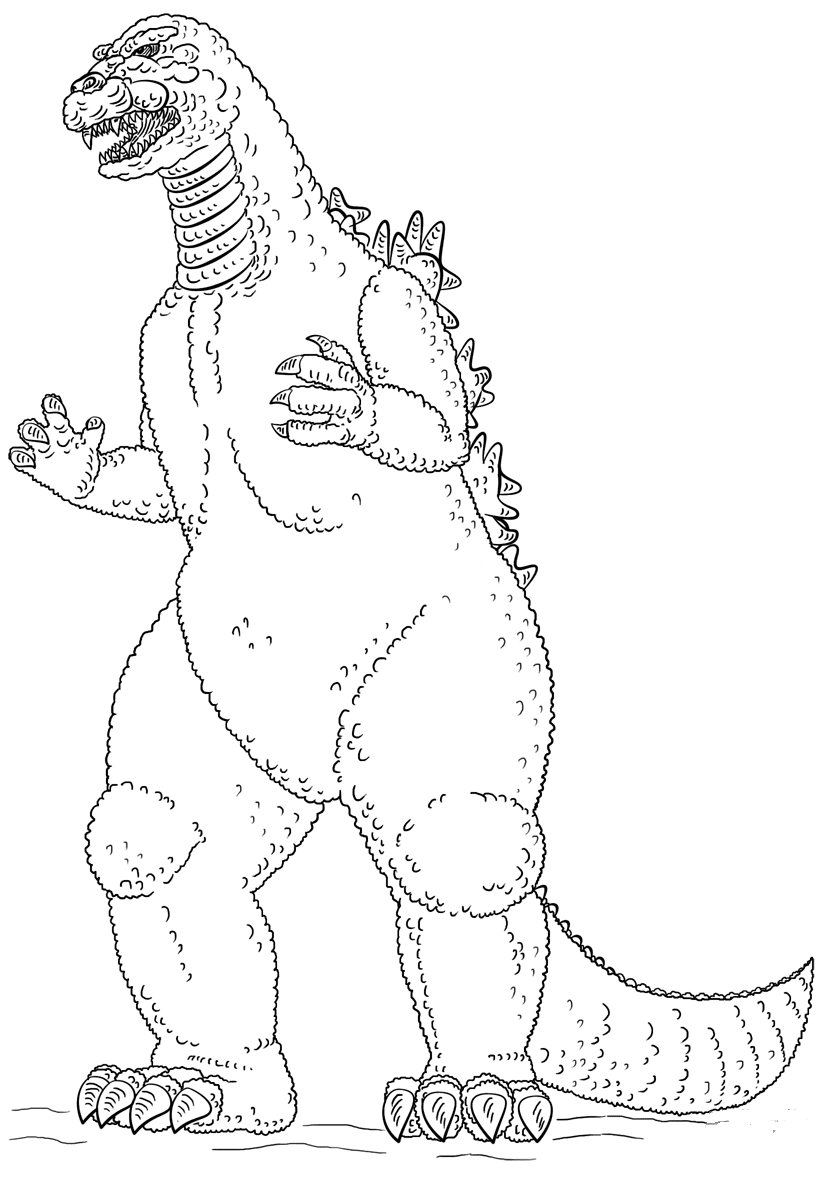
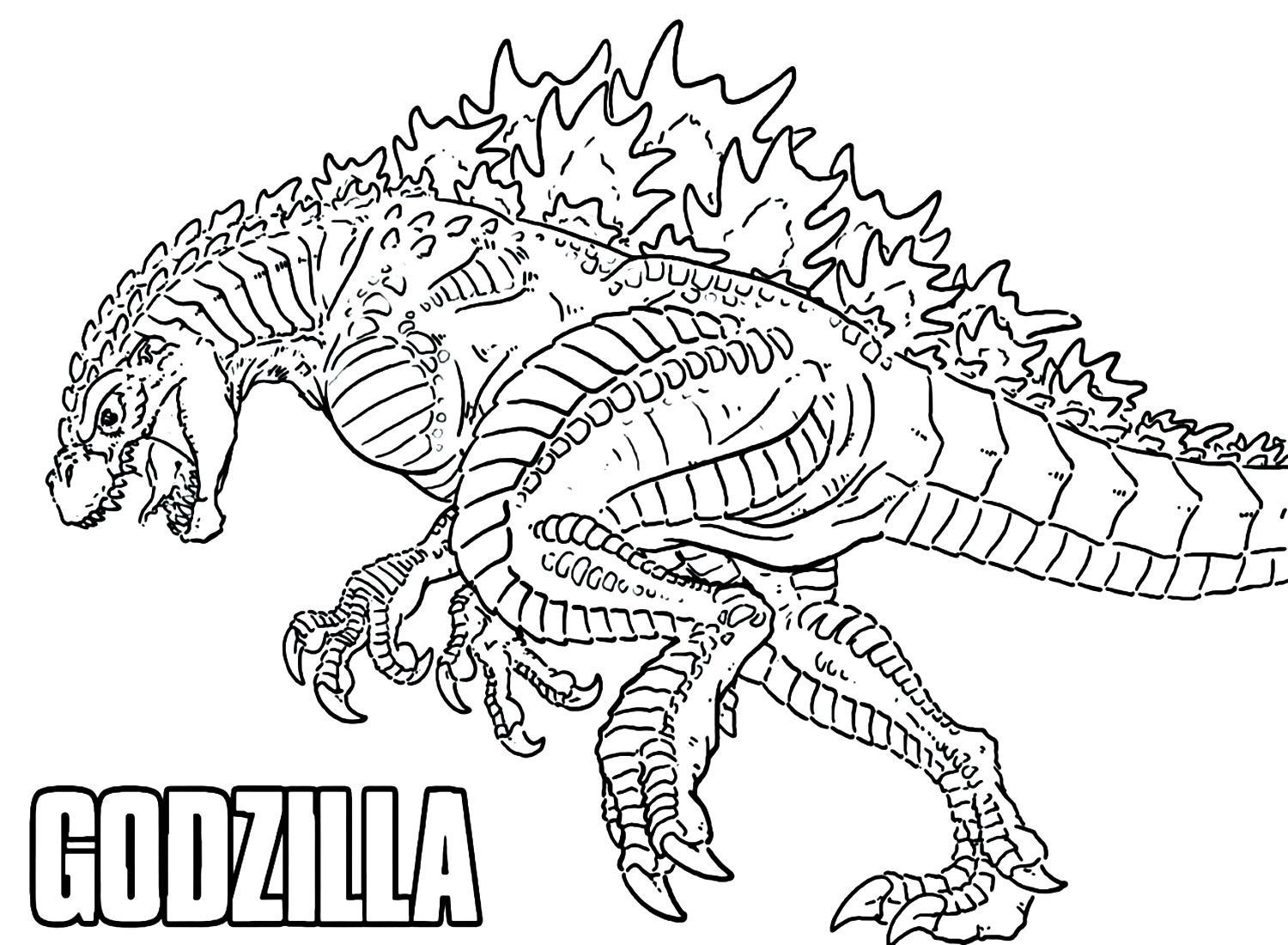
Full-body Godzillas stand tall with mouths open and tails curled behind them, including a movie poster layout and the Shin Godzilla design with its small eyes and rough skin. Scales and dorsal plates cover most of each page. A base of Gray with Outer Space pressed into the shadows gives the body the dark, heavy look of the films.
City Rampages and Monster Battles
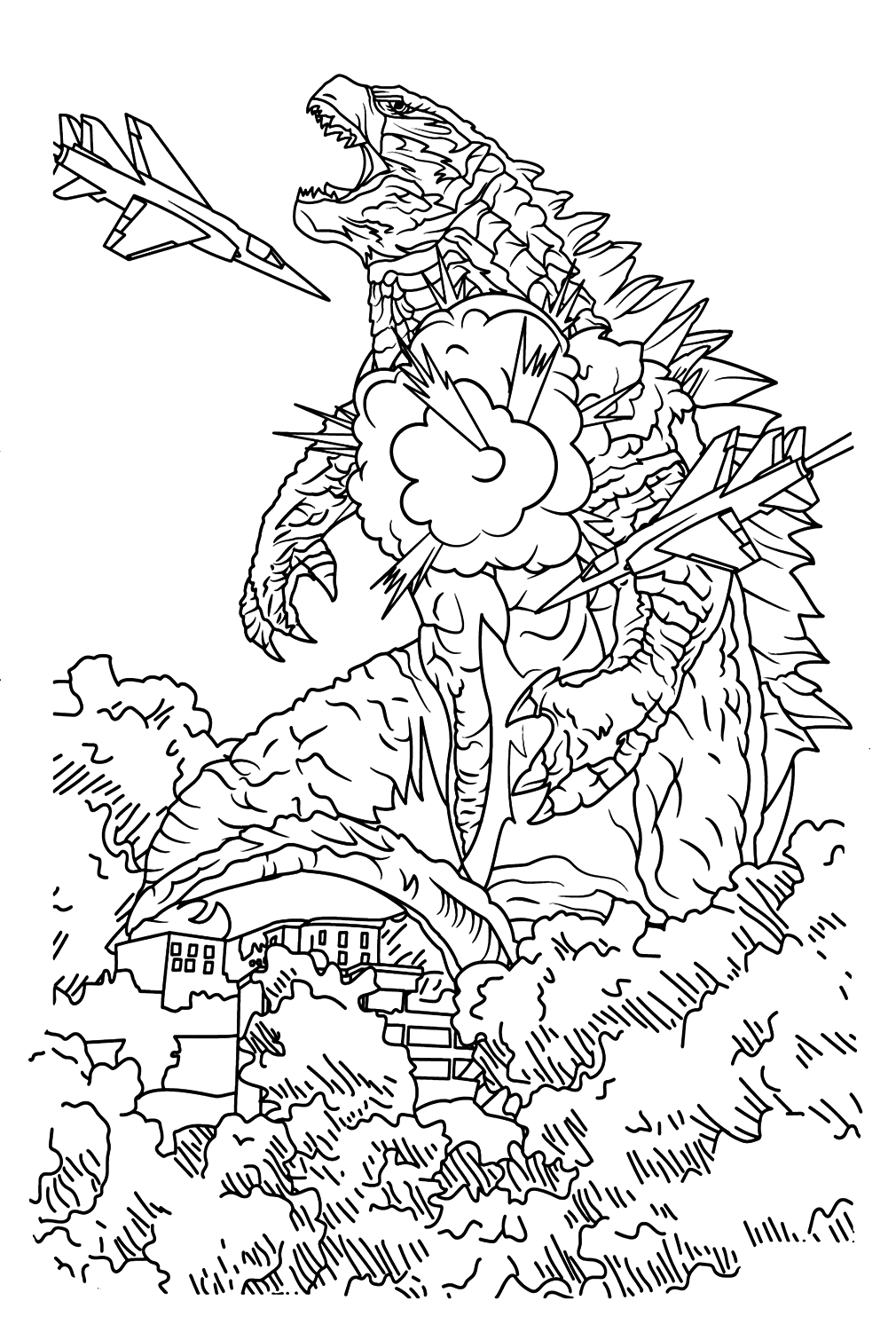
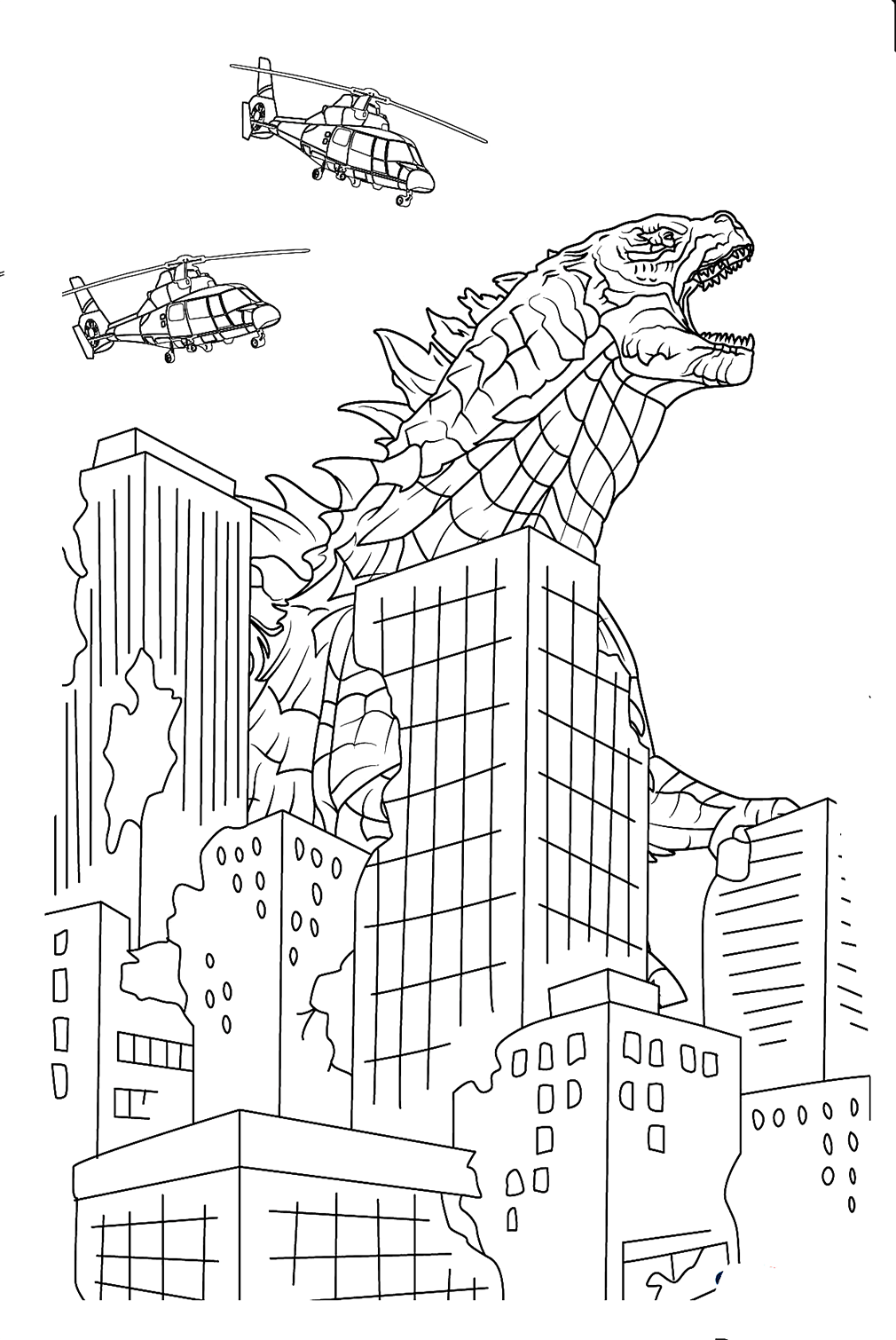
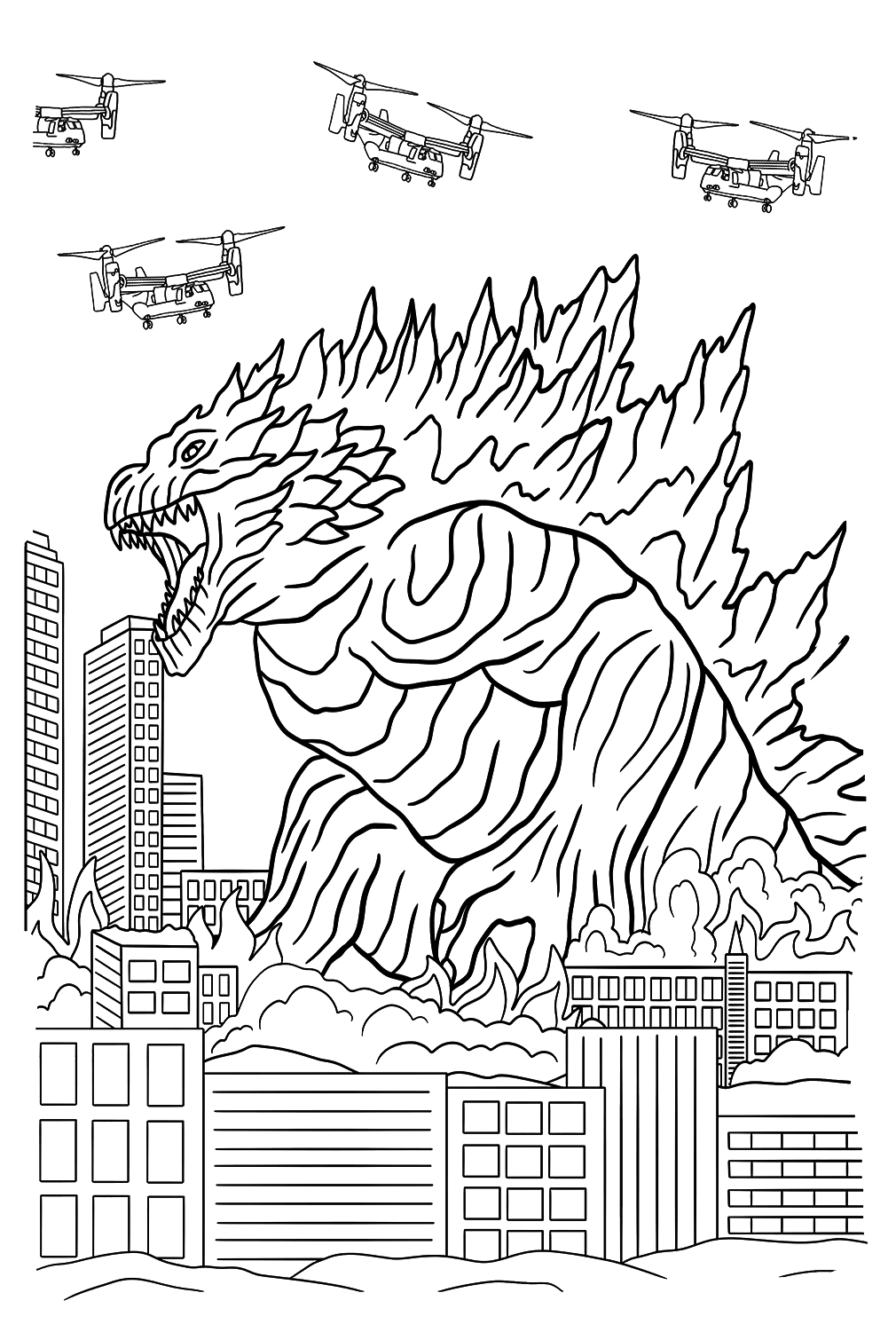
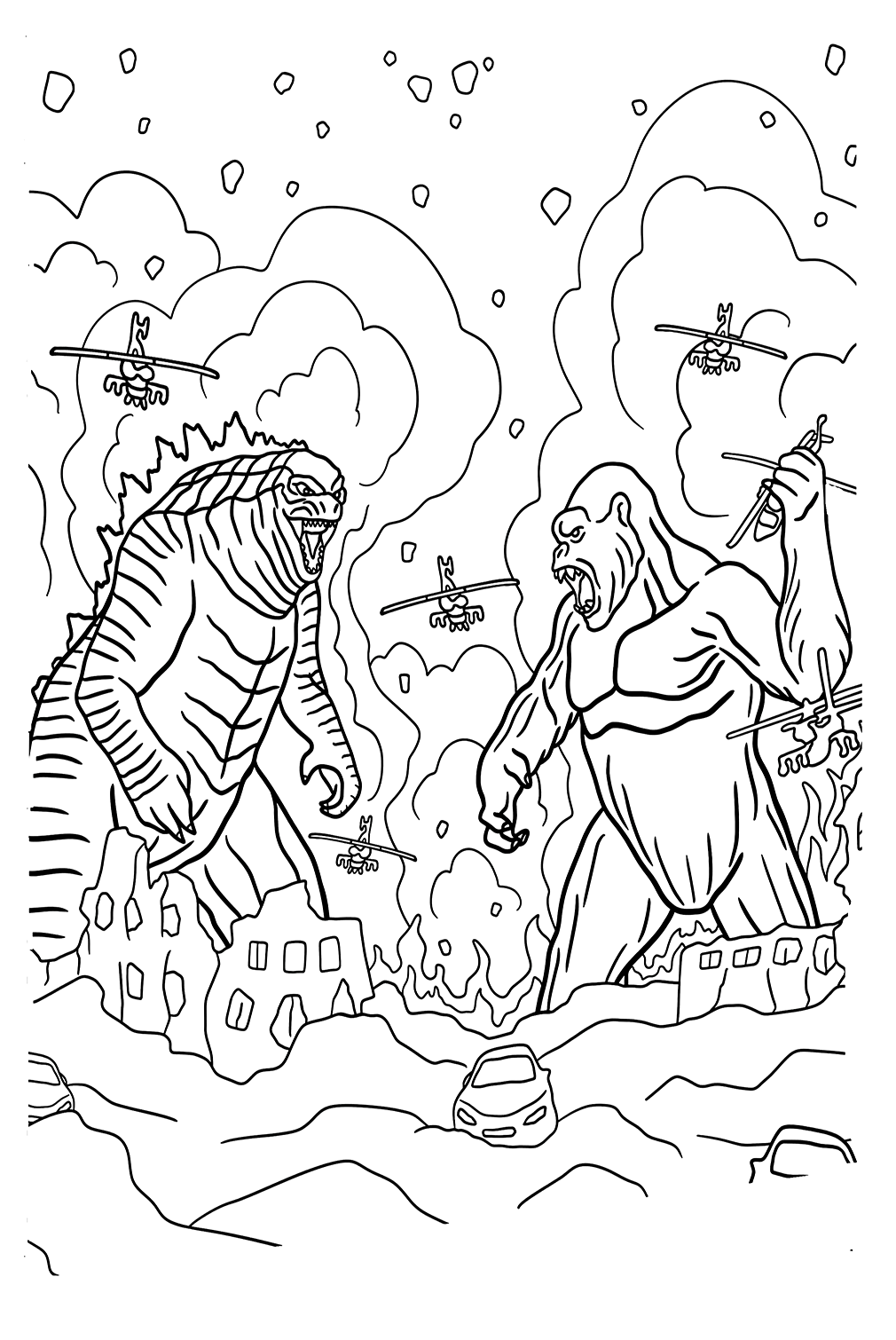
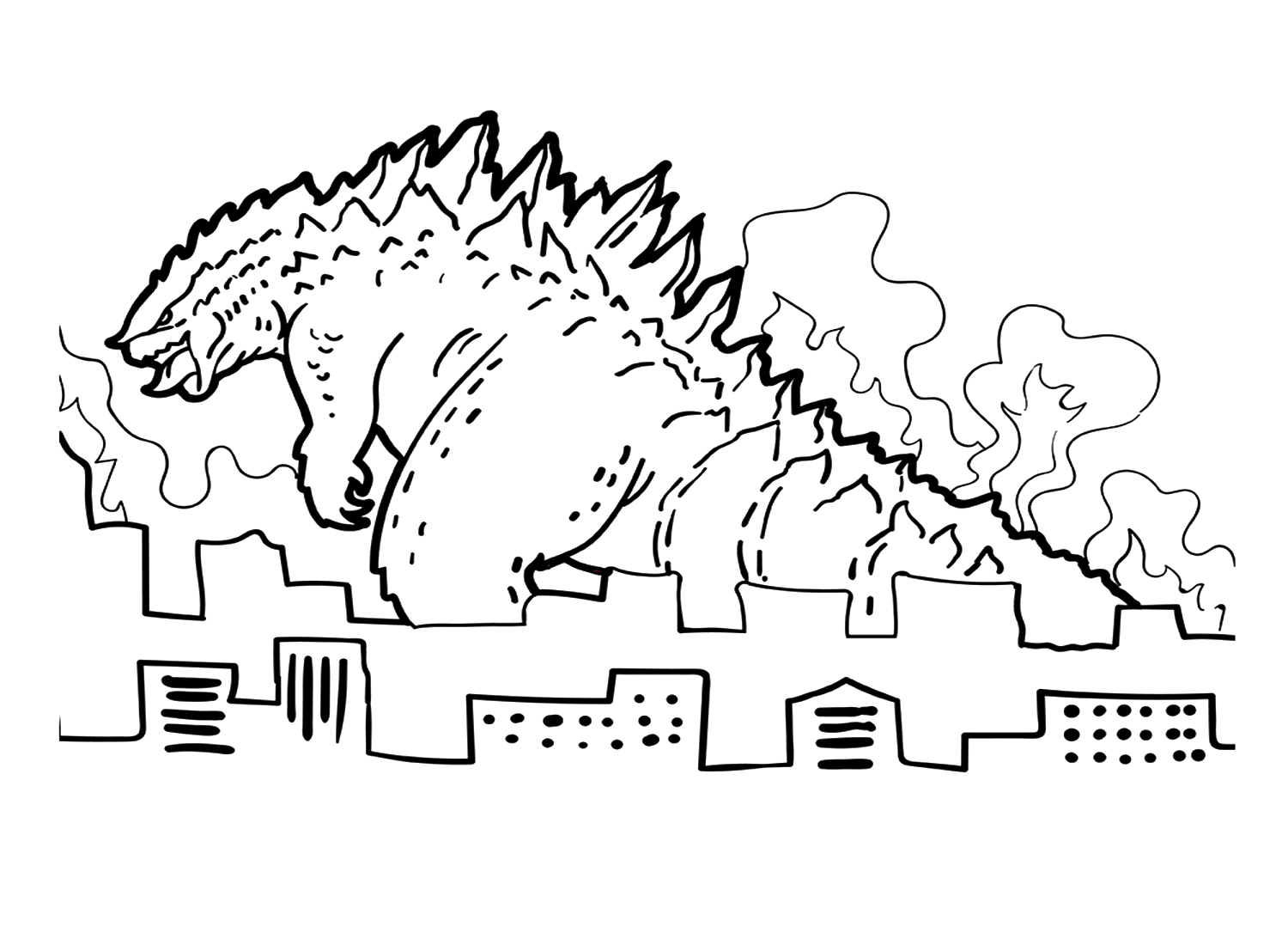
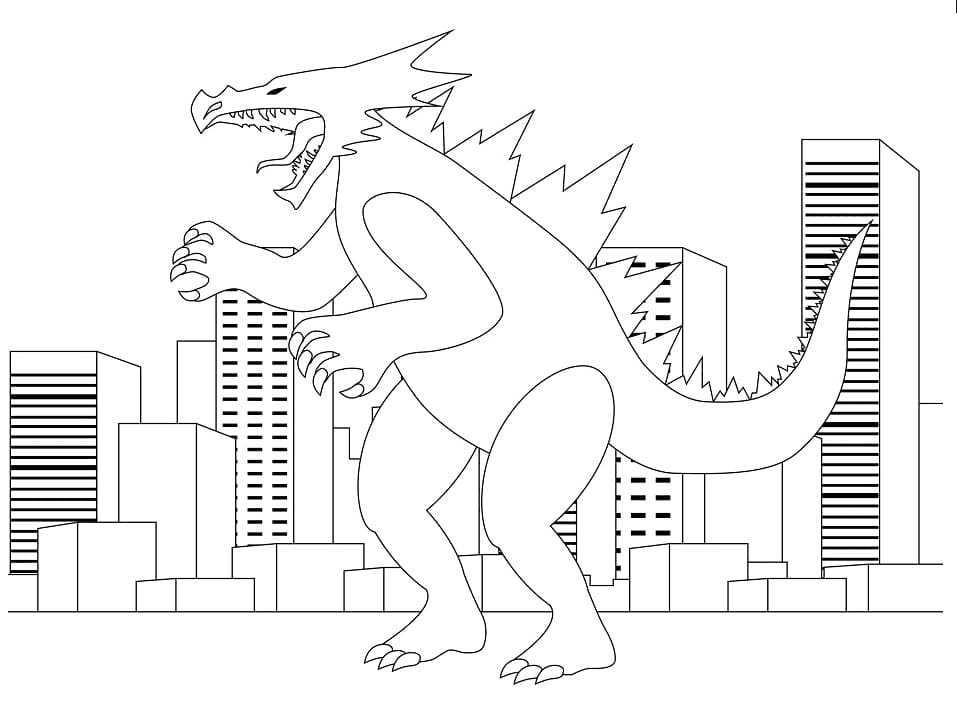
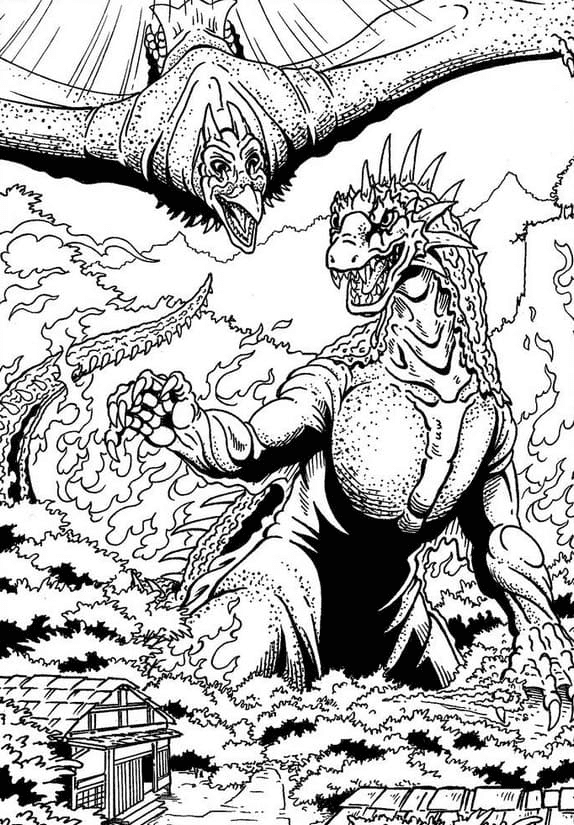
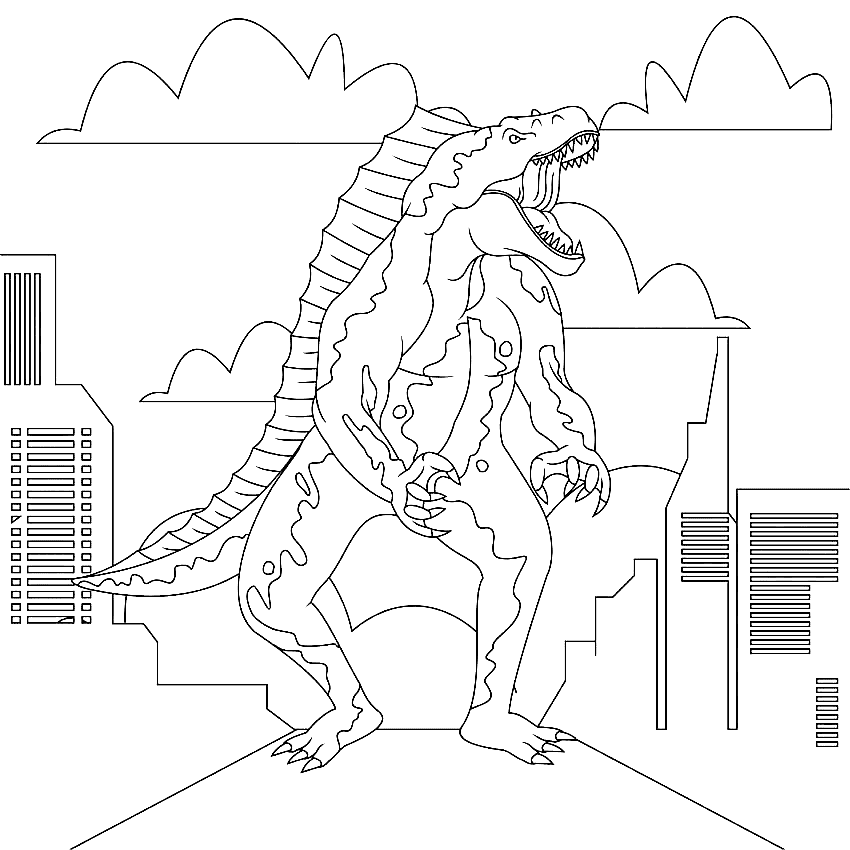
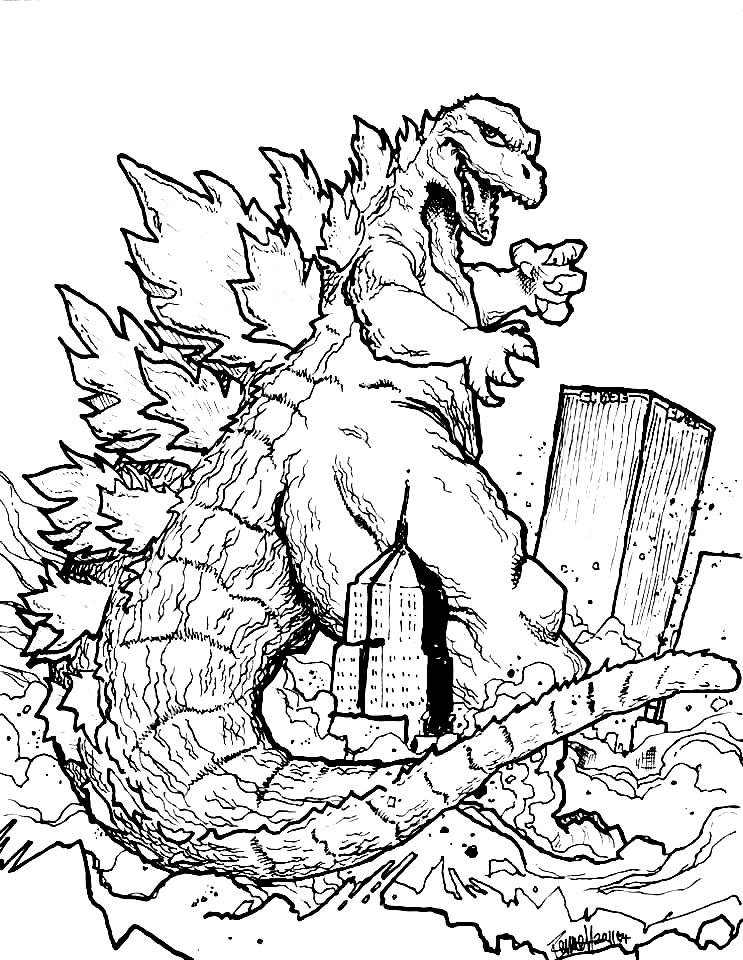
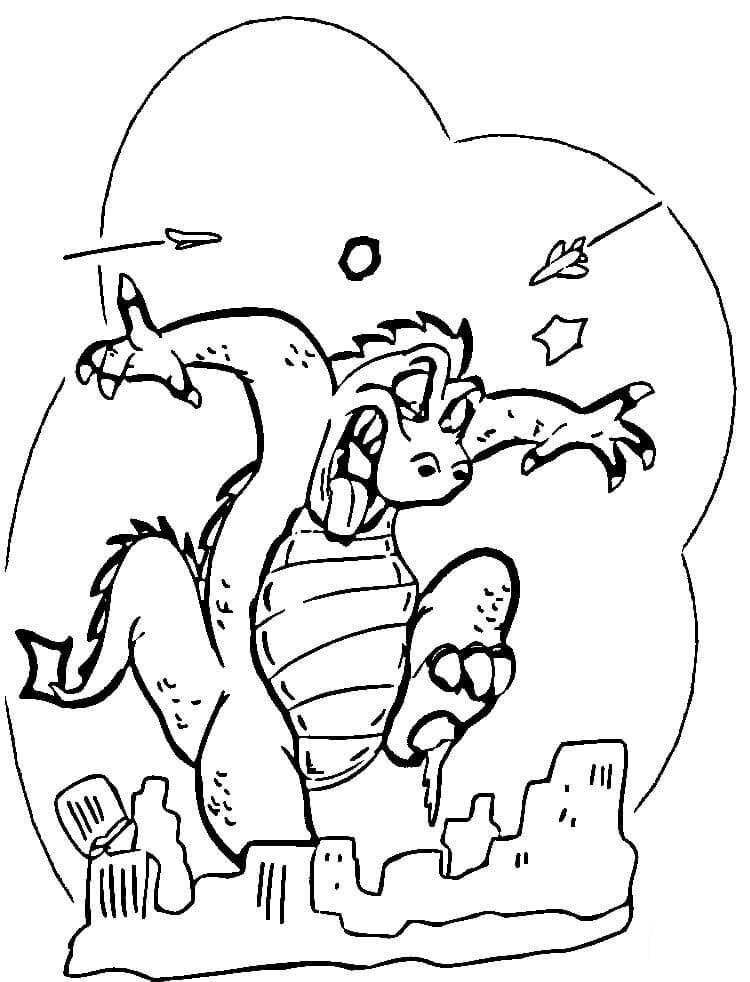
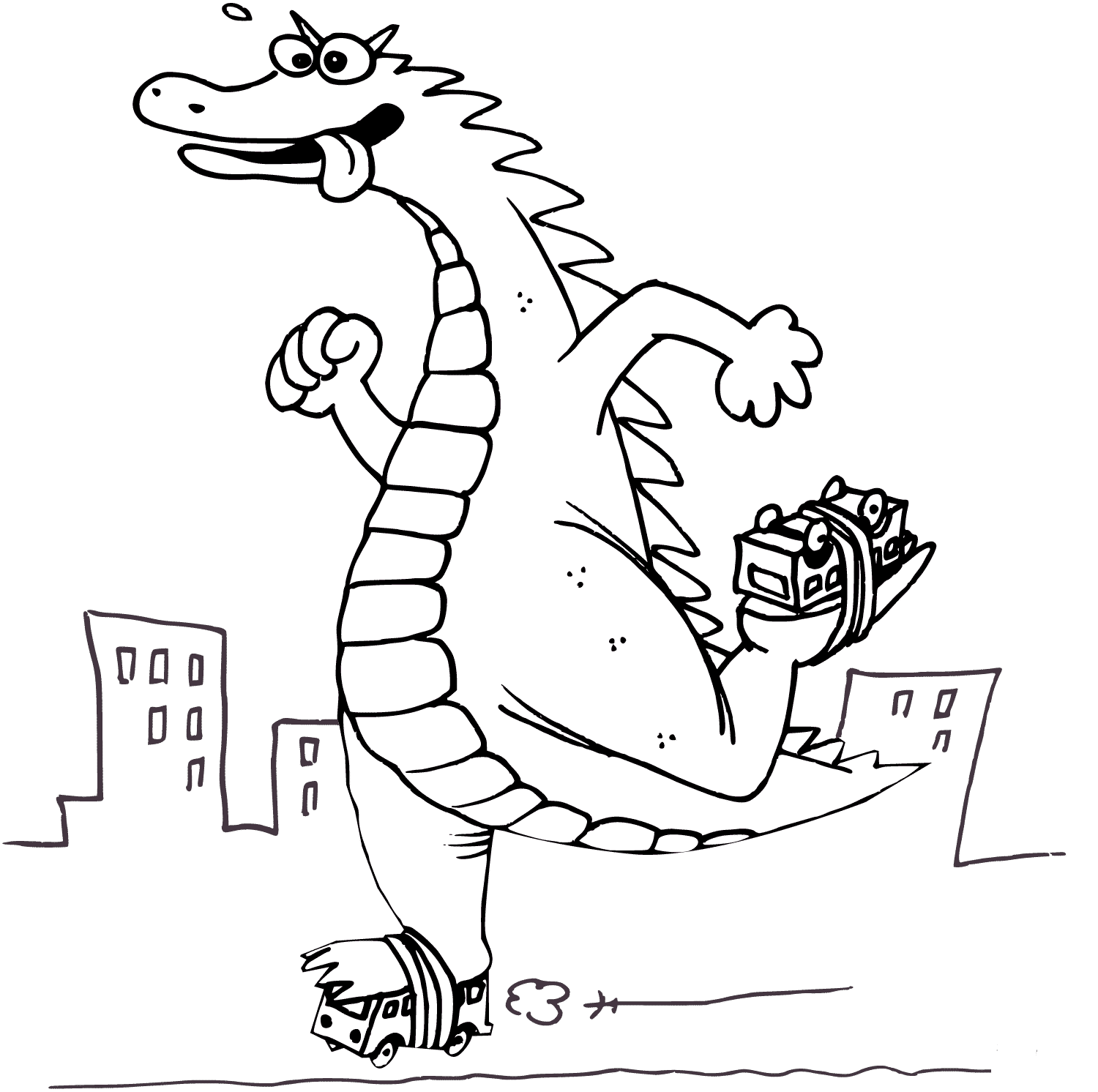
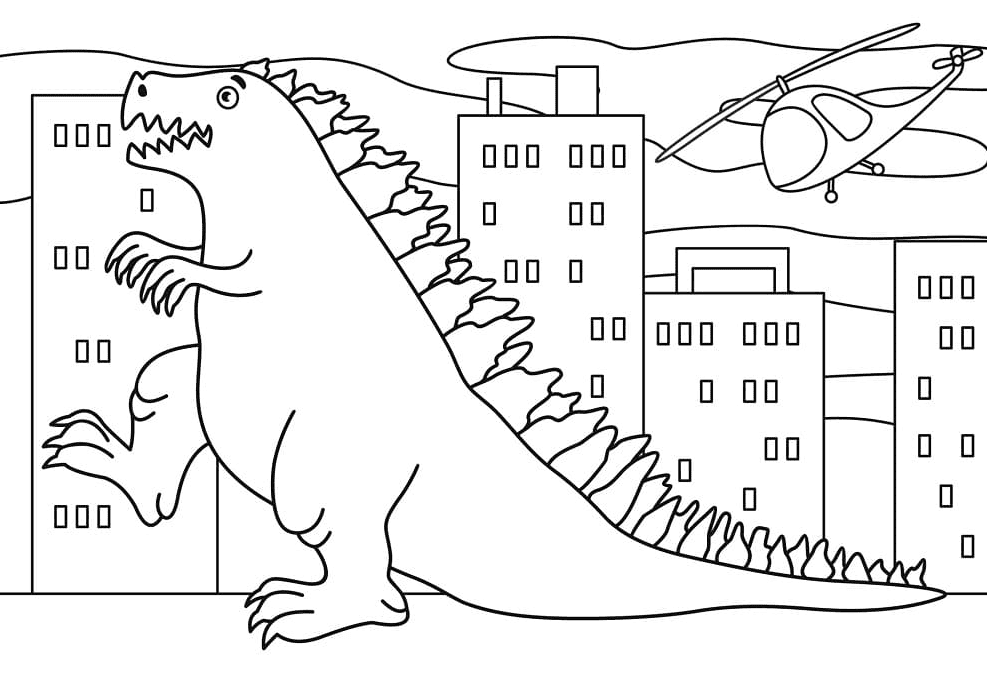
Godzilla climbs a skyscraper, wades past city blocks, swats at a helicopter, and squares off against King Kong and other monsters in this group. Buildings and debris fill the background with many small shapes. Timberwolf buildings with Goldenrod windows keep the city readable behind the darker monster.
Space Godzilla and Robot Rivals
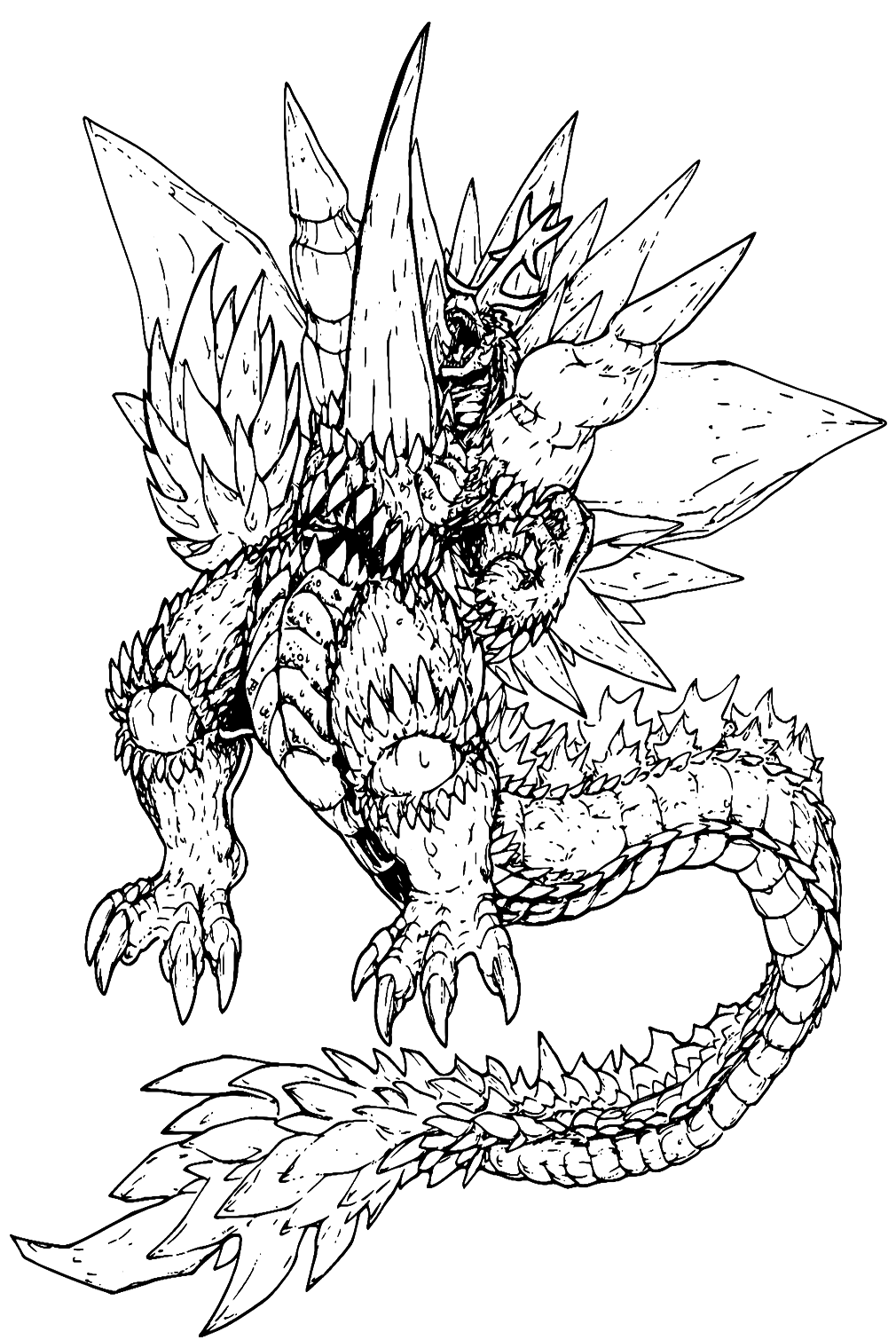
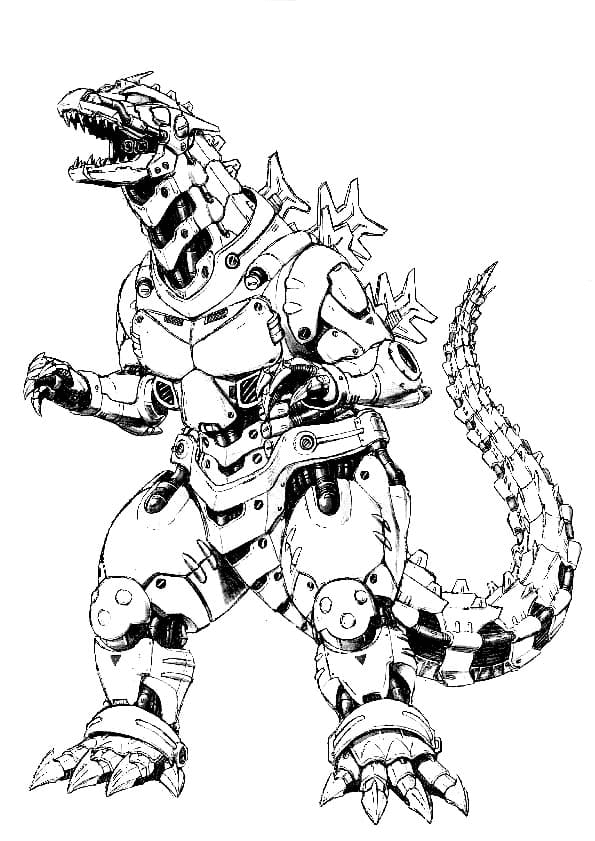
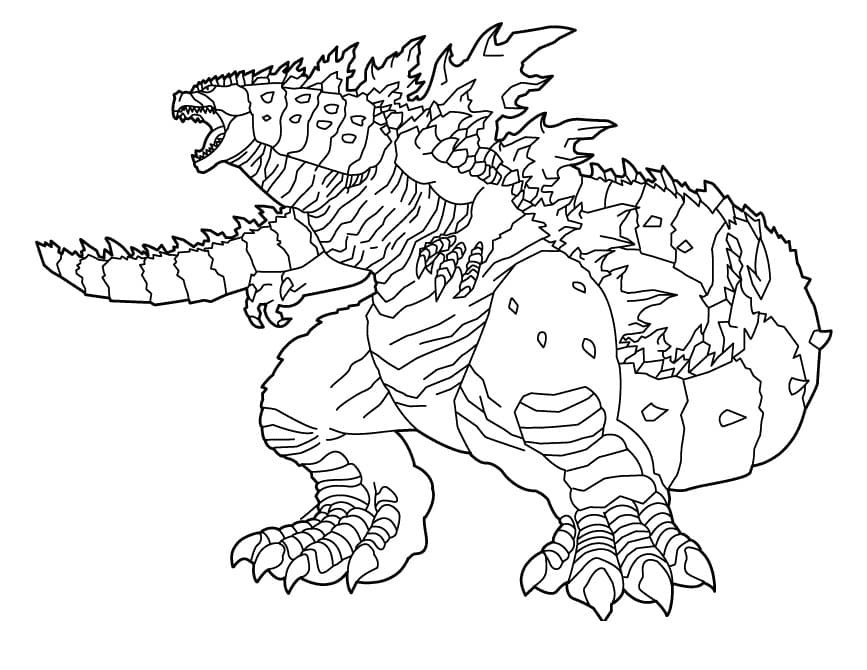
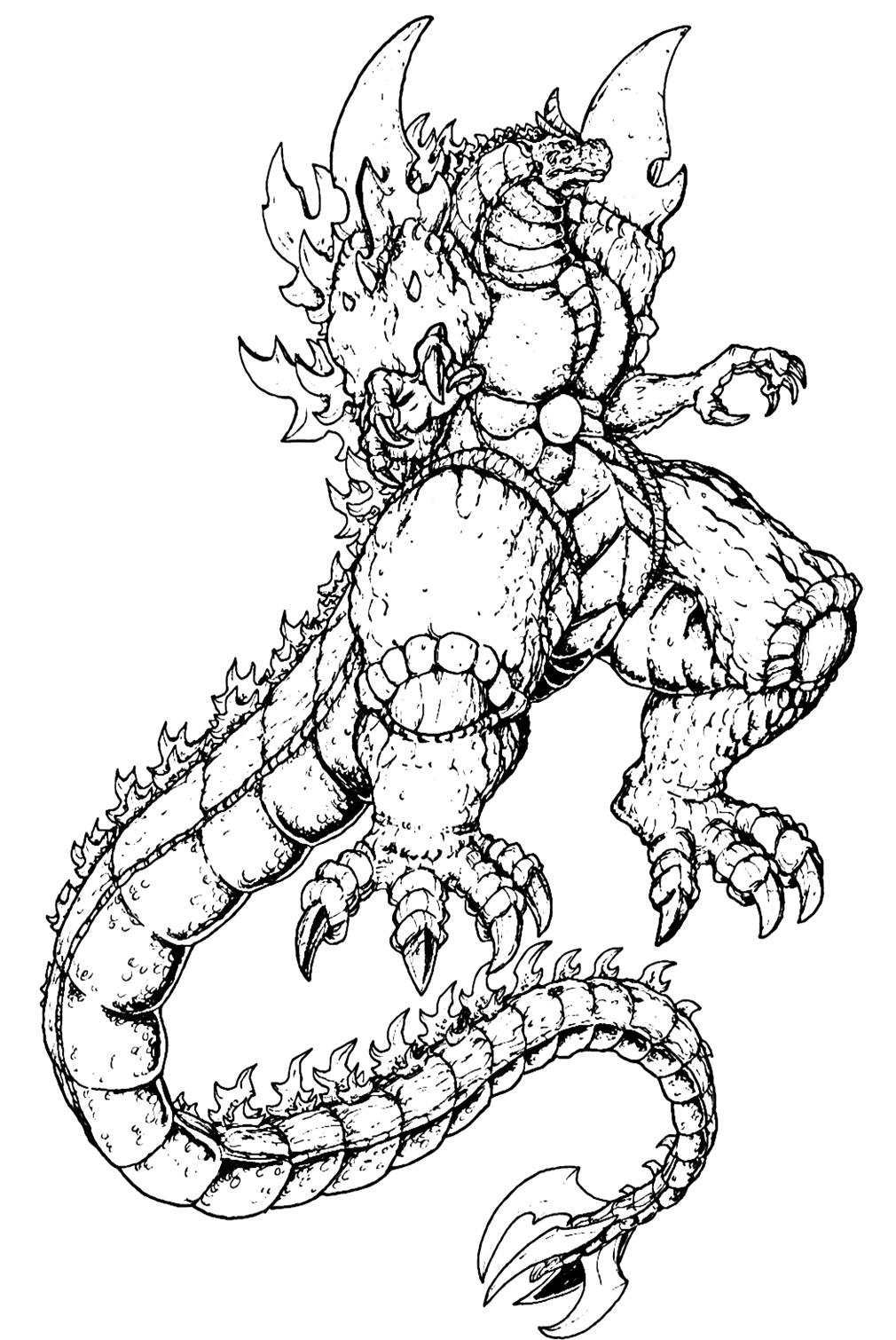
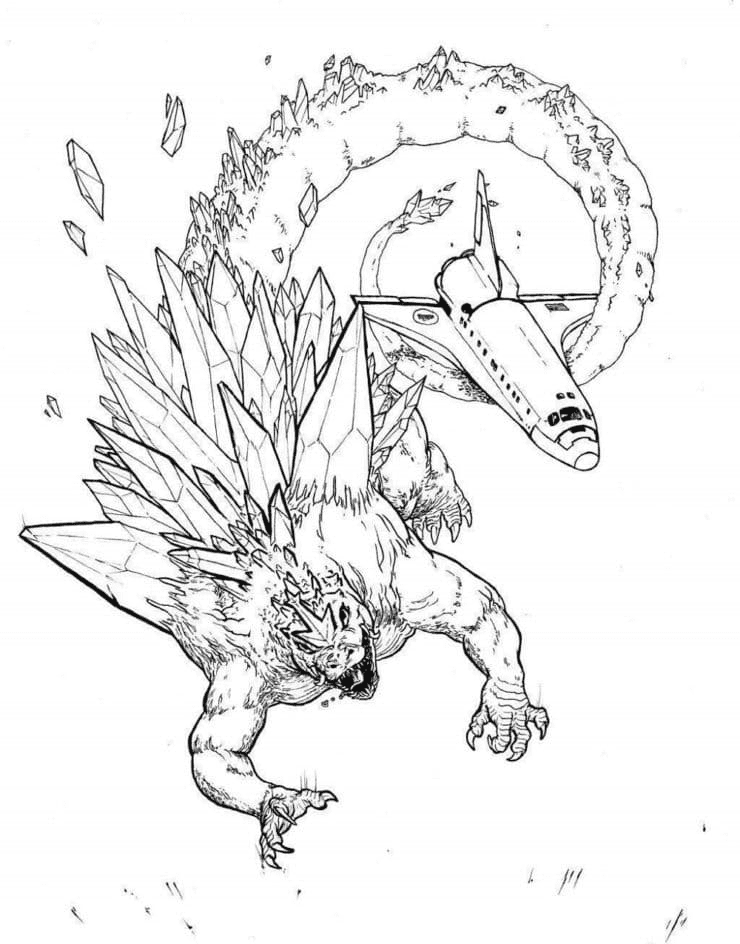
Space-themed designs, including one with crystal-covered shoulders, join several robot Godzillas built from metal plates and bolts. These pages mix organic scales with hard, geometric machine parts. Silver and Cadet Blue for the robots, with Orchid crystals, set the two kinds of rivals clearly apart.
Chibi, Kawaii, and Cartoon Godzillas
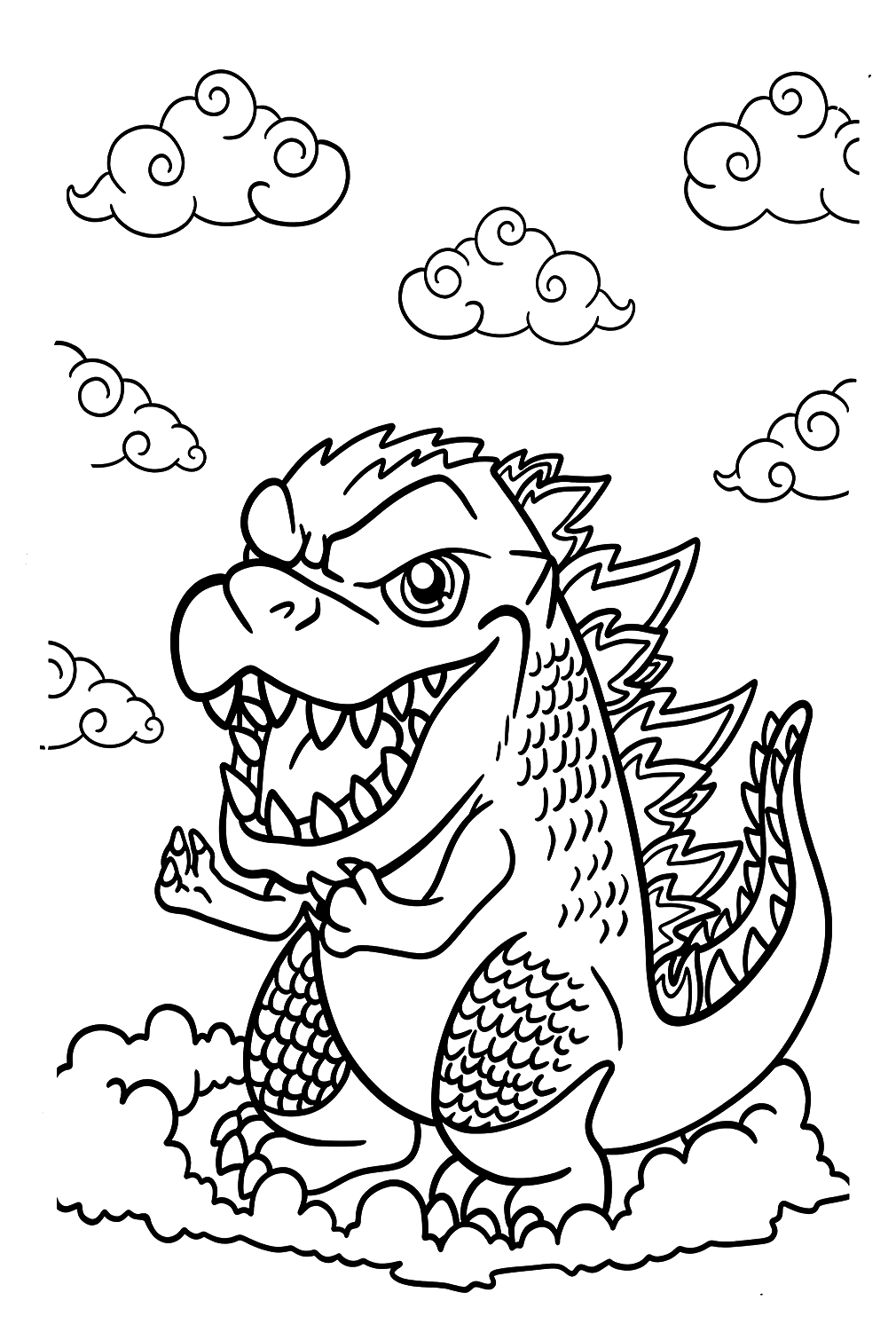
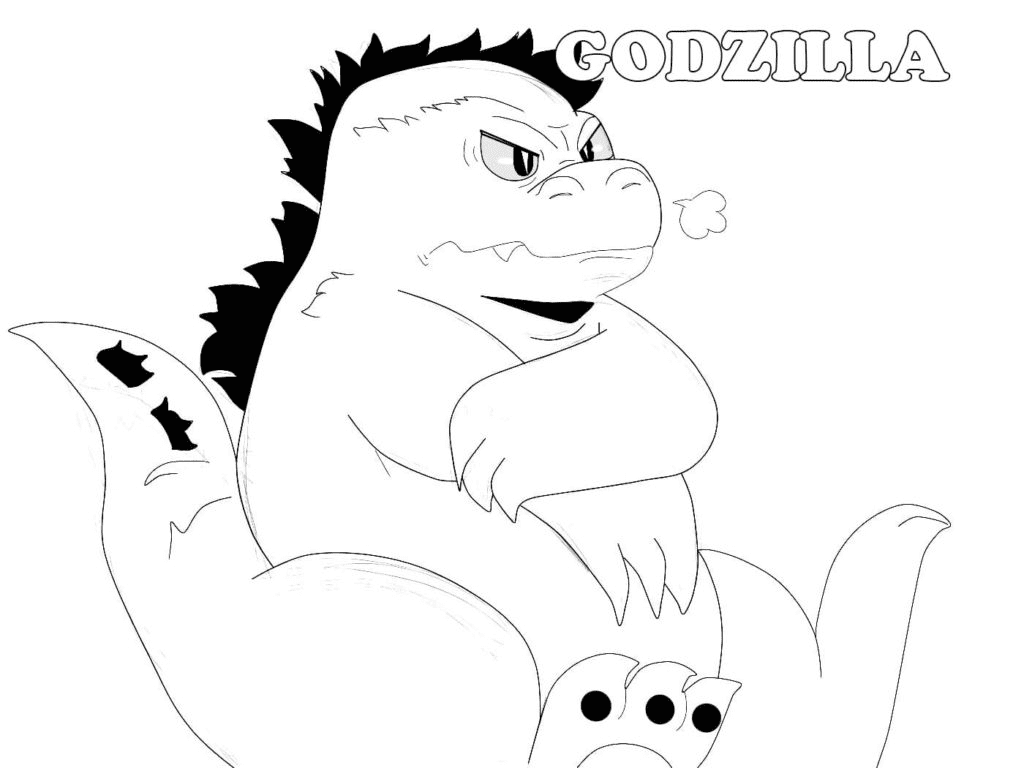
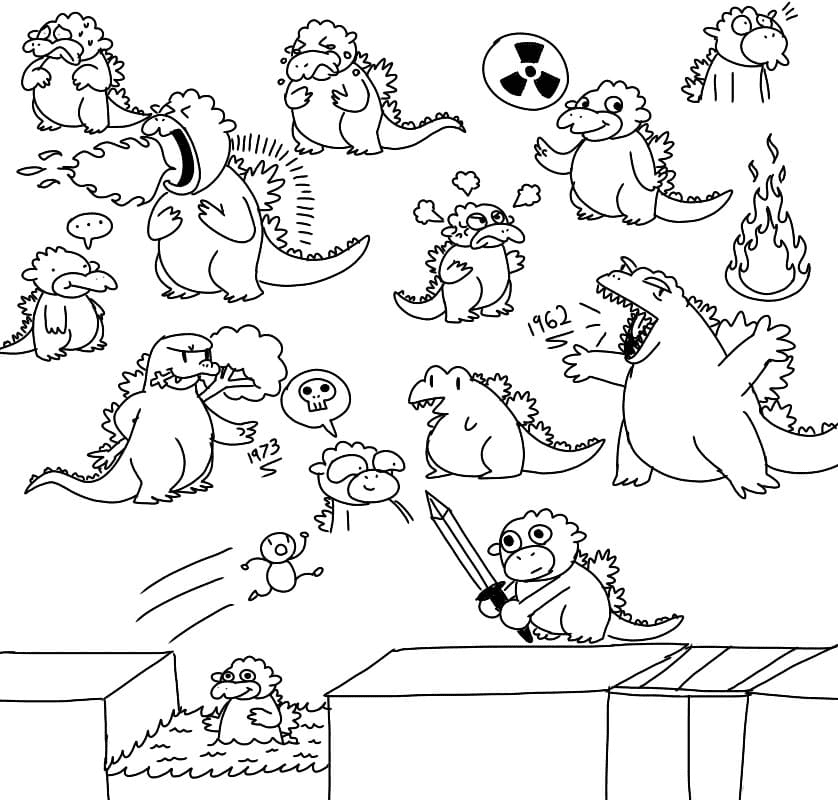
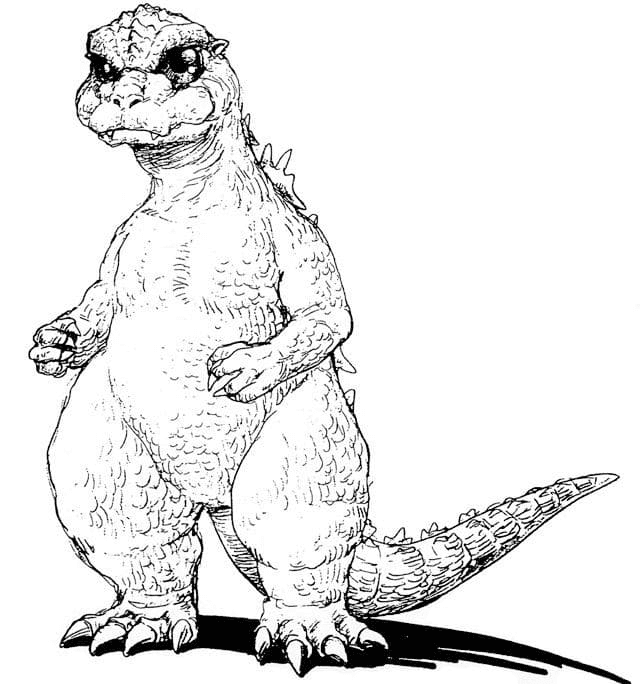
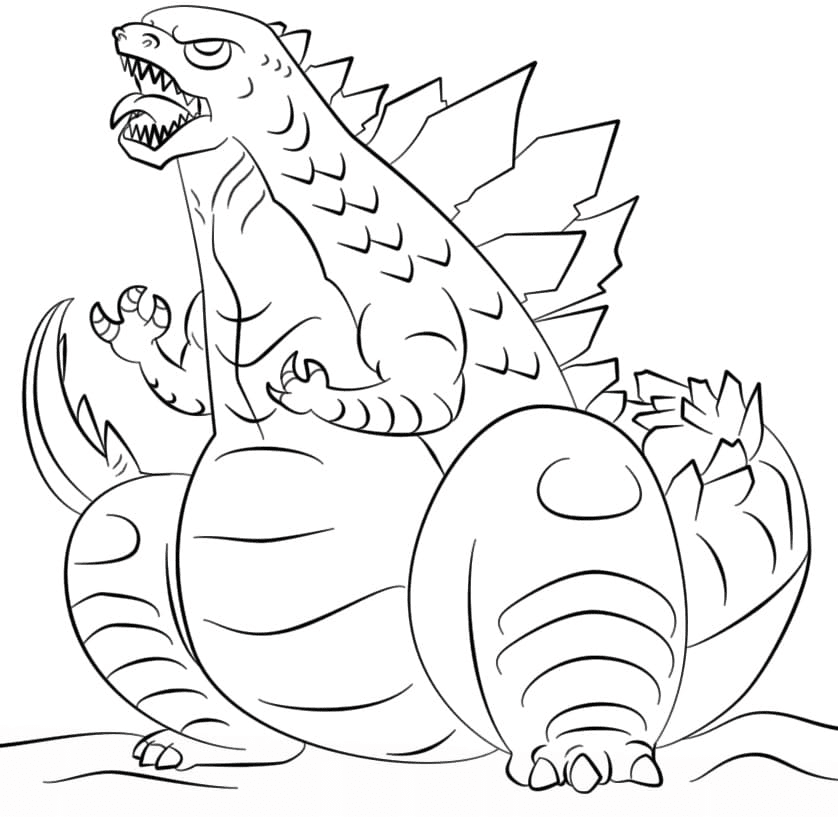
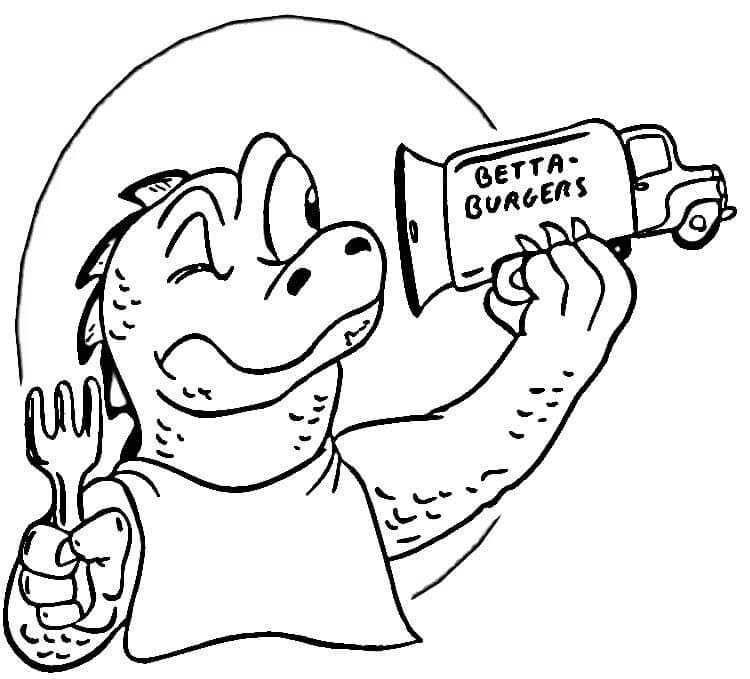
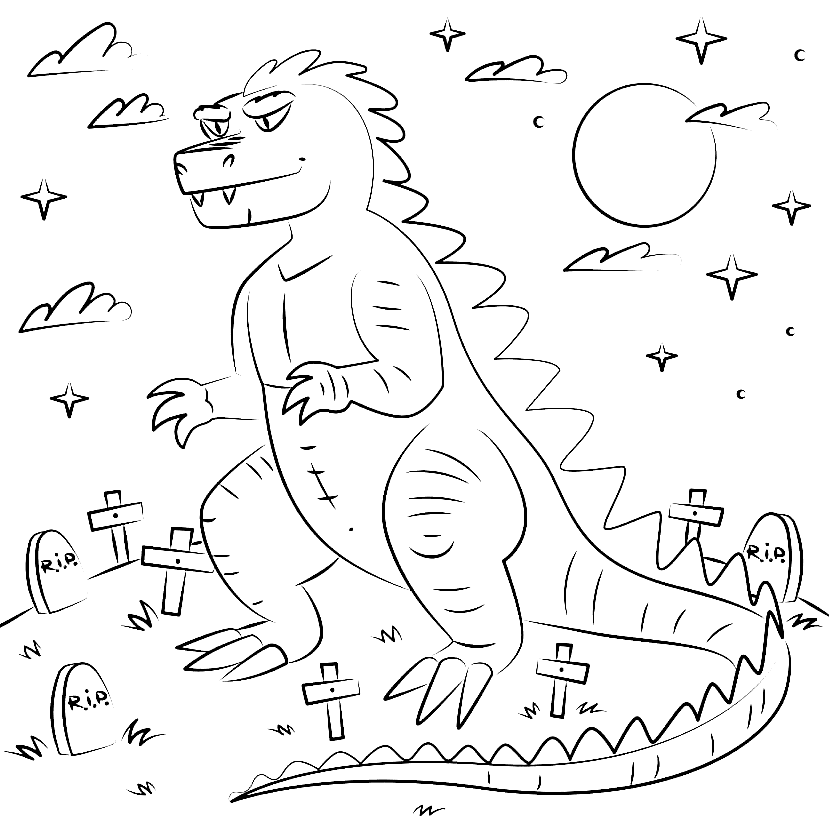
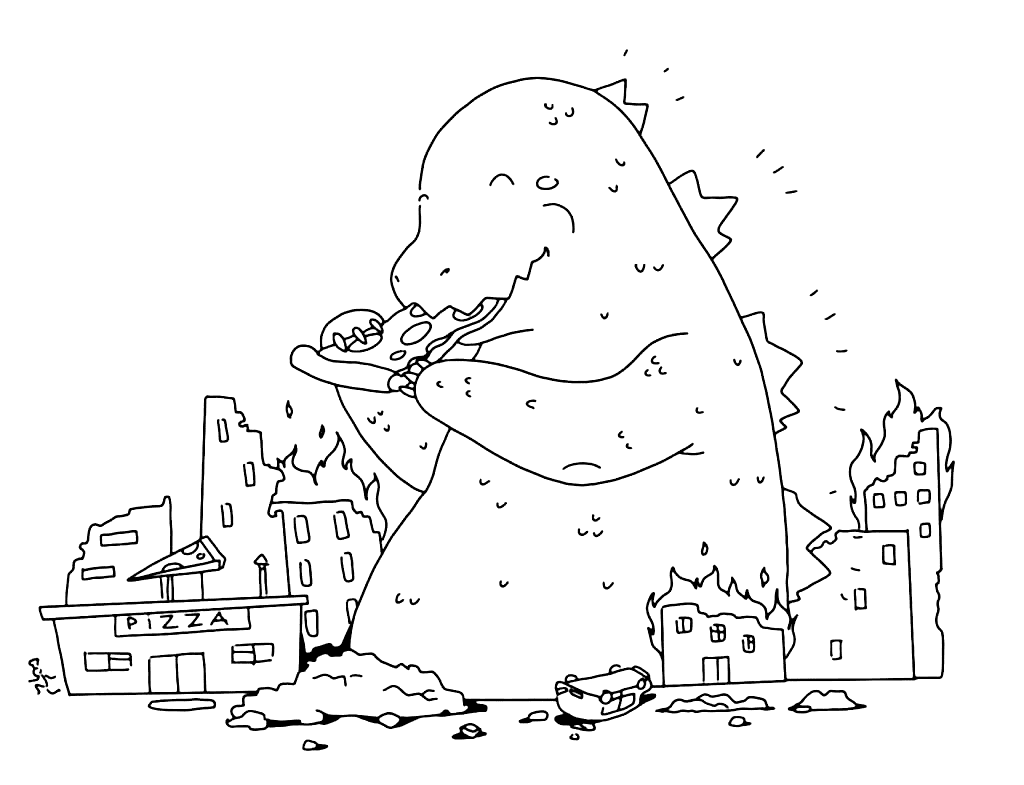
Big-headed, round-bodied Godzillas laugh, sulk, think, and snack in this group, such as Chibi Godzilla and a cartoon Godzilla eating pizza. Outlines are thick, and the shapes are simple. A cheerful Fern or Granny Smith Apple body with Carnation Pink cheeks suits these softer versions.
What Godzilla Coloring Pages Do
Precision on jagged edges
Godzilla’s pointed back plates, claws, and rows of teeth are small, sharp shapes that call for steady pencil control, a skill the American Academy of Pediatrics ties to healthy fine motor development in children ages 2 through 7. The cartoon pages offer the same practice on a bigger, easier scale.
A slow rhythm for busy minds
A 2005 Art Therapy Journal study reported lower anxiety after structured coloring sessions. Filling Godzilla’s long, scaly tail one section at a time has that same steady, repetitive rhythm, even when the monster on the page is mid-roar.
A first lesson in scale
Placing a monster beside skyscrapers, helicopters, and tiny cars invites questions about how big things really are. Kids can compare Godzilla to a familiar building or tree and start concretely thinking about size.
Room to explore big feelings
Angry, sad, funny, and thoughtful Godzillas sit side by side in this collection. Coloring a monster with each mood gives children an easy way to name emotions and talk about them through a character instead of themselves.
How to Color Godzilla Coloring Pages Well
Scaly skin:
Lay down Gray across the whole body, then add Outer Space in the gaps between scales and under the arms and jaw. A light pass of Jungle Green over the top gives the classic greenish tint seen in many films.
Glowing dorsal plates:
Leave a white core in the center of each plate, surround it with Sky Blue, and finish the edges in Cerulean. Coloring the plates last keeps the dark body color from smudging into the glow.
Atomic breath:
Start the beam with a thin white stripe down the middle, then build Turquoise Blue on both sides and Blue along the outer edges. The beam should be the brightest thing on the page.
City backgrounds:
Color the buildings in light grays before the monster, so the darker body sits on top cleanly. Add Orange and Red only in small patches for fires, and soften smoke with light, circular strokes of Timberwolf.
Cute and cartoon Godzillas:
Use one bright green for the body and a lighter yellow-green on the belly. Keep the eyes white with a small black pupil so the face stays friendly.
Robots and crystals:
Shade robot parts with straight strokes that follow each metal panel, darkest at the joints. On crystals, leave one flat face white and color the others in two shades of purple for a faceted shine.
5 Creative Craft Ideas With Godzilla Coloring Pages
1. Godzilla Cityscape Diorama
Color a standing Godzilla page, cut him out, and glue him to cardstock with a folded tab at the base. Build a skyline inside a shoebox from small cereal-box buildings, then stand Godzilla among them.
2. Kaiju Size Chart
Cut out a colored Godzilla and line him up on a long strip of paper beside drawings of a house, a tree, a school bus, and a person. Seeing everything together makes the monster’s size easy to picture.
3. Godzilla Paper Bag Puppet
Color a chibi or cartoon Godzilla, cut out the head and body separately, and glue the head to the folded flap of a paper lunch bag. Moving the flap makes Godzilla open and close his mouth for a roar.
4. Three-Panel Roar Comic
Fold a sheet of paper into three panels and glue a small colored Godzilla into each one. Add speech bubbles and sound effects to tell a short story, from a quiet nap to a giant roar.
5. Monster Matchup Poster
Color the King Kong and Godzilla page, mount it on poster board, and add a bold “VS” banner across the top. Kids can list each monster’s strengths underneath like a fight-night card.
Frequently Asked Questions
What are Godzilla Coloring Pages?
Godzilla Coloring Pages are printable line-art designs of the giant Japanese monster, from roaring movie poses and city battles to chibi and cartoon versions. This collection has 69 free designs, available as PDFs or for online coloring.
Who created Godzilla?
Toho producer Tomoyuki Tanaka, director Ishiro Honda, and special effects artist Eiji Tsuburaya created Godzilla for the 1954 film Godzilla, released in Japan on November 3, 1954.
What does the name Godzilla mean?
The Japanese name, Gojira, blends the words for gorilla (gorira) and whale (kujira). Godzilla became the English spelling when the film reached American theaters in 1956.
How tall is Godzilla?
It depends on the film. Godzilla stood about 50 meters (164 feet) tall in 1954 and grew to around 120 meters (394 feet) in the later Hollywood MonsterVerse movies.
Is Godzilla a hero or a villain?
Both, depending on the era. He began as a destructive threat in 1954, became Earth’s defender against other monsters in many 1960s and 1970s films, and still switches between the two roles today.
What is Godzilla’s atomic breath?
Atomic breath is a beam of radioactive energy that Godzilla fires from his mouth. His dorsal plates light up just before the blast, usually in blue, though Godzilla x Kong: The New Empire (2024) turned them pink.
What age group are Godzilla Coloring Pages for?
The chibi, kawaii, and cartoon pages suit children ages 4 and up. The detailed city battle and movie poster designs work best for ages 7 and older, teens, and adult fans.
What is Godzilla Minus One?
Godzilla Minus One is a 2023 Japanese film directed by Takashi Yamazaki. It became the first Godzilla film to win an Academy Award, taking Best Visual Effects in March 2024.
Start Coloring
Each of the 69 Godzilla designs opens with a single click, free of sign-ups, emails, and fees. Print a page at full size straight from the browser, or color it on screen in the online tool with a mouse, tablet, or touchscreen. A finished city battle or glowing atomic breath page can be shared using the Facebook and Pinterest buttons at the top of each design page.