
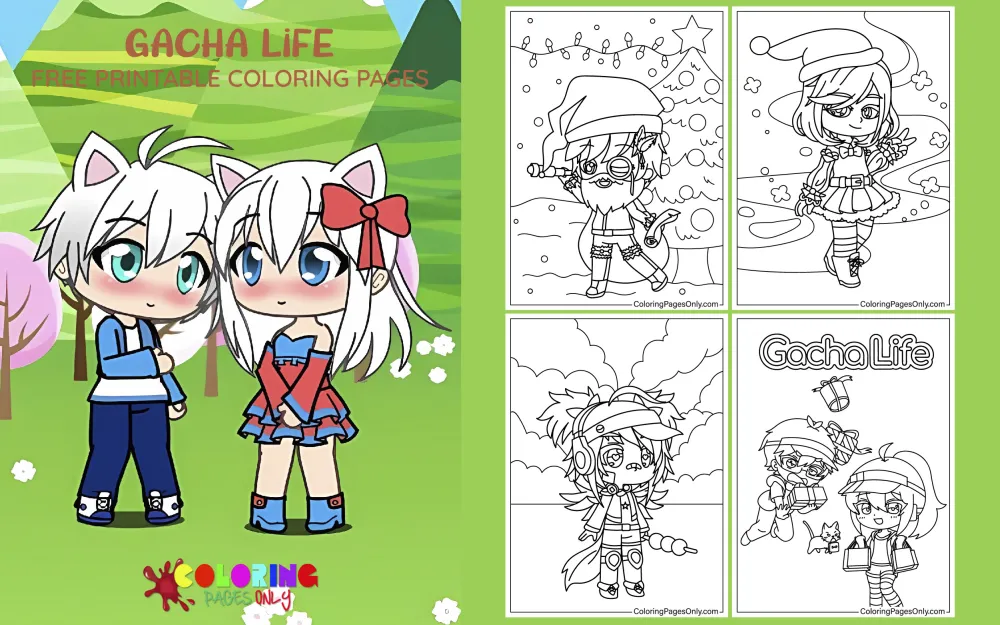
Gacha Life coloring pages: 119 printable designs spanning named preset characters, Gacha Life 2 promotional art, group scenes, paper doll templates, and original-character-style illustrations across school, fantasy, and casual settings. Each page can be downloaded as a PDF to print or colored online in the browser.

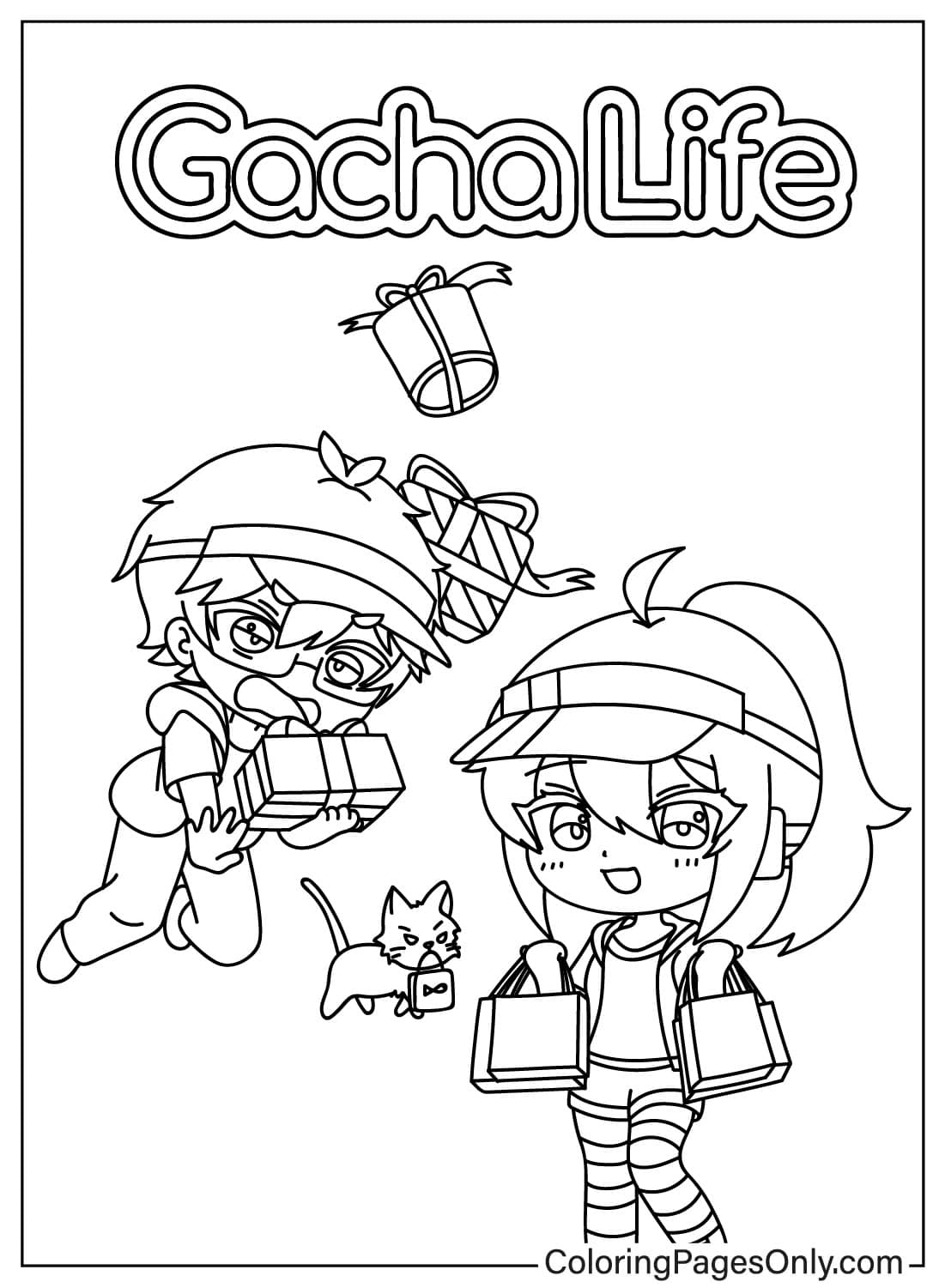

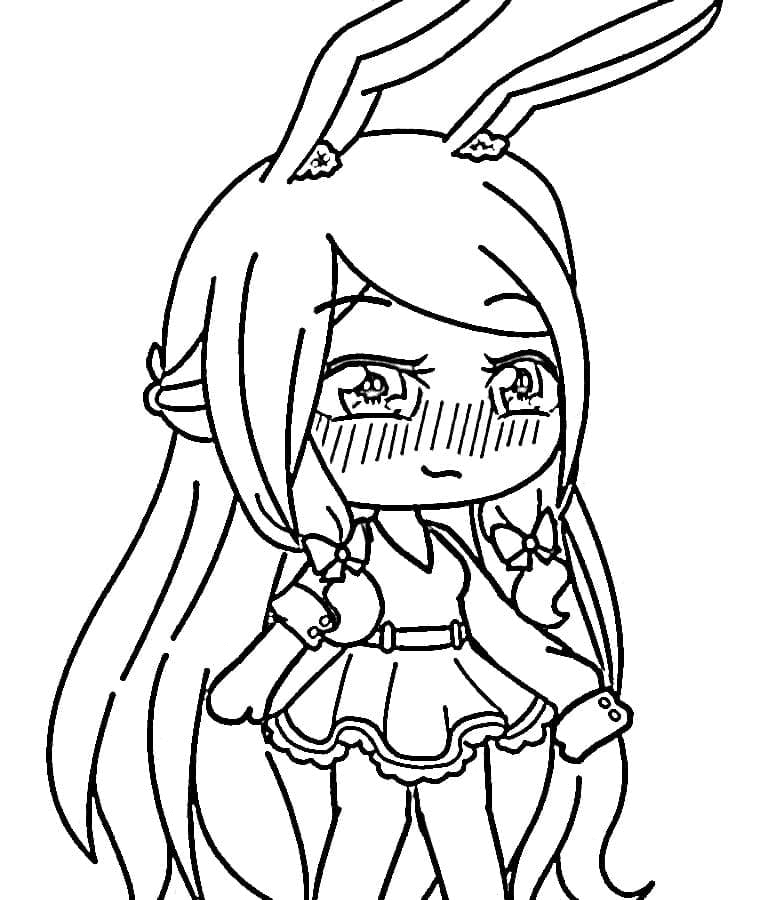

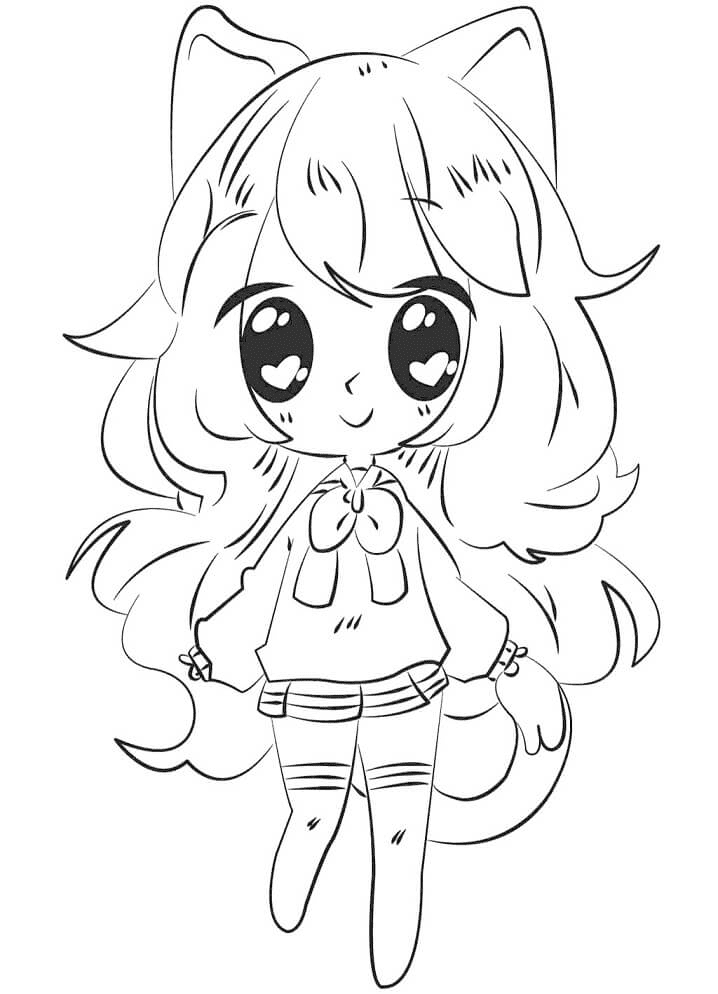
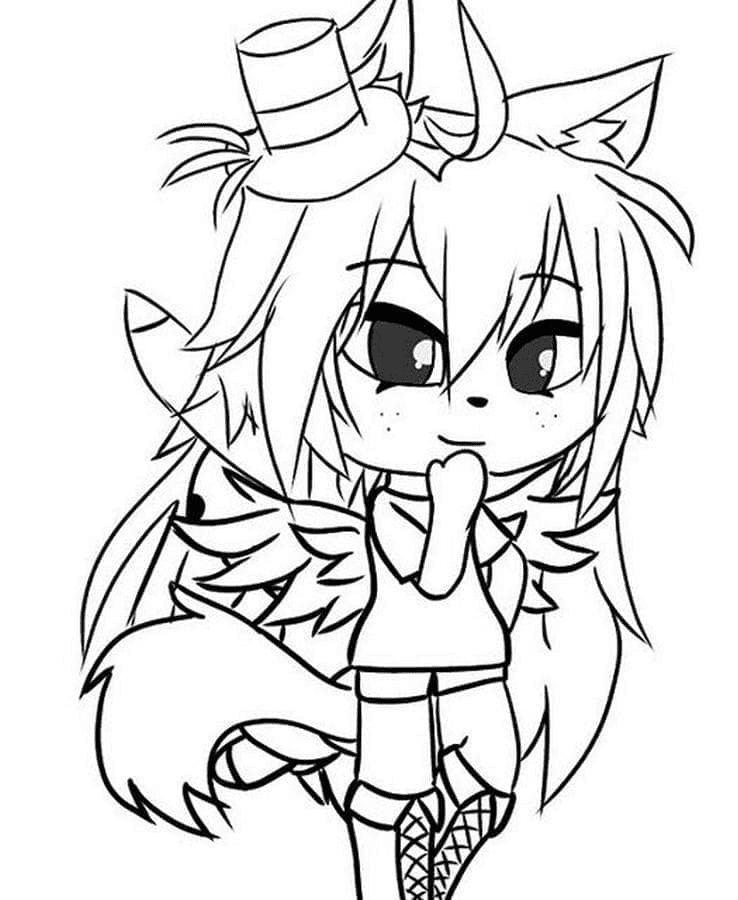
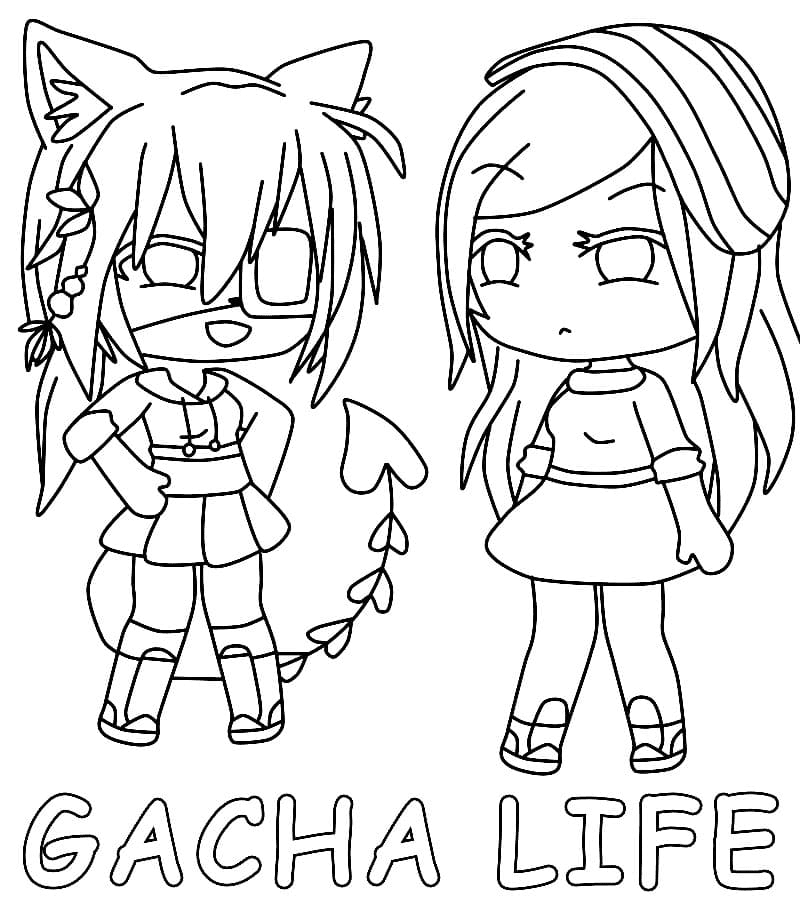
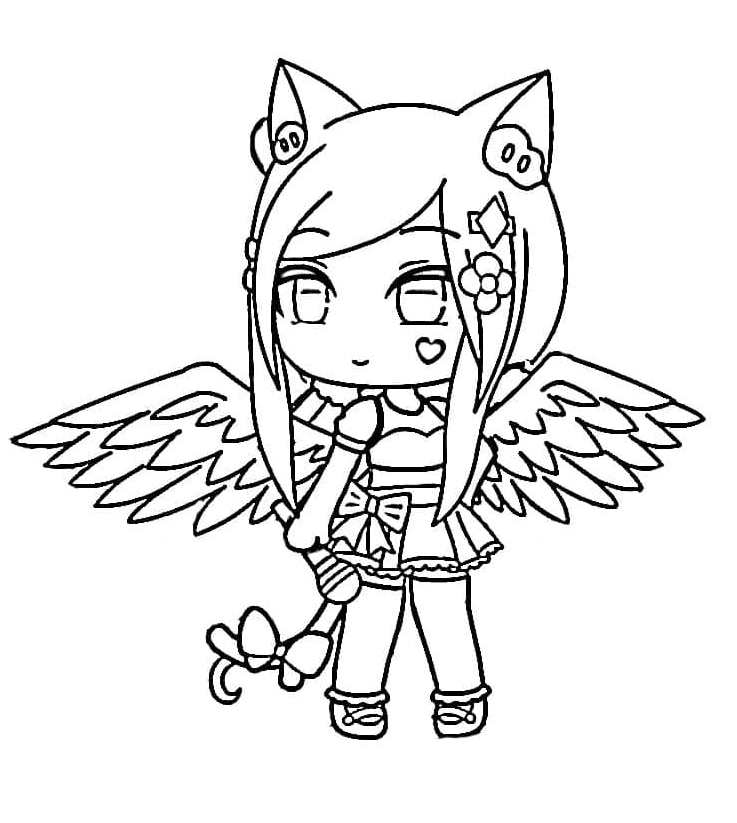
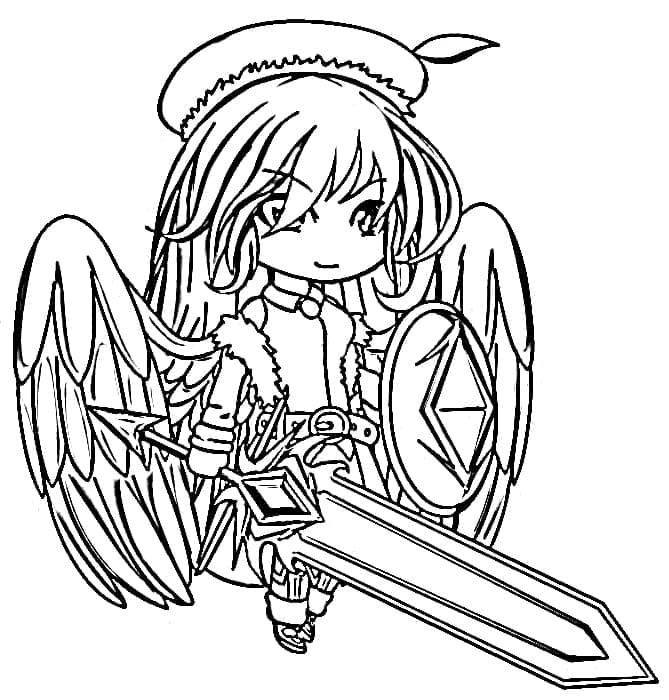
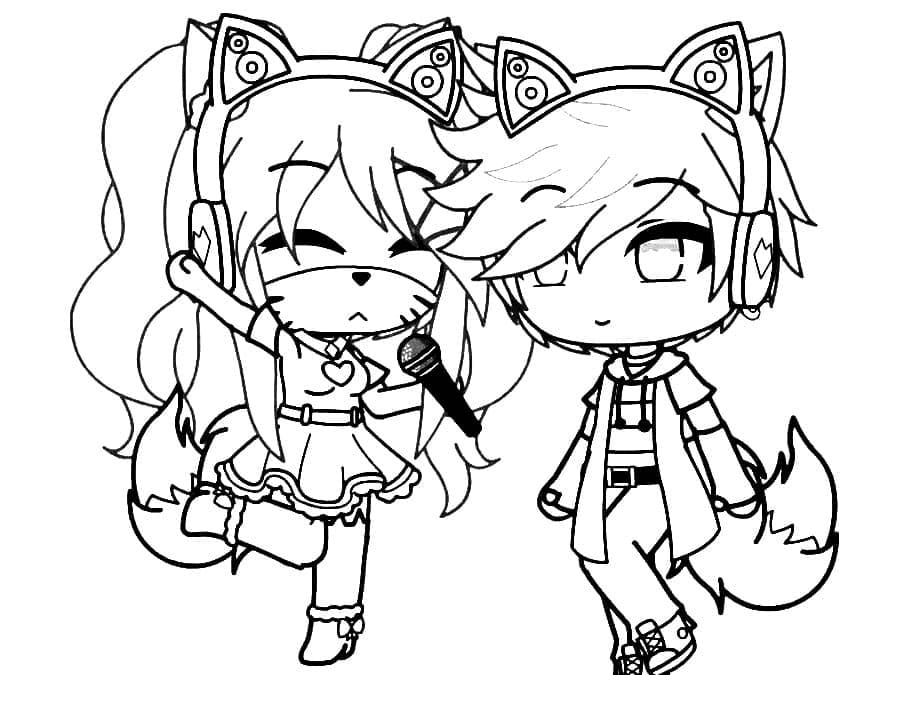
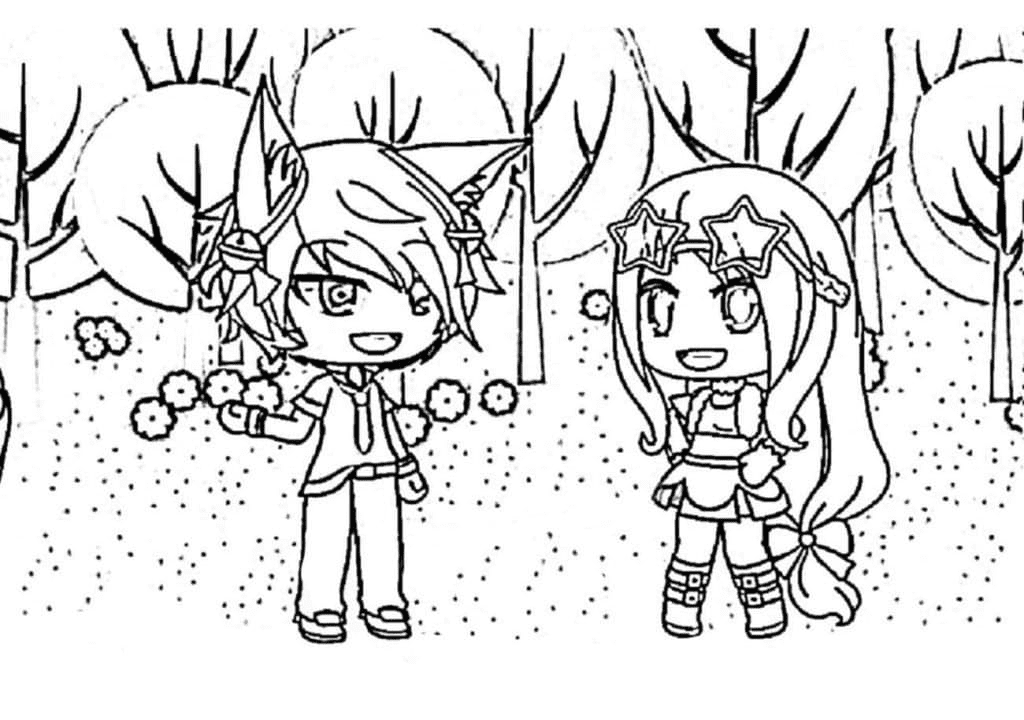
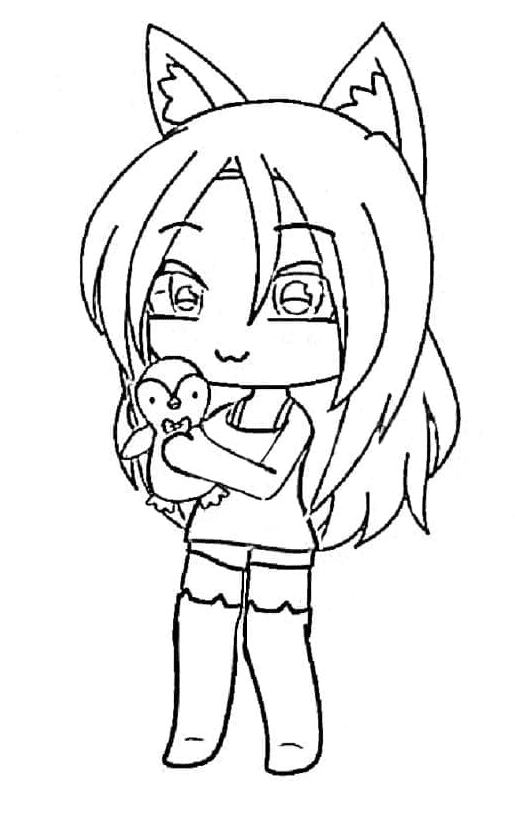
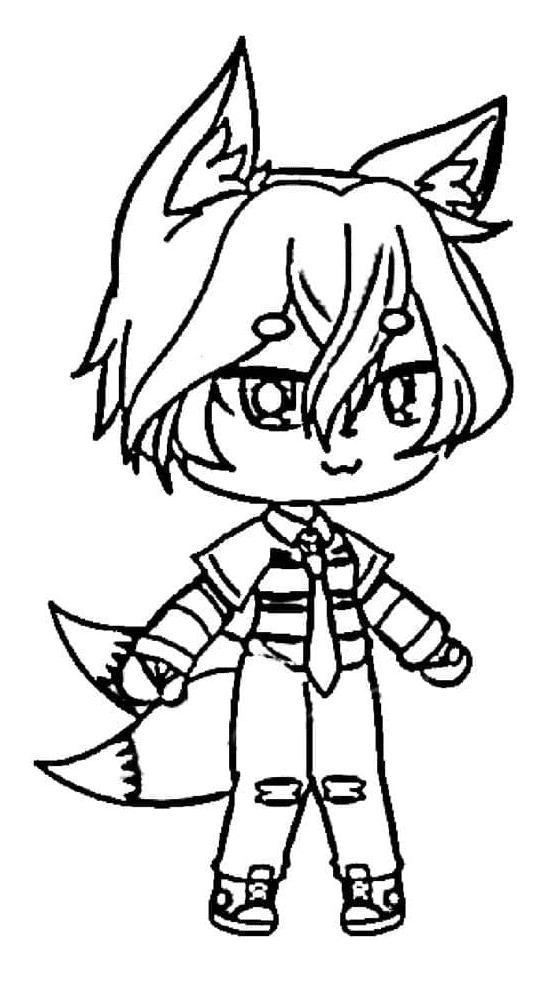
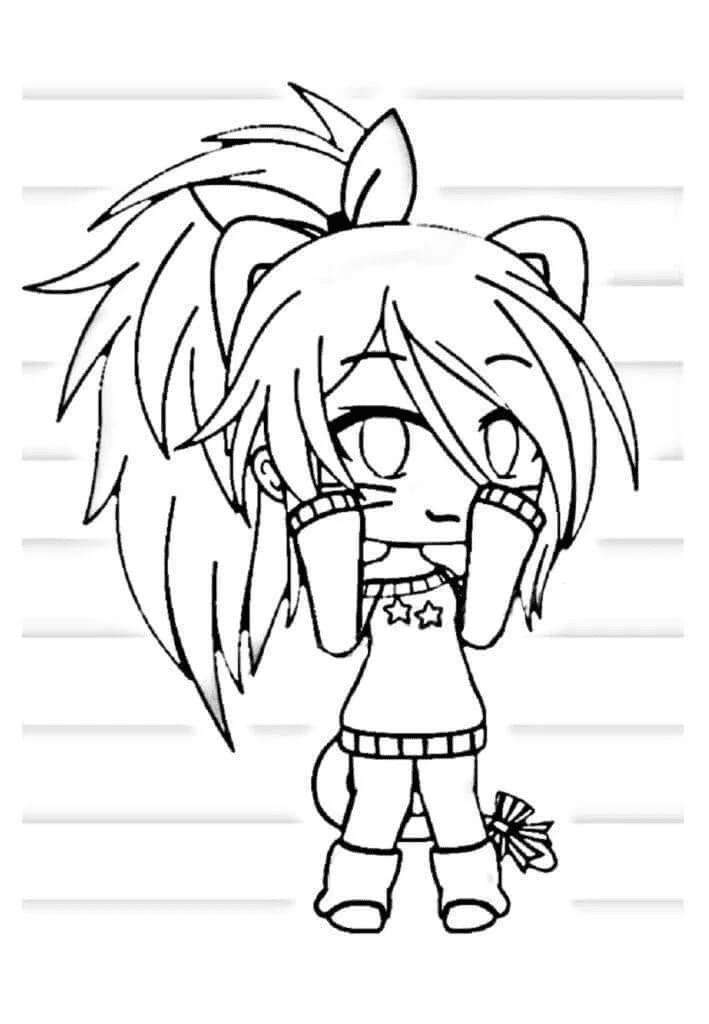
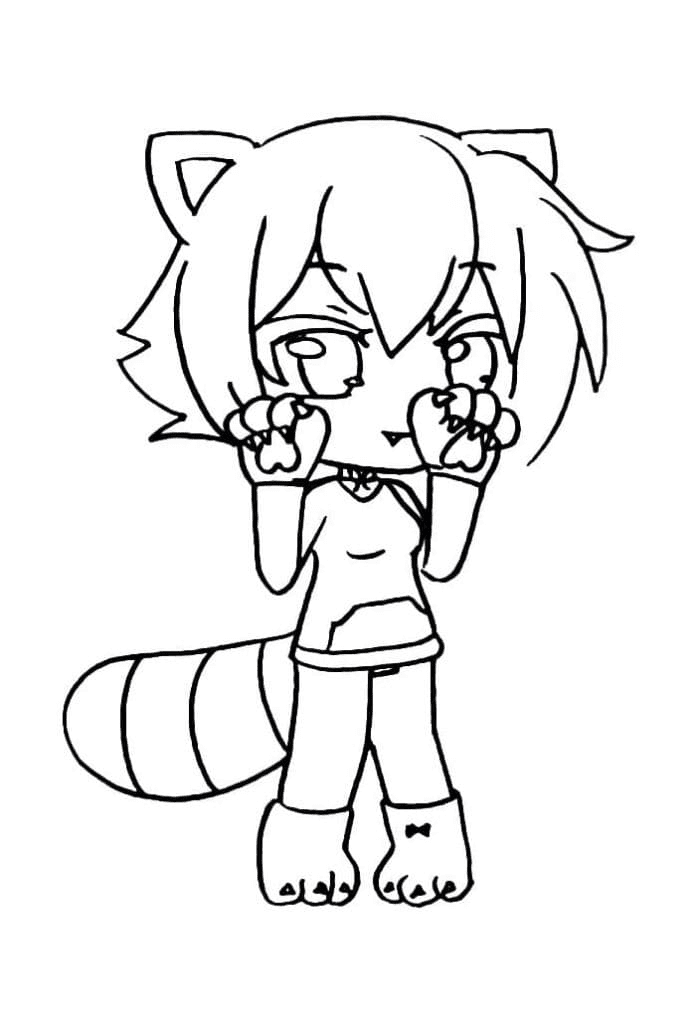
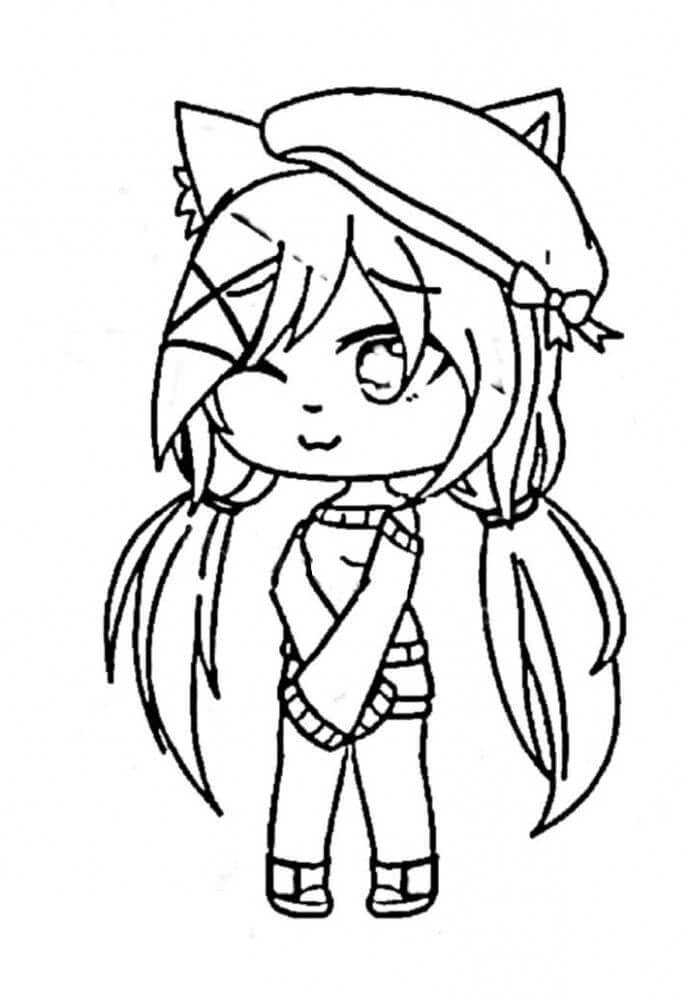
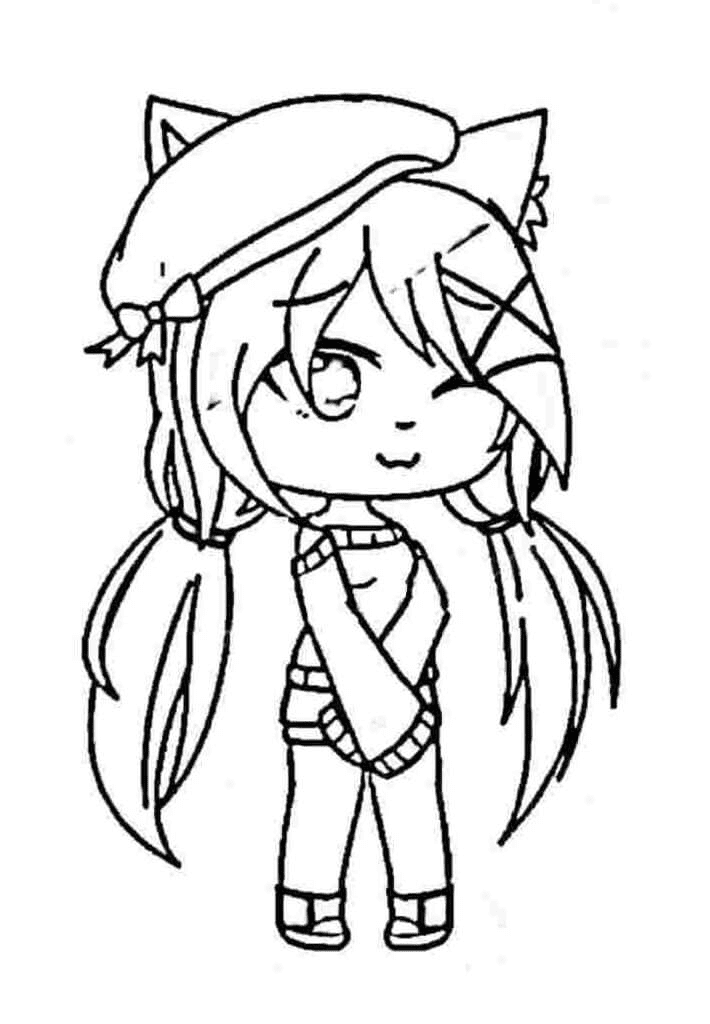
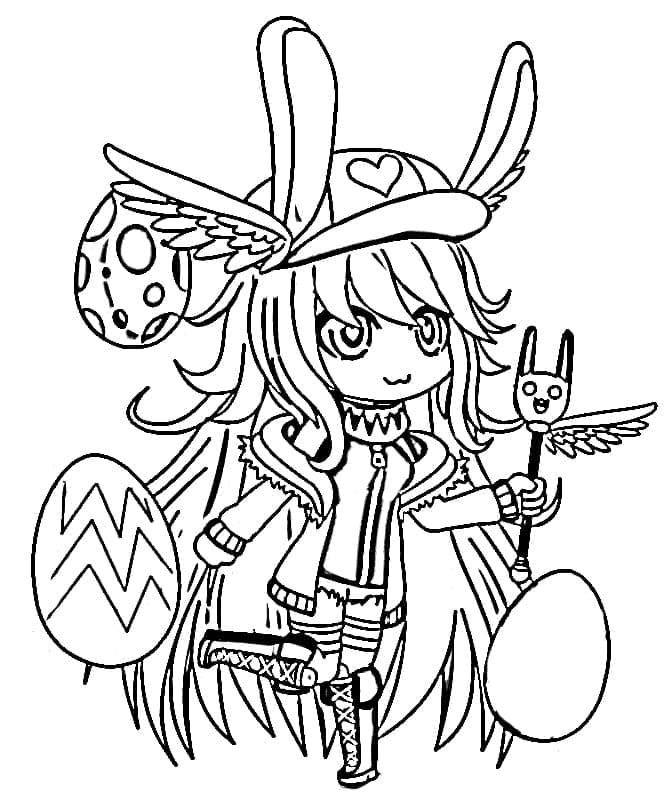
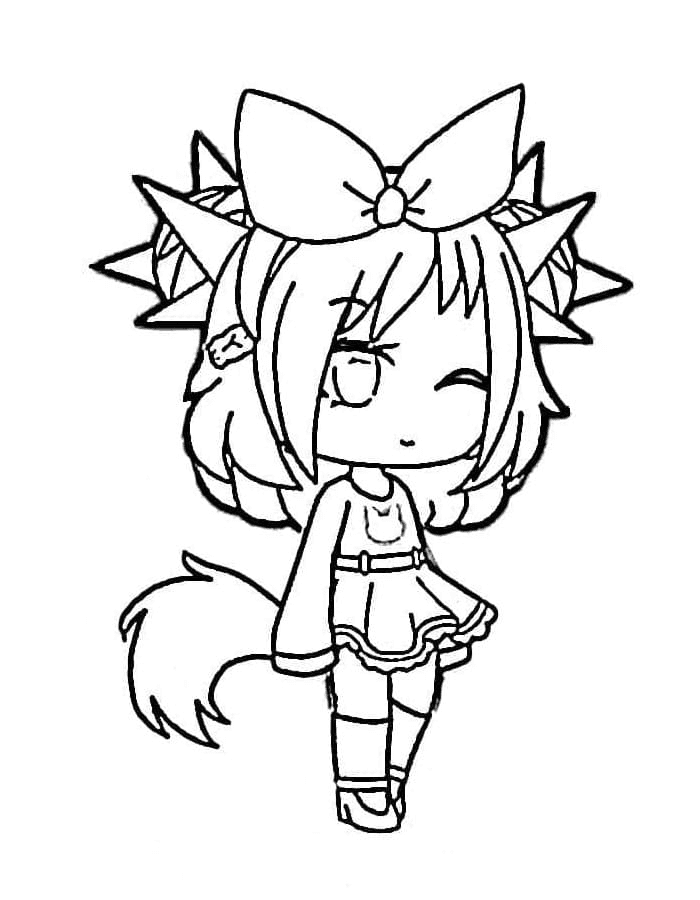
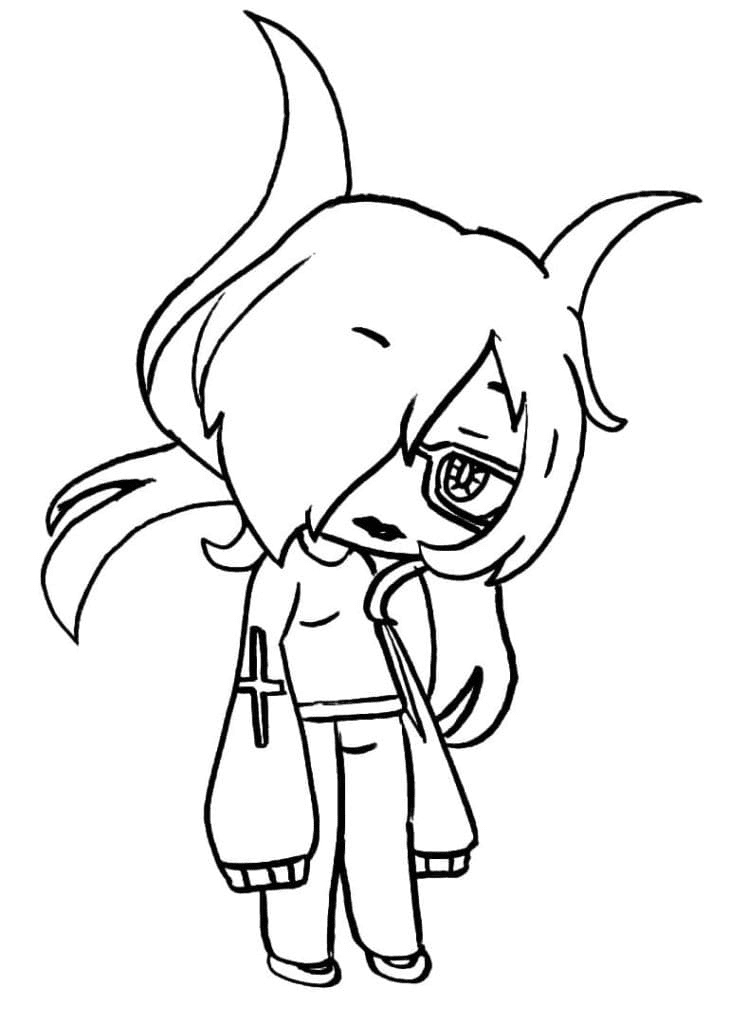
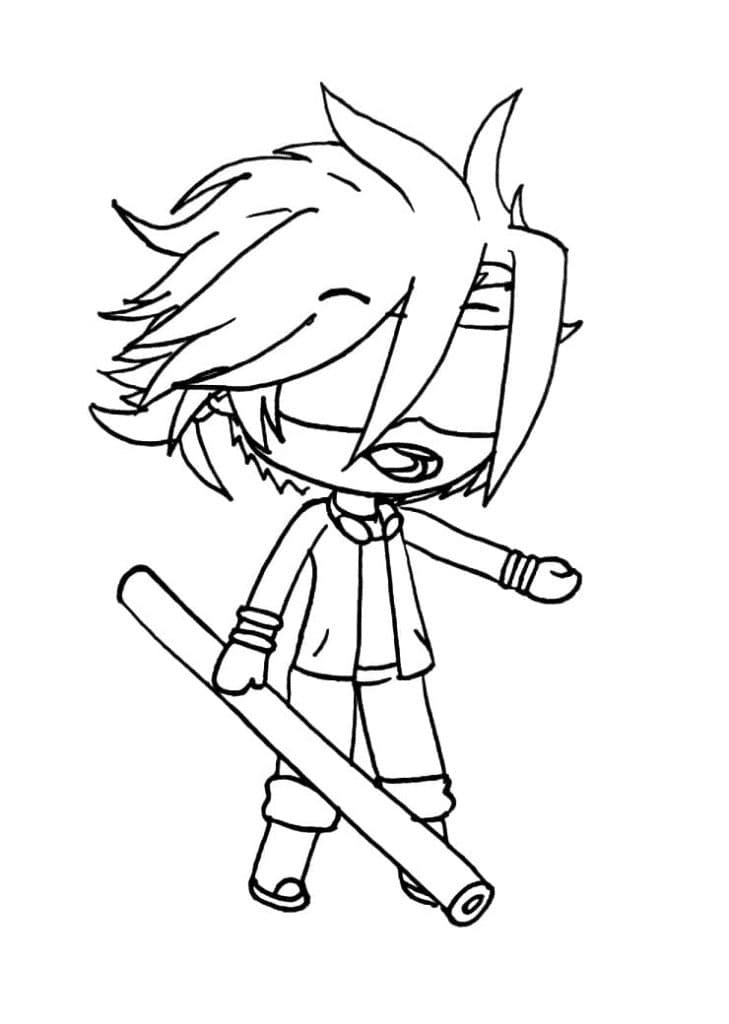
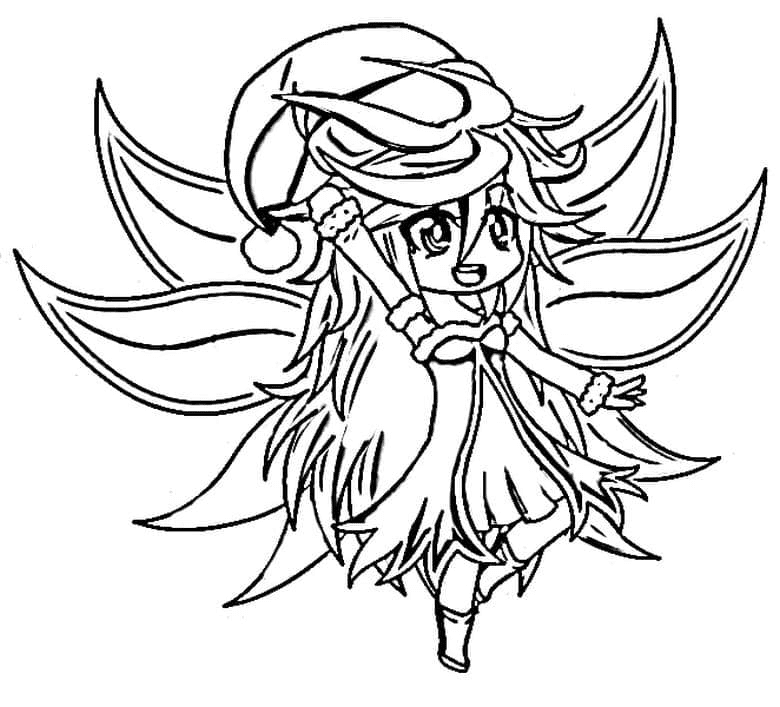
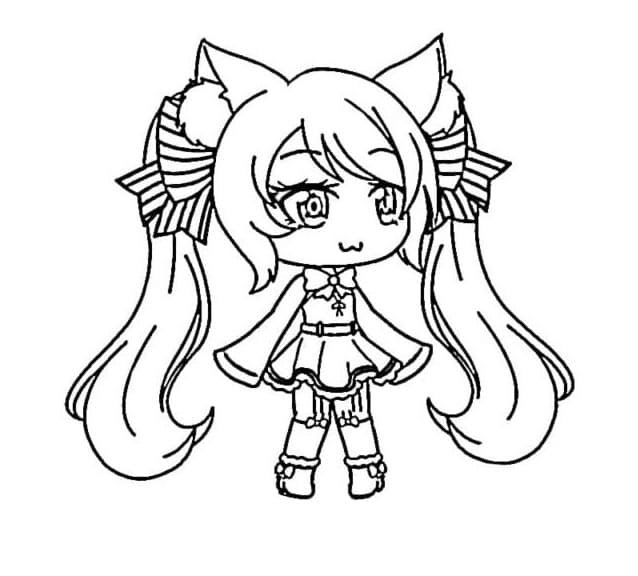
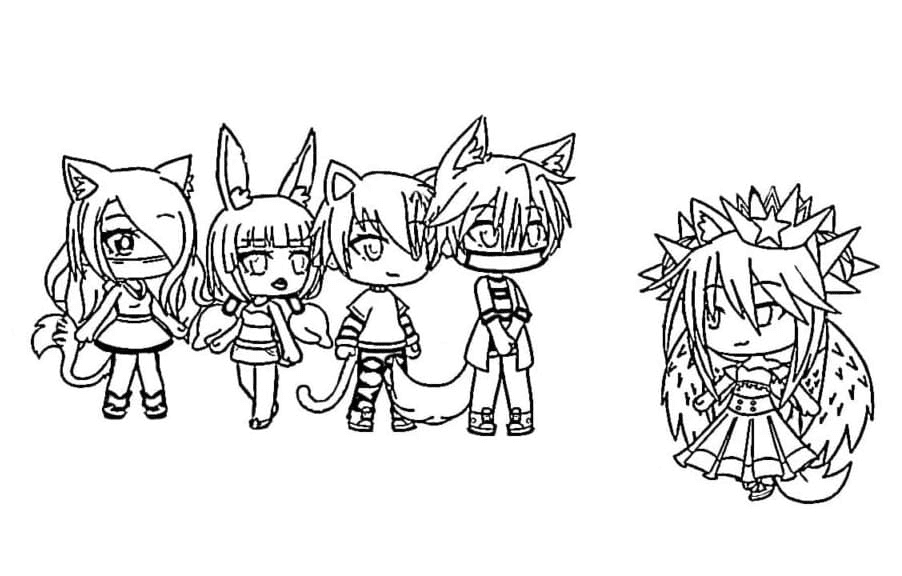
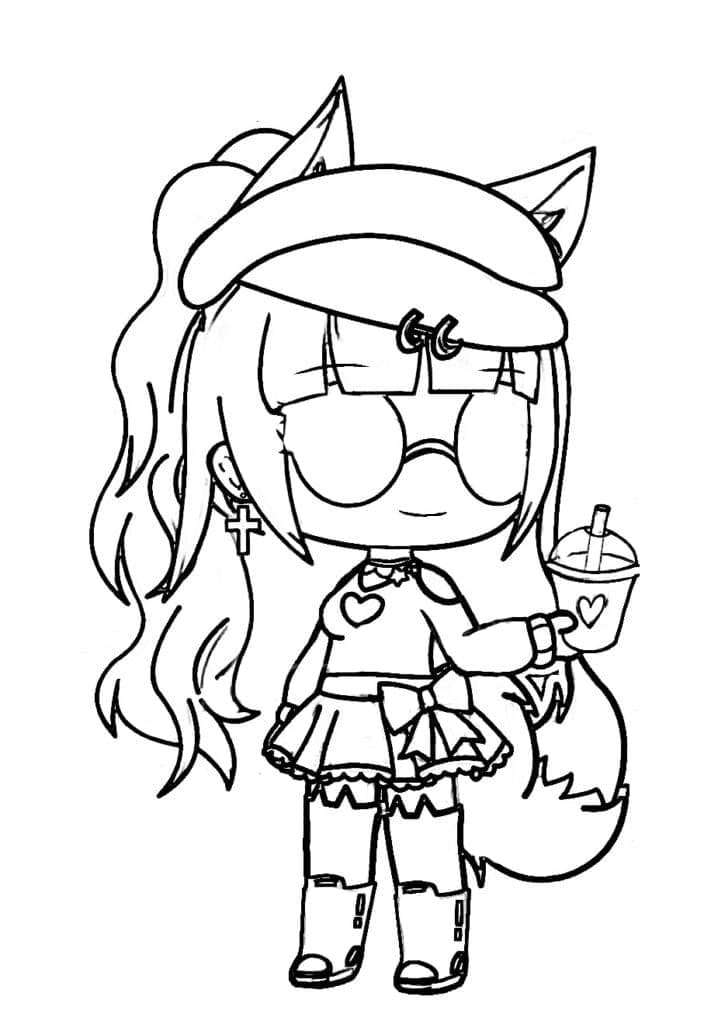
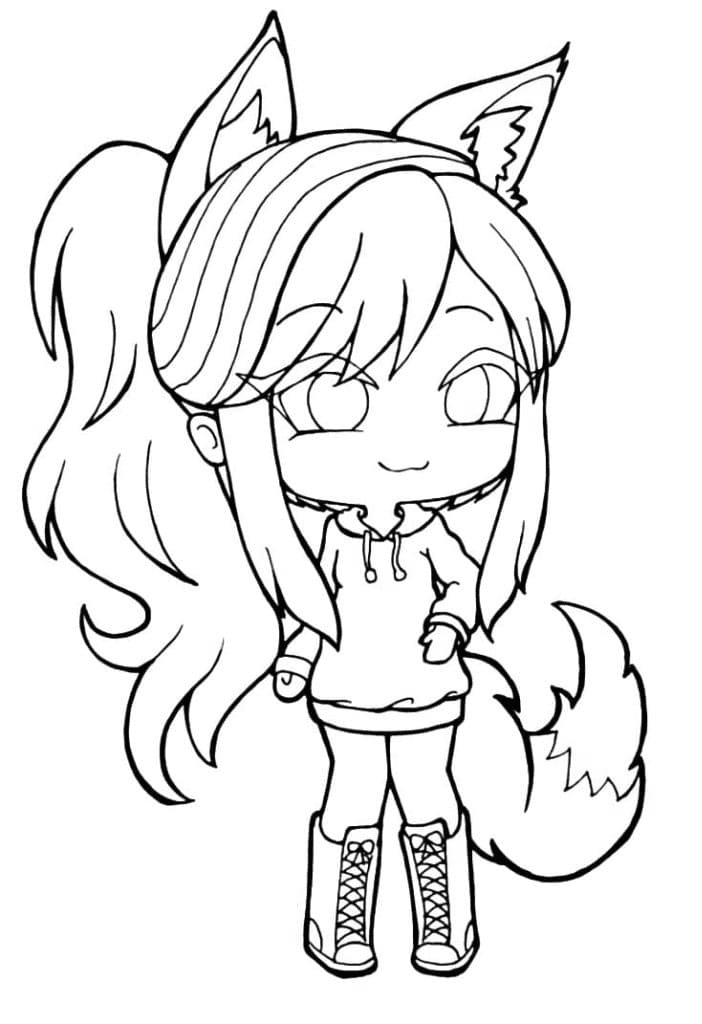
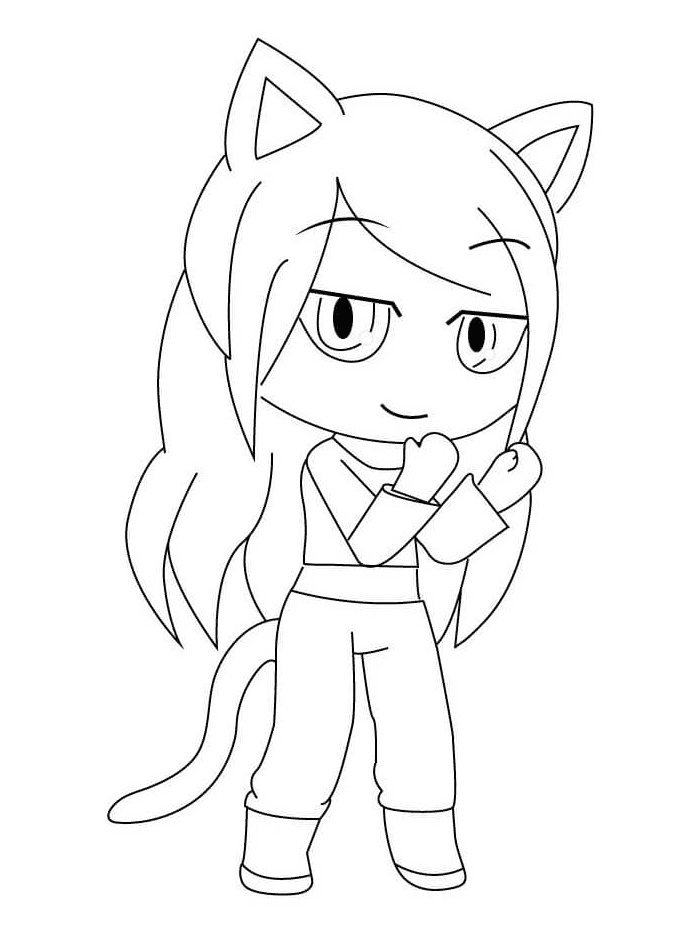

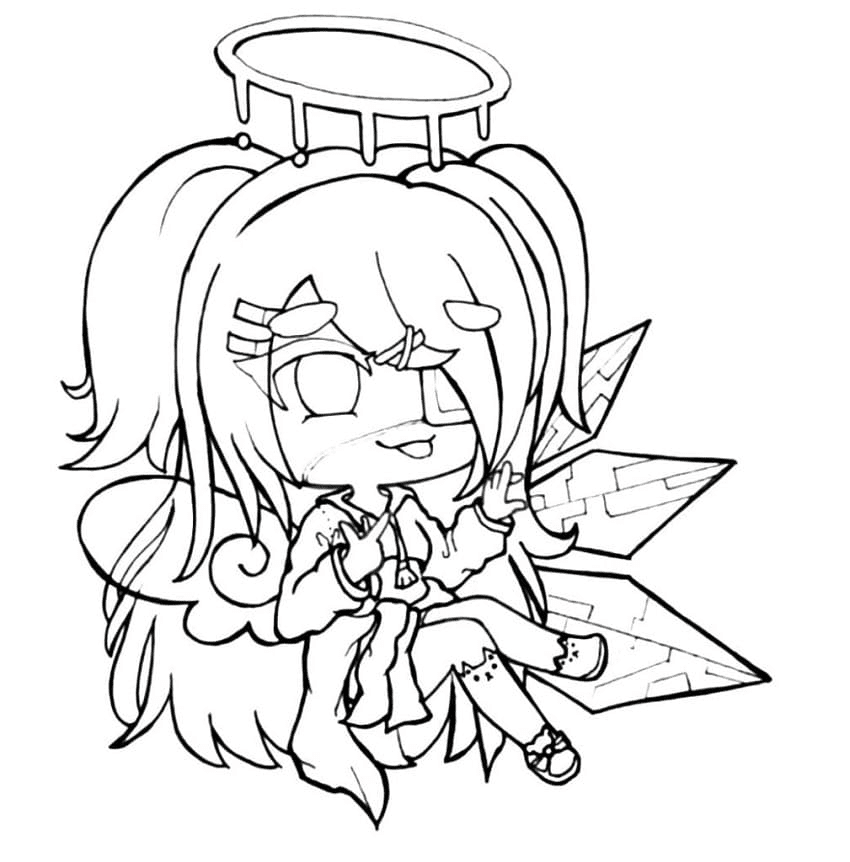
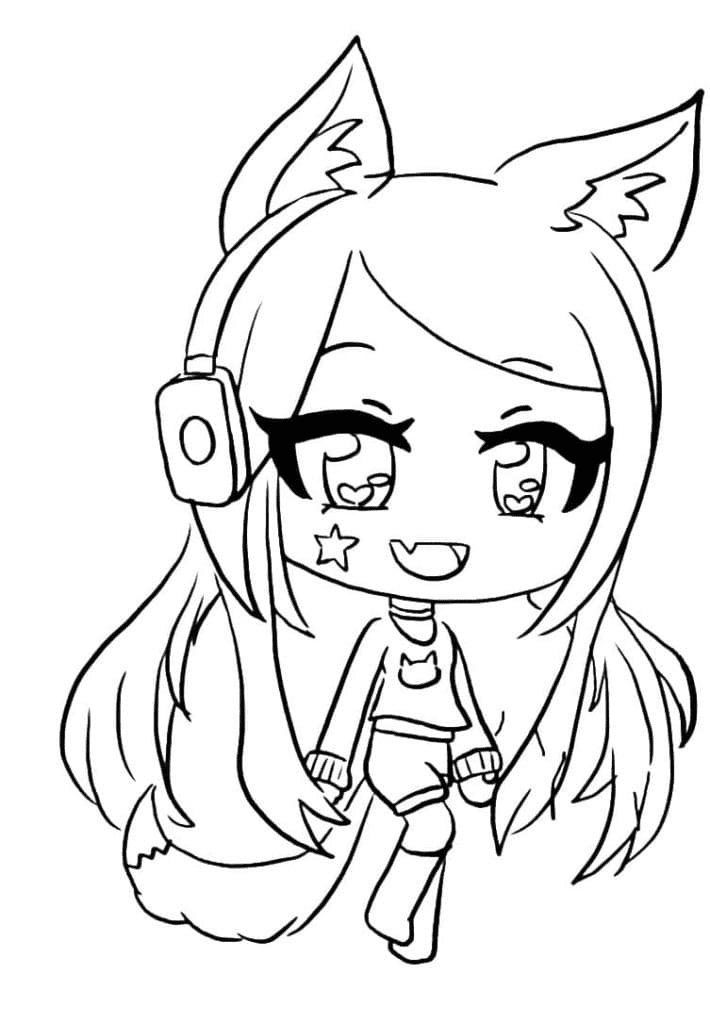
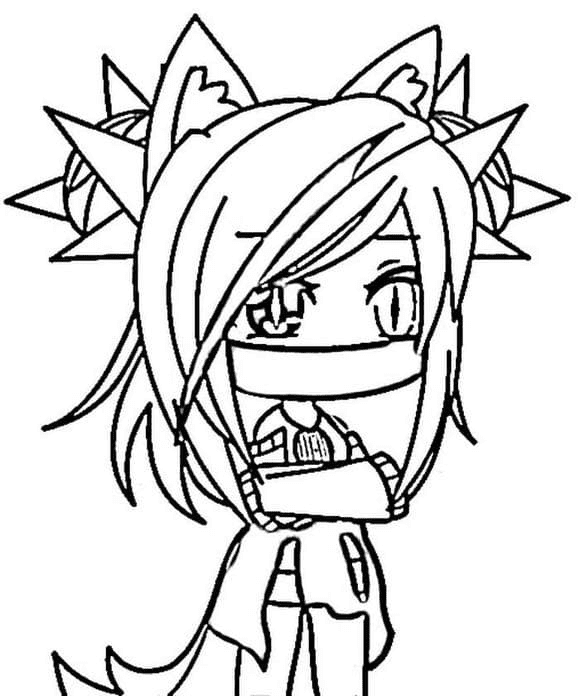
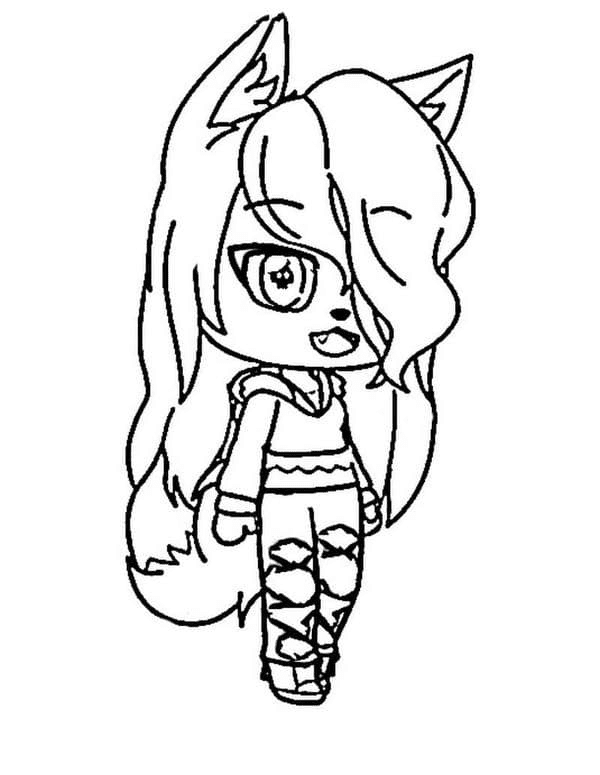
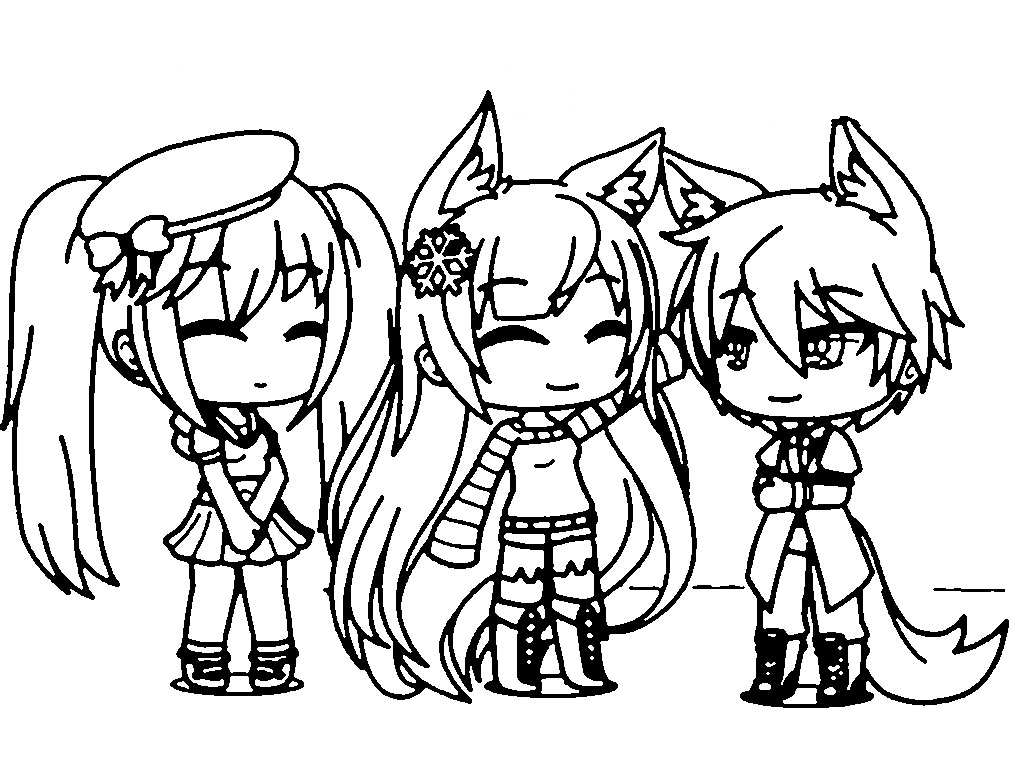
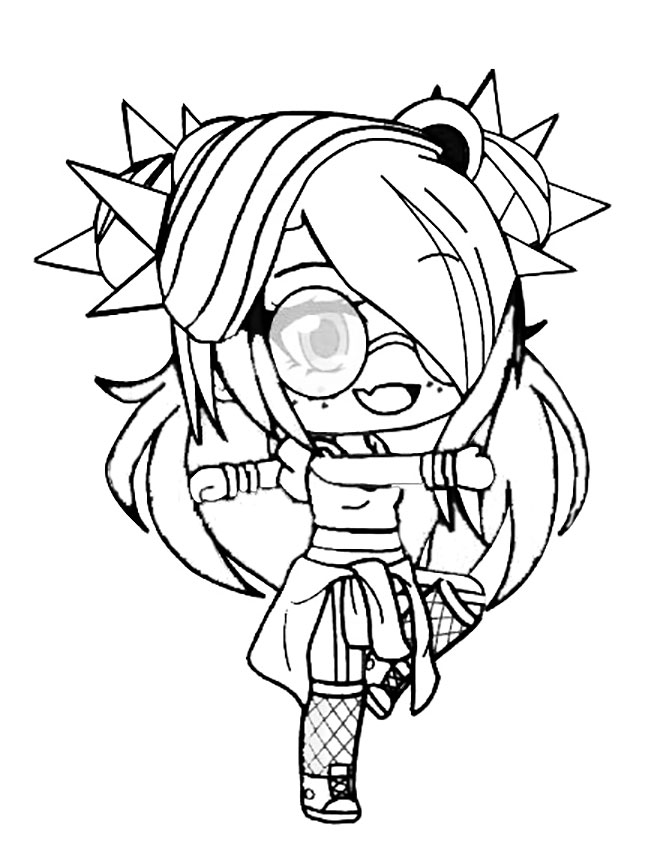
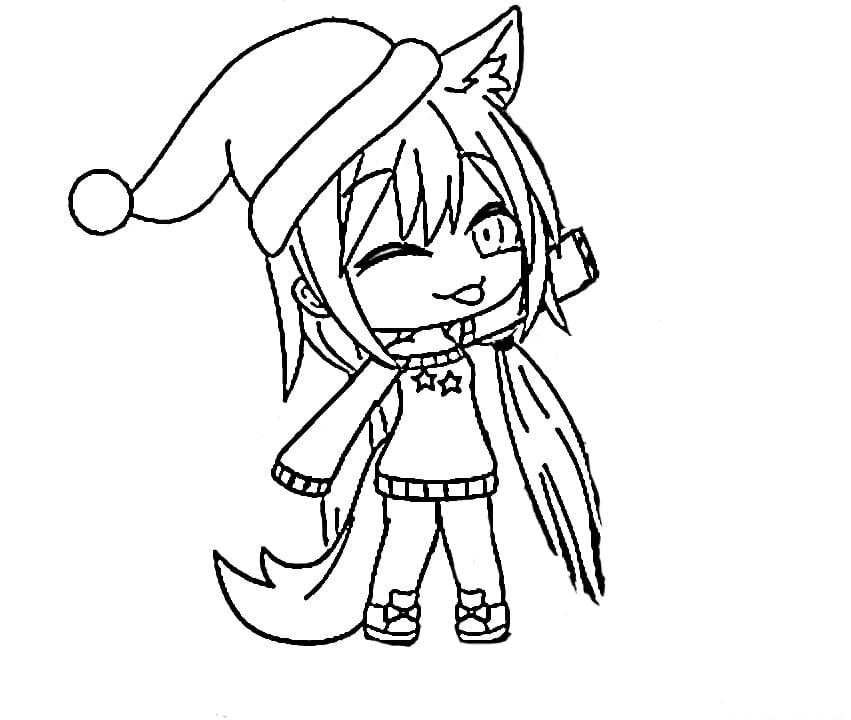
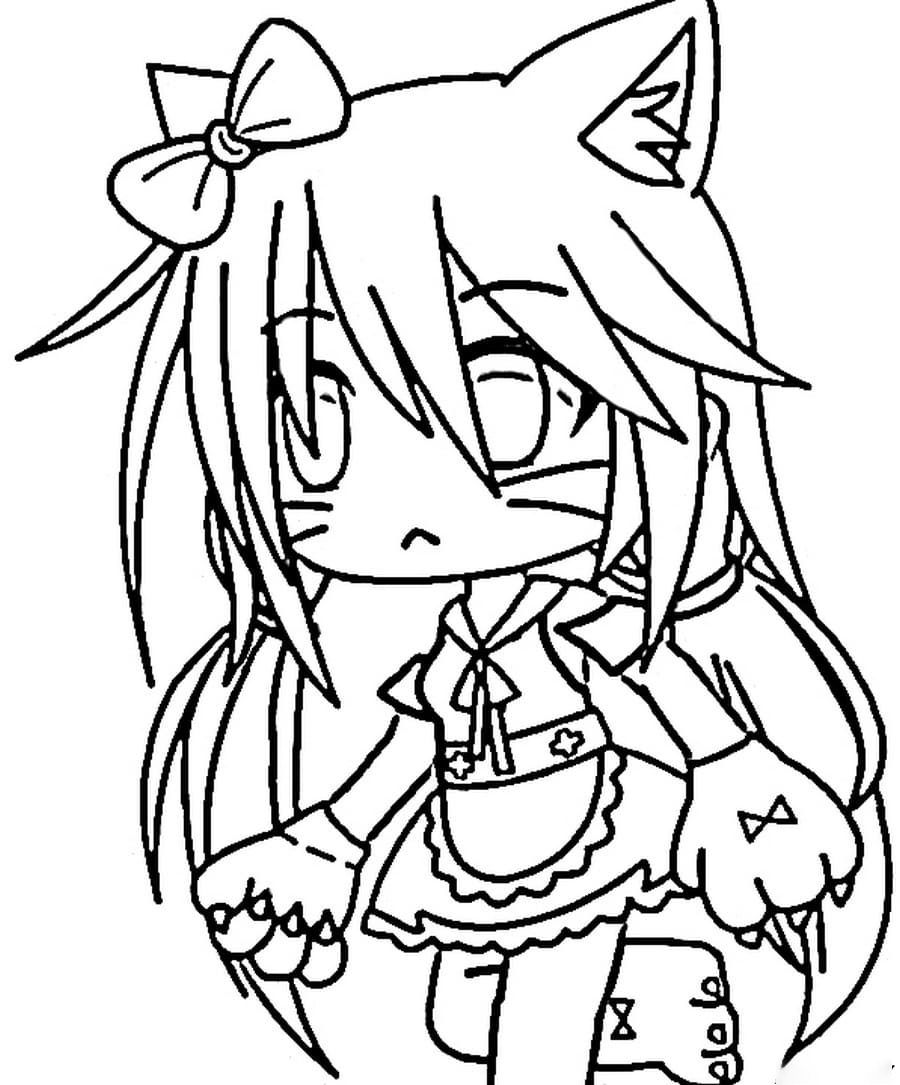
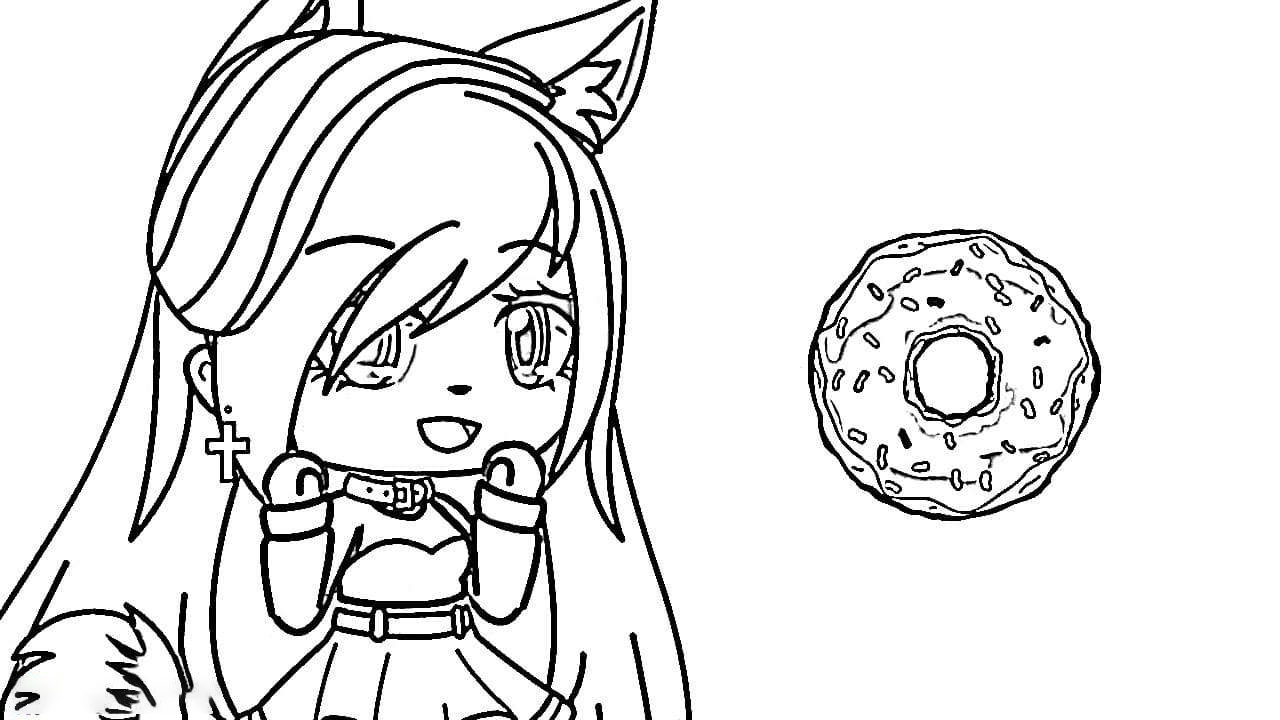
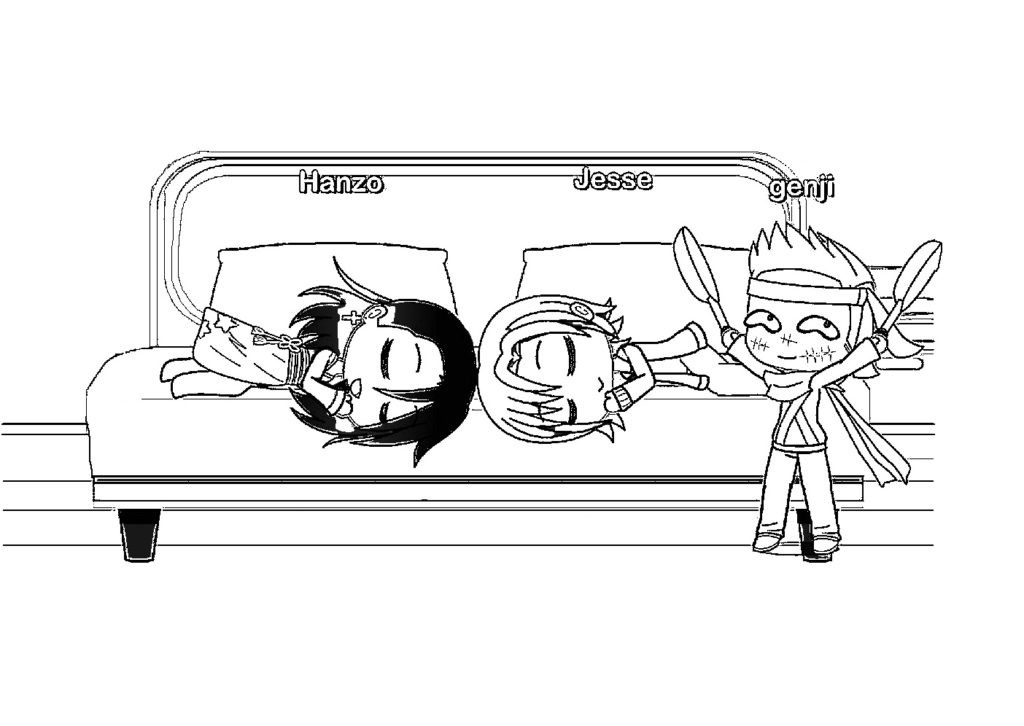
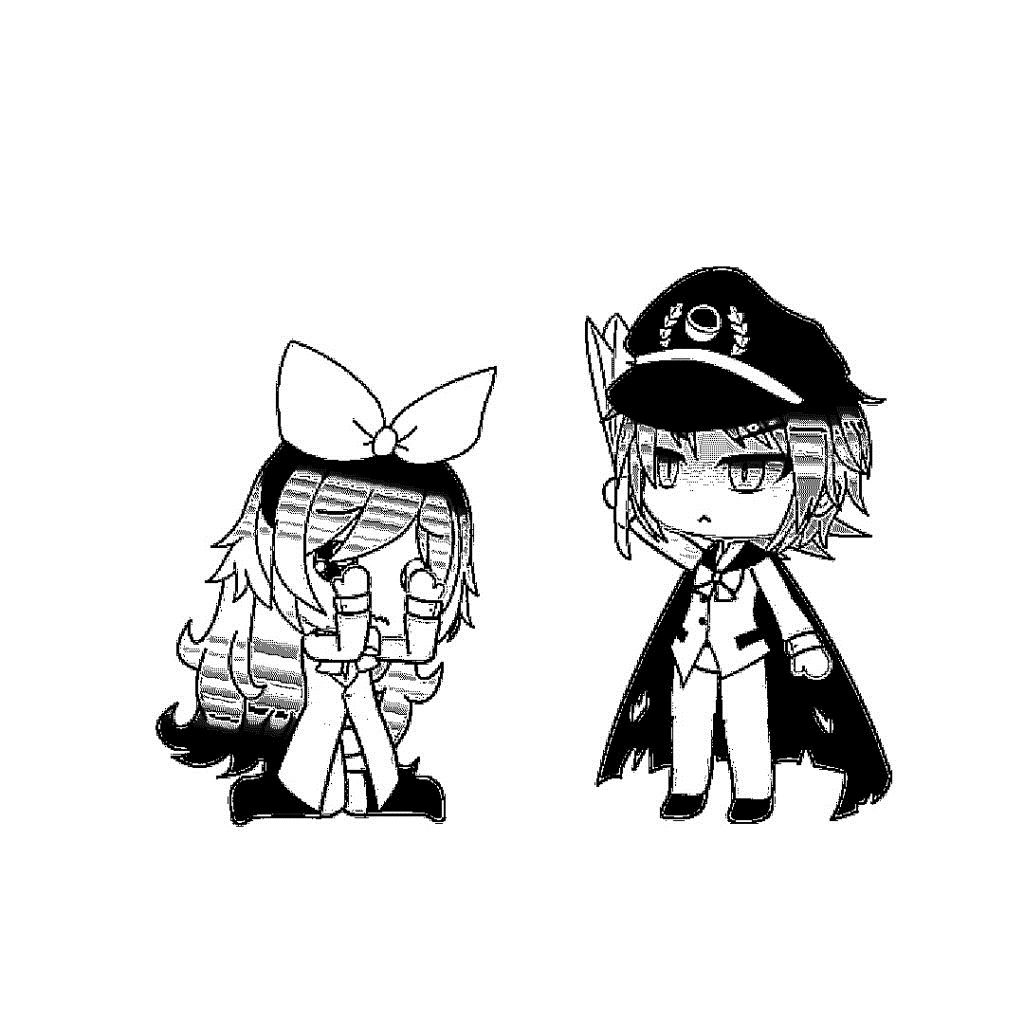
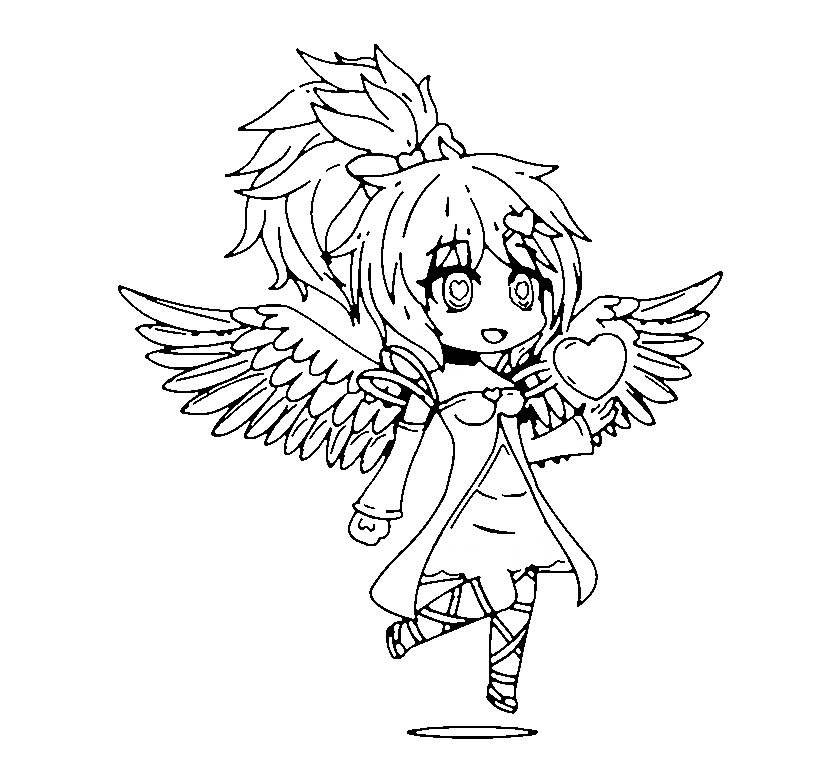
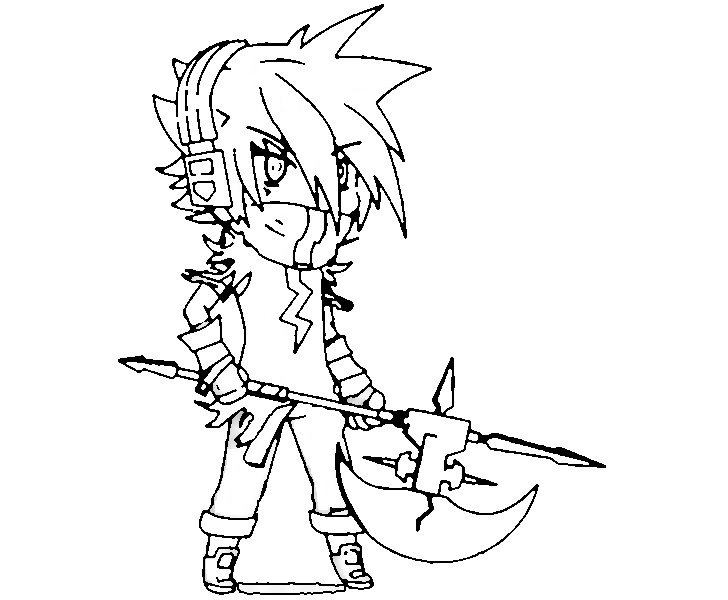
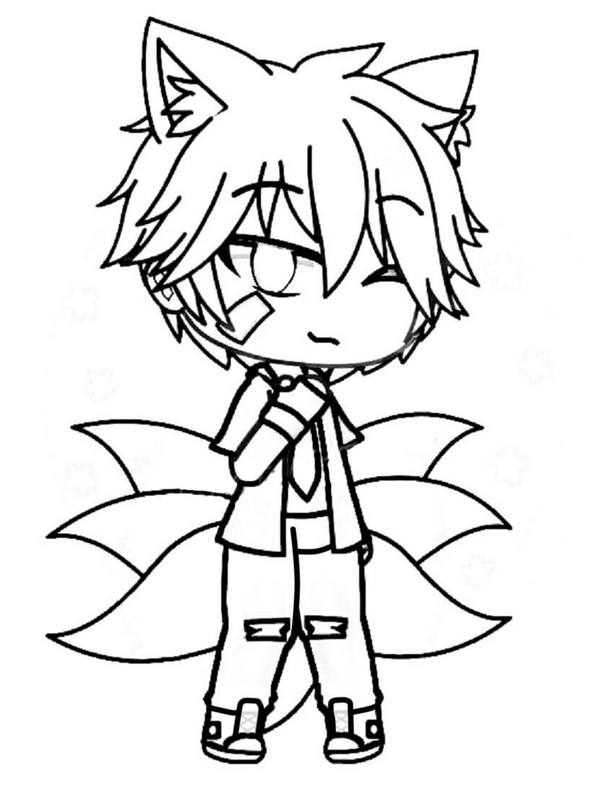
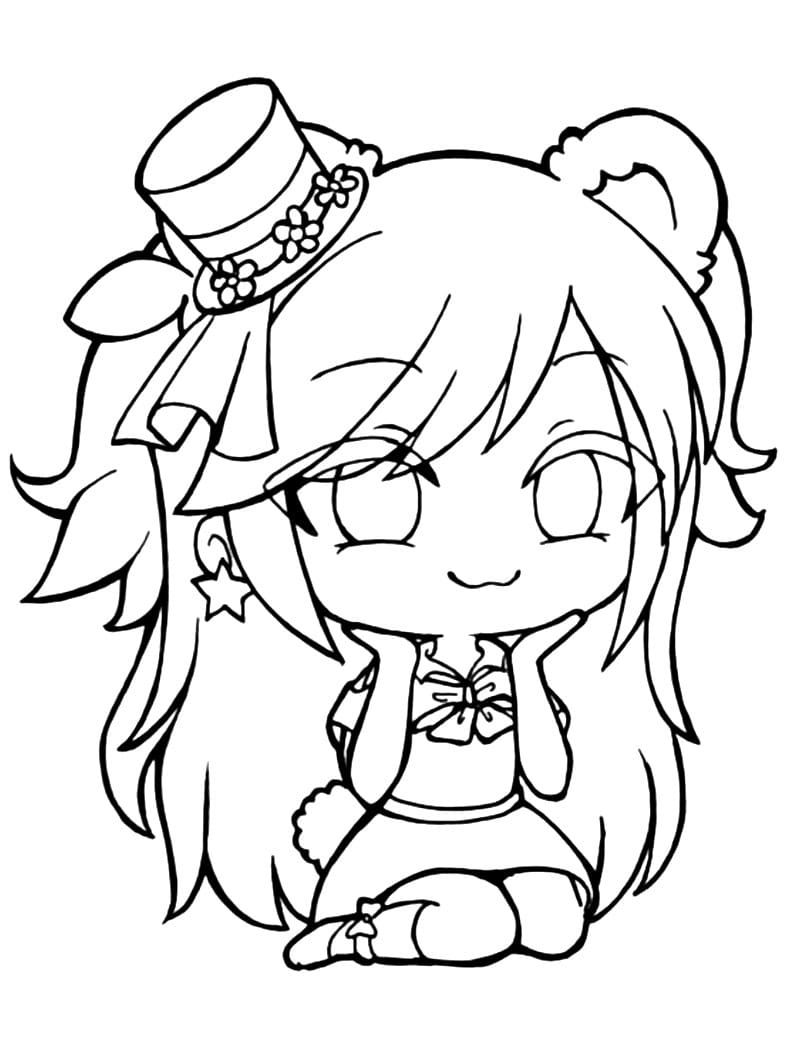
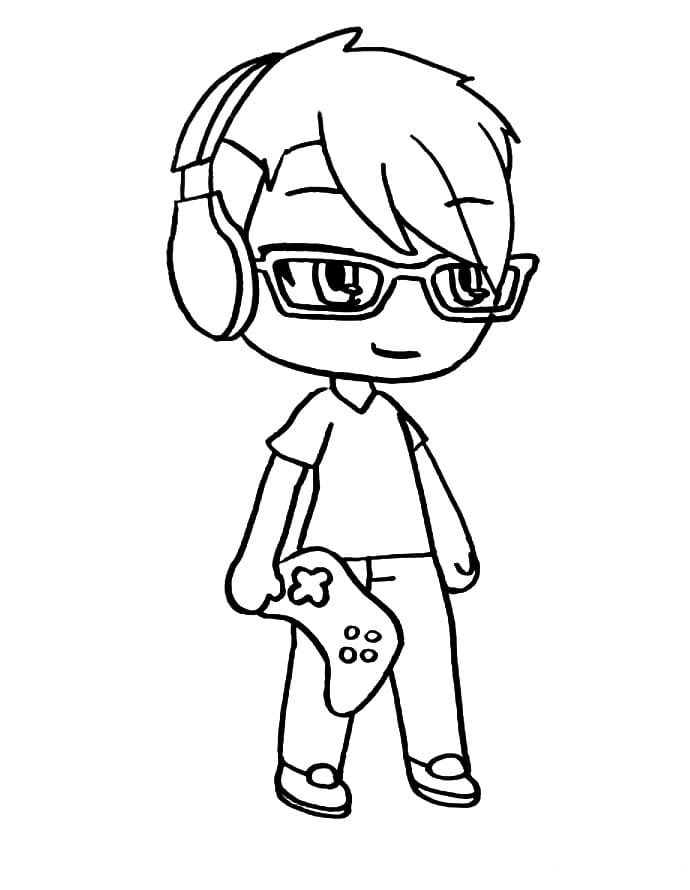
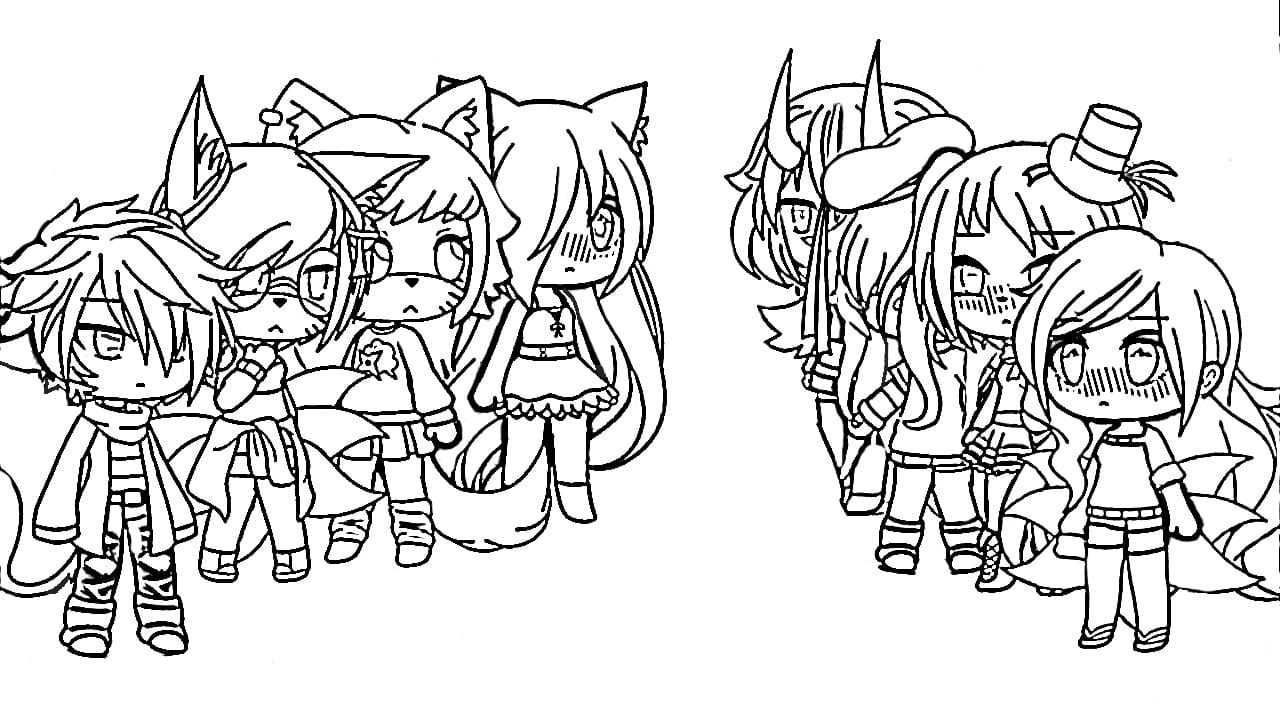
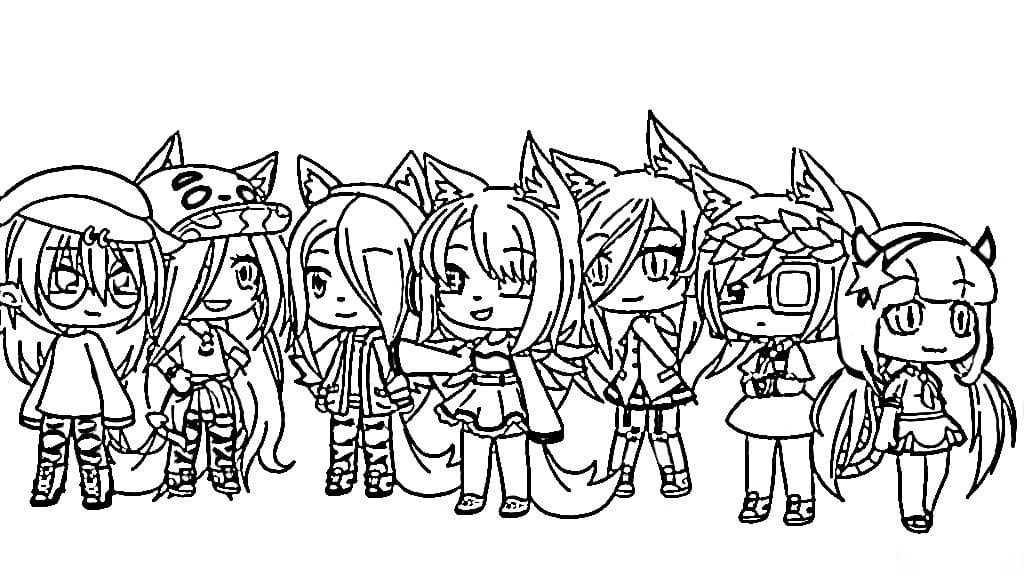
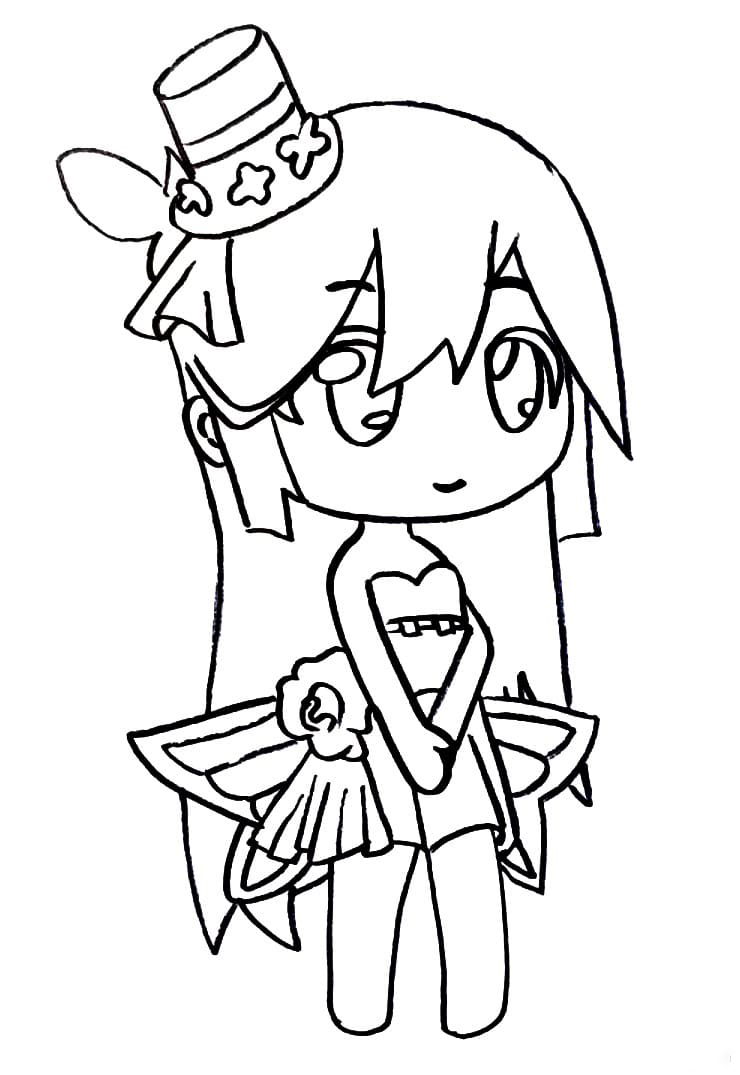
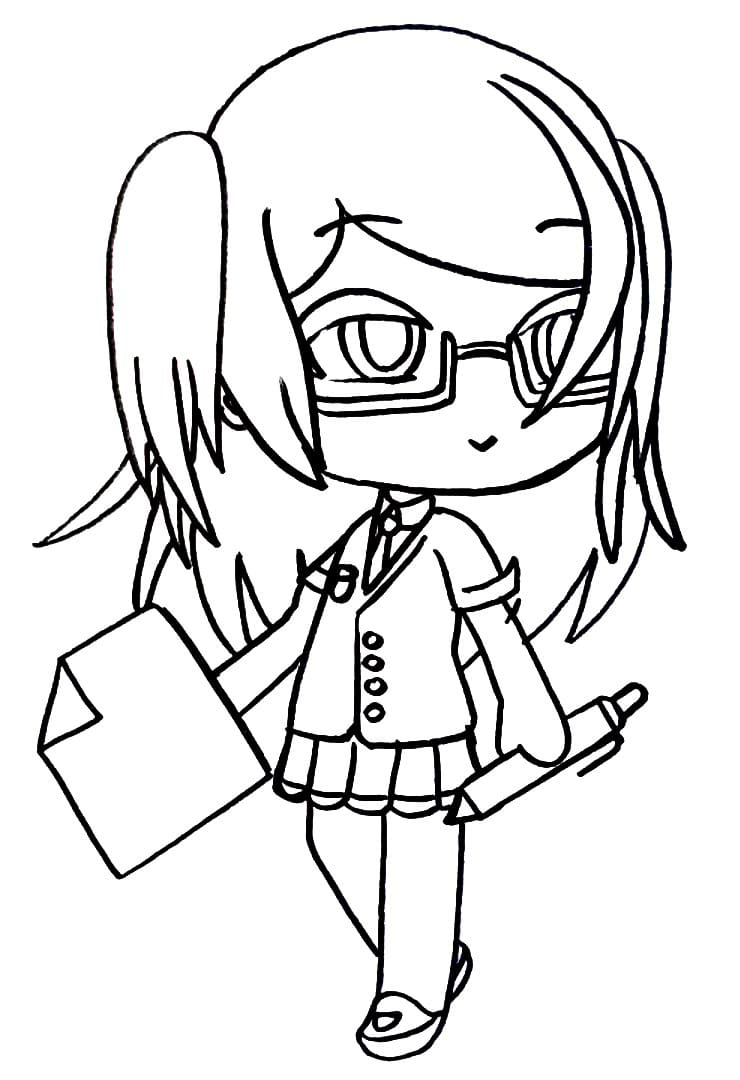
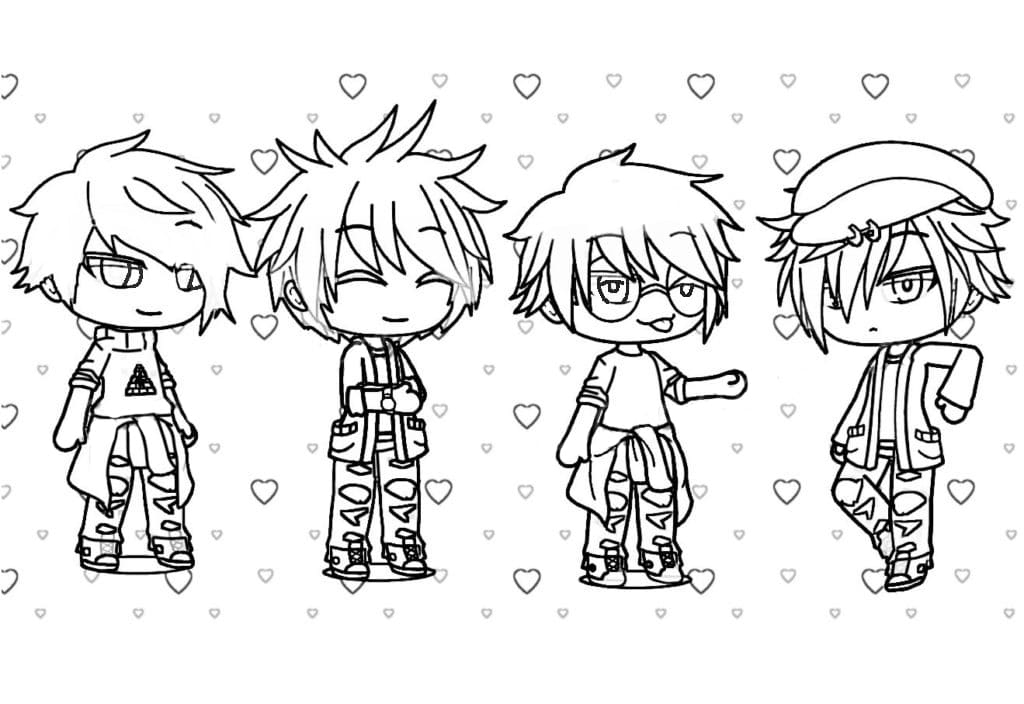
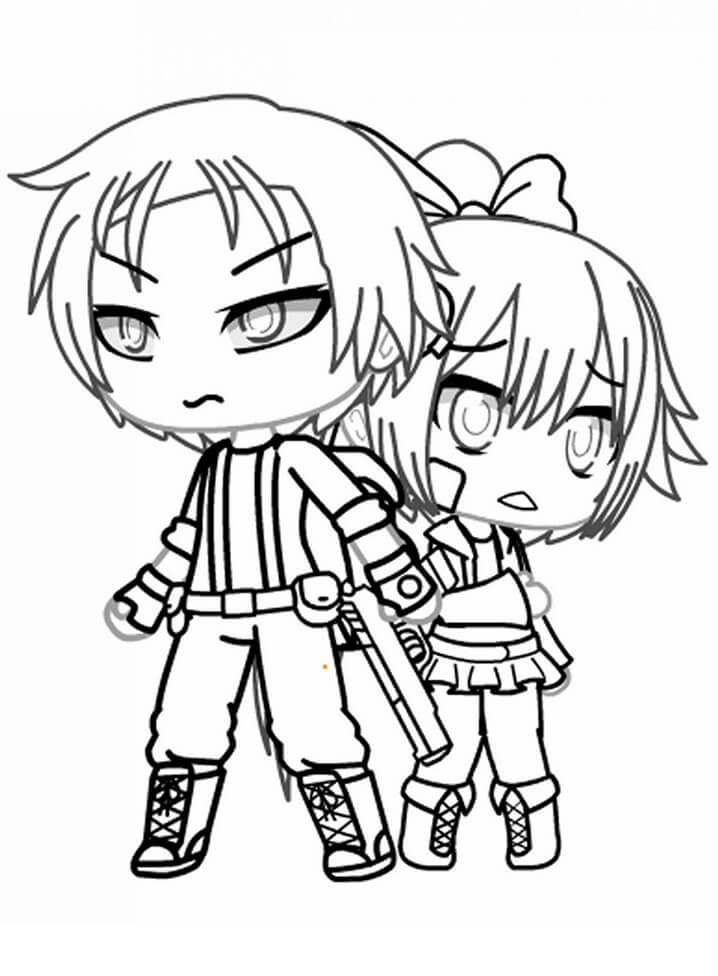
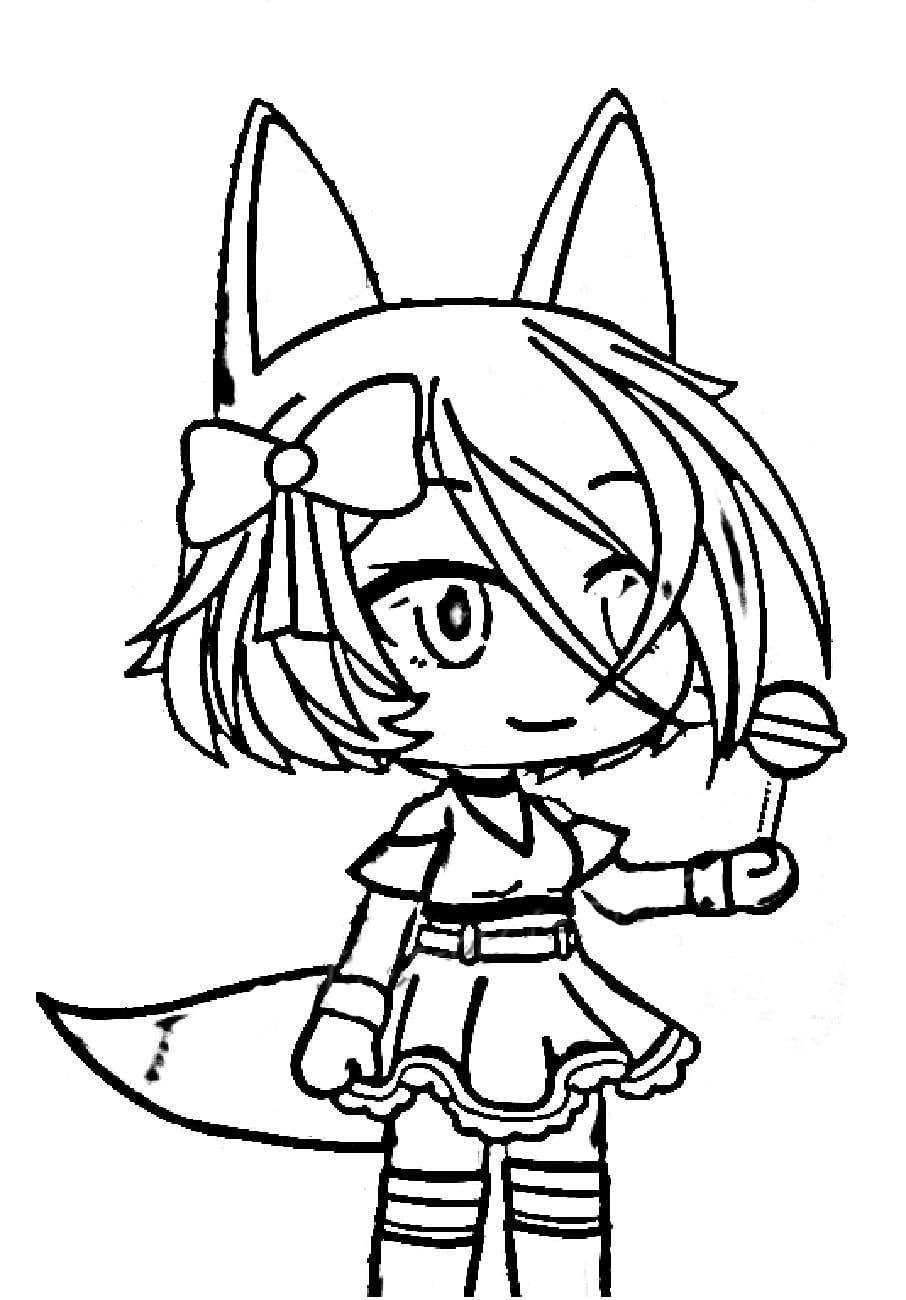
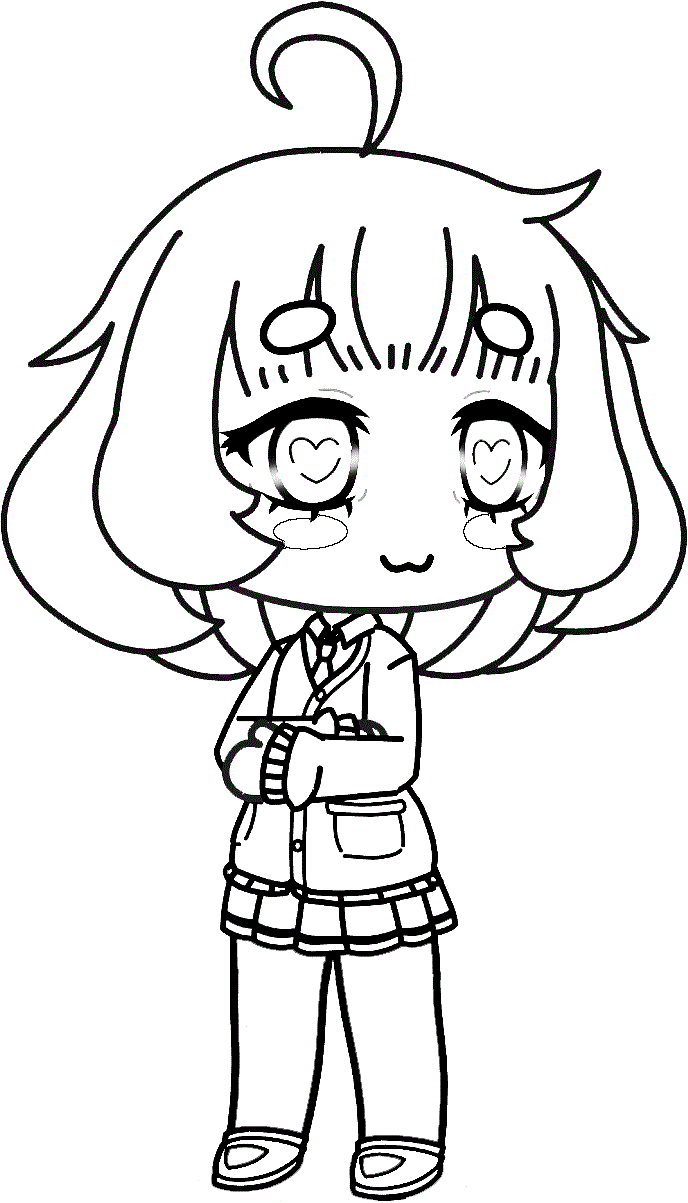
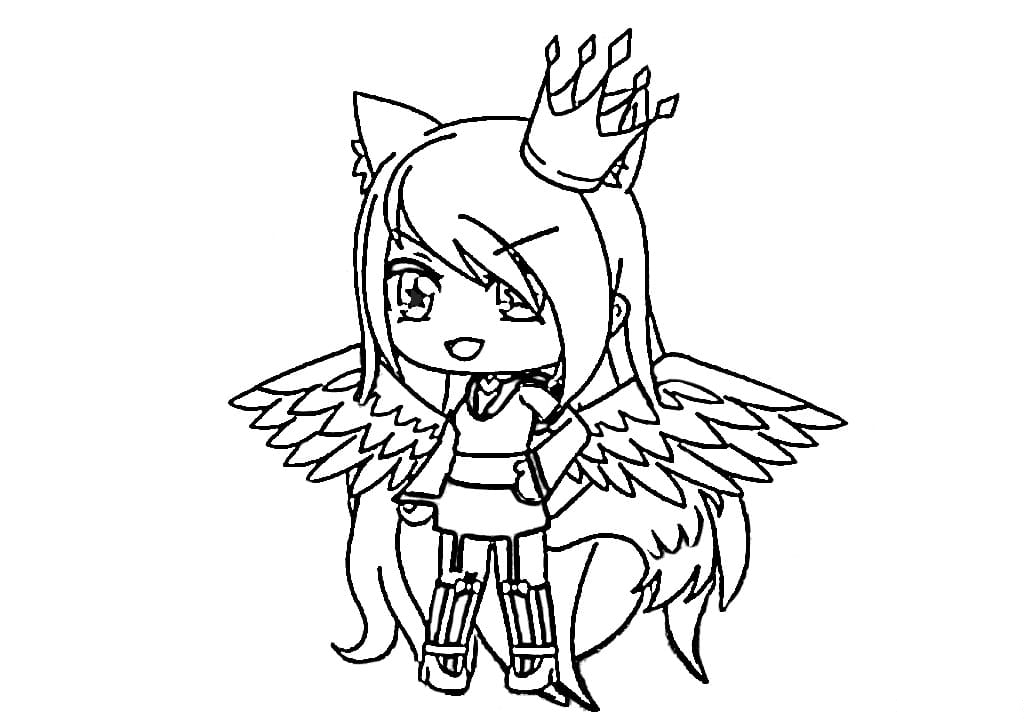
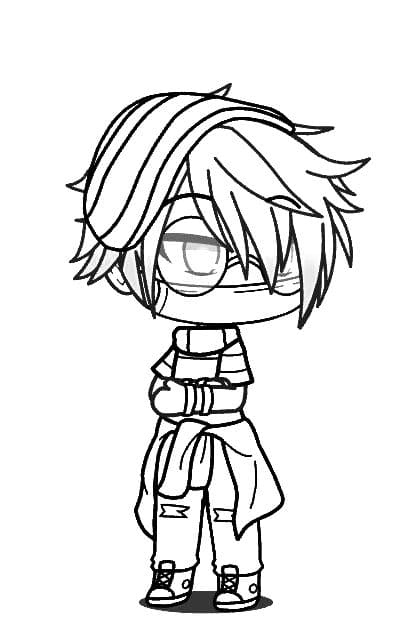
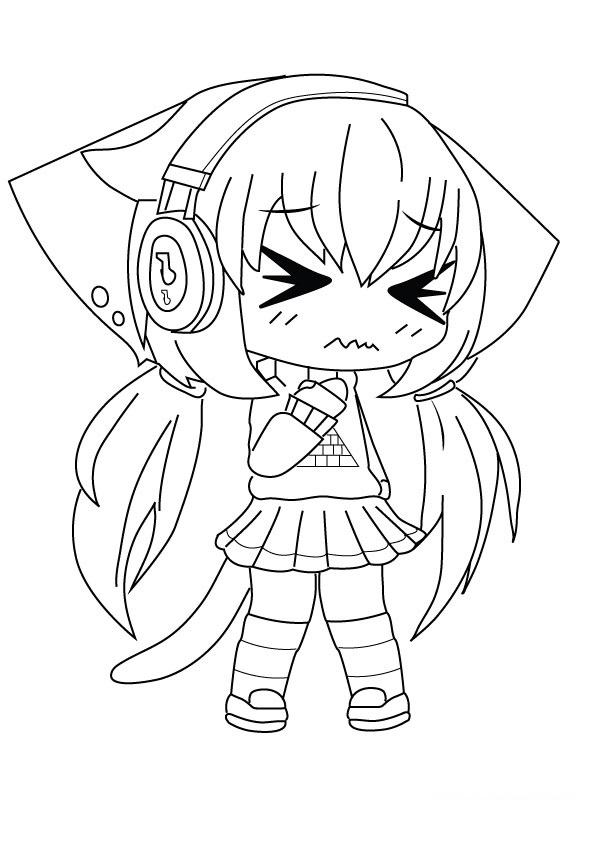
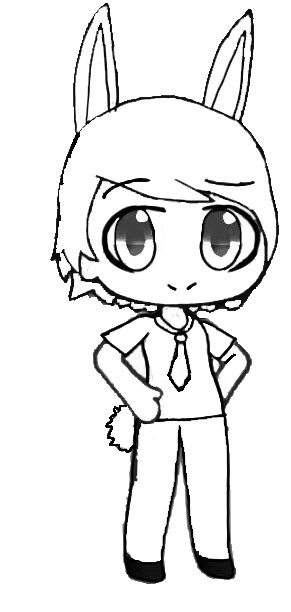
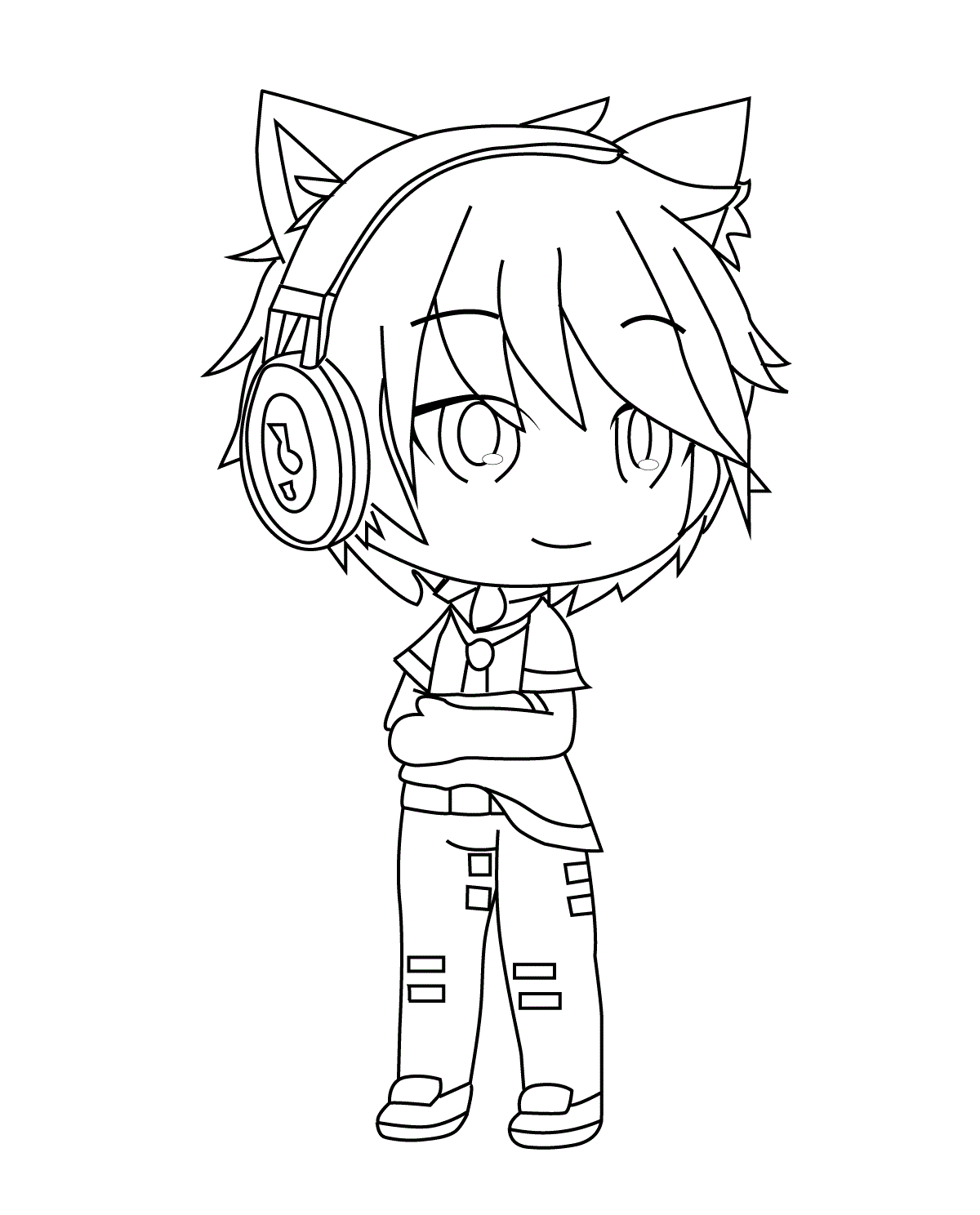
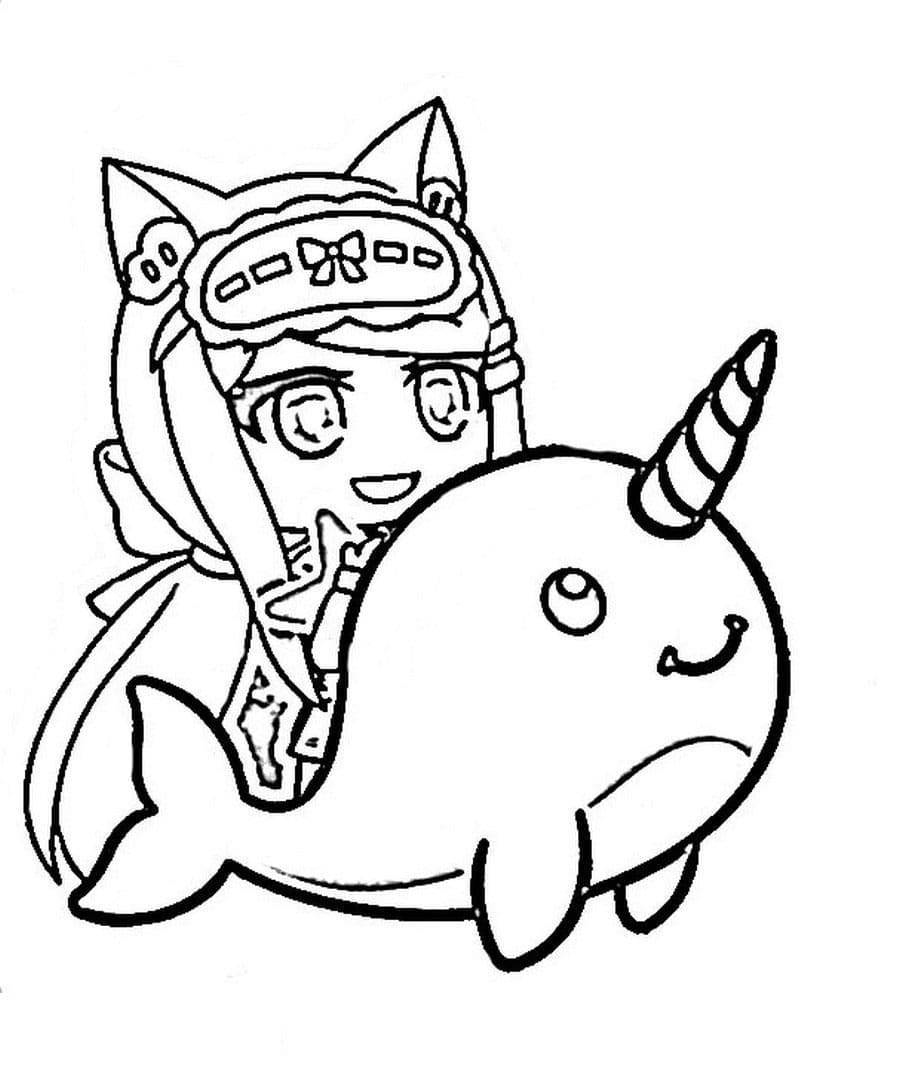
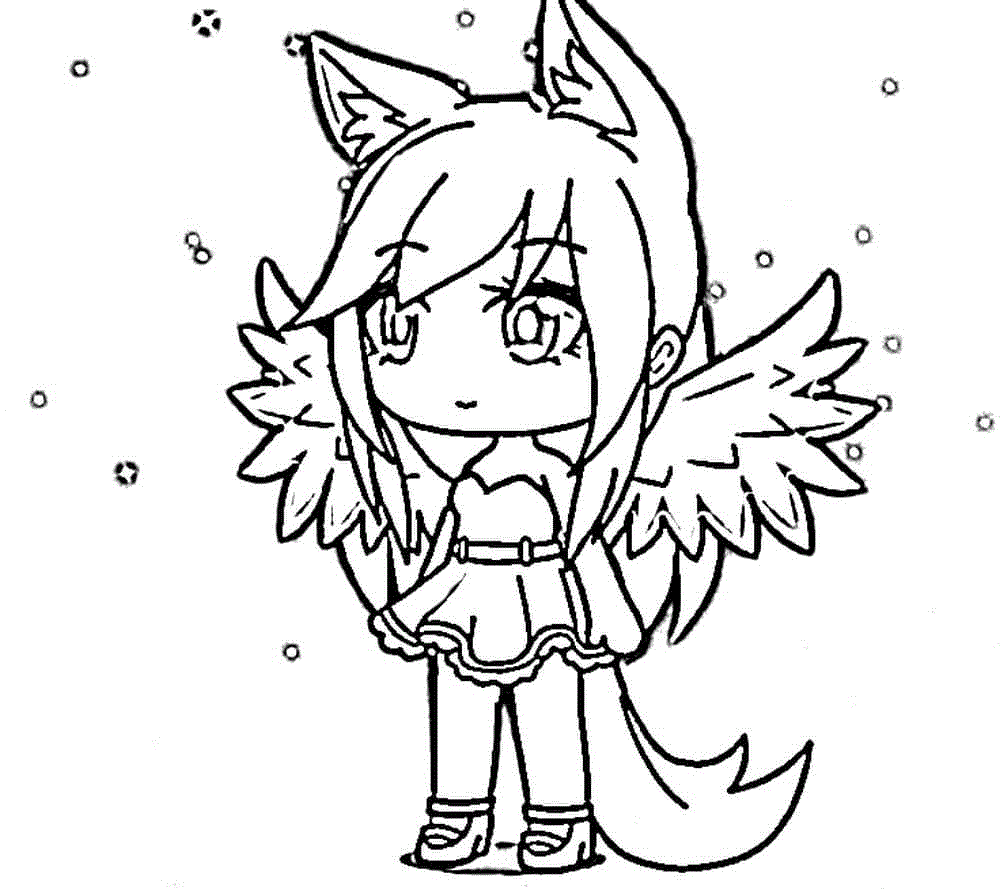
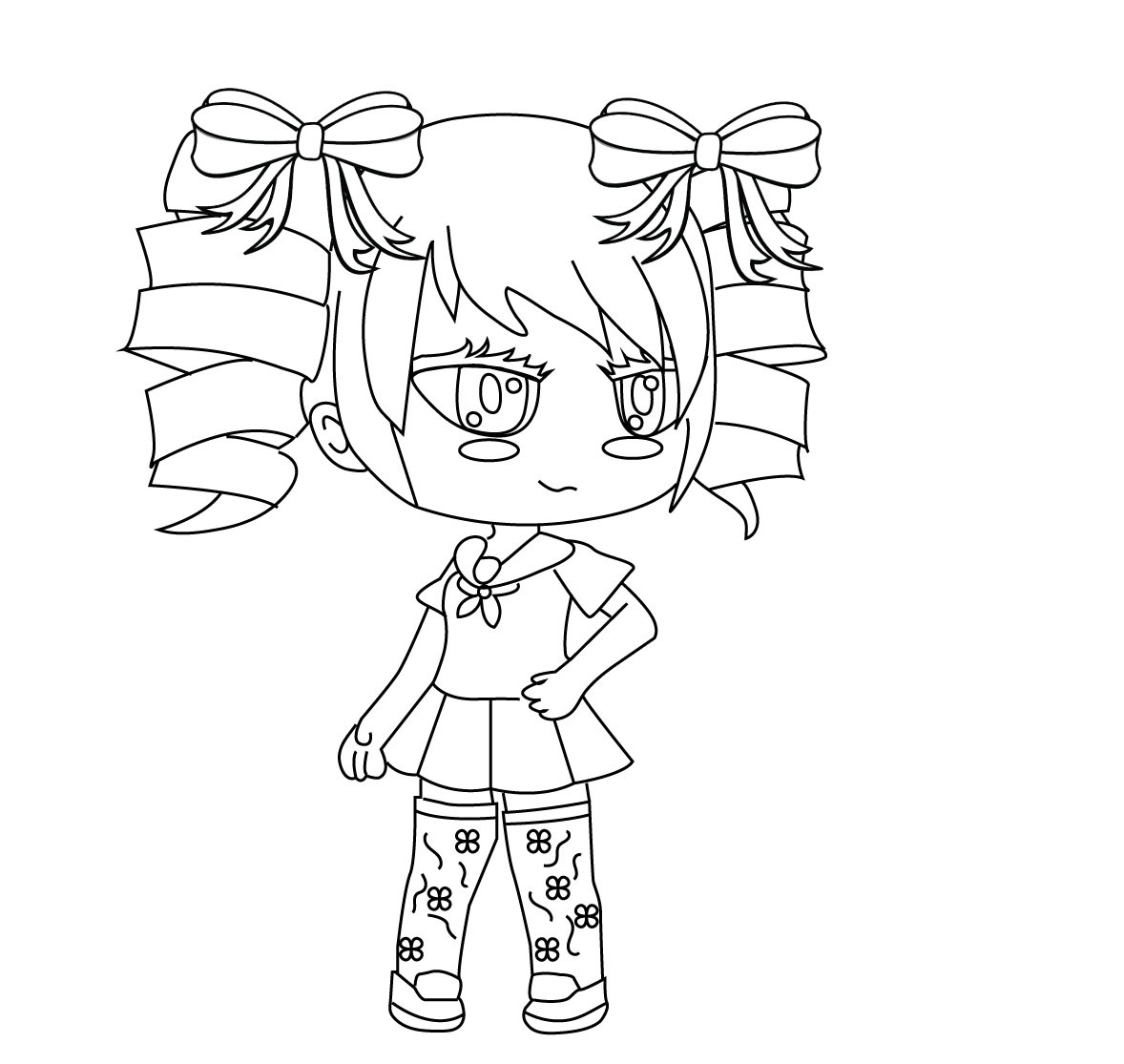
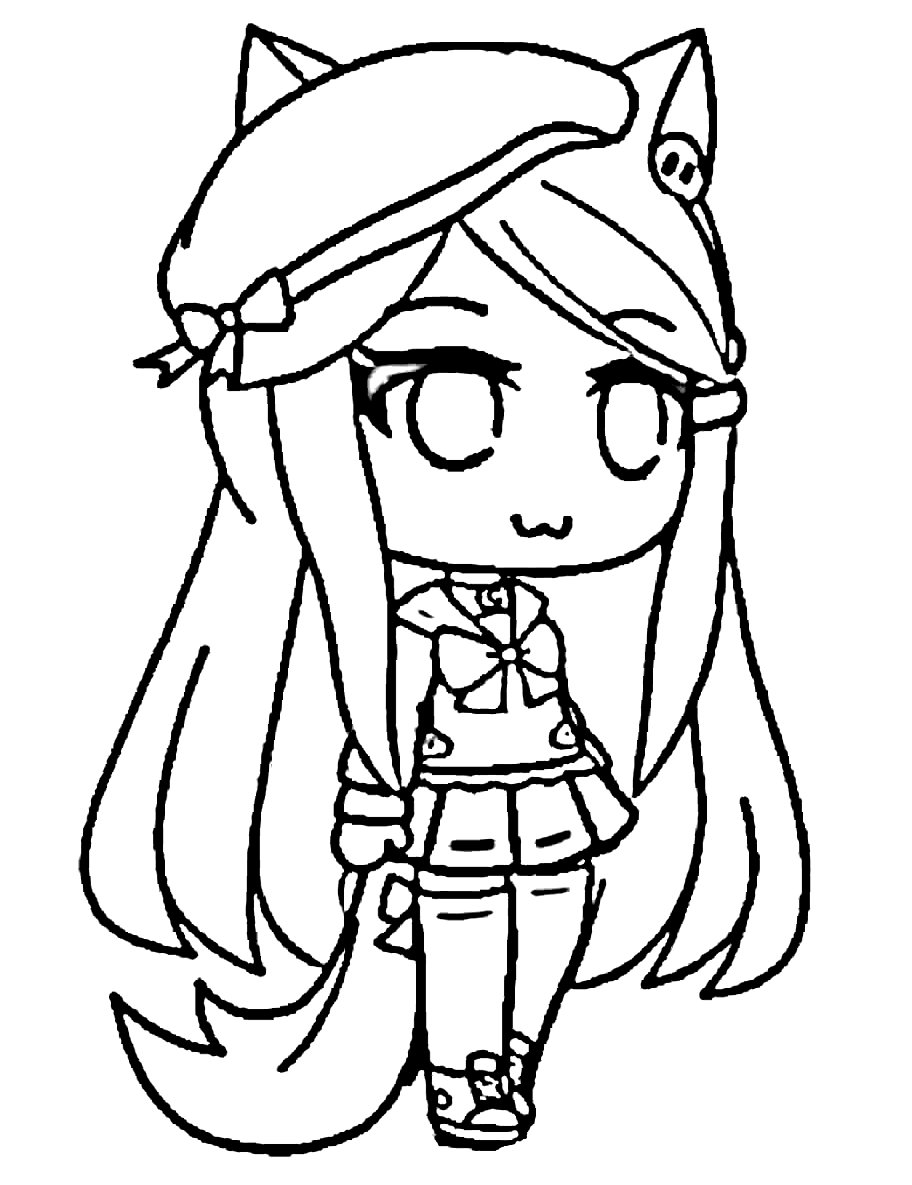
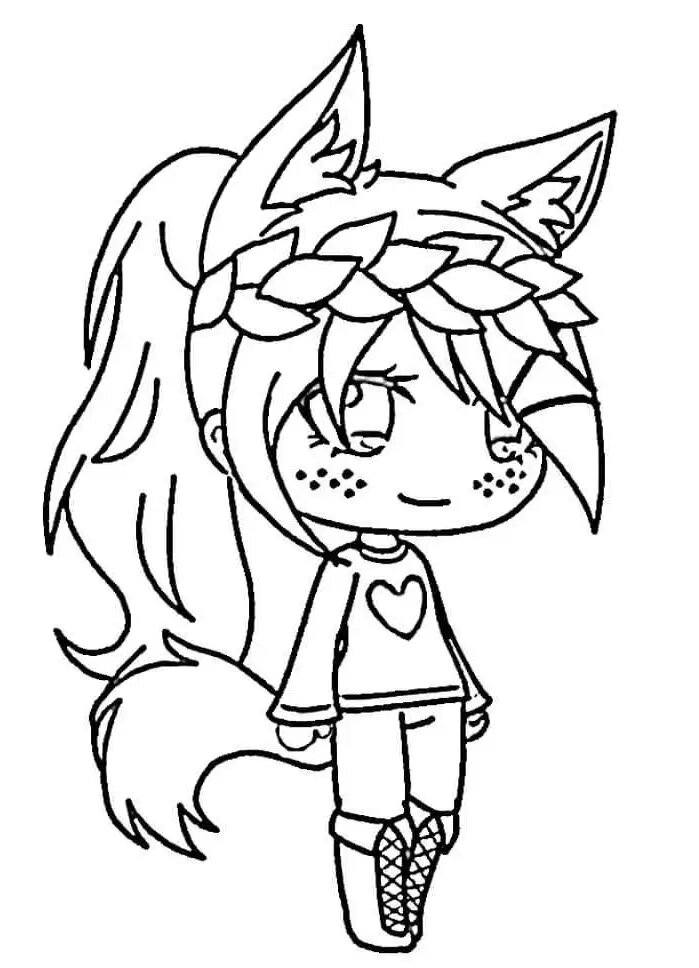
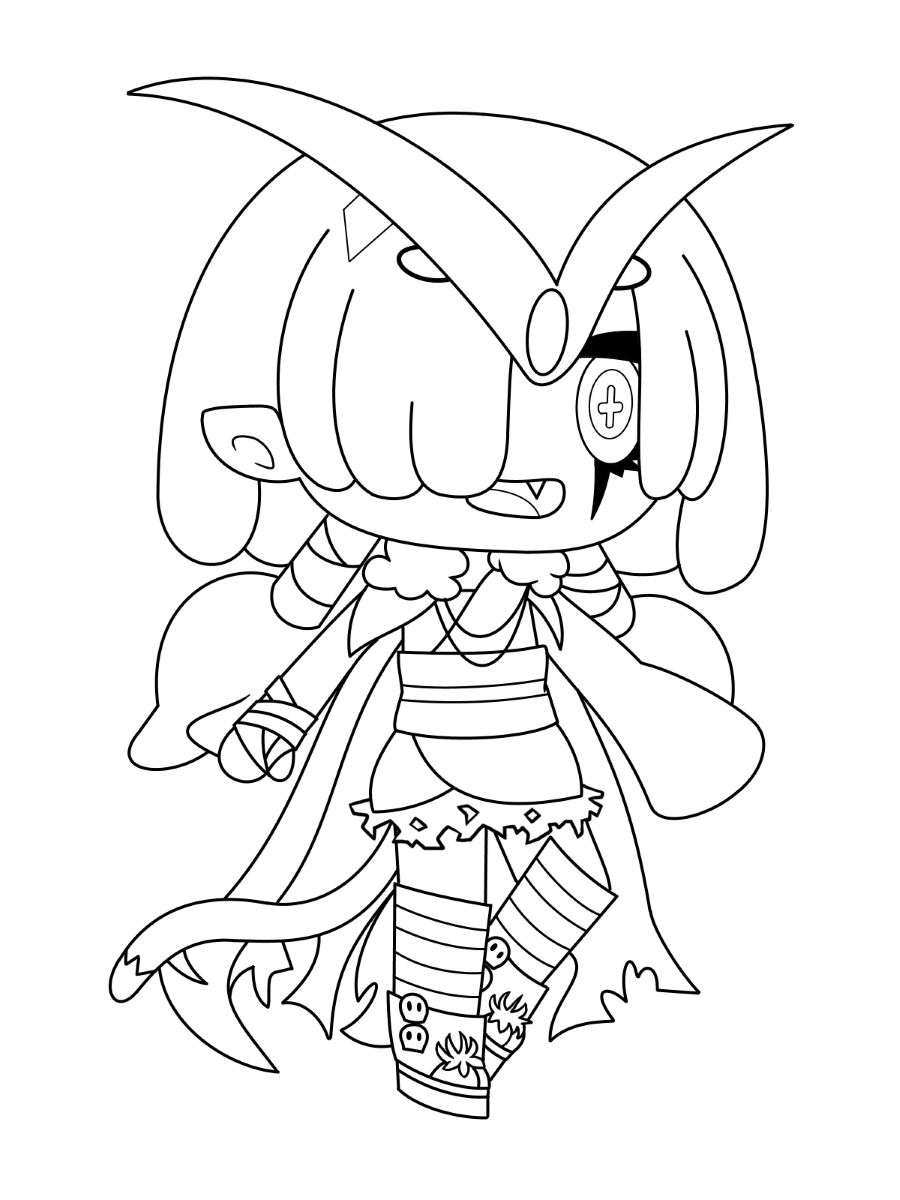
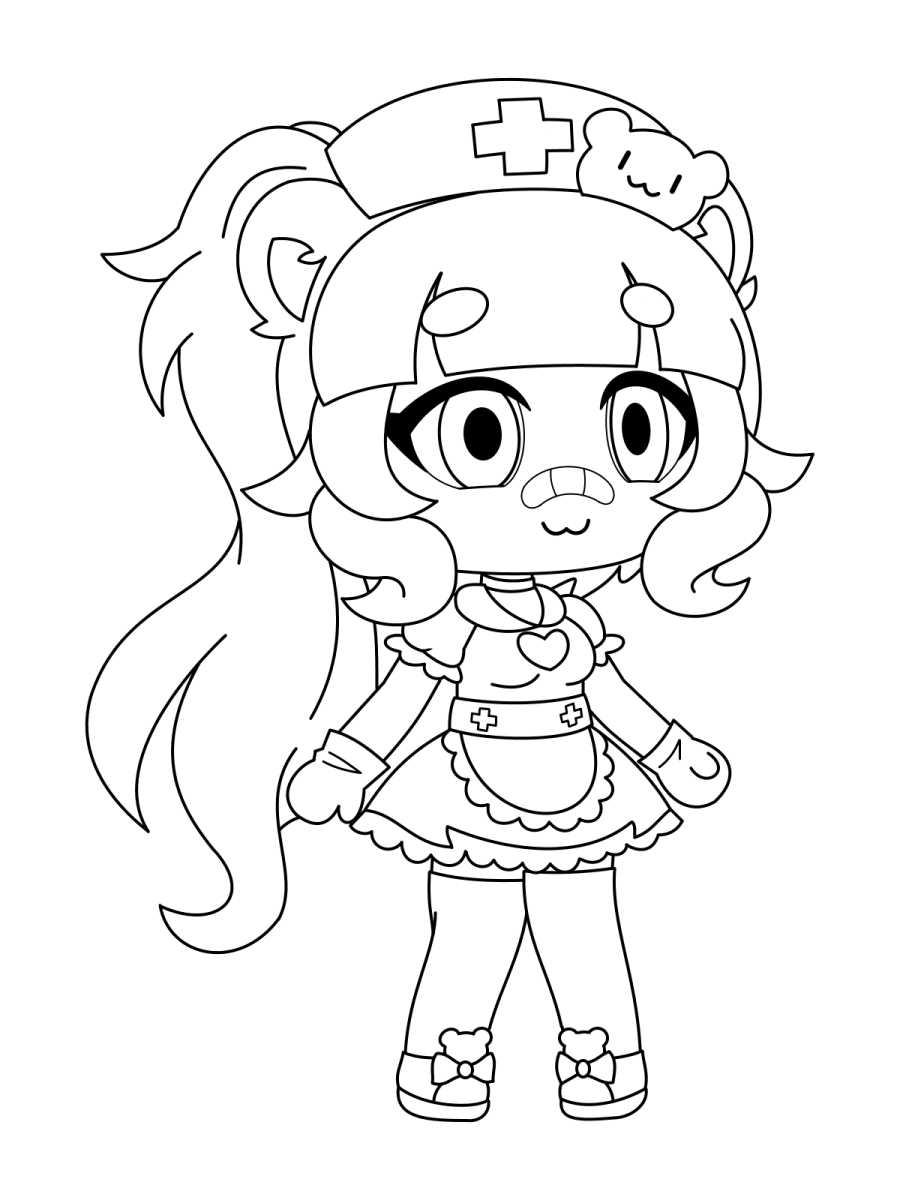

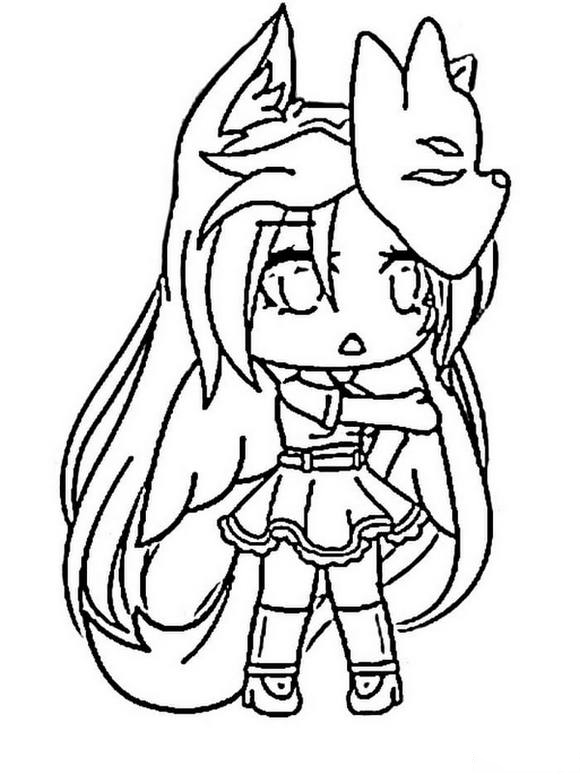
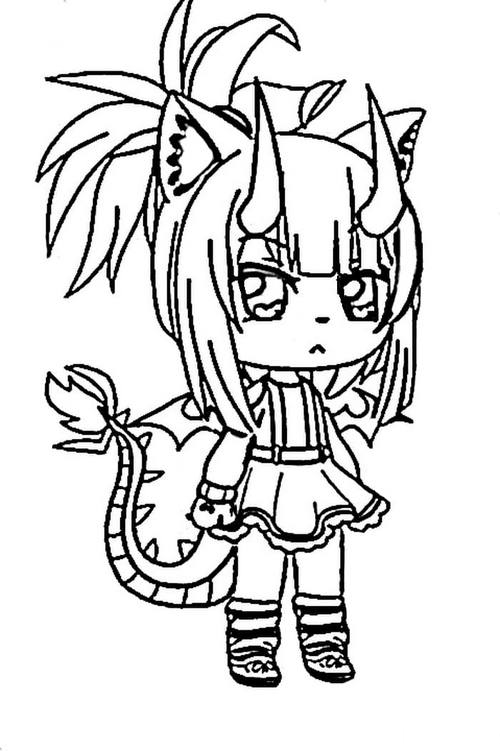
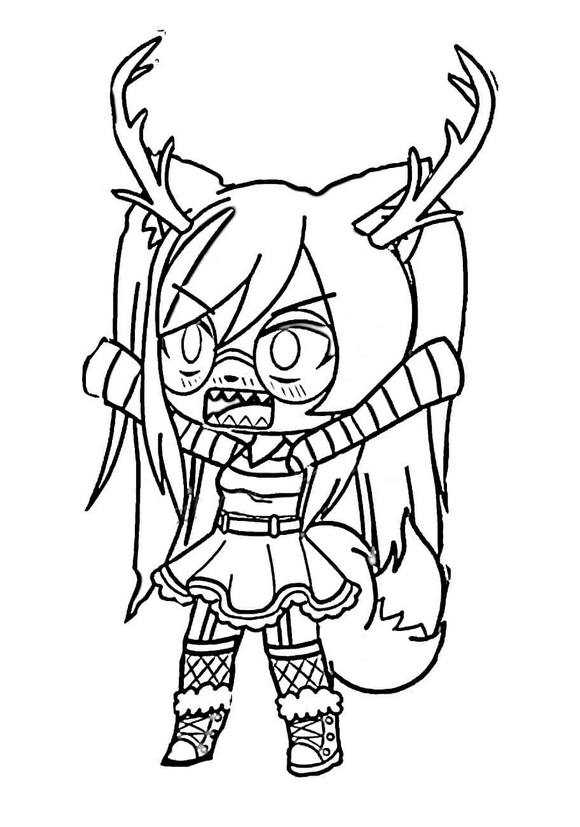
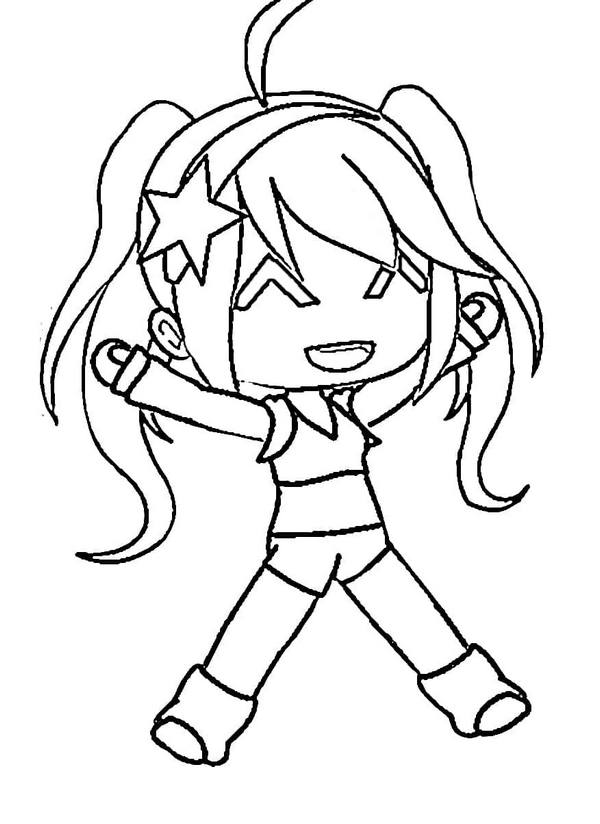
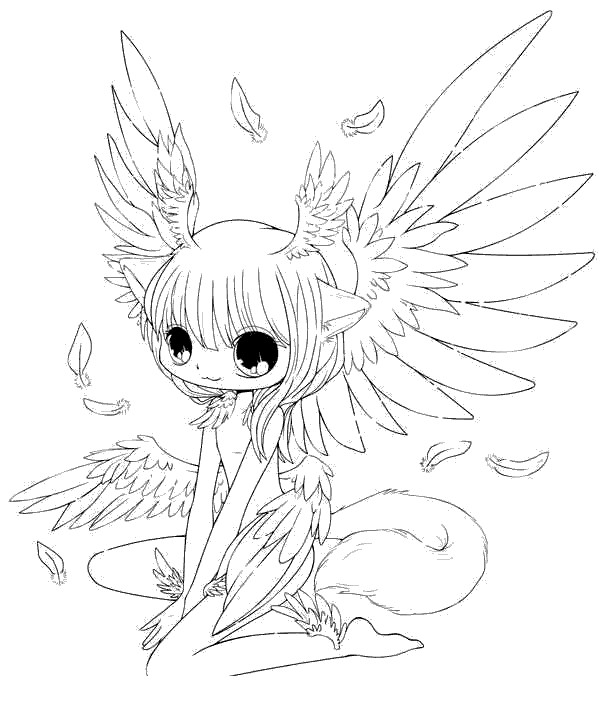


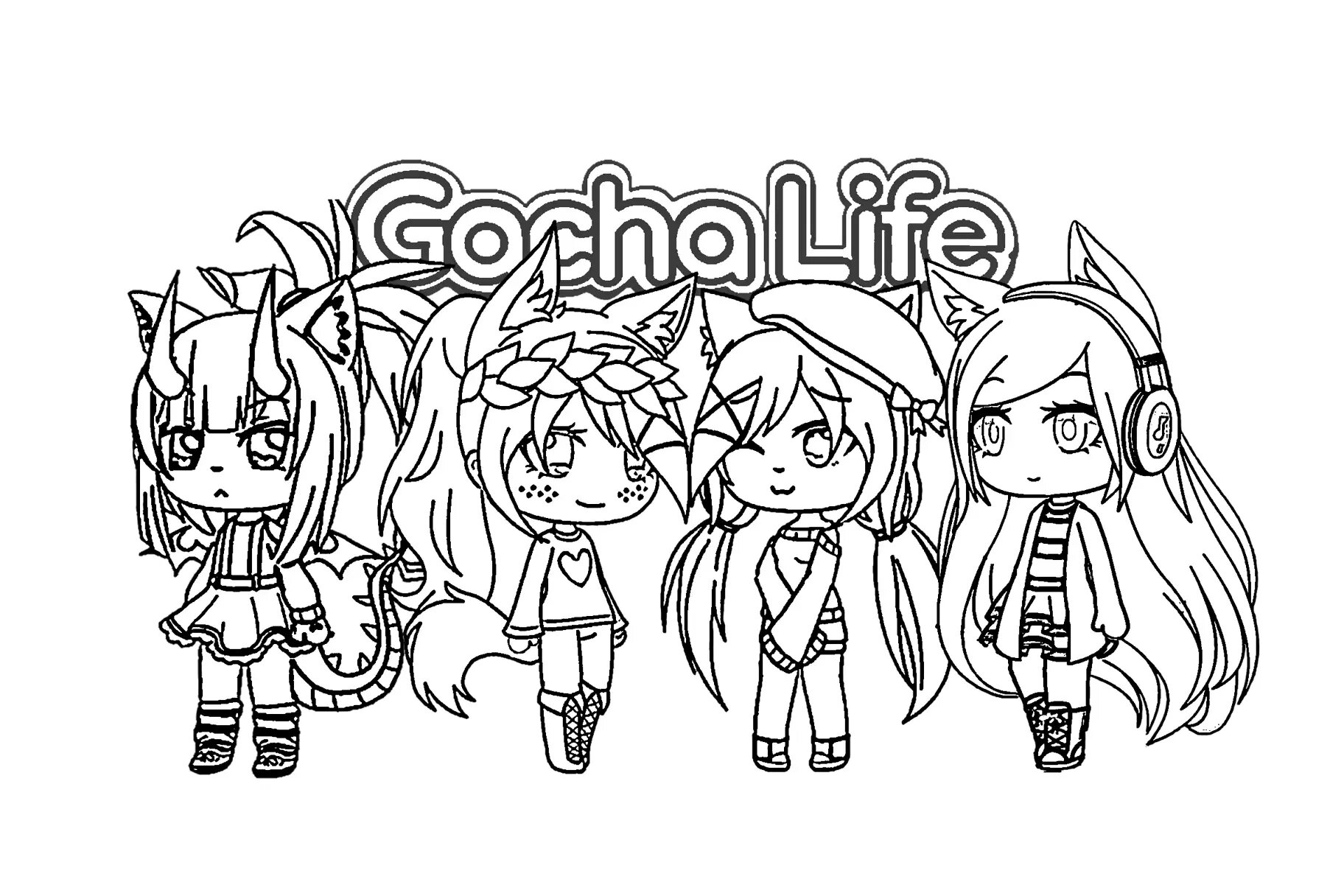



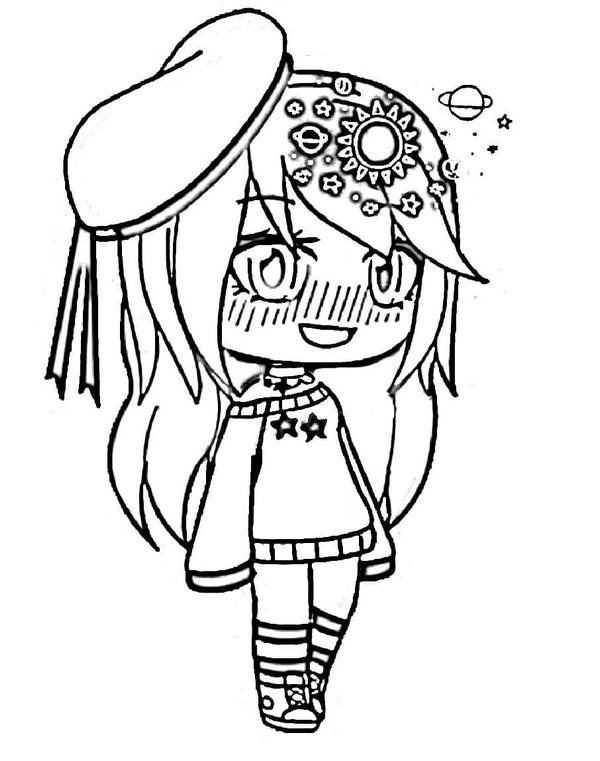

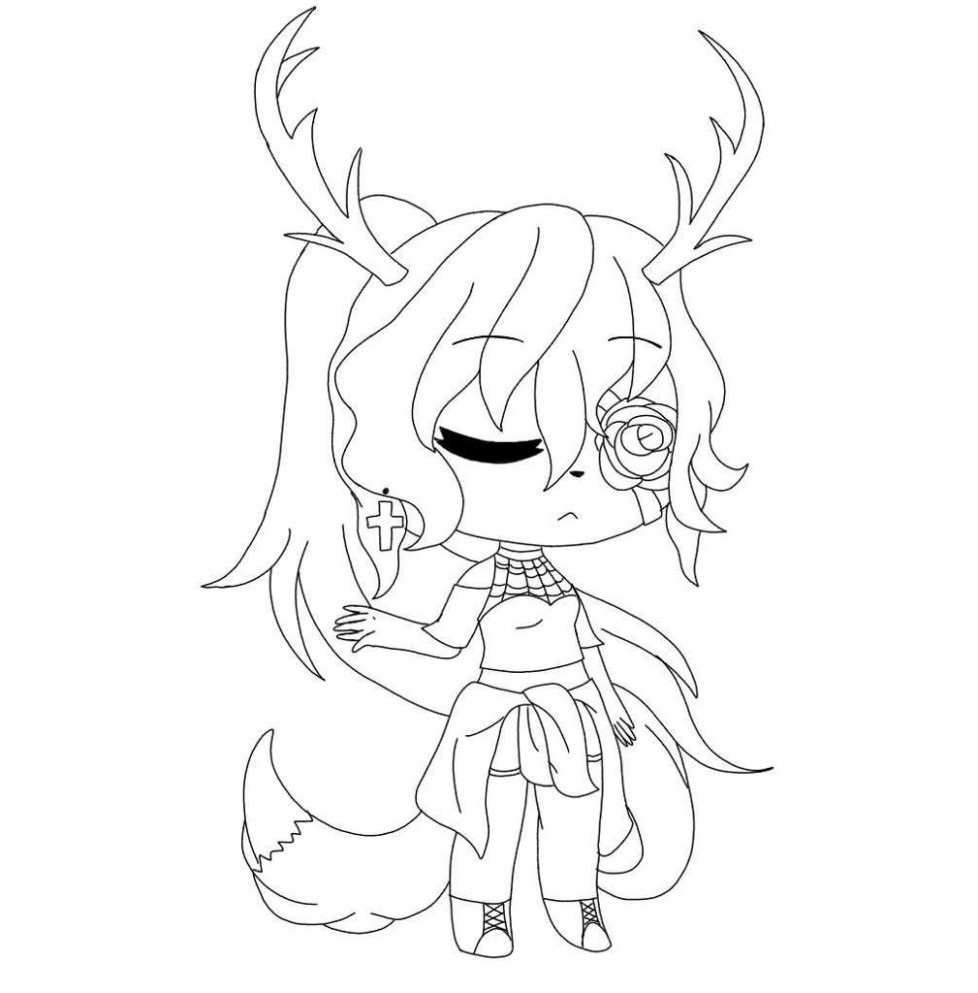
Gacha Life is the first entry in the flagship mobile character creation series developed by Lunime, the studio founded by Lucas Lee, known in the community as Luni. Released in 2018, it introduced an anime-style dress-up system where players combine hundreds of hairstyles, outfits, accessories, and poses, then place characters into scenes using Studio mode to create stories and images. The name comes from the Japanese “gacha,” the capsule toy vending machine mechanic, where a small payment returns a random item; players “pull” for new preset characters using in-game currency. The series has passed through three phases: Gacha Life (2018) established dress-up, Studio mode, and Life mode; Gacha Club (2020) expanded customization and added battle mechanics; Gacha Life 2 (released October 2023 on iOS, November 2023 on PC) is the current version, with color sliders for every element, adjustable body proportions, and a community asset submission system. “GachaTubers,” content creators who produce Gacha-based skits and edits, have built audiences in the millions on YouTube and TikTok.
What’s Inside This Collection
Named Presets
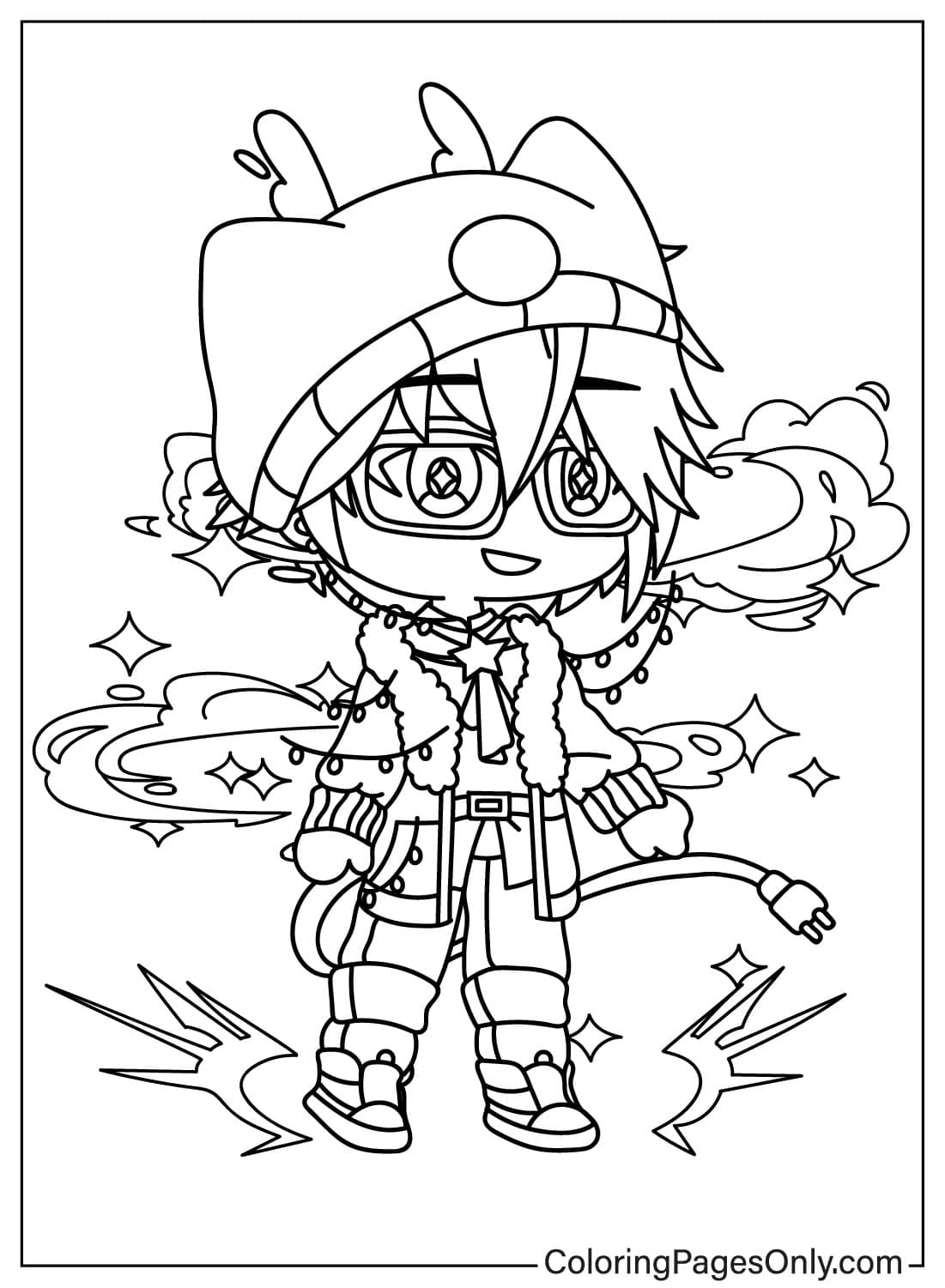
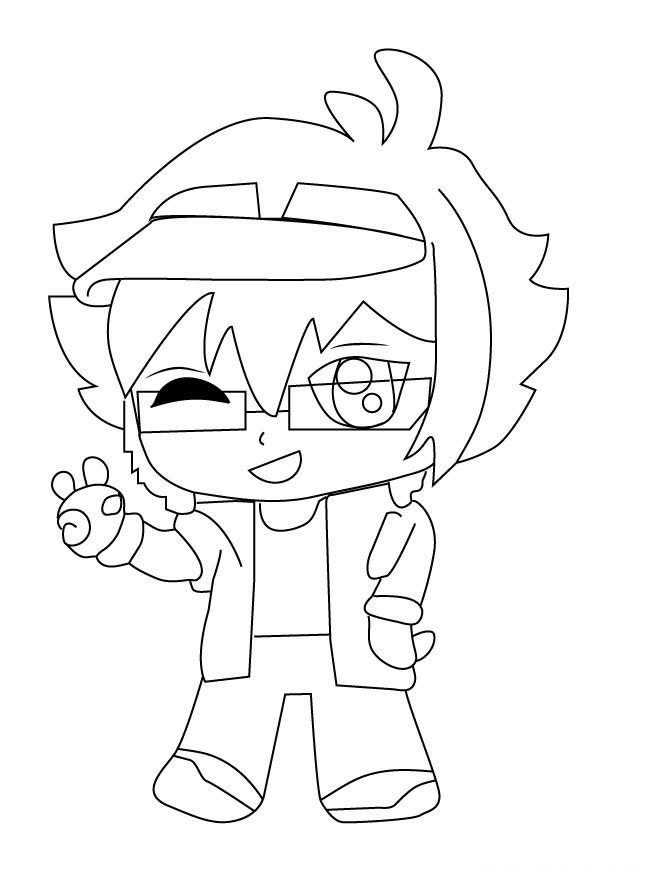
Luni is Lunime’s mascot, appearing as a young man with dark, wing-cut hair and blue eyes, wearing a teal shirt under a blue jacket with dark trousers and a purple accent design. Holly and Leslie are Gacha Life 2 preset characters, reflecting the cleaner lines and community-driven design process of the GL2 art style. Hatsune Miku appears as a crossover preset, rendered in Gacha Life 2’s art style with her canonical teal twin tails.
Gacha Life 2 Art and Seasonal Pages
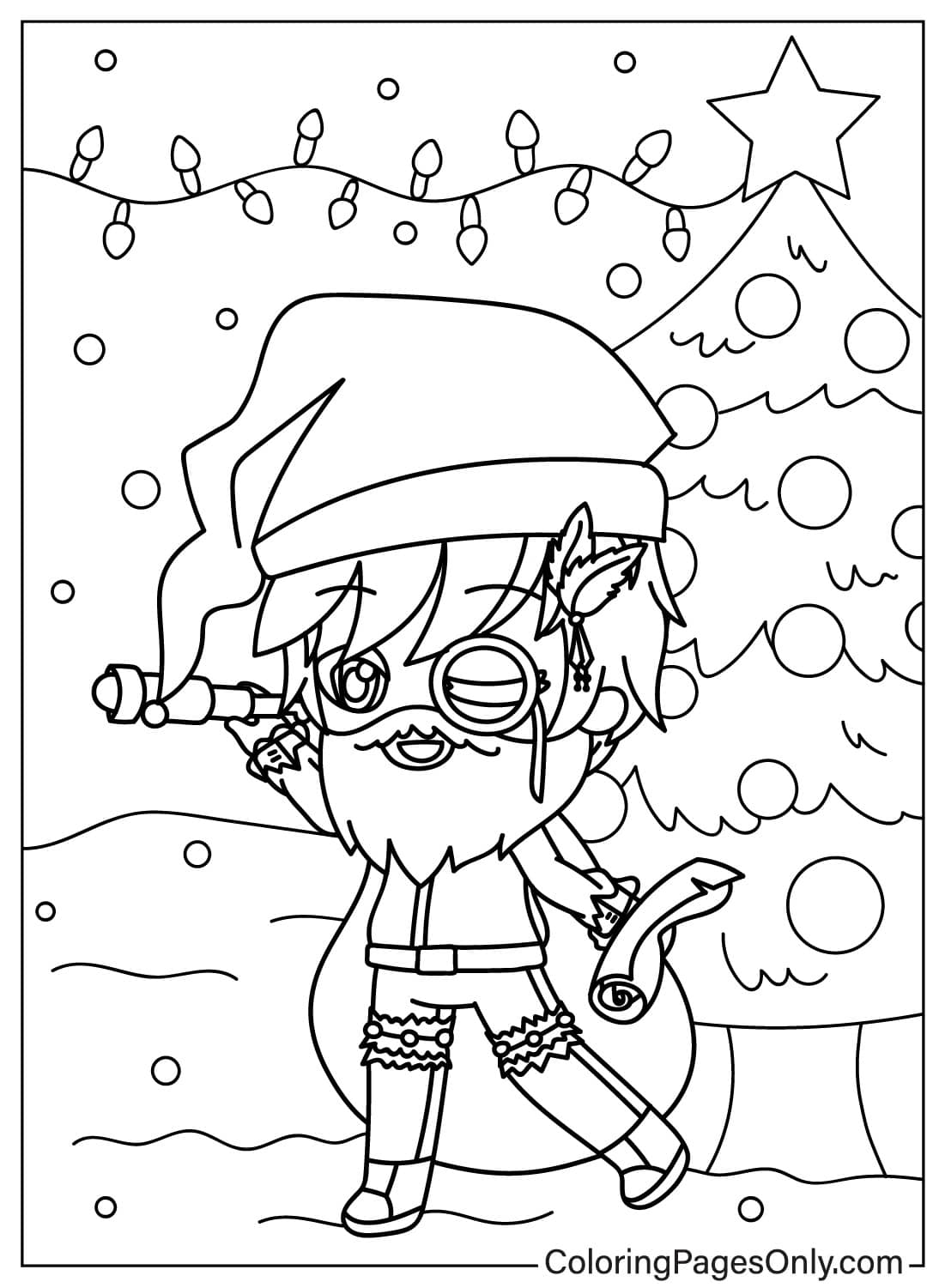
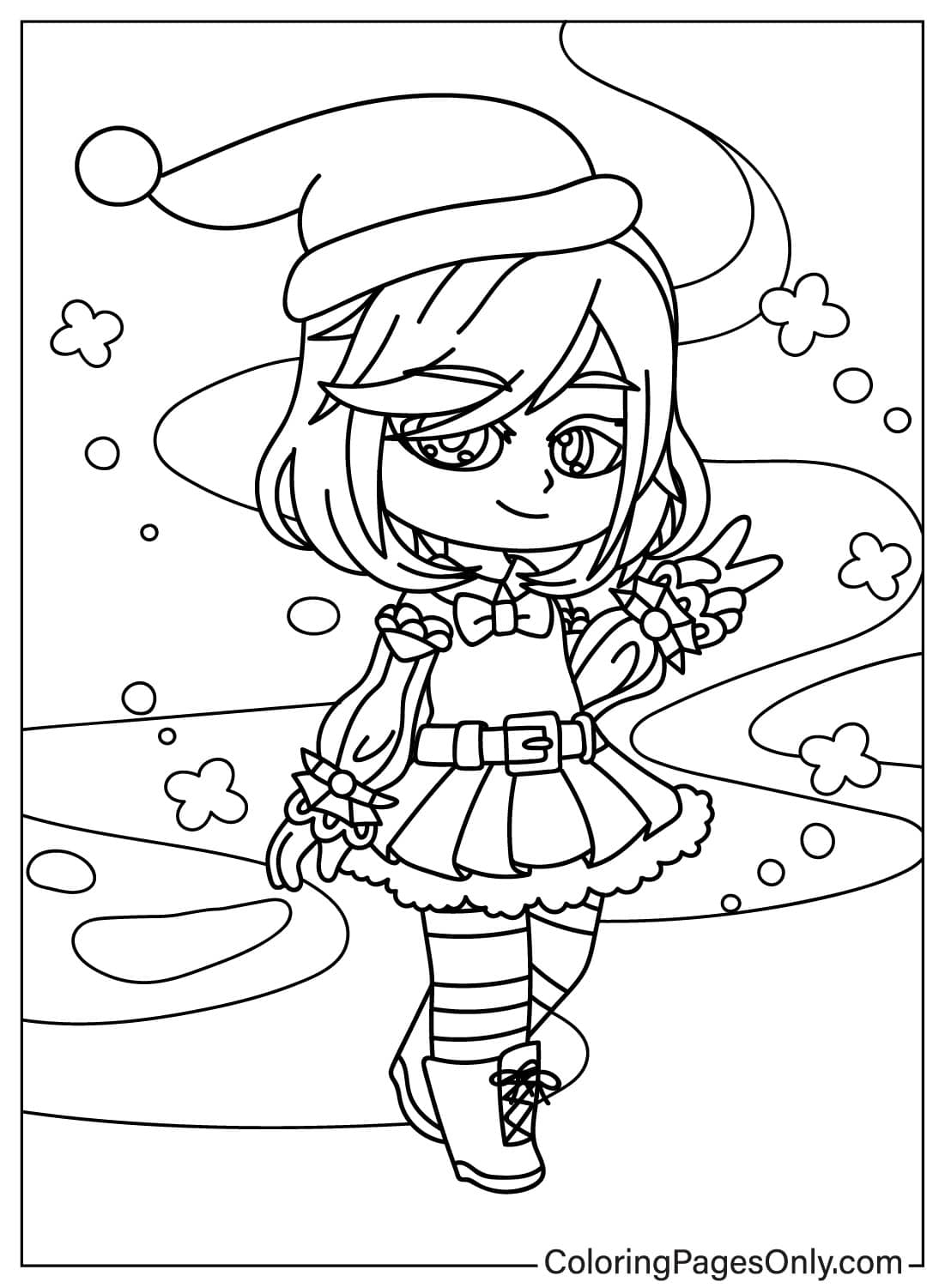
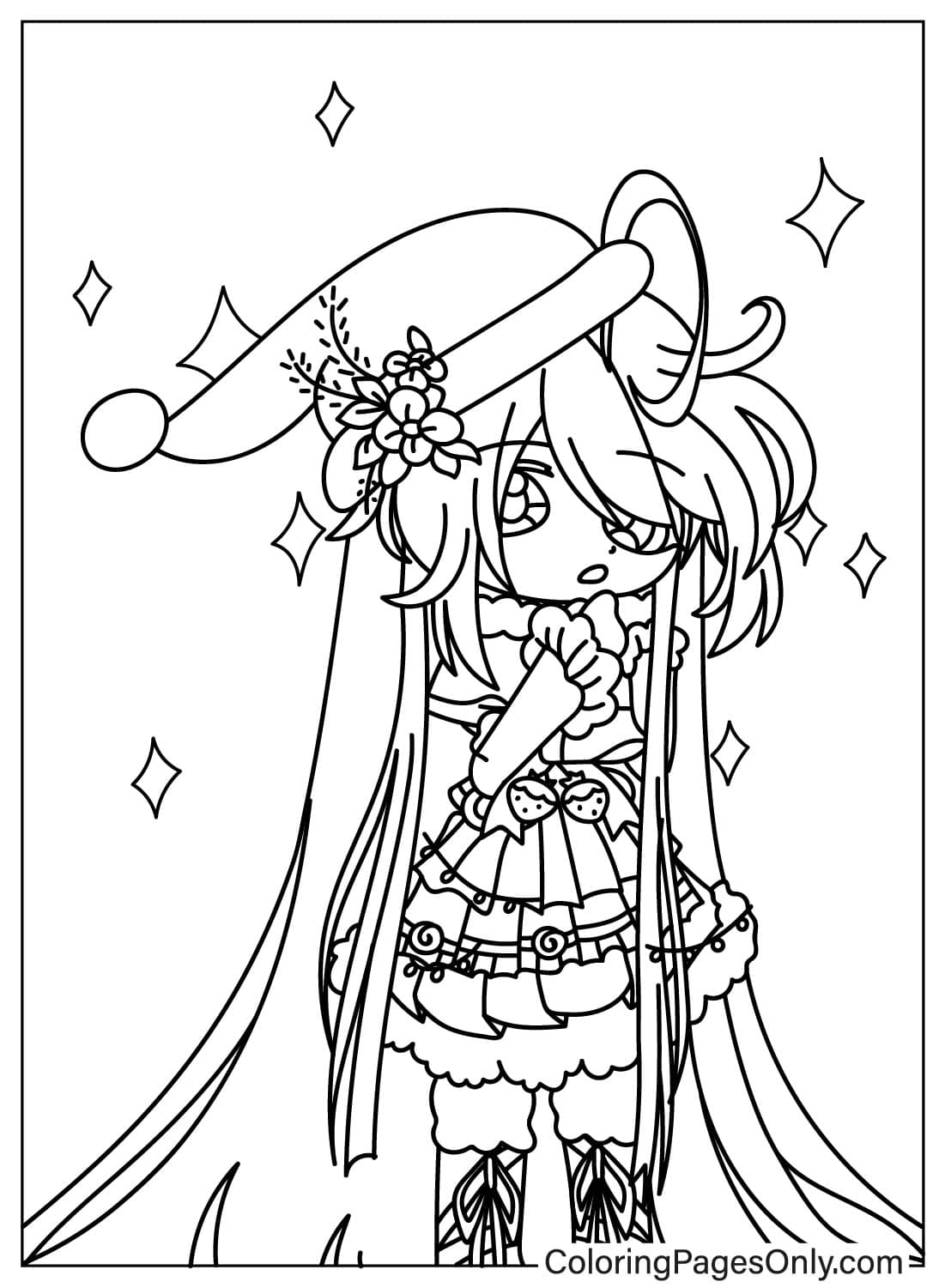
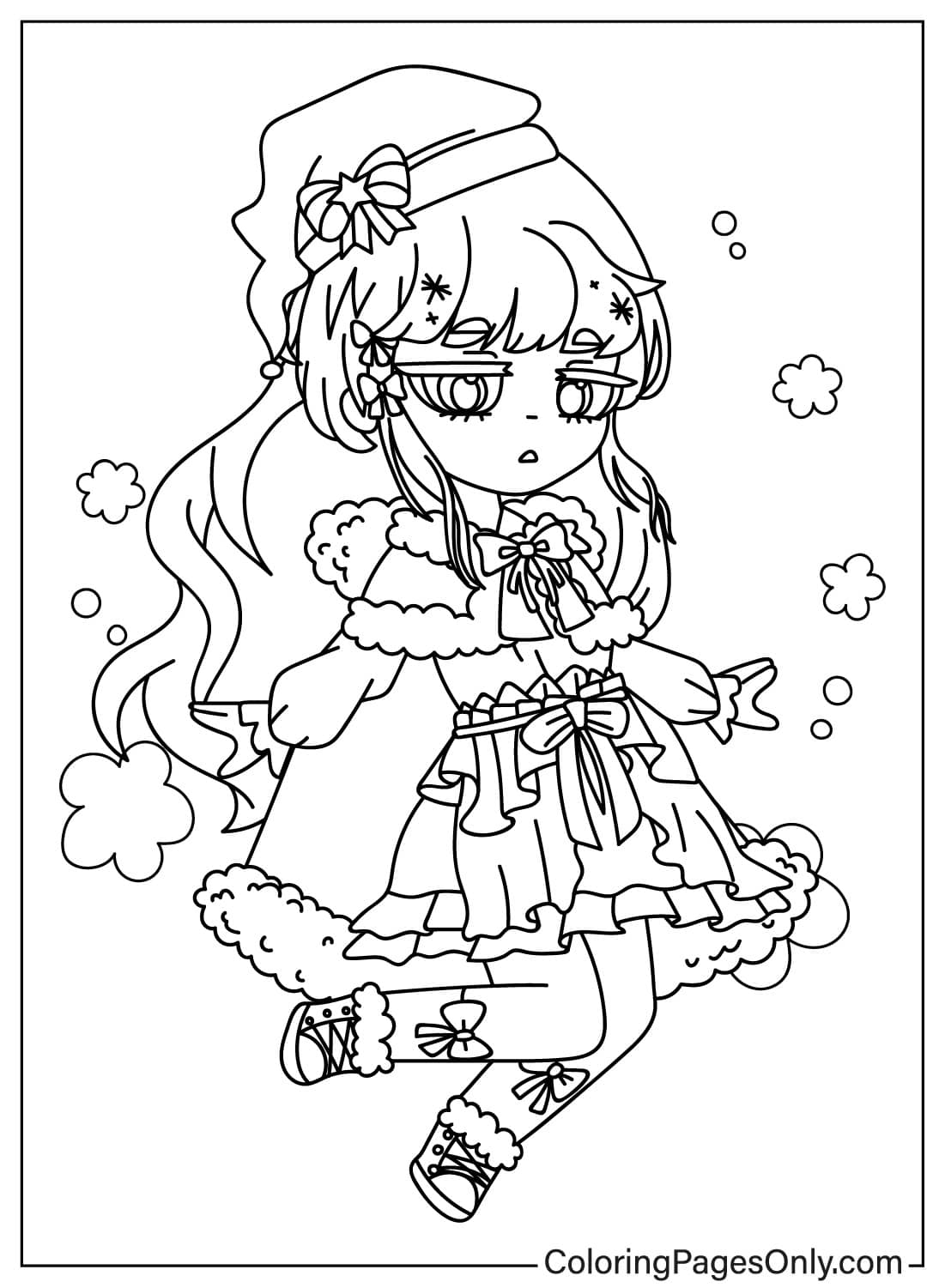
Pages such as the Gacha Life 2 Poster and the Christmas-themed designs reflect the current version’s promotional style and seasonal character variants, including a Santa-themed page in the GL2 aesthetic.
Paper Doll and Template Pages
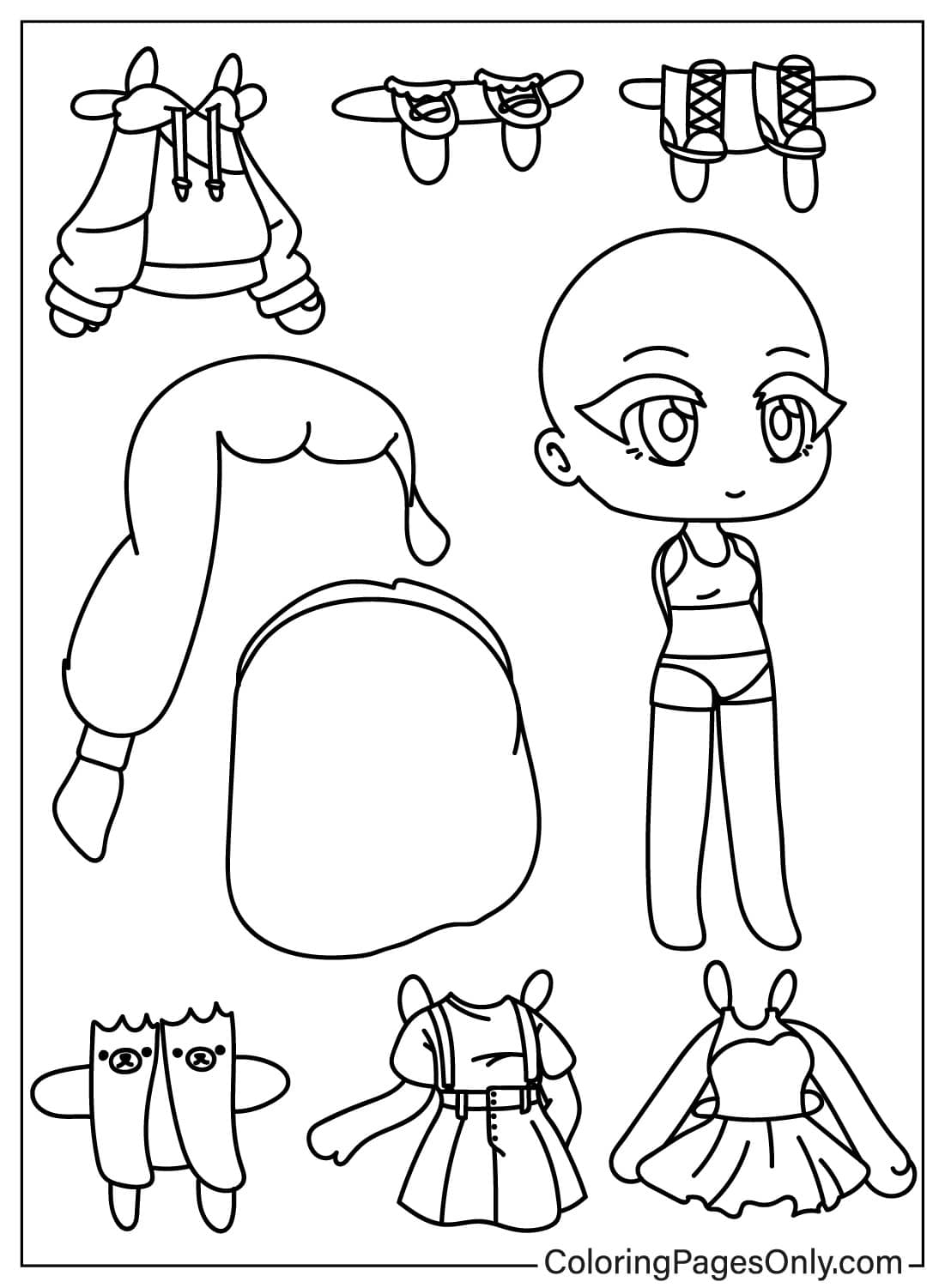
The Gacha Life Paper Doll Template gives colorists a blank structure for designing a complete original character from scratch, mirroring the game’s own dress-up mechanic.
Original Character Style Pages
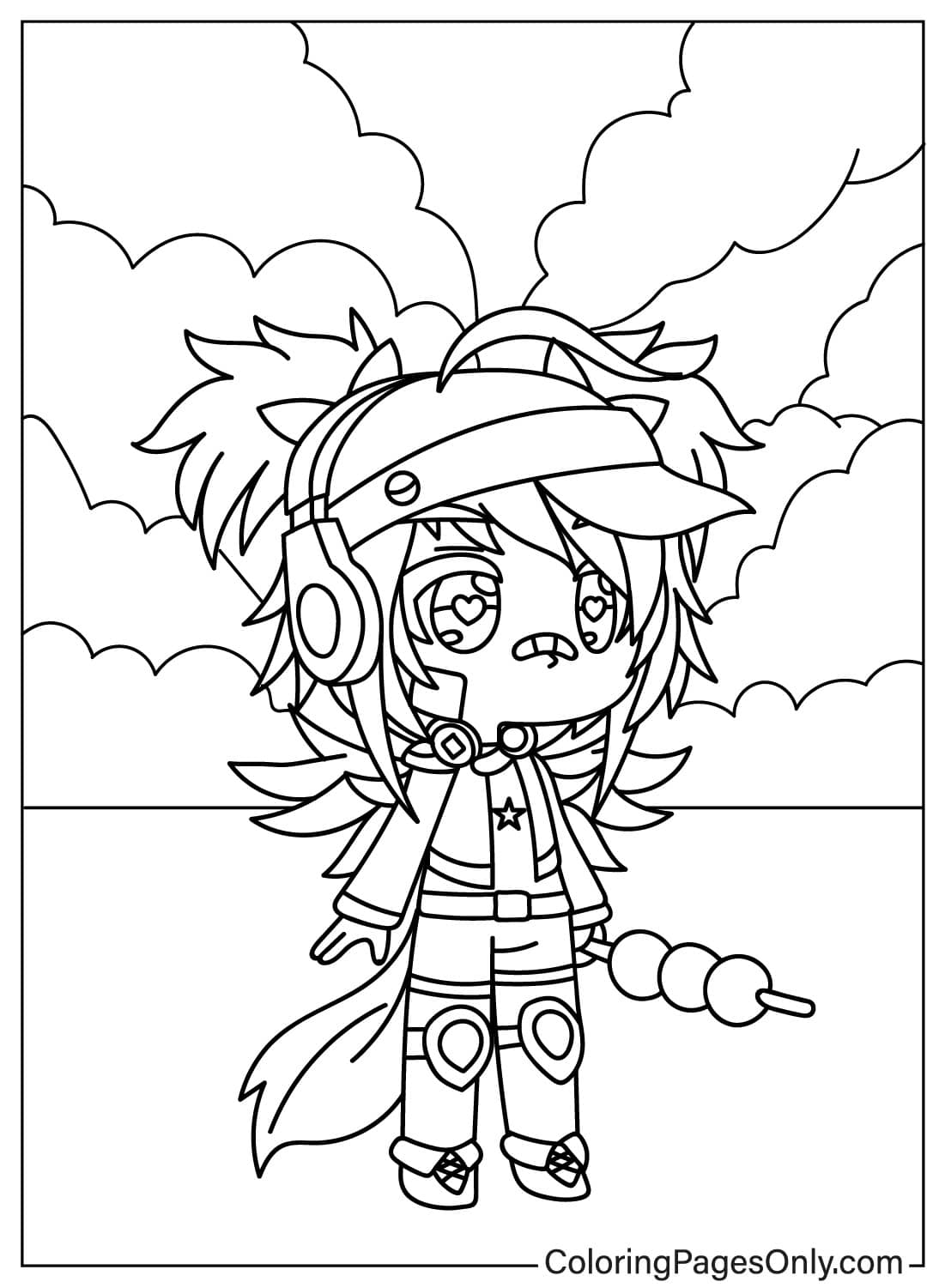
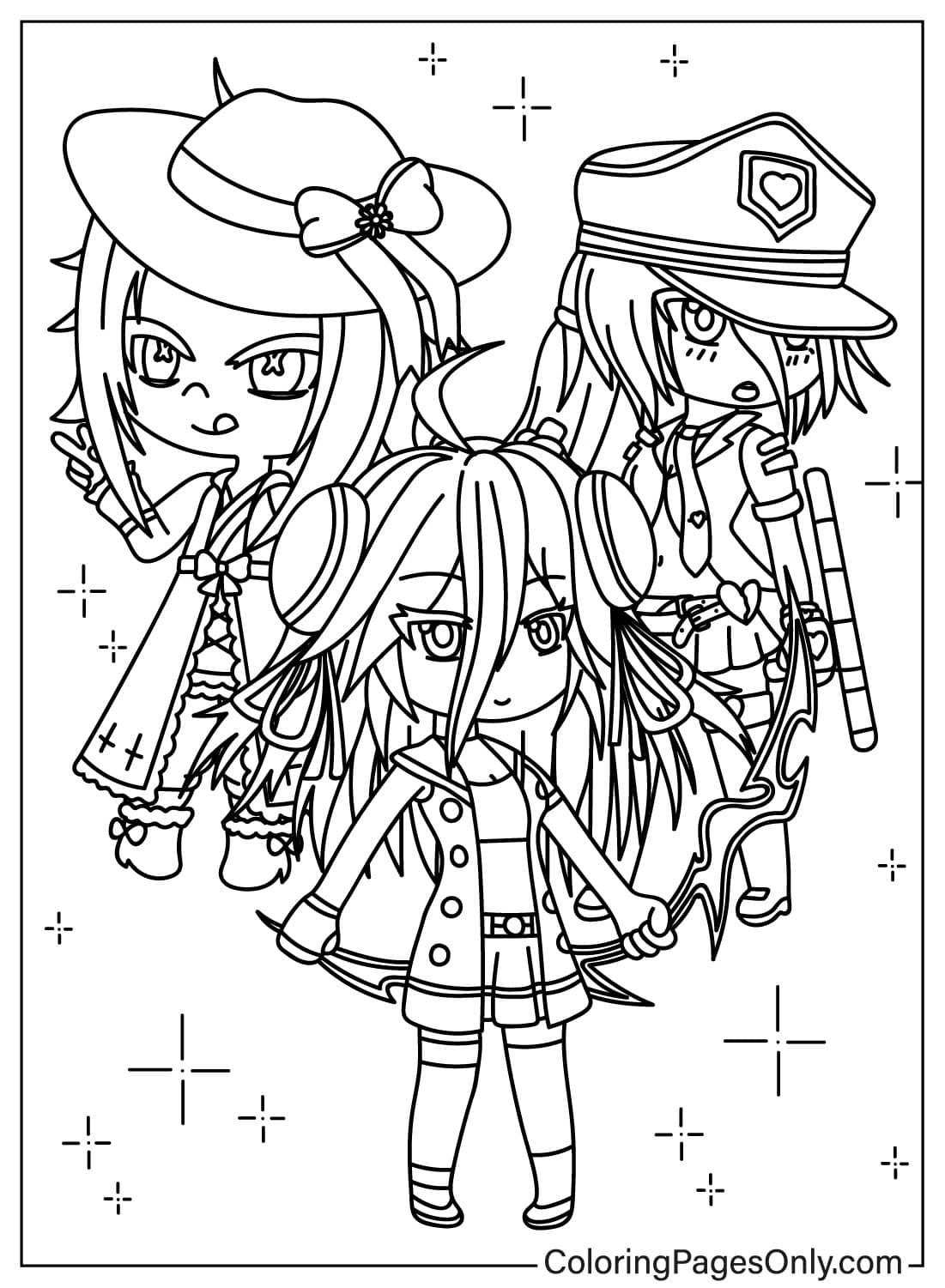
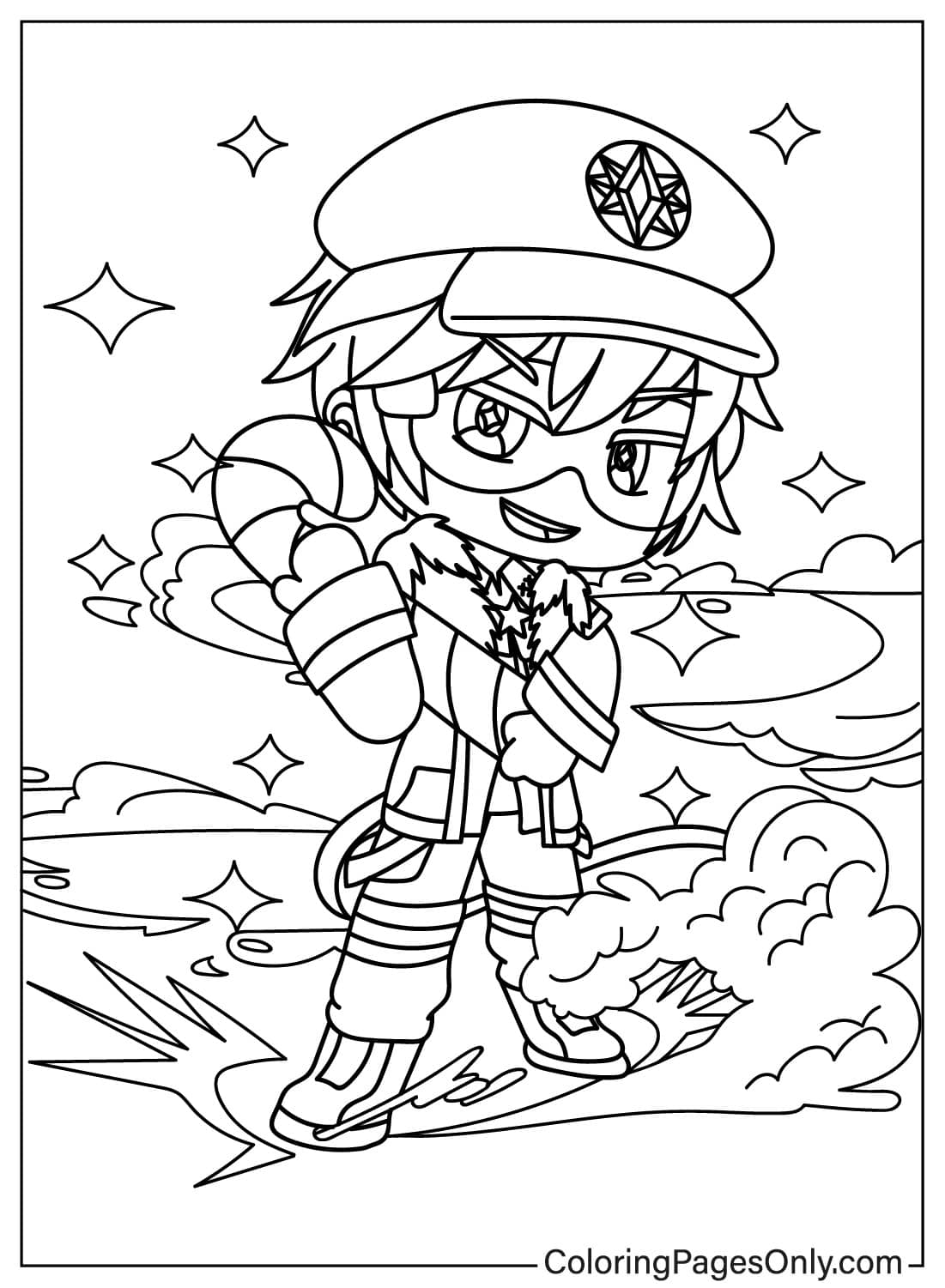
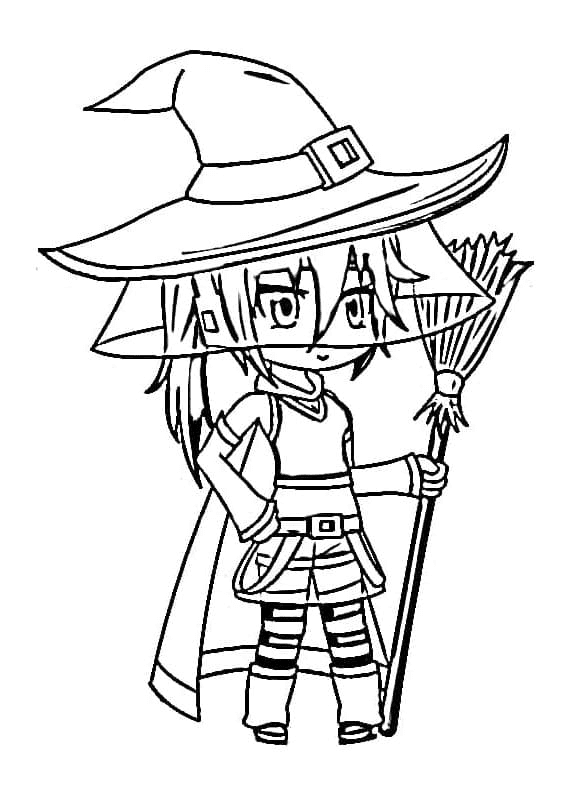
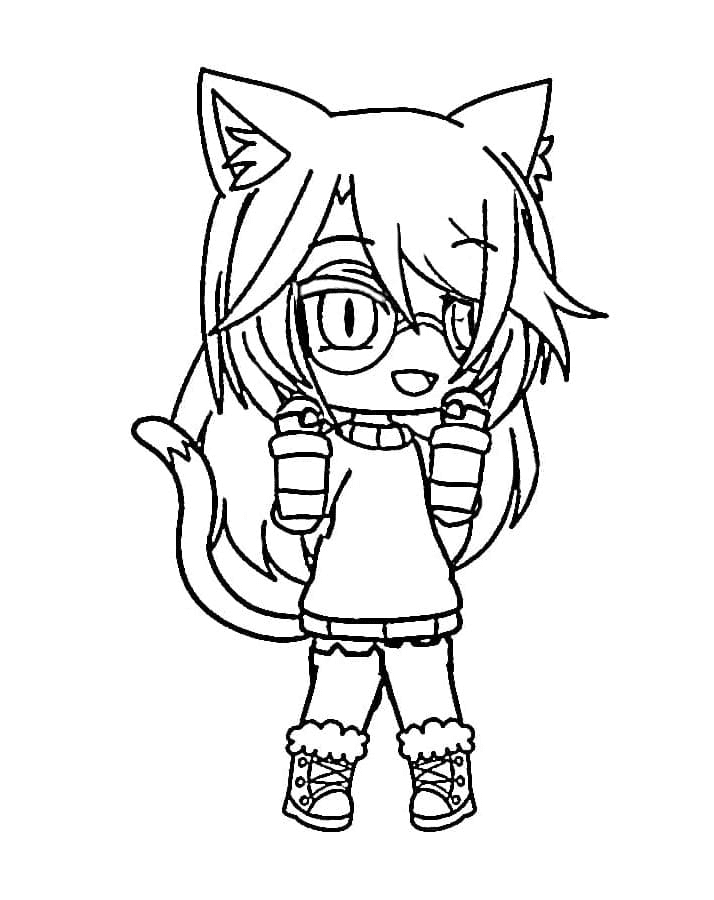
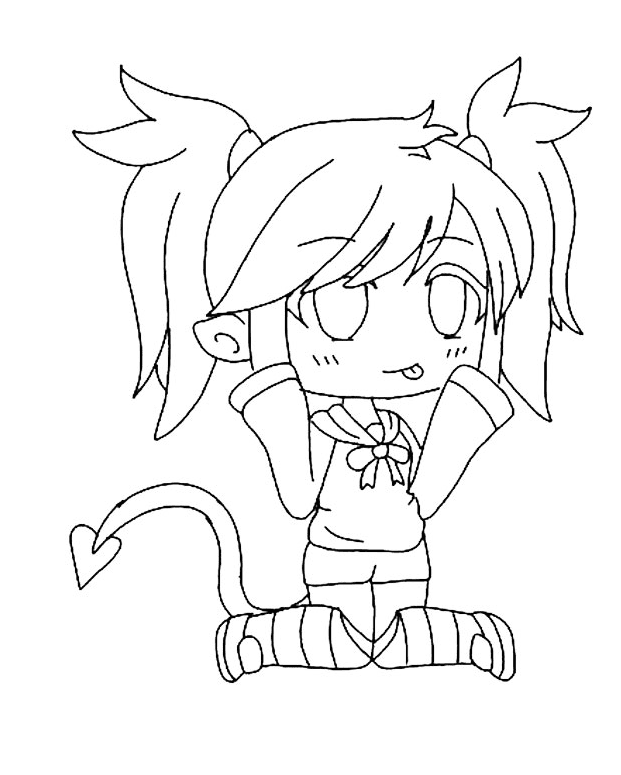
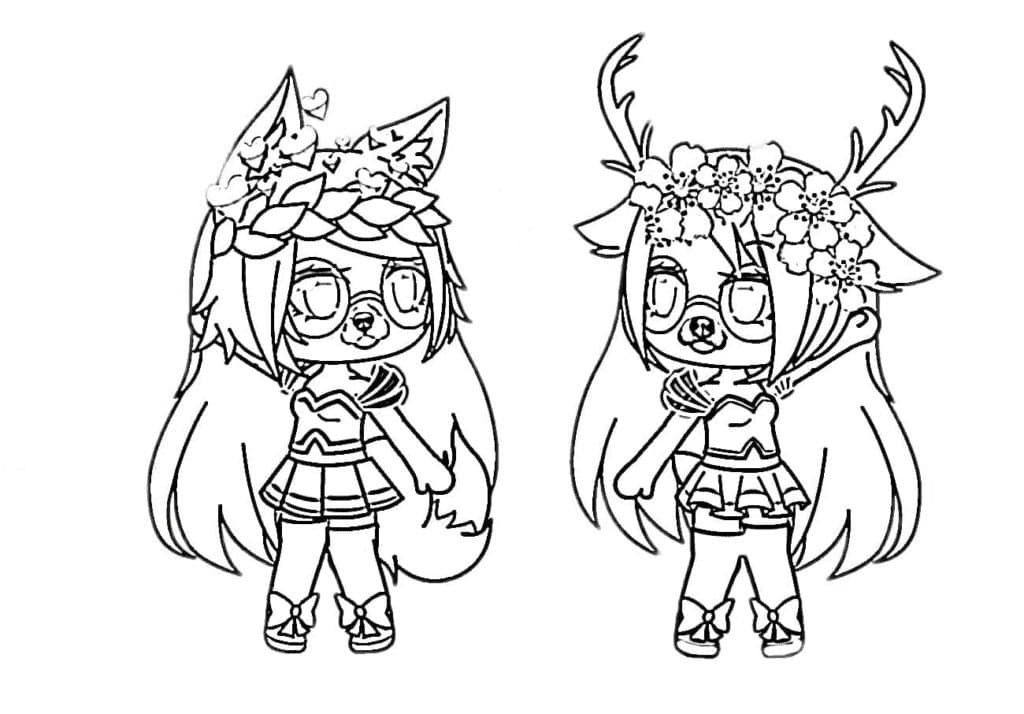
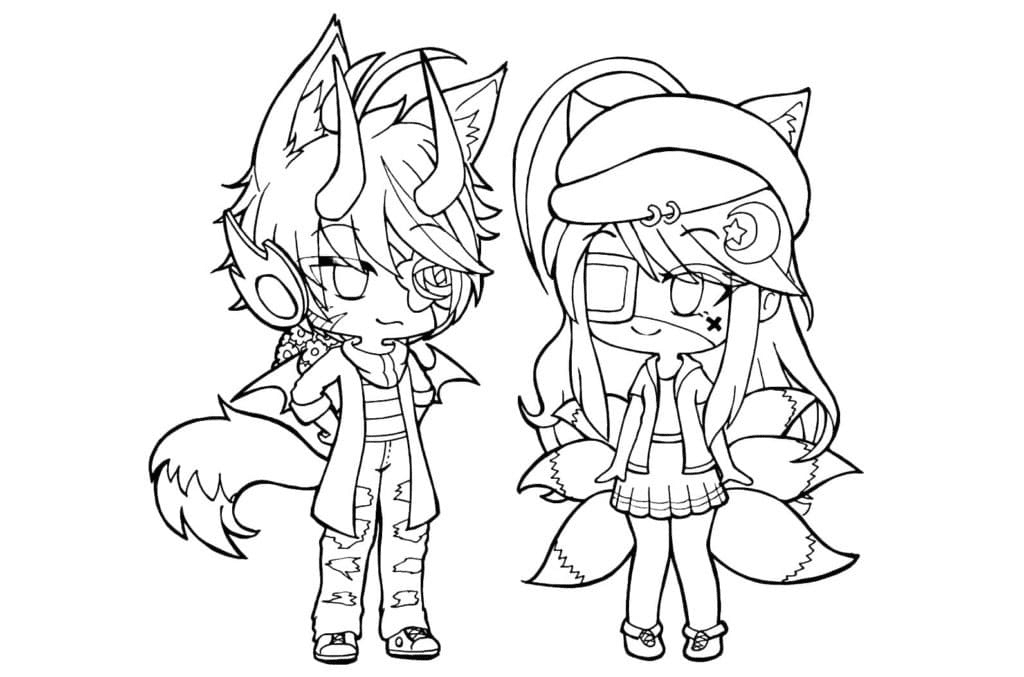
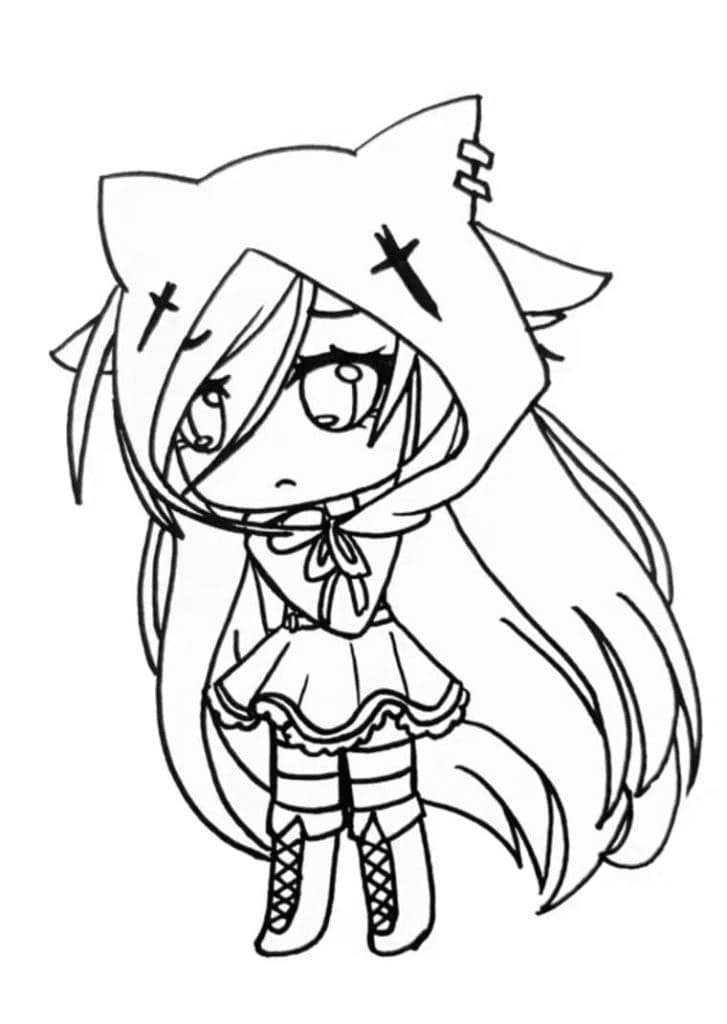
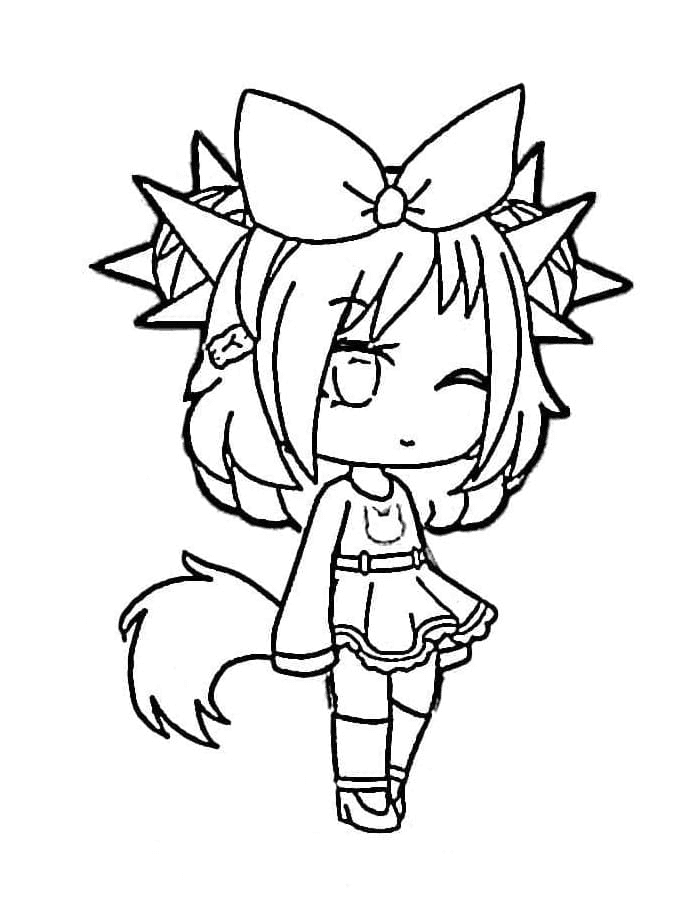
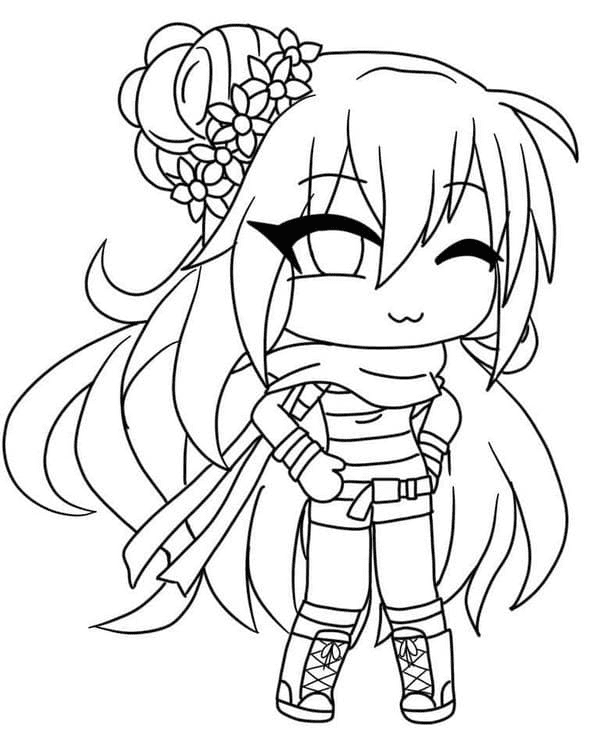
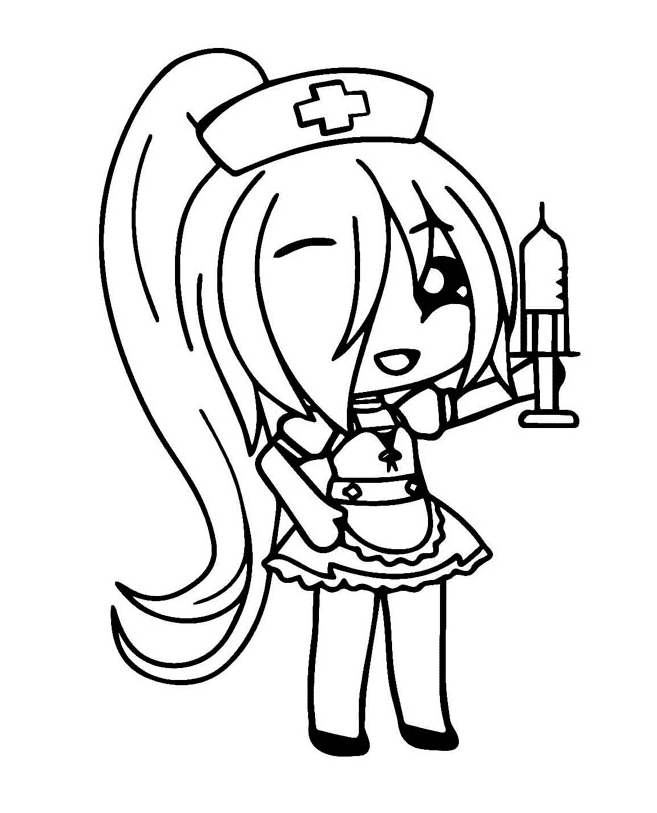
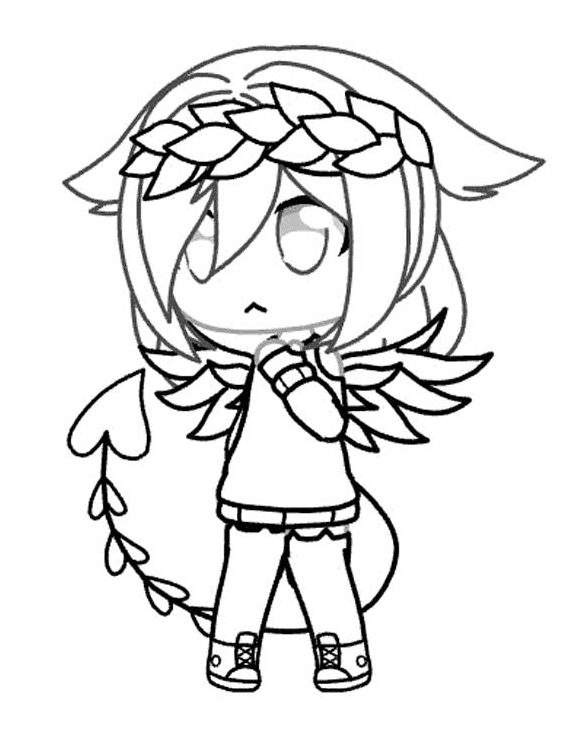
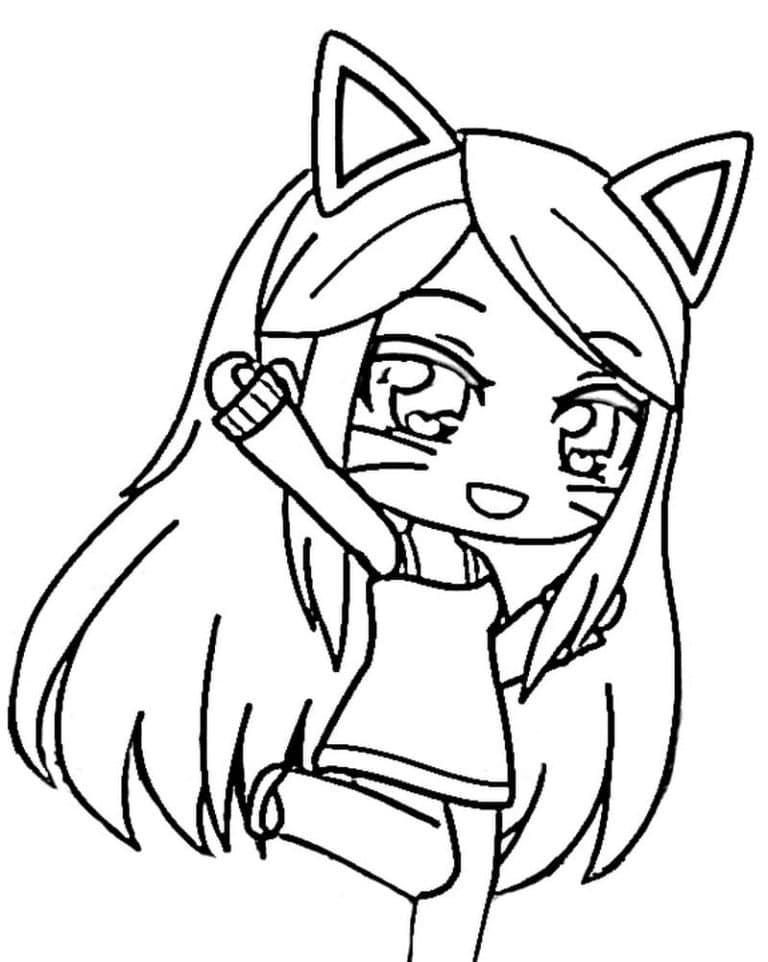
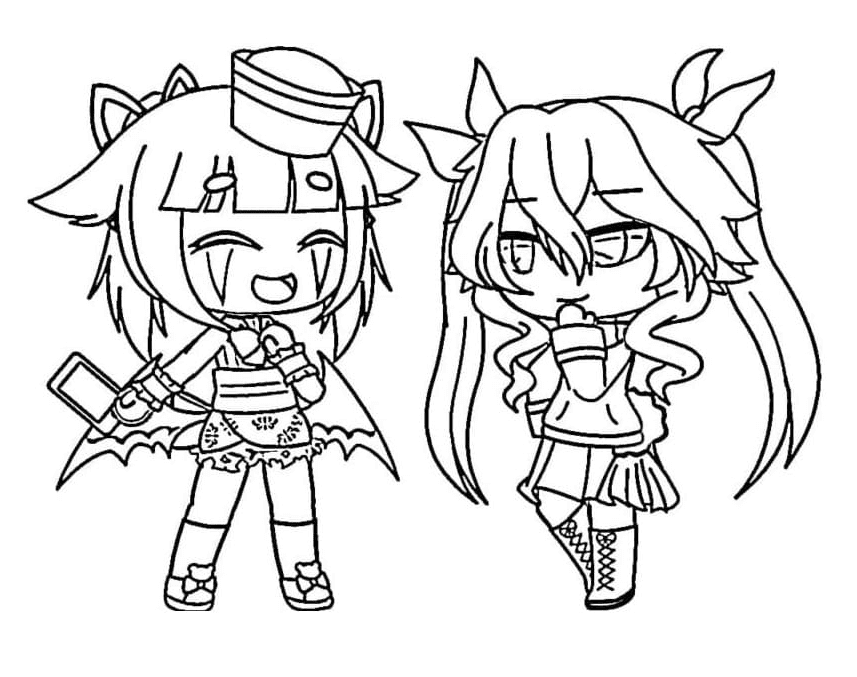
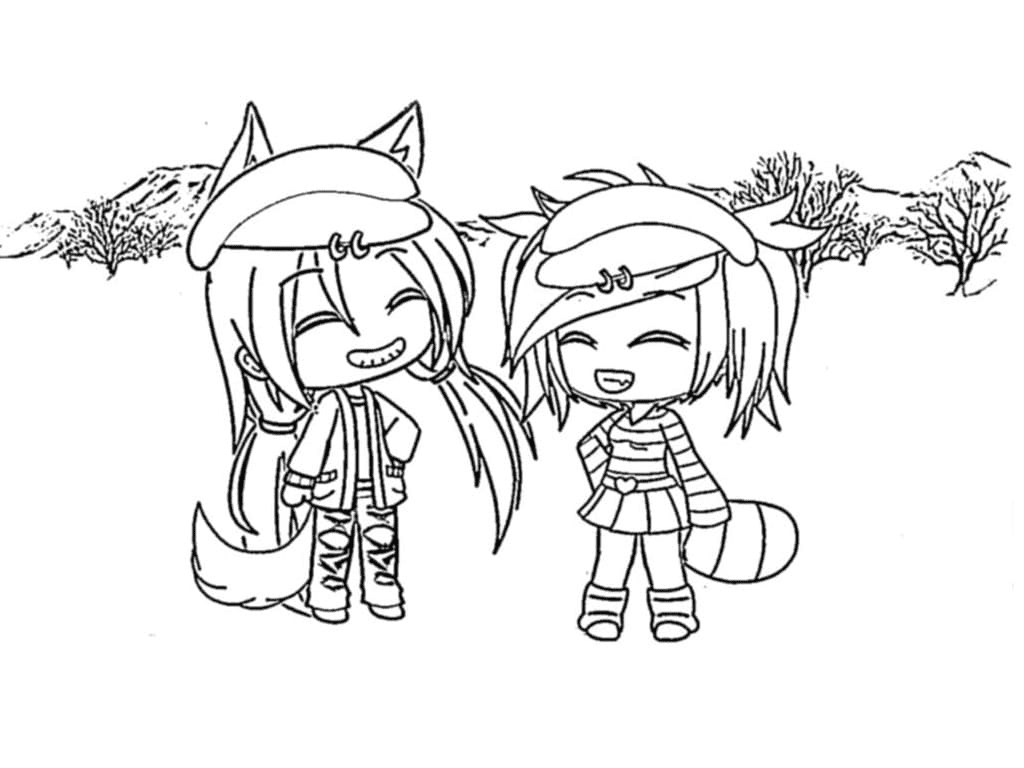
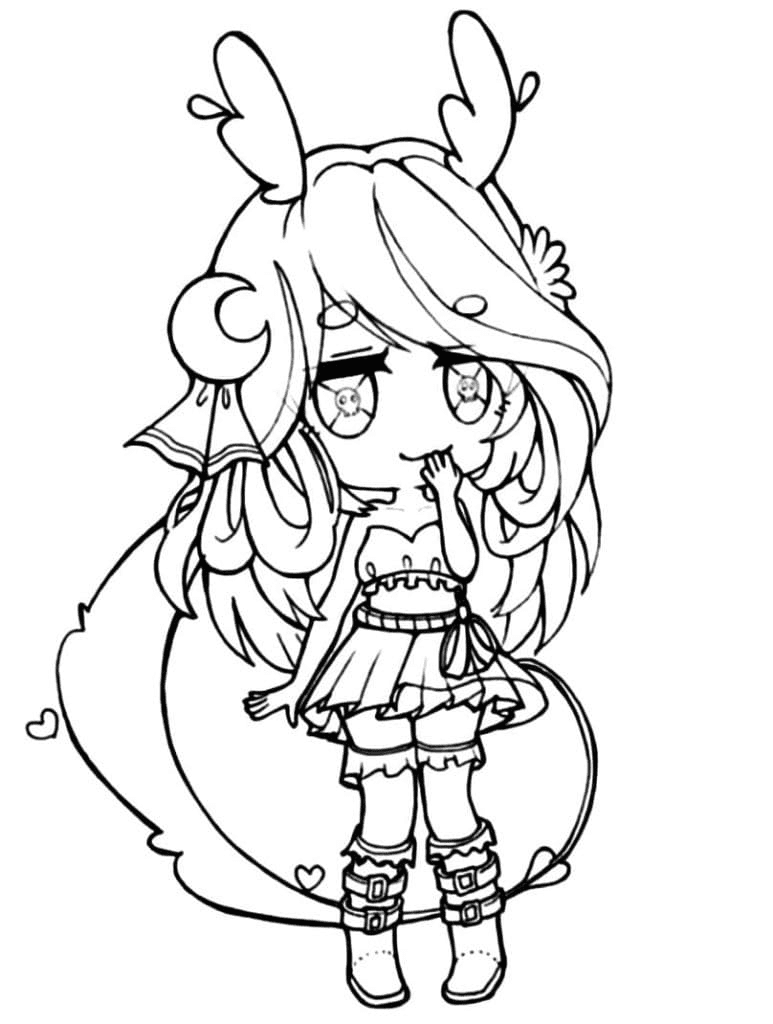
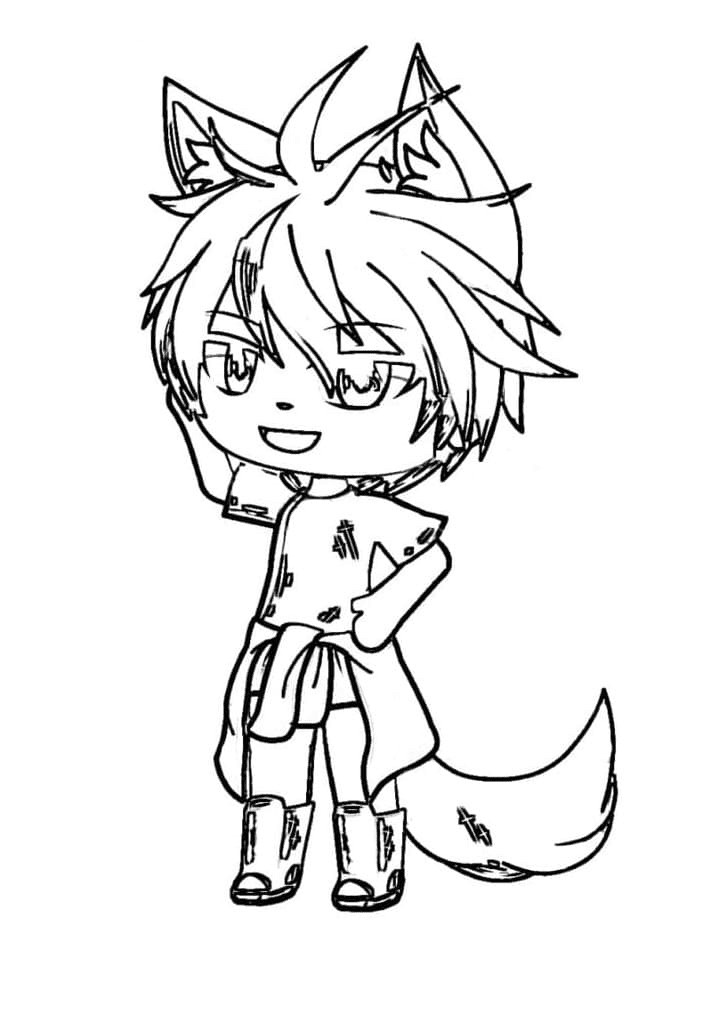
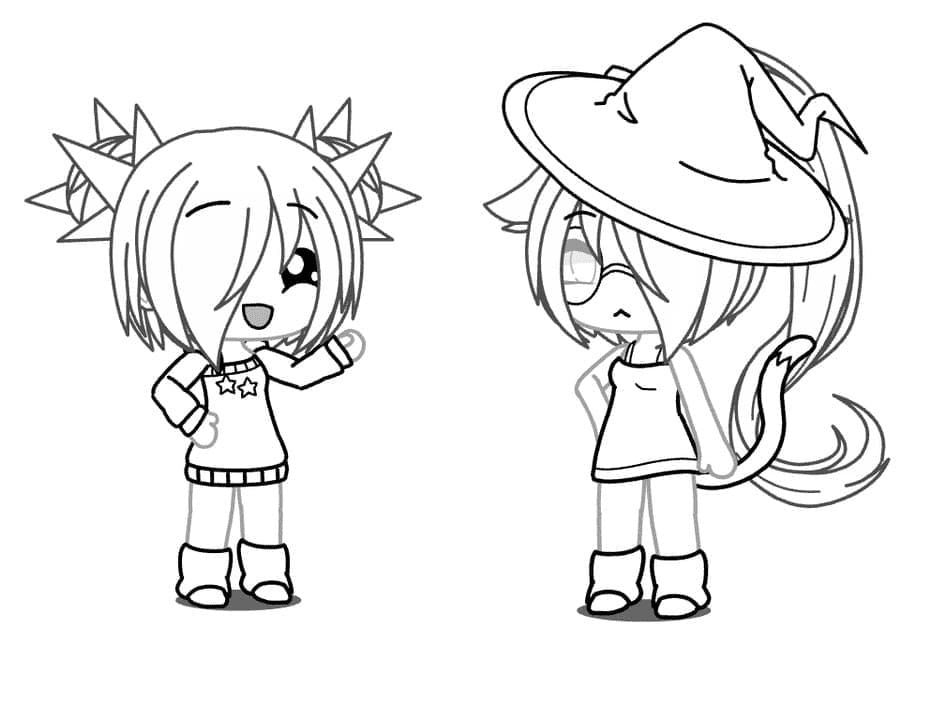
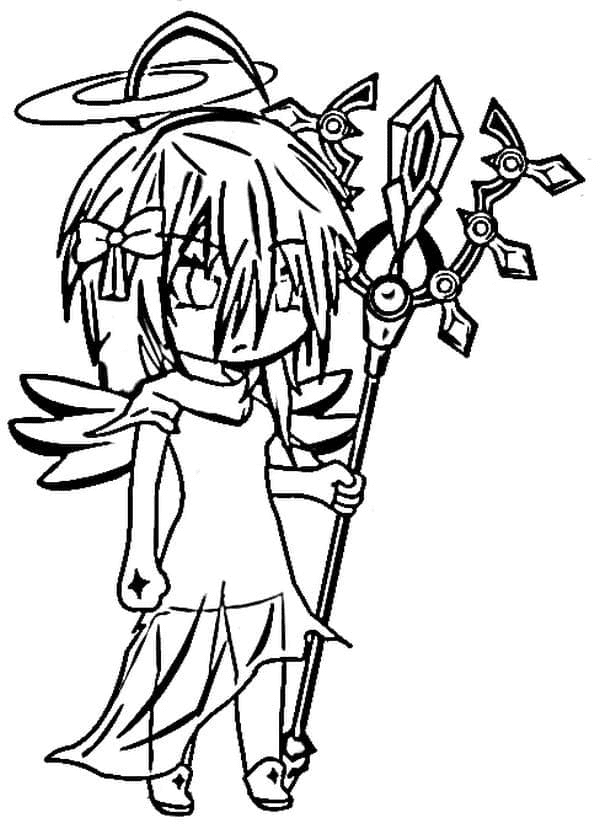
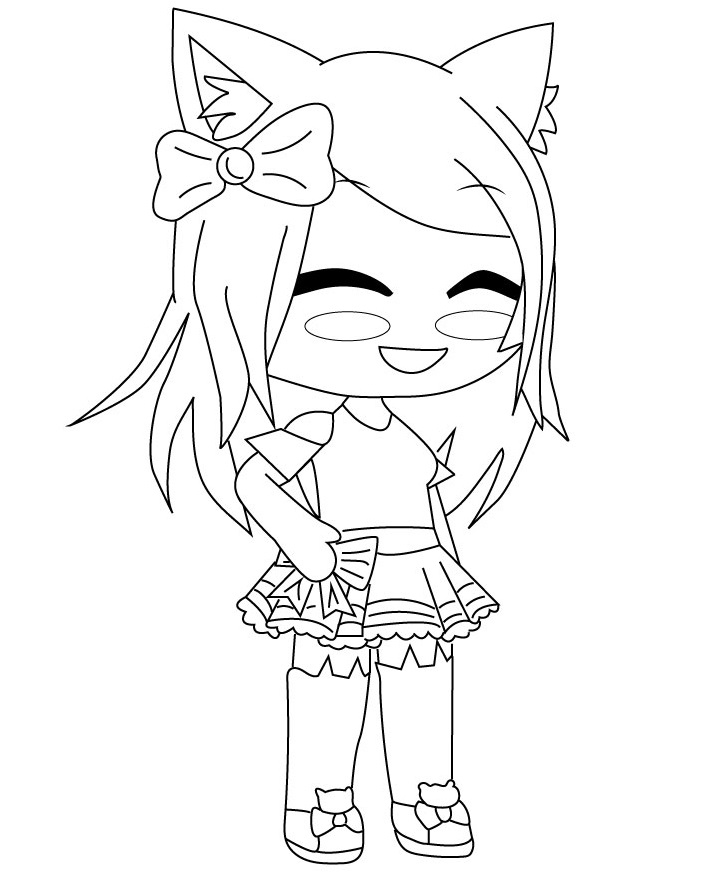
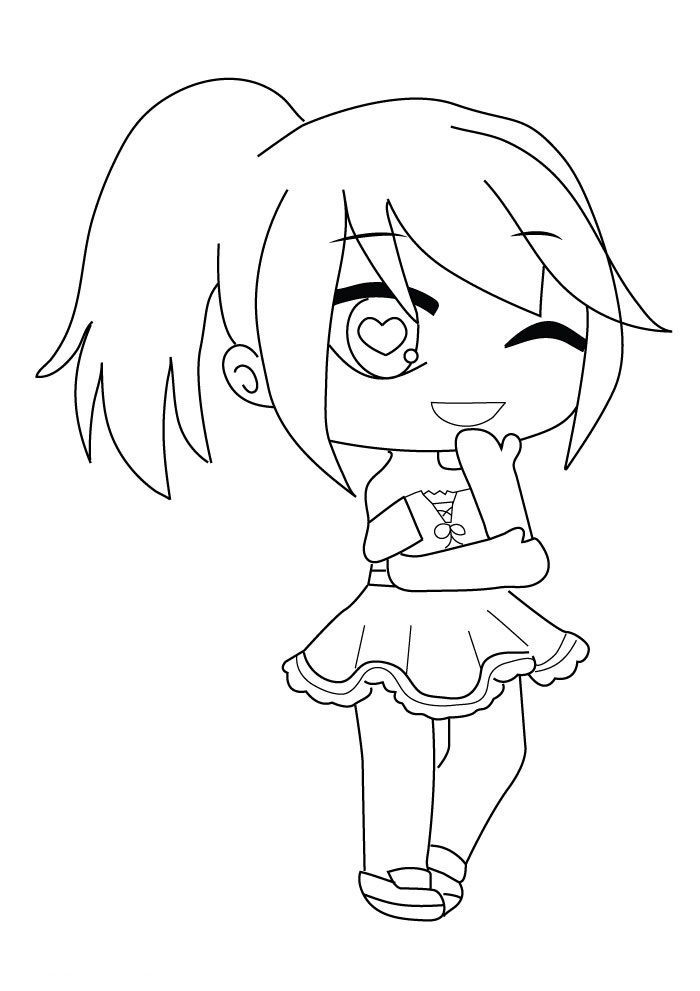
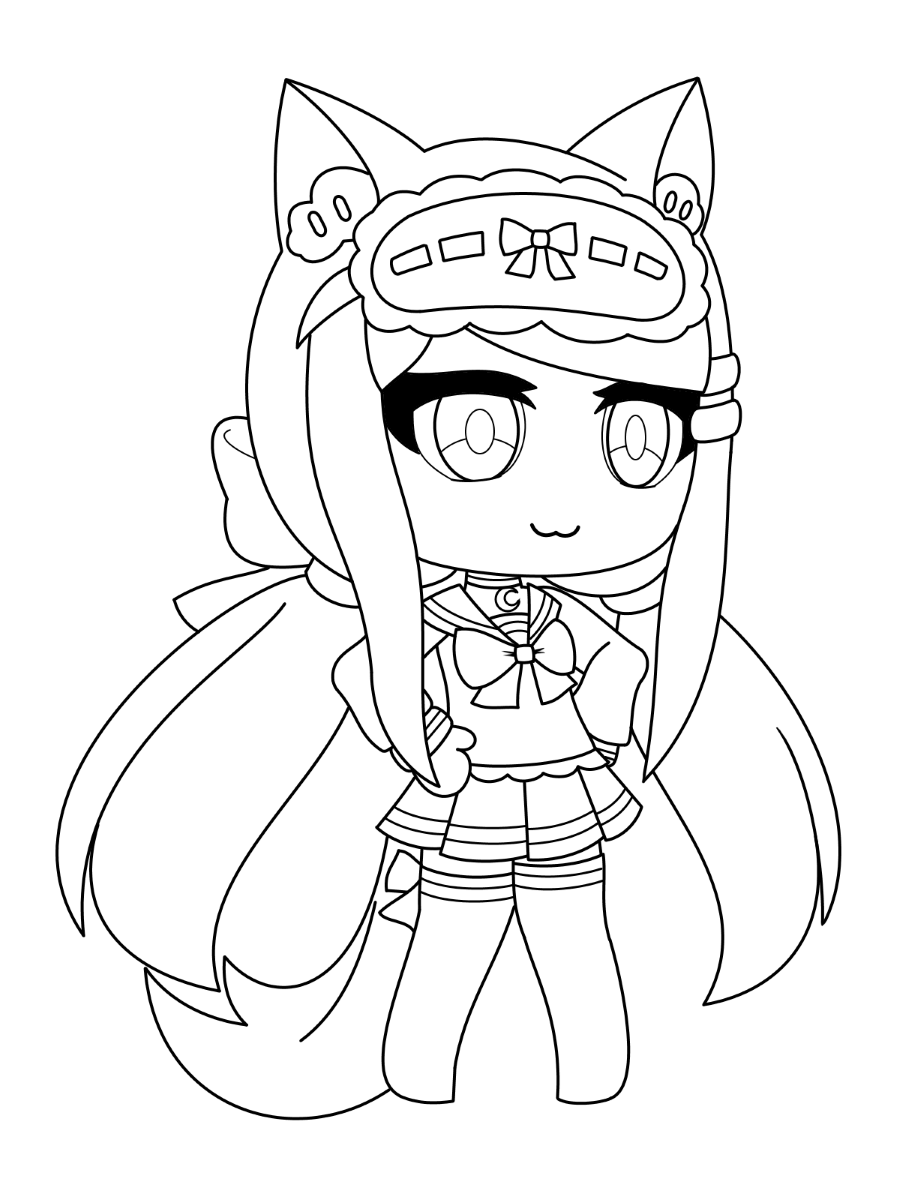
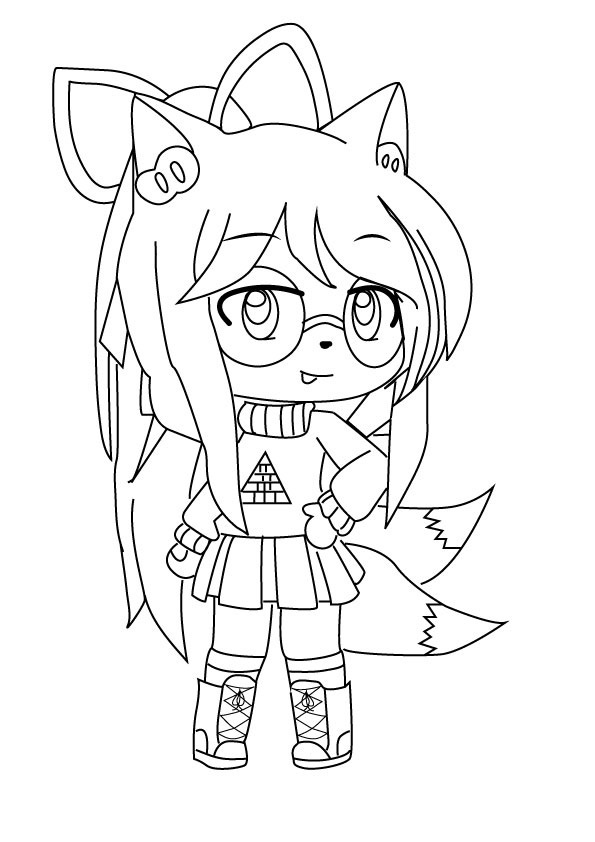
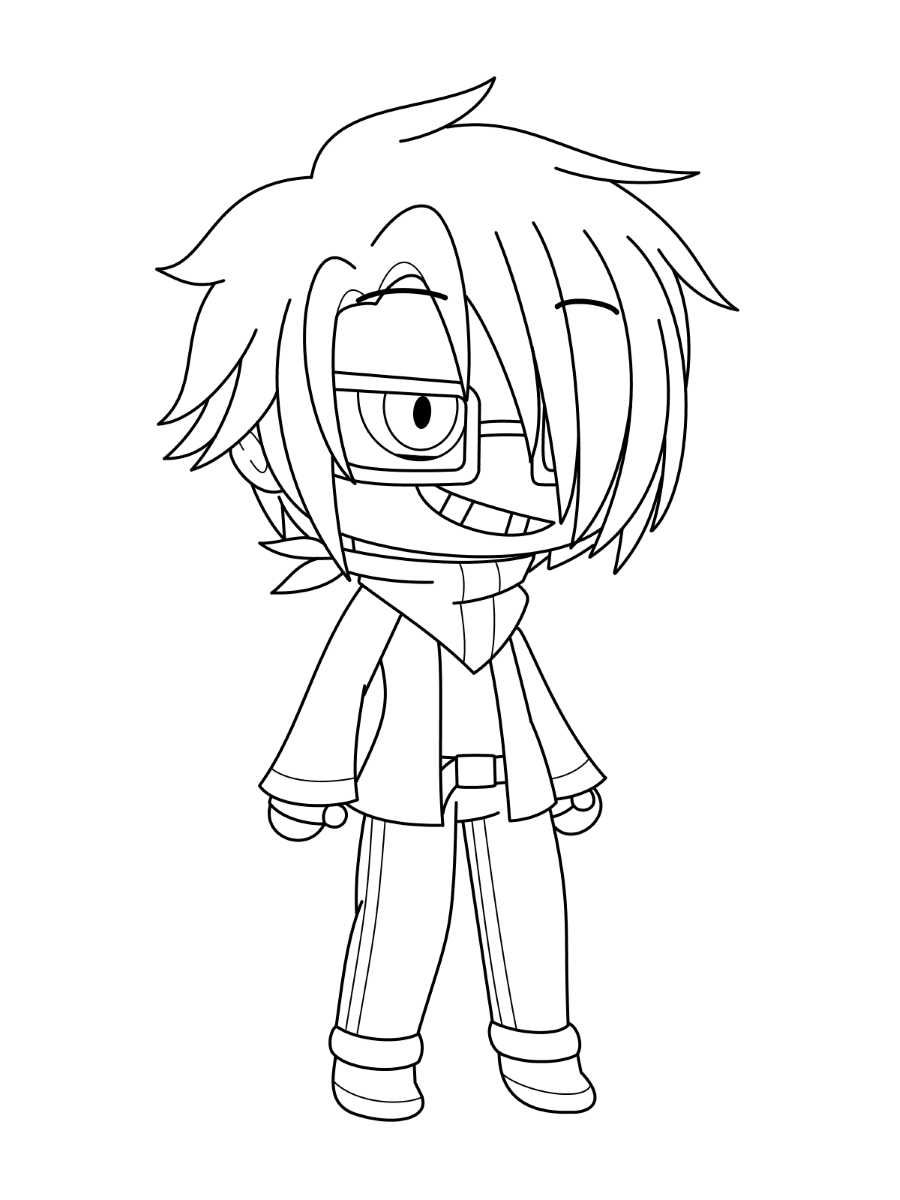
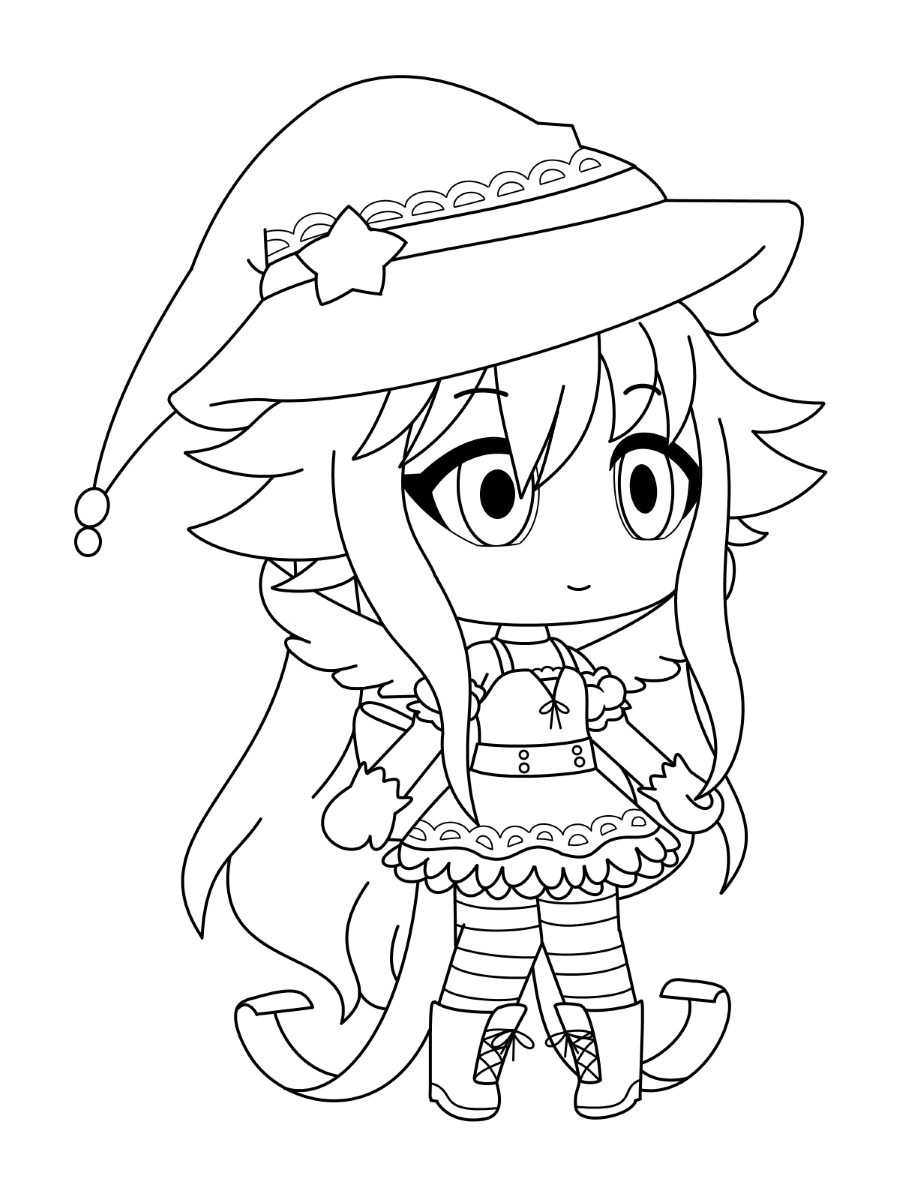
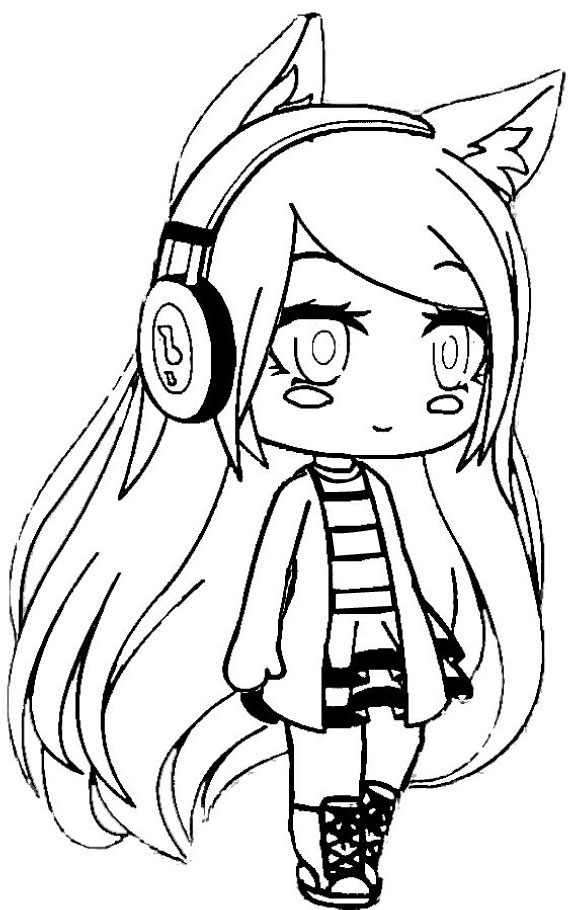
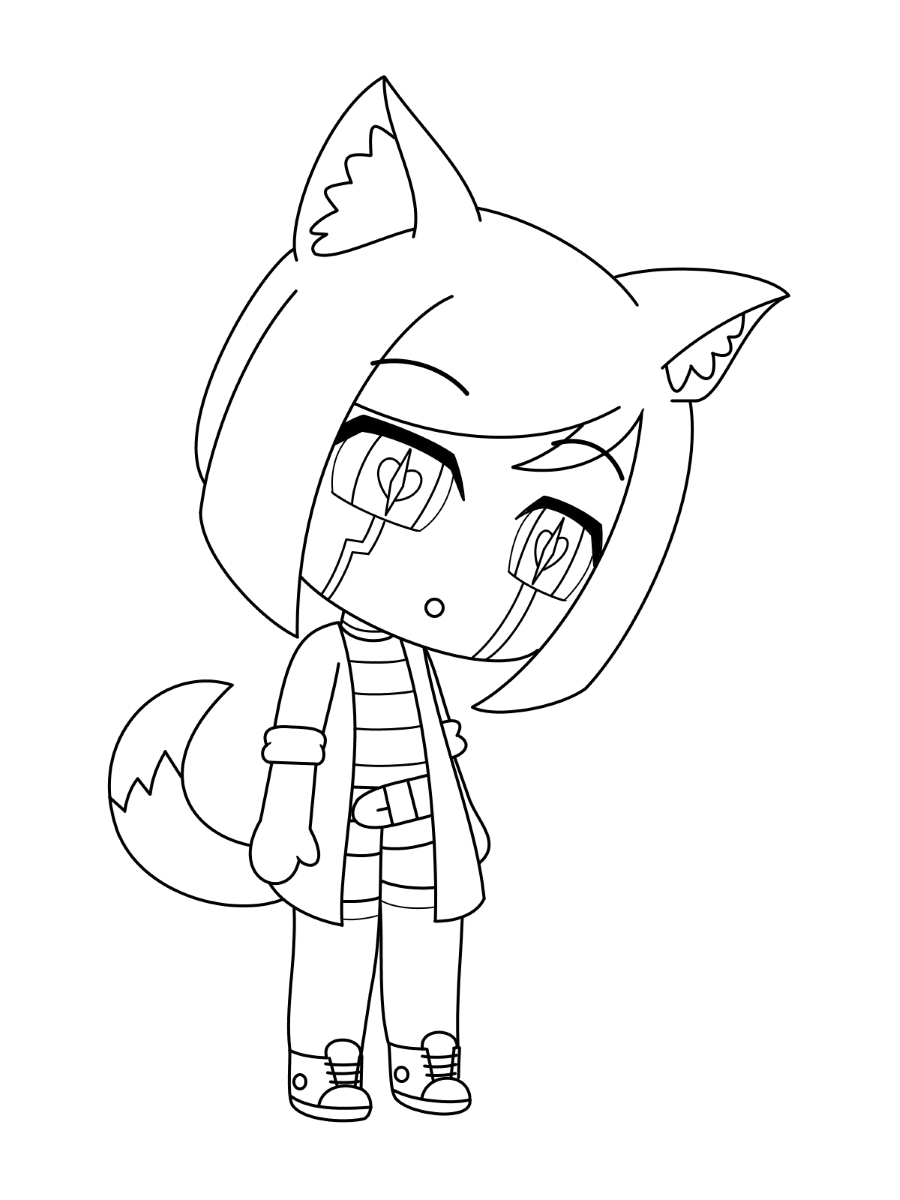
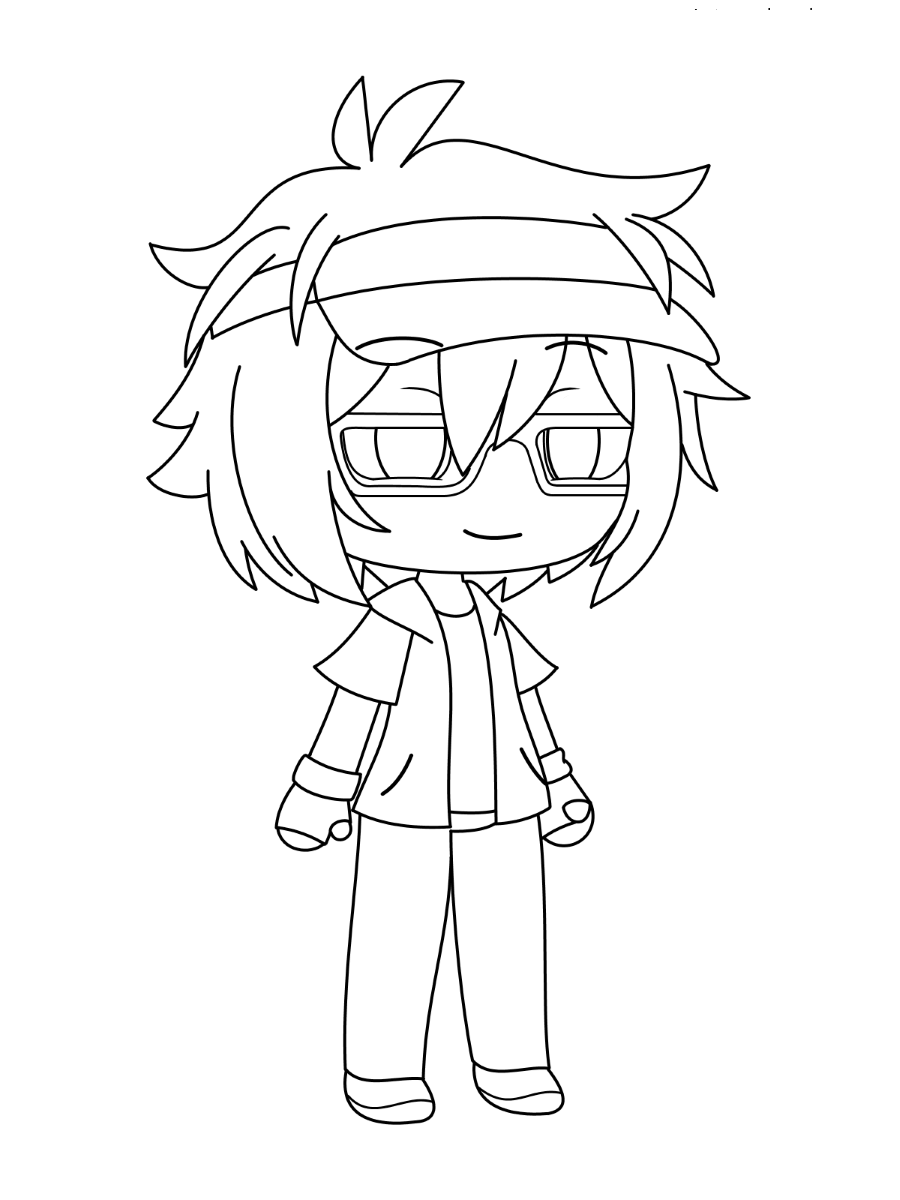
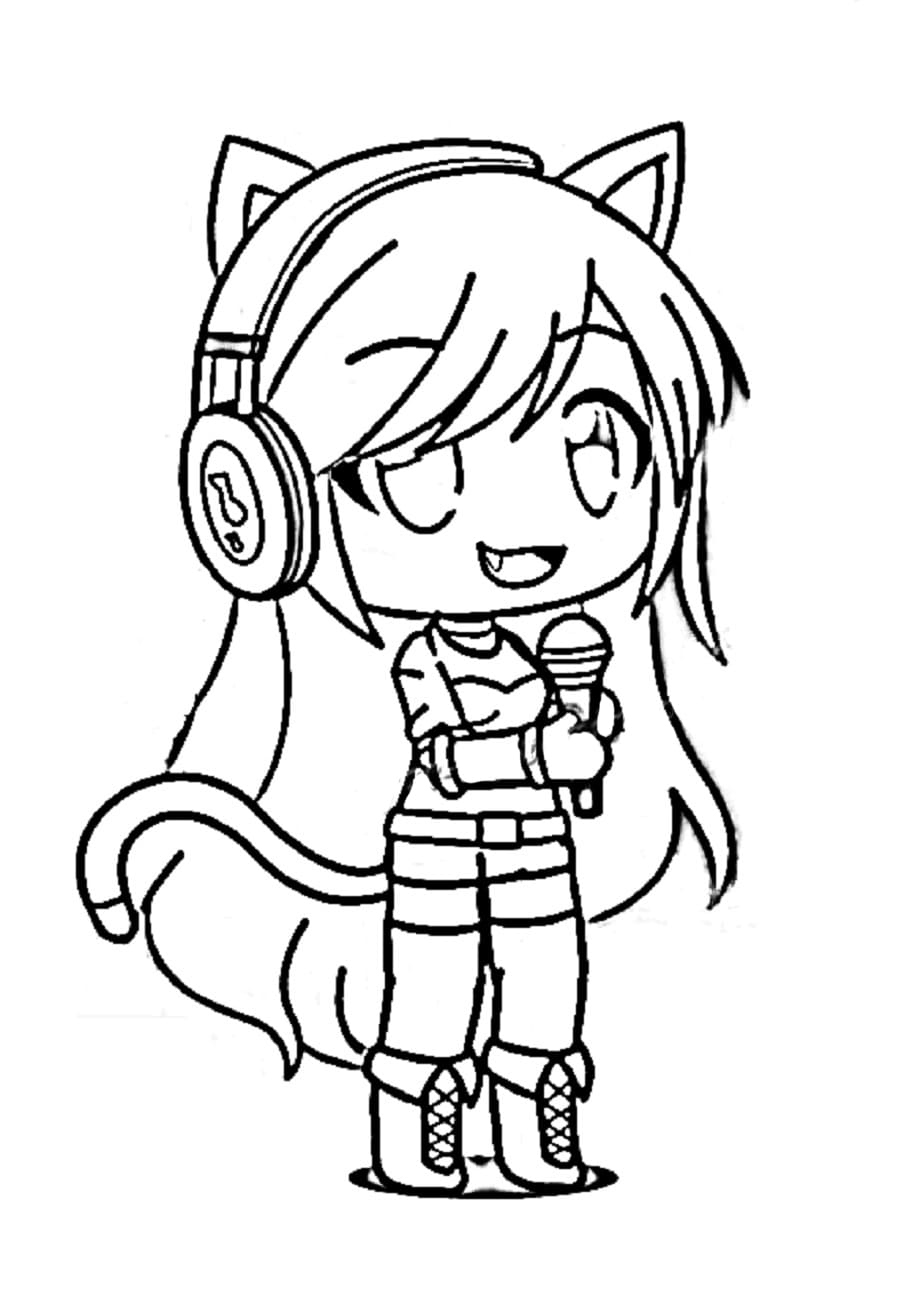
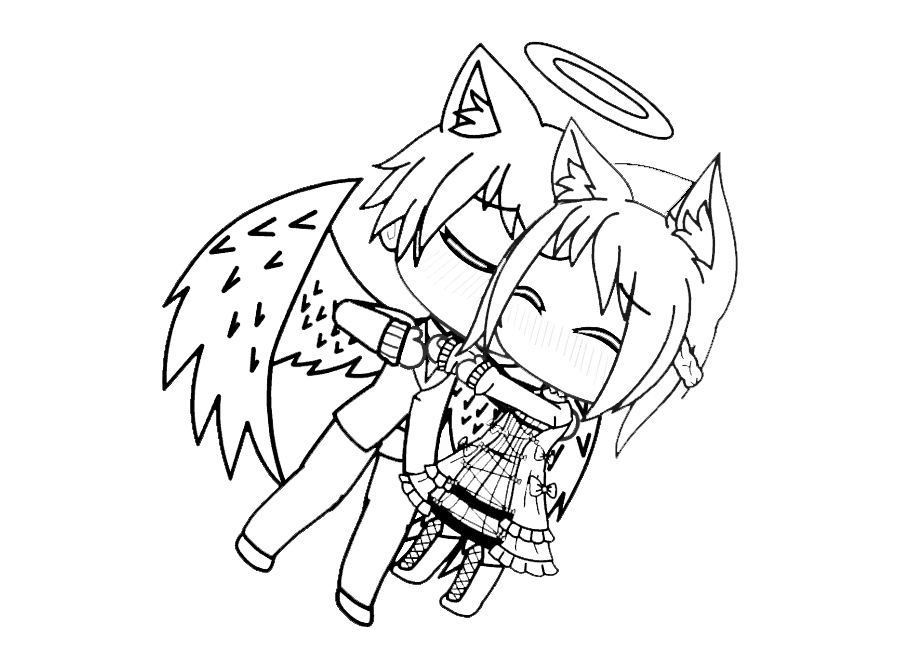
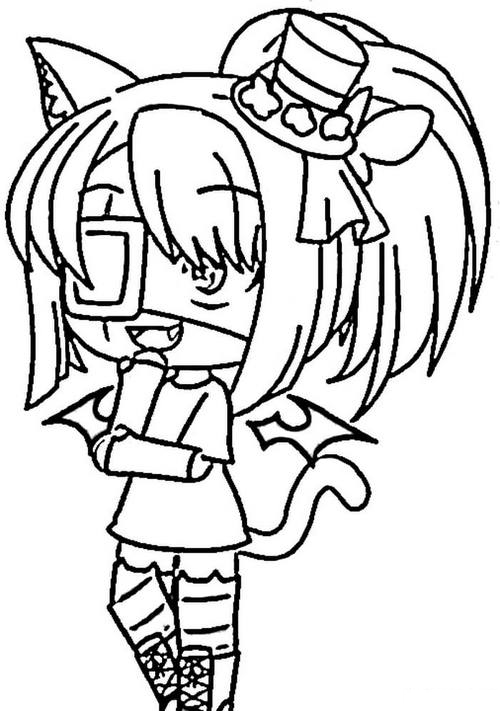
The largest group of pages shows unnamed characters across school, fantasy, and casual settings, built in the same visual language as the game’s customization system, ideal for colorists who want to invent their own character rather than color a named preset.
What Gacha Life Coloring Pages Do
The American Academy of Pediatrics identifies fine motor skill development as a core benefit of structured coloring for children ages 2 through 7.
A 2005 study in the Art Therapy Journal documented measurable reductions in anxiety following structured coloring sessions.
Gacha Life’s core philosophy is making a character your own. Coloring the original-character-style pages in this collection lets a child practice the same deliberate color-and-design decision-making the game itself is built around, choosing a dominant color, secondary color, and accent before starting.
Because the community treats color choice as a form of storytelling, matching a page’s palette to its character concept builds an early design vocabulary that carries over into other creative activities.
How to Color Gacha Life Pages Well
- Gradient hair: almost every Gacha character’s hair uses two colors, a base tone at the roots and a lighter or contrasting highlight toward the tips. Pink hair might run from deep rose at the base to bubblegum pink at the tips; blue hair from navy roots to sky blue highlights.
- Eyes: apply a highly saturated iris color (vivid violet, electric blue, emerald green), add a darker ring at the outer edge for depth, keep the highlight spot pure white, and add a small secondary highlight near the bottom for the characteristic Gacha “wet eye” look.
- Skin: official presets range from very pale to medium warm brown, rendered smooth with minimal texture and shadow limited to simple lines under the chin.
- Outfit layering: each clothing layer, undergarment, over-layer, and accessory should get its own distinct color. Push contrast between adjacent layers rather than blending them.
- Hatsune Miku page: her teal is specific and recognizable (close to hex #39C5BB, called Aquamarine or Caribbean Sea in Prismacolor’s range), bright and blue-green rather than turquoise-leaning-blue or mint-leaning-green.
- Original characters: settle on 2-3 primary colors plus 1-2 accents before starting, and match the palette to the character’s theme, warm tones for a casual or cat-eared character, deep purple and gold for an elevated or fantasy character.
5 Creative Craft Ideas With Gacha Life Coloring Pages
1. Paper Doll Original Character Design
Color the Paper Doll Template page after deciding on a full character concept first, a name, personality type, theme, and signature color, then derive the full palette from that single starting color.
2. Canonical vs. Alternate Universe Luni
Print the Magical Luni page twice. Color one version in Luni’s canonical teal-and-blue colors, then redesign the second as a full alternate-universe look, such as a winter palette in white and silver or a villain palette in black and red.
3. Character Lineup Display
Color five different character pages, giving each an individual dominant color while using the same shading and eye-rendering technique across all five, then display them together as a matched cast.
4. Gradient Hair Practice Sheet
Choose one page with a prominent hairstyle and color the hair with a strict two-color gradient, base color on the lower and inner sections, highlight color on the upper and outer sections, blending at the transition zone.
5. Gacha Life 2 Promotional Poster
Color the Gacha Life 2 Poster page, aiming for the bright, saturated, high-contrast look of official marketing art, then label the finished piece with the game’s release dates, October 2023 for iOS and November 2023 for PC.
Frequently Asked Questions
What are Gacha Life coloring pages?
Gacha Life coloring pages are printable designs based on Lunime’s mobile character creation game series. This collection has 119 designs, from named preset characters to paper doll templates and original-character-style scenes, available as PDF downloads or online coloring.
What is Gacha Life, and who makes it?
Gacha Life is a mobile character creation and dress-up game developed by Lunime, a studio founded by Lucas Lee. Released in 2018, it lets players customize characters and place them into scenes using Studio mode.
What is the difference between Gacha Life, Gacha Club, and Gacha Life 2?
Gacha Life (2018) established the core dress-up and Studio mode formula. Gacha Club (2020) expanded customization and added battle mechanics. Gacha Life 2 (2023) is the current version, with color sliders, adjustable body proportions, and a community asset submission system.
Who is Luni?
Luni is Lunime’s mascot and the in-game representation of founder Lucas Lee, appearing with dark wing-cut hair, blue eyes, and a teal shirt under a blue jacket.
Why does Hatsune Miku appear in this collection?
Hatsune Miku is a crossover preset character available in Gacha Life 2, rendered in the game’s art style with her canonical teal twin tails.
What does “gacha” mean?
The name comes from the Japanese term for capsule toy vending machines, where a small payment returns a random item. In the Gacha games, players “pull” for new preset characters using in-game currency.
Are these pages suitable for young children?
Yes. The simpler portrait-style pages work well for younger children, while the detailed scene and paper doll pages suit older children and teens who enjoy longer, more customized coloring projects.
What is a “GachaTuber”?
A GachaTuber is a content creator who produces Gacha-based skits, edits, and trend videos. These creators have built large audiences on YouTube and TikTok around the Gacha series.
Download any page by clicking the design. No account, email, or payment is required. Pages print directly from the browser at full resolution or open in the online coloring tool for screen use. Share finished pages on Facebook or Pinterest with the share buttons at the top of each design page.